> ## Documentation Index
> Fetch the complete documentation index at: https://docs.rocket.new/llms.txt
> Use this file to discover all available pages before exploring further.
# Edge functions
> Connect Supabase Edge Functions to your Rocket.new app - generate and deploy serverless backend logic from chat.
export const LlmsDirective = () =>
For the complete documentation index, see llms.txt.
For a lightweight markdown version of this page, append .md to the URL.
;
Rocket auto-detects when backend logic is needed and generates Supabase Edge Functions for you. This guide covers creating and deploying functions from chat, adding secrets securely, and troubleshooting deployment errors.
## What are Supabase Edge Functions?
Edge Functions run on Supabase infrastructure and handle secure backend logic for your app.
They are ideal for tasks like sending emails, calling APIs, generating PDFs, or processing data.
* Execute on the server, not the user's device.
* Can store and use secrets securely.
* Can be triggered from your UI or backend processes.
Why use Edge Functions with Rocket?
Rocket writes the function code, prompts you for secrets, and deploys to Supabase. All from chat.
## Create or detect a function in Rocket
Rocket auto-checks if backend logic is needed when you build features.
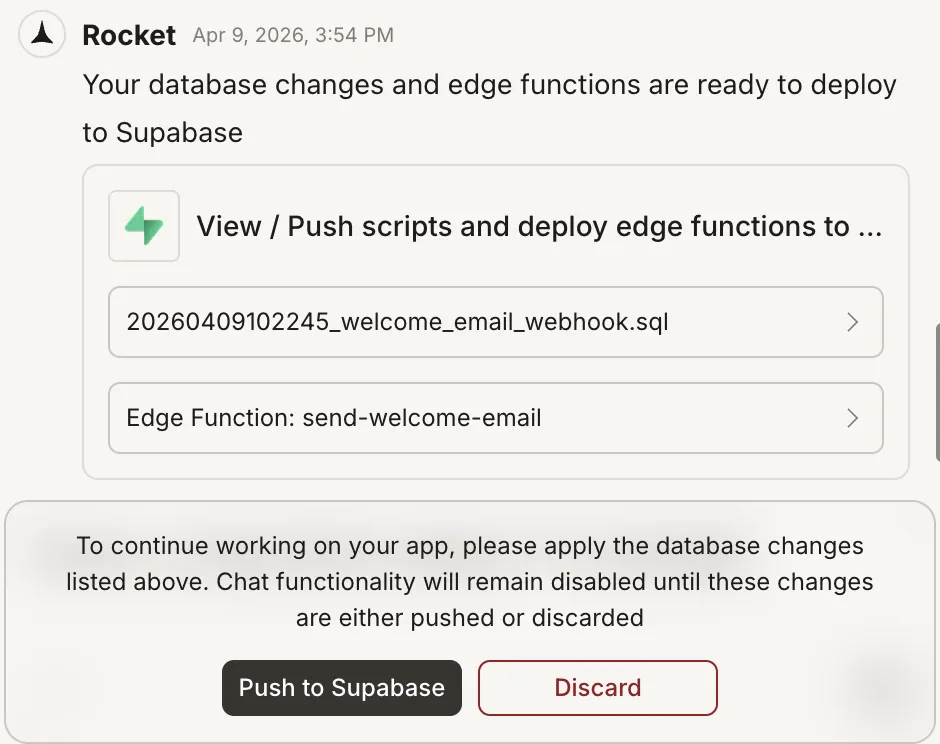
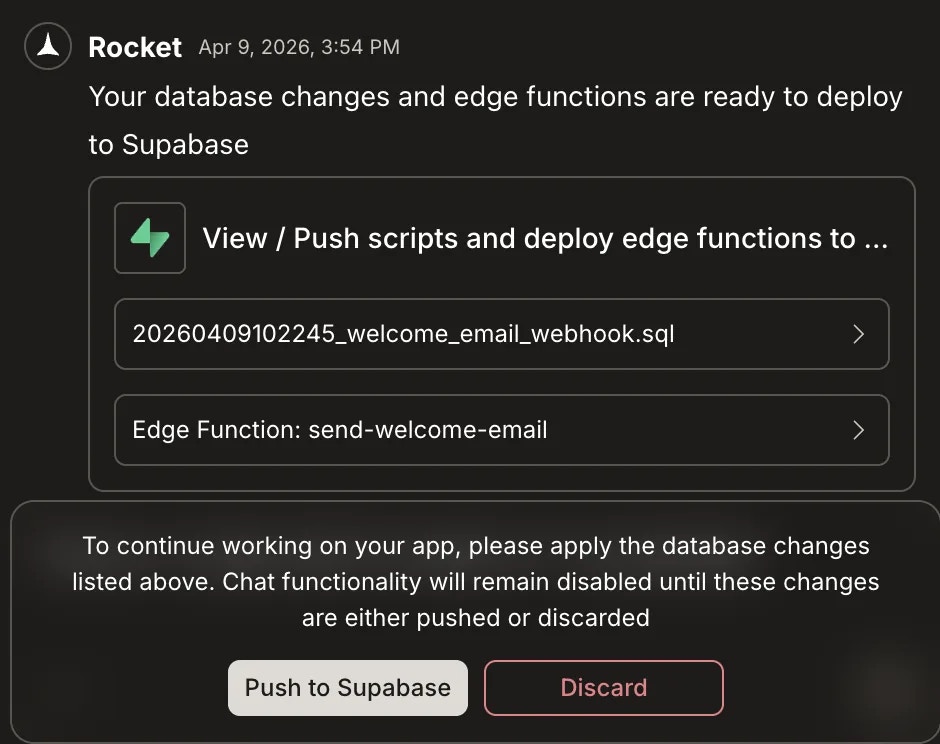
If a function is required and does not exist, Rocket generates it and opens a chat popup.
You will see:
* The function name and a code preview.
* Input fields for any required secrets.
* A **Push to Supabase** button to deploy.
You can also ask Rocket to create a function manually. For example:
```plaintext wrap theme={null}
Create an Edge Function that sends a welcome email with Resend when a user signs up.
```
Rocket will:
* Write the function code.
* Prompt for the `RESEND_API_KEY`.
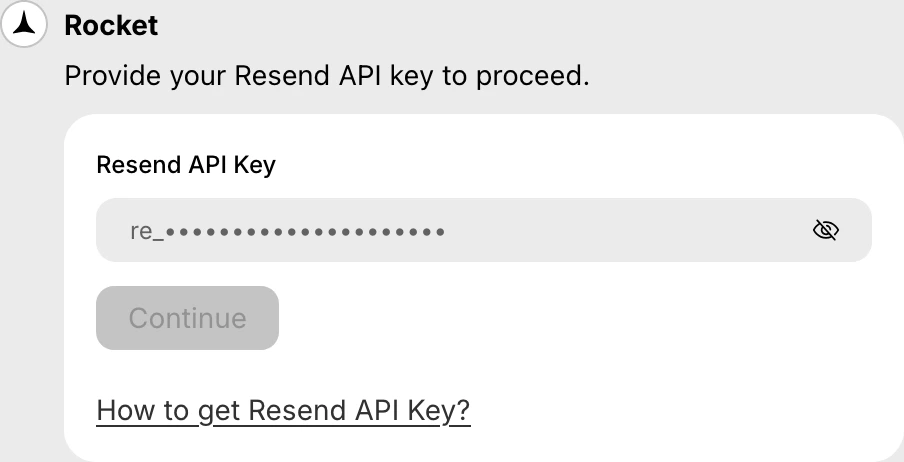
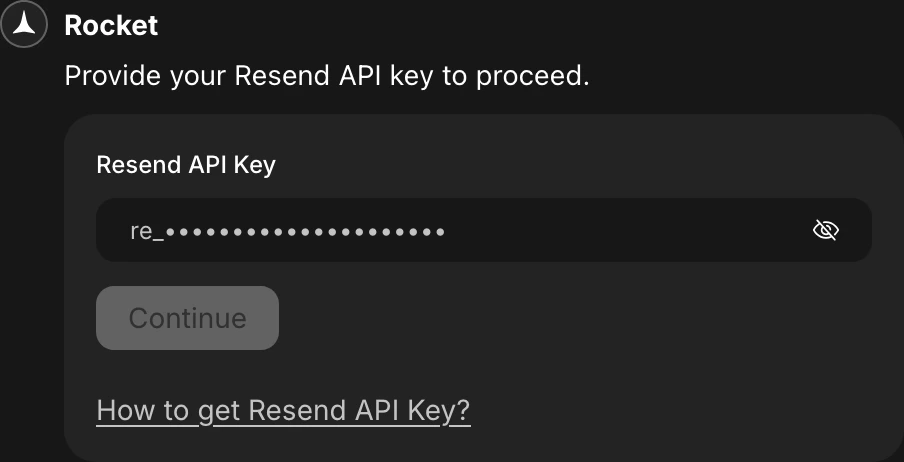 * Show a **Push to Supabase** popup so you can deploy the function.
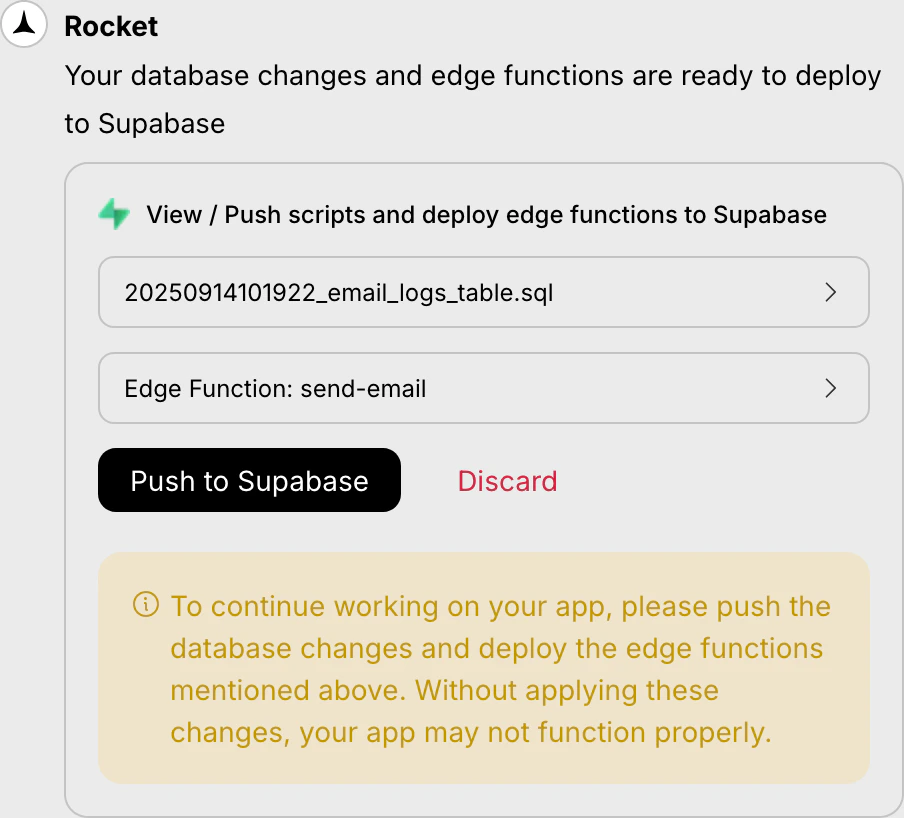
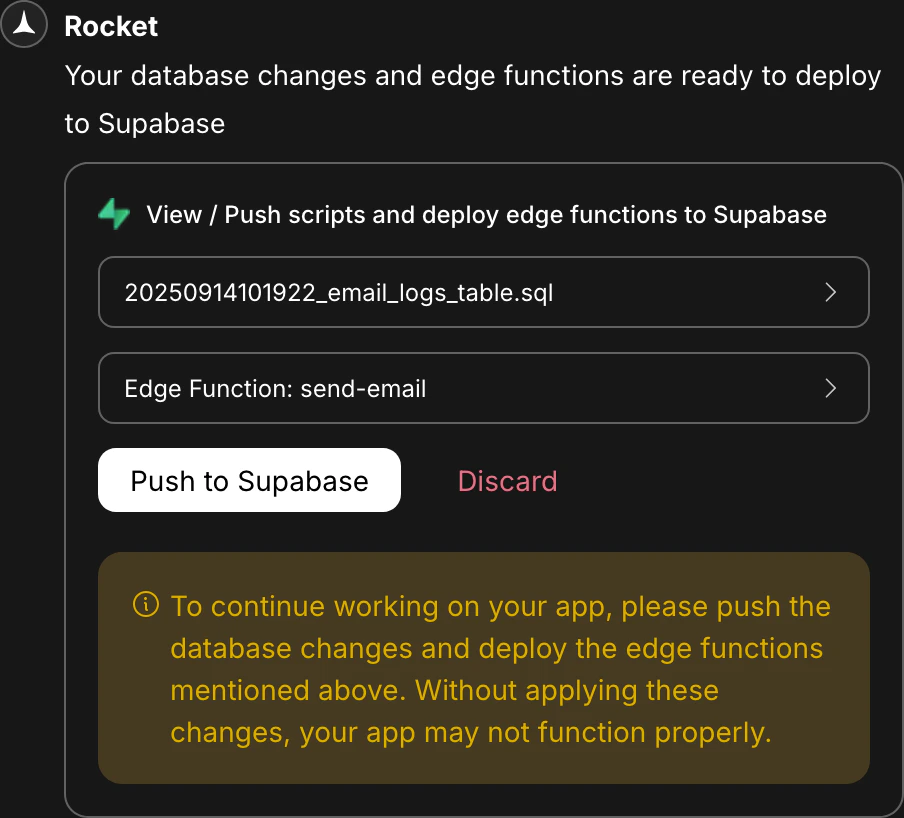 No need to open the Supabase dashboard unless you want to review or manage functions manually.
## View functions and secrets in Supabase
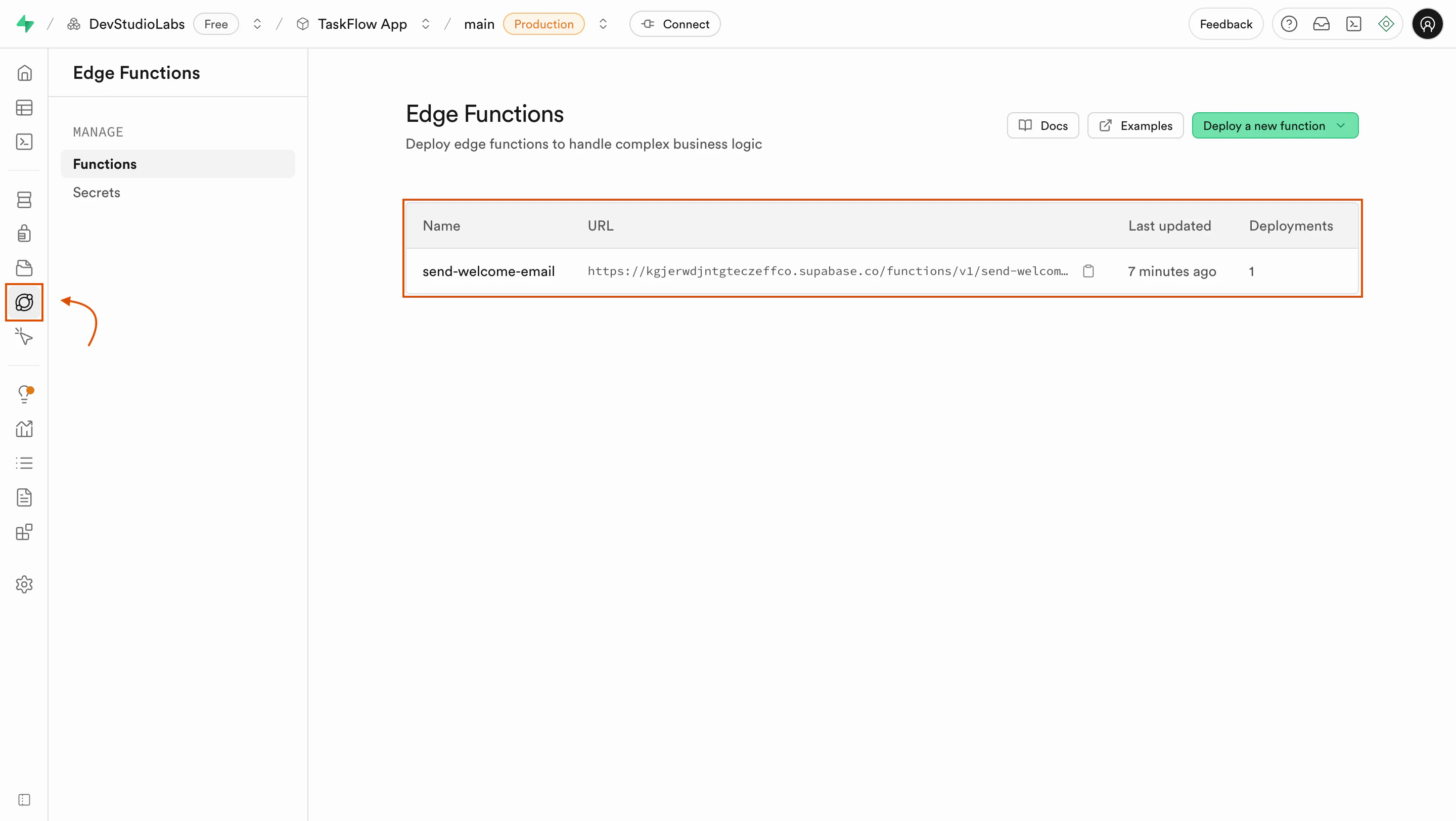
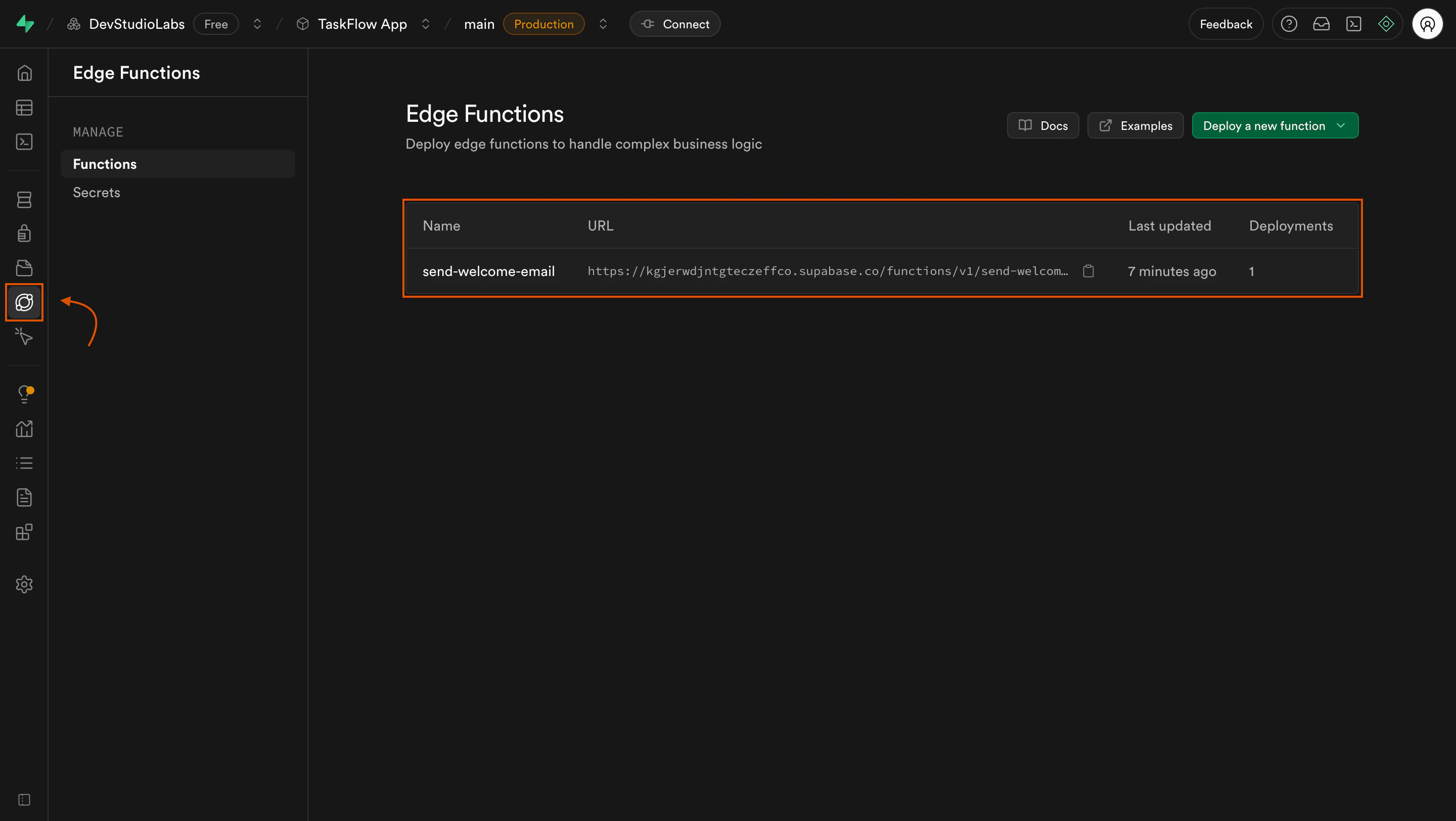
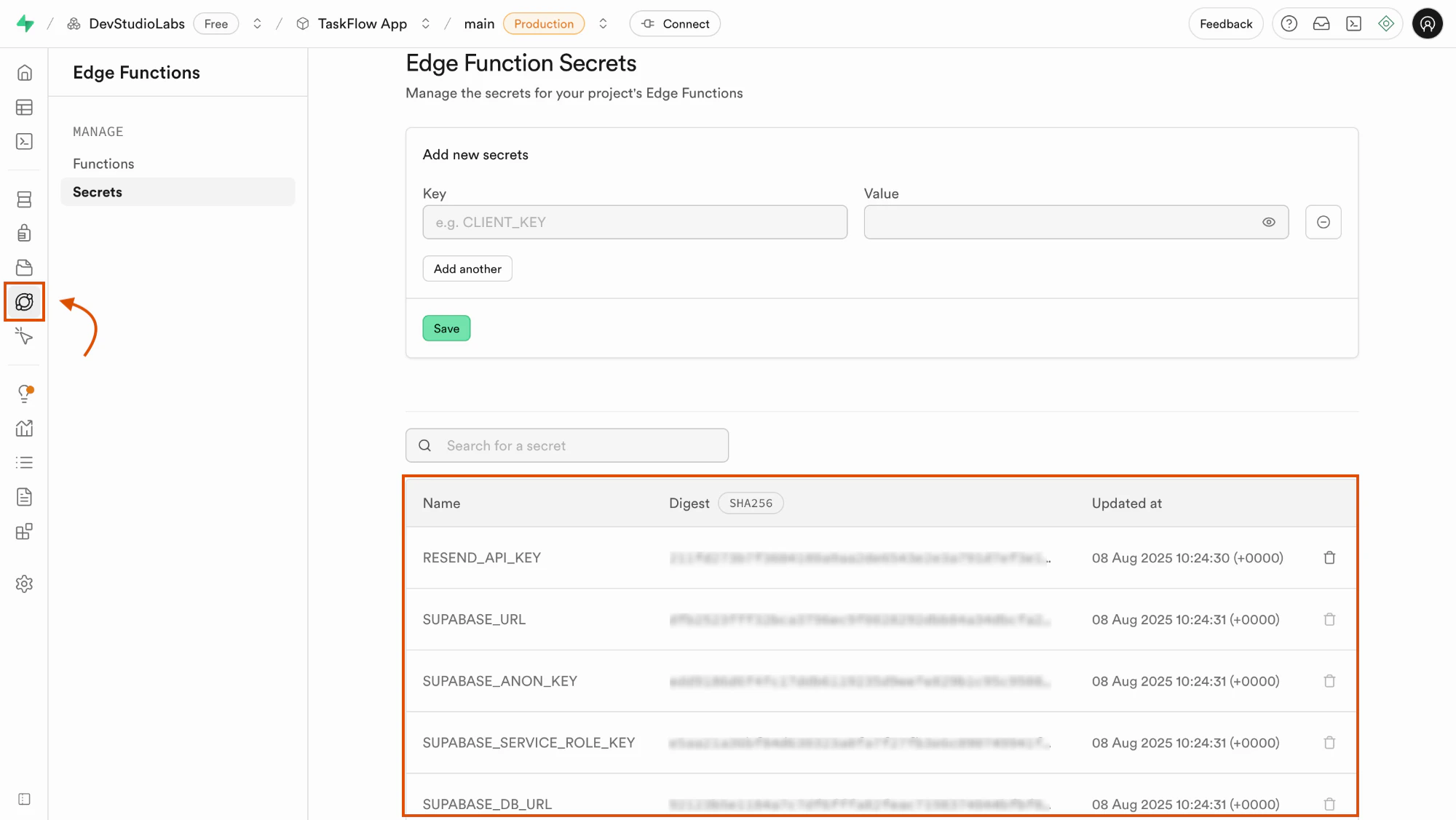
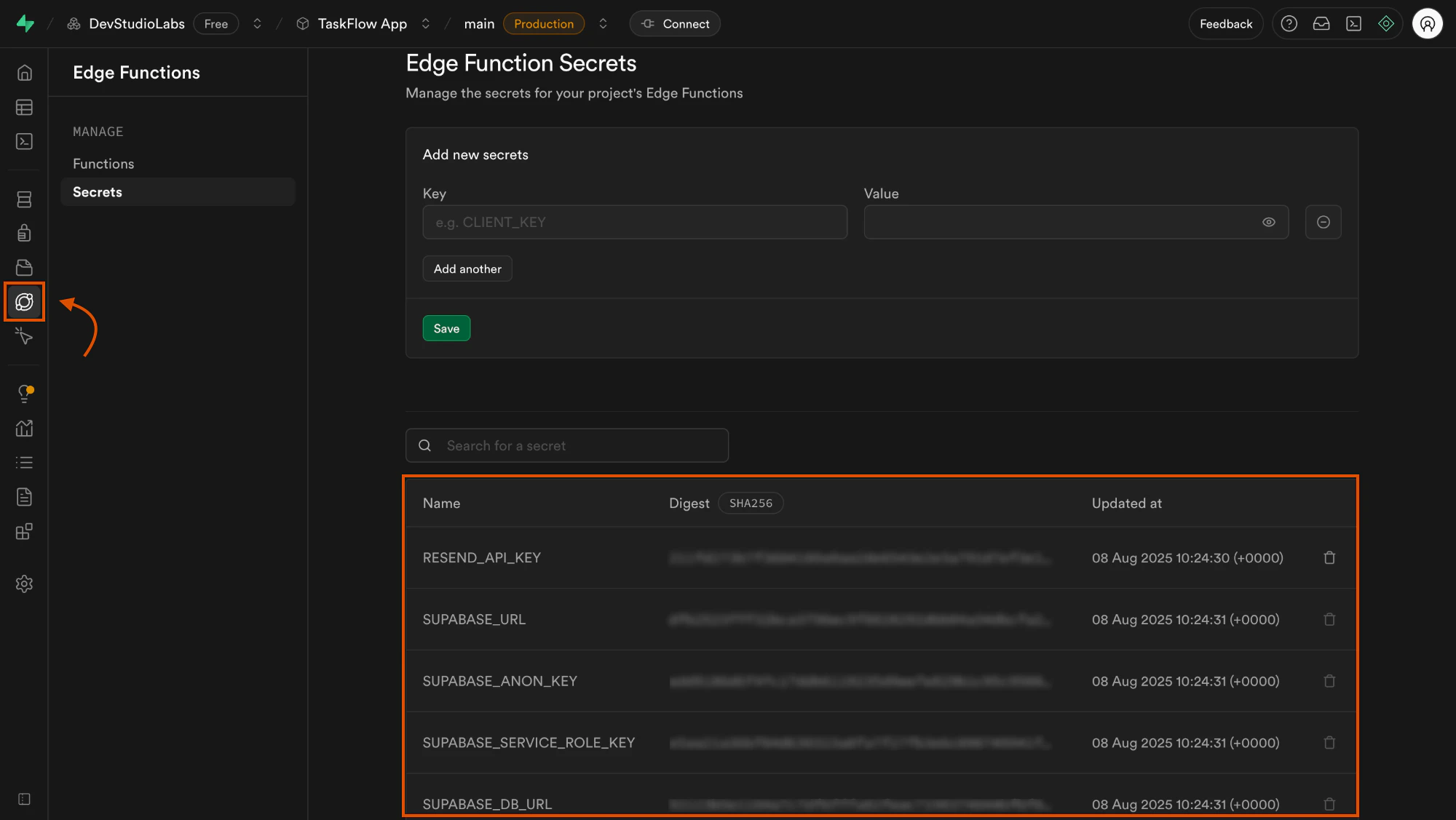
To review deployed functions or confirm stored secrets, use the Supabase dashboard.
**View deployed functions:**
No need to open the Supabase dashboard unless you want to review or manage functions manually.
## View functions and secrets in Supabase
To review deployed functions or confirm stored secrets, use the Supabase dashboard.
**View deployed functions:**
 **View stored secrets:**
 ## Add secrets securely
When Rocket asks for secrets:
* Paste them into the secure input fields provided.
* The secrets are saved in Supabase, not Rocket.
* You can update or rotate them later by asking Rocket to redeploy.
## Call your function from the app
Once deployed, Rocket can automatically wire your function into your app.
You can also ask for specific triggers, such as:
* After user actions like signups or button clicks.
* From other backend processes.
To test first, ask Rocket to add a test button that triggers the function safely during development.
## Example: Send a welcome email
**Prompt:**
```plaintext wrap theme={null}
Send a welcome email using Resend when a new user signs up.
```
**Rocket will:**
* Generate the function.
* Request the `RESEND_API_KEY`.
* Show a **Push to Supabase** popup.
* Connect the function to your signup flow.
## Troubleshooting
### 1. Function not found
What you will see:
Rocket or your app reports that the function does not exist.
To fix this:
Rocket shows an error popup with a **Fix it** button. Click it. Rocket will check the issue and either:
* Repair the function and show a **Push to Supabase** popup.
* Generate a script to deploy if schema changes are needed.
If the function exists but does not behave as expected, describe the problem clearly in chat. For example:
```plaintext wrap theme={null}
When users sign up, they are not receiving the welcome email.
```
Rocket will inspect, apply changes, and prompt you to redeploy.
### 2. Push to Supabase failed
What you will see:
An error appears when you click **Push to Supabase**.
To fix this:
Check the error message shown in the popup.
If a **Fix it** button is available, click it. Rocket will:
* Fix the function.
* Show a new **Push to Supabase** popup so you can retry.
Push the updated function or script as prompted.
Your Rocket app now runs secure server logic with Supabase Edge Functions, all created and deployed from chat.
***
## What's next?
Set up file uploads and media storage with Supabase Storage.
See all Supabase features available in Rocket.
## Add secrets securely
When Rocket asks for secrets:
* Paste them into the secure input fields provided.
* The secrets are saved in Supabase, not Rocket.
* You can update or rotate them later by asking Rocket to redeploy.
## Call your function from the app
Once deployed, Rocket can automatically wire your function into your app.
You can also ask for specific triggers, such as:
* After user actions like signups or button clicks.
* From other backend processes.
To test first, ask Rocket to add a test button that triggers the function safely during development.
## Example: Send a welcome email
**Prompt:**
```plaintext wrap theme={null}
Send a welcome email using Resend when a new user signs up.
```
**Rocket will:**
* Generate the function.
* Request the `RESEND_API_KEY`.
* Show a **Push to Supabase** popup.
* Connect the function to your signup flow.
## Troubleshooting
### 1. Function not found
What you will see:
Rocket or your app reports that the function does not exist.
To fix this:
Rocket shows an error popup with a **Fix it** button. Click it. Rocket will check the issue and either:
* Repair the function and show a **Push to Supabase** popup.
* Generate a script to deploy if schema changes are needed.
If the function exists but does not behave as expected, describe the problem clearly in chat. For example:
```plaintext wrap theme={null}
When users sign up, they are not receiving the welcome email.
```
Rocket will inspect, apply changes, and prompt you to redeploy.
### 2. Push to Supabase failed
What you will see:
An error appears when you click **Push to Supabase**.
To fix this:
Check the error message shown in the popup.
If a **Fix it** button is available, click it. Rocket will:
* Fix the function.
* Show a new **Push to Supabase** popup so you can retry.
Push the updated function or script as prompted.
Your Rocket app now runs secure server logic with Supabase Edge Functions, all created and deployed from chat.
***
## What's next?
Set up file uploads and media storage with Supabase Storage.
See all Supabase features available in Rocket.