> ## Documentation Index
> Fetch the complete documentation index at: https://docs.rocket.new/llms.txt
> Use this file to discover all available pages before exploring further.
# Components outside screen
> Keep all components inside the Figma frame for accurate import in Rocket.new's Figma-to-code pipeline.
export const LlmsDirective = () =>
For the complete documentation index, see llms.txt.
For a lightweight markdown version of this page, append .md to the URL.
;
## Keep components inside the frame
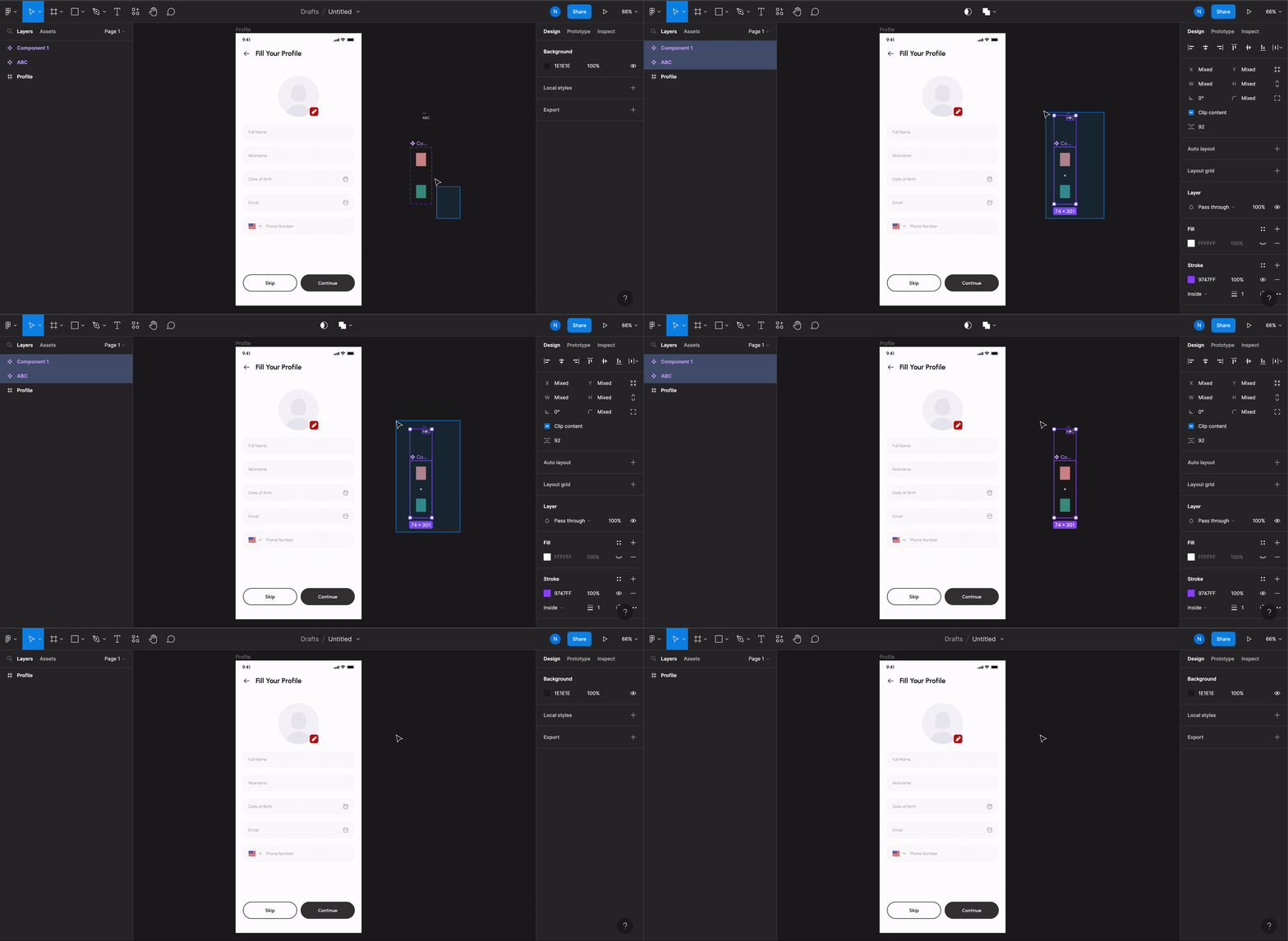
Do not let design components sit on the canvas outside their screen frame. All elements must be placed **inside** the screen's Frame.
Elements placed outside the frame are ignored during import and may cause visual gaps or missing content in the generated app.
In the example below, some components are outside the screen frame. Rocket will skip them during import, causing gaps in your generated app. Remove them before importing.
 ## Exception: scrolling elements
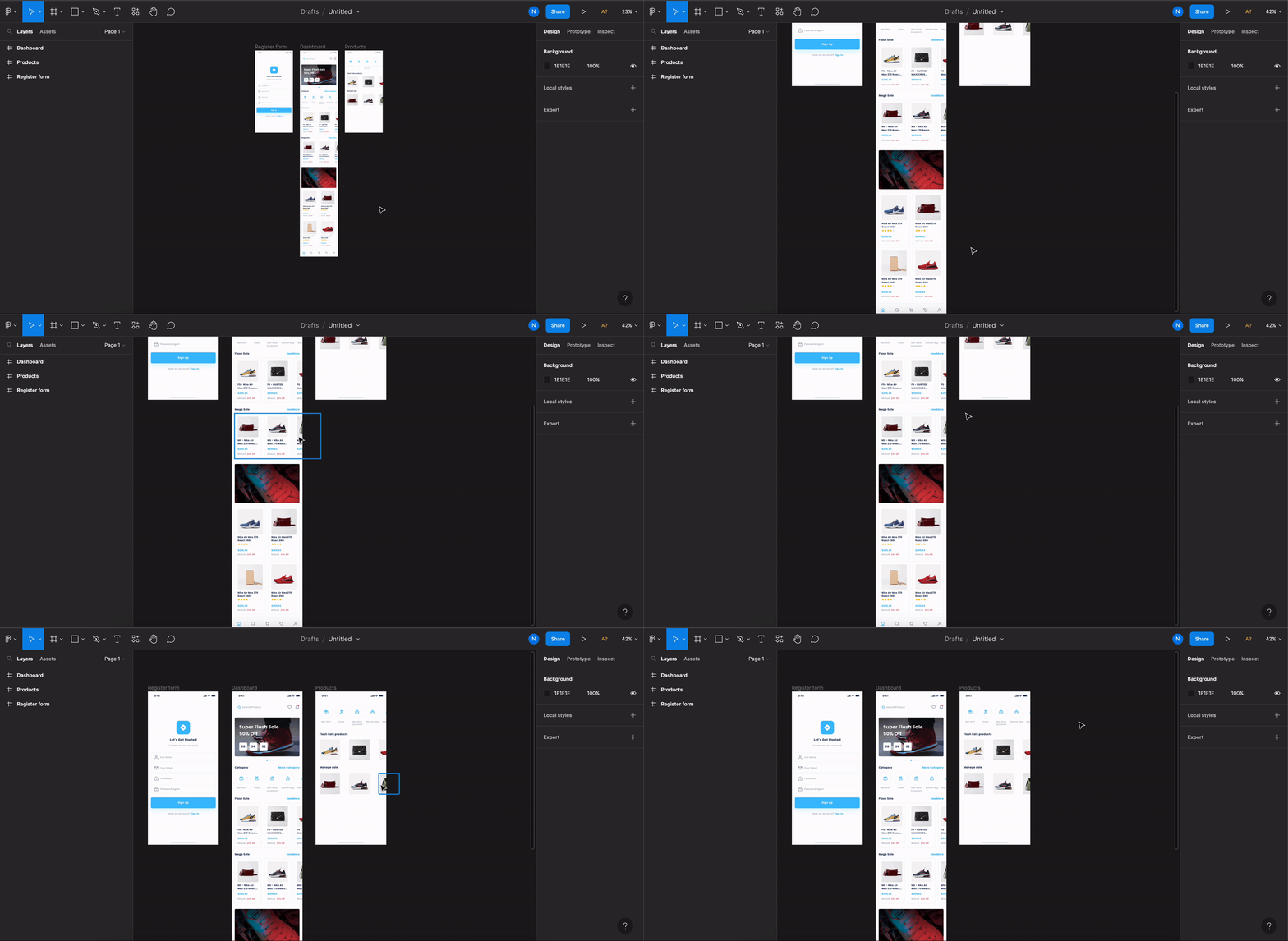
For **horizontal lists** and **horizontal scrolls**, the scrolling content can extend outside the screen Frame. All other components should remain inside the frame.
## Exception: scrolling elements
For **horizontal lists** and **horizontal scrolls**, the scrolling content can extend outside the screen Frame. All other components should remain inside the frame.
 See all design guidelines for preparing your Figma files.