> ## Documentation Index
> Fetch the complete documentation index at: https://docs.rocket.new/llms.txt
> Use this file to discover all available pages before exploring further.
# Group vectors
> Combine vector elements into single groups for clean image output in Rocket.new's Figma-to-code pipeline.
export const LlmsDirective = () =>
For the complete documentation index, see llms.txt.
For a lightweight markdown version of this page, append .md to the URL.
;
## Why vector grouping matters
[Fill elements](https://help.figma.com/hc/en-us/articles/360040450213-Vector-networks#Fills) like images are often made up of many individual vectors combined into one. If those vectors are not grouped, Rocket downloads each one separately and cannot reconstruct the image correctly.
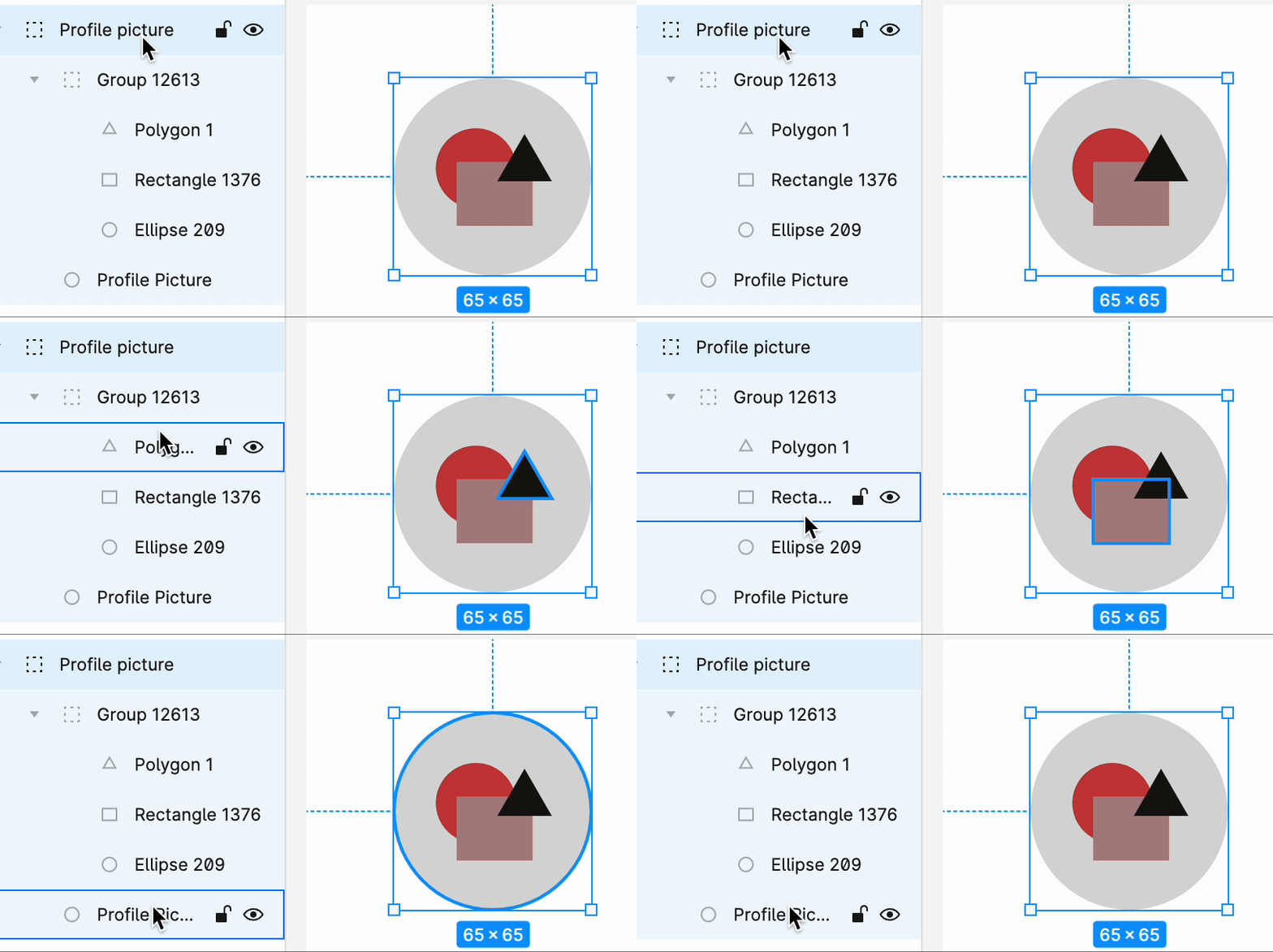 Icons should be designed using vectors, not PNGs. Vector-based icons scale cleanly and import correctly into Rocket.
## Best practices
* Combine all related vectors into a **single group** before importing.
* Proper grouping makes it easier to manage and identify elements later.
* Ungrouped vectors are downloaded as separate images, producing broken or duplicated output in the generated code.
See all design guidelines for preparing your Figma files.
Icons should be designed using vectors, not PNGs. Vector-based icons scale cleanly and import correctly into Rocket.
## Best practices
* Combine all related vectors into a **single group** before importing.
* Proper grouping makes it easier to manage and identify elements later.
* Ungrouped vectors are downloaded as separate images, producing broken or duplicated output in the generated code.
See all design guidelines for preparing your Figma files.