> ## Documentation Index
> Fetch the complete documentation index at: https://docs.rocket.new/llms.txt
> Use this file to discover all available pages before exploring further.
# Image masking
> Apply image masks correctly in Figma for accurate rendering in Rocket.new's Figma-to-code pipeline.
export const LlmsDirective = () =>
For the complete documentation index, see llms.txt.
For a lightweight markdown version of this page, append .md to the URL.
;
## What is image masking
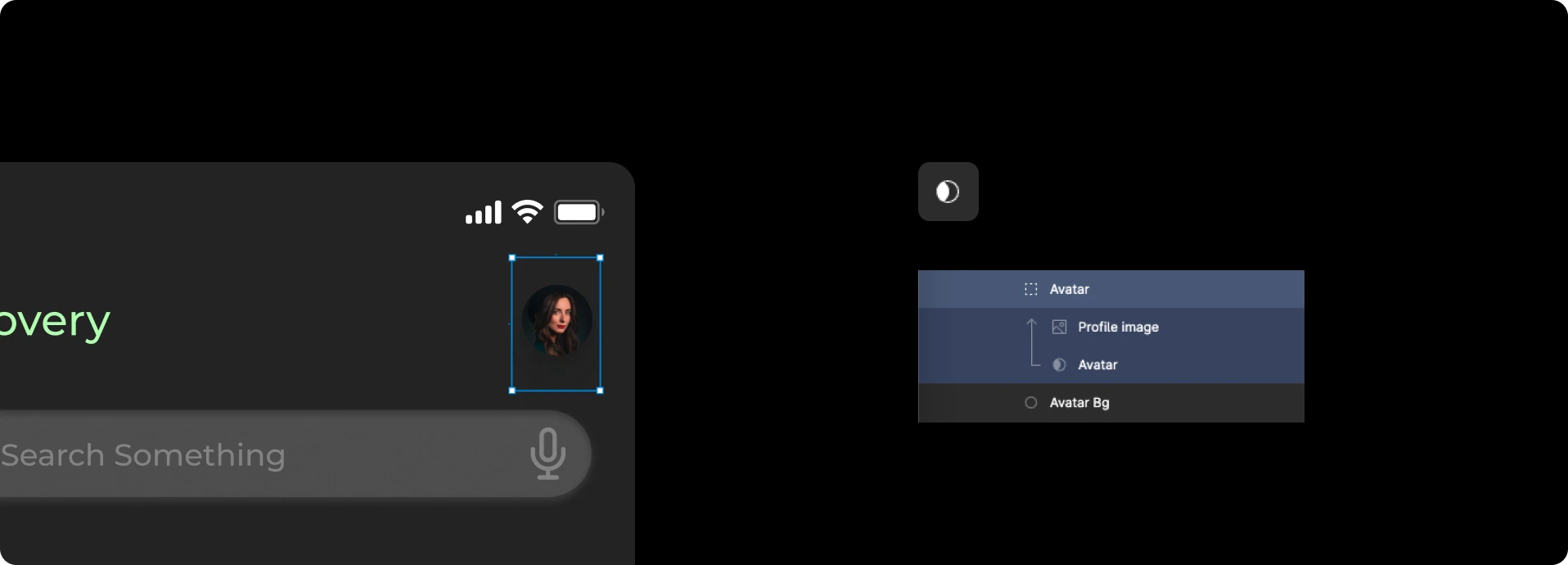
When an image is masked with a layer, Figma creates a **mask object** in the layer hierarchy that includes both the mask shape and the layers being masked.
Incorrect masks cause broken layouts during import. Rocket relies on the mask hierarchy to determine which parts of an image to render.
## Best practices
* All inner layers used for masking must remain under the **mask object**.
* Group these inner layers properly so only the intended images are included.
* Perform masking with a **single group** that contains all masked layers.
 See all design guidelines for preparing your Figma files.