> ## Documentation Index
> Fetch the complete documentation index at: https://docs.rocket.new/llms.txt
> Use this file to discover all available pages before exploring further.
# Unwanted components
> Remove duplicate and unused Figma screens before import in Rocket.new's Figma-to-code pipeline.
export const LlmsDirective = () =>
For the complete documentation index, see llms.txt.
For a lightweight markdown version of this page, append .md to the URL.
;
## Remove unused screens and layers
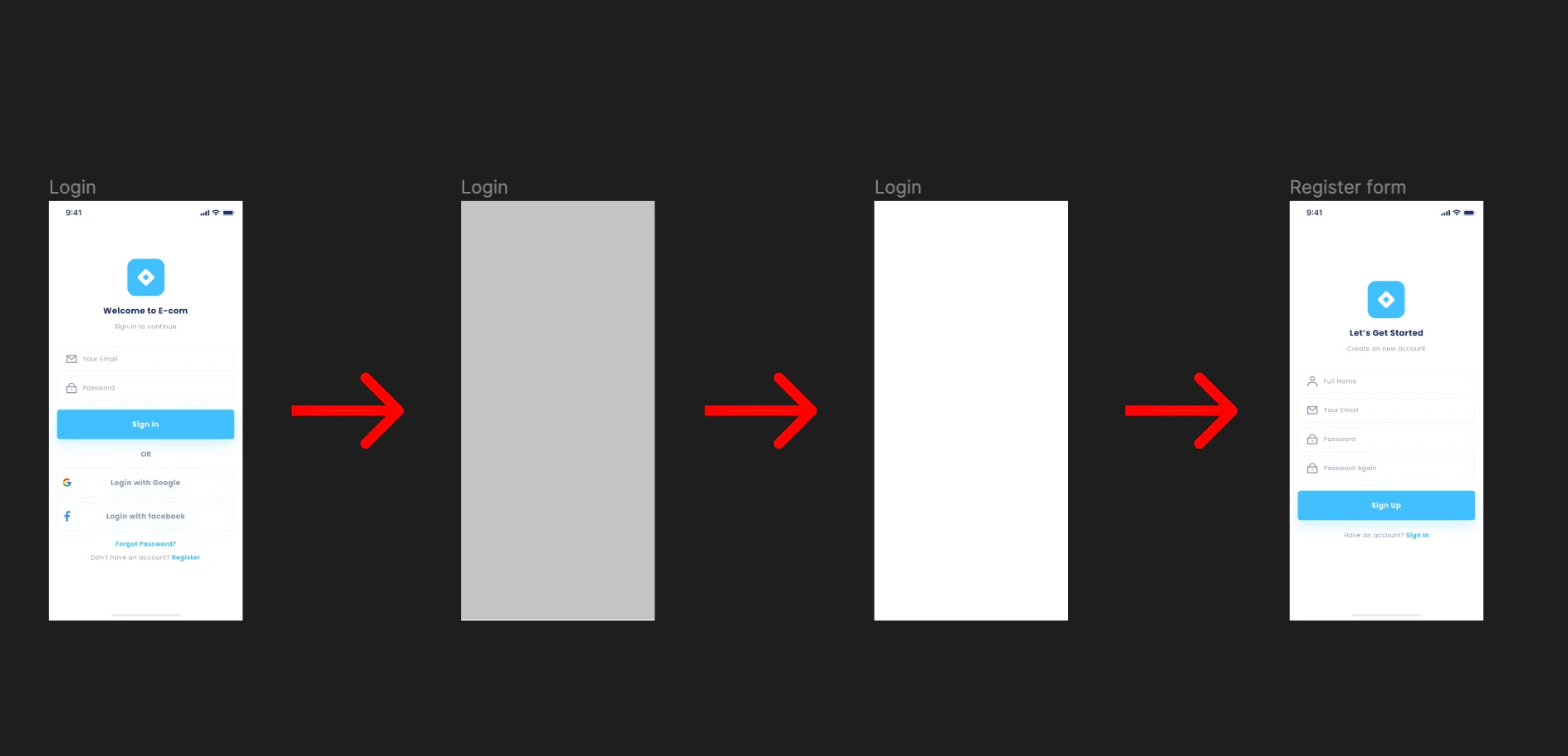
Do not duplicate previous screens when creating new ones. A common mistake is placing a rectangle over an old screen, duplicating it, and adding new components on top - leaving all the original components buried underneath. This creates unnecessary clutter that Rocket treats as intentional design.
Leftover components from duplicated screens inflate the generated code and cause confusion during import. Rocket treats every visible layer as intentional.
 ## Best practice
Only keep screen designs that are meant to appear in the app. Delete everything else before importing.
See all design guidelines for preparing your Figma files.
## Best practice
Only keep screen designs that are meant to appear in the app. Delete everything else before importing.
See all design guidelines for preparing your Figma files.