> ## Documentation Index
> Fetch the complete documentation index at: https://docs.rocket.new/llms.txt
> Use this file to discover all available pages before exploring further.
# Agent sleeping
> Wake up the Rocket.new agent after inactivity and resume your task instantly.
export const LlmsDirective = () =>
For the complete documentation index, see llms.txt.
For a lightweight markdown version of this page, append .md to the URL.
;
The Rocket agent automatically sleeps after around **10–15 minutes of inactivity** in a task. When this happens, a message appears in the chat and task features pause until you resume. No data is lost.
## What pauses during sleep
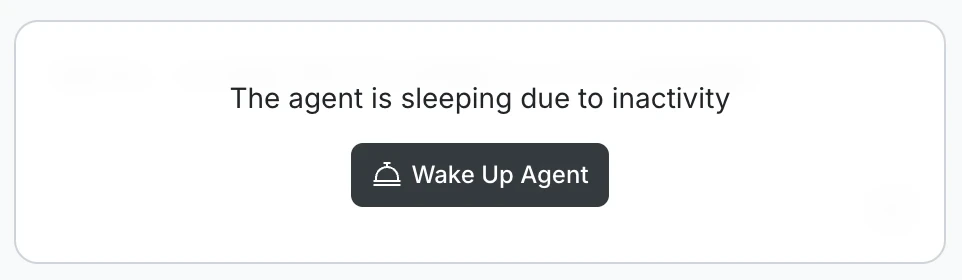
When the agent is sleeping, you will see this message in the chat:
> **The agent is sleeping due to inactivity**
 The following are paused while the agent sleeps:
* Chat input
* Code generation and editing
* Visual design editing
* Live preview
* Launching your app
* GitHub push and pull
* Background processing
## Wake up the agent
Click **Wake Up Agent** in the chat. The agent resumes immediately and all Build features become available again: chat, code generation, live preview, and any other active functionality.
Waking the agent does not affect your task history, files, or outputs. Everything is preserved exactly as it was.
## Why this happens
The agent sleeps automatically to conserve server resources. This typically happens when you step away for 10–15 minutes during a Build session.
Your task, messages, and generated content are all intact when you return. Sleep only affects the active session, not your saved work.
## What's next?
Fix common build errors and unexpected behavior.
Answers to common questions about building with Rocket.
The following are paused while the agent sleeps:
* Chat input
* Code generation and editing
* Visual design editing
* Live preview
* Launching your app
* GitHub push and pull
* Background processing
## Wake up the agent
Click **Wake Up Agent** in the chat. The agent resumes immediately and all Build features become available again: chat, code generation, live preview, and any other active functionality.
Waking the agent does not affect your task history, files, or outputs. Everything is preserved exactly as it was.
## Why this happens
The agent sleeps automatically to conserve server resources. This typically happens when you step away for 10–15 minutes during a Build session.
Your task, messages, and generated content are all intact when you return. Sleep only affects the active session, not your saved work.
## What's next?
Fix common build errors and unexpected behavior.
Answers to common questions about building with Rocket.