> ## Documentation Index
> Fetch the complete documentation index at: https://docs.rocket.new/llms.txt
> Use this file to discover all available pages before exploring further.
# Overview
> Control who sees what in Rocket.new with workspace, project, and task sharing.
export const LlmsDirective = () =>
For the complete documentation index, see llms.txt.
For a lightweight markdown version of this page, append .md to the URL.
;
Rocket uses a three-level sharing model to control who can access your work. Each level sits inside the one above it, so you can grant broad access to your core team and narrow access to external reviewers without changing your project structure.
Organization-level container. Billing, connectors, and team management.
Initiative-level space. Tasks, files, services, and members.
A single unit of work. Solve or Build with its own chat and outputs.
Access cascades downward.
* A workspace member can access all projects in the workspace based on their role.
* A project member can access all tasks in the project.
* Task-level sharing does **not** grant access to the parent project or workspace.
## When to use which level
| Level | Best for | Example |
| :------------ | :--------------------------------------------------------------------------------- | :------------------------------------------------------------------------- |
| **Workspace** | Core team members who need access to everything: billing, connectors, all projects | Co-founders, full-time team members, department leads |
| **Project** | Collaborators working on a specific initiative | A freelancer helping with a product launch, a cross-functional squad |
| **Task** | External reviewers or stakeholders who only need to see one output | Sharing a Solve report with a client, sending a Build preview for feedback |
Start narrow and expand as needed. Share a task first. If the person needs more context, invite them to the project. If they need access to everything, add them to the workspace.
Reserve workspace-level invitations for people who genuinely need broad visibility. Use task sharing for clients, advisors, and stakeholders who rarely need project access.
## Roles
Rocket uses two roles: **Editor** and **Viewer**. These roles apply across all levels. Roles set at a higher level cascade down but can be made more restrictive at lower levels.
| Role | Can do |
| :--------- | :---------------------------------------------------------------------------------- |
| **Editor** | Day-to-day work: create tasks, edit, upload files, connect services, invite members |
| **Viewer** | Read-only: see all outputs and leave feedback, but cannot create or edit |
See [workspace roles and permissions](/getting-started/collaboration/workspace#roles-and-permissions) for the full permissions breakdown.
## Credit limits
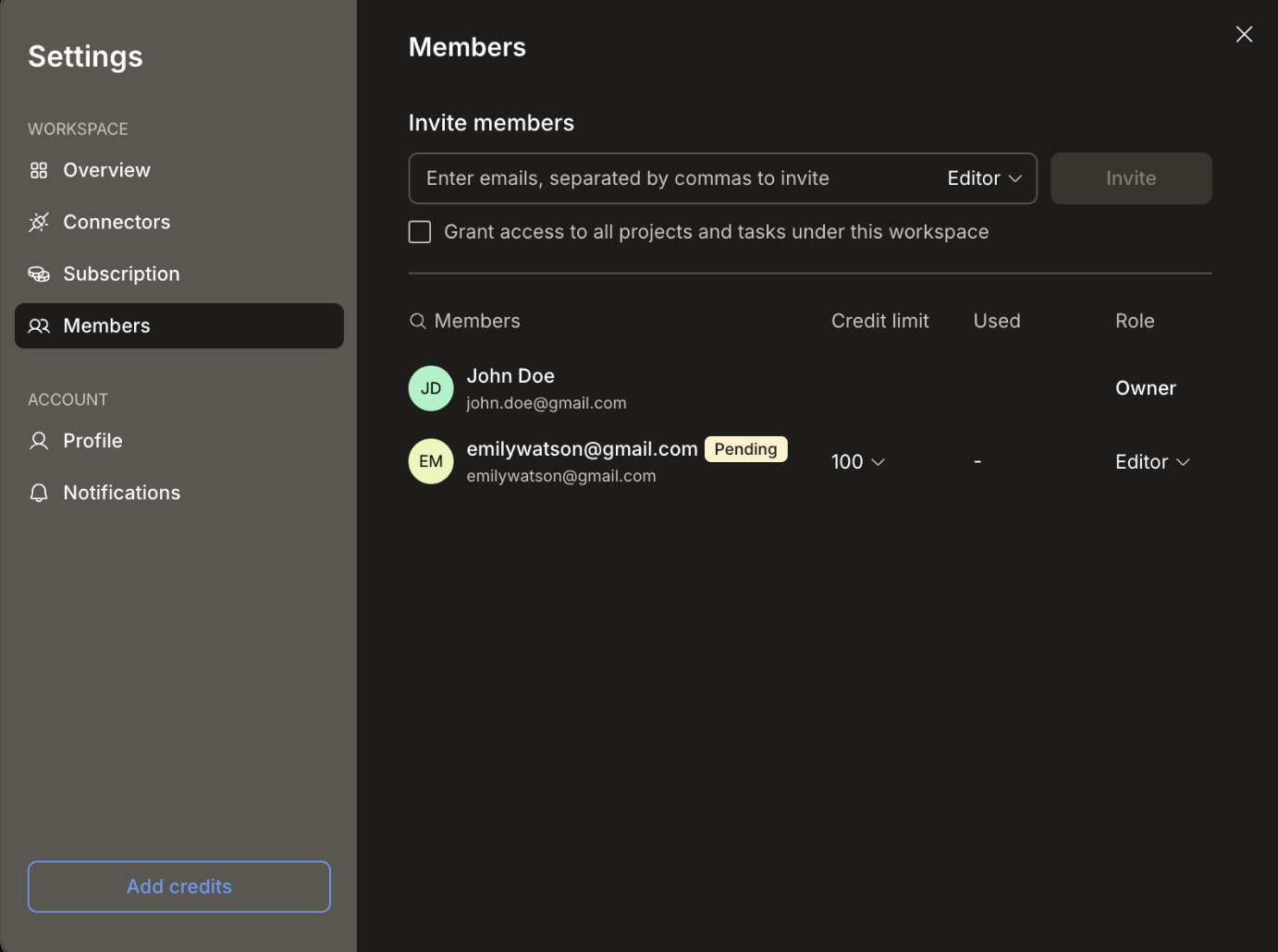
Every member you add, whether at the workspace, project, or task level, is a member of the workspace that contains that work. Each new member is automatically assigned a default credit limit of **100 credits per month**. You can change this at any time from **Settings → Members** using the **Credit limit** dropdown on the member's row.
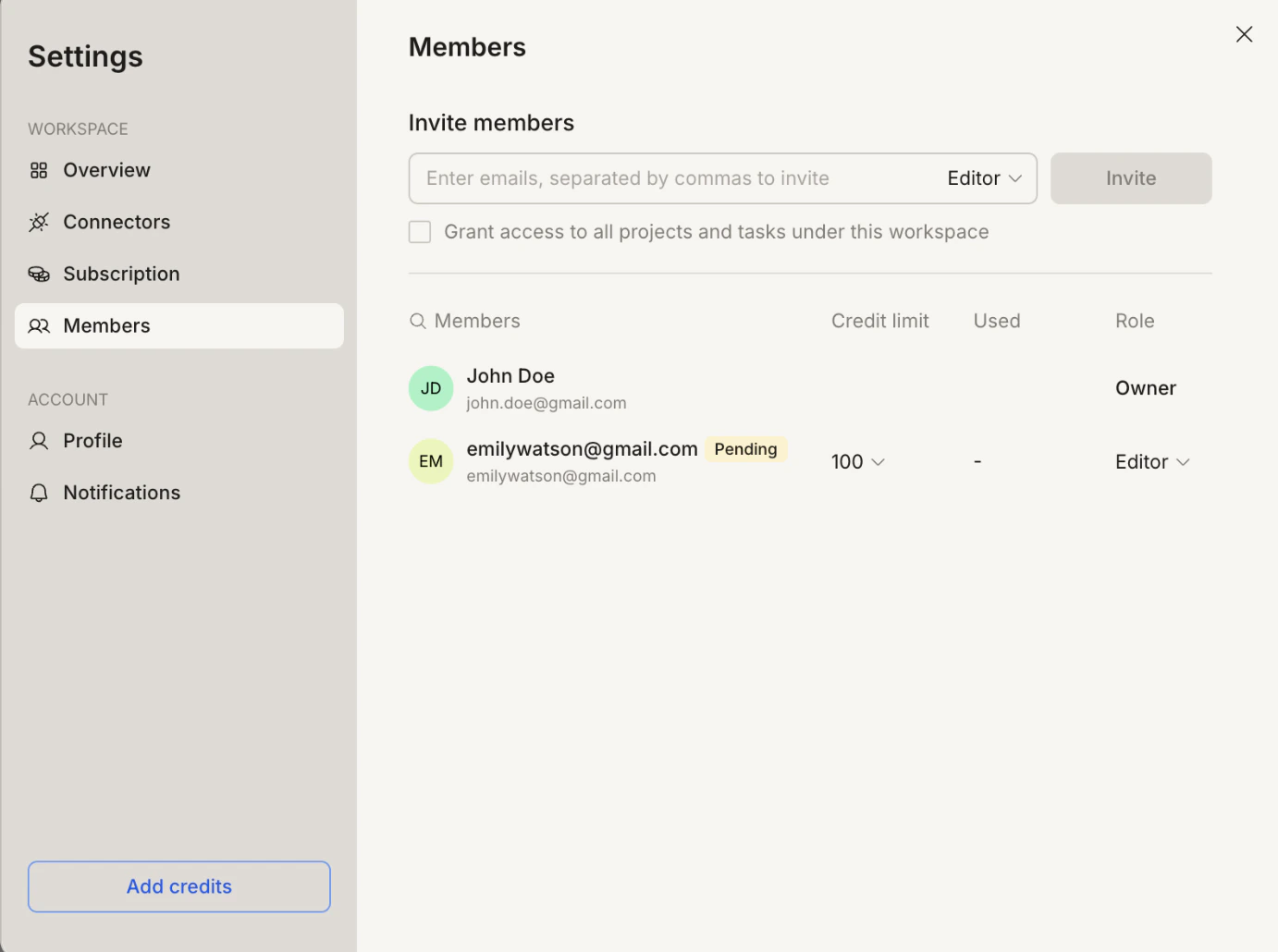
 The credit limit controls how many credits that member can consume per month across all their activity in the workspace. Setting a limit to **0** prevents them from generating any output. You can update or remove the limit at any time.
All collaboration invitations are delivered via email. You can track join events, incoming share requests, and responses from the **Requests** tab in the [notification panel](/getting-started/account/notifications).
## What's next?
Invite members and manage roles at the organization level.
Collaborate on tasks, files, and services within a project.
Share individual tasks and control visibility.
The credit limit controls how many credits that member can consume per month across all their activity in the workspace. Setting a limit to **0** prevents them from generating any output. You can update or remove the limit at any time.
All collaboration invitations are delivered via email. You can track join events, incoming share requests, and responses from the **Requests** tab in the [notification panel](/getting-started/account/notifications).
## What's next?
Invite members and manage roles at the organization level.
Collaborate on tasks, files, and services within a project.
Share individual tasks and control visibility.