> ## Documentation Index
> Fetch the complete documentation index at: https://docs.rocket.new/llms.txt
> Use this file to discover all available pages before exploring further.
# Discover
> Browse over 50,000 companies and add them to your Intelligence universe. Search by name, filter by industry, or explore curated suggestions.
export const LlmsDirective = () =>
For the complete documentation index, see llms.txt.
For a lightweight markdown version of this page, append .md to the URL.
;
**Discover** is where you find and add companies to your universe. Browse the full catalog of 50,000+ available companies, filter by industry, or explore personalized suggestions.
 ## Page layout
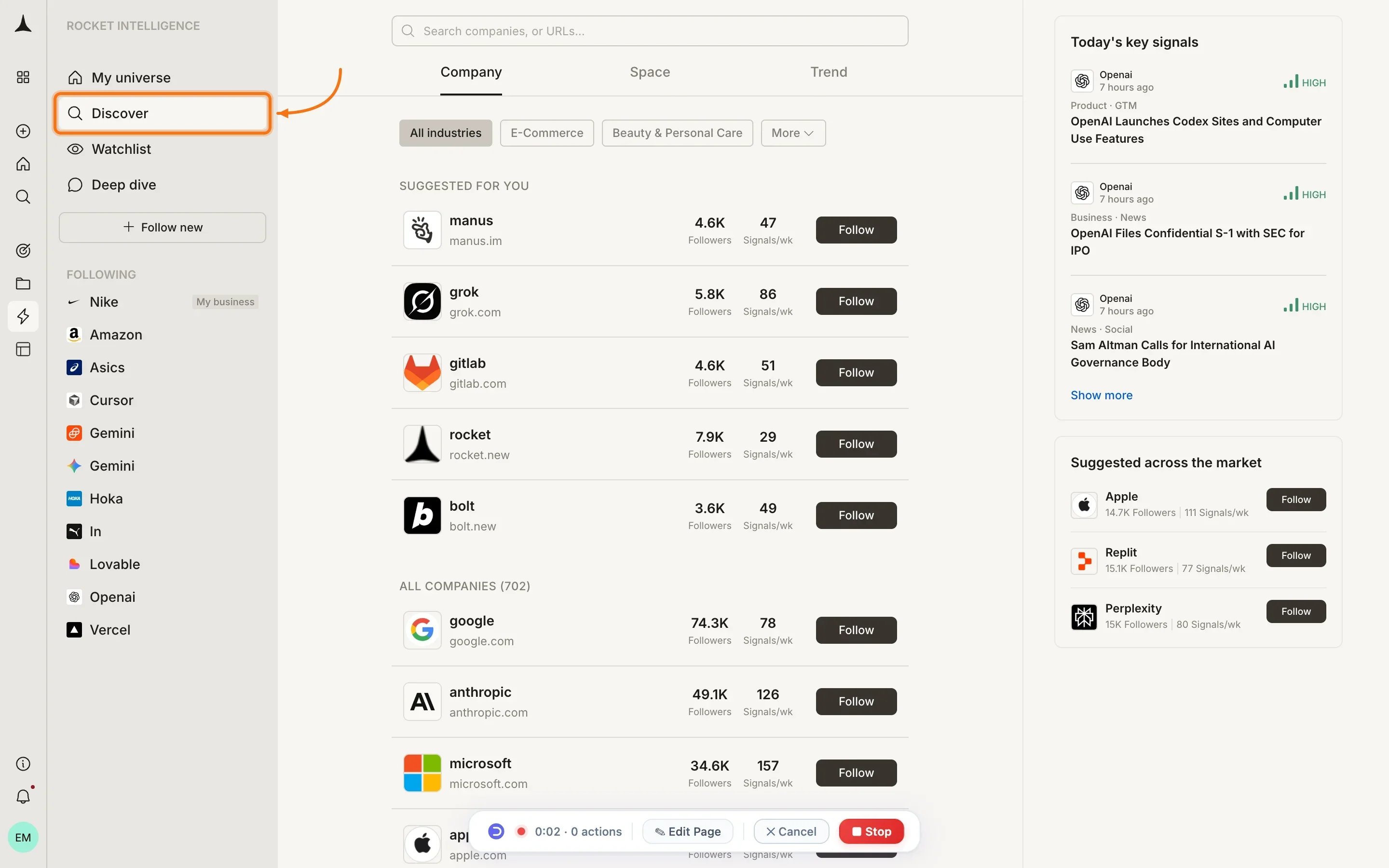
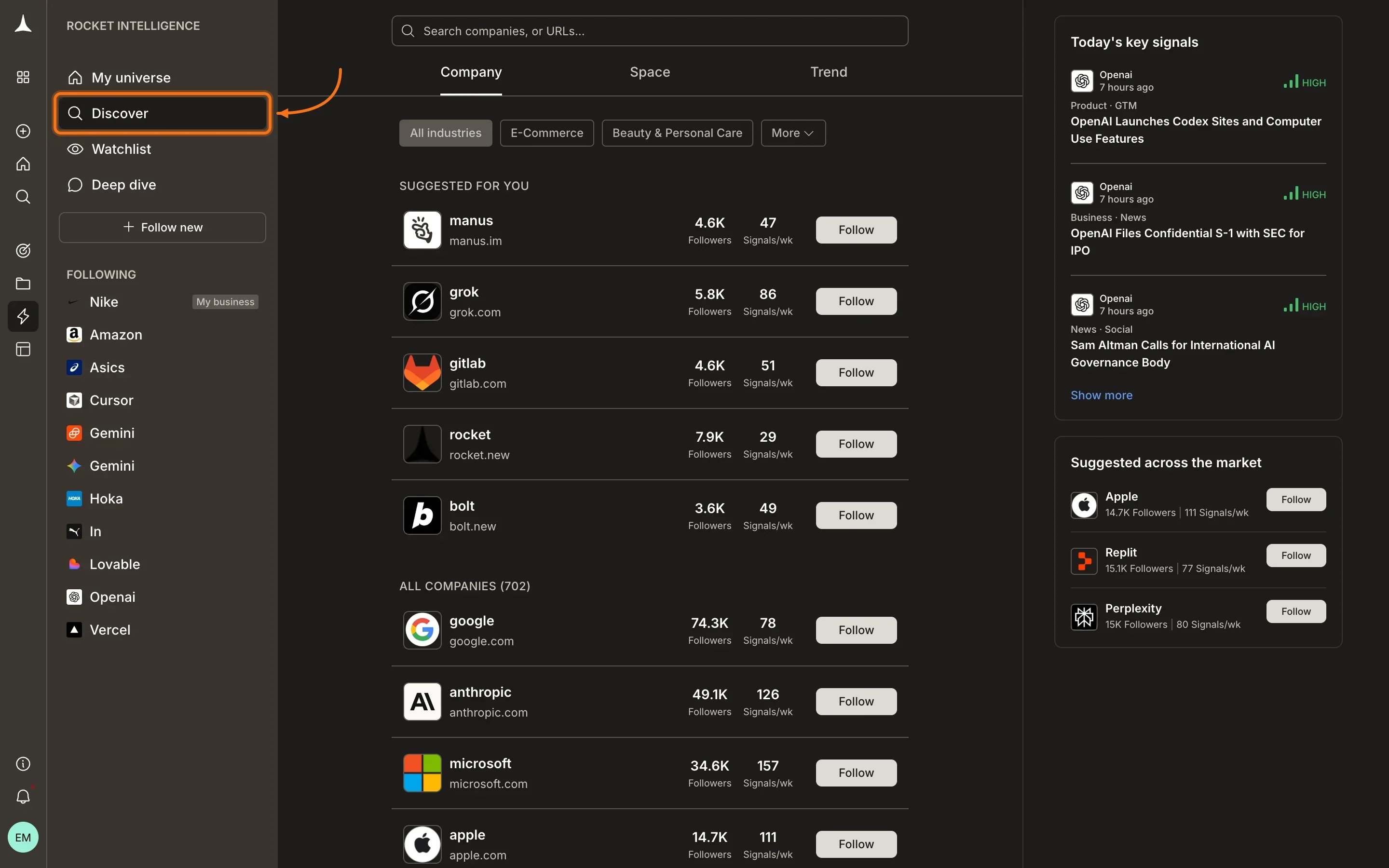
The Discover page is organized to help you find relevant companies quickly:
* **Search bar** at the top for finding companies by name or domain
* **Company / Space / Trend tabs** to switch between entity types
* **Industry filter chips:** All industries, E-Commerce, Beauty & Personal Care, and more
* **"Suggested for you" section:** personalized recommendations based on your universe and profile
* **"All companies" section:** the full browsable list with total count (e.g., "All companies (702)")
## Company entries
Each company in the list displays:
* **Logo** and **company name**
* **Domain URL** (e.g., nike.com)
* **Followers count:** how many Intelligence users watch this company
* **Signals/wk:** average number of signals detected per week
* **Follow button:** click to add the company to your universe
## Following a company
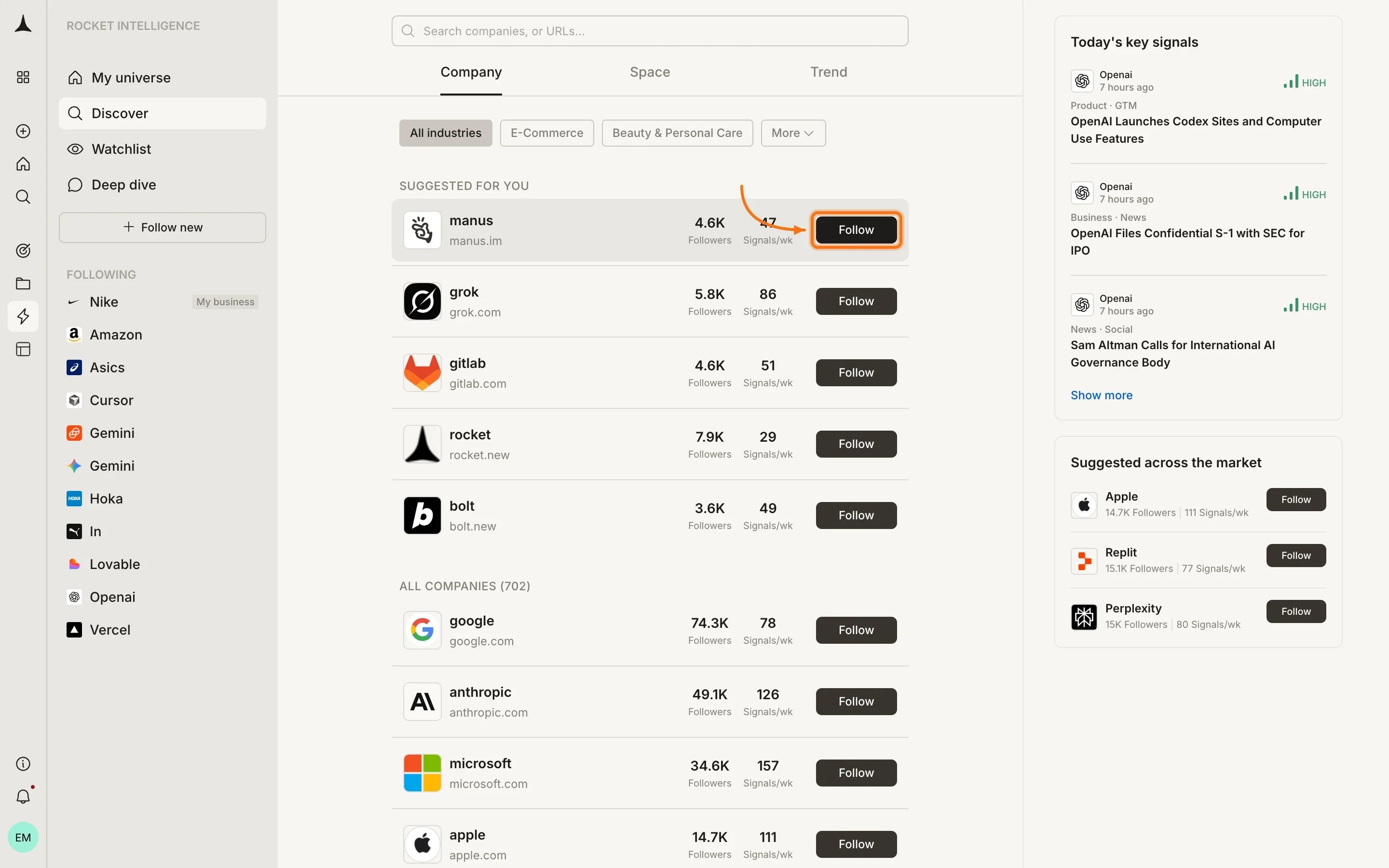
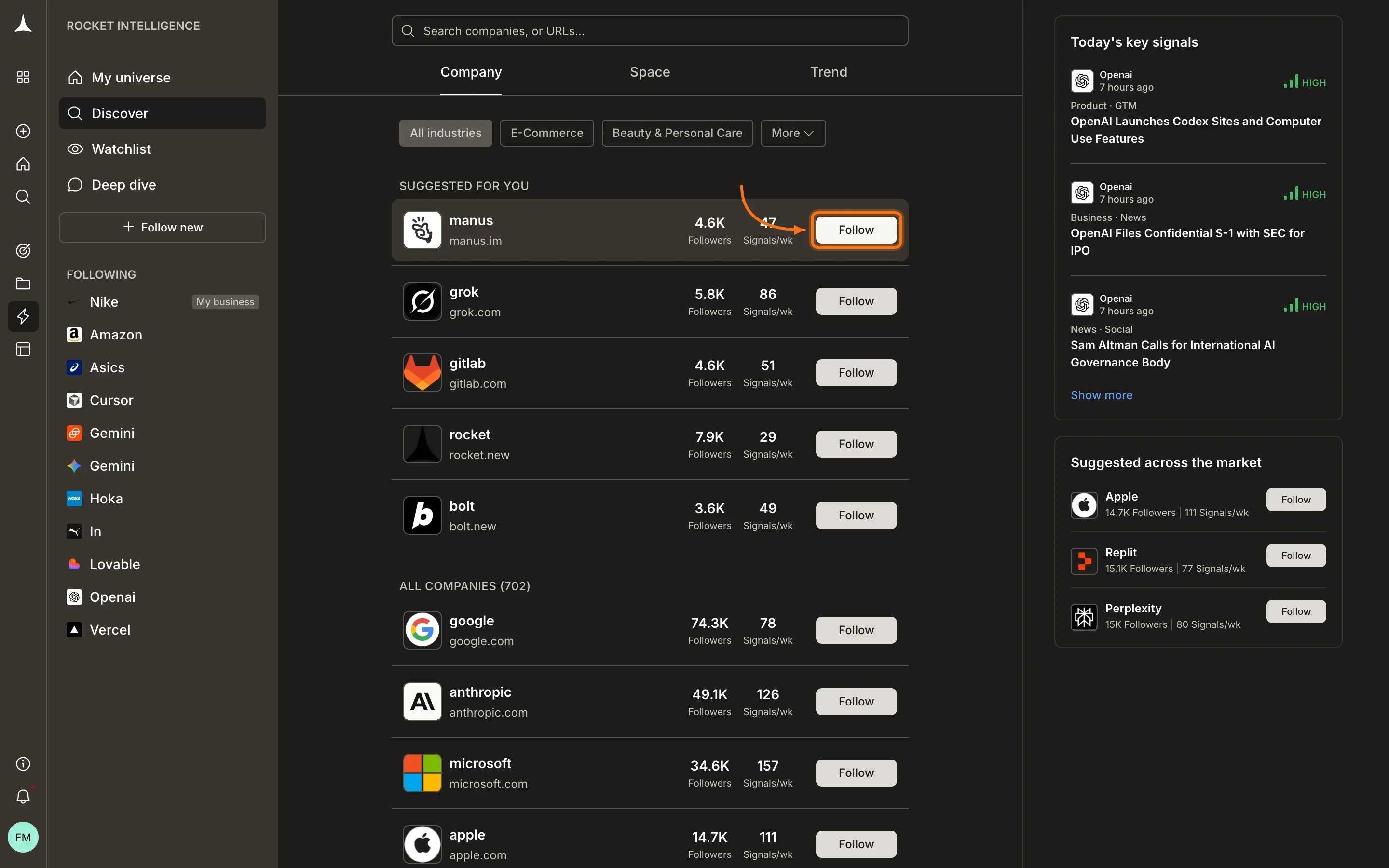
Click the **Follow** button on any company to add it to your universe.
## Page layout
The Discover page is organized to help you find relevant companies quickly:
* **Search bar** at the top for finding companies by name or domain
* **Company / Space / Trend tabs** to switch between entity types
* **Industry filter chips:** All industries, E-Commerce, Beauty & Personal Care, and more
* **"Suggested for you" section:** personalized recommendations based on your universe and profile
* **"All companies" section:** the full browsable list with total count (e.g., "All companies (702)")
## Company entries
Each company in the list displays:
* **Logo** and **company name**
* **Domain URL** (e.g., nike.com)
* **Followers count:** how many Intelligence users watch this company
* **Signals/wk:** average number of signals detected per week
* **Follow button:** click to add the company to your universe
## Following a company
Click the **Follow** button on any company to add it to your universe.
 Once you follow a company:
1. It appears in your sidebar under your followed entities
2. Signal collection begins across all nine pillars
3. Intel from that company starts appearing in your [Following](/intelligence/feeds/following) feed
4. You can open its [company overview](/intelligence/pillars/overview) to browse individual pillar tabs
## Finding the right companies
Type a company name or domain in the search bar at the top. Results appear as you type, showing matching companies with their domain and stats.
Use the industry filter chips below the tabs to narrow the list. Select **E-Commerce**, **Beauty & Personal Care**, or click **More** to see all available industry categories.
Scroll to the **"Suggested for you"** section. Intelligence recommends companies based on who you already watch, your role, and your industry.
## When to add more companies
Good times to expand your universe:
* A new competitor enters your market
* A company keeps surfacing in your [For You](/intelligence/feeds/for-you) feed
* An adjacent market is making moves that could affect you
* You hear about a company in a deal or industry conversation
* You want broader coverage of a specific industry vertical
You do not need to specify what to monitor per company. Intelligence automatically watches all nine pillars for every company you follow.
## What's next
See Intel from companies you just added.
Intel from companies matched to your interests.
Deep-dive into a company's activity across all dimensions.
How to choose what to watch and avoid noise.
Once you follow a company:
1. It appears in your sidebar under your followed entities
2. Signal collection begins across all nine pillars
3. Intel from that company starts appearing in your [Following](/intelligence/feeds/following) feed
4. You can open its [company overview](/intelligence/pillars/overview) to browse individual pillar tabs
## Finding the right companies
Type a company name or domain in the search bar at the top. Results appear as you type, showing matching companies with their domain and stats.
Use the industry filter chips below the tabs to narrow the list. Select **E-Commerce**, **Beauty & Personal Care**, or click **More** to see all available industry categories.
Scroll to the **"Suggested for you"** section. Intelligence recommends companies based on who you already watch, your role, and your industry.
## When to add more companies
Good times to expand your universe:
* A new competitor enters your market
* A company keeps surfacing in your [For You](/intelligence/feeds/for-you) feed
* An adjacent market is making moves that could affect you
* You hear about a company in a deal or industry conversation
* You want broader coverage of a specific industry vertical
You do not need to specify what to monitor per company. Intelligence automatically watches all nine pillars for every company you follow.
## What's next
See Intel from companies you just added.
Intel from companies matched to your interests.
Deep-dive into a company's activity across all dimensions.
How to choose what to watch and avoid noise.