> ## Documentation Index
> Fetch the complete documentation index at: https://docs.rocket.new/llms.txt
> Use this file to discover all available pages before exploring further.
# Following
> The Following feed delivers Intel from every company in your universe, your daily stream of personal intelligence, ranked by magnitude and personalized to your role.
export const LlmsDirective = () =>
For the complete documentation index, see llms.txt.
For a lightweight markdown version of this page, append .md to the URL.
;
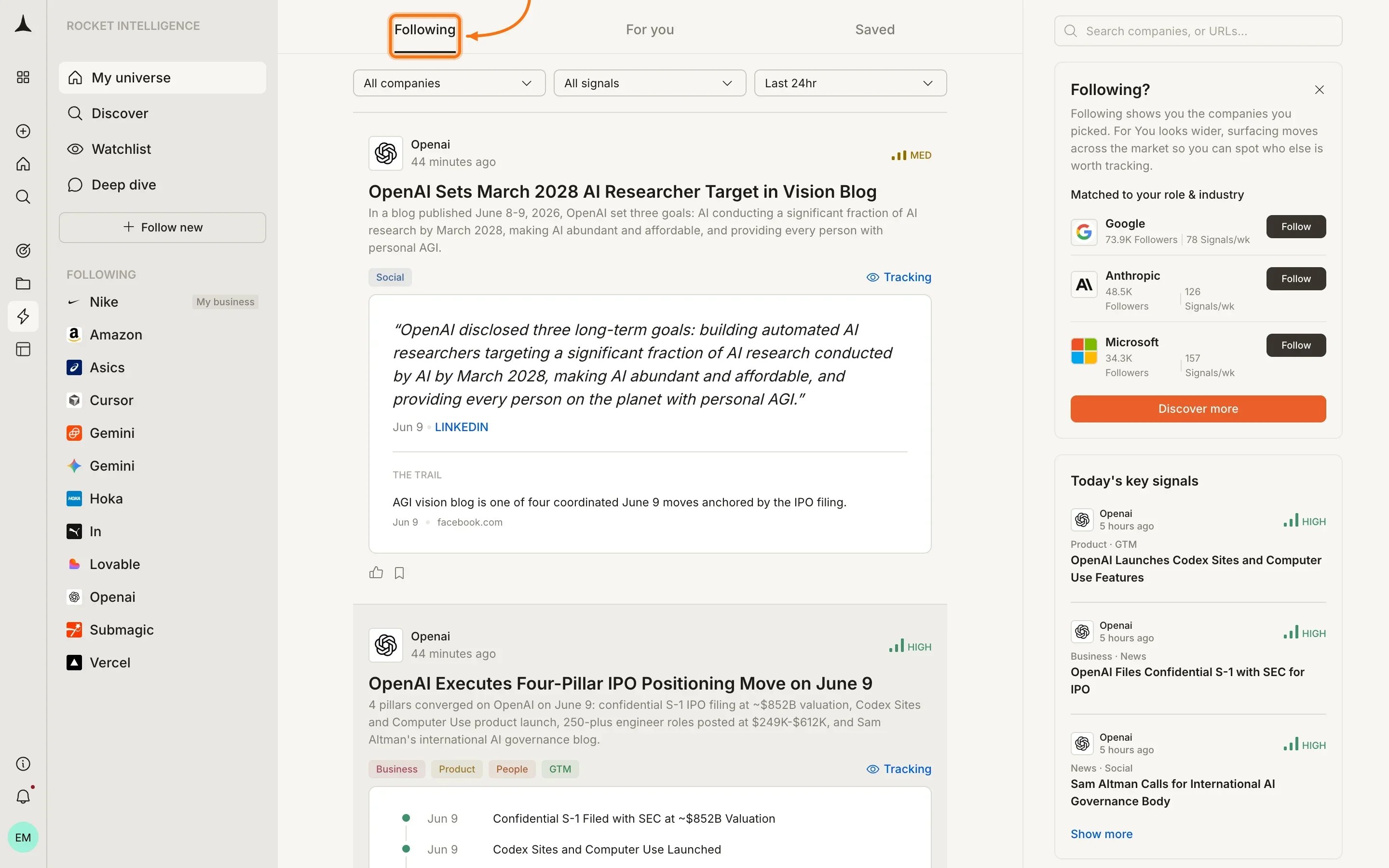
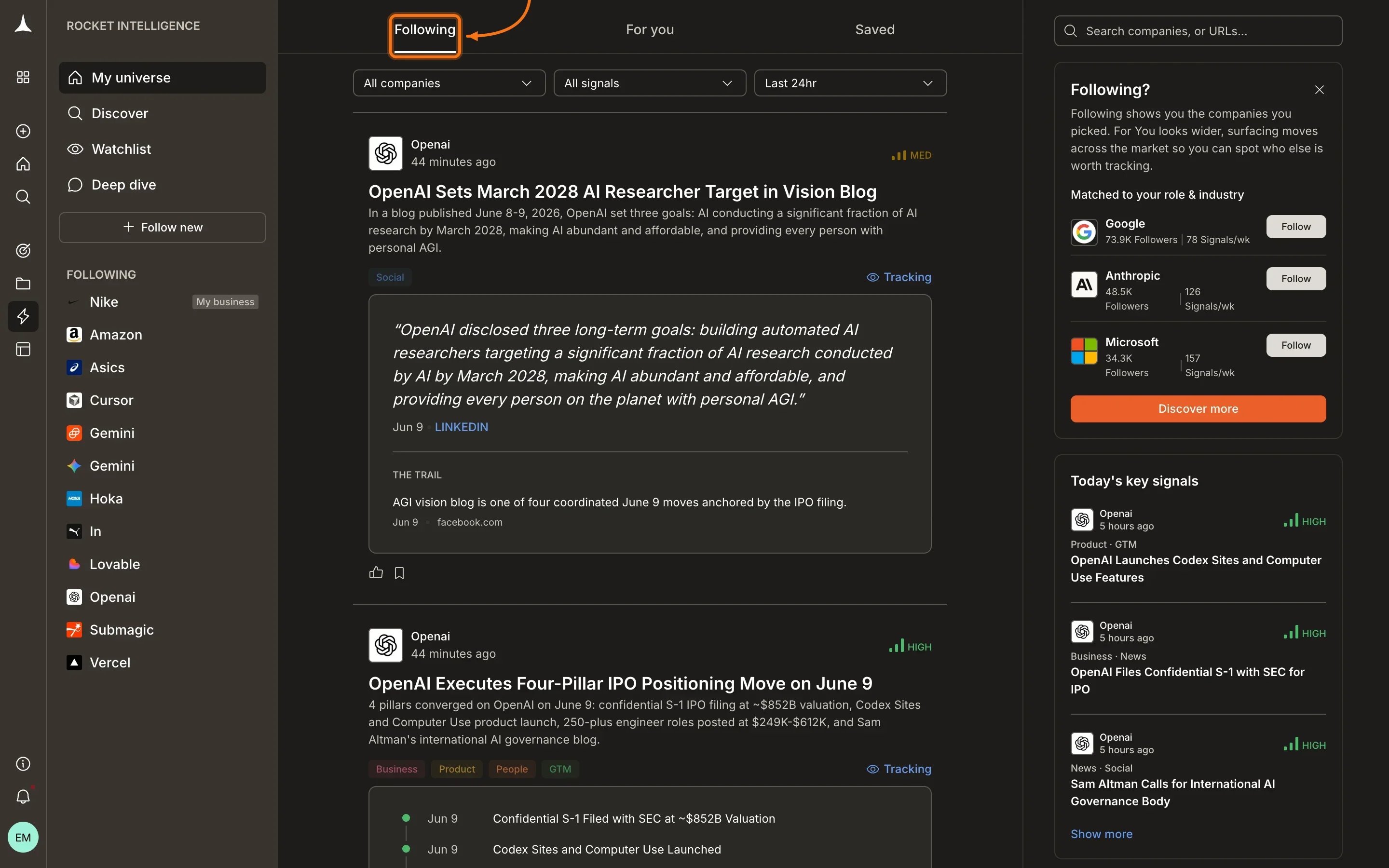
The **Following** feed shows Intel from every company in your universe, ranked by magnitude and personalized to your role and lens.
 ## Layout
The Following feed is organized into three areas:
* **Header tabs:** switch between [For You](/intelligence/feeds/for-you), Following, and [Saved](/intelligence/feeds/saved)
* **Filter bar:** narrow results by company, signal type, or time window (All companies | All signals | Last 24hr)
* **Right sidebar:** contextual nudges that change based on your current stage, such as prompts to follow companies, create a watchlist, or discover new signals
## Intel cards
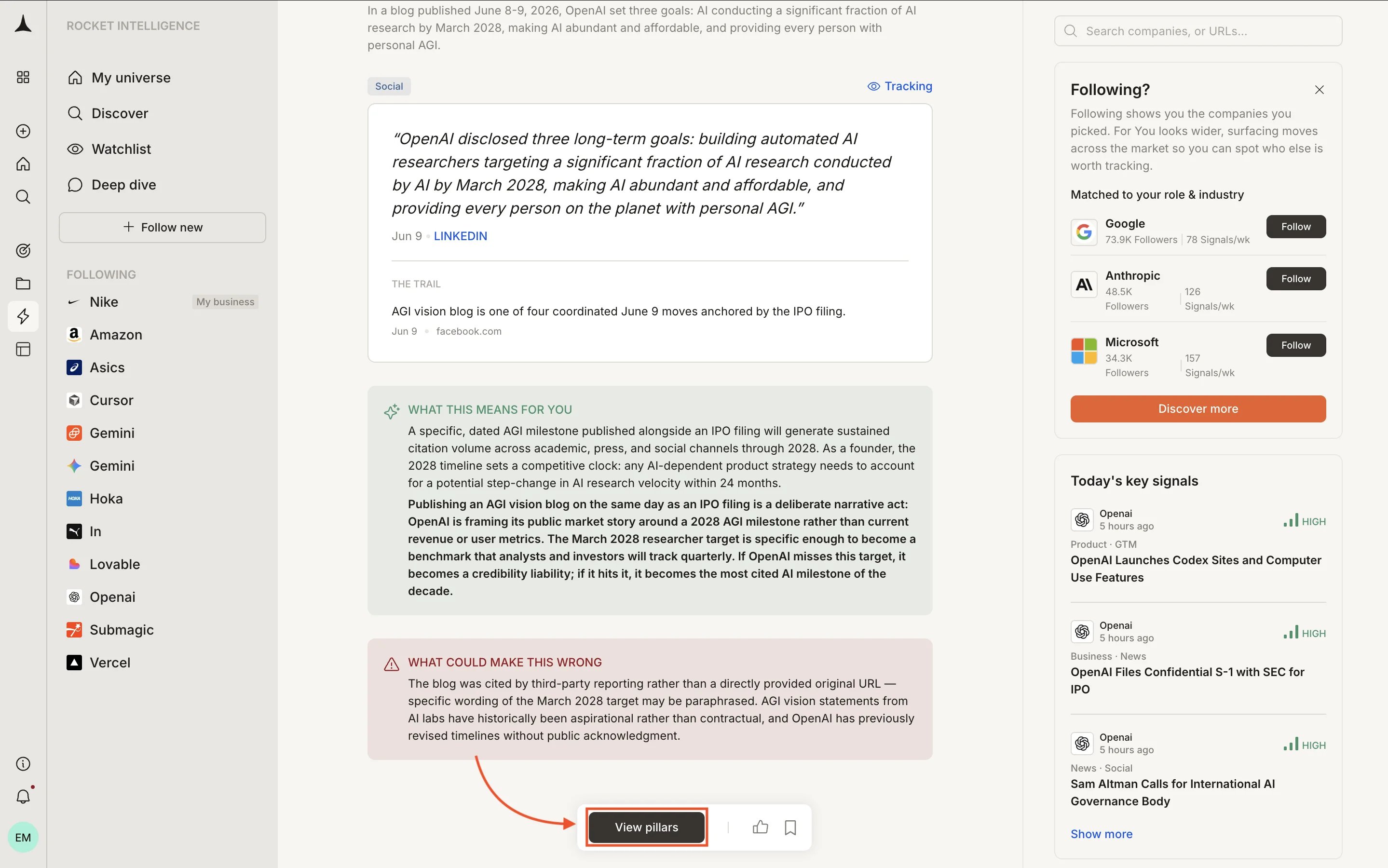
Each Intel card in your feed contains:
## Layout
The Following feed is organized into three areas:
* **Header tabs:** switch between [For You](/intelligence/feeds/for-you), Following, and [Saved](/intelligence/feeds/saved)
* **Filter bar:** narrow results by company, signal type, or time window (All companies | All signals | Last 24hr)
* **Right sidebar:** contextual nudges that change based on your current stage, such as prompts to follow companies, create a watchlist, or discover new signals
## Intel cards
Each Intel card in your feed contains:
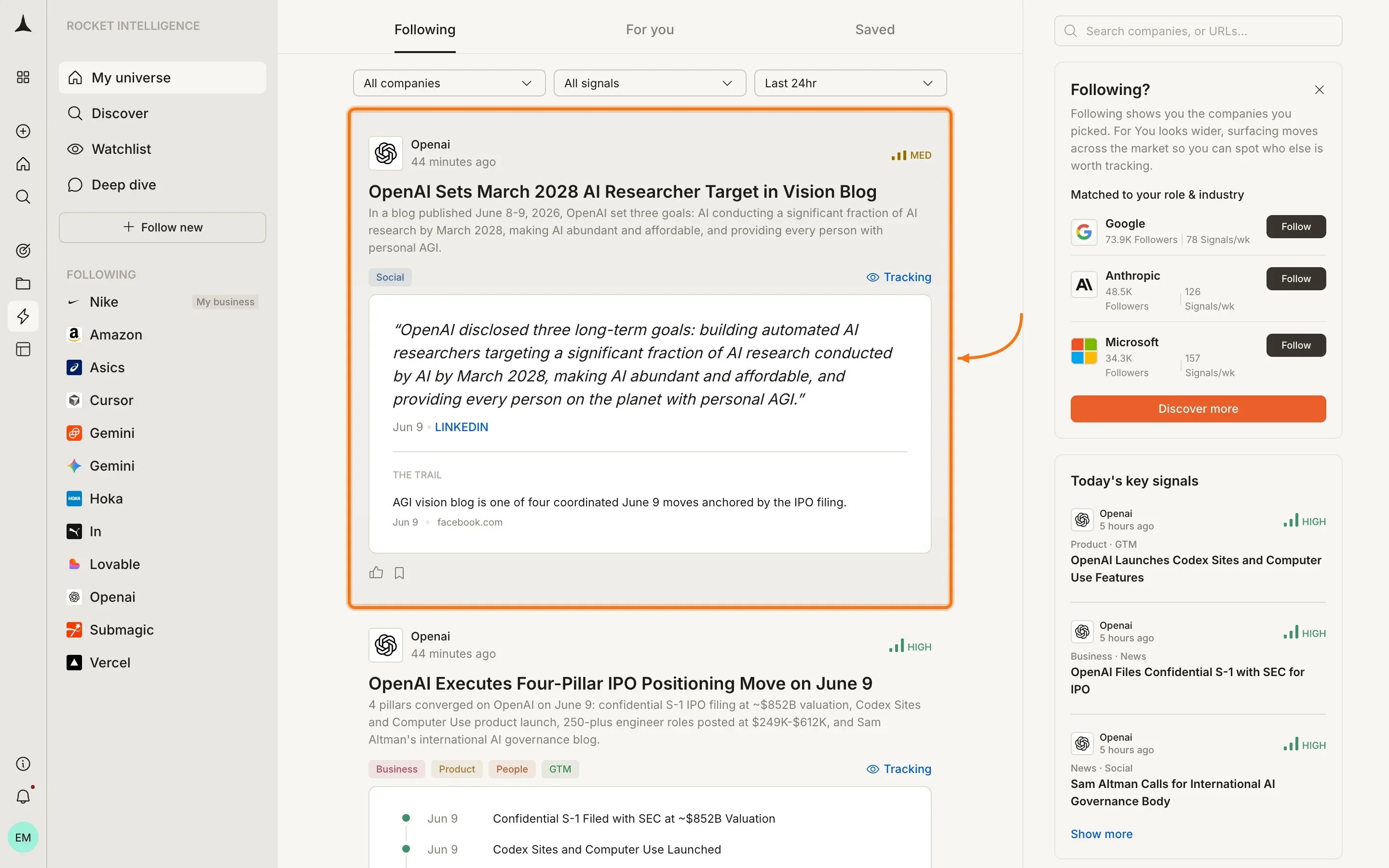
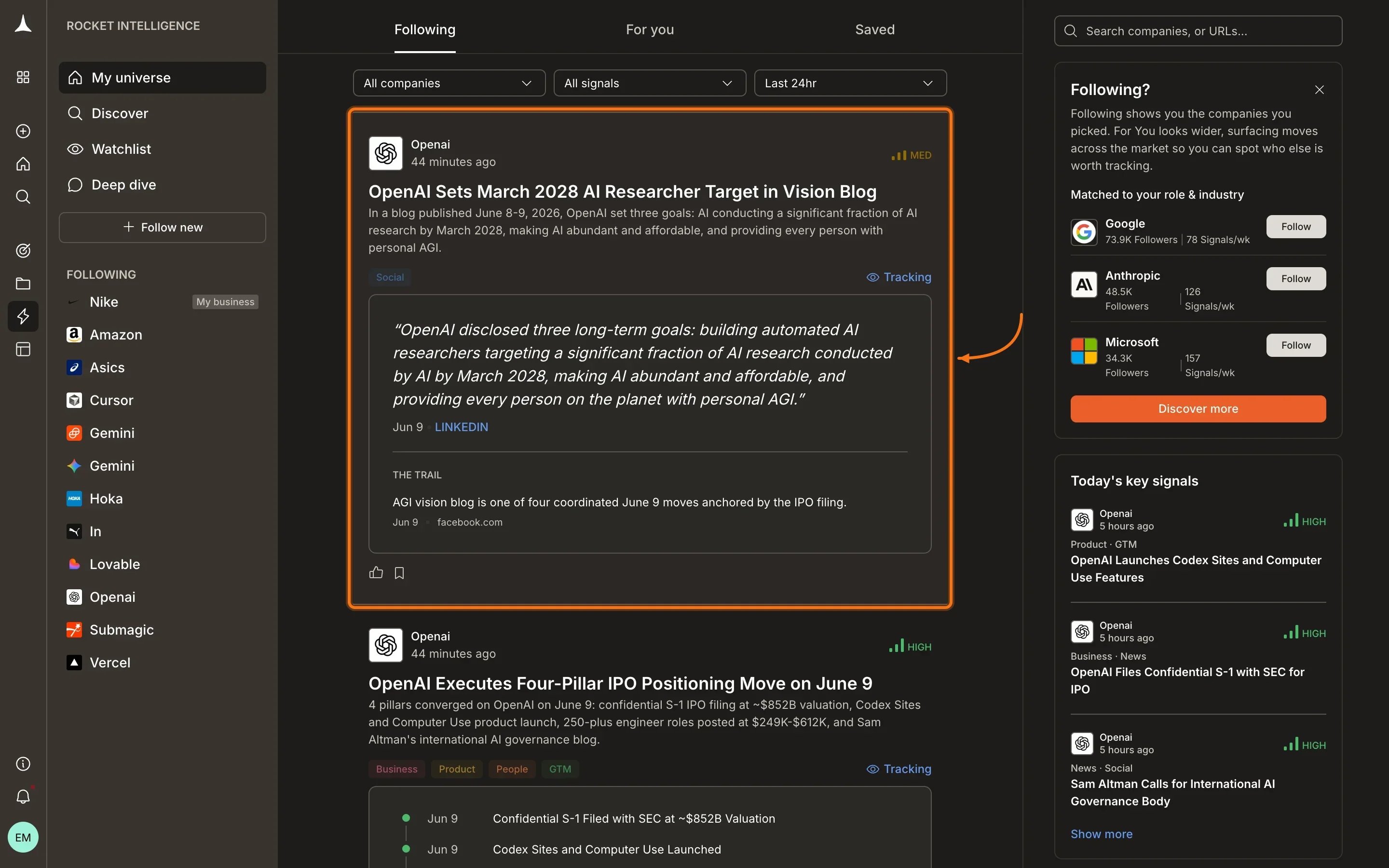 * **Company name and timestamp** at the top of the card
* **Magnitude badge** (High, Medium, or Low) indicating significance
* **Headline** summarizing the interpreted Intel
* **Detail paragraph** explaining what was detected and its broader context
* **Pillar tags** showing which pillars contributed (Business, News, GTM, etc.)
* **"Tracking" link** connecting this Intel to the lens you set for the company
* **Quoted evidence:** the raw source material supporting the interpretation
* **The Trail** section listing the evidence chain behind the Intel
* **Thumbs up and bookmark icons** for feedback and saving
Intel is ranked based on:
* **Magnitude:** High-magnitude Intel surfaces first
* **Your pins:** pinned companies get priority
* **Your lens:** the reason you watch each company weights which signals matter more
* **Your role:** from your profile, used to prioritize signal types
## Viewing pillar detail
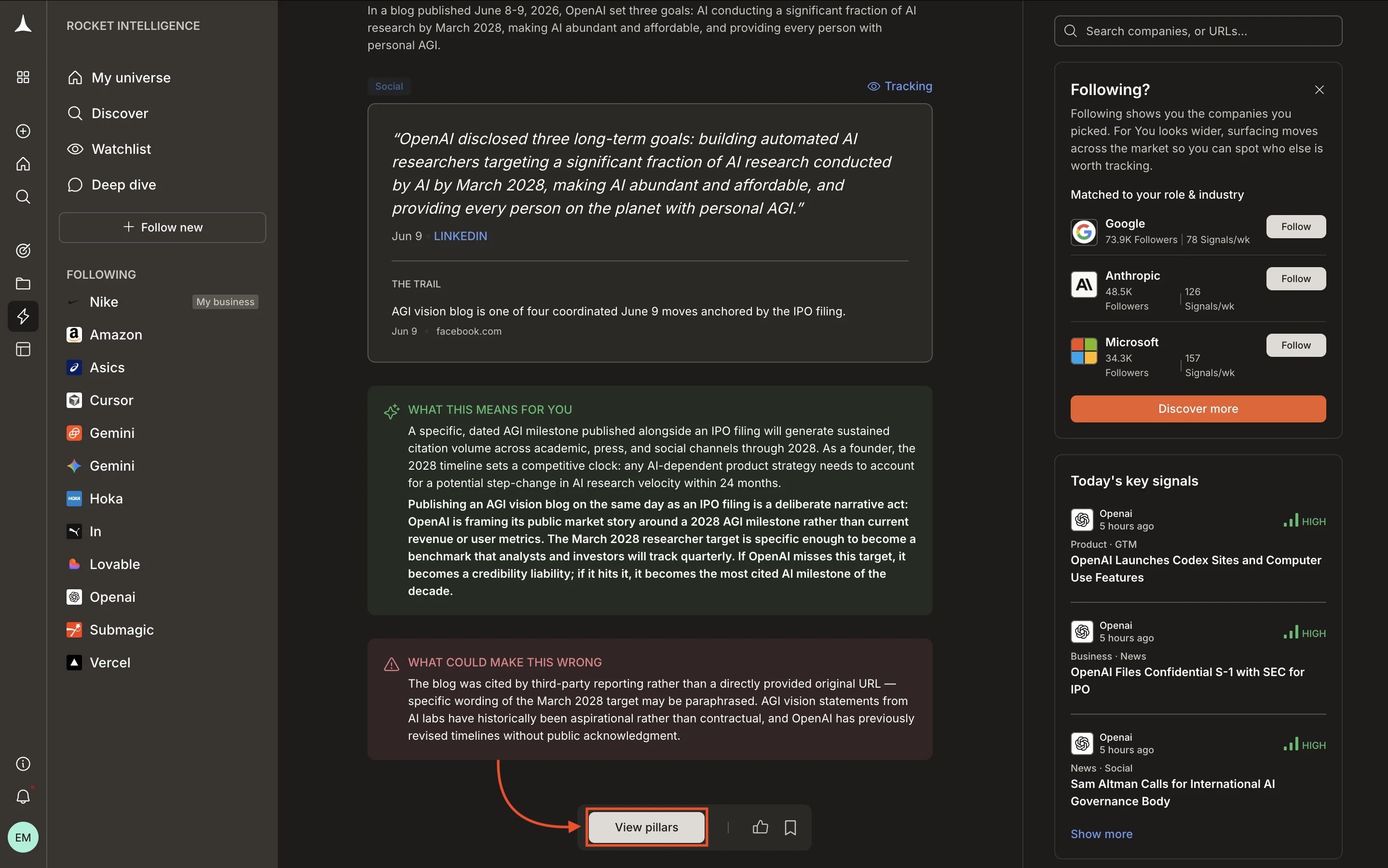
Expanding an Intel card reveals deeper analysis including **"What this means for you"** and **"What could make this wrong"** sections. Click **View pillars** to open the full pillar navigation for that company.
* **Company name and timestamp** at the top of the card
* **Magnitude badge** (High, Medium, or Low) indicating significance
* **Headline** summarizing the interpreted Intel
* **Detail paragraph** explaining what was detected and its broader context
* **Pillar tags** showing which pillars contributed (Business, News, GTM, etc.)
* **"Tracking" link** connecting this Intel to the lens you set for the company
* **Quoted evidence:** the raw source material supporting the interpretation
* **The Trail** section listing the evidence chain behind the Intel
* **Thumbs up and bookmark icons** for feedback and saving
Intel is ranked based on:
* **Magnitude:** High-magnitude Intel surfaces first
* **Your pins:** pinned companies get priority
* **Your lens:** the reason you watch each company weights which signals matter more
* **Your role:** from your profile, used to prioritize signal types
## Viewing pillar detail
Expanding an Intel card reveals deeper analysis including **"What this means for you"** and **"What could make this wrong"** sections. Click **View pillars** to open the full pillar navigation for that company.
 ## Daily rhythm
The recommended way to use Following:
Spend 5 to 10 minutes reviewing what surfaced overnight. High-magnitude Intel appears at the top.
Each Intel card includes a "What this means for you" section connecting the signal to your context.
Click **View pillars** on any Intel card to open the company's full pillar view and investigate further.
Decide whether a signal needs a [Solve task](/solve/overview), a conversation with your team, or just awareness. Bookmark important Intel for later reference.
## Empty state
If you have not followed any companies yet, Following shows a welcome message directing you to [Discover](/intelligence/feeds/discover) to build your universe.
Following only shows Intel from companies in your universe. For signals from companies you do not watch, check the [For You](/intelligence/feeds/for-you) feed.
## What's next
Intel from outside your universe that matches your interests.
Your personal collection of bookmarked Intel.
Find and add companies to grow your universe.
Deep-dive into a specific company's activity.
## Daily rhythm
The recommended way to use Following:
Spend 5 to 10 minutes reviewing what surfaced overnight. High-magnitude Intel appears at the top.
Each Intel card includes a "What this means for you" section connecting the signal to your context.
Click **View pillars** on any Intel card to open the company's full pillar view and investigate further.
Decide whether a signal needs a [Solve task](/solve/overview), a conversation with your team, or just awareness. Bookmark important Intel for later reference.
## Empty state
If you have not followed any companies yet, Following shows a welcome message directing you to [Discover](/intelligence/feeds/discover) to build your universe.
Following only shows Intel from companies in your universe. For signals from companies you do not watch, check the [For You](/intelligence/feeds/for-you) feed.
## What's next
Intel from outside your universe that matches your interests.
Your personal collection of bookmarked Intel.
Find and add companies to grow your universe.
Deep-dive into a specific company's activity.