> ## Documentation Index
> Fetch the complete documentation index at: https://docs.rocket.new/llms.txt
> Use this file to discover all available pages before exploring further.
# Watchlist
> Group competitors into a watchlist and apply a lens so Rocket Intelligence delivers Intel cards focused on one strategic question or theme.
export const LlmsDirective = () =>
For the complete documentation index, see llms.txt.
For a lightweight markdown version of this page, append .md to the URL.
;
A **Watchlist** groups companies together with a **lens**, a plain-language description of what you want to know. Instead of browsing individual company feeds, you define a strategic question and Rocket watches for Intel that answers it.
 ## What makes up a Watchlist
Every watchlist has three parts:
| Component | Role |
| :-------------------- | :-------------------------------------------------------------------- |
| **Companies** | The set of entities Rocket watches for this watchlist |
| **Lens** | Your strategic question: the purpose that drives which Intel surfaces |
| **Delivery settings** | How and when you receive Intel (channel + frequency) |
The lens is the key differentiator. Two watchlists can contain the same companies but produce completely different Intel because they ask different questions.
## Browsing your Watchlists
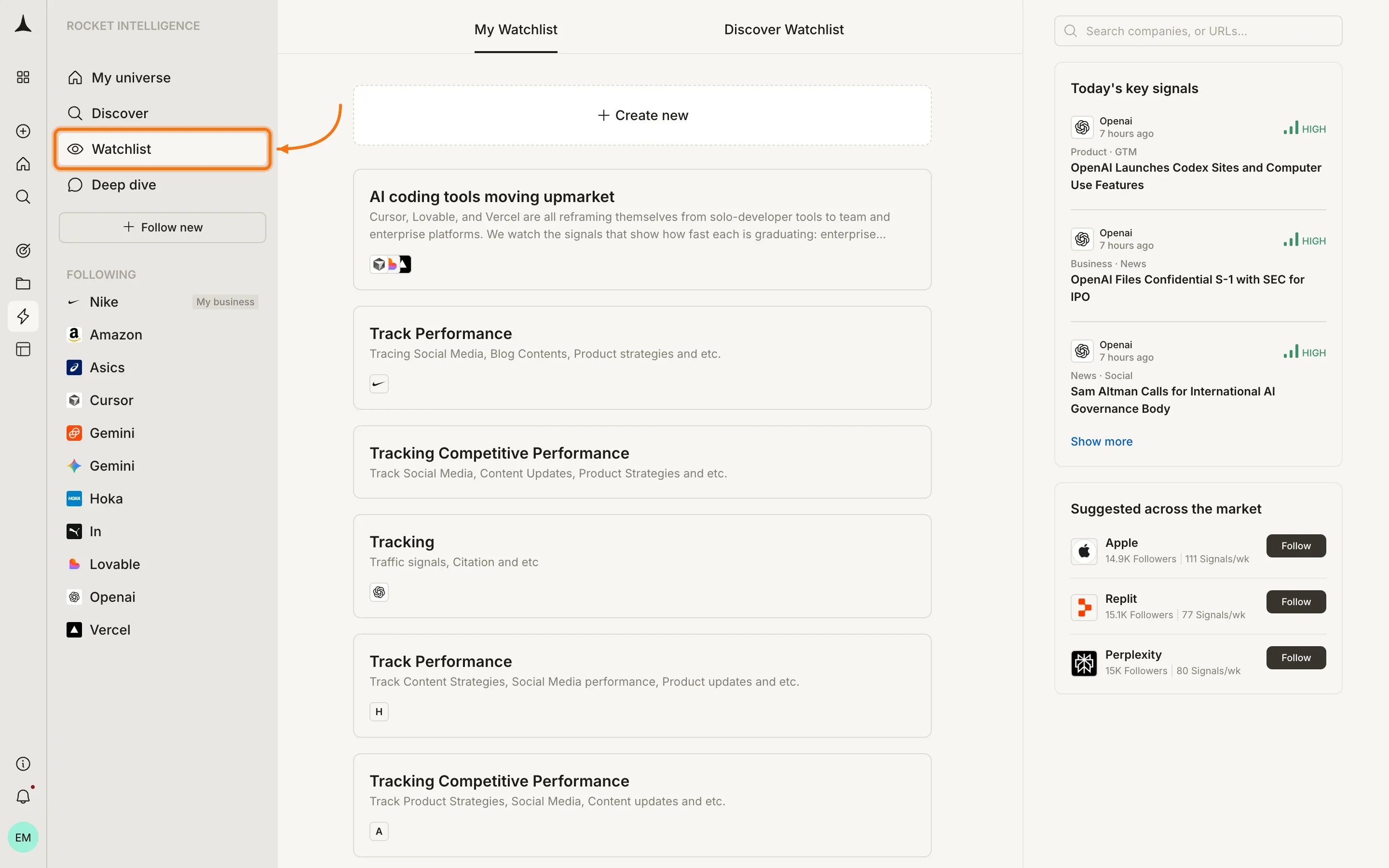
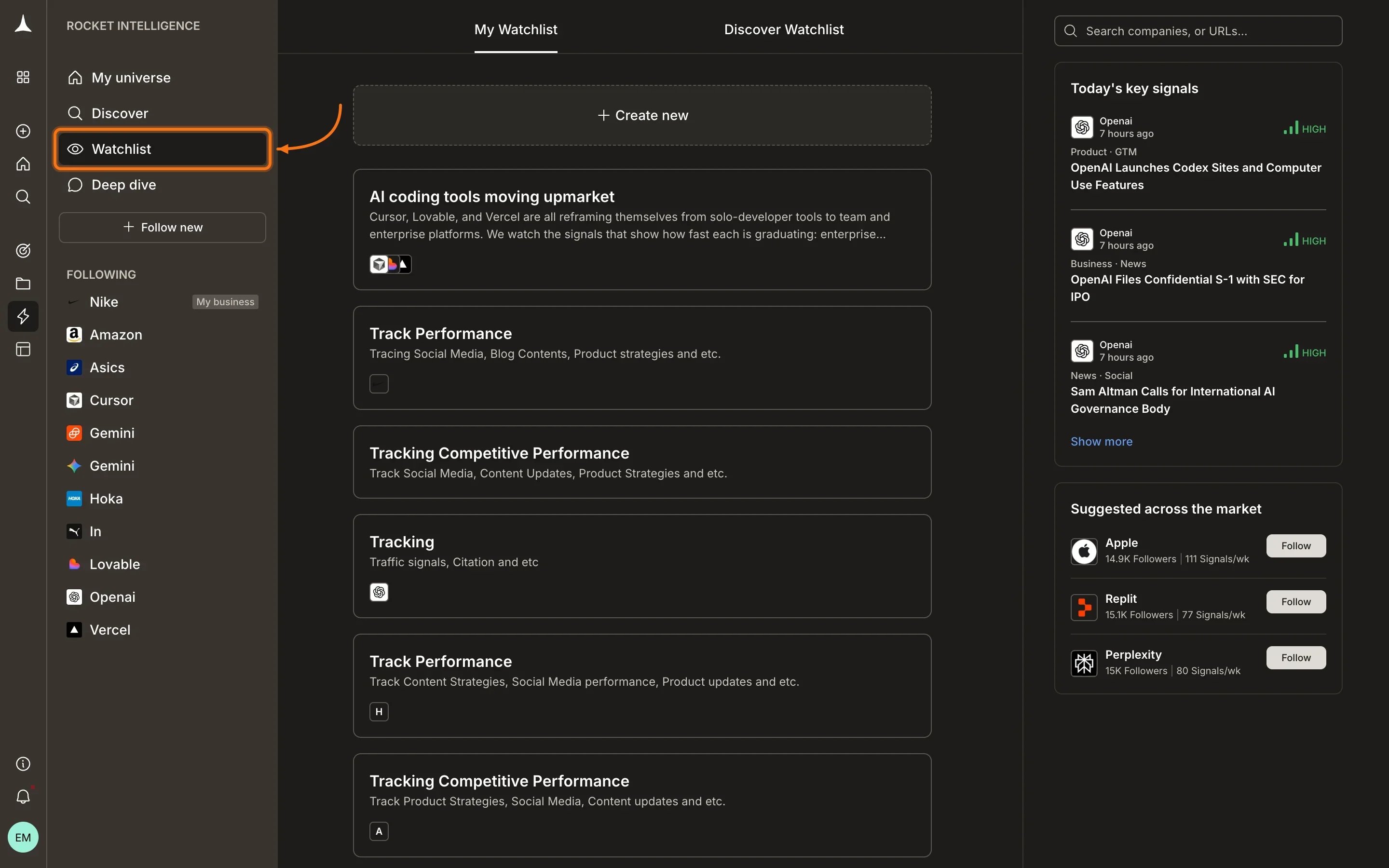
Click **Watchlist** in the sidebar to see all your watchlists. The page has two tabs:
* **My Watchlist:** watchlists you have created
* **Discover Watchlist:** pre-built watchlists you can adopt
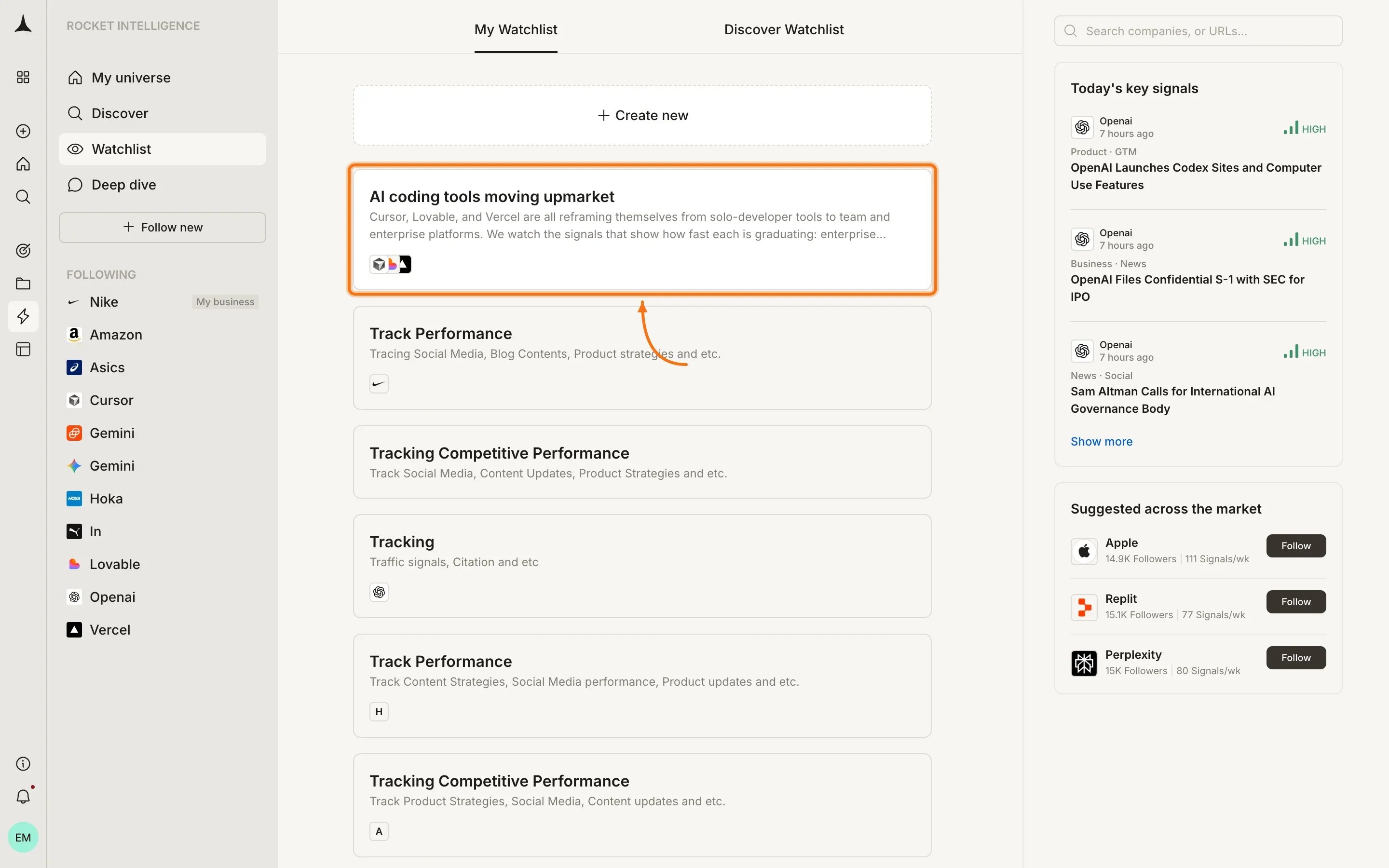
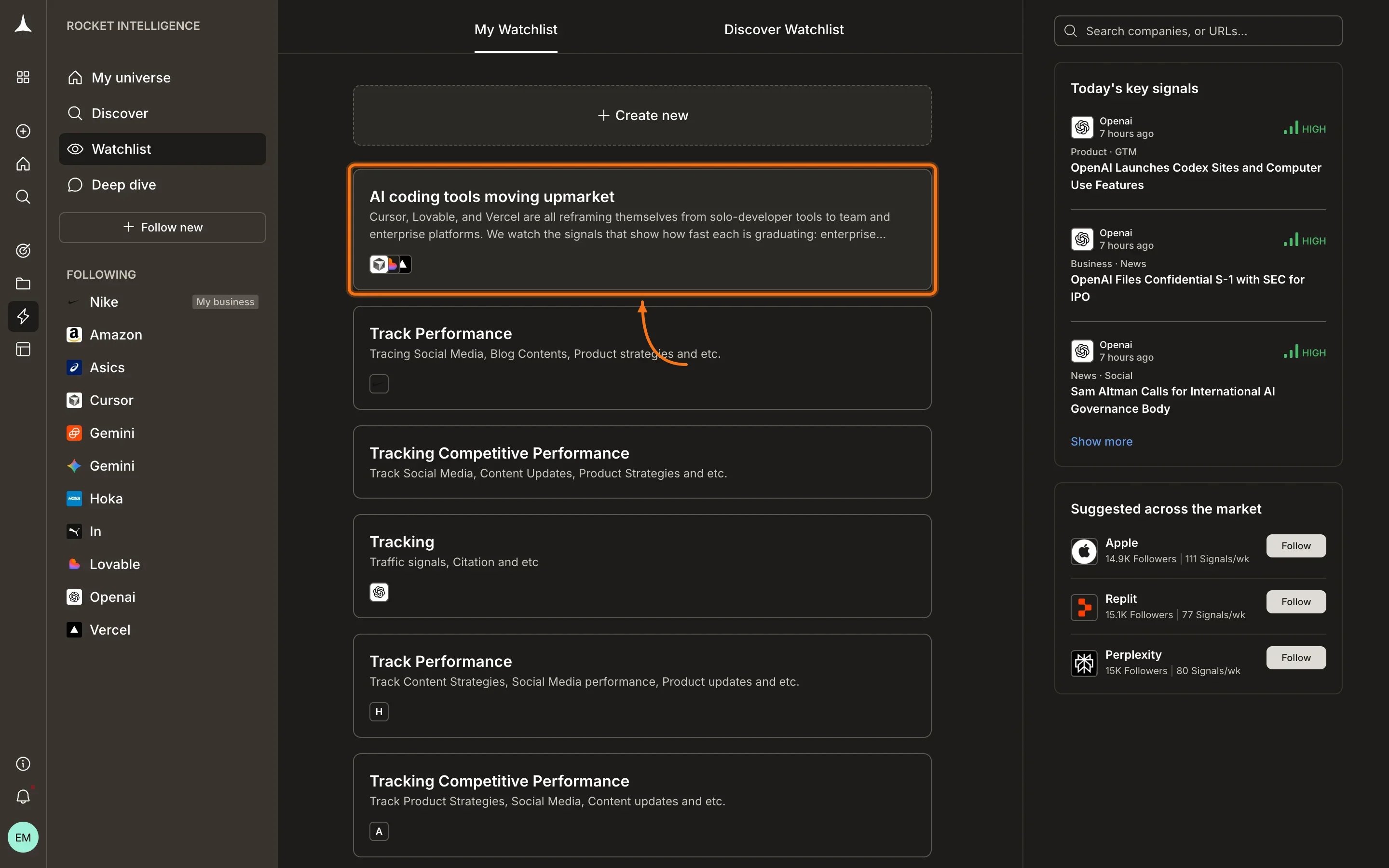
Each item shows the watchlist name, description, and company logos.
## What makes up a Watchlist
Every watchlist has three parts:
| Component | Role |
| :-------------------- | :-------------------------------------------------------------------- |
| **Companies** | The set of entities Rocket watches for this watchlist |
| **Lens** | Your strategic question: the purpose that drives which Intel surfaces |
| **Delivery settings** | How and when you receive Intel (channel + frequency) |
The lens is the key differentiator. Two watchlists can contain the same companies but produce completely different Intel because they ask different questions.
## Browsing your Watchlists
Click **Watchlist** in the sidebar to see all your watchlists. The page has two tabs:
* **My Watchlist:** watchlists you have created
* **Discover Watchlist:** pre-built watchlists you can adopt
Each item shows the watchlist name, description, and company logos.
 ## Watchlist detail view
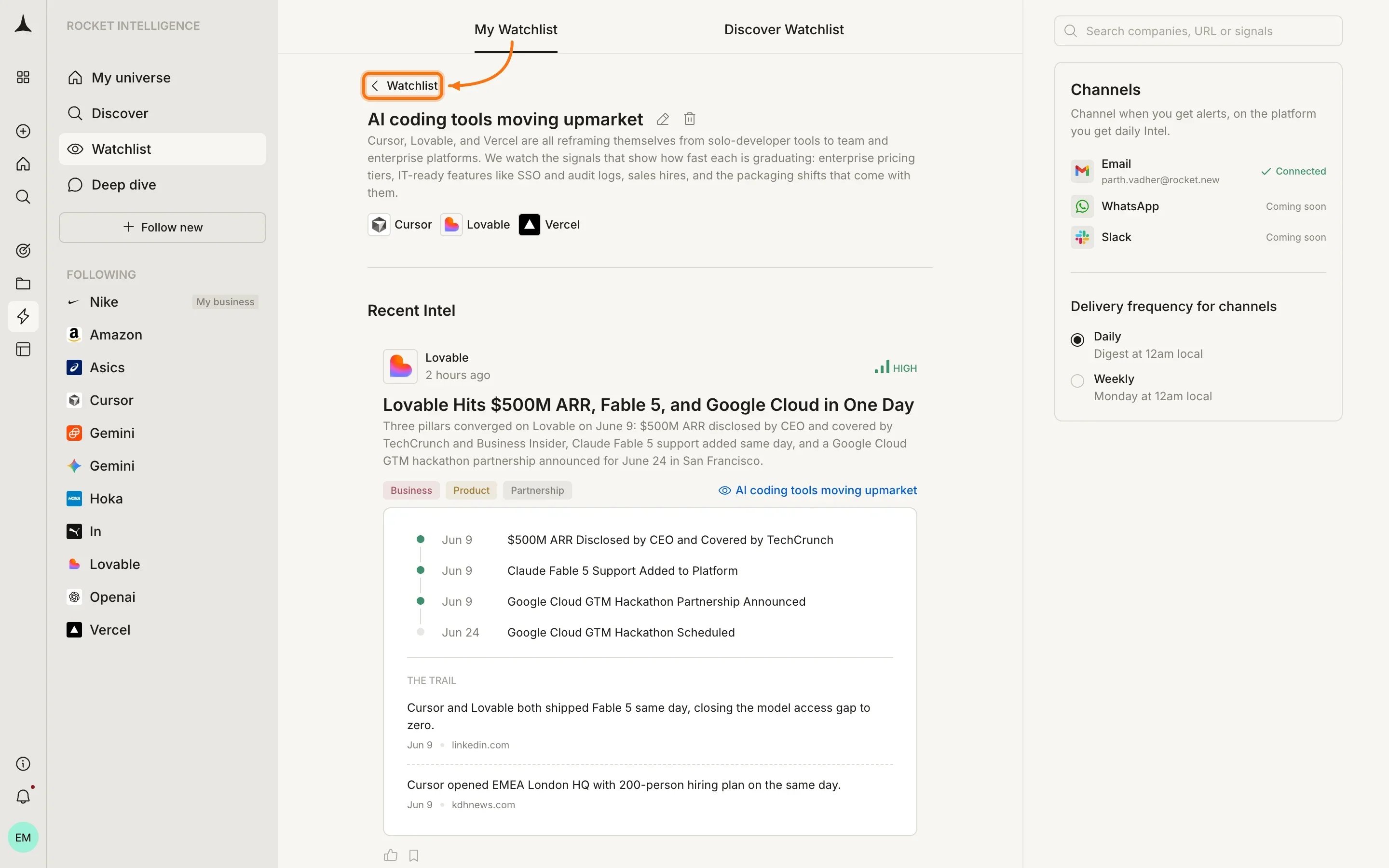
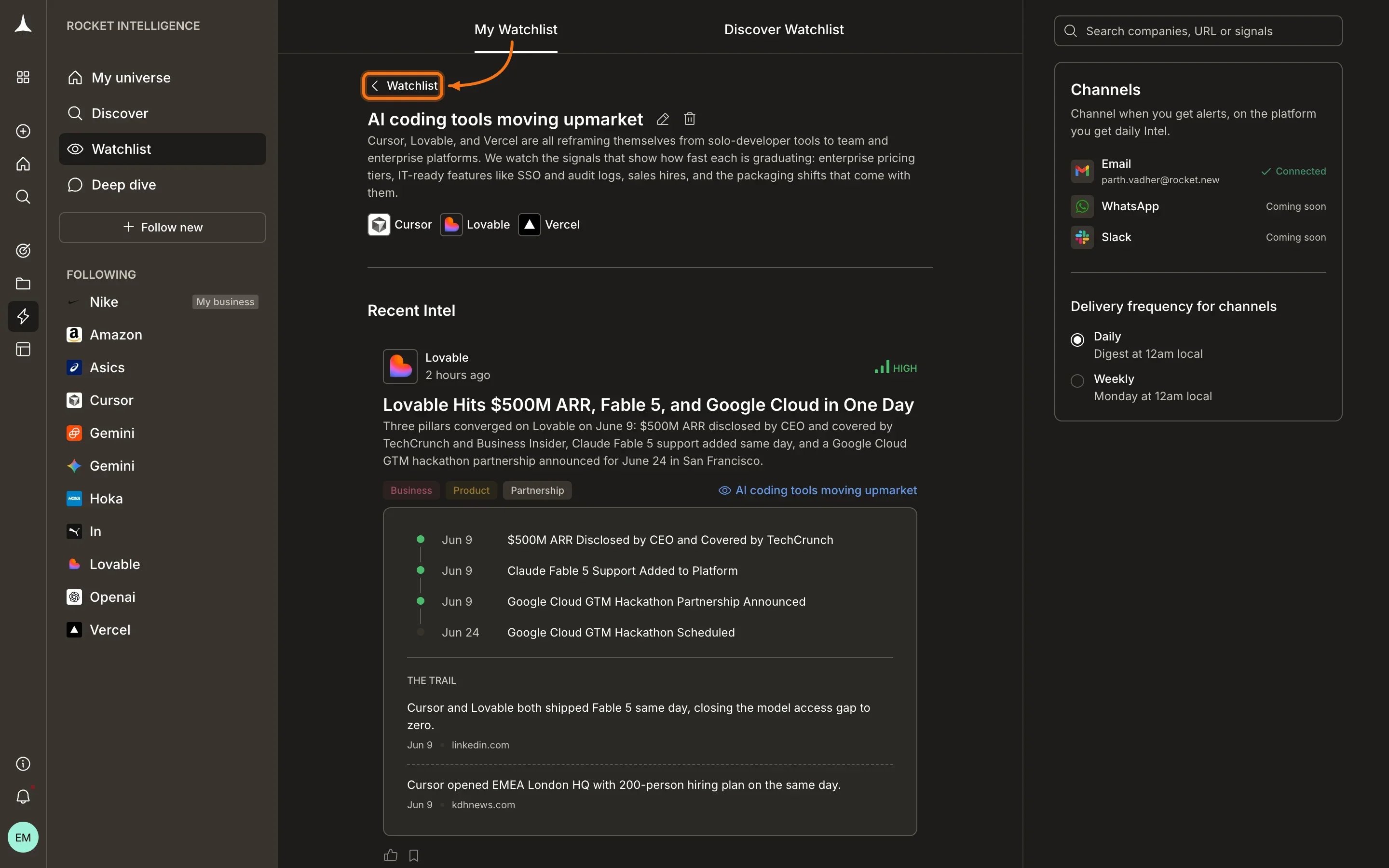
Opening a watchlist shows its full context: the lens description, the companies being watched, and a **Recent Intel** section containing Intel cards scoped through that watchlist's lens.
The right sidebar displays delivery settings, showing which channels are connected and the chosen frequency.
## Watchlist detail view
Opening a watchlist shows its full context: the lens description, the companies being watched, and a **Recent Intel** section containing Intel cards scoped through that watchlist's lens.
The right sidebar displays delivery settings, showing which channels are connected and the chosen frequency.
 ## Creating a Watchlist
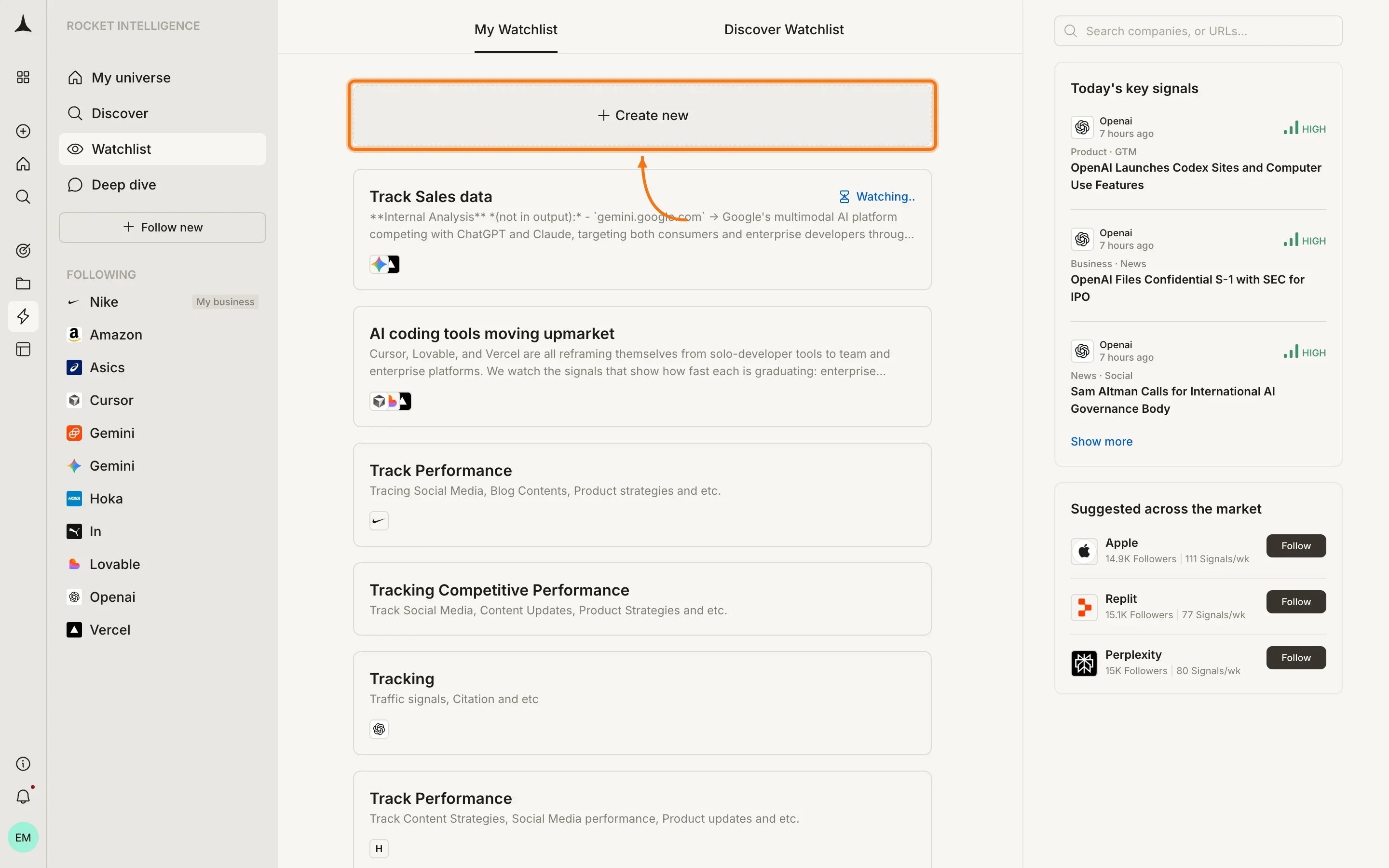
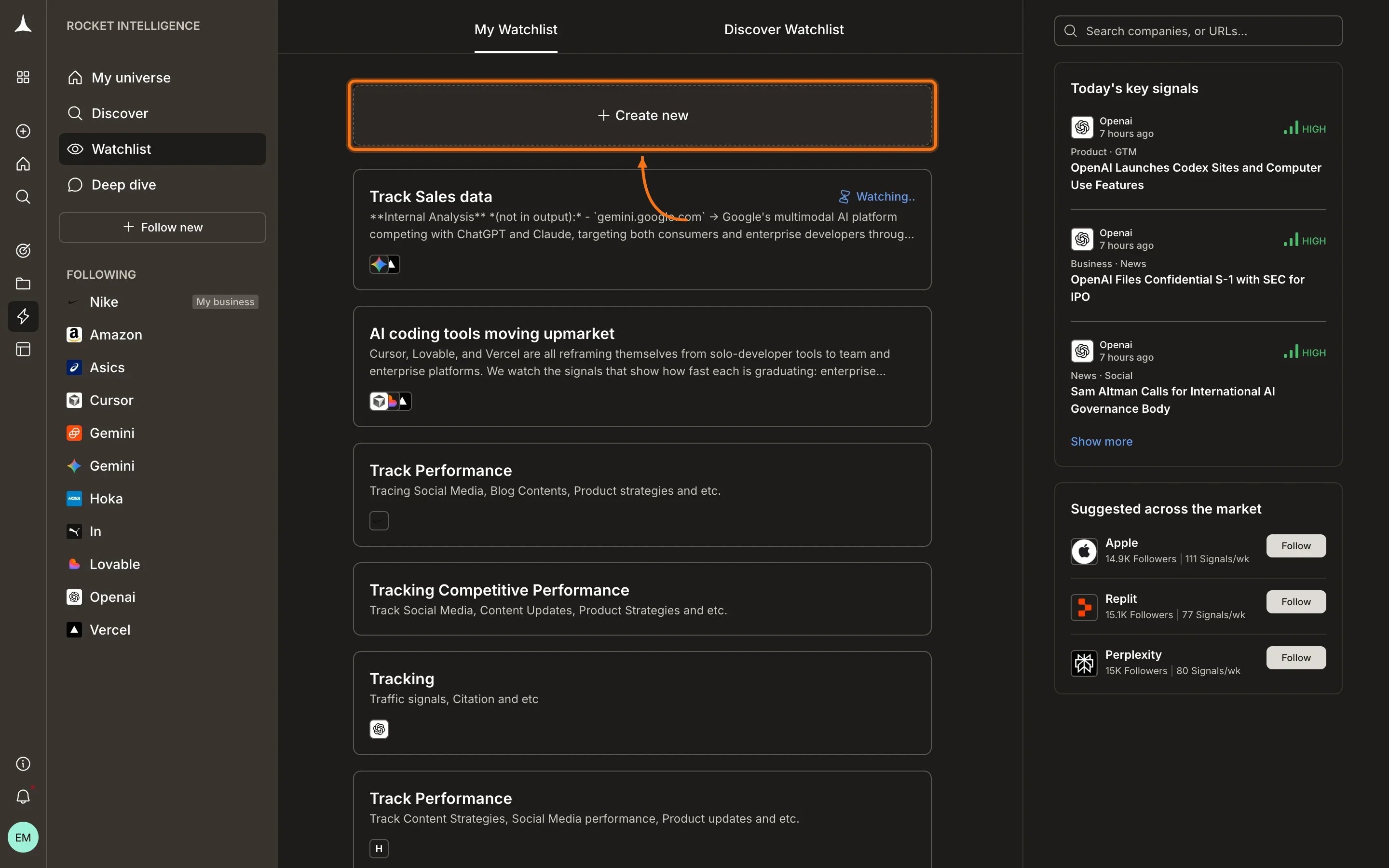
Click the **Create Watchlist** button at the top of your watchlist list to start.
## Creating a Watchlist
Click the **Create Watchlist** button at the top of your watchlist list to start.
 Creation is a guided multi-step flow:
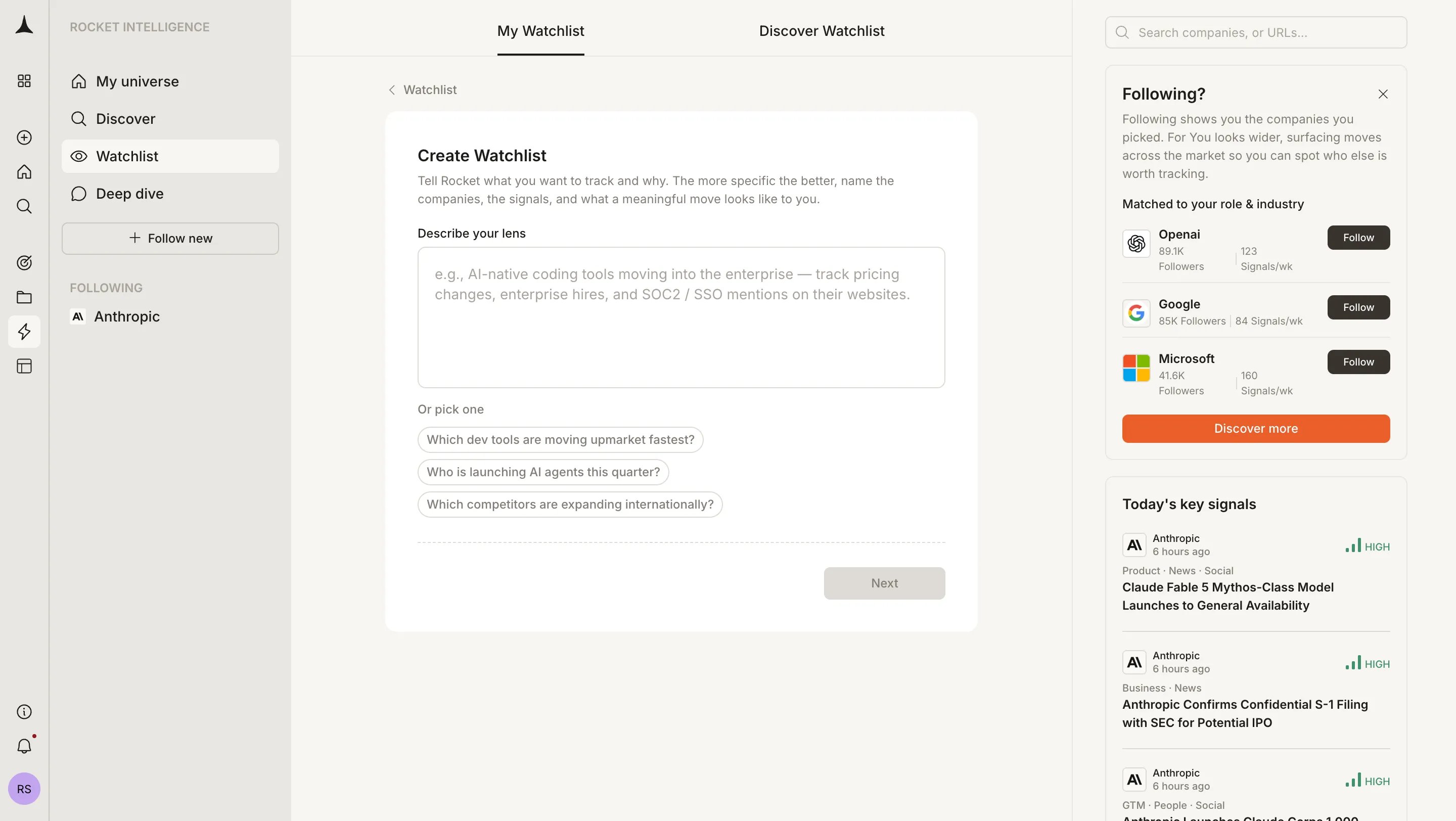
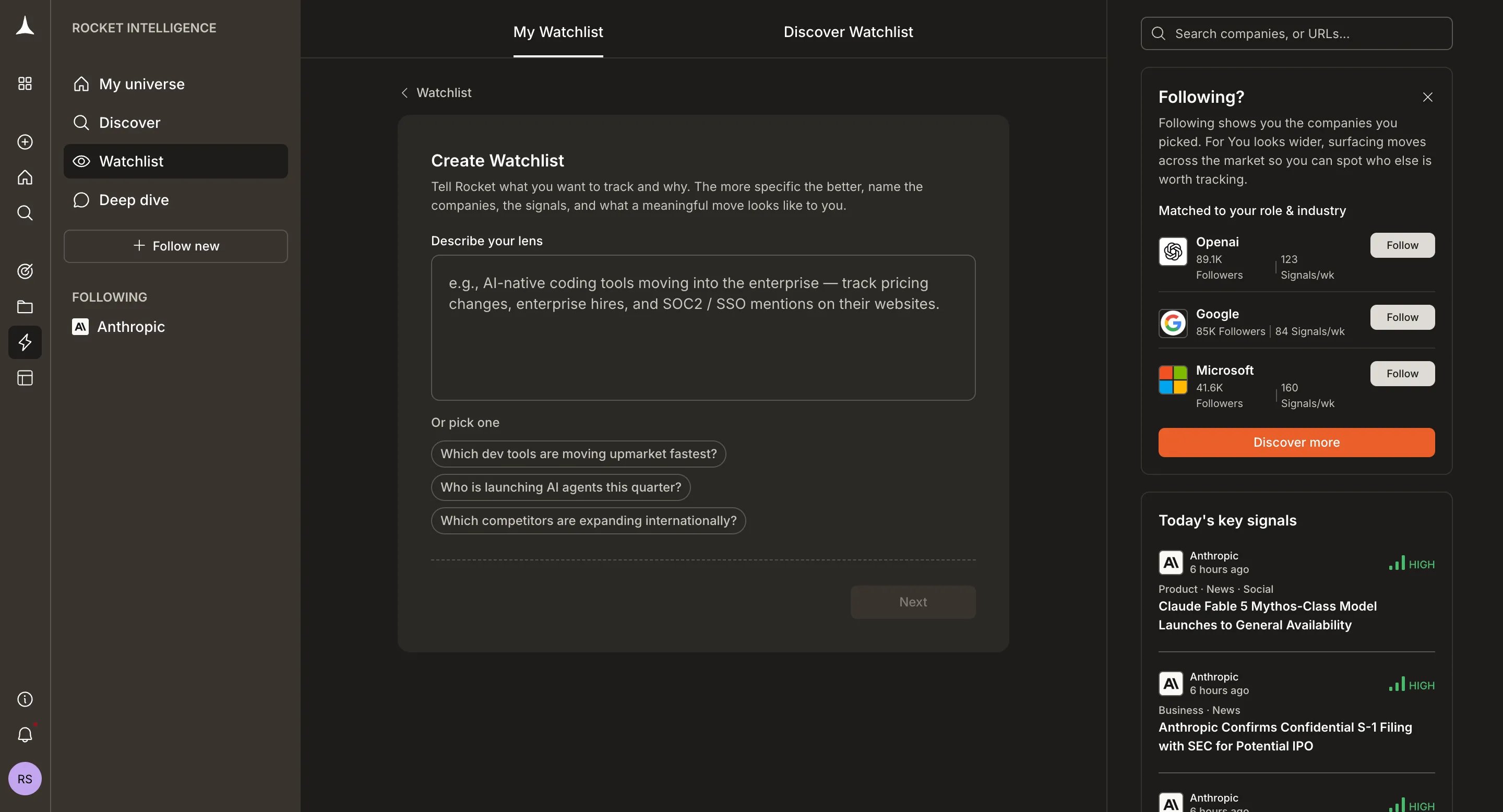
Describe what you want to track and why in plain language. The more specific the better: name the companies, the signals, and what a meaningful move looks like to you. Example prompts are offered as starting points:
* "Which dev tools are moving upmarket fastest?"
* "Who is launching AI agents this quarter?"
* "Which competitors are expanding internationally?"
Creation is a guided multi-step flow:
Describe what you want to track and why in plain language. The more specific the better: name the companies, the signals, and what a meaningful move looks like to you. Example prompts are offered as starting points:
* "Which dev tools are moving upmarket fastest?"
* "Who is launching AI agents this quarter?"
* "Which competitors are expanding internationally?"
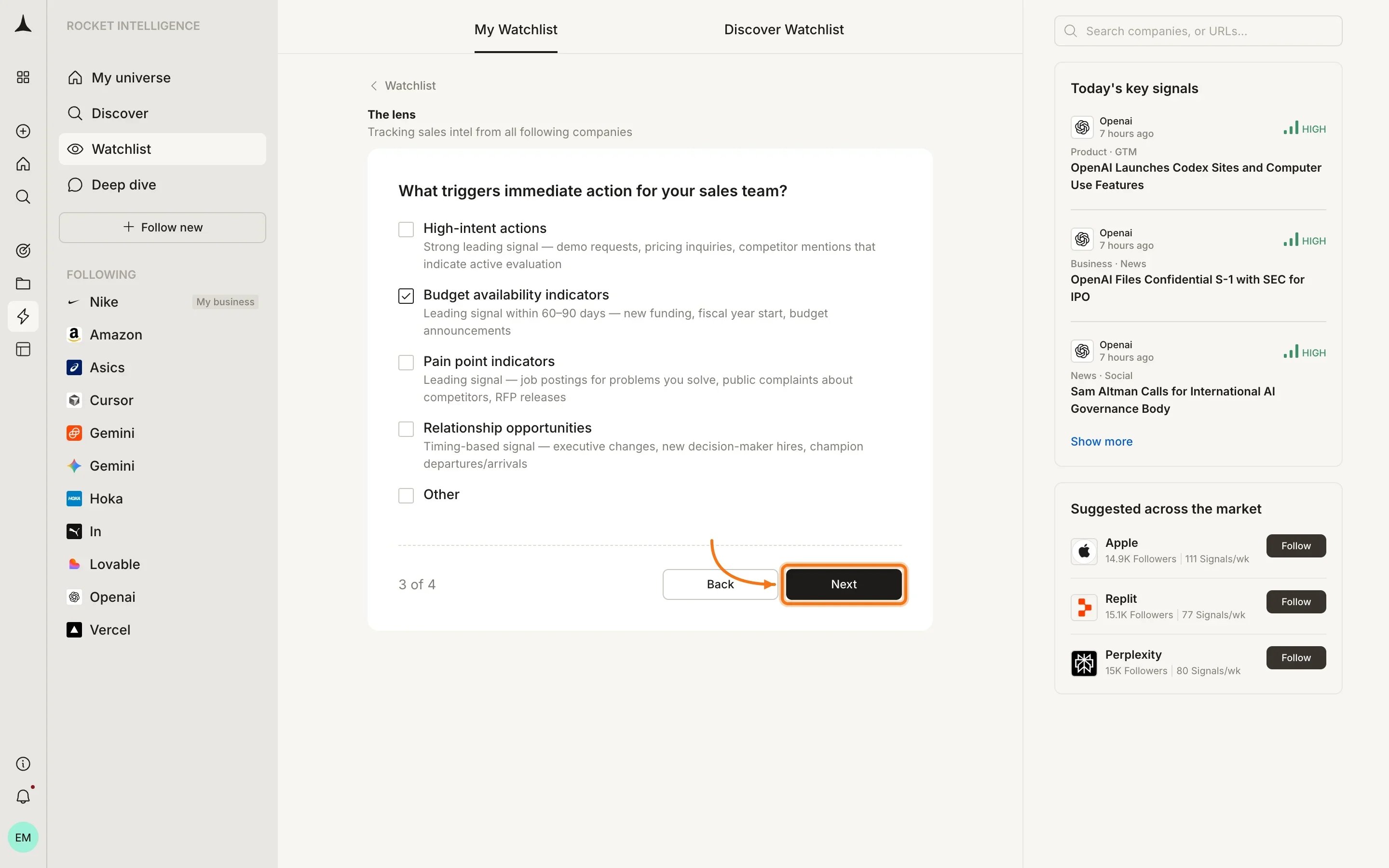
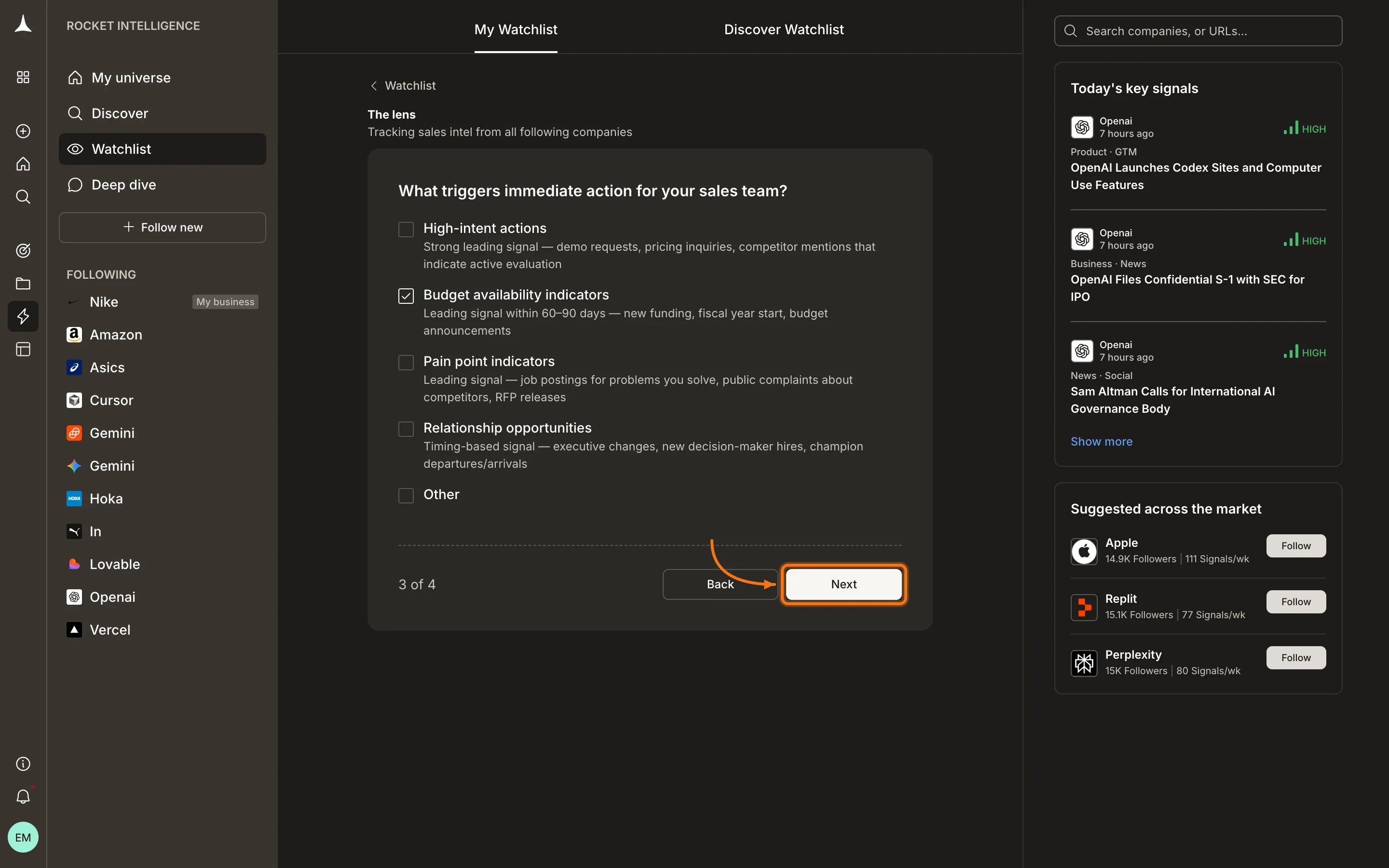
 Rocket asks a short set of questions to sharpen your lens. These are multi-choice and help define what kinds of signals matter most for your question.
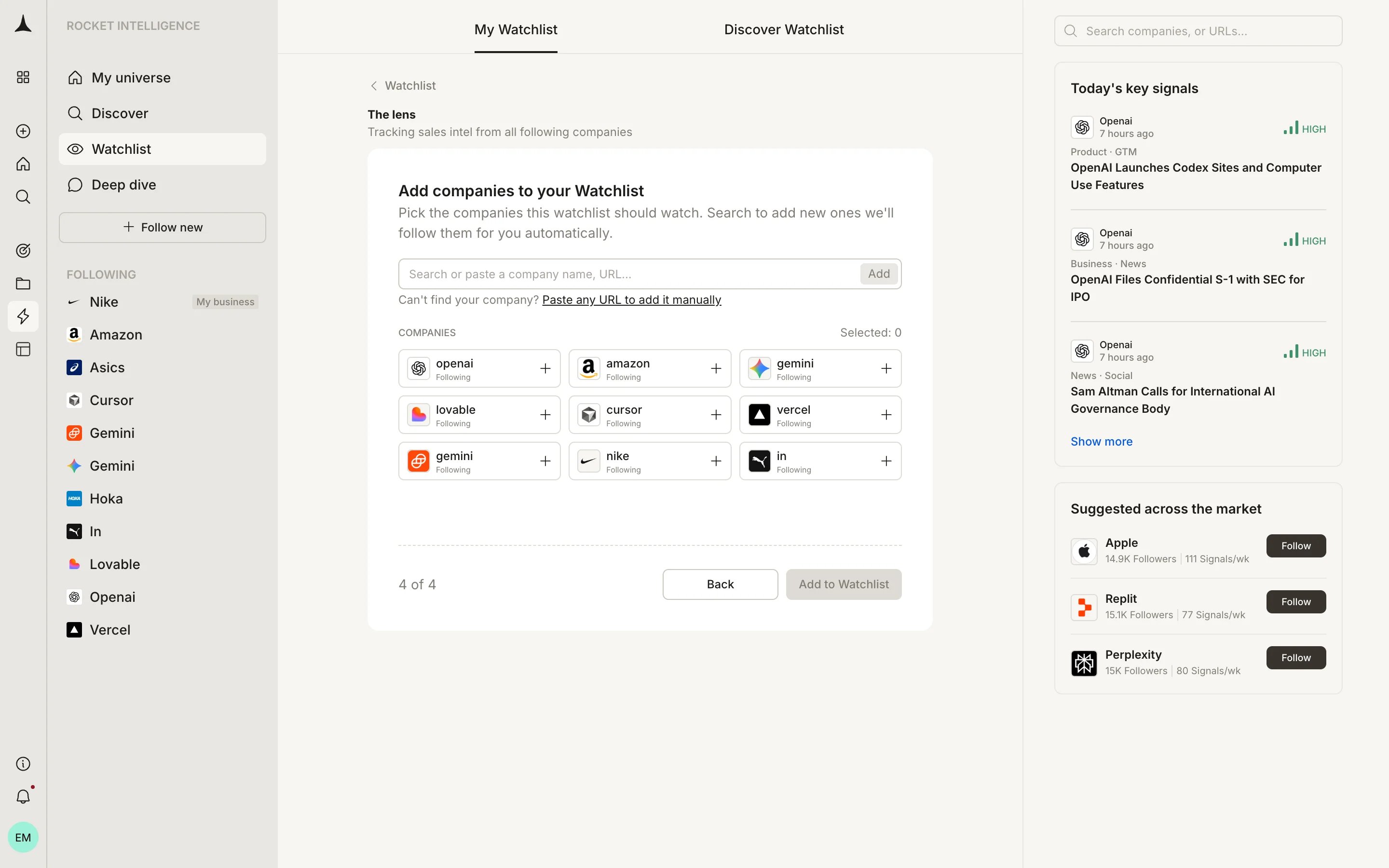
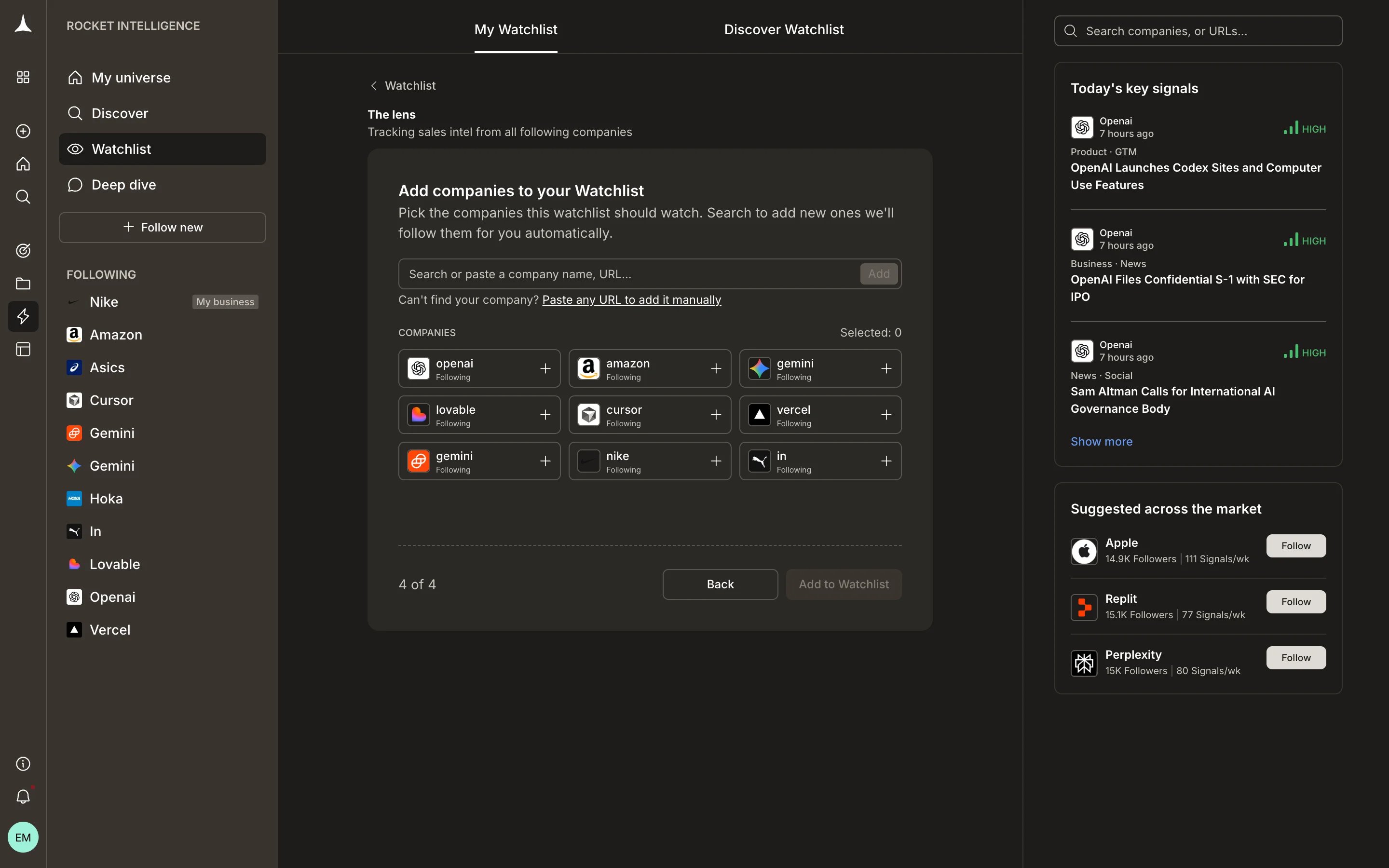
 Select which companies to include. You can search or pick from companies you already follow.
 ## Delivery channels
Each watchlist can deliver Intel through configured channels:
| Channel | Status |
| :------- | :---------- |
| Email | Connected |
| WhatsApp | Coming soon |
| Slack | Coming soon |
You also choose a delivery frequency, **Daily** or **Weekly**, depending on how often you need updates for that particular question.
## Limits
Adding a company to a watchlist automatically follows that company if you are not already following it. There is no limit on the number of watchlists you can create or the number of companies you can add to a single watchlist.
However, you can follow a maximum of **10 companies** across your account. If you attempt to follow more than 10, a message will be displayed indicating the limit has been reached.
## What's next
Intel from every company in your universe, ranked and personalized.
Discovery Intel from companies outside your universe.
Understand Intel, lenses, magnitude, and other core terms.
Find companies to follow or add to a watchlist.
## Delivery channels
Each watchlist can deliver Intel through configured channels:
| Channel | Status |
| :------- | :---------- |
| Email | Connected |
| WhatsApp | Coming soon |
| Slack | Coming soon |
You also choose a delivery frequency, **Daily** or **Weekly**, depending on how often you need updates for that particular question.
## Limits
Adding a company to a watchlist automatically follows that company if you are not already following it. There is no limit on the number of watchlists you can create or the number of companies you can add to a single watchlist.
However, you can follow a maximum of **10 companies** across your account. If you attempt to follow more than 10, a message will be displayed indicating the limit has been reached.
## What's next
Intel from every company in your universe, ranked and personalized.
Discovery Intel from companies outside your universe.
Understand Intel, lenses, magnitude, and other core terms.
Find companies to follow or add to a watchlist.