> ## Documentation Index
> Fetch the complete documentation index at: https://docs.rocket.new/llms.txt
> Use this file to discover all available pages before exploring further.
# Quick start
> Start receiving personalized Intel in minutes. Set up your profile, follow companies, and let Intelligence surface what matters.
export const LlmsDirective = () =>
For the complete documentation index, see llms.txt.
For a lightweight markdown version of this page, append .md to the URL.
;
Intelligence starts delivering value the moment you follow your first company. This guide walks you through getting set up and into a daily rhythm.
## Before you start
You need a Rocket account. If you have not signed up yet, [create an account](/getting-started/create-an-account) first. Intelligence is included with your plan at no additional credit cost.
## Opening Intelligence
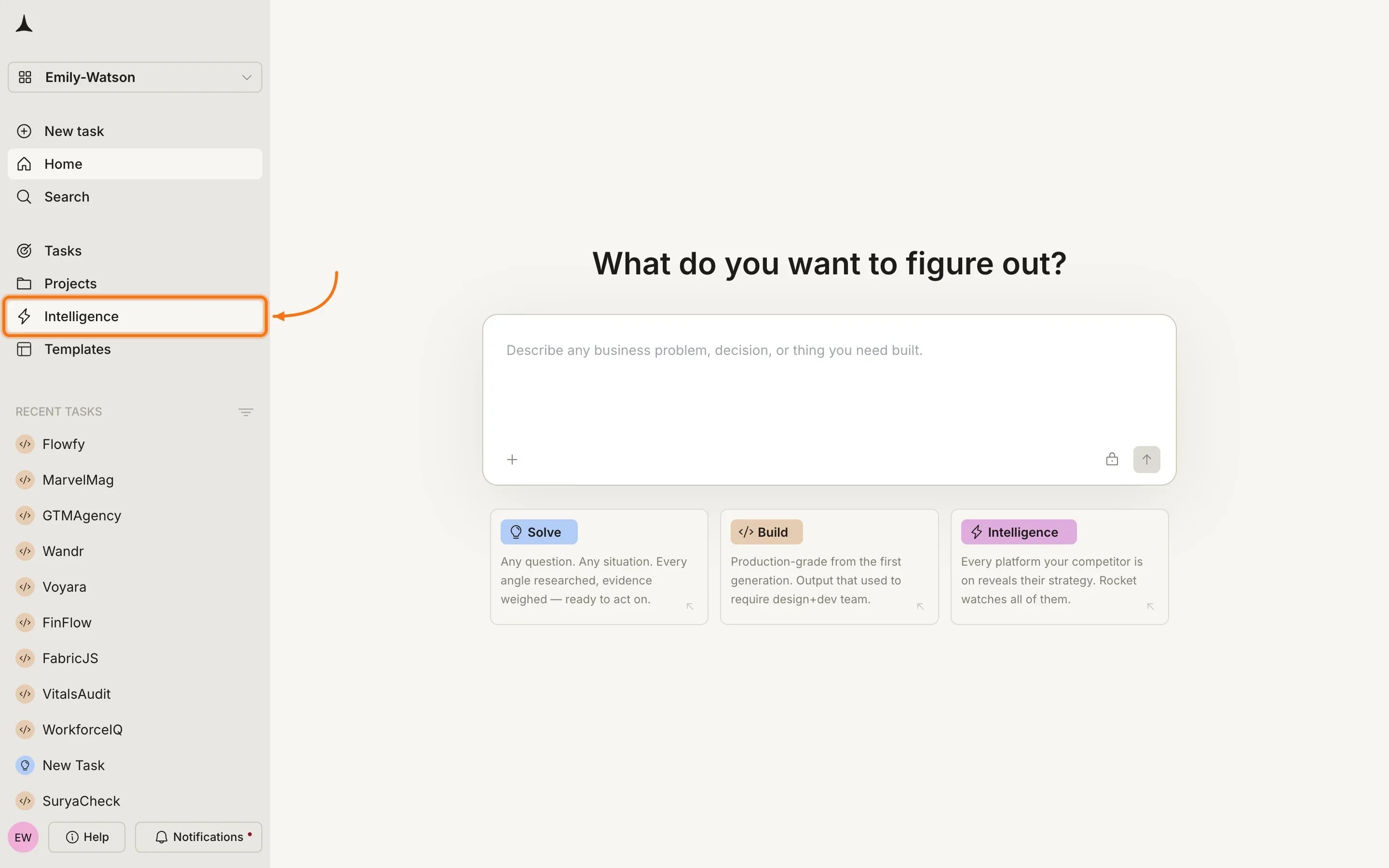
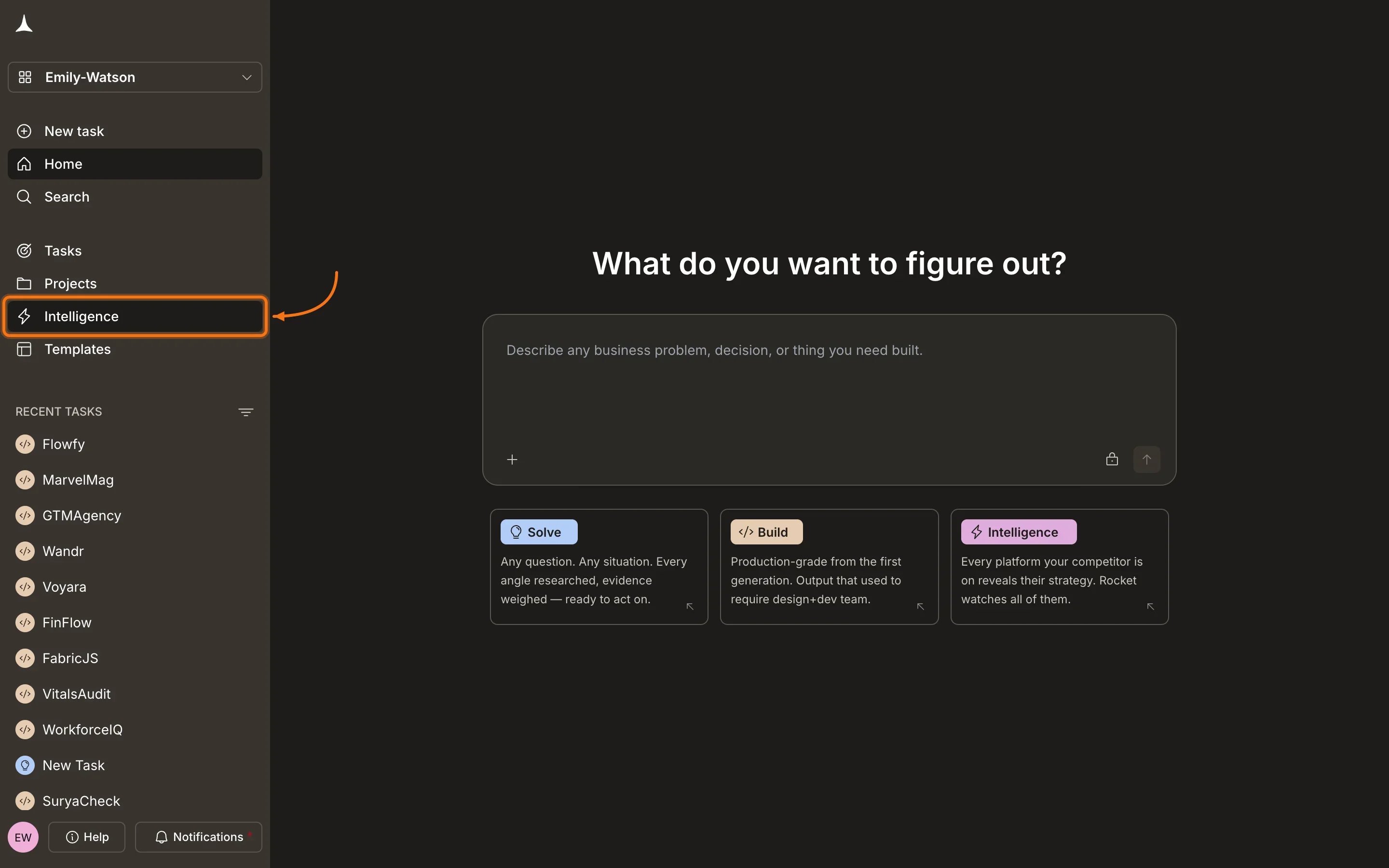
From the Rocket home screen, click **Intelligence** in the sidebar to enter Intelligence.
 ## First-time setup
On your first visit, Intelligence personalizes your experience with a three-step wizard.
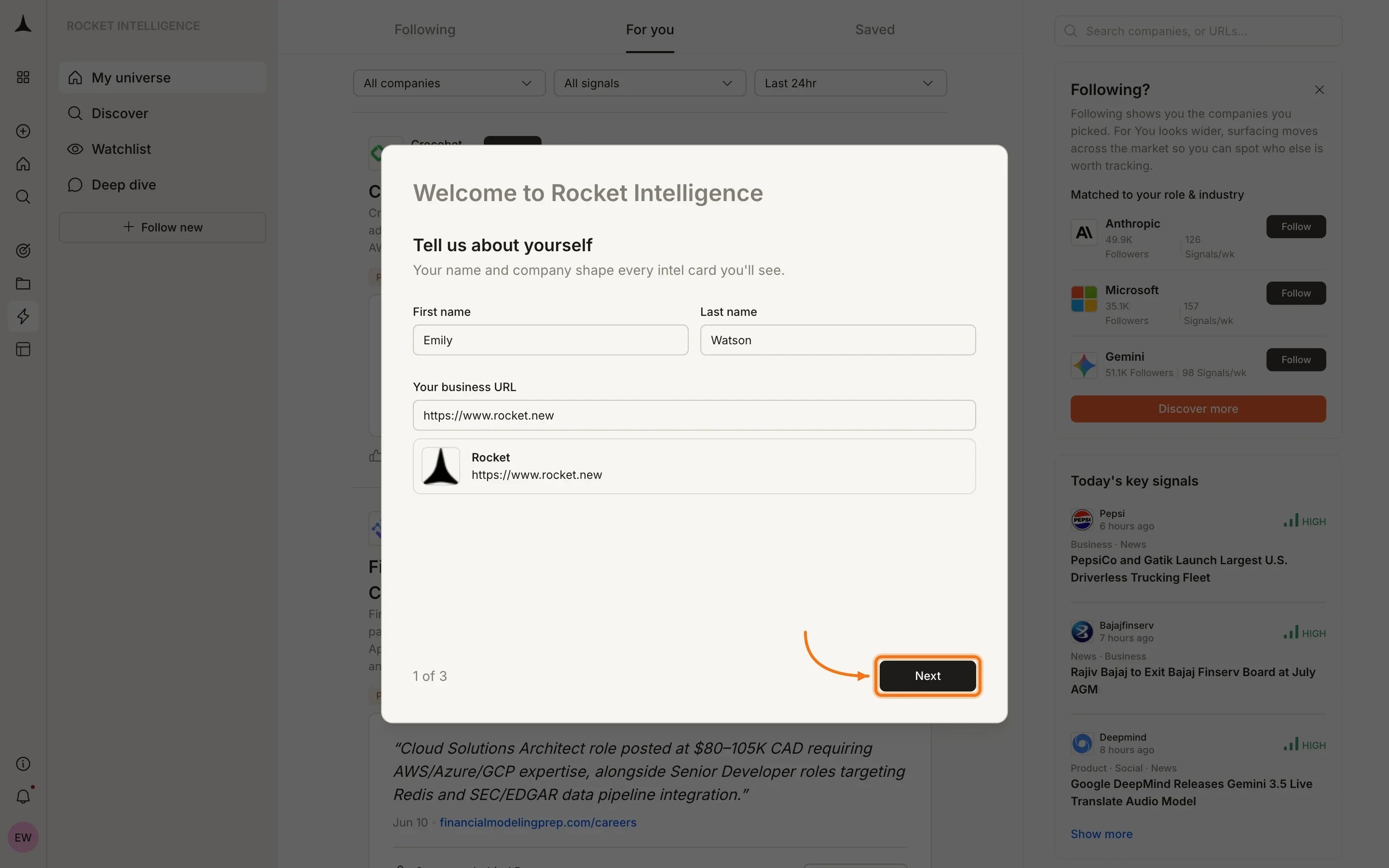
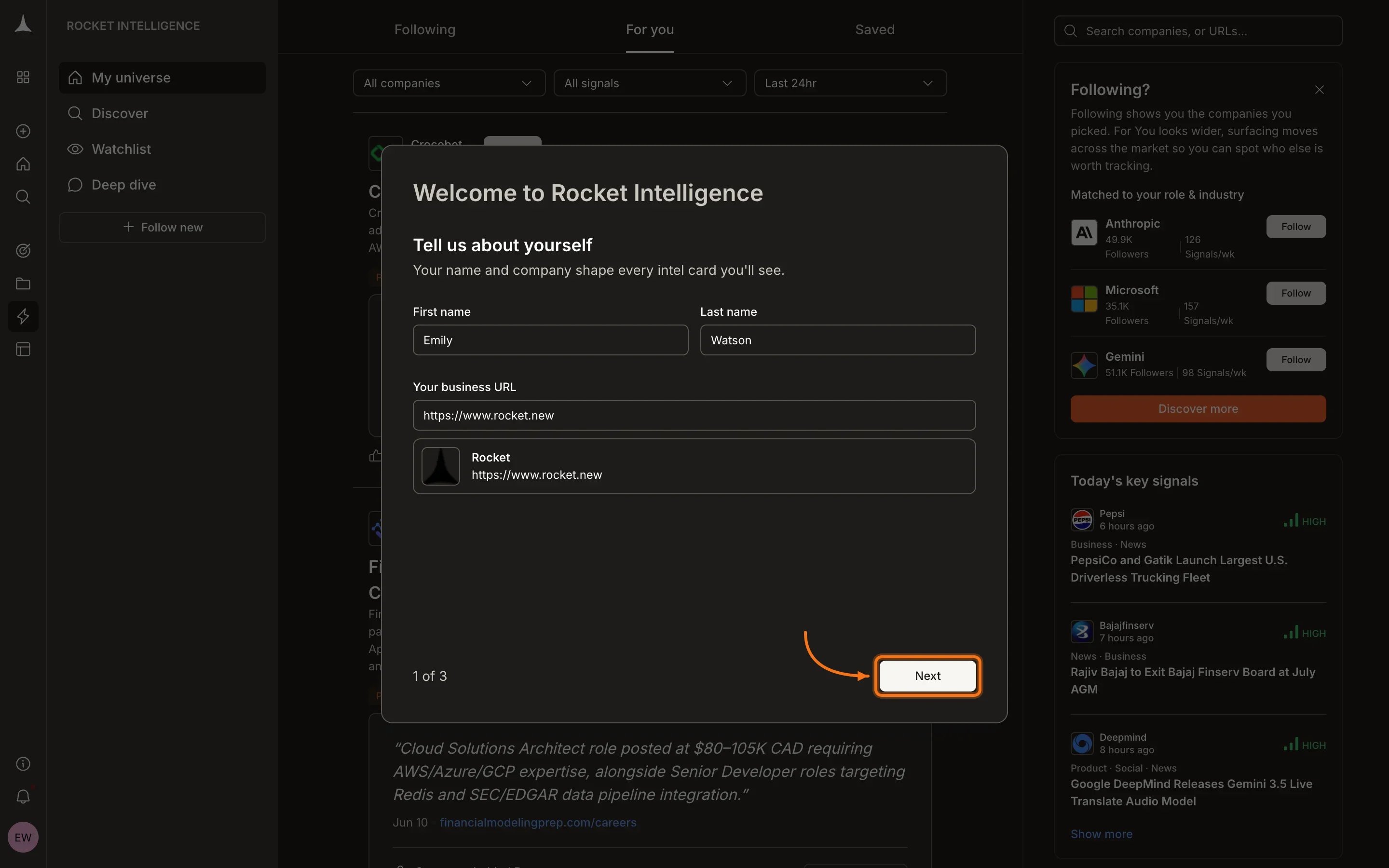
Enter your first name, last name, and business URL. Intelligence uses your company to understand your market and frame Intel relative to your competitive position.
## First-time setup
On your first visit, Intelligence personalizes your experience with a three-step wizard.
Enter your first name, last name, and business URL. Intelligence uses your company to understand your market and frame Intel relative to your competitive position.
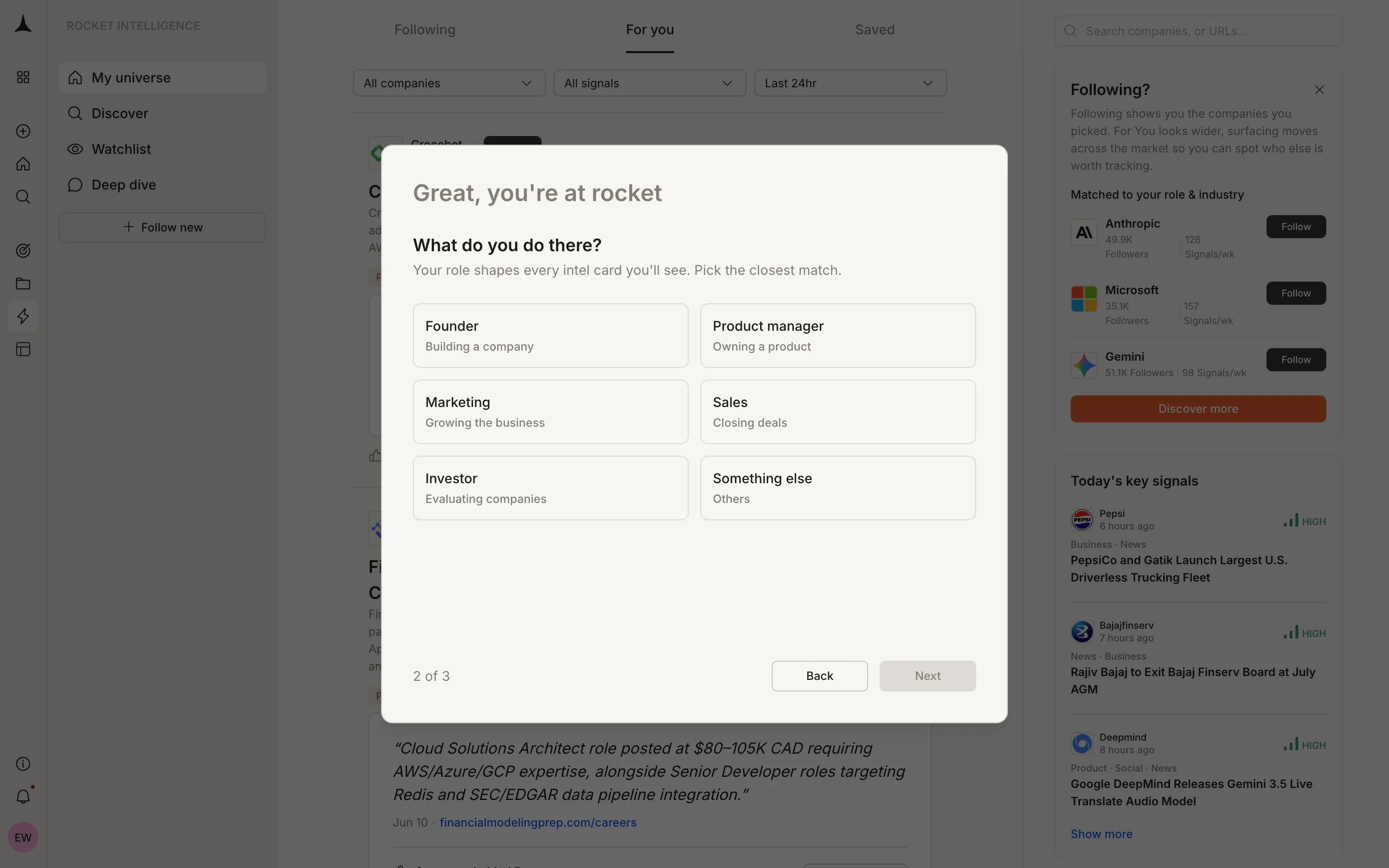
 Pick the role that best describes what you do. Your role shapes which signals surface first and how Intel is framed for you.
Available roles:
* **Founder:** Building a company
* **Product manager:** Owning a product
* **Marketing:** Growing the business
* **Sales:** Closing deals
* **Investor:** Evaluating companies
* **Something else:** Others
Pick the role that best describes what you do. Your role shapes which signals surface first and how Intel is framed for you.
Available roles:
* **Founder:** Building a company
* **Product manager:** Owning a product
* **Marketing:** Growing the business
* **Sales:** Closing deals
* **Investor:** Evaluating companies
* **Something else:** Others
 Be specific about your role. A sales leader sees different Intel rankings than a product manager, even for the same company.
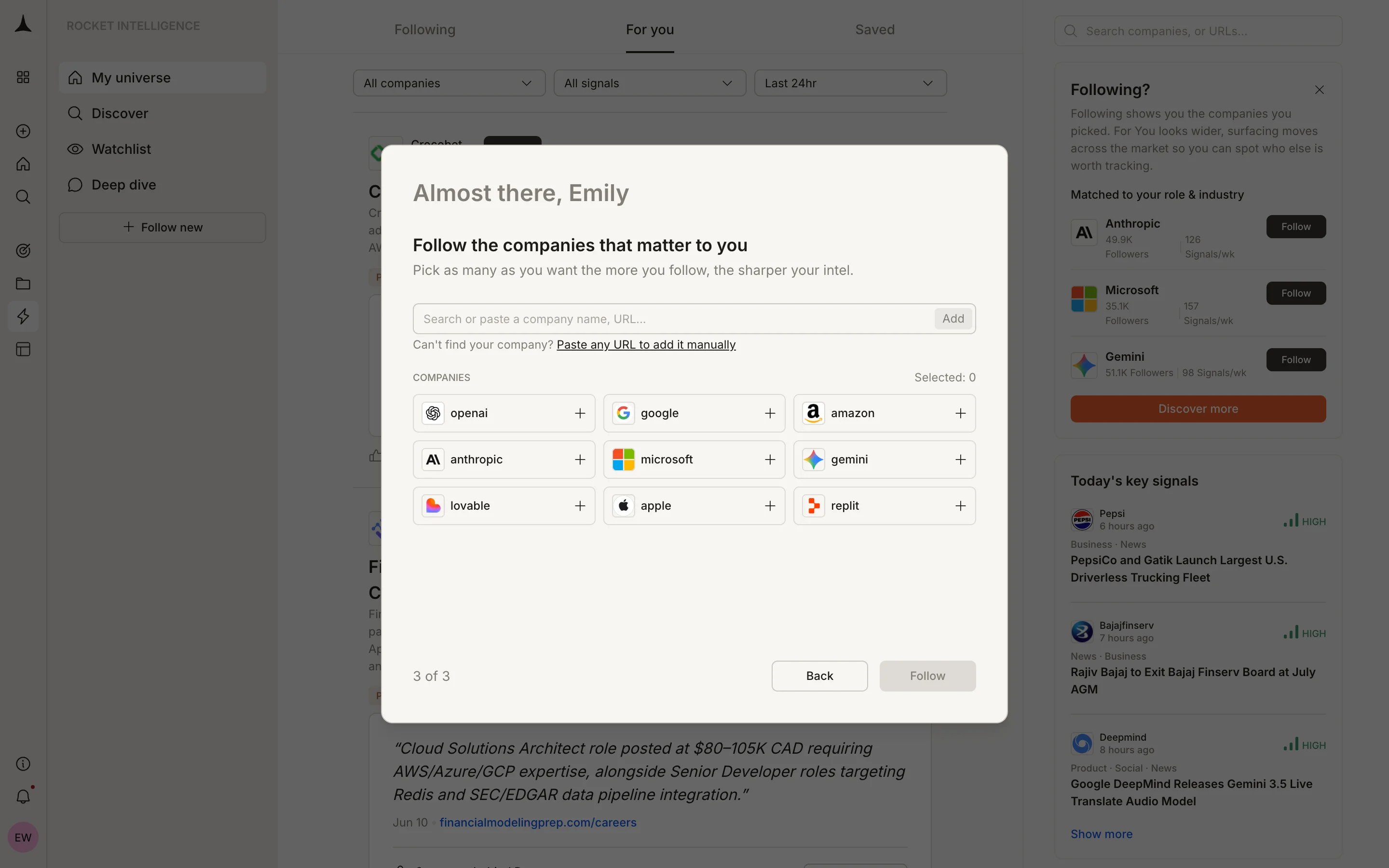
Pick the companies that matter to you. The more you follow, the sharper your Intel becomes. Search by name or paste a URL to find any company.
Be specific about your role. A sales leader sees different Intel rankings than a product manager, even for the same company.
Pick the companies that matter to you. The more you follow, the sharper your Intel becomes. Search by name or paste a URL to find any company.
 After completing setup, you land on your **For You** feed with Intel from the companies you just followed.
## Adding more companies
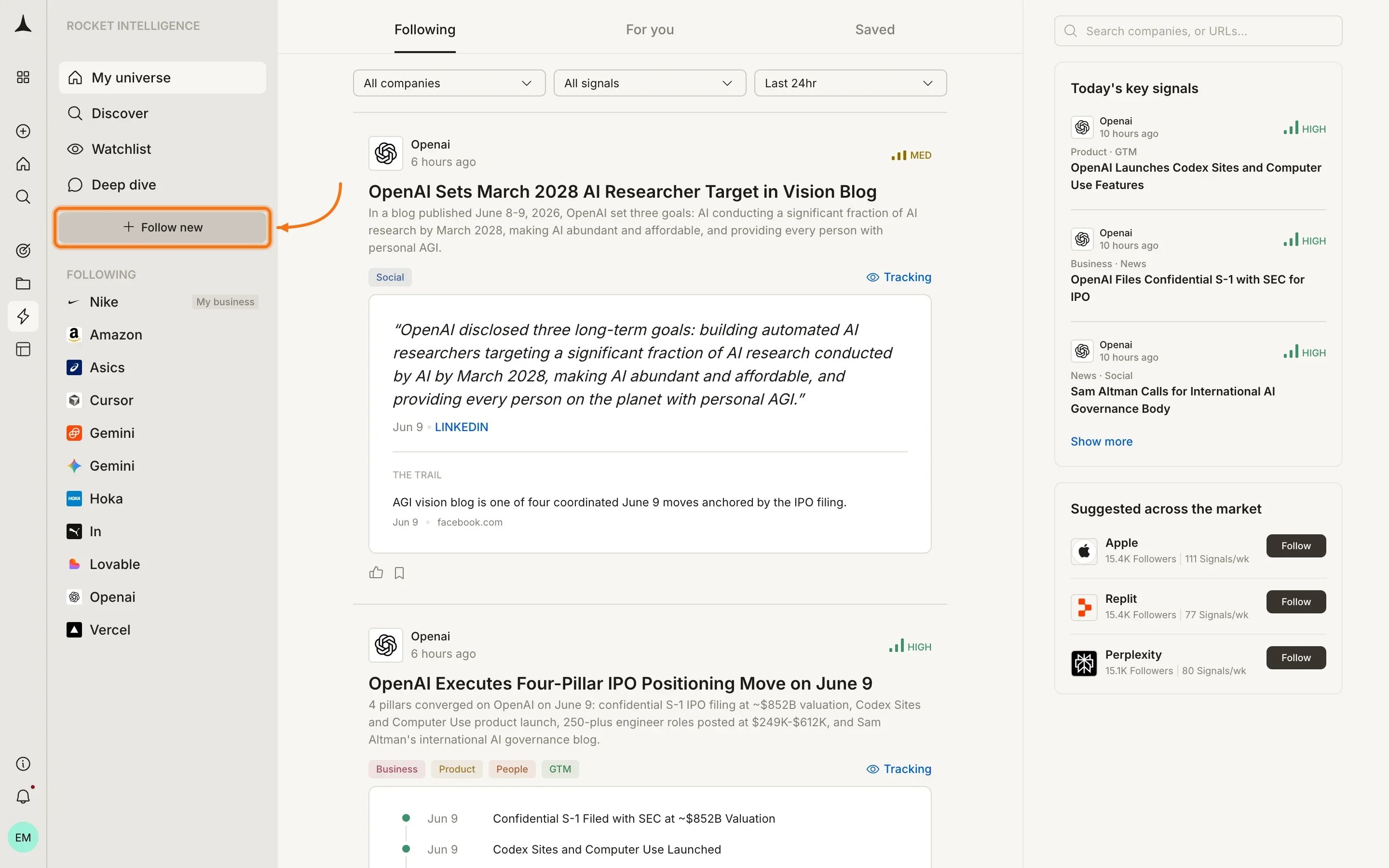
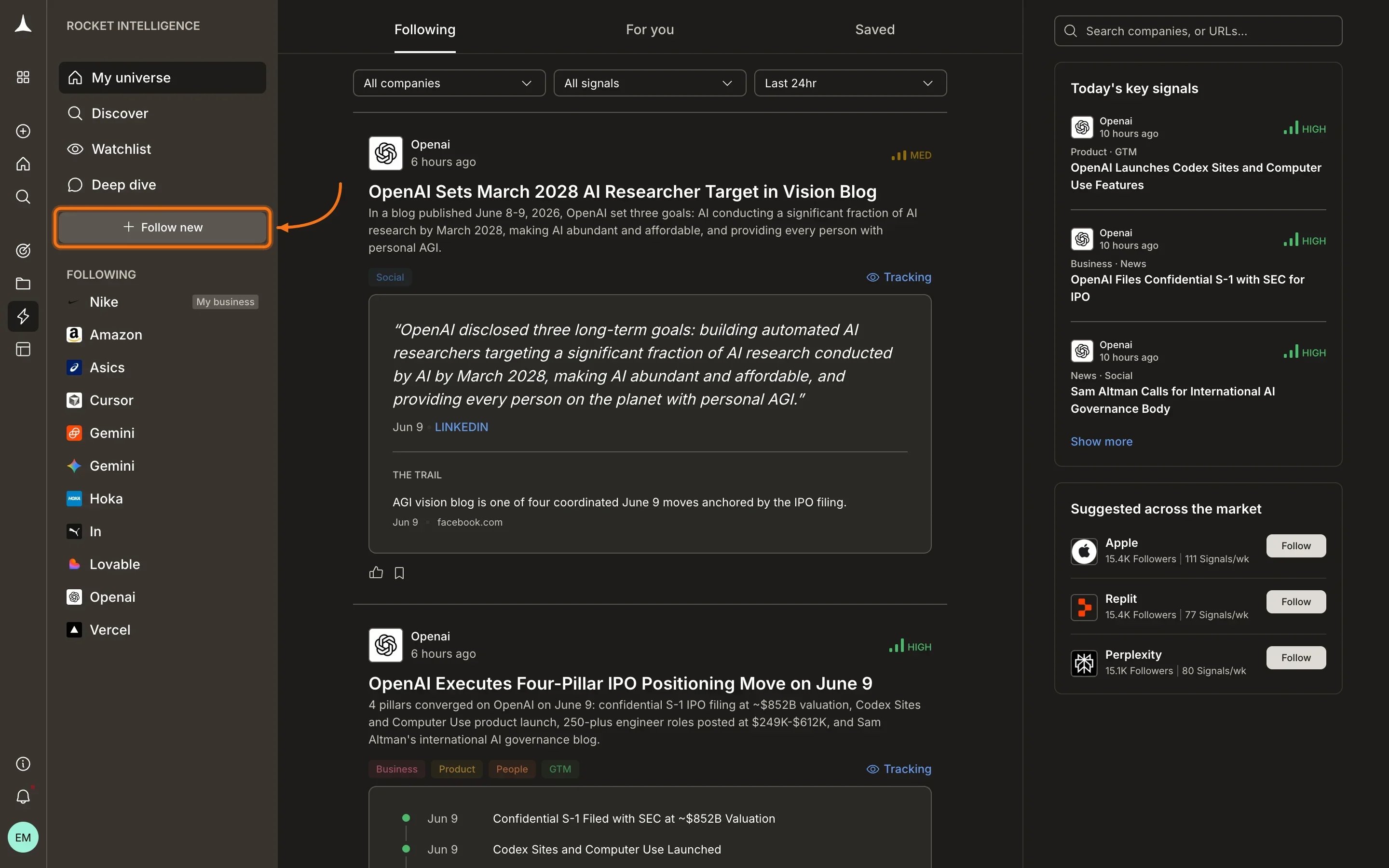
You can always add more companies to your universe later. Click **+ Follow new** in the sidebar to open the follow modal.
The button sits below your sidebar navigation. Click it to open the follow modal.
After completing setup, you land on your **For You** feed with Intel from the companies you just followed.
## Adding more companies
You can always add more companies to your universe later. Click **+ Follow new** in the sidebar to open the follow modal.
The button sits below your sidebar navigation. Click it to open the follow modal.
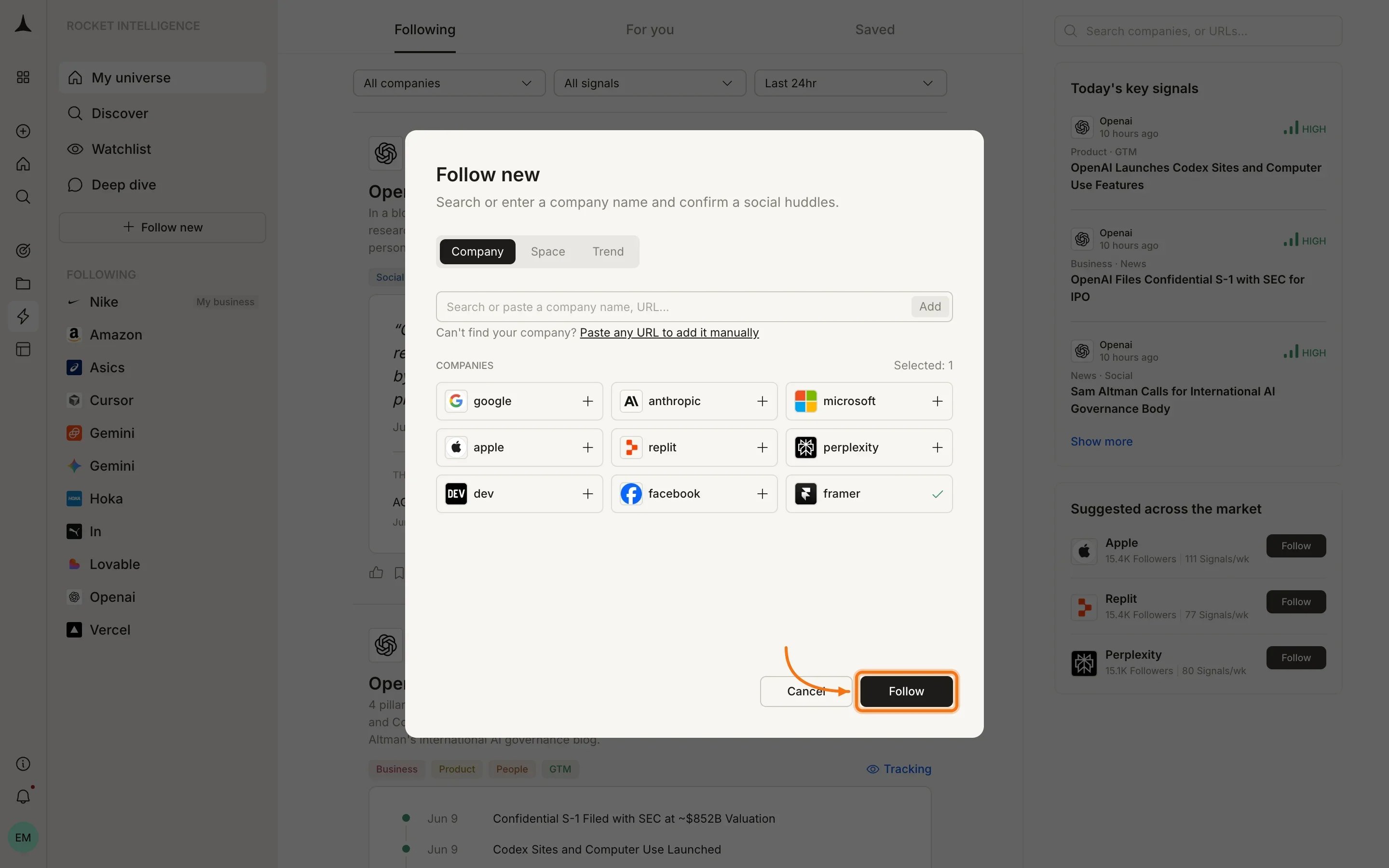
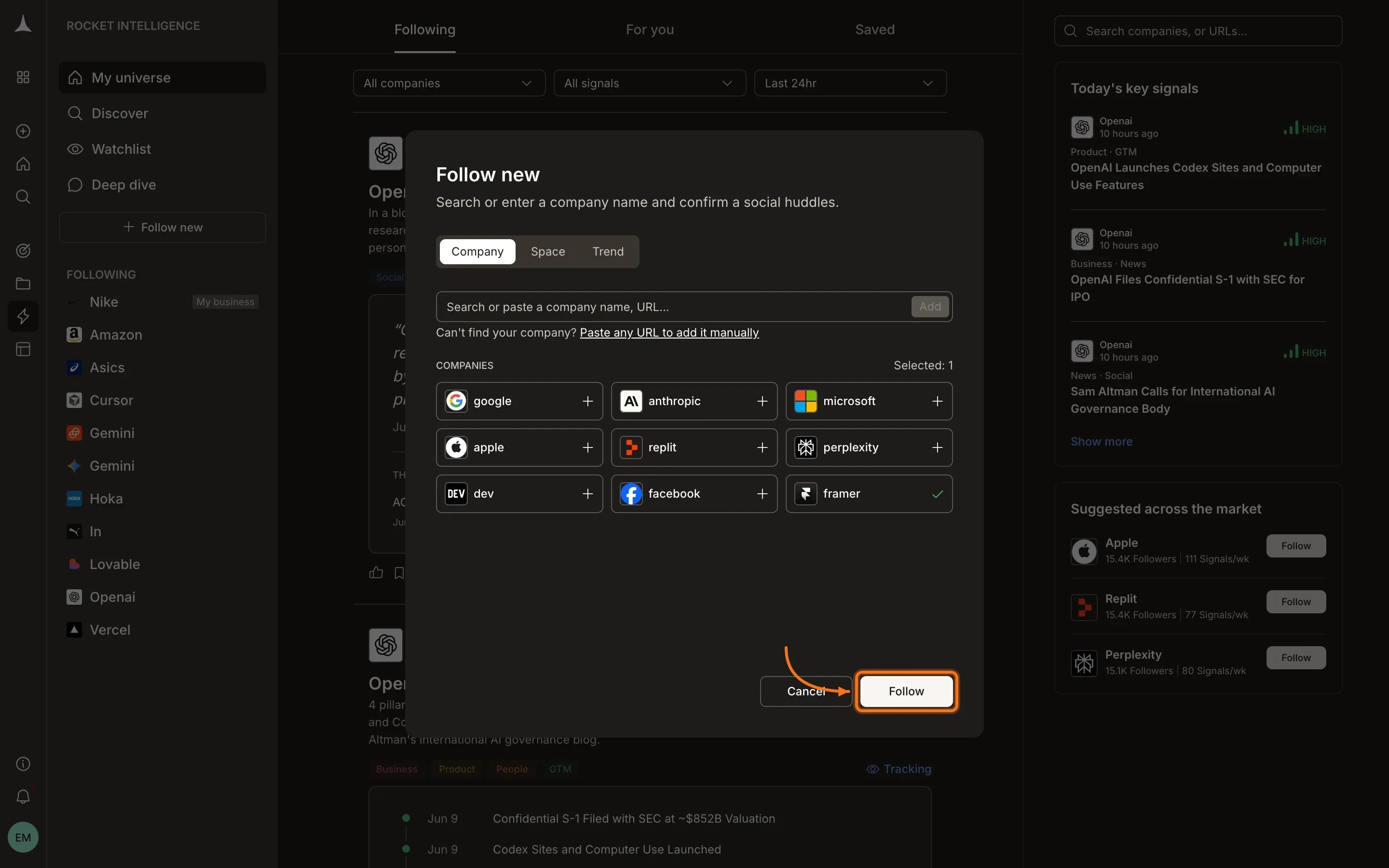
 The modal shows Company, Space, and Trend tabs. Browse suggested companies or search by name or URL. Select one or more companies by clicking the **+** icon next to each.
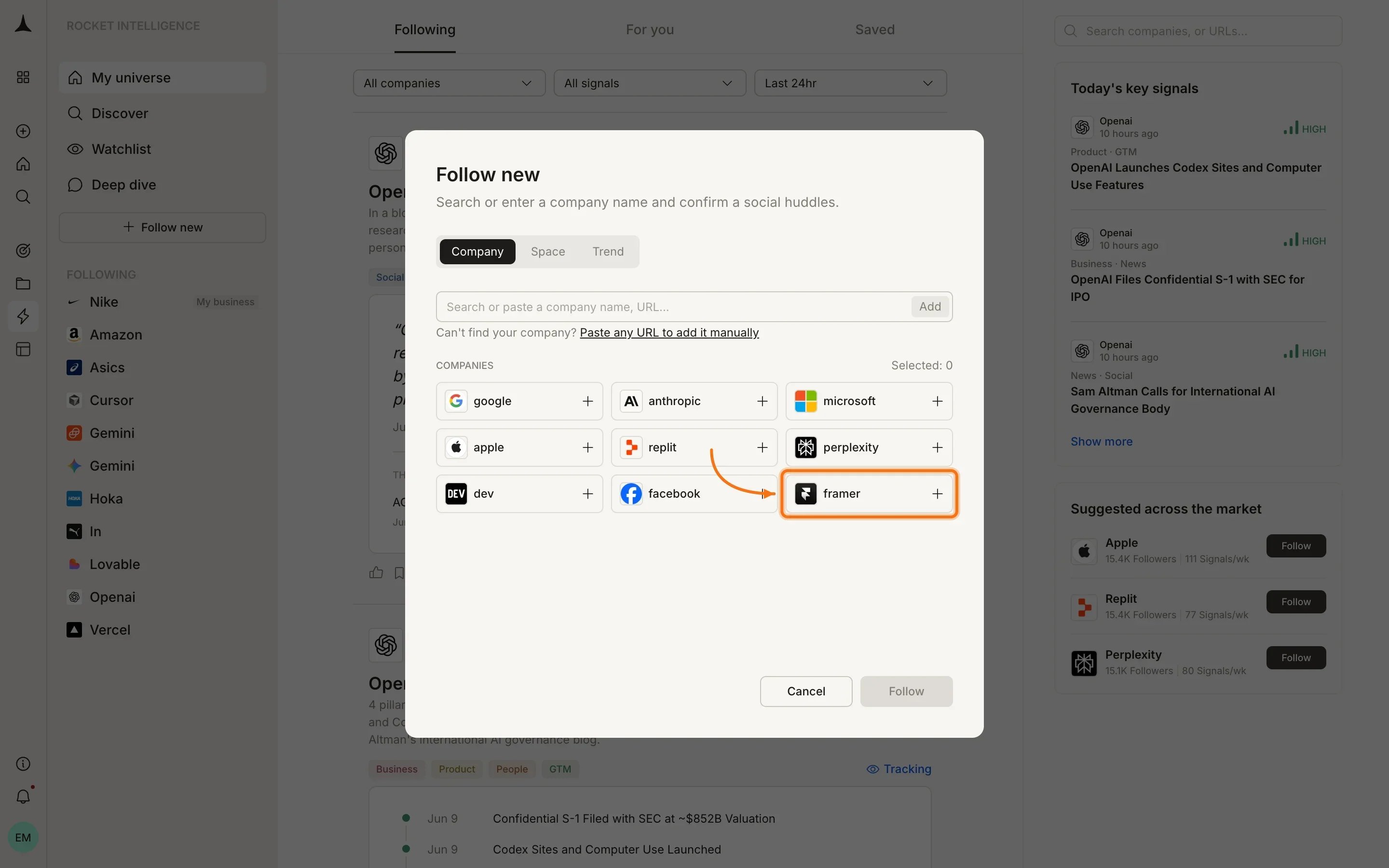
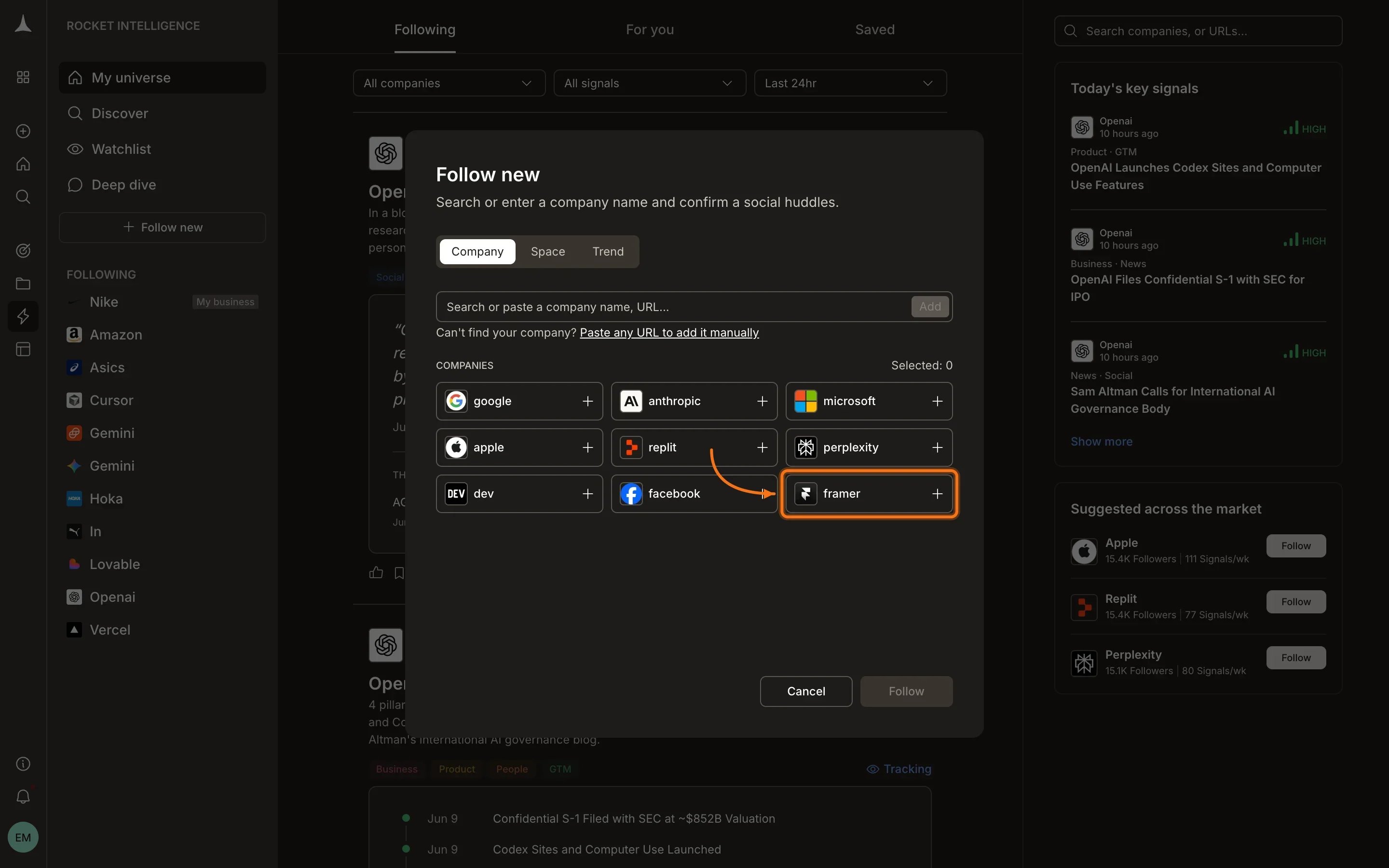 Once you have selected companies (shown with a checkmark), click **Follow** to add them to your universe. Signal collection begins immediately across all nine pillars.
 ## Your Intelligence layout
Once set up, your Intelligence home has three main areas:
### Sidebar
* **My universe:** returns you to your main feed
* **Discover:** browse all companies and add new ones
* **Watchlist:** view and manage your watchlists
* **Deep dive:** focused analysis mode (Coming soon)
* **+ Follow new:** add companies to your universe
* **Following:** your followed companies with expandable pillar navigation
### Header tabs
| Tab | Purpose |
| :------------ | :---------------------------------------------------------------------------------- |
| **For you** | Personalized Intel from both followed and unfollowed companies, ranked by relevance |
| **Following** | Intel from companies in your universe |
| **Saved** | Intel cards you have bookmarked |
### Filter bar
Use the dropdowns at the top to filter by company, signal type, or time window (Last 24hr, Last 7 days, etc.).
## Daily rhythm
Spend 5 to 10 minutes reviewing what surfaced overnight. Each Intel item includes a "What this means for you" section connecting the signal to your business.
Click **View pillars** on any Intel item to open the company's full pillar view and investigate further.
Click the bookmark icon on any Intel card to save it for later. Access saved cards from the **Saved** tab.
Switch to the Following tab when you want Intel scoped only to companies in your universe.
## What's next
Understand signals, Intel, pillars, and how personalization works.
Intel scoped to companies you follow.
What each pillar watches and how to read company pillars.
Group companies with a lens and get scoped Intel.
## Your Intelligence layout
Once set up, your Intelligence home has three main areas:
### Sidebar
* **My universe:** returns you to your main feed
* **Discover:** browse all companies and add new ones
* **Watchlist:** view and manage your watchlists
* **Deep dive:** focused analysis mode (Coming soon)
* **+ Follow new:** add companies to your universe
* **Following:** your followed companies with expandable pillar navigation
### Header tabs
| Tab | Purpose |
| :------------ | :---------------------------------------------------------------------------------- |
| **For you** | Personalized Intel from both followed and unfollowed companies, ranked by relevance |
| **Following** | Intel from companies in your universe |
| **Saved** | Intel cards you have bookmarked |
### Filter bar
Use the dropdowns at the top to filter by company, signal type, or time window (Last 24hr, Last 7 days, etc.).
## Daily rhythm
Spend 5 to 10 minutes reviewing what surfaced overnight. Each Intel item includes a "What this means for you" section connecting the signal to your business.
Click **View pillars** on any Intel item to open the company's full pillar view and investigate further.
Click the bookmark icon on any Intel card to save it for later. Access saved cards from the **Saved** tab.
Switch to the Following tab when you want Intel scoped only to companies in your universe.
## What's next
Understand signals, Intel, pillars, and how personalization works.
Intel scoped to companies you follow.
What each pillar watches and how to read company pillars.
Group companies with a lens and get scoped Intel.