

Steps
1
Finish refining your report
Complete all edits and follow-up questions before generating the presentable output. The generator uses the latest version of your report as its source.
2
Request the output format
Type one of these prompts (or something similar) in the chat. You can also name the format in your initial Solve prompt so the report is generated accordingly. Light Solve supports PDF, PPT, HTML, and PRD on all plans:
- “Generate a PPT presentation”
- “Create a slide deck from this report”
- “Export this report as PDF”
- “Generate a polished HTML report”
- “Create a PRD from this research”
3
Rocket selects a theme and produces the output
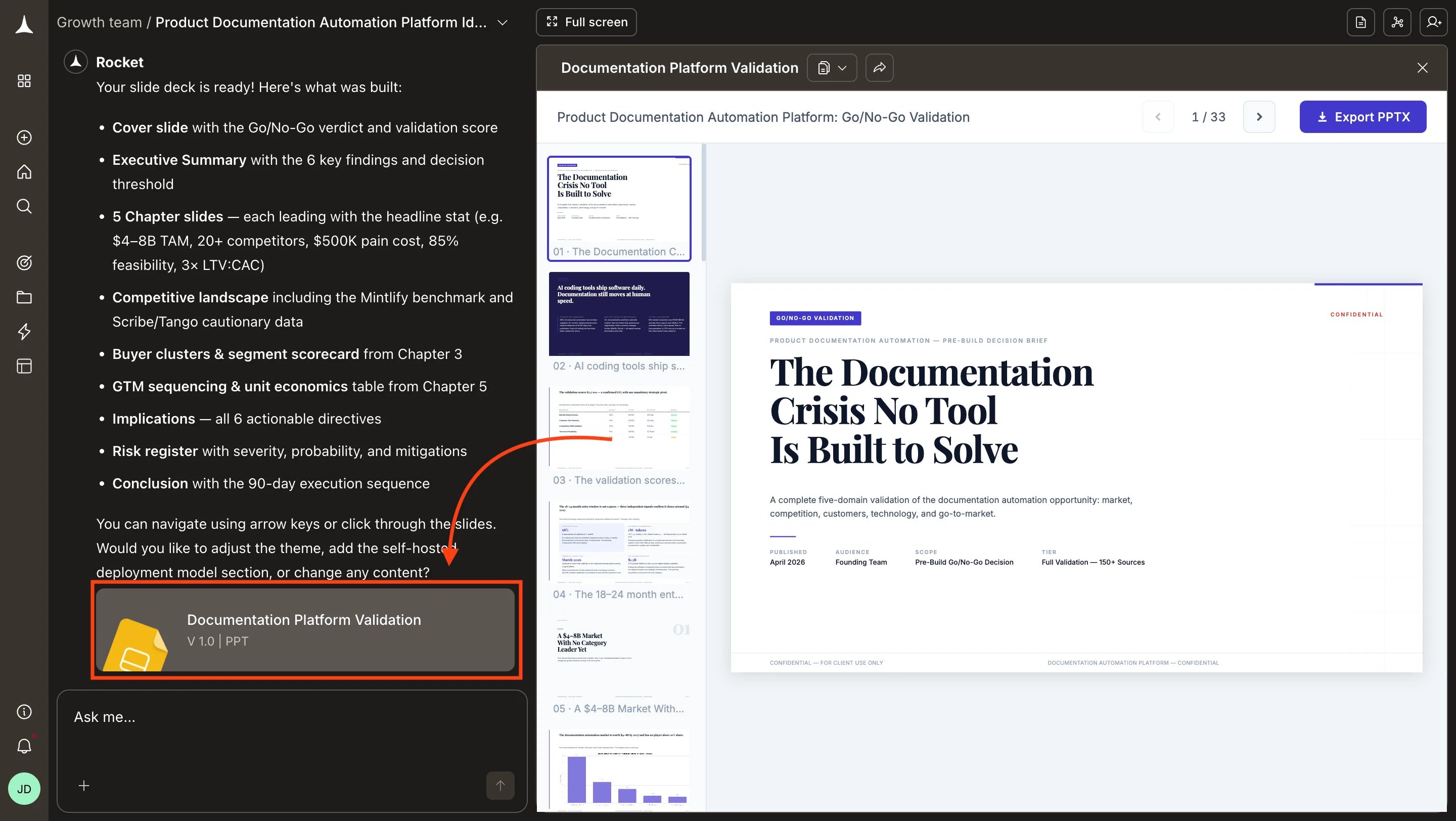
Rocket analyzes the report content and selects the most appropriate theme automatically. The output appears as a downloadable file in the Documents panel.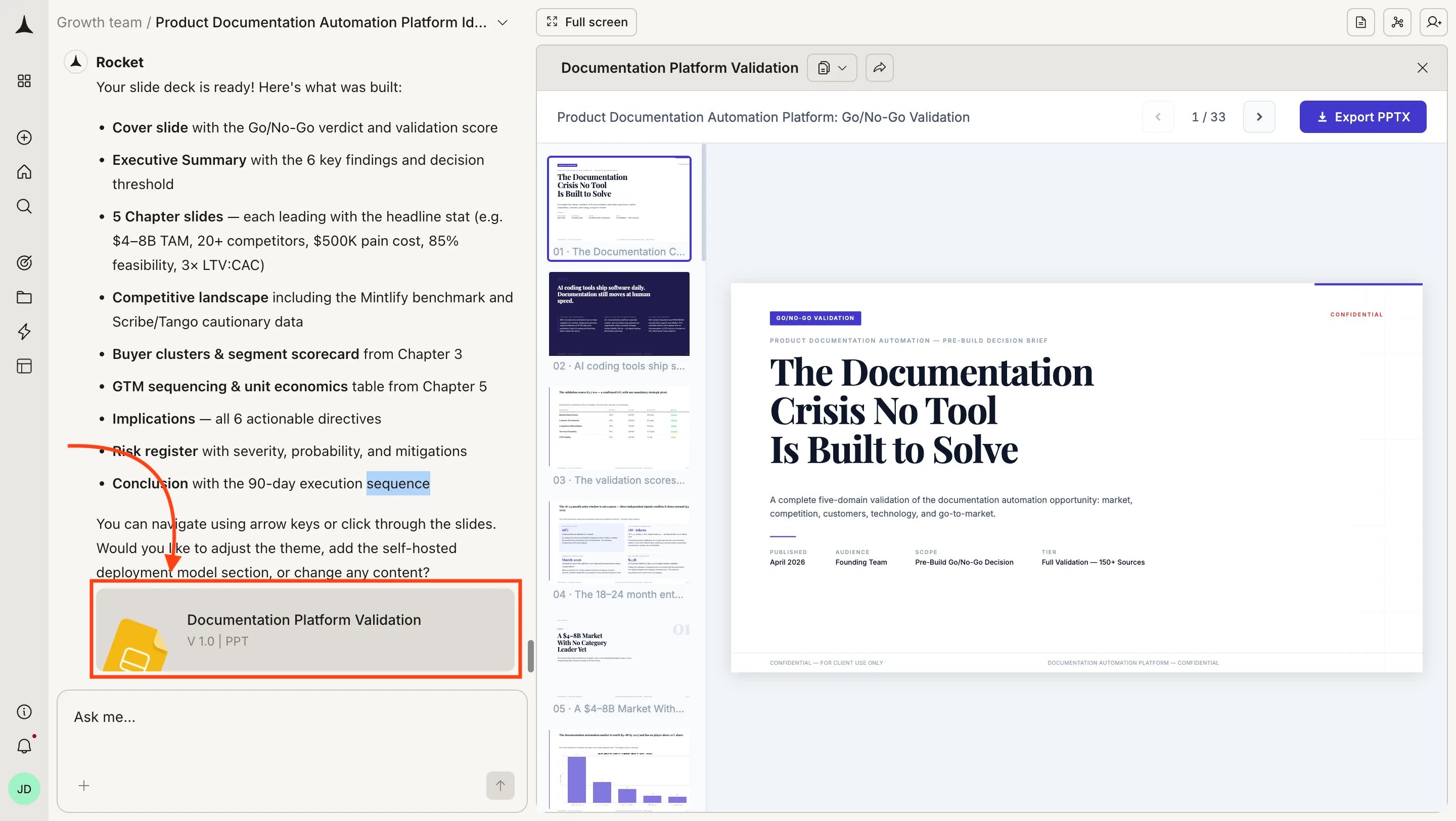
4
Preview, then export or share
Open the file to preview it in the browser. If the output looks correct, export or share it from the Documents panel.
Document output
The document format produces a paginated A4 layout suitable for printing or screen reading. Each document includes a cover page, table of contents, and professionally typeset pages. Rocket selects the theme based on content type, but you can override it by specifying a theme in your prompt.Presentation output
The presentation format produces an interactive slide deck that runs in any browser. Navigation works with keyboard arrows, mouse clicks, and touch gestures. Each slide has a unique URL for deep linking. Rocket chooses the layout for each slide based on the content it contains. Every deck starts with a hero title slide and uses section dividers to separate major topics.Export formats
All formats are versioned. Each generation creates a new version accessible from the Documents panel. Light Solve and Full Solve both support PDF, PPT, HTML, and PRD. Light Solve formats are available on all plans. Specify the format in your initial prompt to generate the report accordingly.PDF, PPT, HTML, and PRD are supported in Light Solve for users on all plans. Free and Pro always run Light Solve; Pro does not include Full Solve. On Rocket and Booster, Rocket routes to Light Solve or Full Solve automatically. See Light Solve.
Tips
Specify inclusions or exclusions
Specify inclusions or exclusions
Tell Rocket what to include or exclude. For example: “Generate a polished HTML report, but skip the methodology section” or “Only include the executive summary and recommendations in the slide deck.”
Combine with sharing
Combine with sharing
After generating, use the share and export tools to distribute the output. Shared links inherit password protection settings from your task.
What’s next
Share and export
Share via link, export as PDF, or copy content to other tools.
Refine
Continue editing before generating a presentable version.