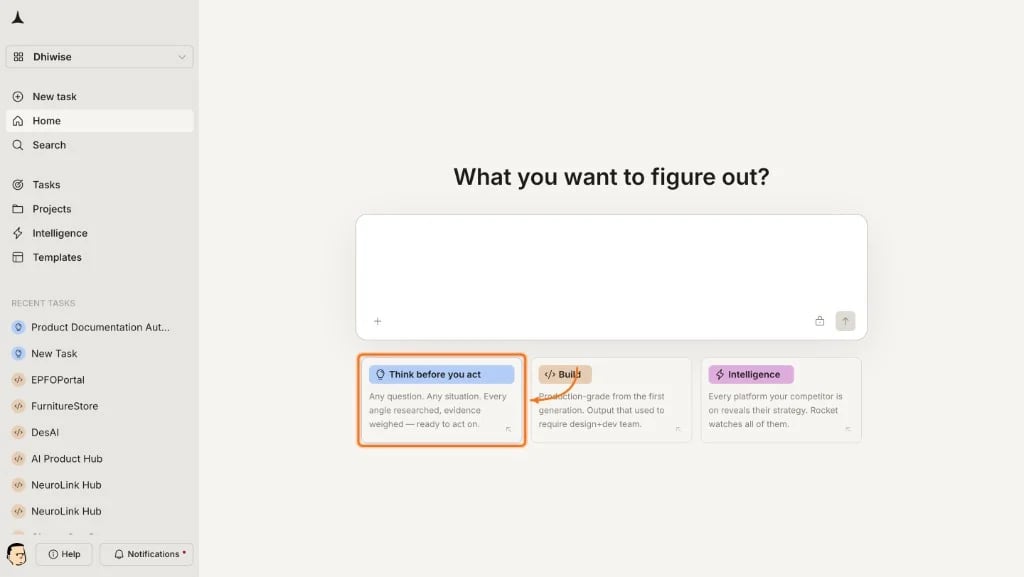
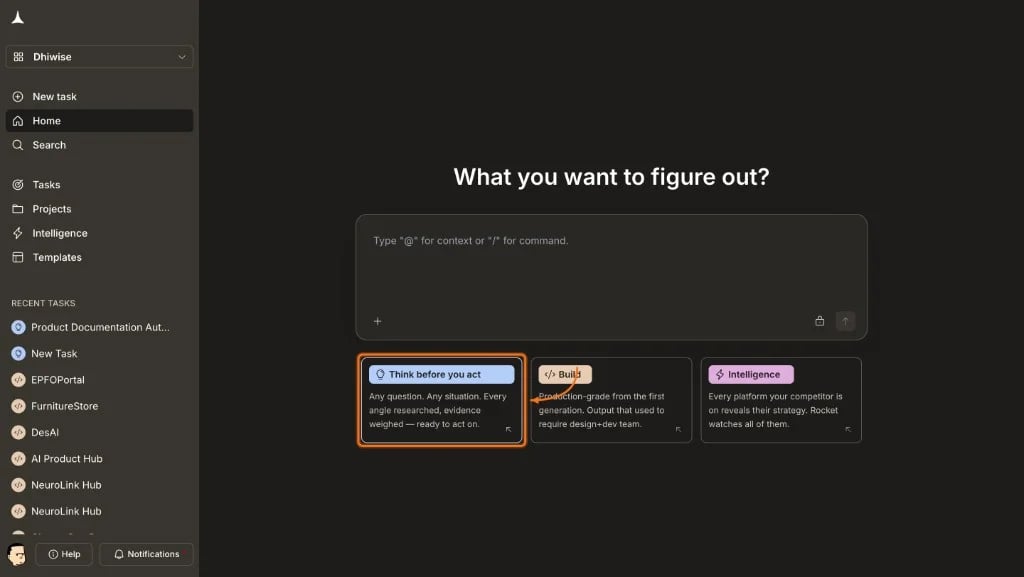
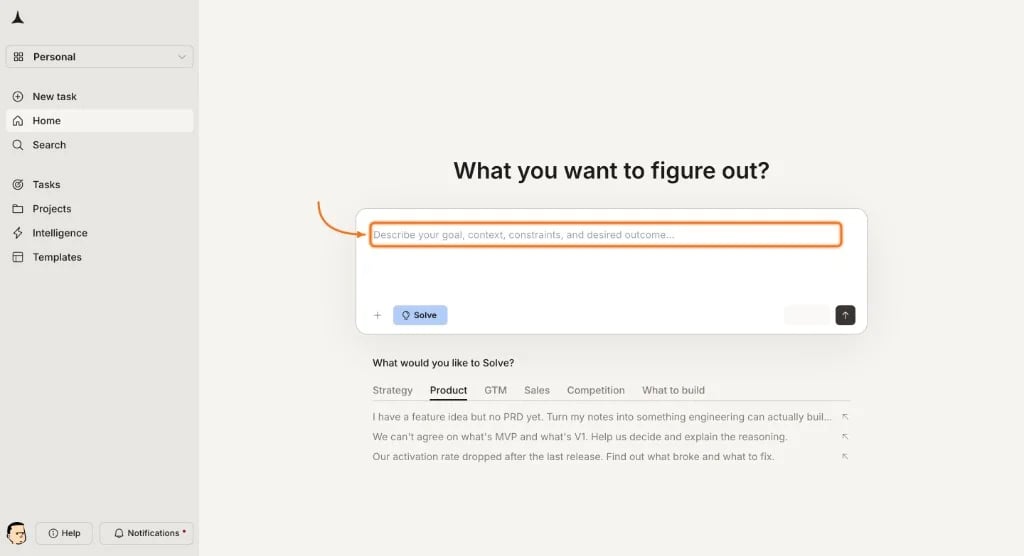
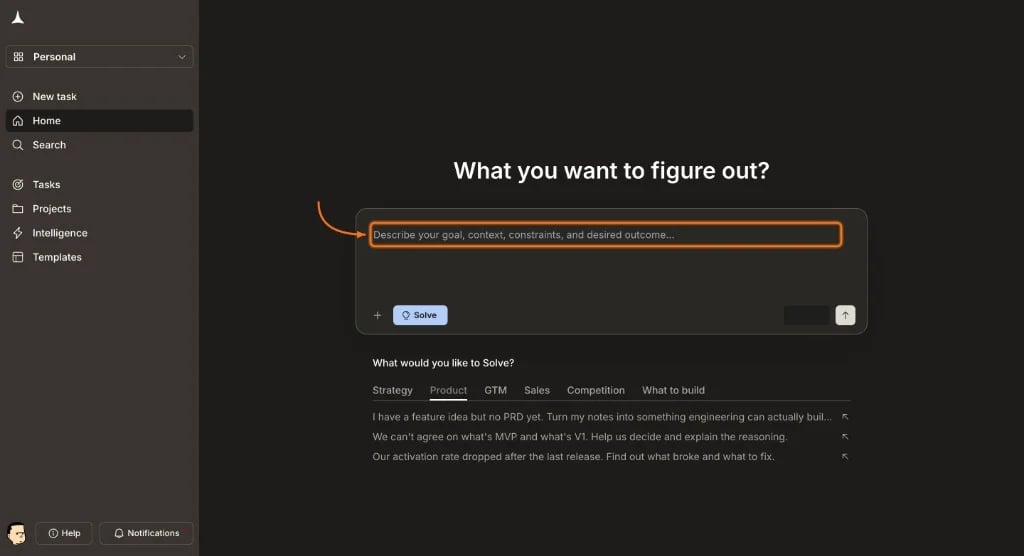
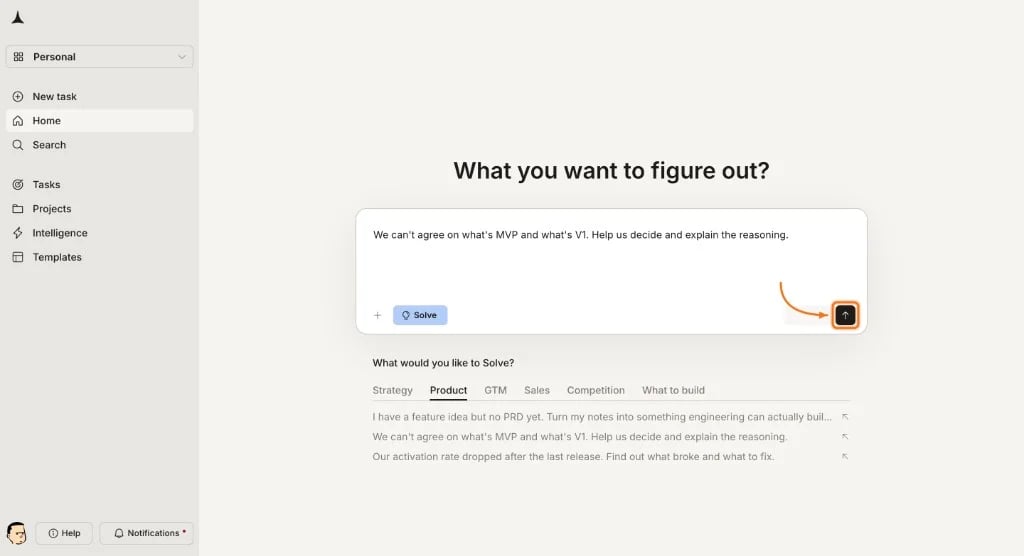
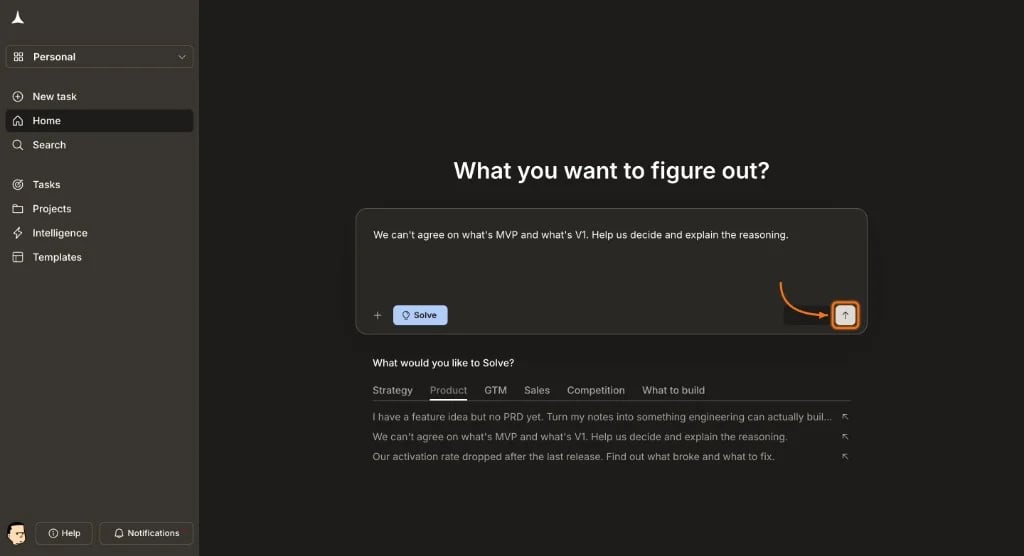
Quick start for Rocket.new Solve: submit a business or market question and receive a structured, evidence-backed research report.
Solve turns a plain-language business question into a structured research report. This walkthrough covers selecting Solve, submitting a question, watching research progress, and reviewing the output.Free and Pro always run Light Solve (fast, conversational). On Rocket and Booster, Rocket may route deeper prompts to Full Solve, which uses structured prompt intelligence, decomposes the query, and typically takes about 45 minutes.
You need a Rocket account to follow along. If you have not signed up yet, create an account first.
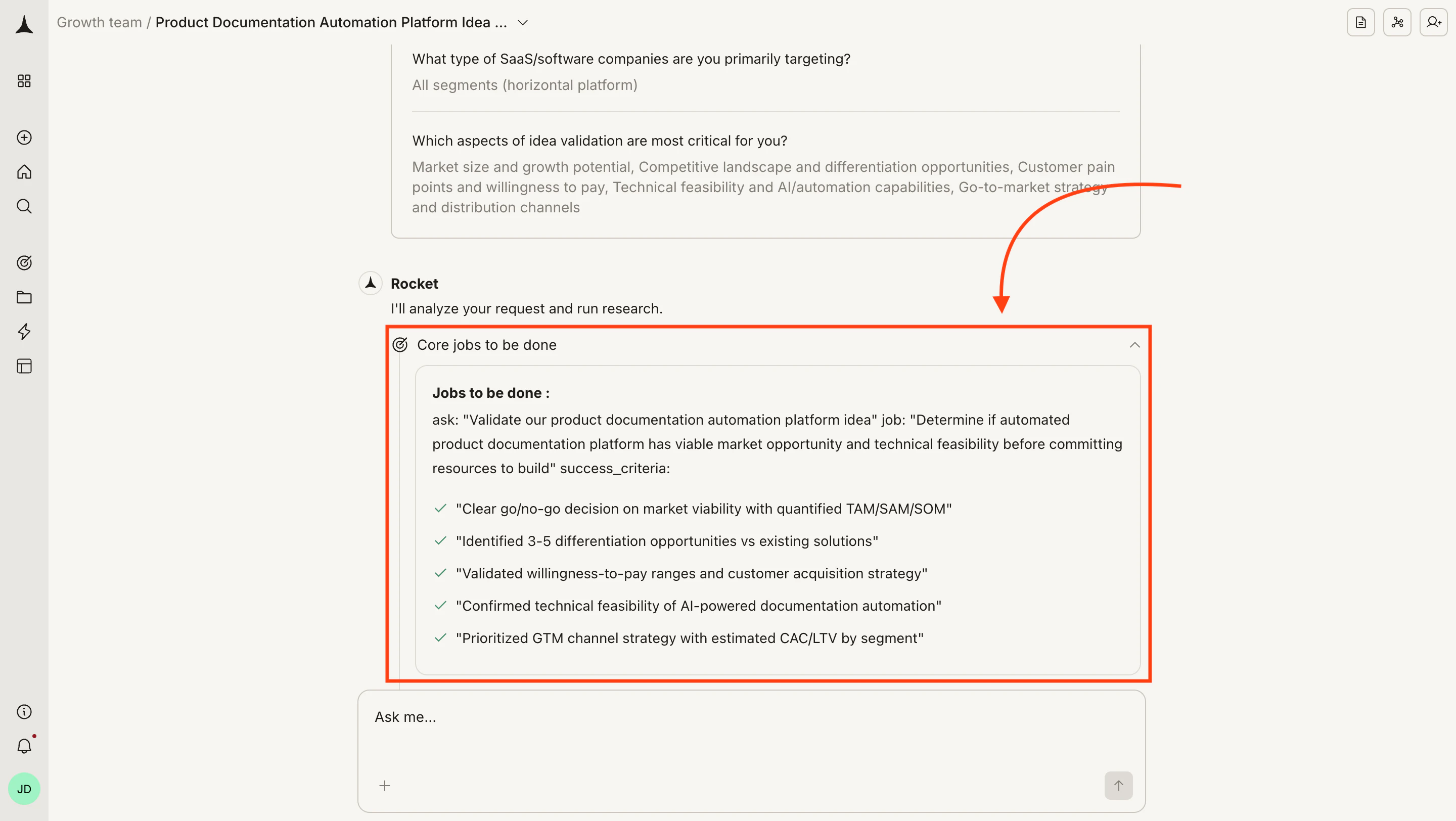
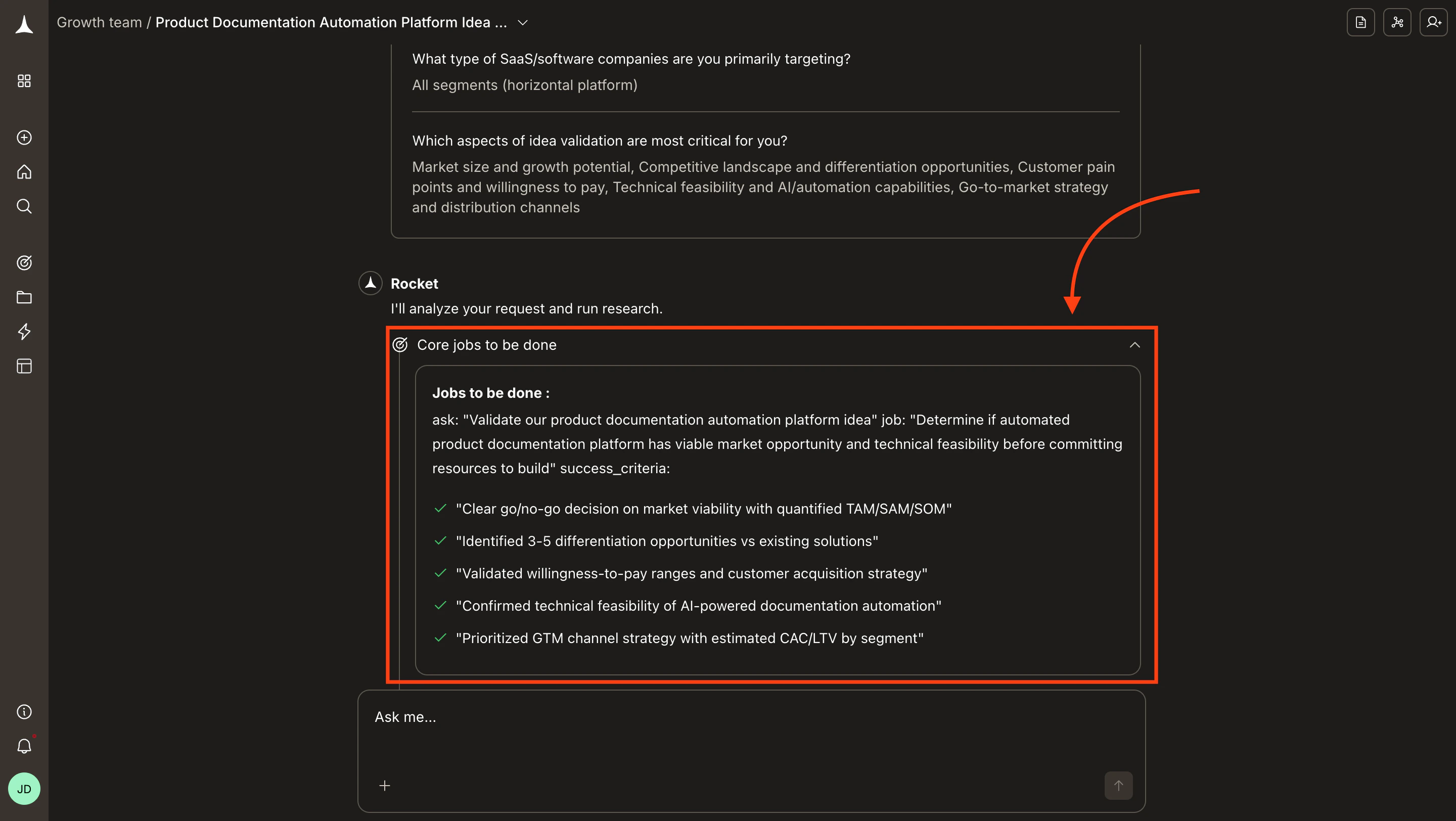
When a prompt is vague, Light Solve may ask conversational follow-ups in chat. Reply in plain text to continue. On Full Solve, Rocket uses structured prompt intelligence before research begins. Answer the questions and click Submit to continue.
Prompt intelligence
Learn when Full Solve asks questions and how to write prompts that skip them.
Research objective set after answering prompt intelligence questions
4
Watch the research pipeline
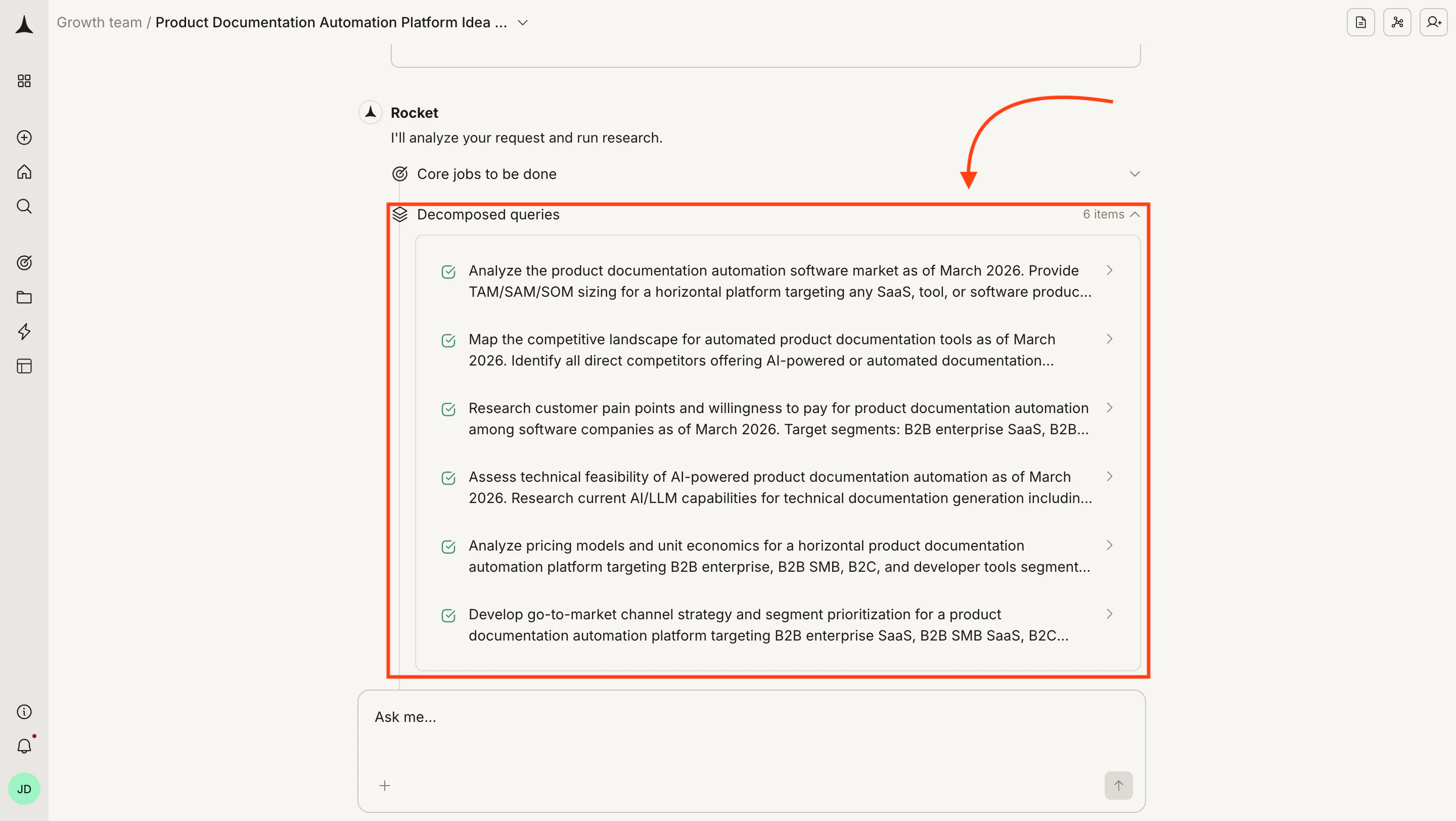
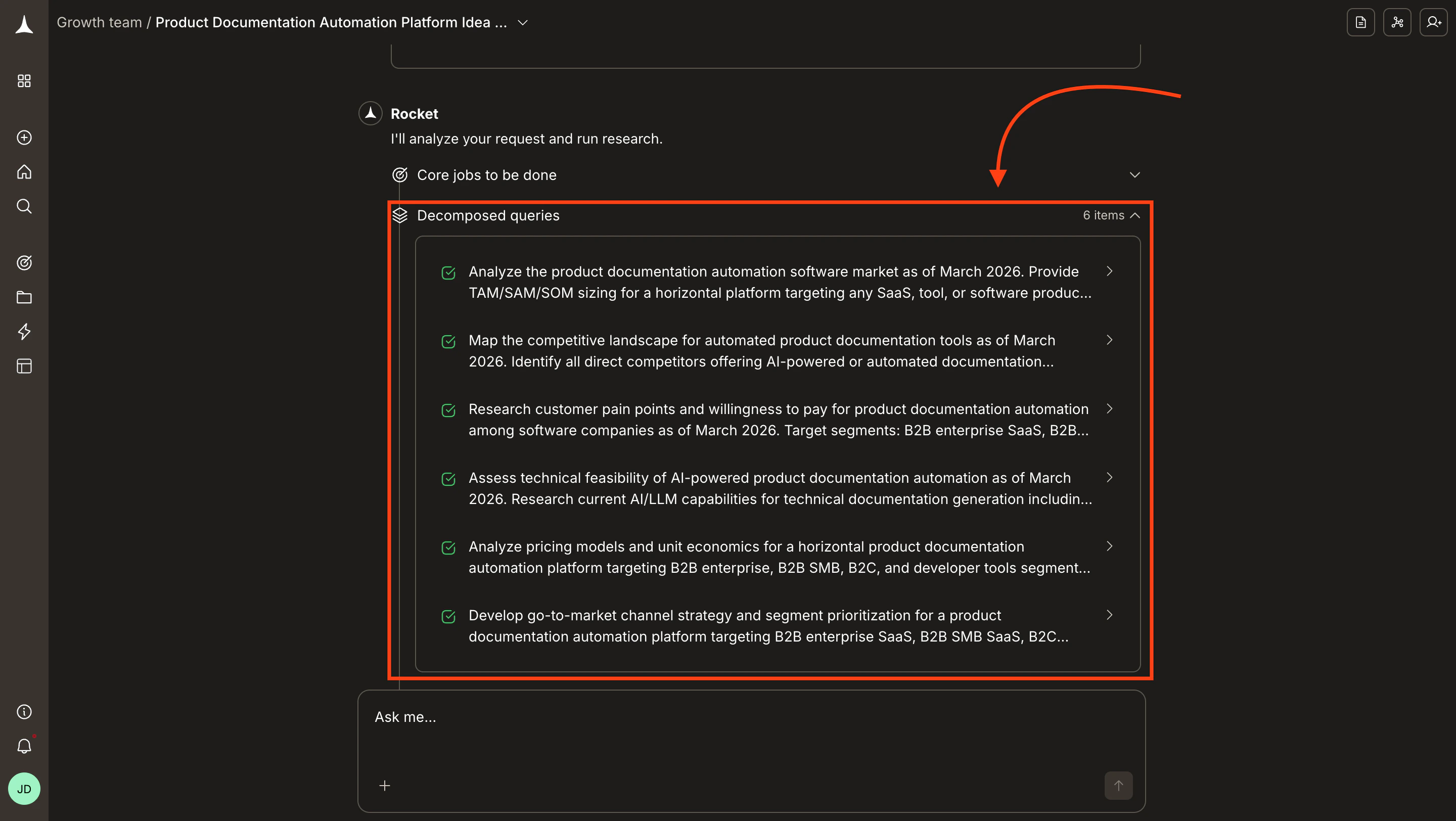
Light Solve returns a focused answer with visuals in a fast conversational flow. Full Solve defines a research objective, breaks it into individual queries, then runs each as a parallel agent stream. On Full Solve, you can watch progress in the chat as each stream completes.
Full Solve research pipeline with decomposed queries running in parallel
For each Full Solve stream the chat shows:
Element
What it means
Positives and negatives
Key findings that support or challenge the research direction
Data
Specific numbers, tables, and data points collected
Tools used
Sources and research tools the agents referenced
Research performed
What searches and analyses ran for this stream
Assessment
How the agent interpreted and weighted the findings
Light Solve usually finishes in a few minutes. Full Solve typically takes about 45 minutes; some reports take longer. Click Notify me in the banner to receive a browser notification when the report is ready.
Task notifications
Step away and get notified when your report is ready.
5
Review the report
A Final report link appears in the chat once all streams complete. Click it to open the report in the right panel while the chat stays on the left.Each refinement creates a new version, accessible from the version dropdown.
Reports
See the full breakdown of report sections and how to export them.
6
Ask a follow-up
Solve tasks are conversational. After reviewing your report, ask a follow-up to drill deeper, challenge an assumption, request a different framework, or redirect the analysis entirely.
Refine
Edit, extend, and improve your report through conversation.
Solve reports draw on publicly available data and AI analysis. Always validate critical business decisions with primary research and domain expertise.
Executive summary
Market sizing
Key players
Recommendations
The global market for AI-powered documentation tools is estimated at $4.2B (TAM) in 2025. The serviceable addressable market is $1.8B, focused on enterprise and mid-market segments. A new entrant can target roughly $120 to $180M (SOM) in the first three years. The market is growing at a 24% CAGR, driven by enterprise AI adoption and automated knowledge management.
Metric
Estimate
Methodology
TAM
$4.2B
Total global spend on documentation, knowledge management, and technical writing tools
SAM
$1.8B
Enterprise and mid-market companies evaluating AI-augmented documentation
SOM
$120 to $180M
Achievable share for a differentiated new entrant in years 1 to 3
Company
Focus
Est. Revenue
Funding
Notion
All-in-one workspace with AI
$250M+ ARR
$343M raised
Confluence (Atlassian)
Enterprise wiki and docs
Part of $3.5B+ Atlassian revenue
Public
GitBook
Developer documentation
$15 to $25M ARR
$41M raised
Mintlify
Developer docs with AI
$5 to $10M ARR
$22M raised
Document360
Knowledge base platform
$10 to $20M ARR
$12M raised
Target mid-market (100 to 1,000 employees) where AI adoption is accelerating but incumbents are weakest.
Differentiate on generation quality. Most current tools bolt AI onto existing workflows instead of designing AI-first experiences.
Consider product-led growth. The documentation space rewards self-serve adoption with team expansion.
Monitor Notion and Confluence roadmaps, as both are investing heavily in AI for 2025 to 2026.