

What Intelligence monitors
Intelligence scans external sources on your behalf and delivers signals (meaningful changes, new developments, and emerging patterns) directly to a persistent dashboard in your sidebar. Rocket continuously filters out noise so you only see what matters.Website monitoring
Track pricing pages, feature lists, landing pages, and product updates across competitor sites.
Social & news monitoring
Watch for press releases, product announcements, social media activity, and industry news.
Review monitoring
Follow customer sentiment on review platforms, app stores, and community forums.
Advertising monitoring
Detect changes in competitor ad copy, positioning, and campaign strategy.
How Intelligence works
Intelligence has two parts: the Intelligence setup wizard that configures monitoring, and the Intelligence dashboard where results live.Select Intelligence from the home screen
From the home screen after login, select Intelligence from the bottom of the input area. The five-step wizard opens.
Complete the wizard
Walk through five steps: your business context and team size, signal categories that matter to you, competitor URLs to watch, notification channel and brief frequency, then approval.
Approve and wait for your first brief
Once you approve, Rocket starts scanning your competitors immediately. Your first brief arrives within 24 hours.
Review and act
Browse your signal feed, read briefs, and decide whether to investigate further with a Solve task or respond with a Build task.
You can start using Intelligence even if you have never created a Solve or Build task. Intelligence is fully independent.
Intelligence vs. Solve
Rocket has two research capabilities that serve different purposes.| Intelligence | Solve | |
|---|---|---|
| When to use | You want ongoing awareness of changes | You have a specific question right now |
| How it works | One-time workspace setup, then continuous signals | One-time research task, then a structured report |
| Output | A dashboard of alerts, changes, and trends | A report with data, analysis, and recommendations |
| Setup | Intelligence setup wizard (once per workspace) | New Solve task per question |
| Example | ”Alert me when Competitor X changes their pricing" | "What is Competitor X’s current pricing model?” |
Results from both capabilities live in the same project. Use Solve to research a competitor in depth, then track that same competitor in Intelligence to watch for changes over time. When Intelligence surfaces something significant, create a Solve task to analyze the implications.
What makes Intelligence unique
No other AI app builder offers built-in competitive intelligence alongside research and app building. Rocket.new is the only vibe solutioning platform where you can research a market (Solve), build your product (Build), and continuously track competitors (Intelligence) without leaving one platform. Intelligence replaces standalone tools like Crayon, Klue, or Kompyte by integrating monitoring directly into your product development workflow.Where to find Intelligence
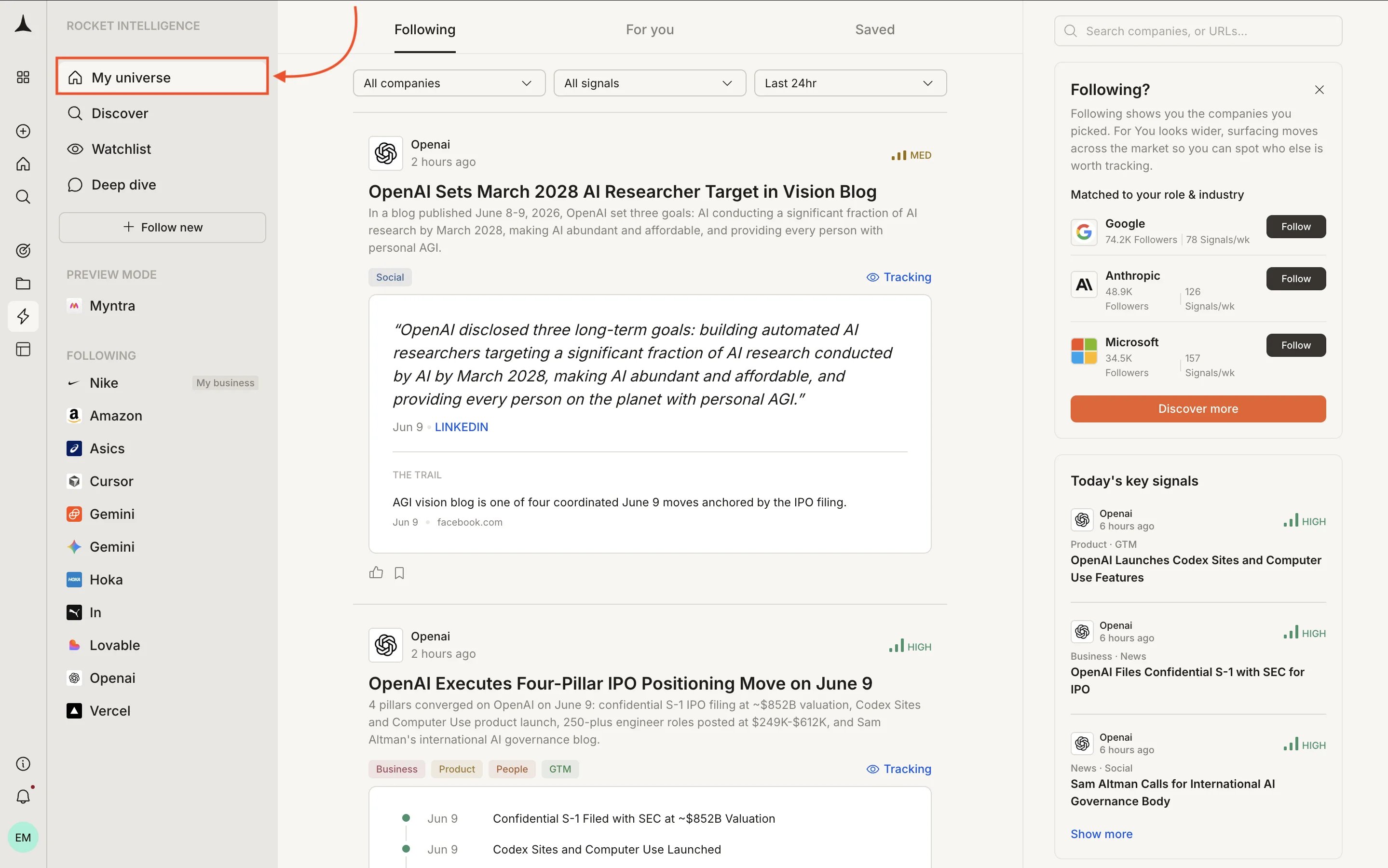
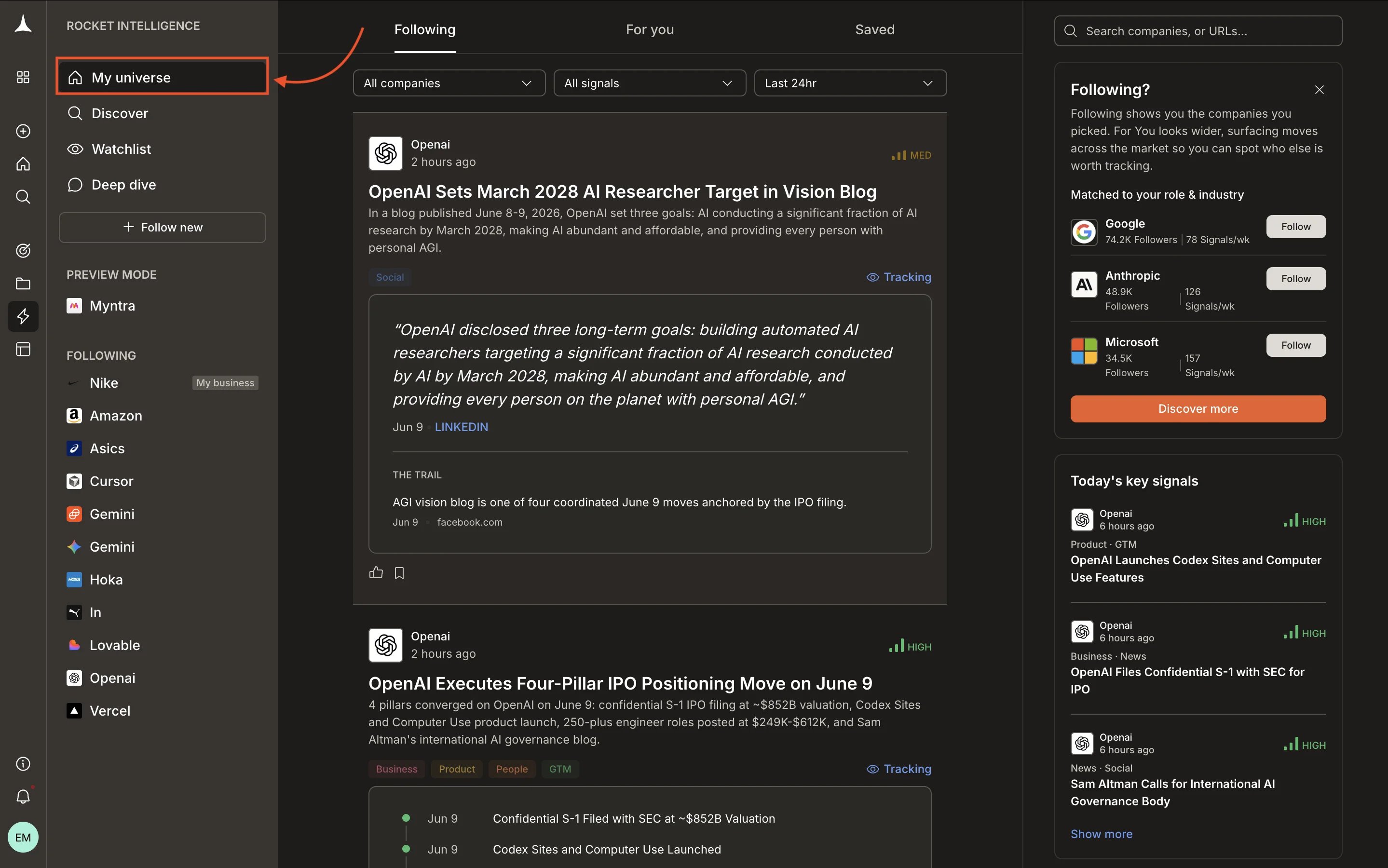
The Intelligence tab in your sidebar is the central hub for all monitoring activity. It is always there as a persistent workspace-level dashboard.- Intelligence - lists your business and all competitors you are monitoring. Click any entry to open their competitor profile.
- VIEWS - switch between Daily briefs (curated summaries) and All signals feed (every detected change, unfiltered).
Frequently asked questions
What is Intelligence?
Intelligence is Rocket’s continuous monitoring system. It watches competitors, markets, and trends on your behalf and delivers signals to a persistent dashboard. You set it up once and it runs until you pause or stop it.
How do I set up Intelligence?
Select Intelligence from the bottom of the home screen input. A 5-step wizard walks you through:
- Providing your business URL and team size
- Choosing signal categories
- Adding competitor URLs
- Setting notification channels and brief frequency
- Approving the configuration
Can I use Intelligence without Build or Solve?
Yes. Intelligence is fully independent. Run the setup wizard and Intelligence monitors your competitive landscape whether or not you use Solve or Build.
What can I monitor?
What can I monitor?
Websites (pricing pages, product pages, blogs), social media accounts, news and press releases, customer reviews, job postings, and more. Intelligence monitors all of these automatically for every competitor you add.
How often does Intelligence check for changes?
You choose the delivery frequency during setup: Daily briefs, Weekly digest, Monthly digest, or any combination. The underlying monitoring runs continuously. The frequency controls how often Rocket summarizes and delivers findings to you.
Can I use Intelligence without Build or Solve?
Yes. Intelligence is fully independent. Run the setup wizard and Intelligence monitors your competitive landscape whether or not you use Solve or Build.
What’s next?
Create your first monitor
Set up competitive monitoring with the guided Intelligence wizard.
Set up monitors
What Intelligence monitors per source type and how to manage competitors over time.
Dashboards
Navigate the Intelligence dashboard and manage your signal feed.
Solve overview
Investigate specific questions with on-demand research.

