

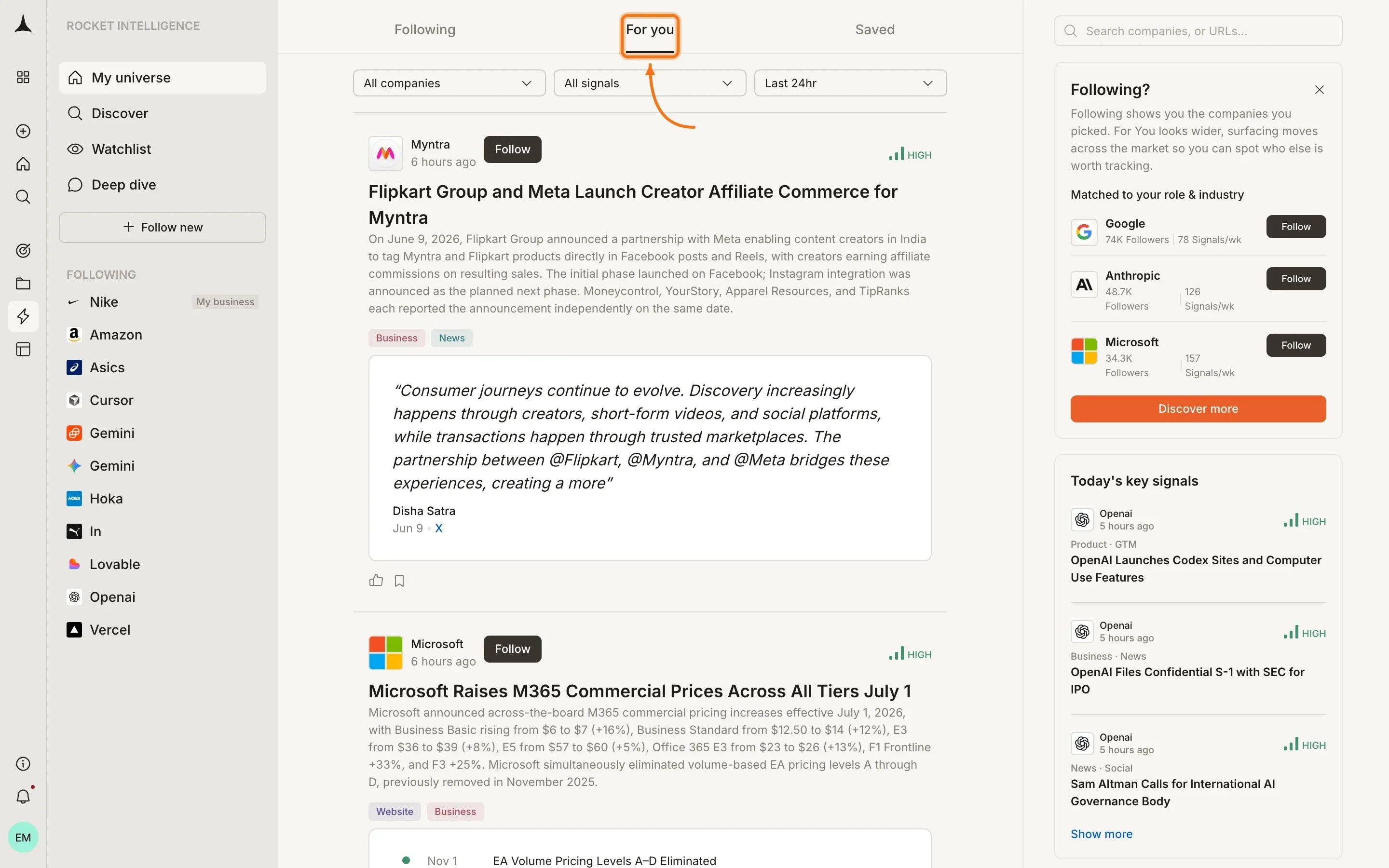
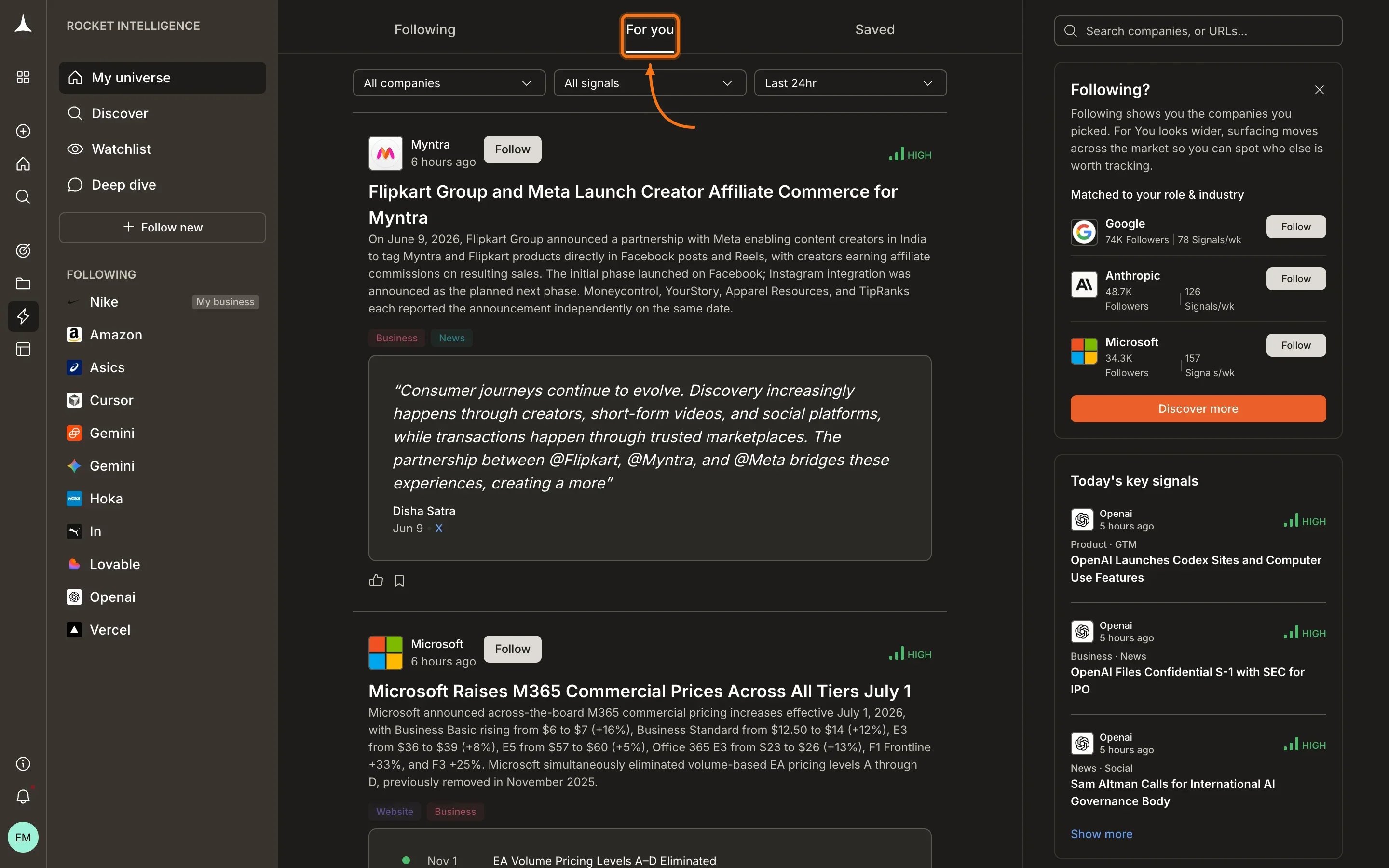
What you see
Each Intel card in the For You feed includes the same anatomy as Following cards (magnitude badge, headline, detail, pillar tags, and trail). For companies you don’t yet watch, a Follow button appears so you can add them to your universe directly from the feed.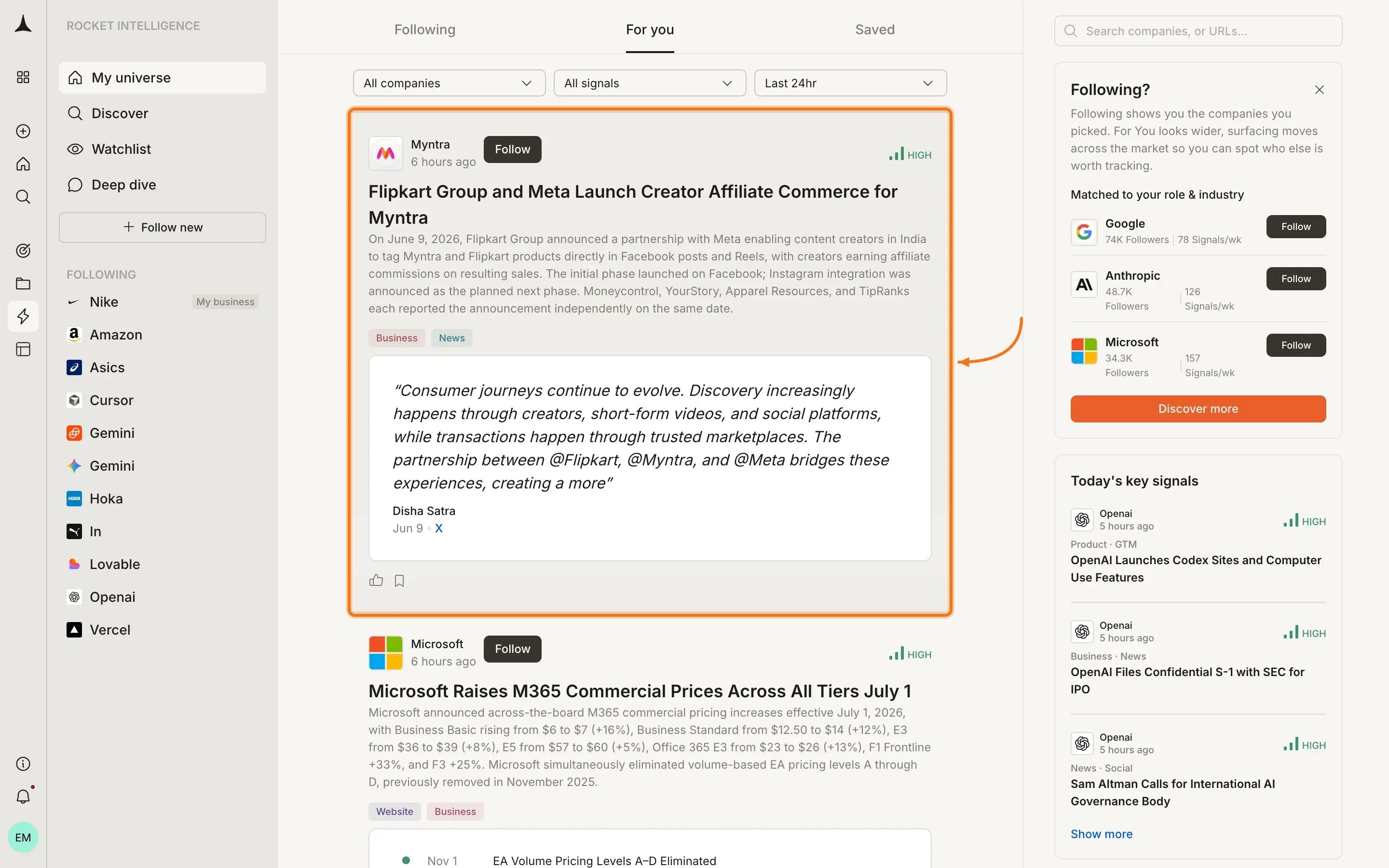
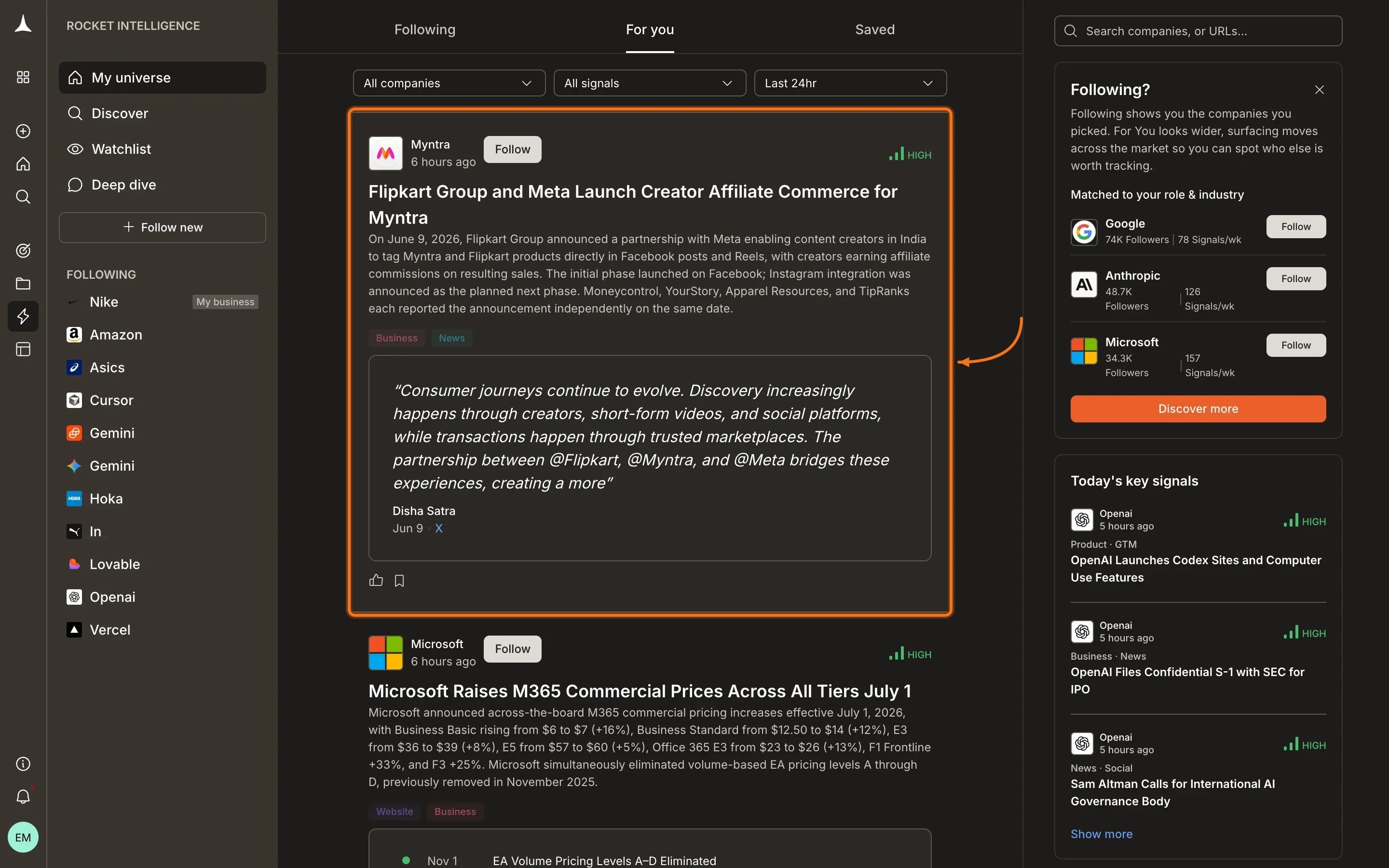
- Company name and timestamp at the top
- Follow button: appears on unfollowed companies so you can add them to your universe
- Magnitude badge (High, Medium, or Low)
- Headline and detail with the interpreted Intel
- Pillar tags showing which pillars contributed
- The Trail section with supporting evidence
How it works
For You ranks and surfaces Intel through several signals:- Your role: a product leader sees product and hiring signals weighted higher
- Your industry: companies in your market get priority, whether you follow them or not
- Pattern matching: if companies you watch are making a certain move, For You surfaces other companies making similar moves
- Cross-market signals: significant events that affect your landscape even from companies outside your direct space
- Engagement patterns: Intelligence learns what matters to you from your reading and interaction history
Acting on For You Intel
When something catches your attention:When to check
For You is not a daily obligation. Check it when you want to:- Discover companies entering your market
- Spot industry-wide trends before they reach companies you already watch
- Find inspiration from adjacent markets
- Expand your universe with companies you didn’t know to follow
Empty state
If For You shows no Intel yet, Intelligence has not gathered enough data to personalize your feed. This resolves as you follow more companies, interact with Intel cards, and your profile data helps Intelligence understand your interests.What’s next
Following
Intel from companies already in your universe.
Discover
Actively browse and add companies.
Saved
Your personal collection of bookmarked Intel.
Key concepts
How personalization and signal matching work.