

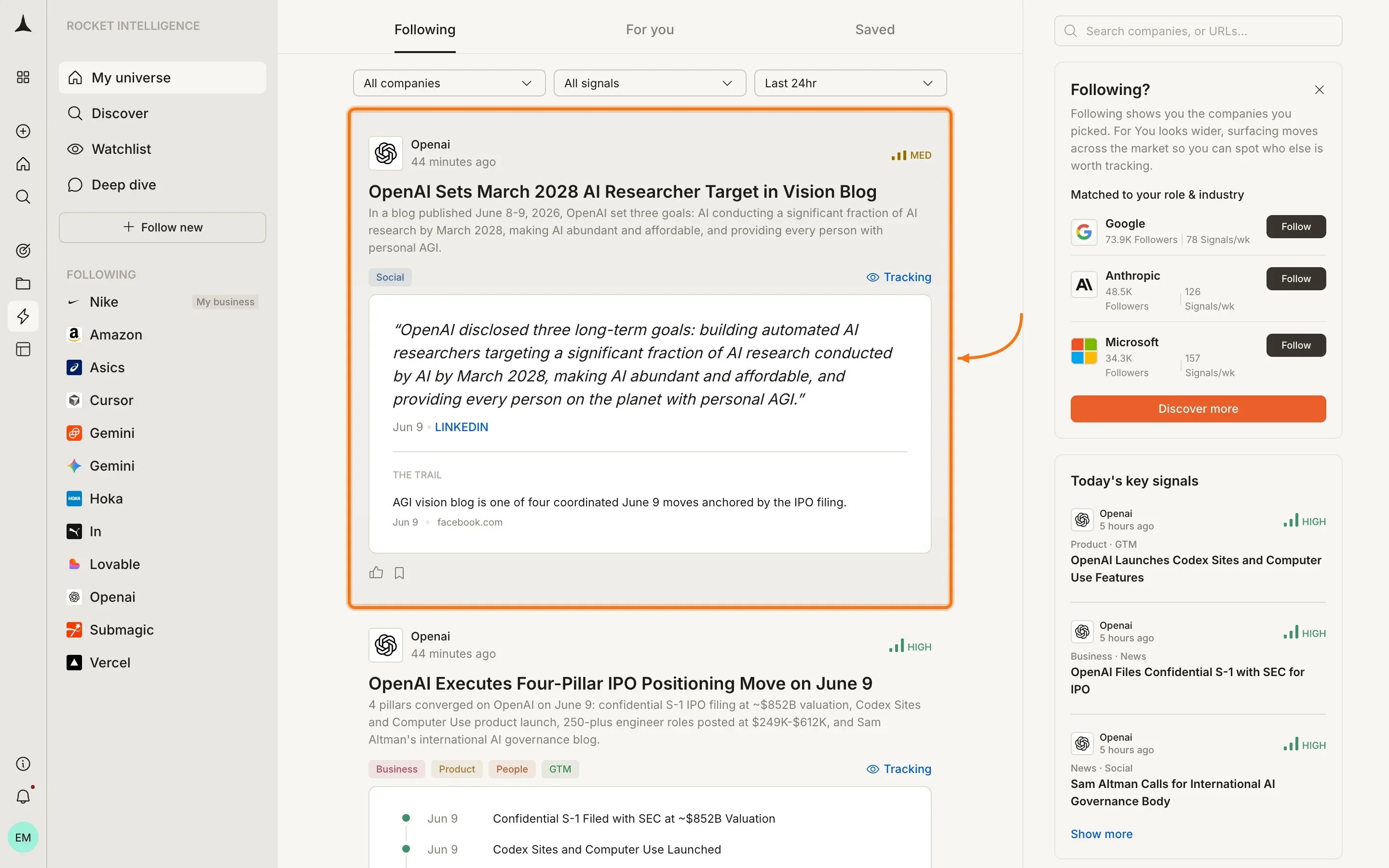
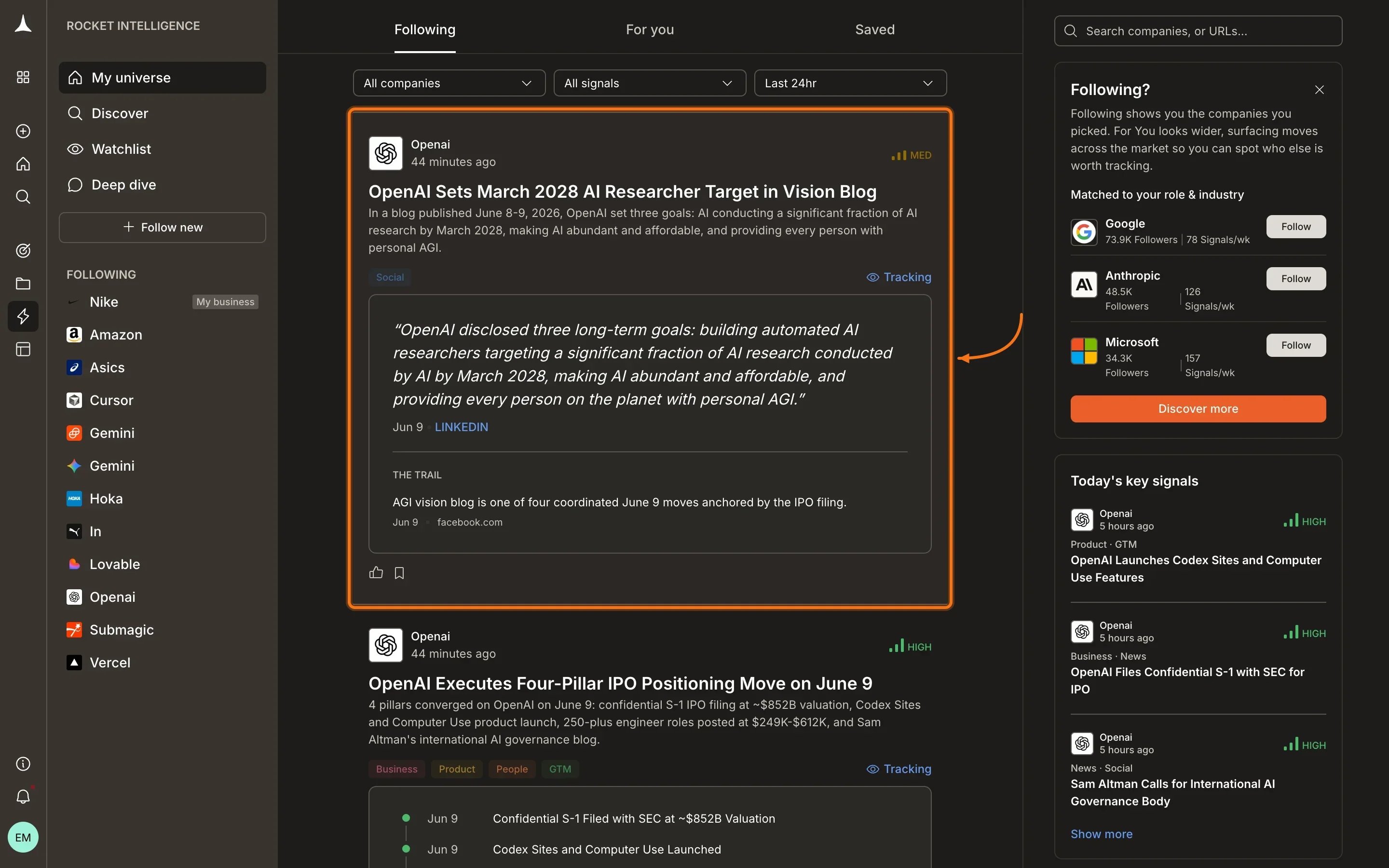
An Intel card in the Following feed showing magnitude, headline, detail, pillar tags, watchlist name, and trail.
Card anatomy
Every Intel card contains these elements from top to bottom:Magnitude
Magnitude tells you how much a card matters relative to your priorities. There are exactly three levels:
Magnitude is personalized. The same underlying signal may be High for one user and Medium for another depending on their role, lens, and followed companies.
Expanded view
Clicking on an Intel card expands it to reveal deeper analysis: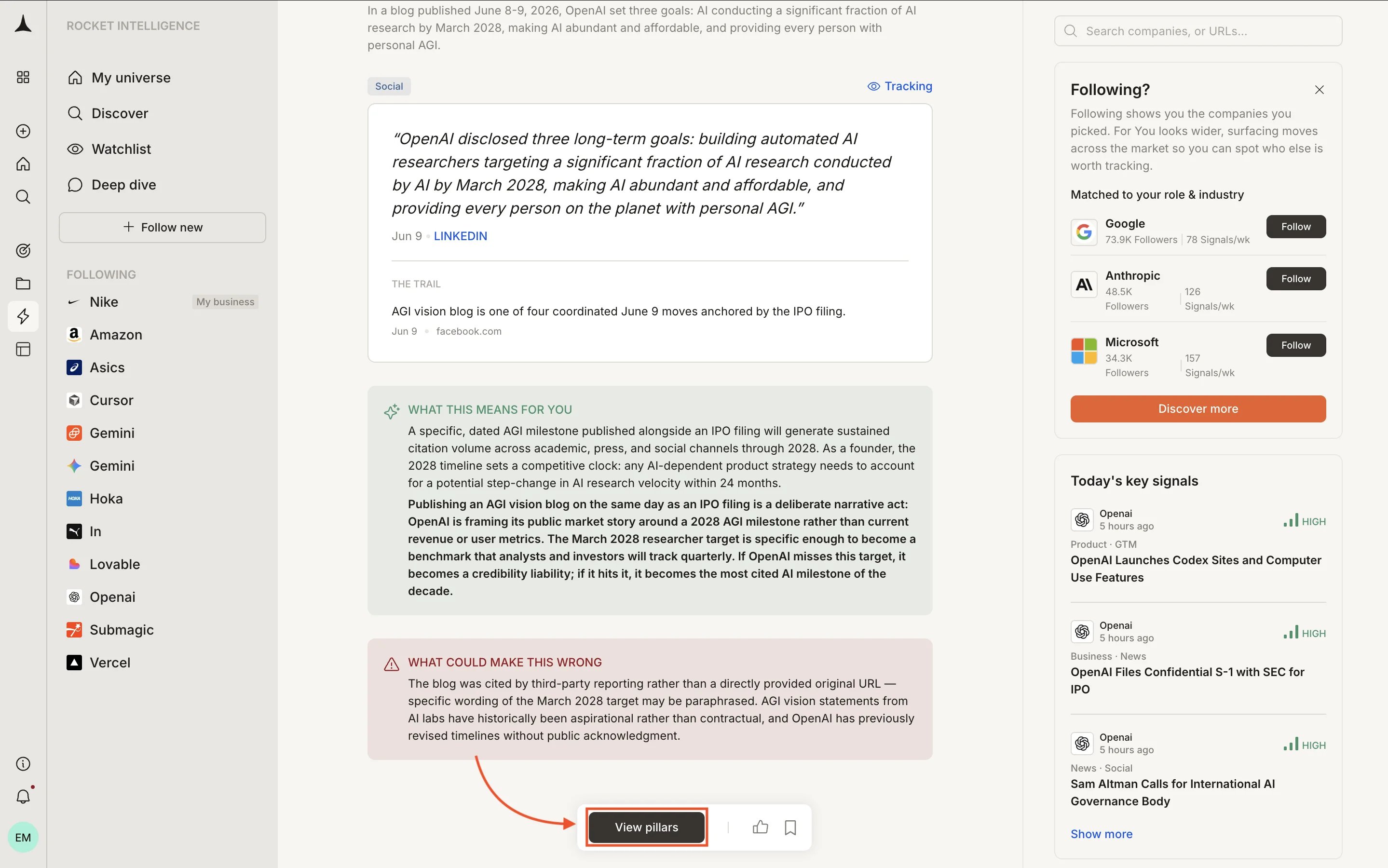
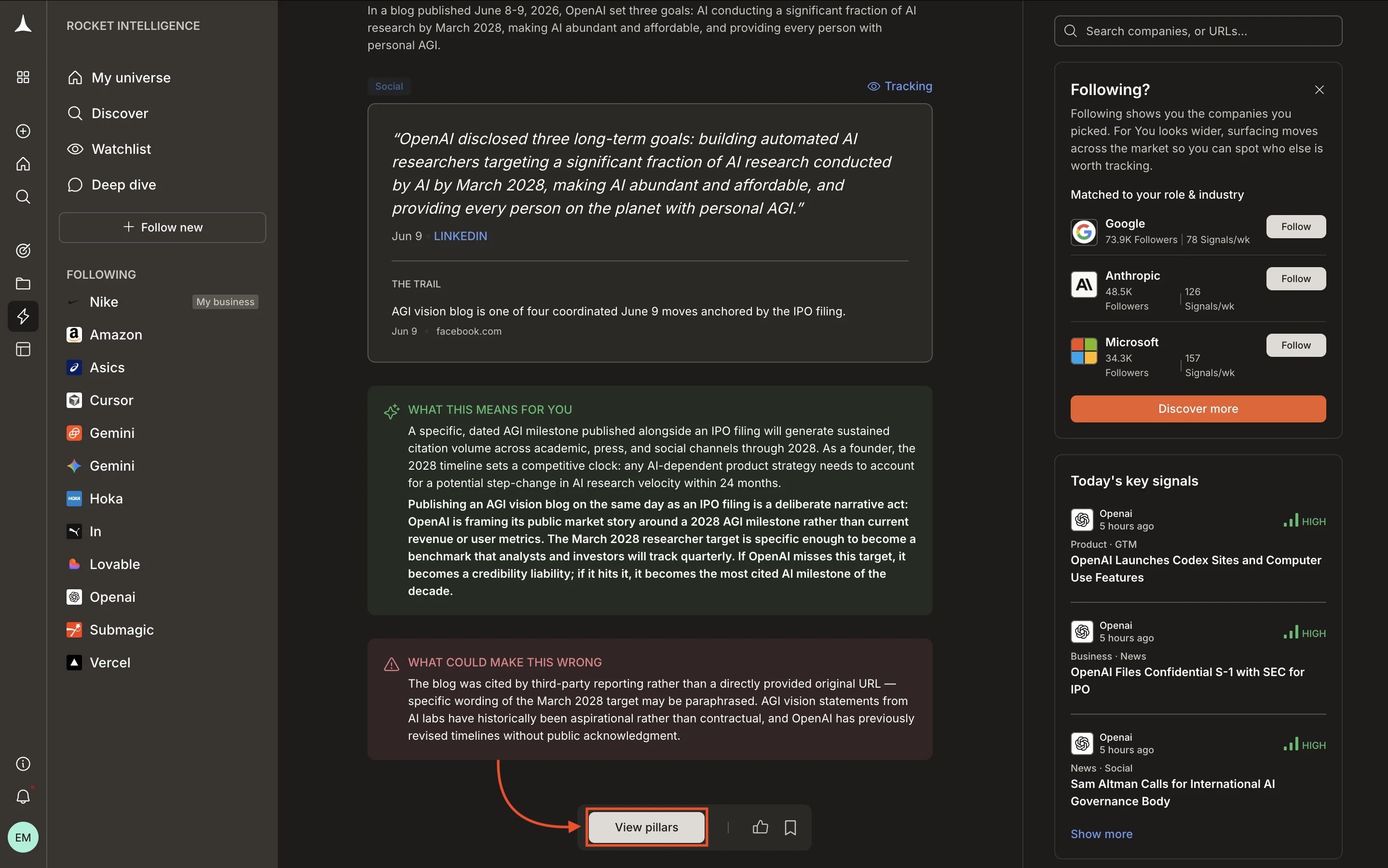
Expanded Intel card showing personalized implications and the View pillars button.
- “What this means for you”: a personalized implication connecting the signal to your specific role and business context
- “What could make this wrong”: alternative explanations or caveats worth considering before acting
- View pillars button: opens the full pillar navigation for that company so you can investigate further
What every card includes
Every Intel card gives you full depth:- Headline summarizing what happened
- What it means: interpretation of the underlying signals
- Why it matters: the business implication for you
- Magnitude: High, Medium, or Low significance rating
- Evidence: the specific signals that contributed
- Trail: full sources, methodology, and reasoning chain
- Confidence score: how strongly the evidence supports the interpretation
- Counter-narrative: alternative explanations worth considering
- Connected signals: related Intel from other pillars or companies
How cards are ranked
Intel cards in your feed are not shown in chronological order. They are ranked by a combination of factors:- Magnitude: High-magnitude Intel surfaces first
- Your pins: pinned companies get priority positioning
- Your lens: the reason you watch each company weights which signals matter more
- Your role: from your profile, used to prioritize relevant signal types
- Recency: more recent Intel ranks higher when other factors are equal
Interacting with cards
What Intel cards are not
Intel cards are deliberately different from what other tools produce:- Not alerts. An alert fires when a threshold is crossed. Intel interprets what the crossing means.
- Not notifications. A notification tells you something happened. Intel tells you what it means for your business.
- Not raw data. A data point is one number. Intel connects multiple data points across pillars into a coherent read.
What’s next
Following feed
Intel from companies in your universe, surfaced daily.
Saved
Bookmark cards for meetings, decisions, or tracking signals over time.
Key concepts
Full terminology and mental model behind Rocket Intelligence.
Best practices
How to read and act on Intel effectively.