

What makes up a Watchlist
Every watchlist has three parts:
The lens is the key differentiator. Two watchlists can contain the same companies but produce completely different Intel because they ask different questions.
Browsing your Watchlists
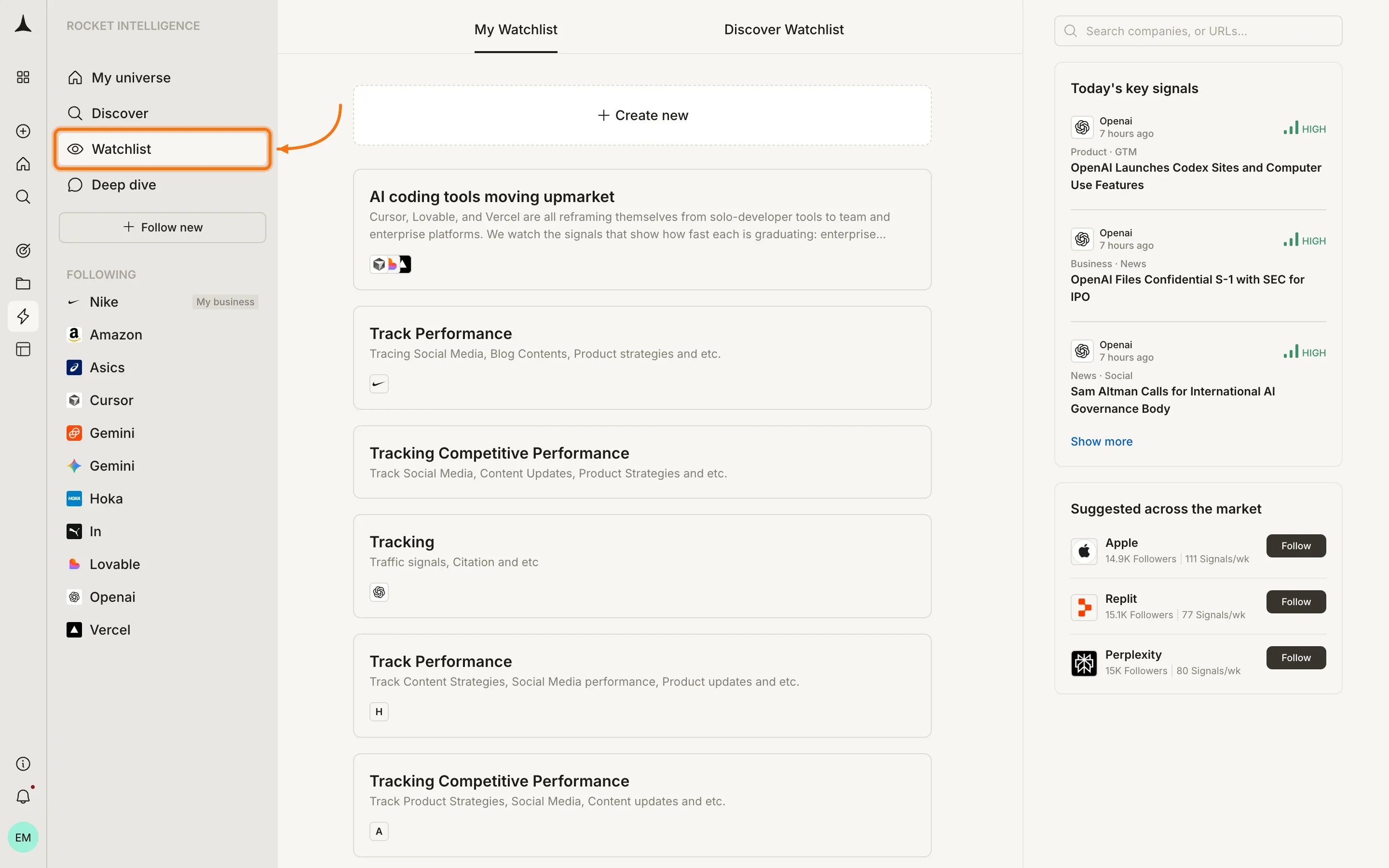
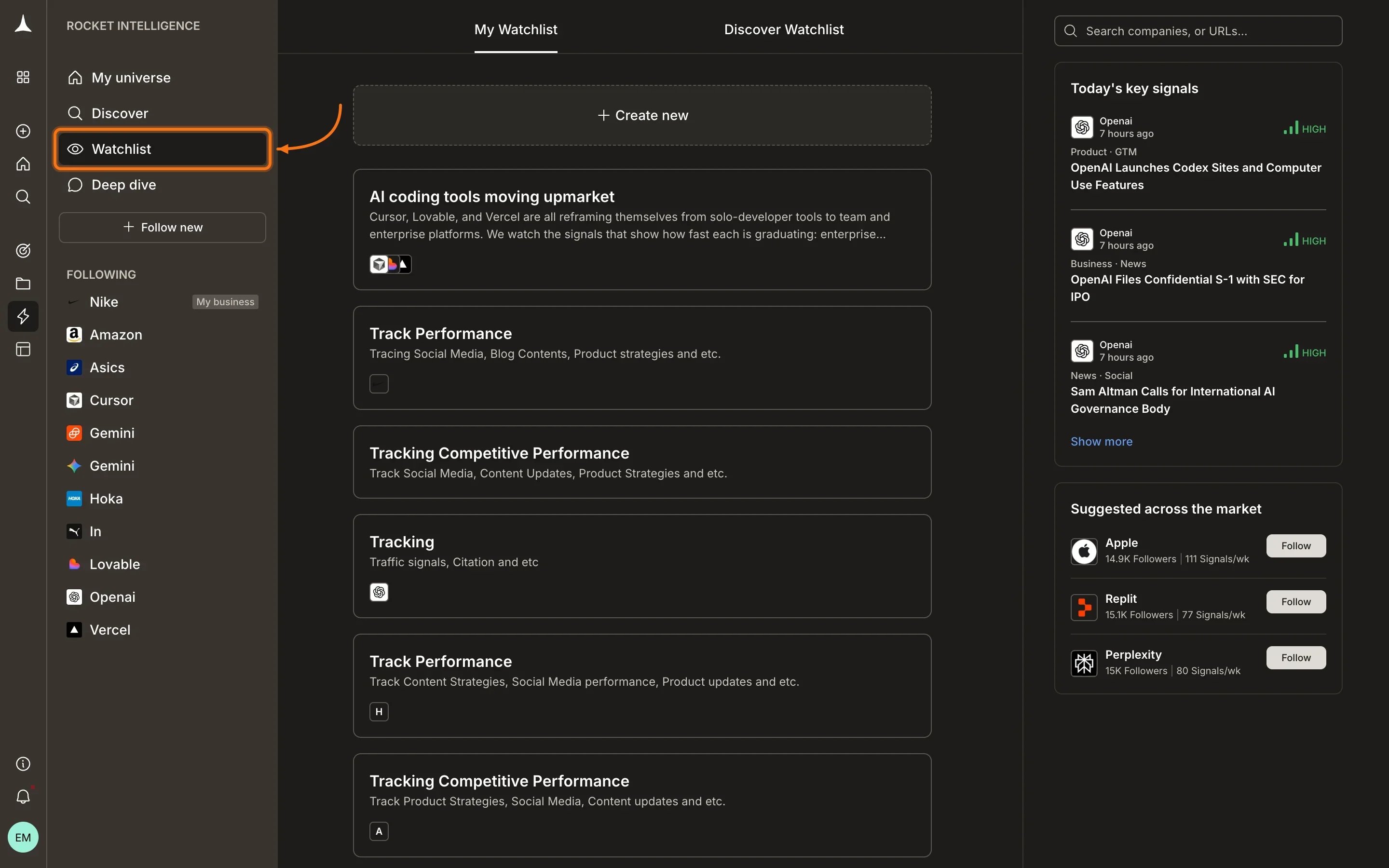
Click Watchlist in the sidebar to see all your watchlists. The page has two tabs:- My Watchlist: watchlists you have created
- Discover Watchlist: pre-built watchlists you can adopt
Watchlist detail view
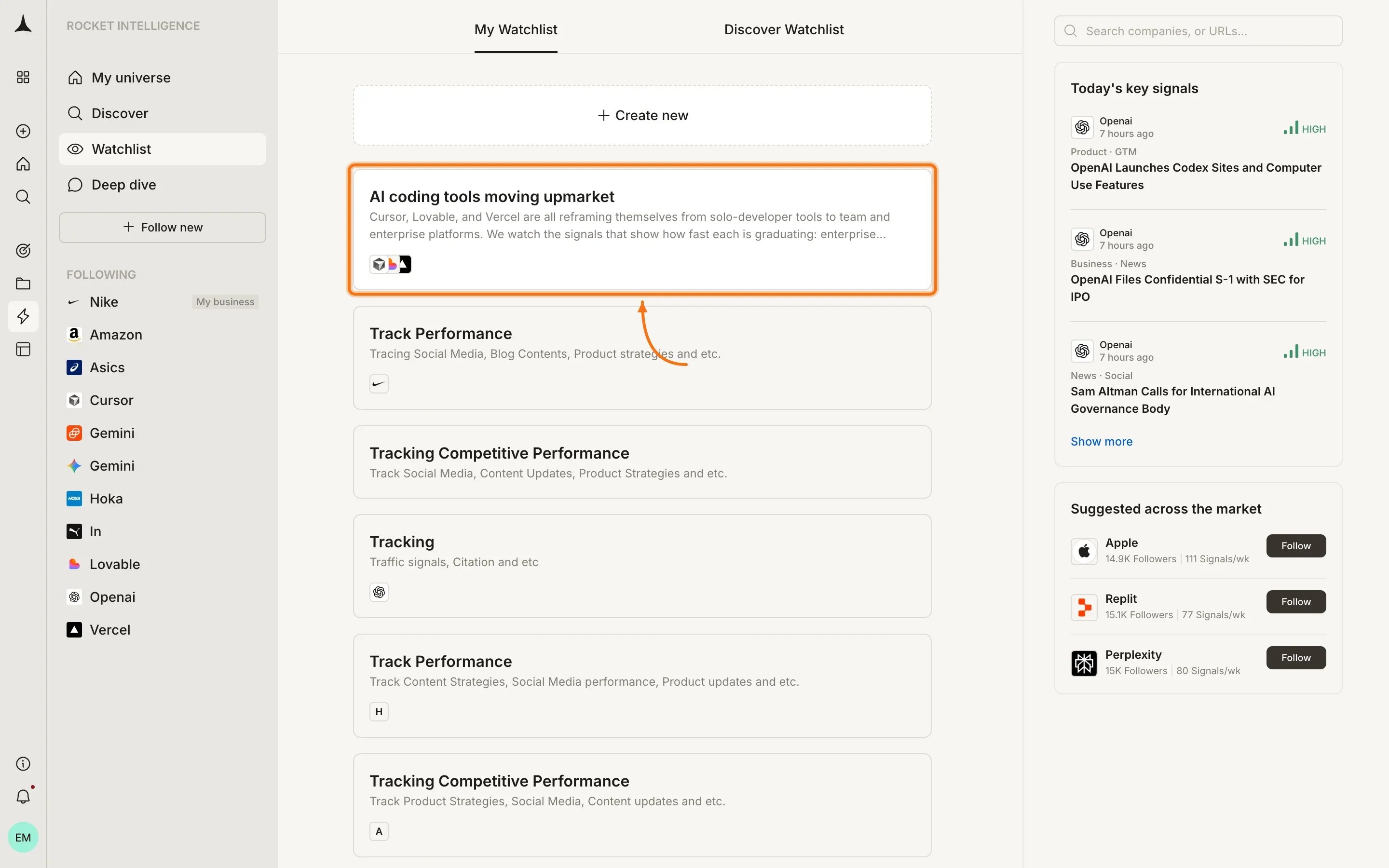
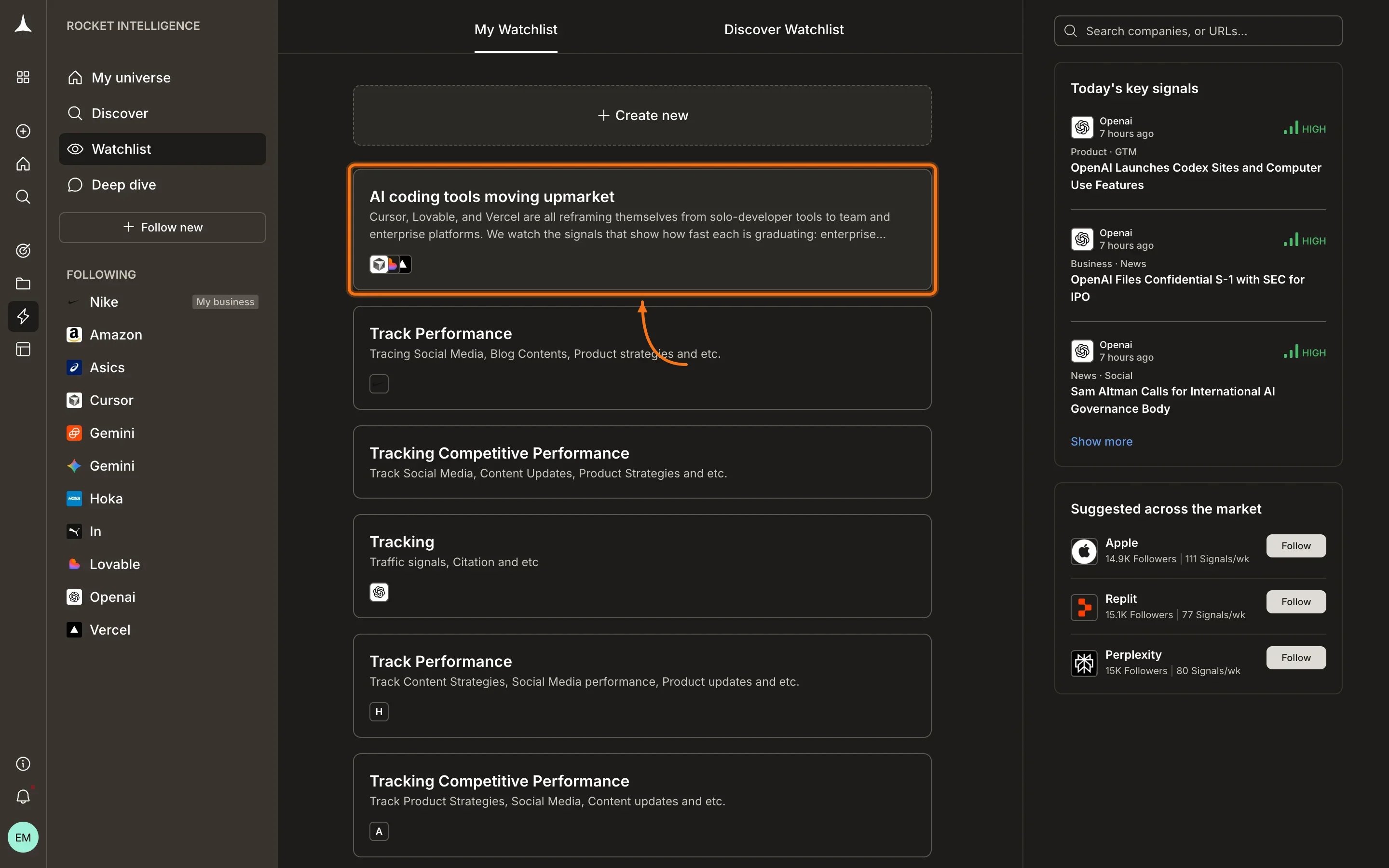
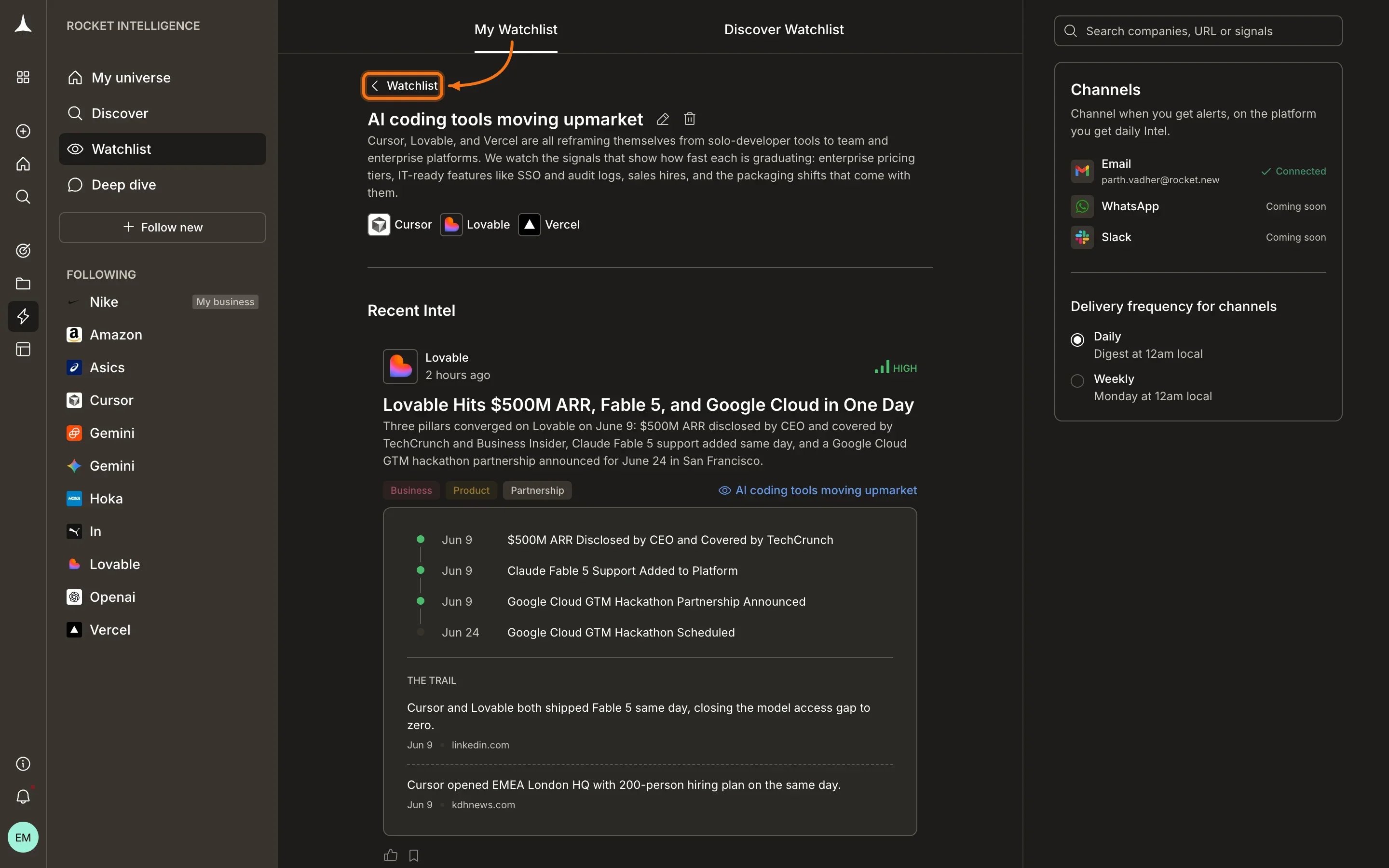
Opening a watchlist shows its full context: the lens description, the companies being watched, and a Recent Intel section containing Intel cards scoped through that watchlist’s lens. The right sidebar displays delivery settings, showing which channels are connected and the chosen frequency.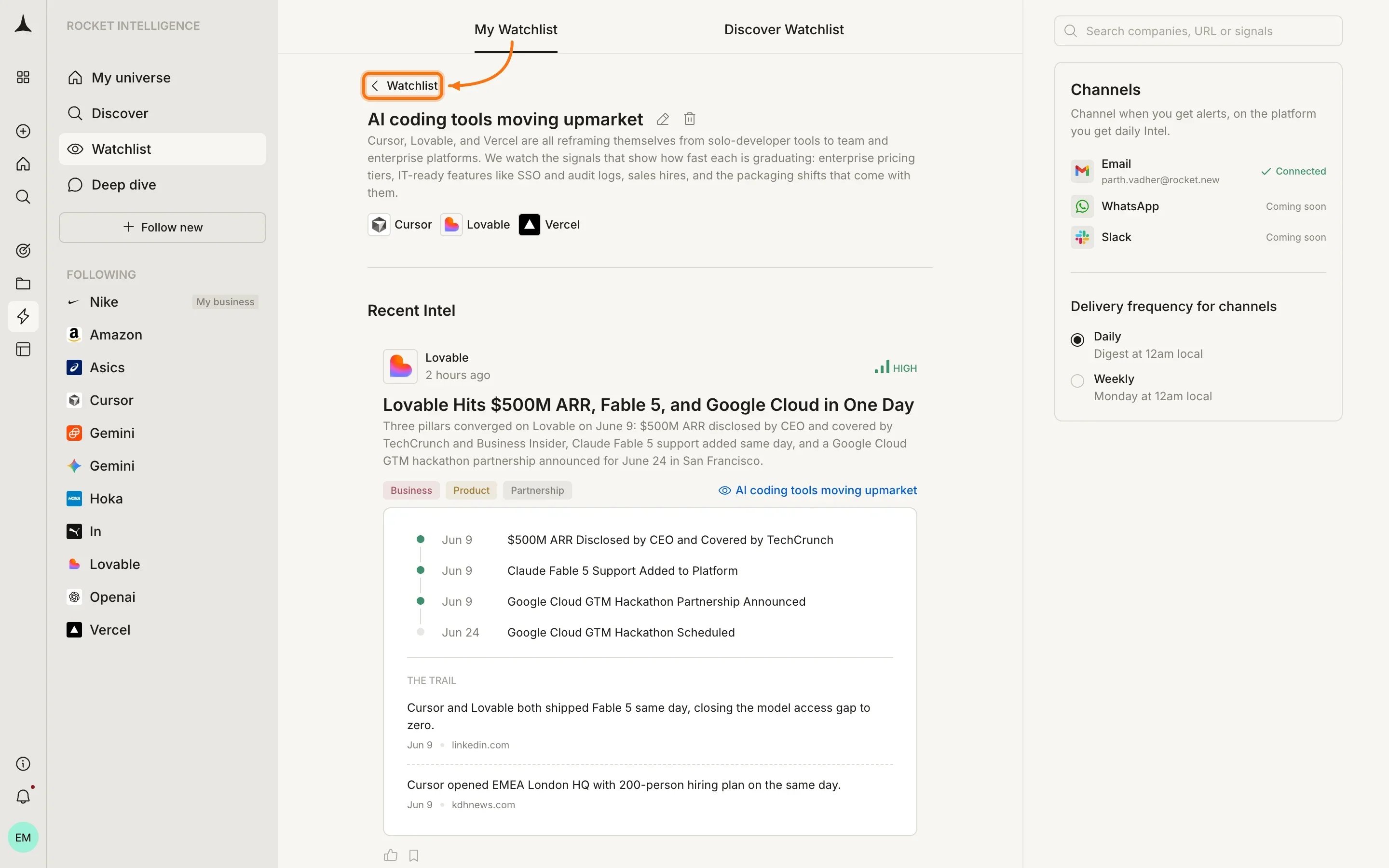
Creating a Watchlist
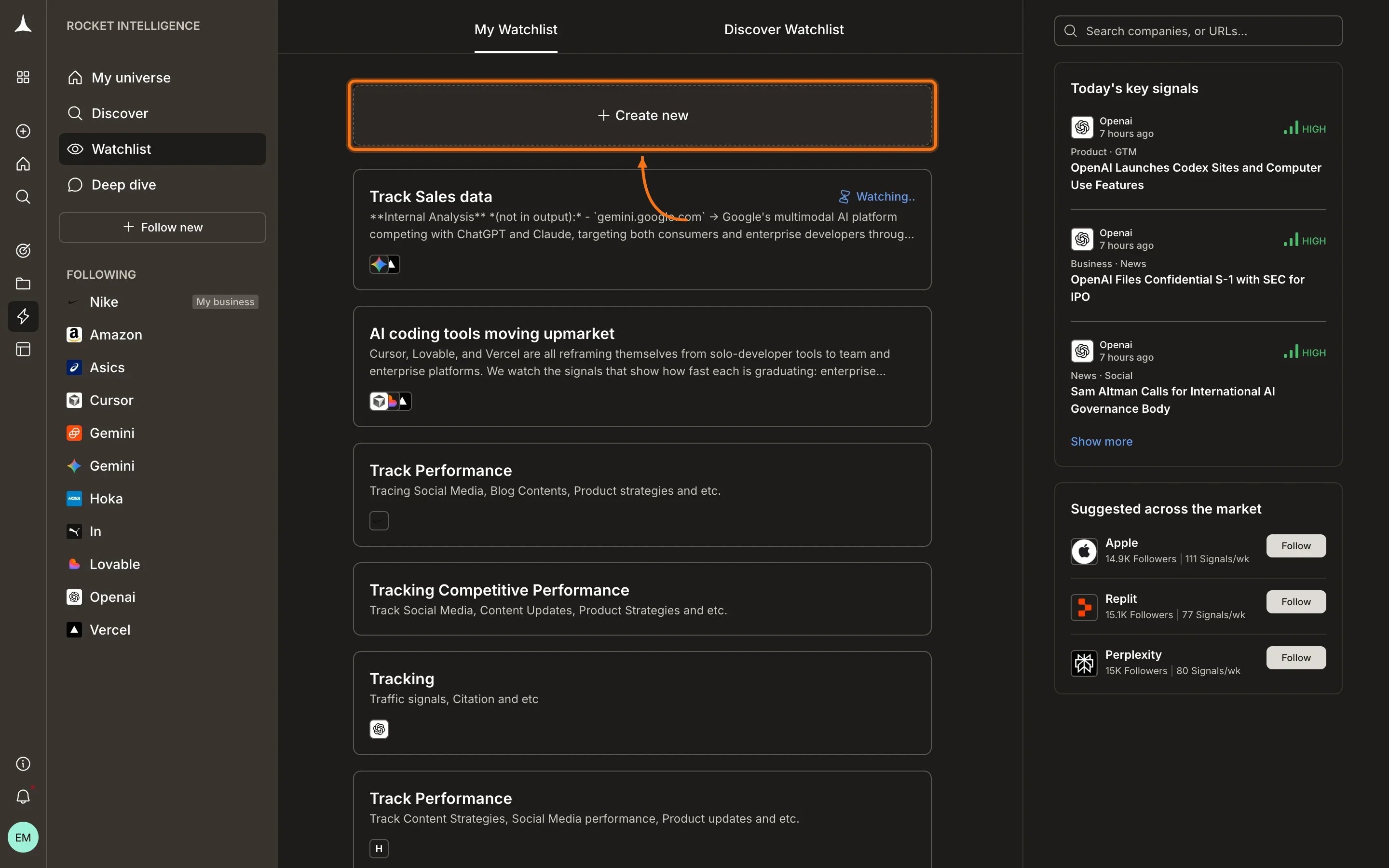
Click the Create Watchlist button at the top of your watchlist list to start.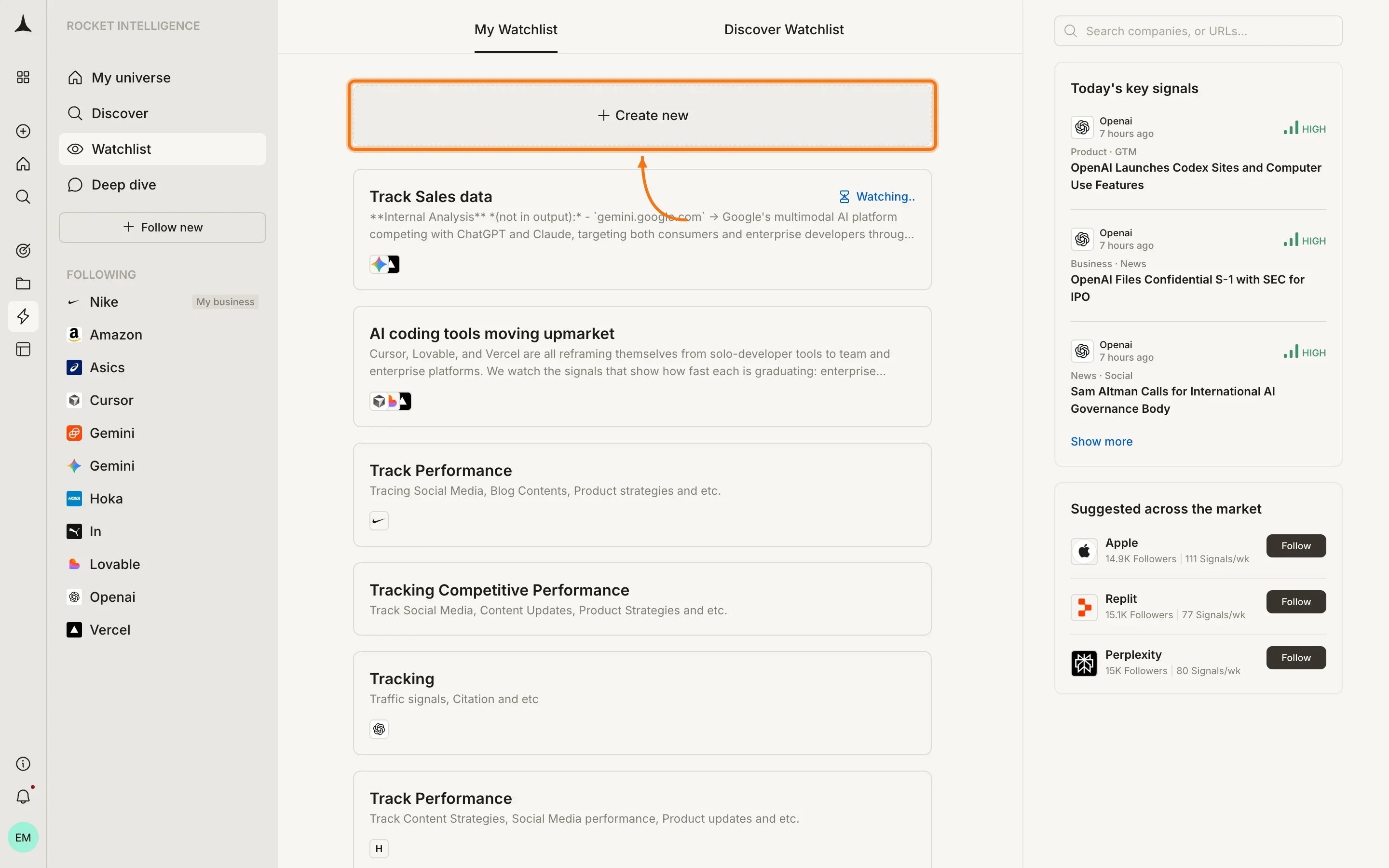
1
Describe your lens
Describe what you want to track and why in plain language. The more specific the better: name the companies, the signals, and what a meaningful move looks like to you. Example prompts are offered as starting points: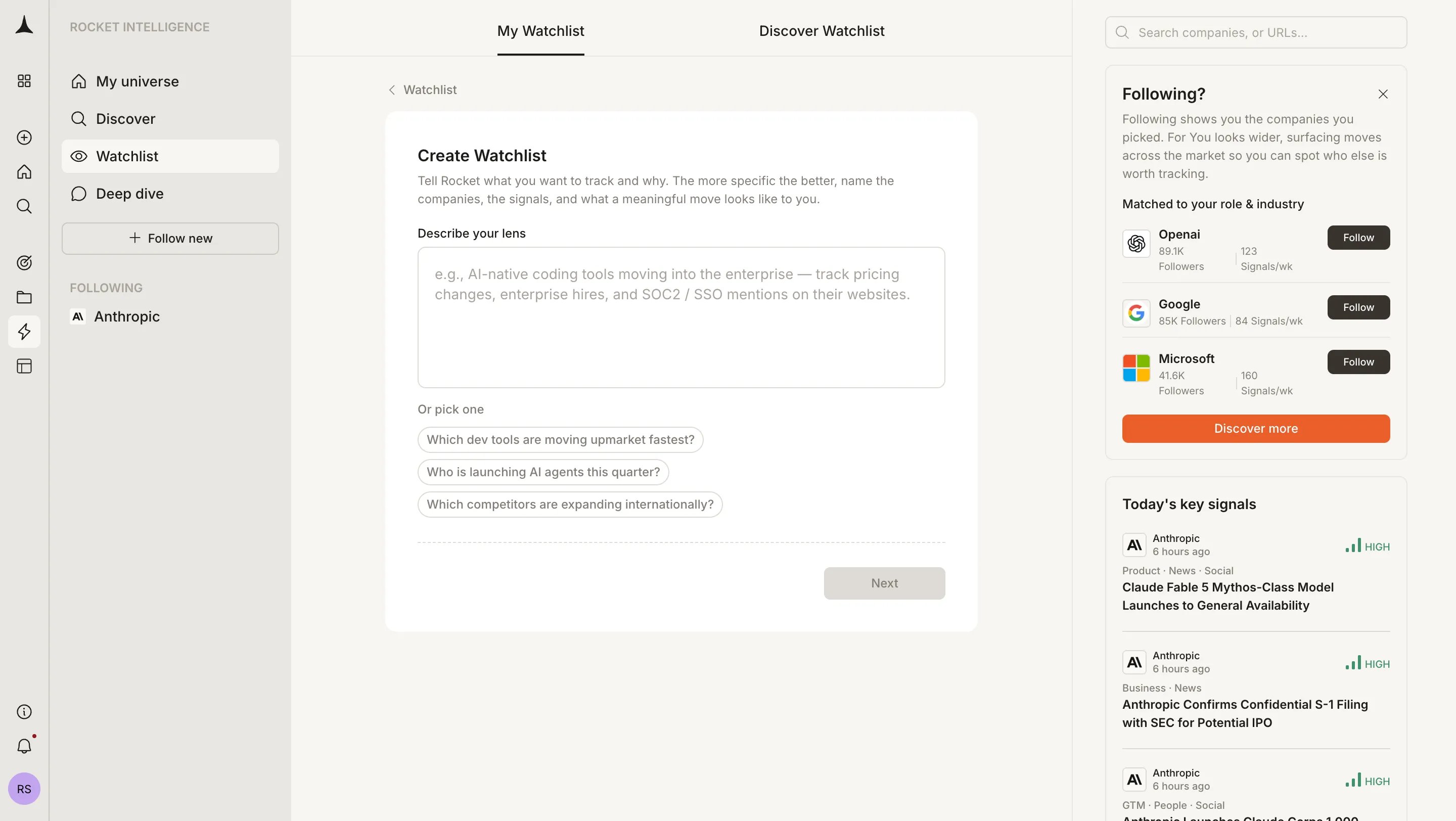
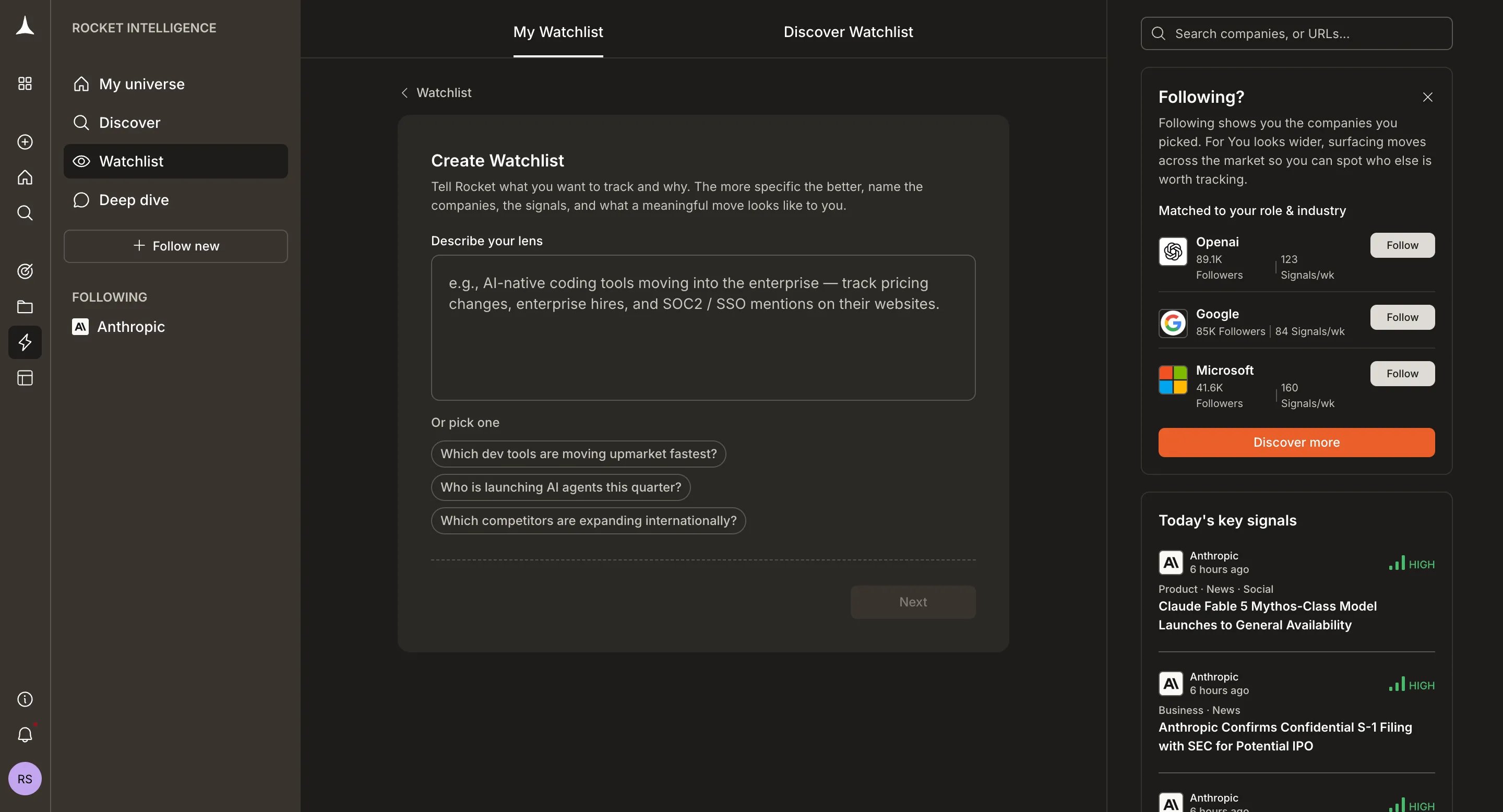
- “Which dev tools are moving upmarket fastest?”
- “Who is launching AI agents this quarter?”
- “Which competitors are expanding internationally?”
2
Answer clarifying questions
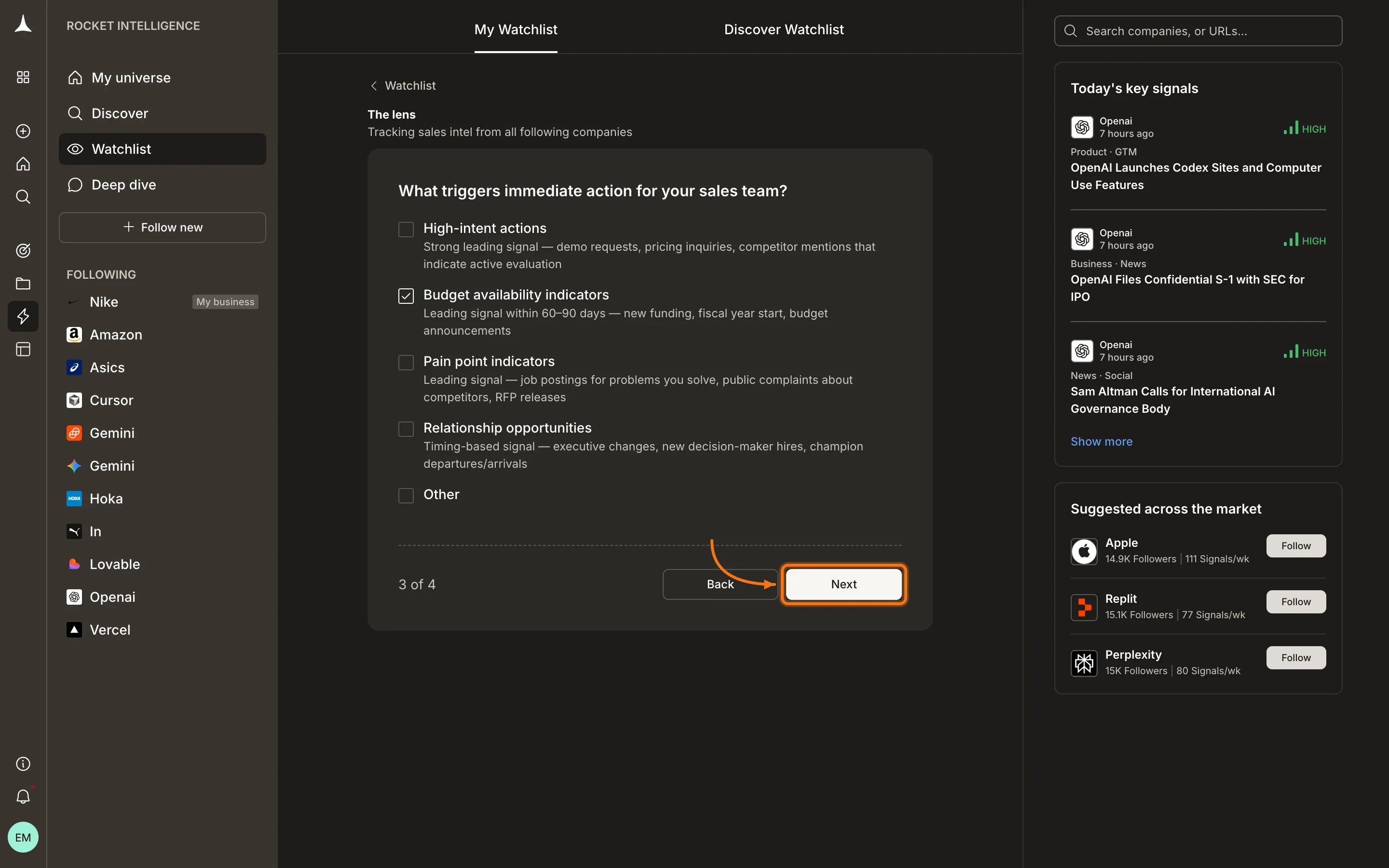
Rocket asks a short set of questions to sharpen your lens. These are multi-choice and help define what kinds of signals matter most for your question.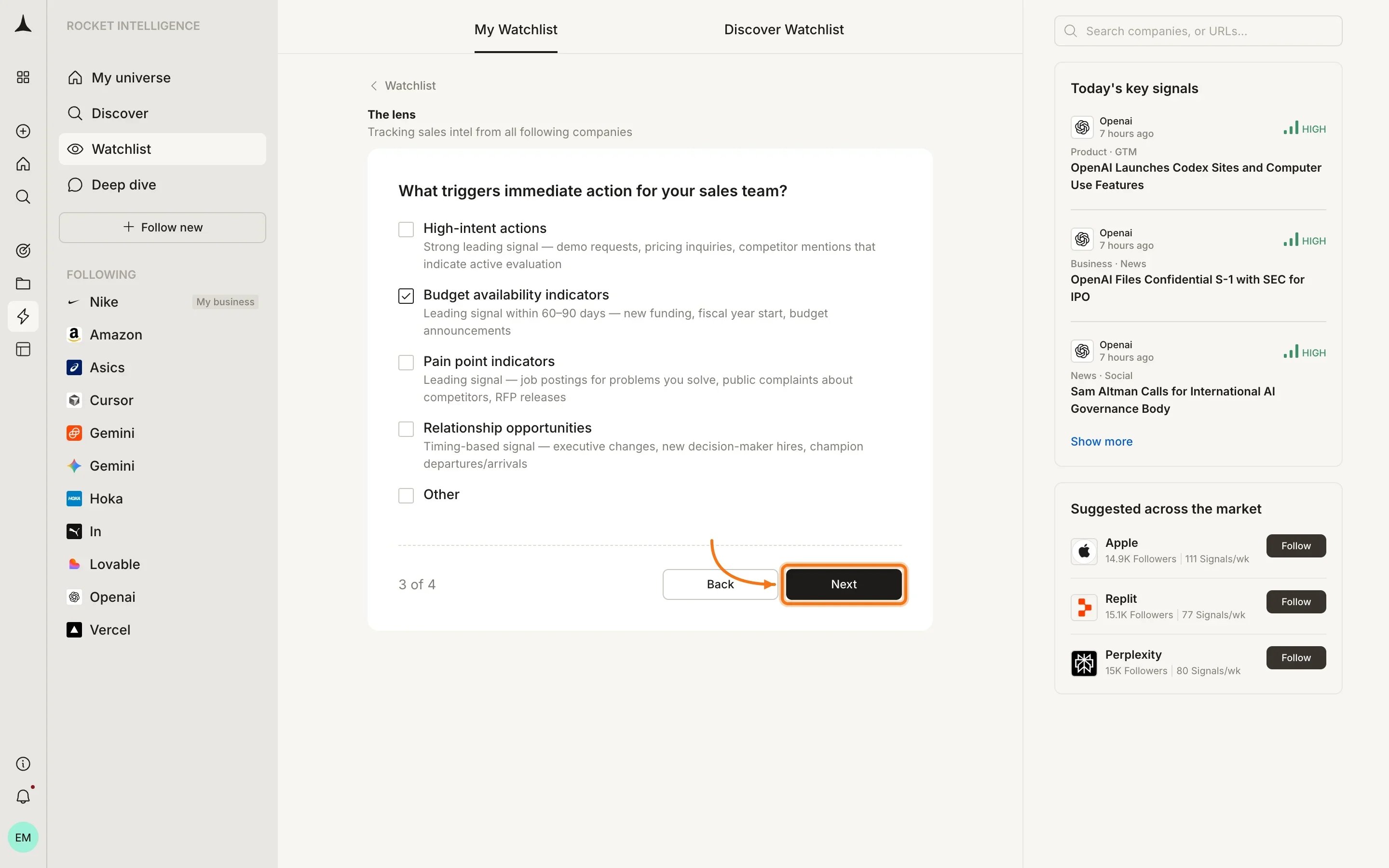
3
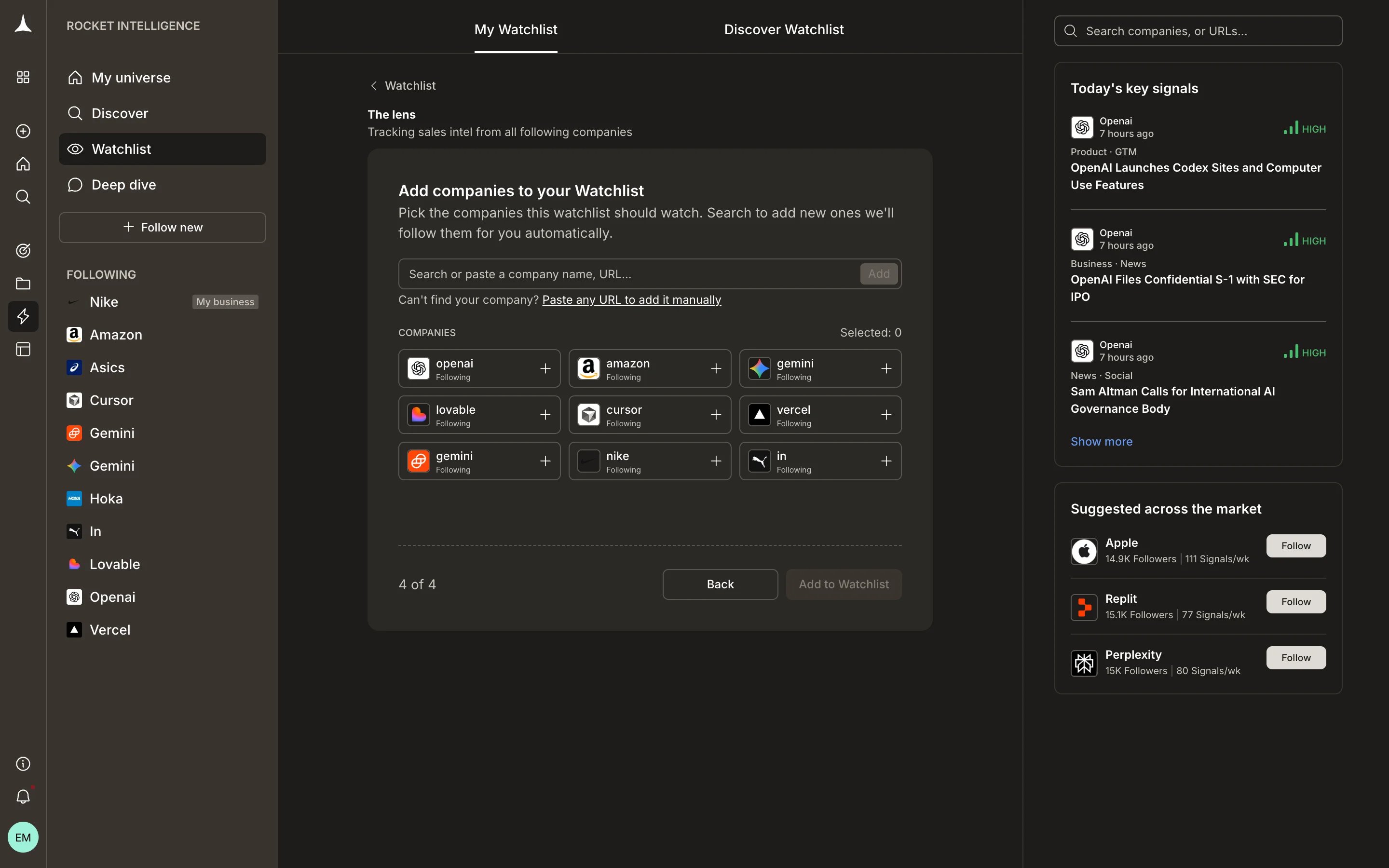
Add companies
Select which companies to include. You can search or pick from companies you already follow.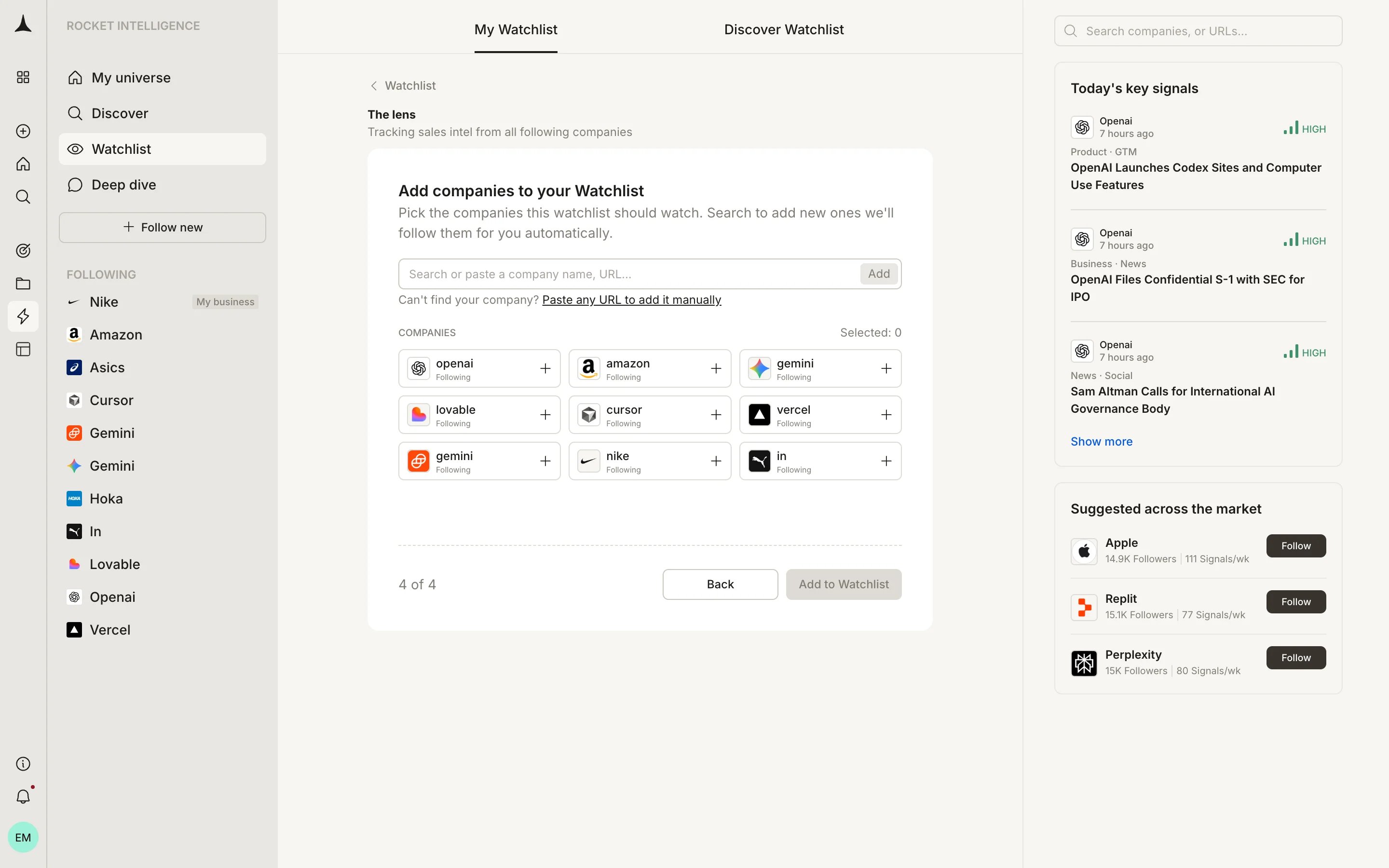
Delivery channels
Each watchlist can deliver Intel through configured channels:
You also choose a delivery frequency, Daily or Weekly, depending on how often you need updates for that particular question.
Limits
Adding a company to a watchlist automatically follows that company if you are not already following it. There is no limit on the number of watchlists you can create or the number of companies you can add to a single watchlist. However, you can follow a maximum of 10 companies across your account. If you attempt to follow more than 10, a message will be displayed indicating the limit has been reached.What’s next
Following feed
Intel from every company in your universe, ranked and personalized.
For You
Discovery Intel from companies outside your universe.
Key concepts
Understand Intel, lenses, magnitude, and other core terms.
Discover
Find companies to follow or add to a watchlist.