

Saving an Intel card
Click the bookmark icon on any Intel card in your For You or Following feed. A “Save” tooltip confirms the action.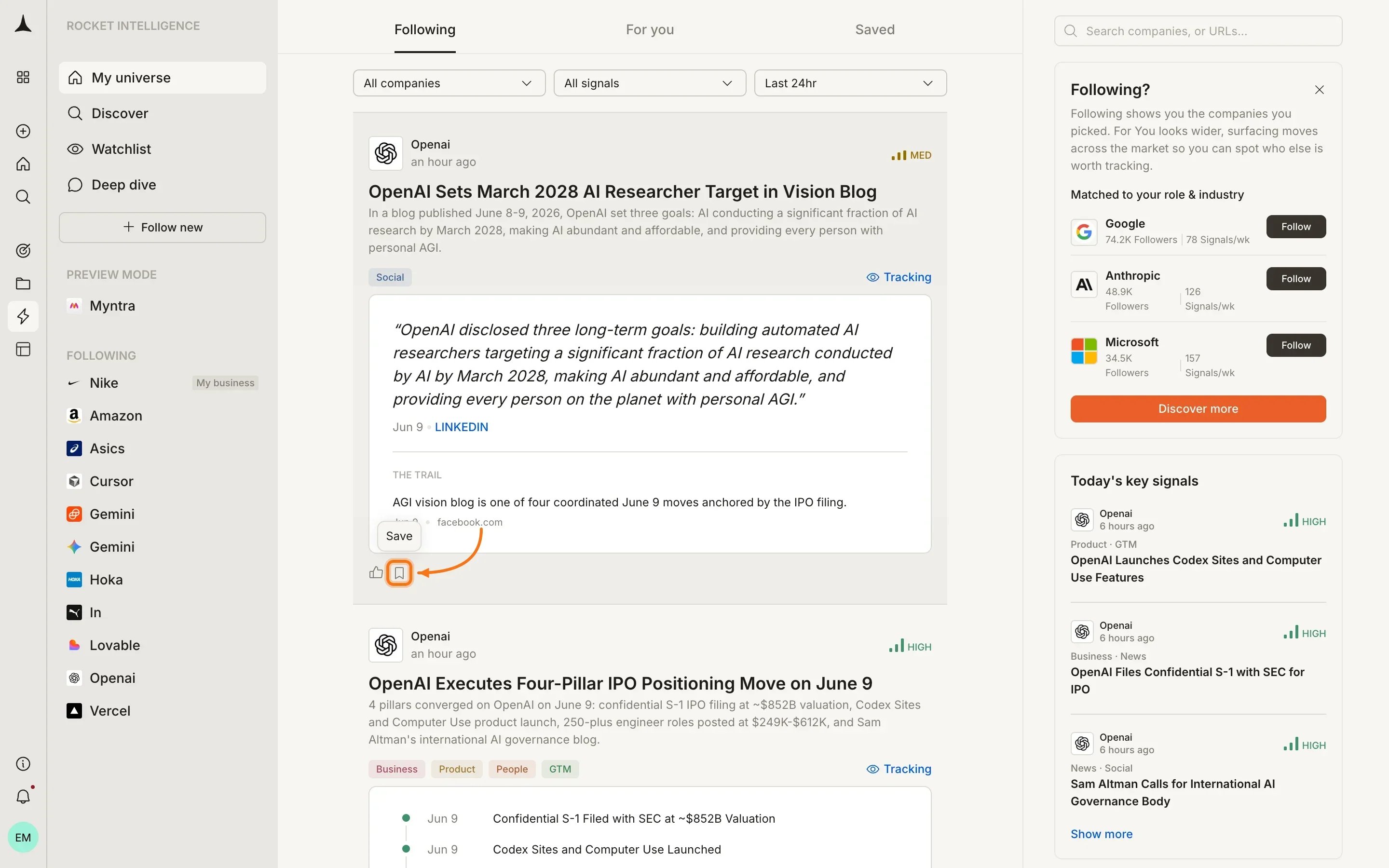
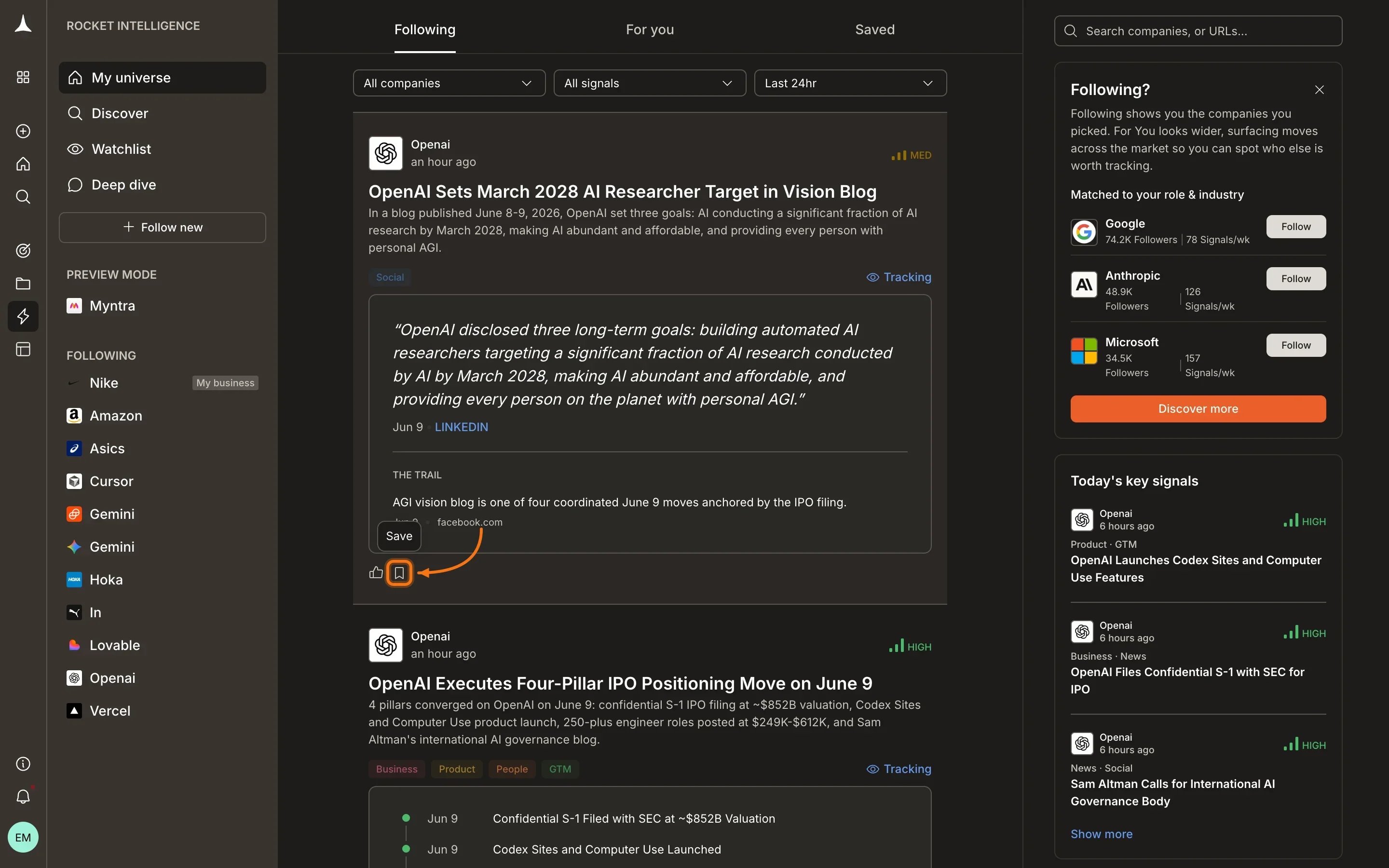
Click the bookmark icon on any Intel card to save it to your collection.
Viewing saved Intel
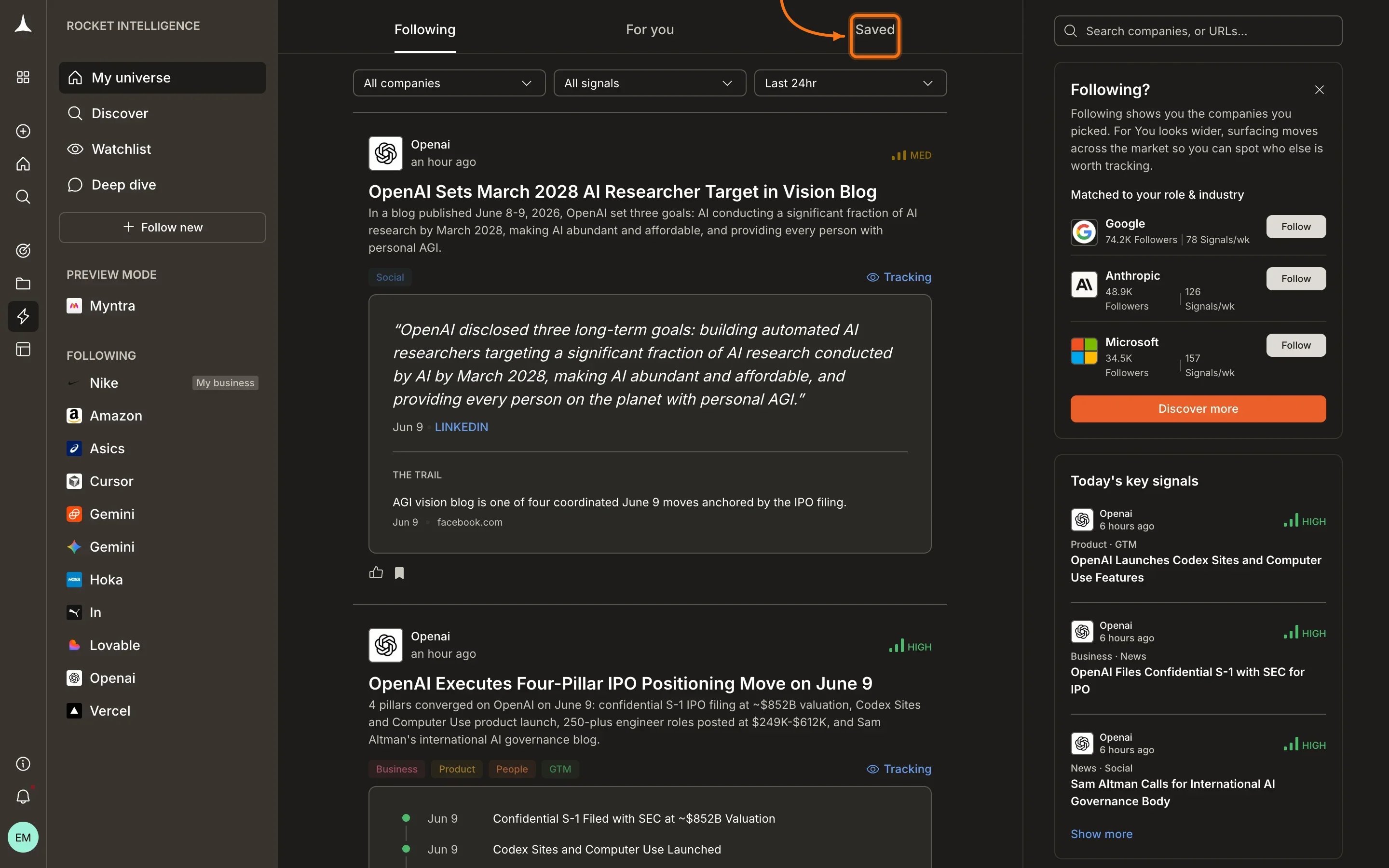
Access your saved cards by clicking the Saved tab in the Intelligence header navigation. All your bookmarked Intel appears here in reverse chronological order (most recently saved first).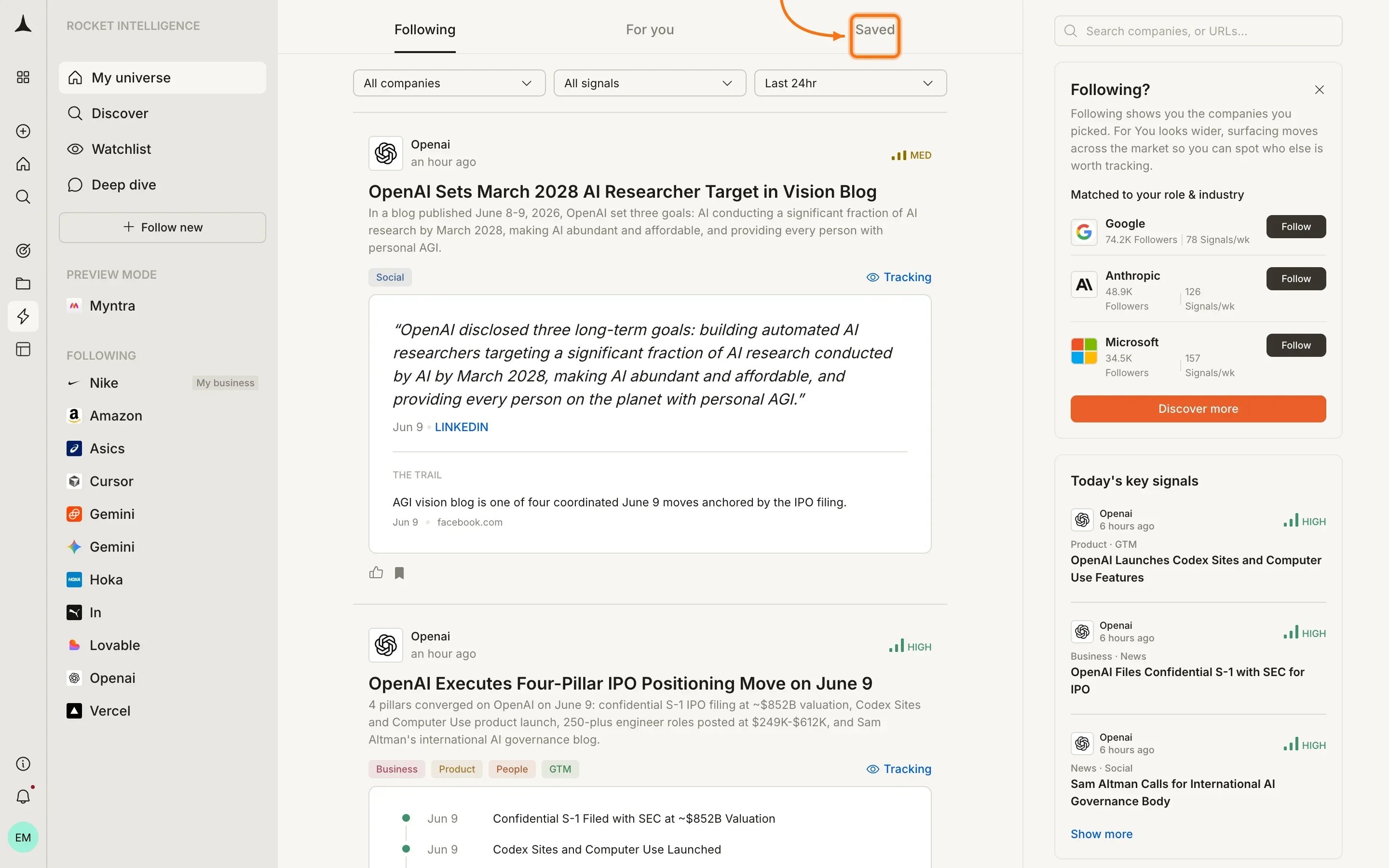
Removing saved Intel
To remove an Intel card from your Saved collection, click the bookmark icon again. A “Remove from saved” tooltip confirms the removal.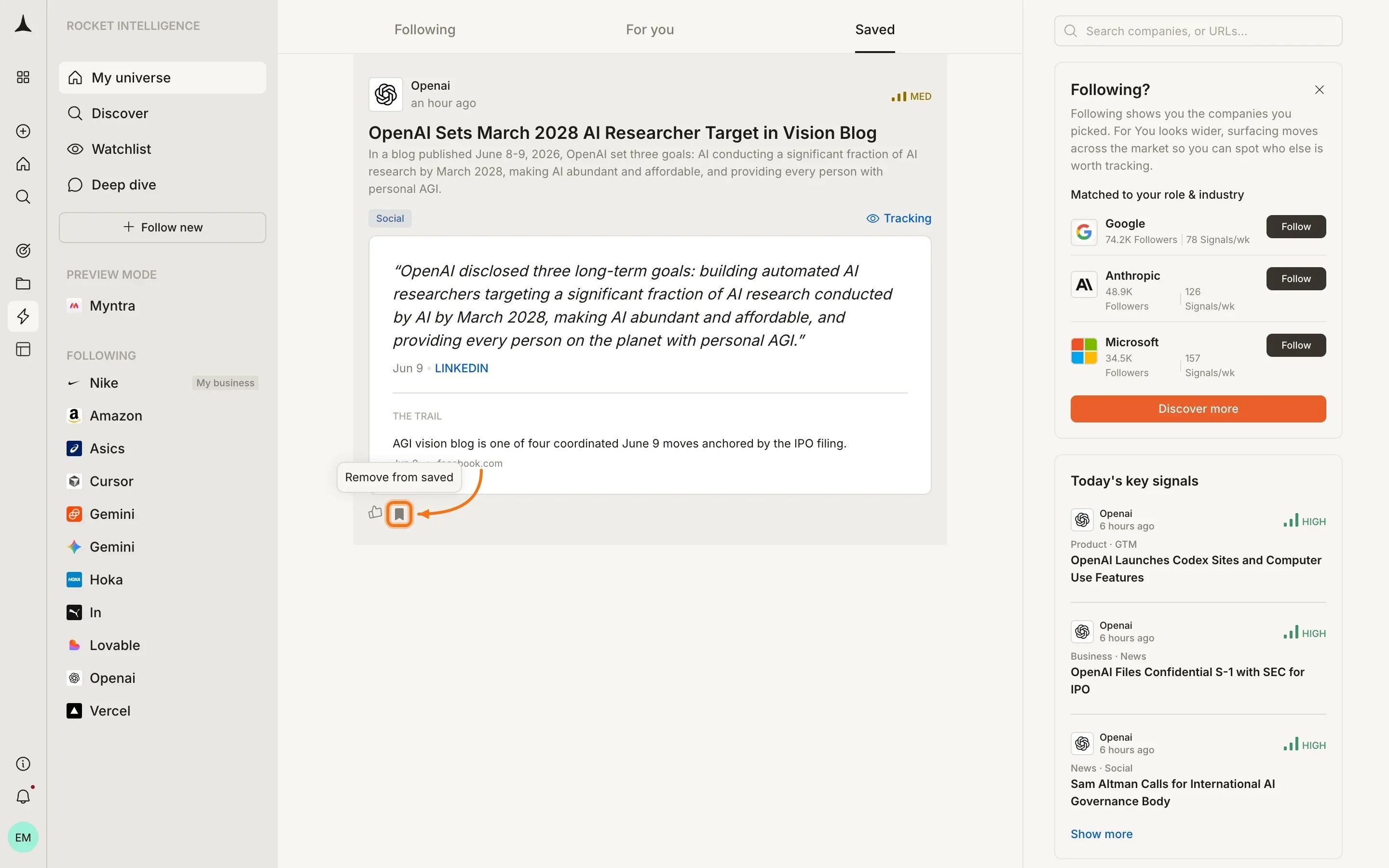
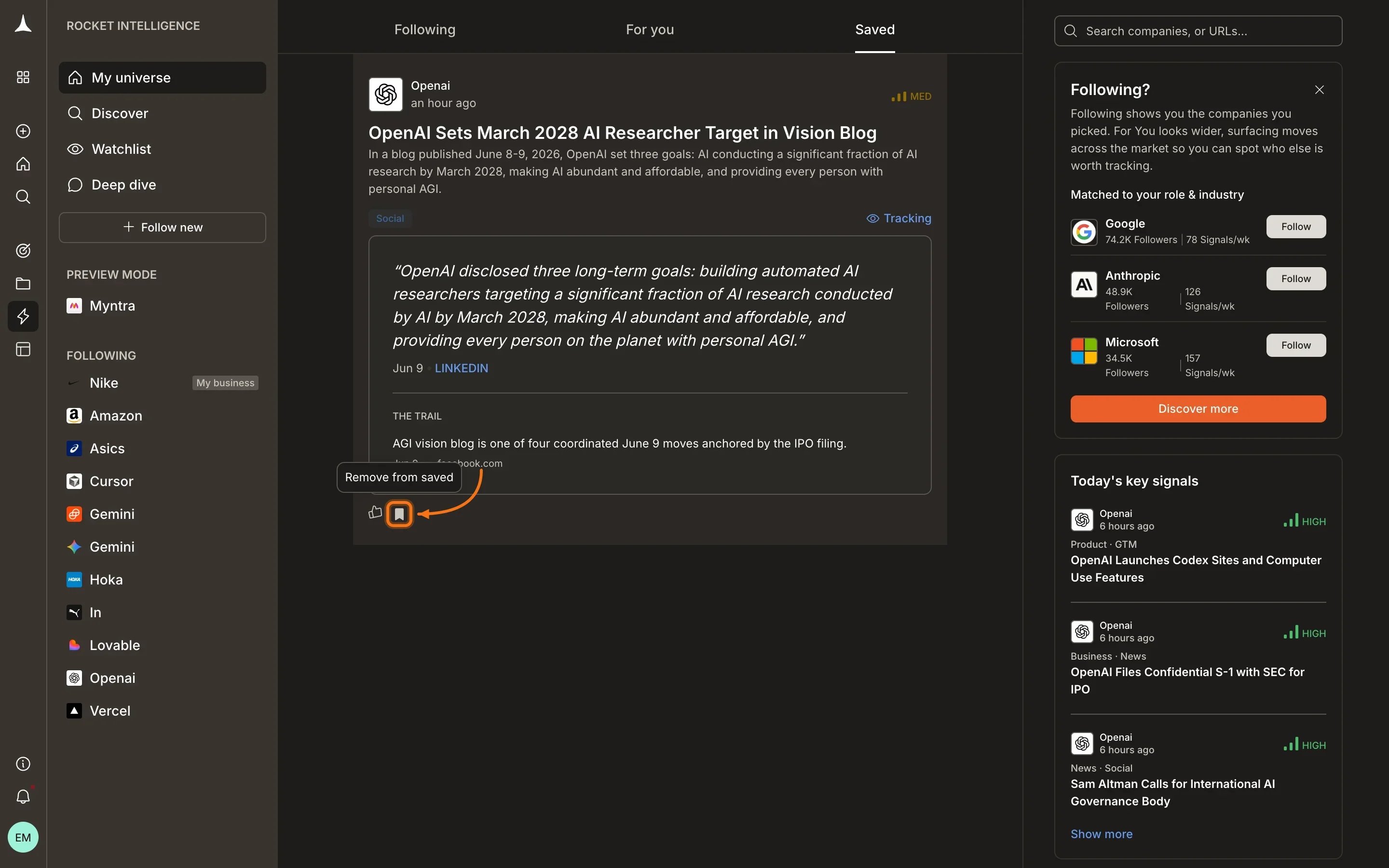
Click the filled bookmark icon to remove an Intel card from your Saved collection.
When to use Saved
Saved is useful when you want to:- Prepare for a meeting: bookmark relevant Intel throughout the week and review before a strategy session
- Track a developing signal: save early Intel and compare it against later developments
- Share with your team: collect the most relevant signals to reference in conversations
- Build a decision record: save the Intel that informed a strategic choice for future reference
Tips
Saved Intel is personal to your account. Other team members cannot see your bookmarks, and your saves do not affect feed ranking or signal processing.
What’s next
Following
Intel from companies in your universe.
For You
Discover Intel from companies you don’t yet watch.
Discover
Find and add more companies to your universe.
Company pillars
Deep-dive into a specific company’s activity.