

What you can do
| Action | Example prompt |
|---|---|
| Query the report | ”What were the top three competitors by revenue?” |
| Modify a section | ”Rewrite the pricing section to compare annual plans only.” |
| Add new information | ”I just uploaded Q4 earnings. Integrate those numbers.” |
| Think out loud | ”I’m not sure this recommendation fits our budget. What would change if we cut scope by 40%?” |
| Correct errors | ”The Acme Corp revenue figure is wrong. It should be $42M, not $38M.” |
| Repurpose for an audience | ”Rewrite the executive summary for a board presentation.” |
| Apply changes | ”Update the report with all the changes we discussed.” |
| Invite a collaborator | Use the invite option in the task to add team members. Collaborators can view the full conversation history, add their own follow-ups, and contribute to report refinement. |
Changes are surgical. Solve patches the relevant sections instead of regenerating the entire report. This preserves formatting and context in sections you did not modify.
Iteration patterns
Query without reading the full report
Ask specific questions about the report content without reading it first. Solve answers from the full research data, not just the visible text. Useful when you need a single data point or want to validate an assumption quickly.
Refine for stakeholders
Ask Solve to adjust tone, depth, or focus for a specific audience. For example: “Make this more technical for the engineering team” or “Simplify the financial analysis for a non-finance audience.” The structure stays the same while the language shifts.
Add new information mid-conversation
Upload a new file or paste data directly into the chat. Solve integrates it into the existing report, and the new version shows what changed.
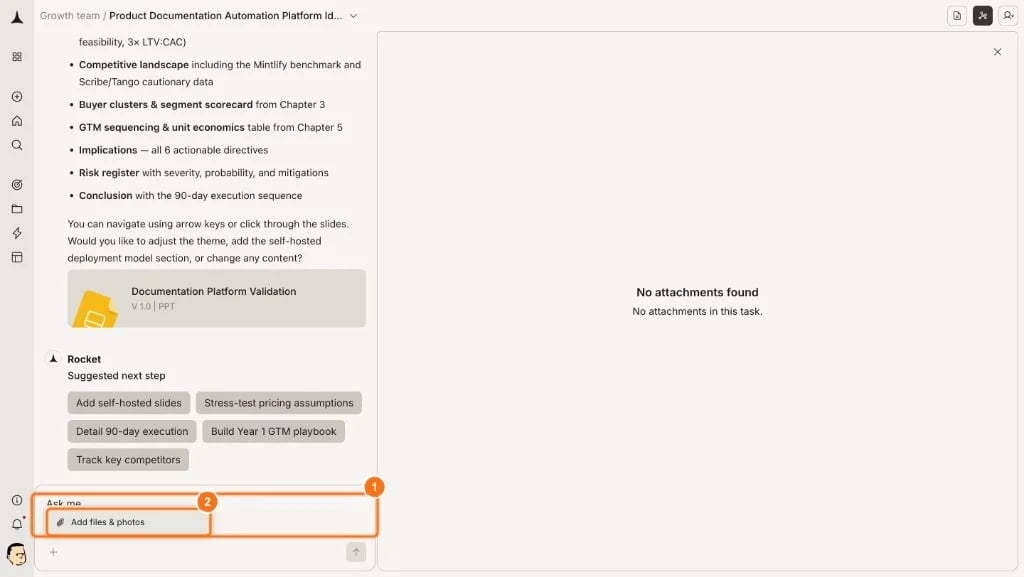
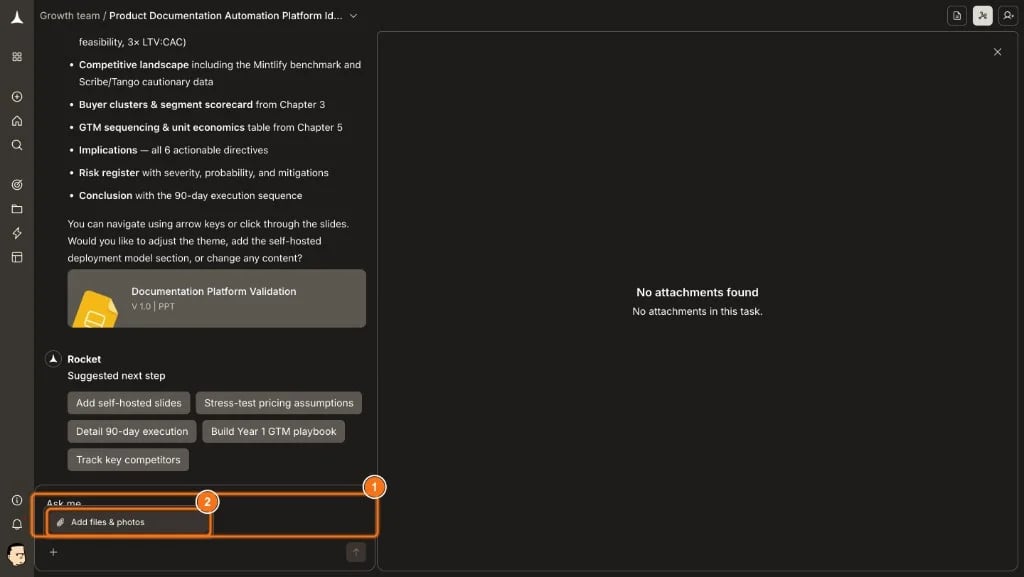
This is useful when you receive updated numbers or find a missing data source after the initial report.


Think out loud
Think out loud
Share half-formed ideas or constraints. Solve treats these as context for improving the analysis.For example: “We probably can’t afford more than $50K for this. What changes?” Solve will not judge incomplete thoughts.
Build across sessions
Reference findings from previous Solve tasks. Solve pulls cross-task context to connect insights across separate research tasks. For example: “Compare this with the competitor analysis from last week.”
Correct errors
Correct errors
Point out factual mistakes directly. Solve corrects the specific data point and updates any downstream analysis that relied on it. Provide the correct figure when possible to speed up the fix.
Repurpose for different audiences
Transform the same research into multiple output formats. A single report can become a board memo, a technical brief, and a customer-facing summary through separate follow-up requests.
Smart follow-up suggestions
After each report generation or edit, Rocket displays 3 to 5 suggestion chips below the report. These suggest logical next actions based on the report content, your previous actions, and available Rocket capabilities. Each chip falls into one of two behavior types. In-task suggestions execute immediately within the current conversation. Redirect suggestions navigate you to another part of the platform where the action makes more sense.Suggestion categories
| Category | Purpose | Behavior |
|---|---|---|
| Solve | Go deeper into a specific finding or open question | In-task |
| Transform | Convert the report into a different format (document, presentation) | In-task |
| Challenge | Stress-test assumptions, find counterarguments, identify risks | In-task |
| Strategic action | Derive concrete next steps from the findings | In-task |
| Competitive intelligence | Set up ongoing monitoring for competitors or markets | Redirect |
| Build | Create an artifact (model, framework, plan) from the findings | In-task |
| Promote to KB | Extract reusable knowledge into your workspace knowledge base | Redirect |
Suggestions adapt to context. A pricing report generates different chips than a competitive teardown. The same report generates different chips after the first edit versus the third.
What’s next?
Presentable report
Generate a polished HTML page or slide deck from your refined report.
Share and export
Share via link, export as PDF, or copy content to other tools.
Work with reports
Learn how reports are structured and how to evaluate quality.

