You need an active Rocket account and at least one project created already.
Find and reopen your projects
Jump back into any build without restarting.Sign in to Rocket
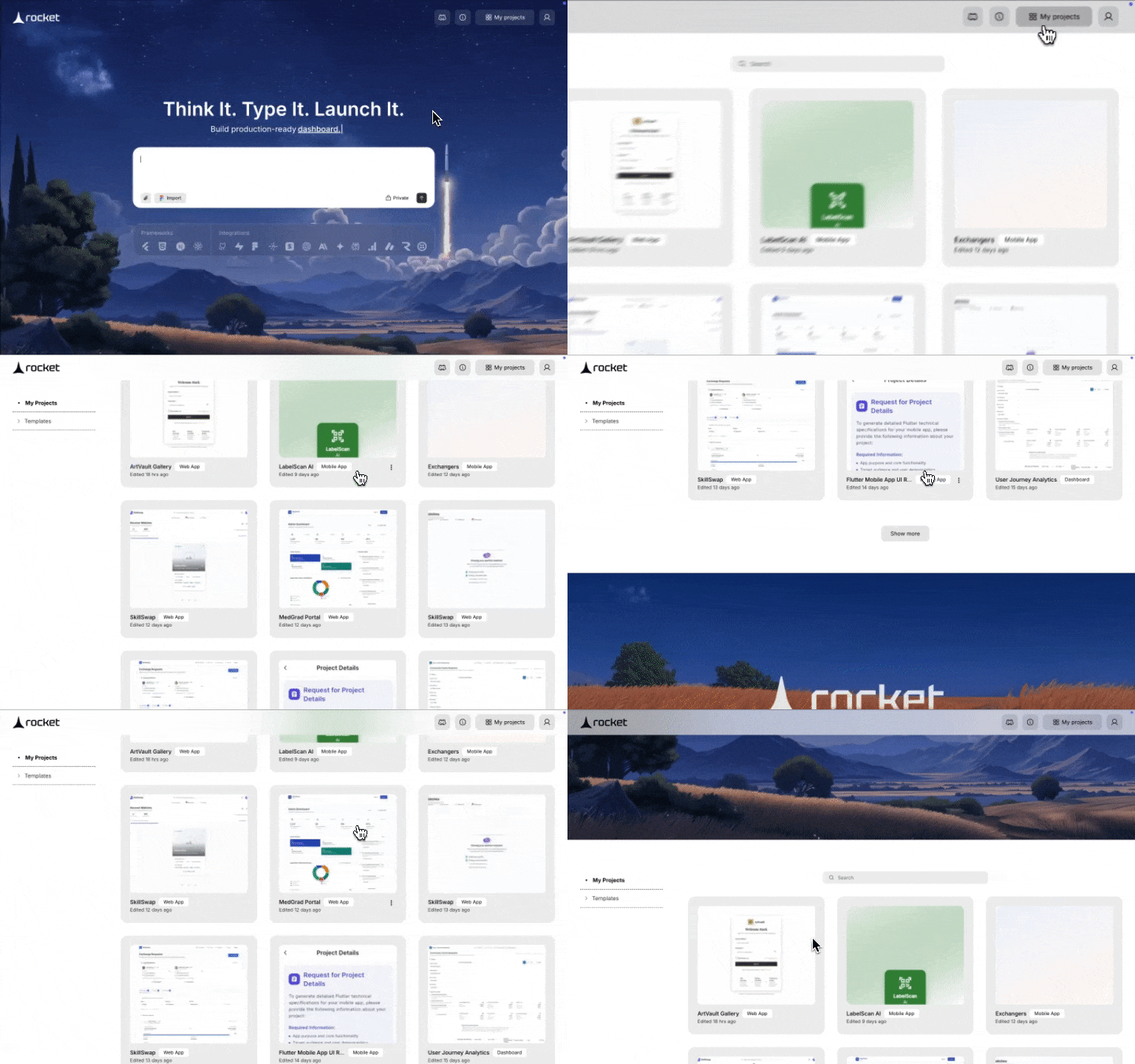
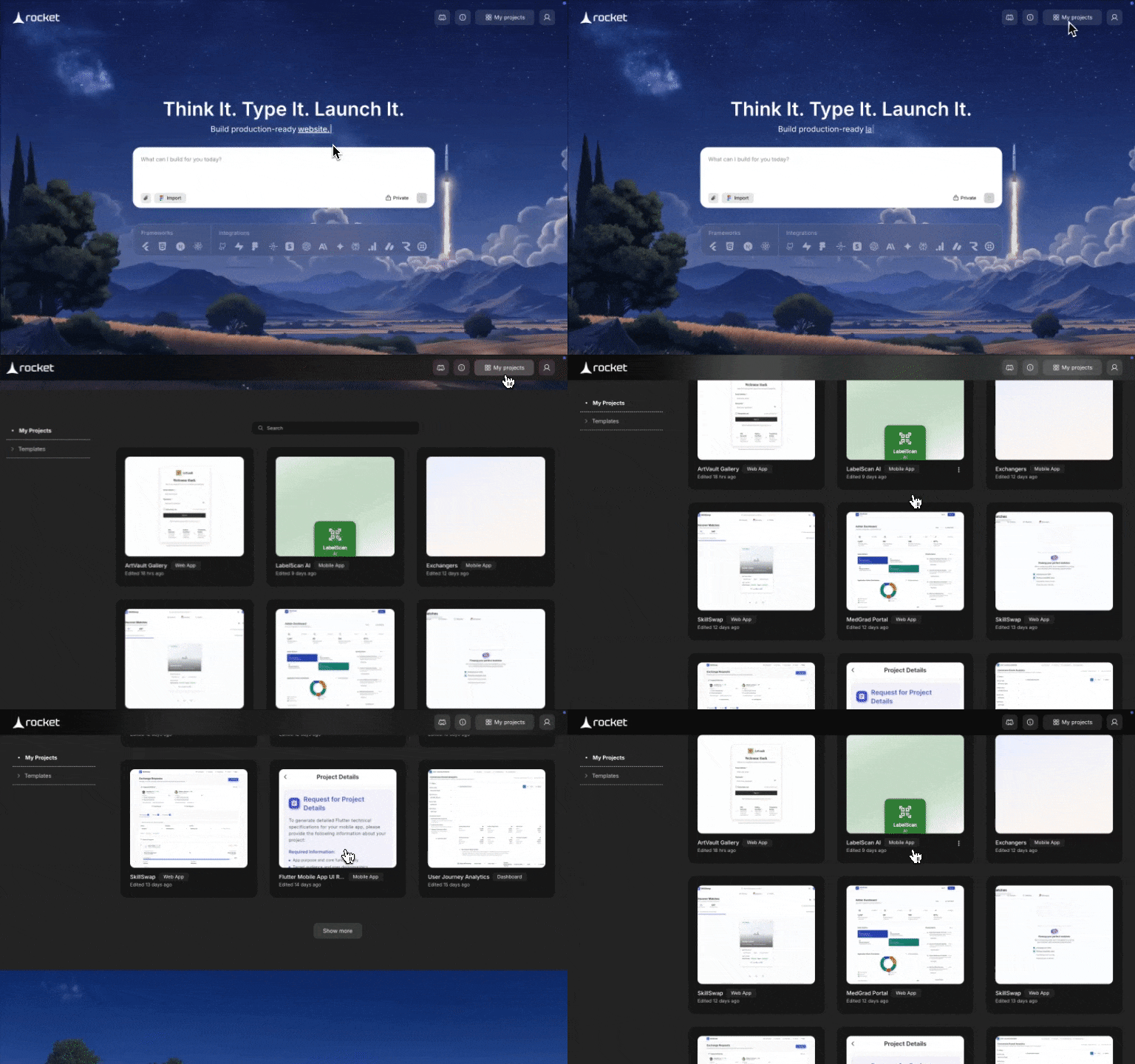
Visit rocket.new, choose Sign in / Sign up, and authenticate with Google or email. Click My Projects
Click My Projects in the top-right corner. The page scrolls to the gallery of everything you have built. Open any project
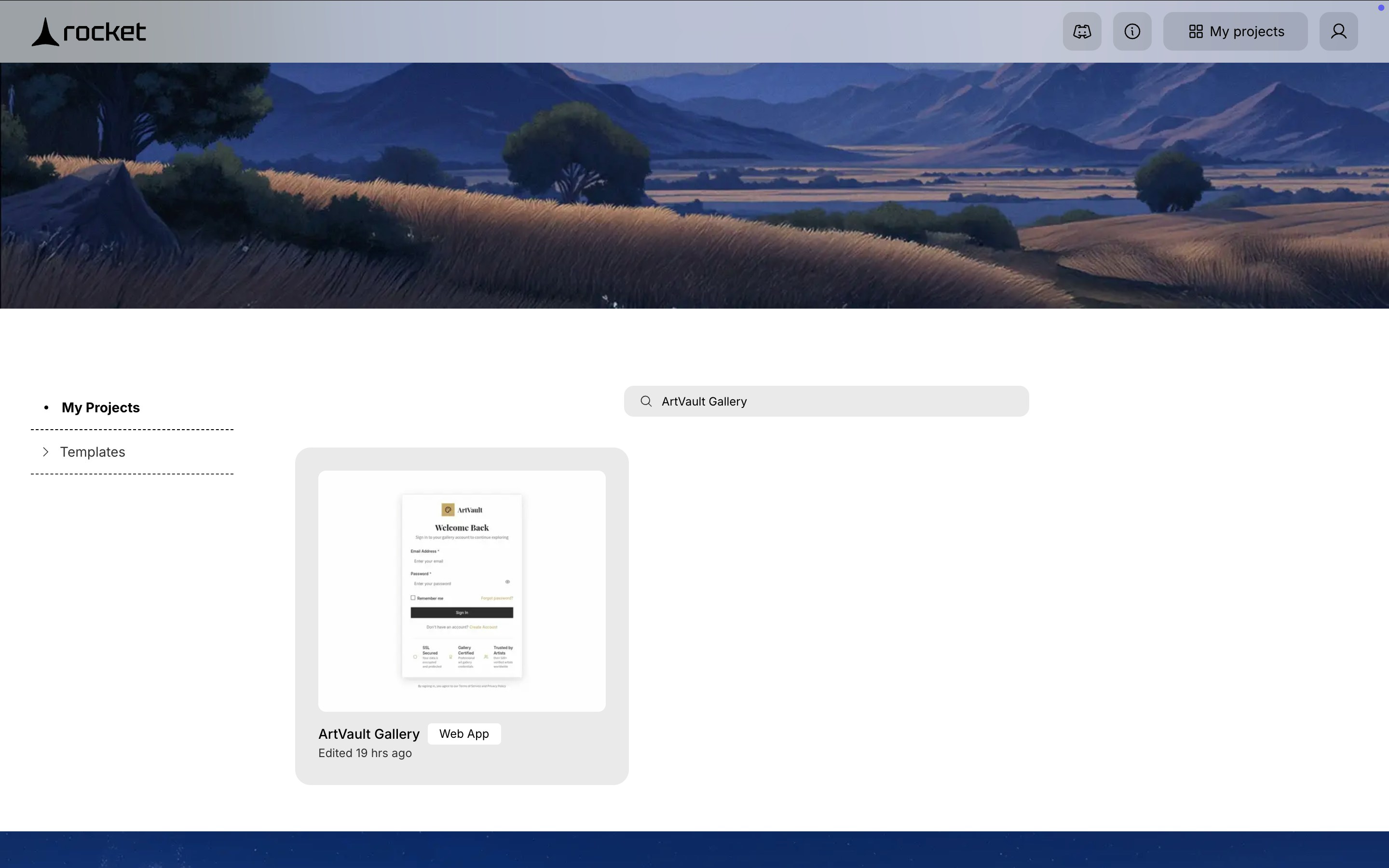
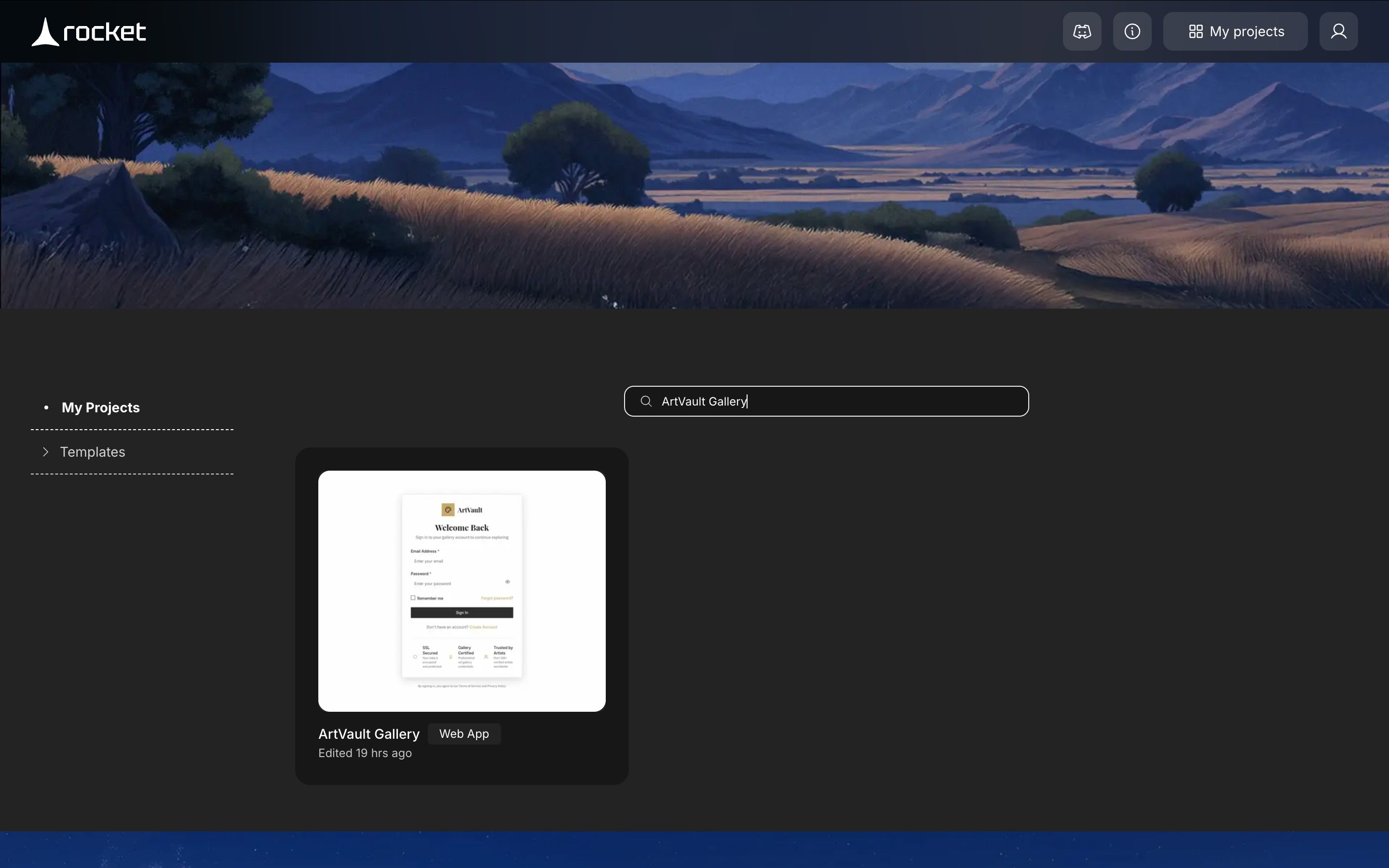
Click a project card to reopen it. Each project shows its name and a use case tag.Looking for a specific project?
Use the search bar in the My Projects section to filter by name. No projects yet? Build one from the homepage or import a template, then return to My Projects.
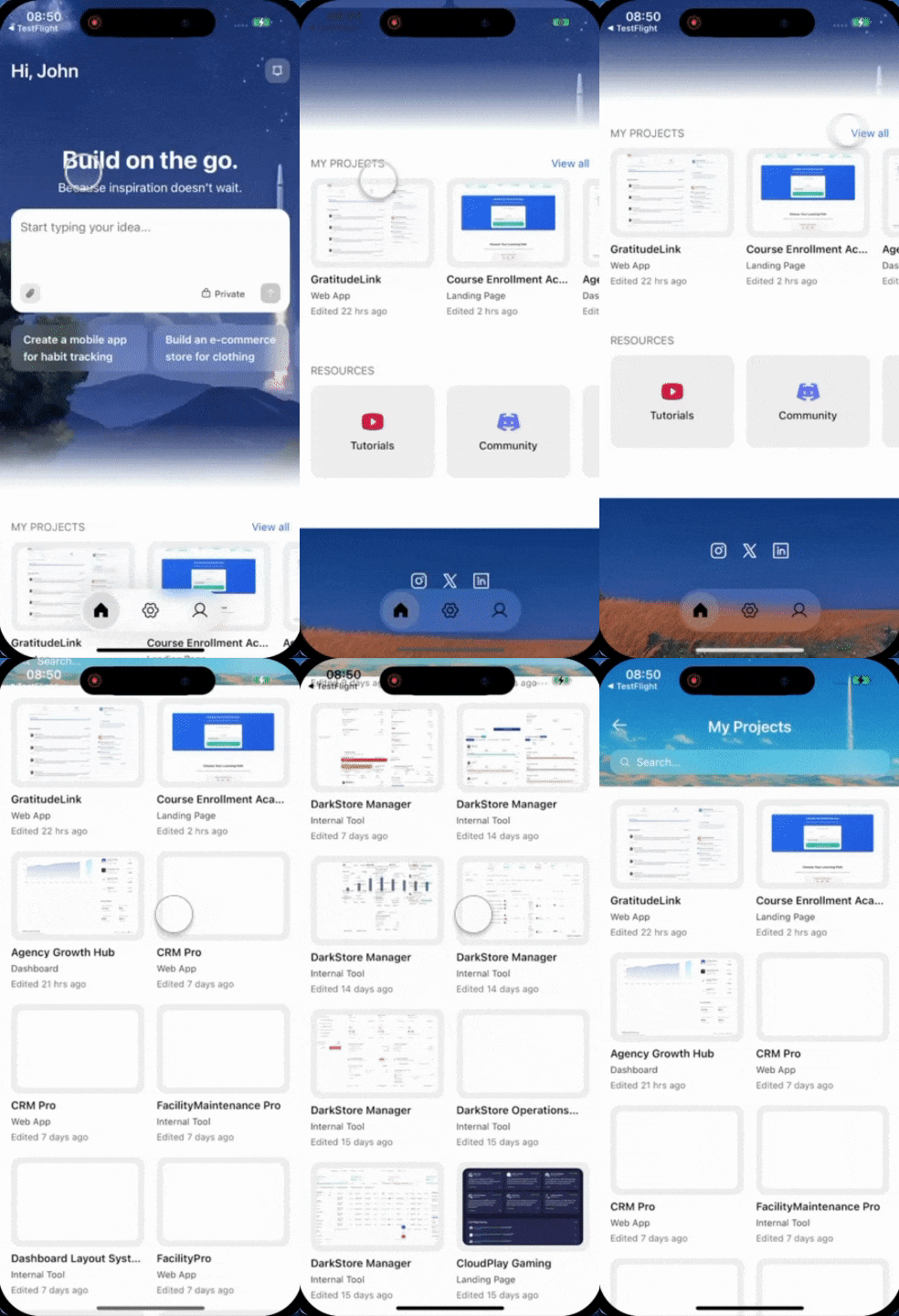
You need an active Rocket account, the Rocket mobile app installed, and at least one project created already.
Find and reopen your projects
Sign in to Rocket
Open the Rocket app, choose Sign in / Sign up, and authenticate with Google, Apple ID, or email.
Navigate to My Projects gallery
Scroll down on the homepage to find the MY PROJECTS section, then tap View all to open the full gallery of everything you have built. Open any project
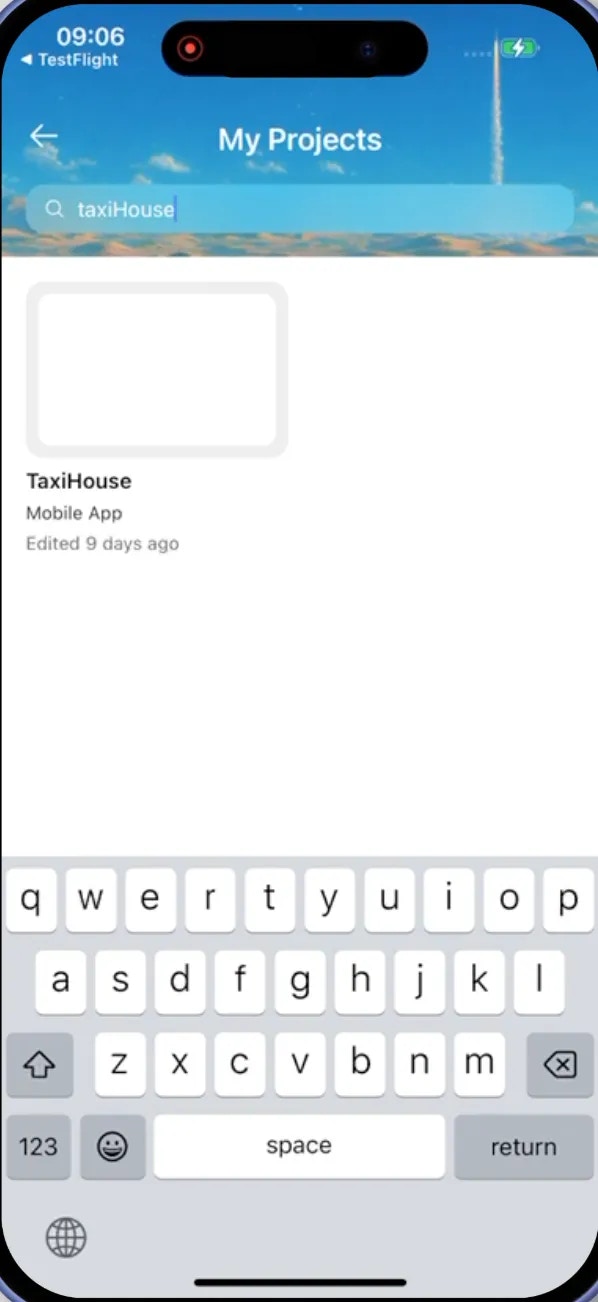
Tap a project card to reopen it. Each project shows its name and a use case tag.Looking for a specific project?
Use the search bar in the My Projects section to filter by name. No projects yet? Build one from the homepage or import a template, then return to My Projects.