

Introduction
Rocket.new combines Solve research, Build for web and mobile apps, and Intelligence competitor monitoring in one platform.
Rocket.new is a vibe solutioning platform that combines strategic research, AI app building, and competitive intelligence into a single product. Validate your idea, build the product, and track your competitors without switching tools.
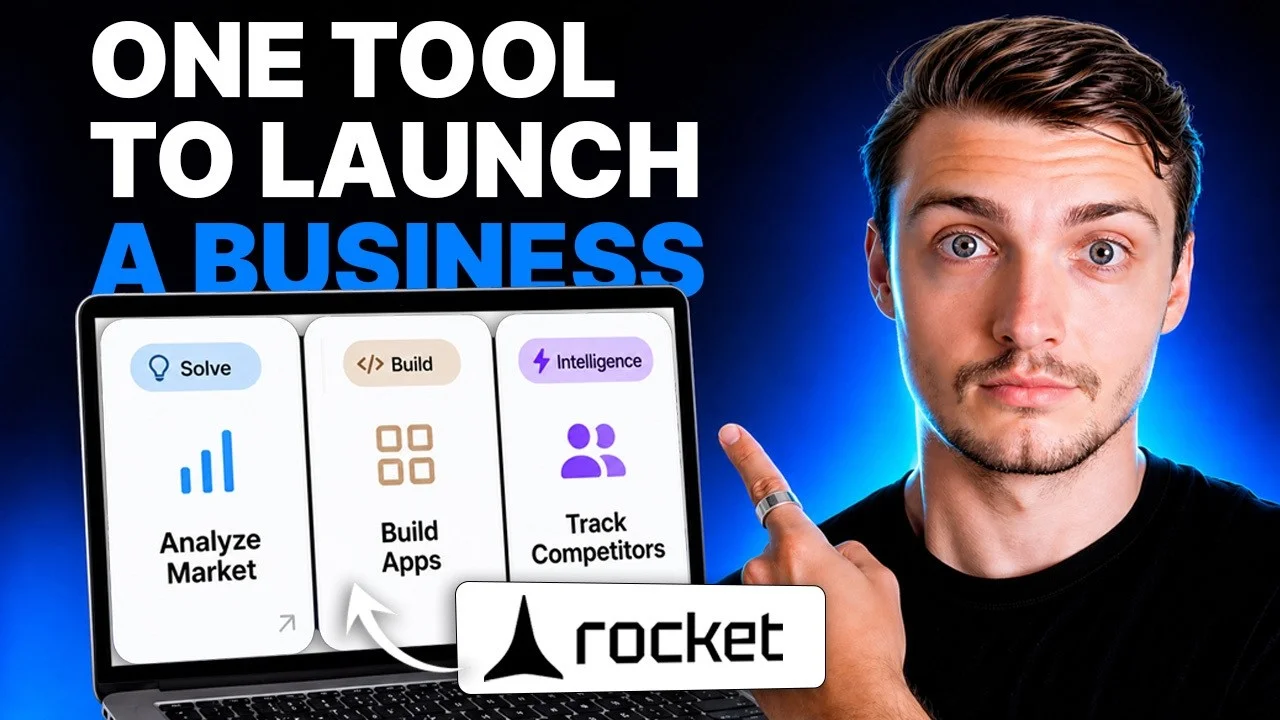
Three pillars, one platform
Solve
Validate ideas, run market research, create PRDs, and get structured reports with data, insights, and recommendations.
Build
Build production-ready web apps, mobile apps, SaaS products, e-commerce stores, and landing pages from natural language.
Intelligence
Monitor competitors continuously. Get automated daily briefs, pricing change alerts, and trend signals.
| Pillar | What it produces |
|---|---|
| Solve | Structured reports with data, insights, and actionable recommendations |
| Build | Production-ready Next.jsNext.js is a React framework. Rocket uses it for all web app generation. web apps and FlutterFlutter is Google's cross-platform UI toolkit. Rocket uses it for iOS and Android generation. mobile apps |
| Intelligence | Continuous signals delivered to a live dashboard in your sidebar |
Each pillar works independently. Use one, two, or all three depending on what you need.
What you can build
Web apps
SaaS dashboards, internal tools, marketplaces, AI-powered tools, customer portals.
Mobile apps
iOS and Android apps built with Flutter, ready for App Store and Google Play submission.
Landing pages and sites
Marketing sites, portfolio pages, and product launch pages with custom domains.
E-commerce stores
Full online stores with product listings, cart, checkout, and payment integrations.
How capabilities connect
The three pillars share context and feed into each other.
Run a Solve task to validate your idea and understand the market. Use those insights to scope your Build task with full context already in place.
Intelligence surfaces a competitor change: a pricing shift, a new feature, a hiring spike. Use that signal to start a Solve analysis or update your product in Build.
While building, you realize you need data on user preferences or market sizing. Create a Solve task, get structured findings, and apply them directly.
How Rocket is organized
Tasks
A task is a single unit of work: one Solve report, one Build session, or one Intelligence setup. Tasks can live inside a project or stand alone.
Projects
A project groups related Solve and Build tasks together with shared context, uploaded files, and connected services.
Intelligence dashboard
A workspace-level dashboard in your sidebar where all competitor monitoring signals live. Set up once, runs automatically.
Available on web and mobile
Web app
Full-featured at rocket.new. Includes visual editing, code view, all connectors, and one-click deployment.
Mobile app
iOS and Android. Manage tasks, review Solve reports, and make quick edits from anywhere.
Frequently asked questions
No. Describe what you want in plain language and Rocket generates production-ready Next.js web apps or Flutter mobile apps. You do not need to write code or use a terminal.
Most AI app builders focus on code generation alone. Rocket adds strategic research (Solve) that validates your idea before you build, and competitive intelligence (Intelligence) that monitors your market after you launch. All three pillars share context in one platform.
Yes. Solve, Build, and Intelligence each work independently. Run market research without building anything, build an app without prior research, or track competitors on their own. The pillars connect when you want them to, not by default.
Solve produces structured reports you can export as PDF, HTML, or PowerPoint. Build produces deployable web and mobile apps with real code you can download or connect to GitHub. Intelligence produces a live dashboard with daily briefs and signals.