Use the Rocket.new notification panel to review collaboration requests, product updates, and alerts from running Solve and Build tasks.
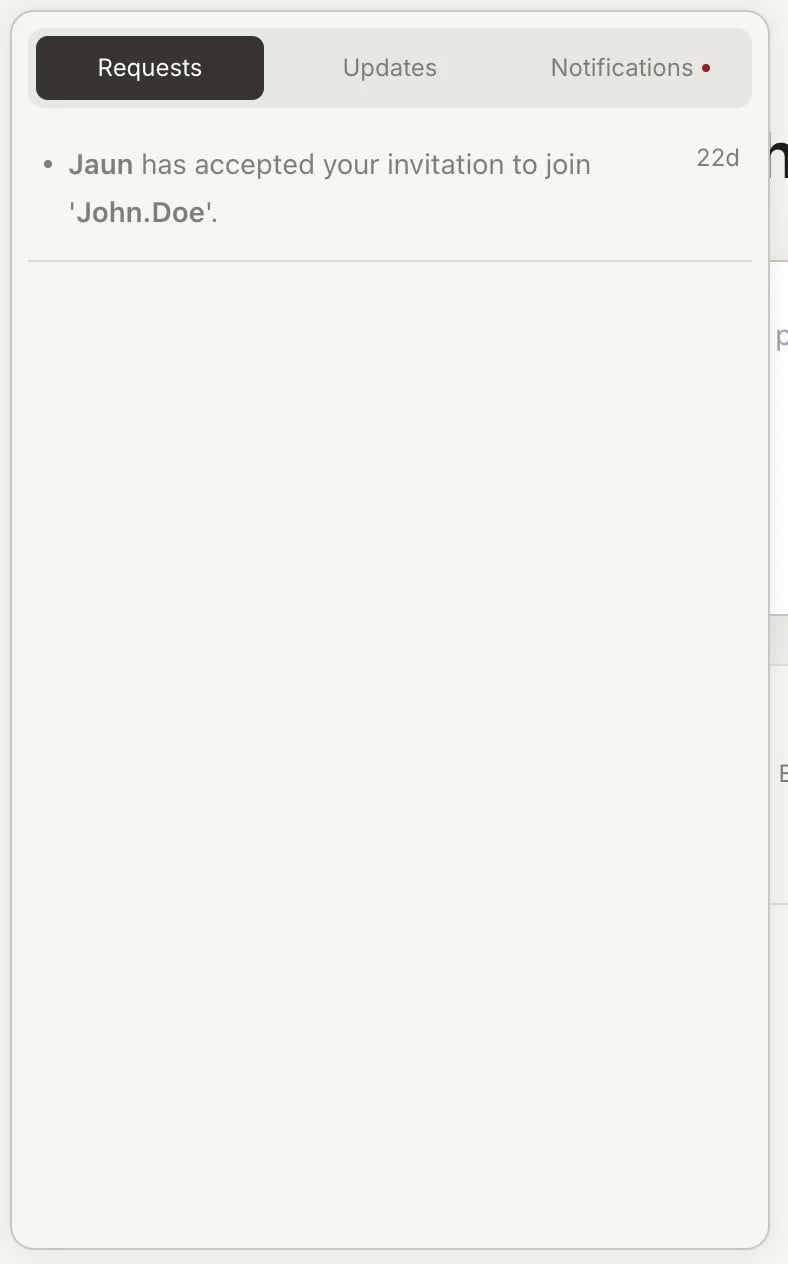
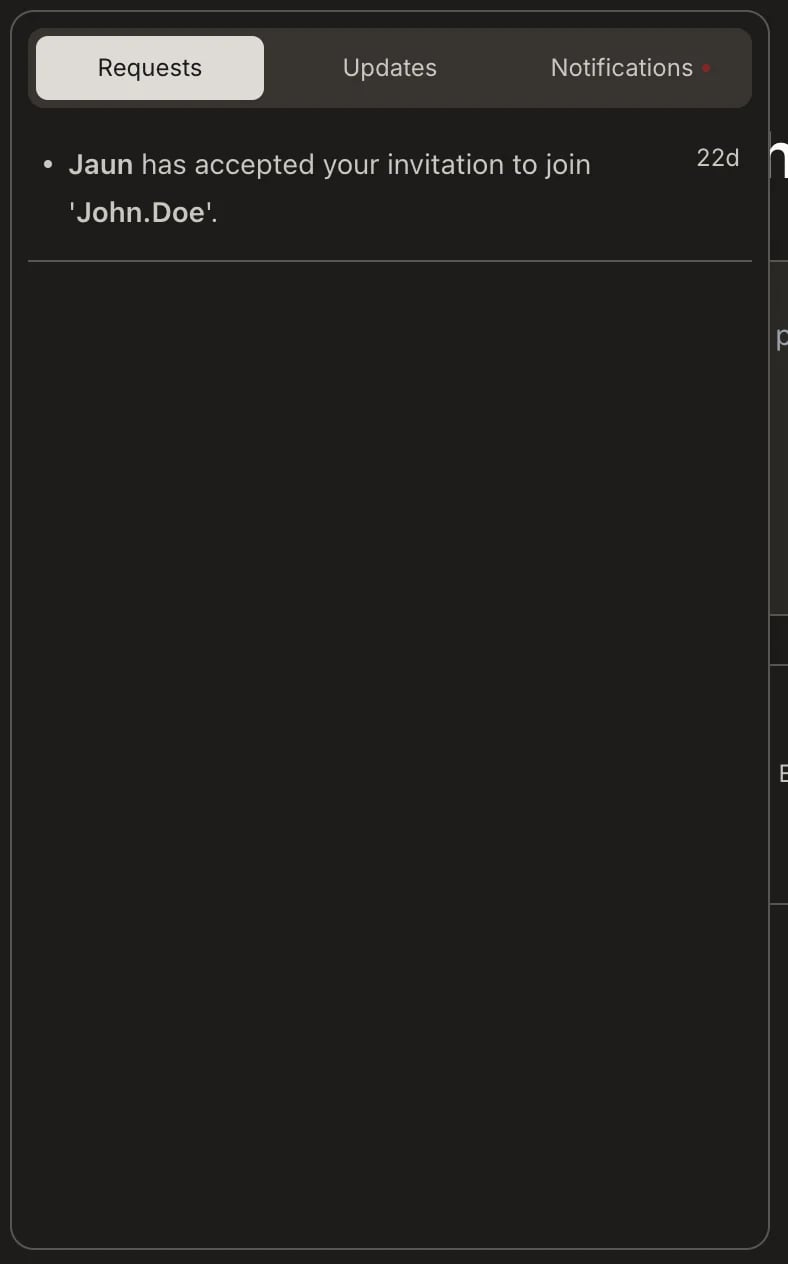
The notification panel keeps you informed about activity across your workspaces, projects, and tasks. It organizes activity into three tabs: Requests, Updates, and Notifications.
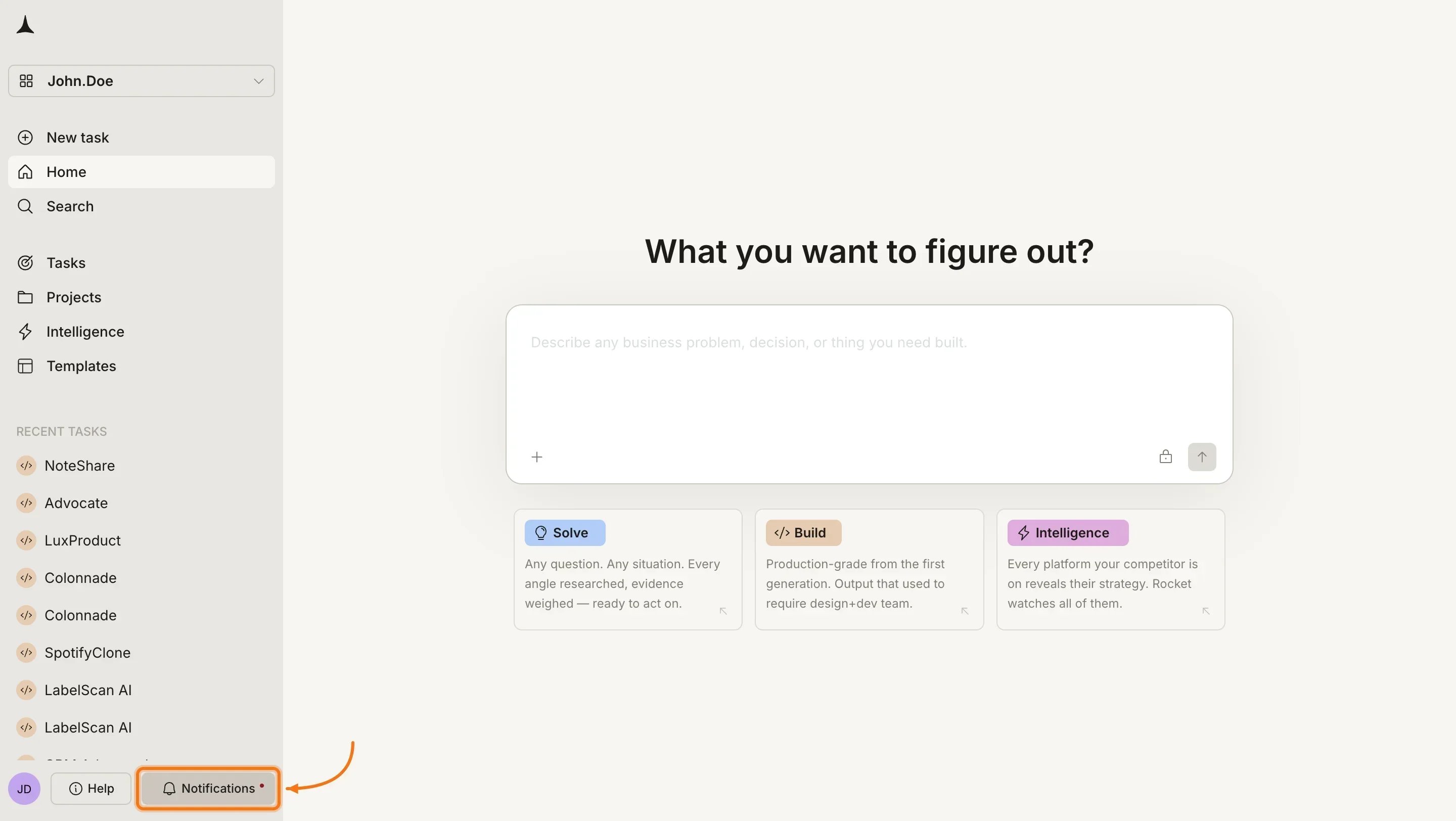
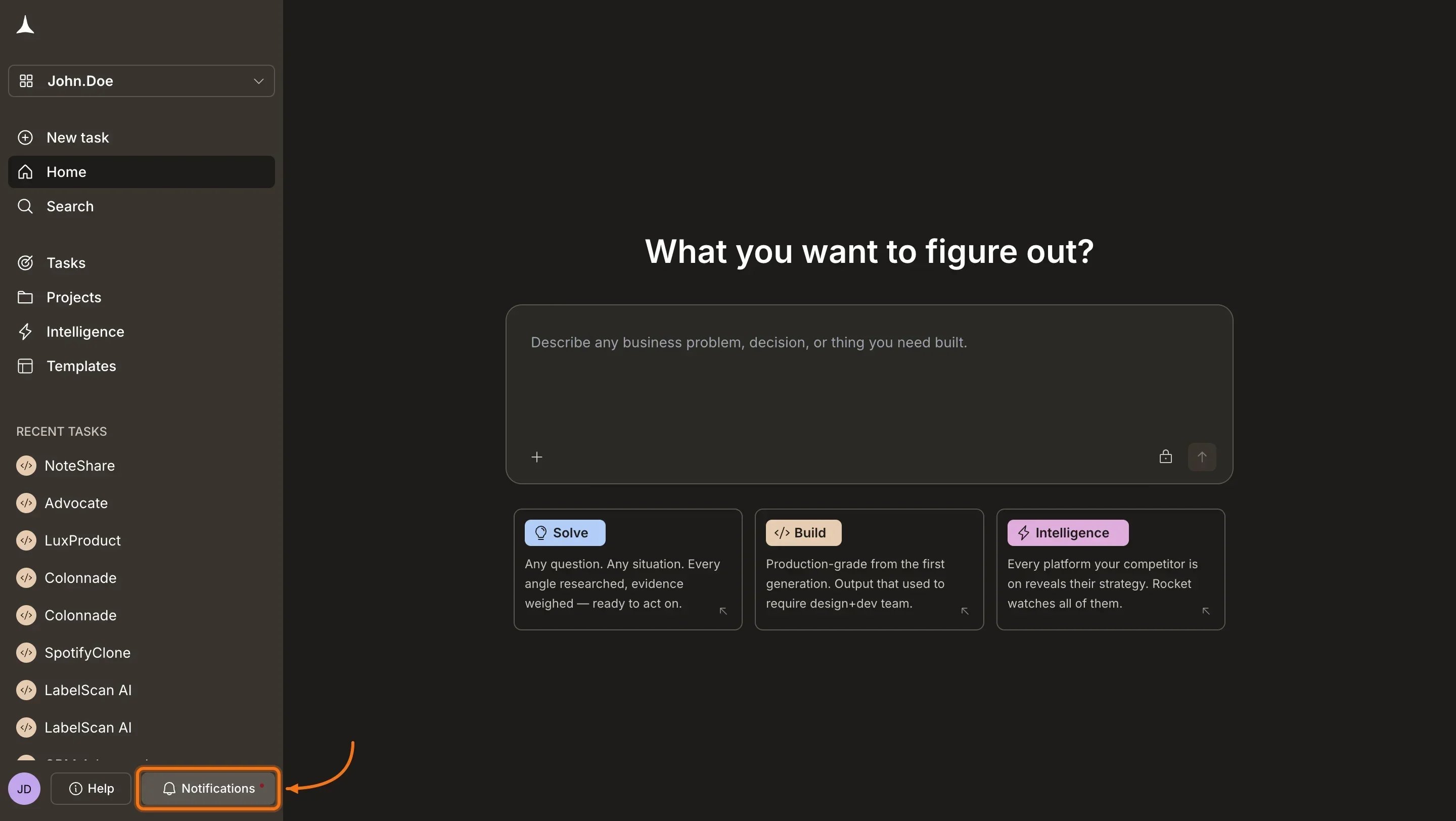
Click Notifications in the bottom-left bar to open the panel
Requests shows when someone accepts your invitation to a Solve or Build task, and when others request to join tasks you own. Every collaboration action that needs your attention appears here.Updates keeps you informed about new capabilities added to the platform. Check this tab to learn about features before you need them.Notifications confirms that Rocket has finished work on your behalf. You see an entry when a Solve report is ready, when a Build task completes, or when Rocket finishes applying the changes or prompt you submitted. To control which events trigger alerts and whether they play a sound, see notification settings.