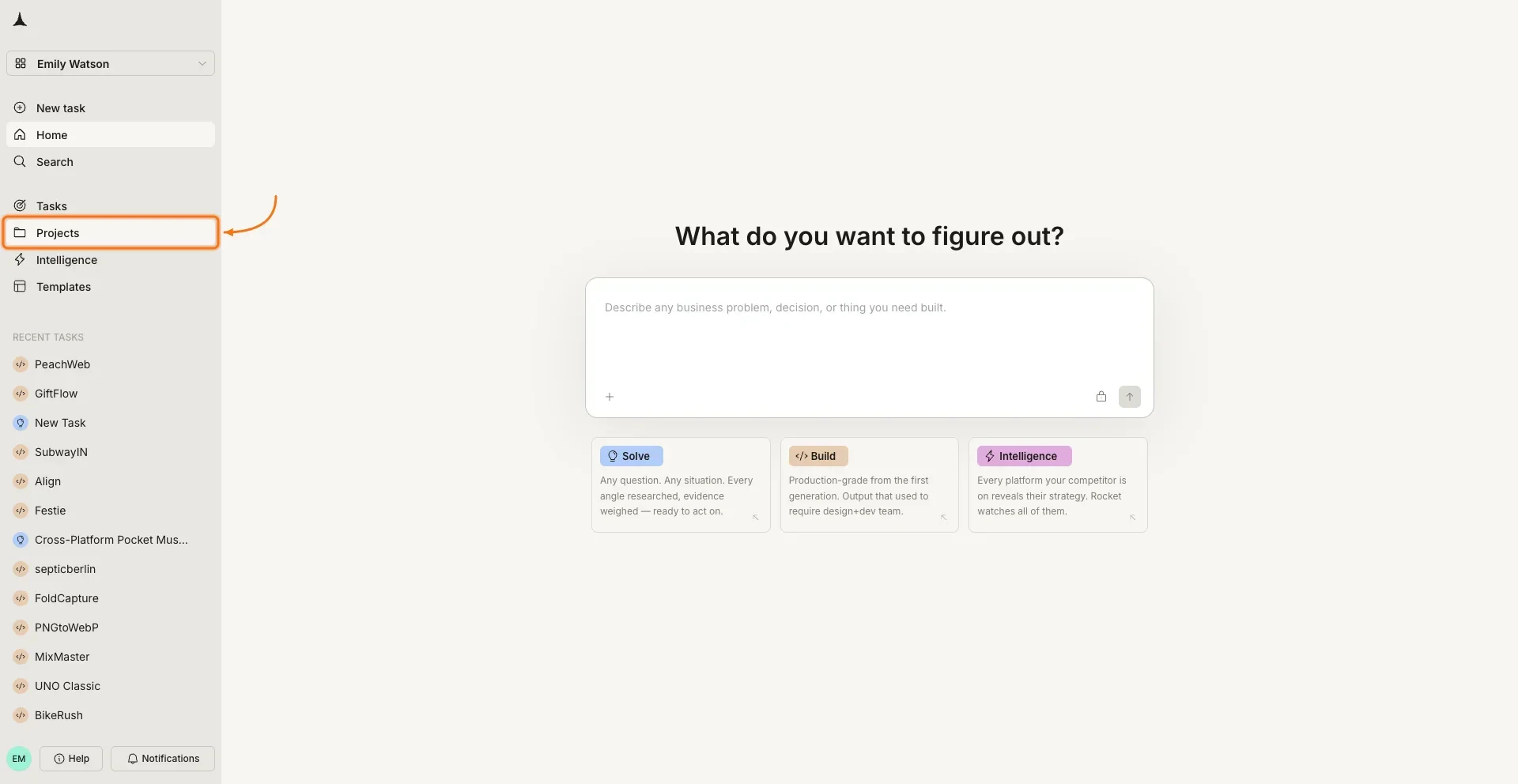
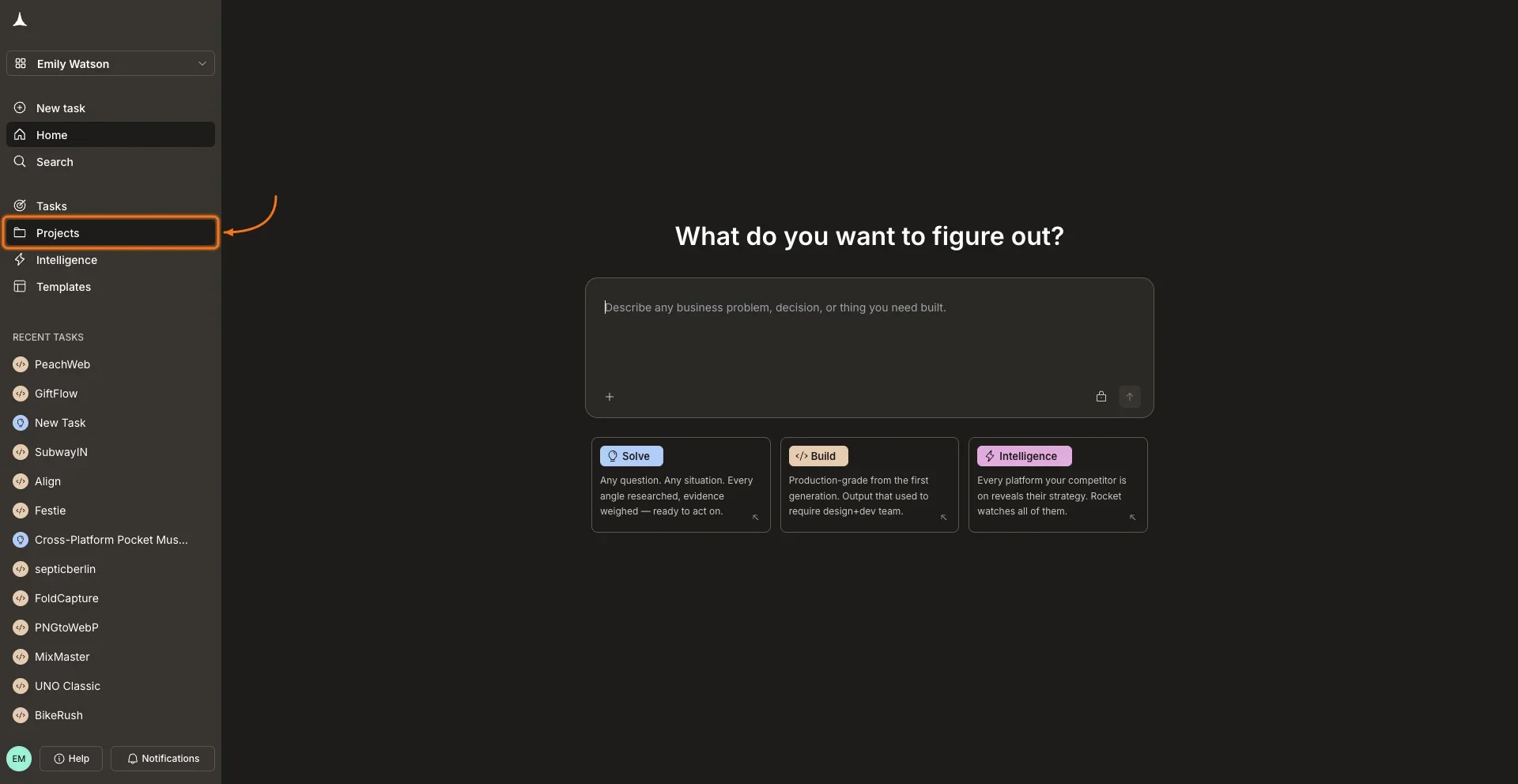
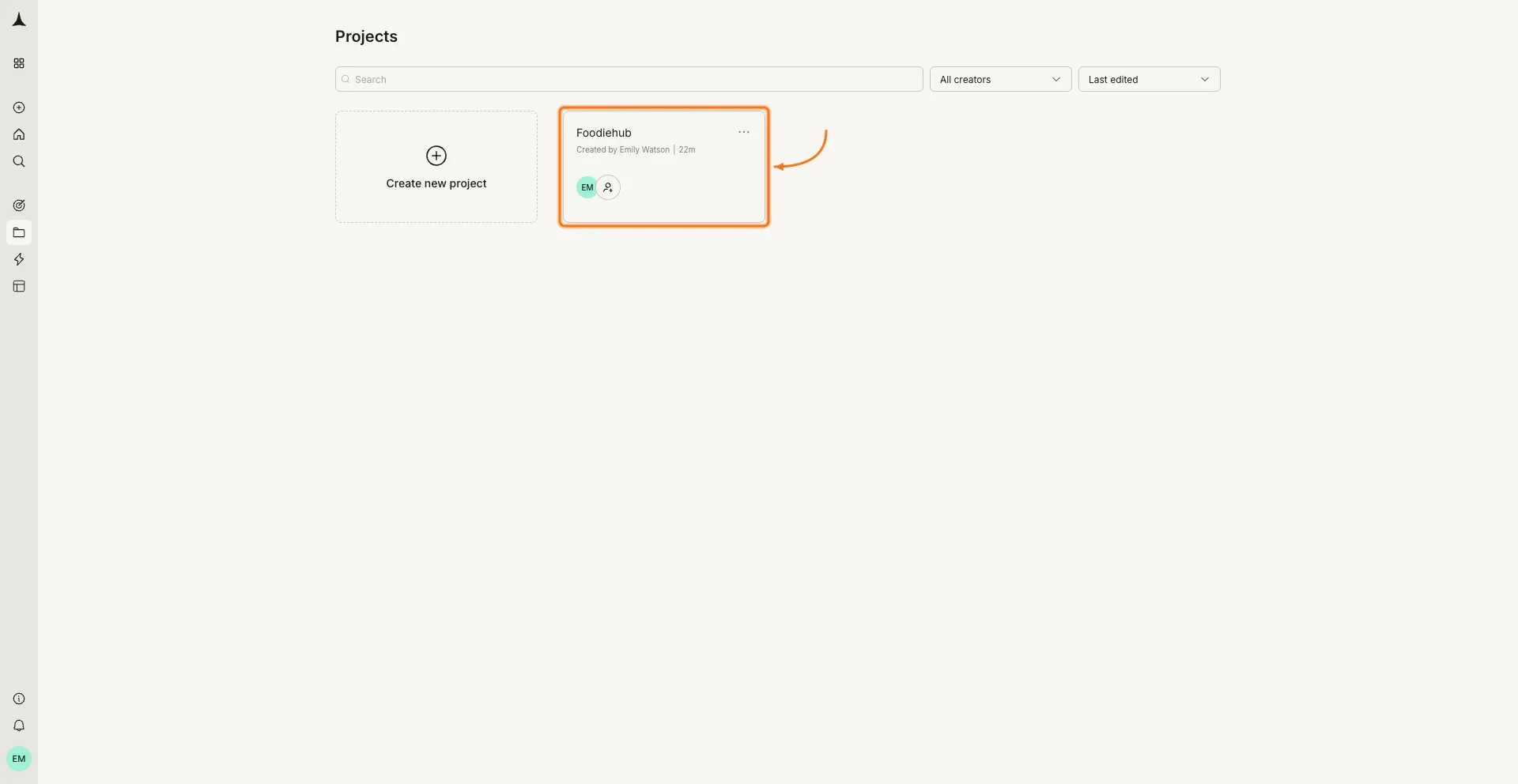
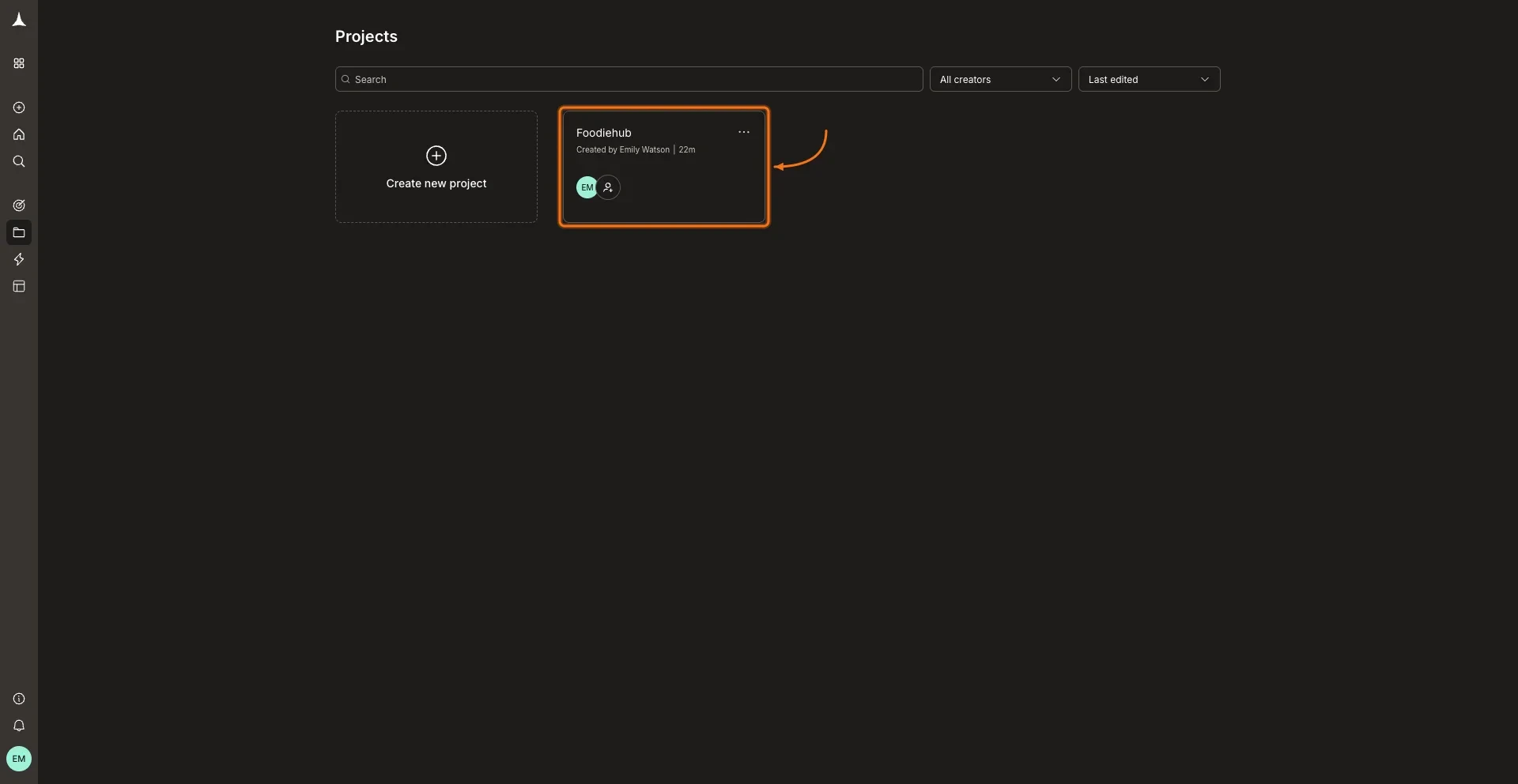
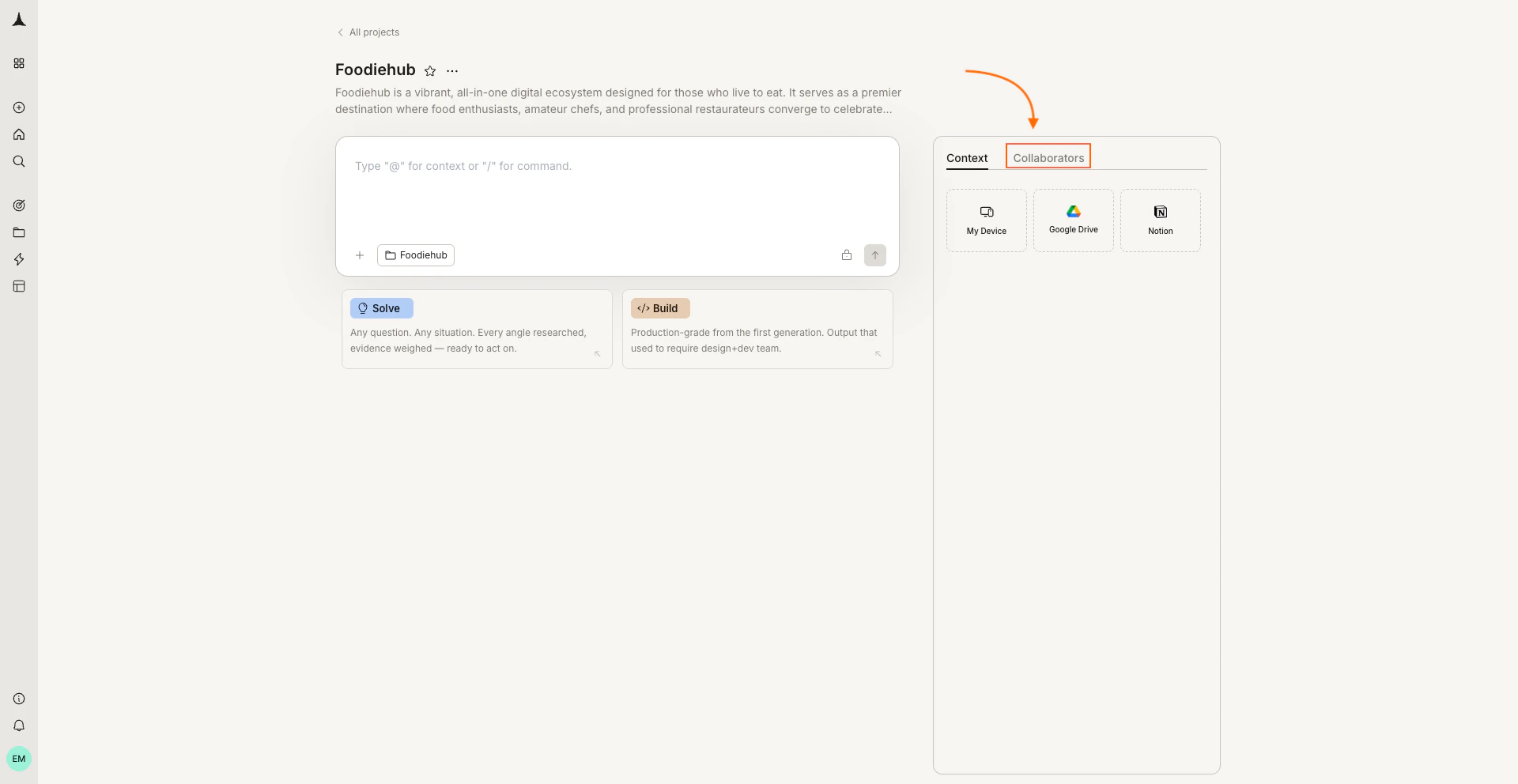
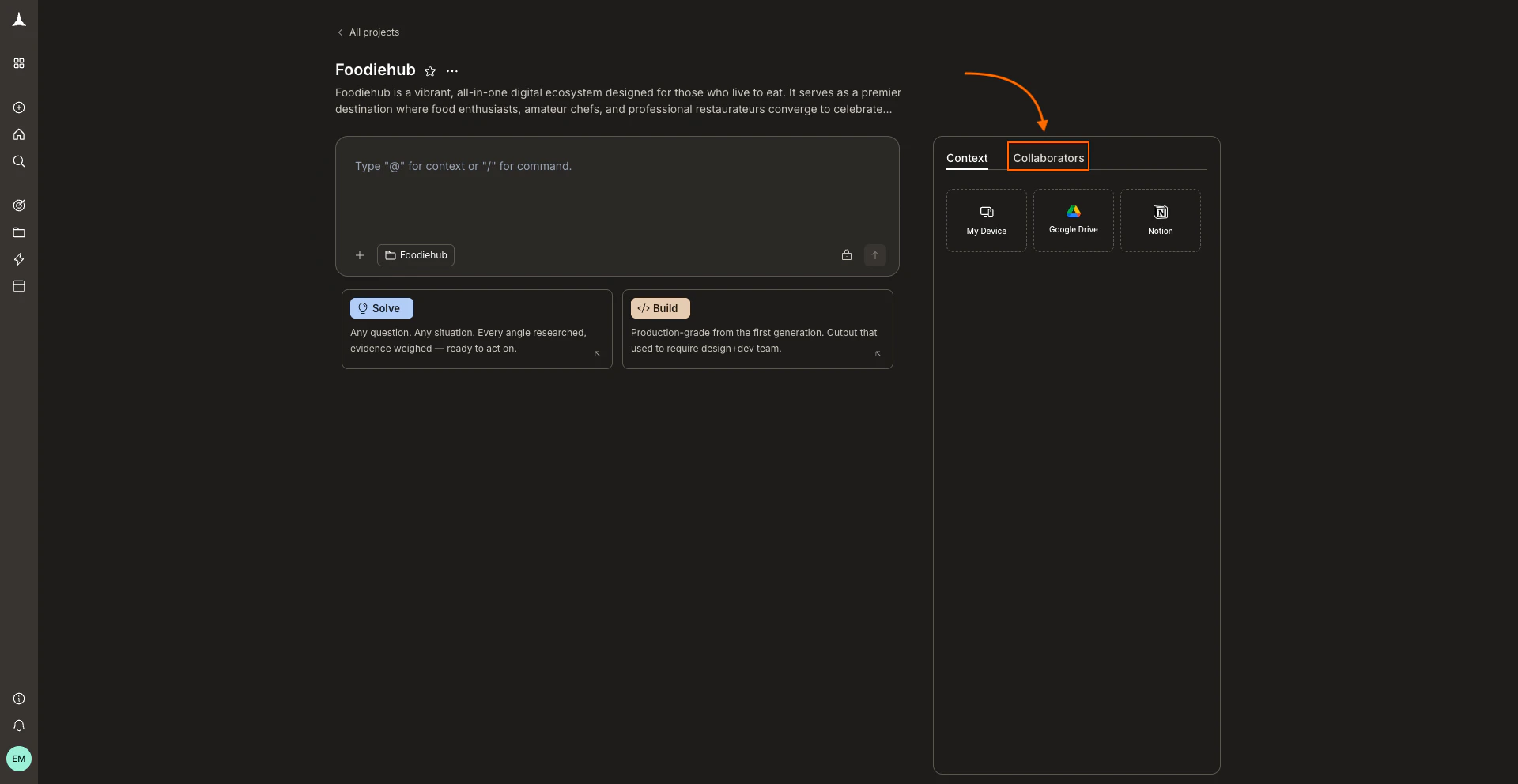
Invite teammates to a Rocket.new project. Assign editor or viewer roles, and remove access when collaborators no longer need the project.
Project level collaboration lets you invite teammates directly into a project. Collaborators are added to the workspace so they can create new threads and other work according to their role, and they can access shared context and connected services within that project. Access to existing tasks depends on the Grant access checkbox when you invite them. Use this for day to day teamwork on a specific initiative: a product launch, a research sprint, or a website redesign.
Inviting a collaborator adds them to the workspace. They get access to all existing tasks in the project only if the Grant access checkbox is ticked. If it is unticked, they join the project without seeing existing tasks unless you share those tasks individually. Tasks created after the invitation are never shared automatically. Share them at the task level if needed.
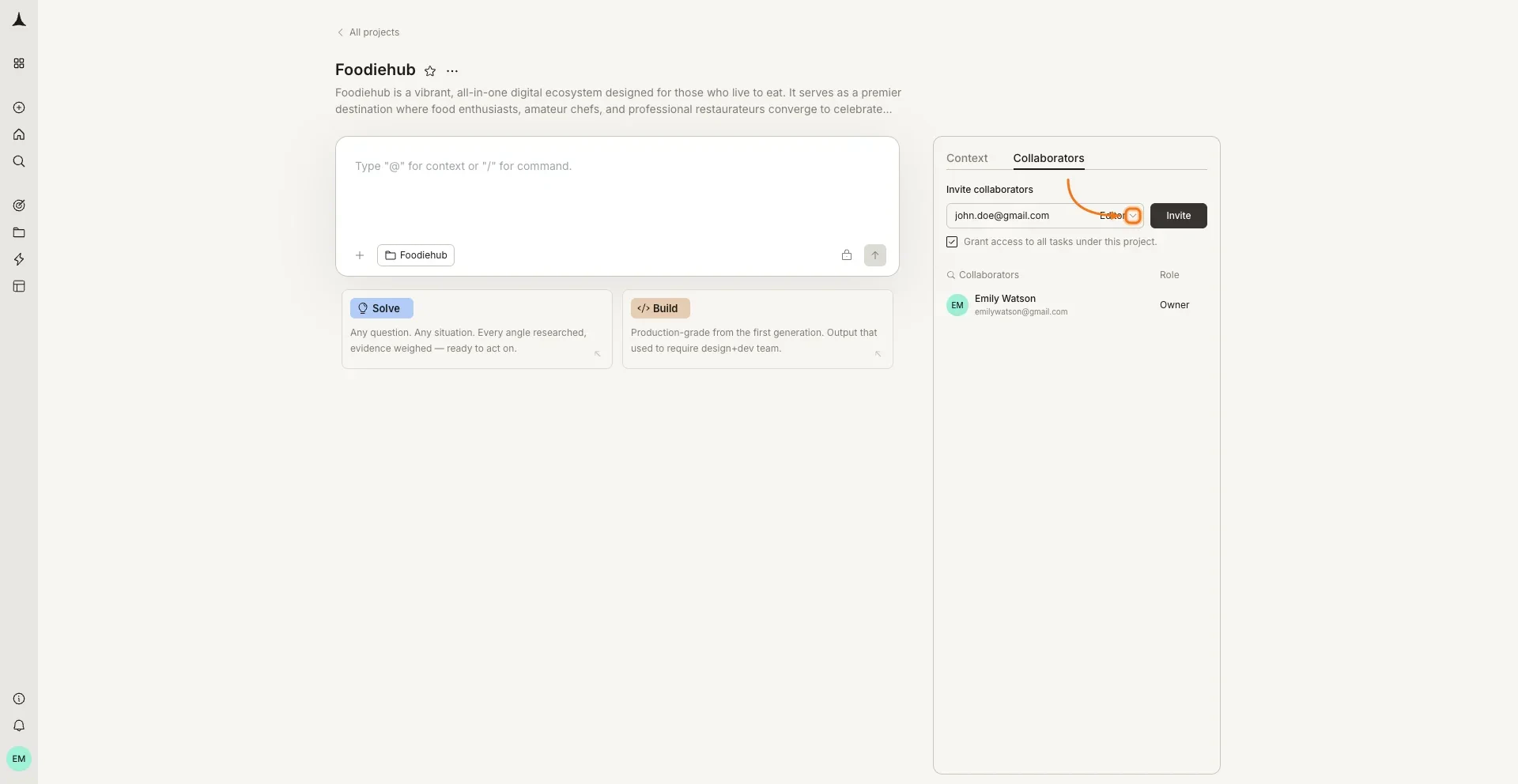
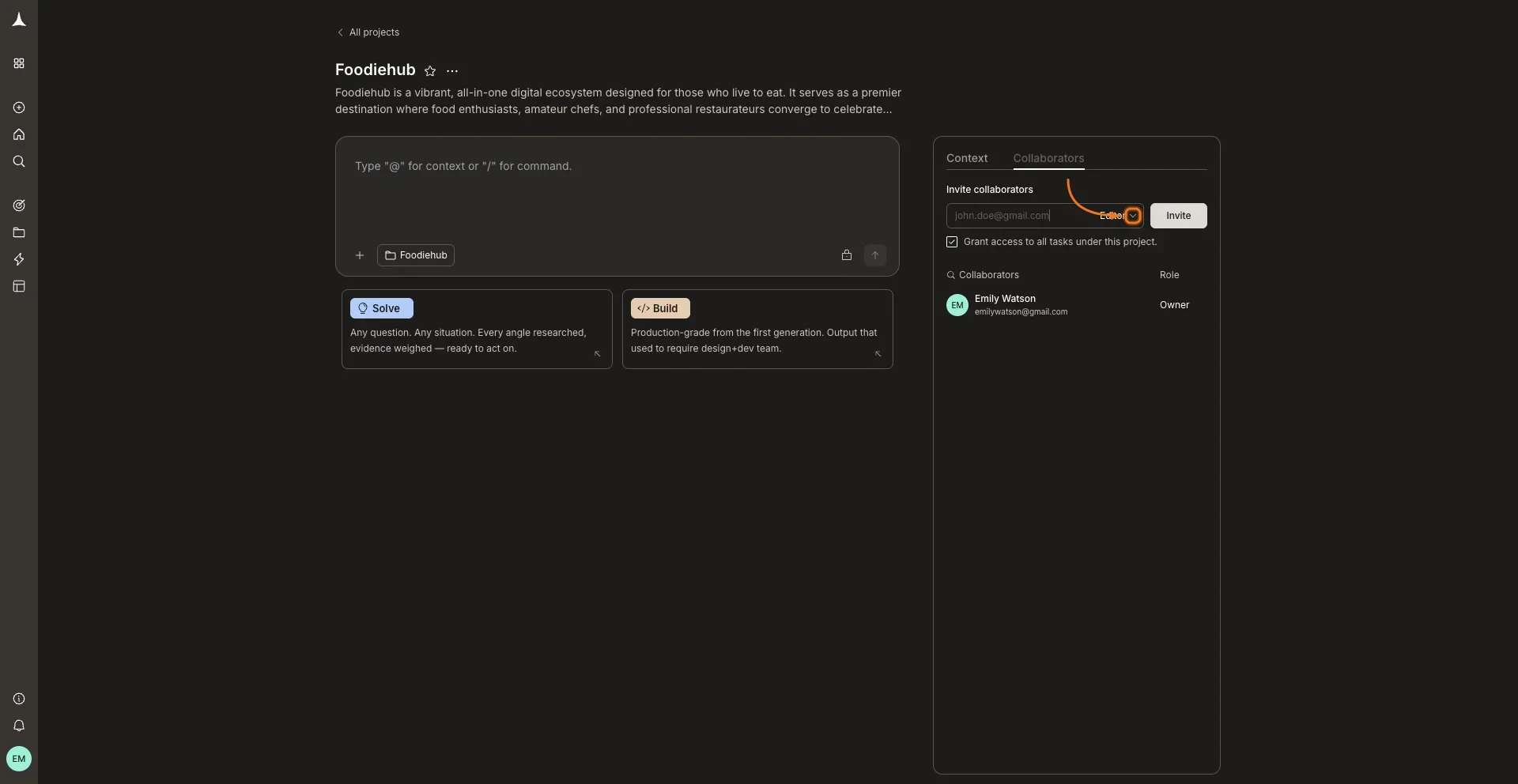
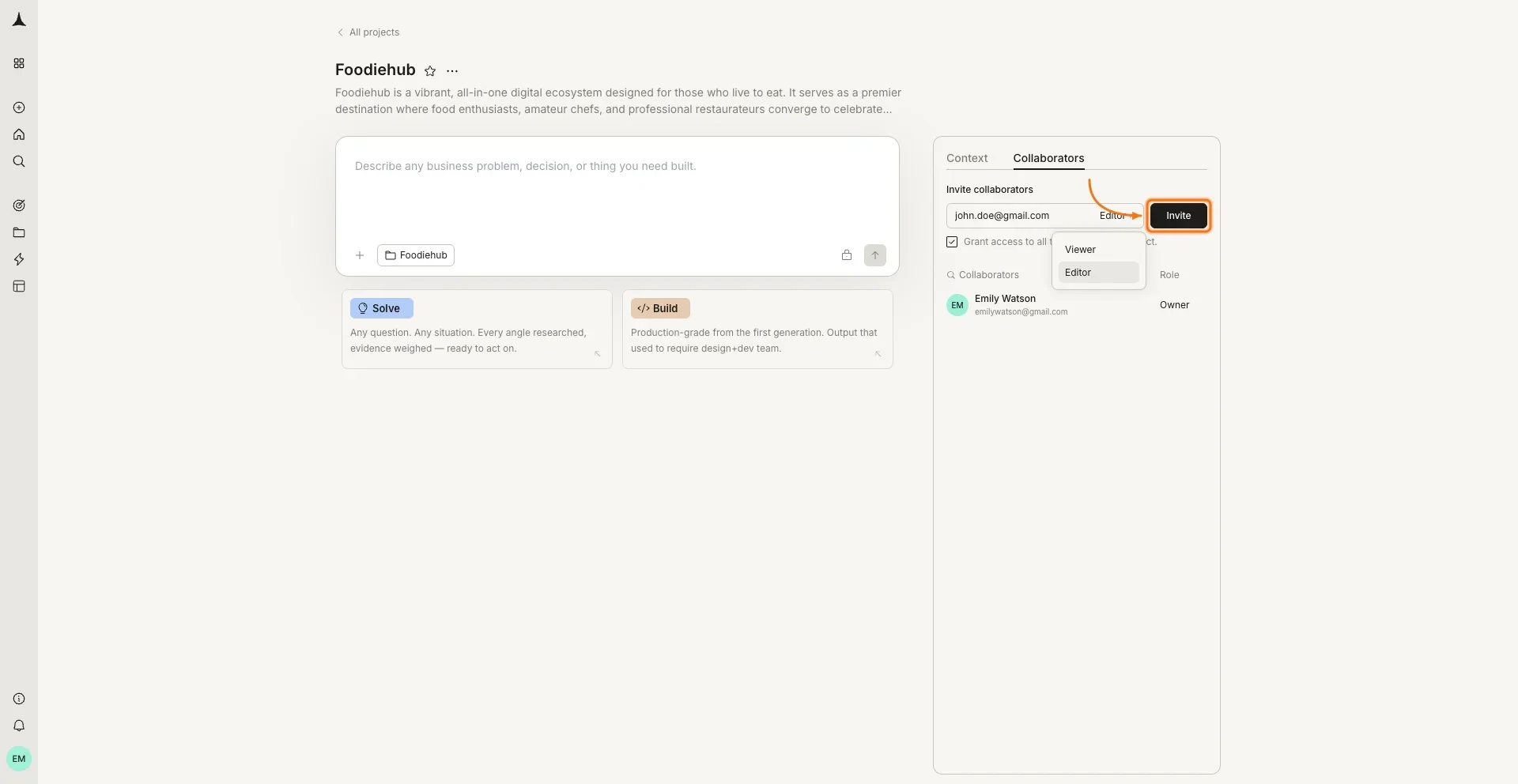
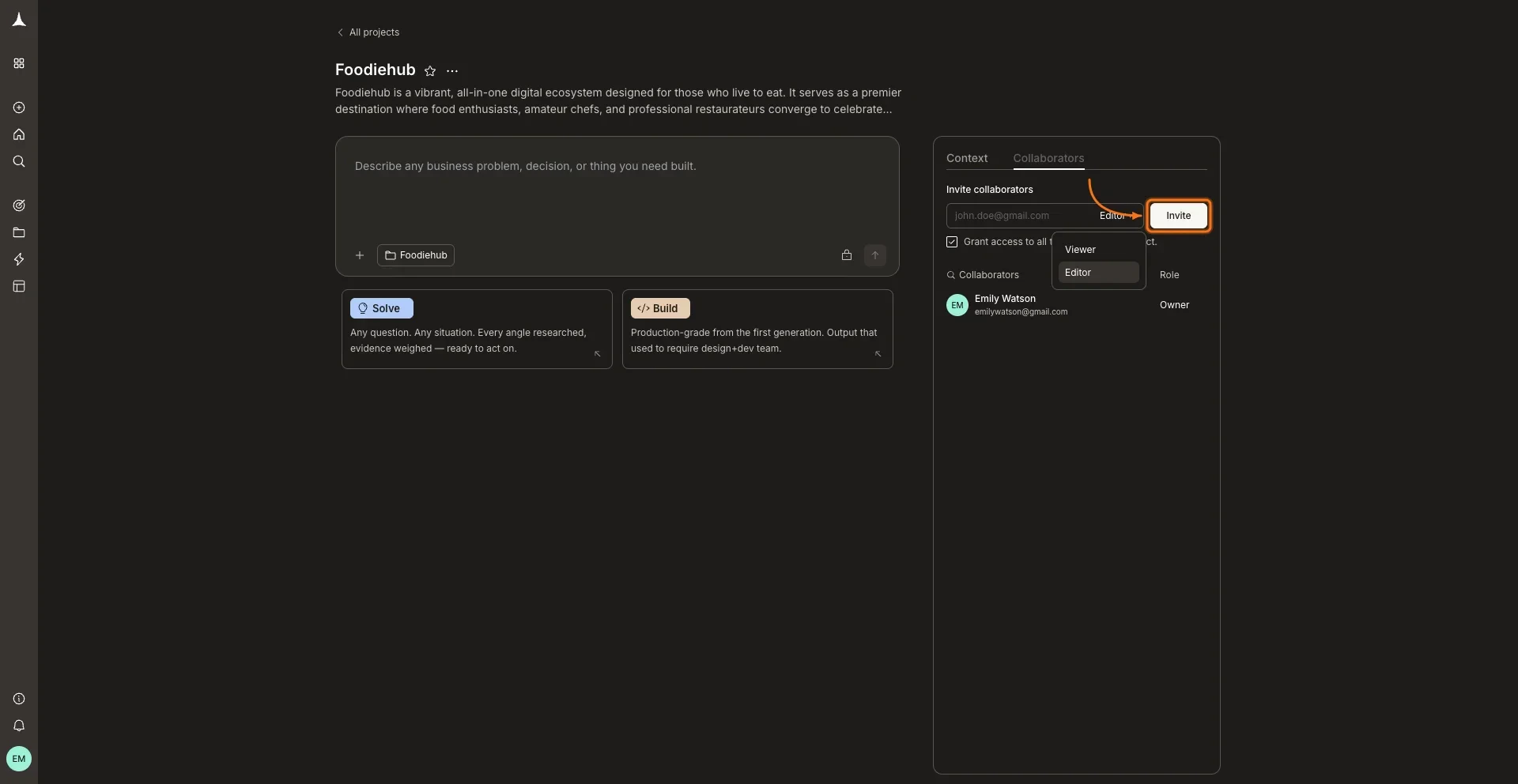
Type the collaborator’s email address and select a role (Editor or Viewer) from the dropdown. Only the project owner can invite collaborators. Editors who do not own the project can never invite anyone to it.
Enter email and select a role
Role options: Viewer or Editor
5
Grant access to existing tasks (optional)
Before clicking Invite, use the Grant access checkbox to decide whether to share existing tasks:
Ticked: the collaborator gets access to all tasks that already exist in this project.
Unticked: the collaborator joins the project but starts with an empty view. You can share tasks with them individually at the task level.
Either way, tasks created after the invitation are not shared automatically. Those always need to be shared separately.Click Invite when ready.
6
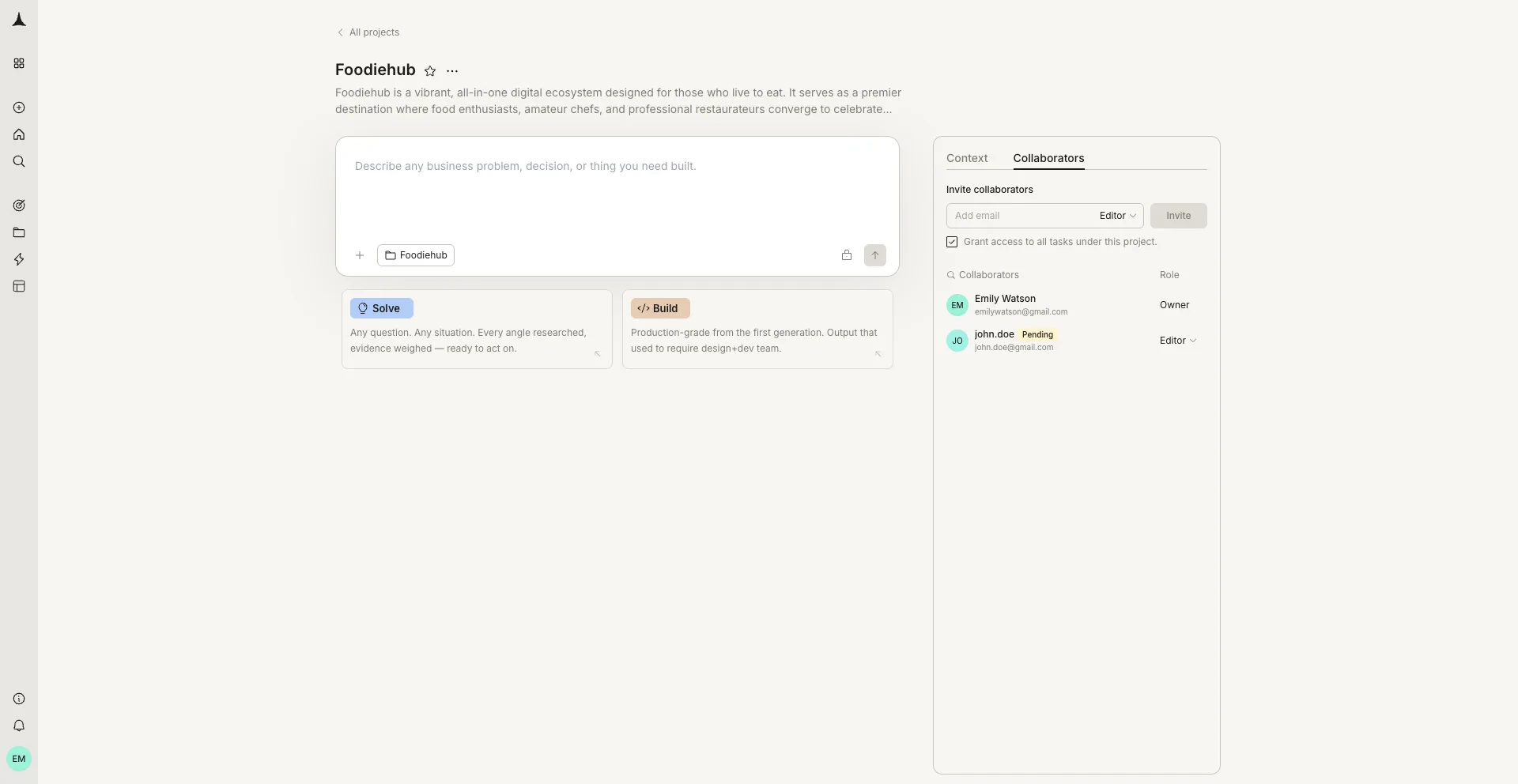
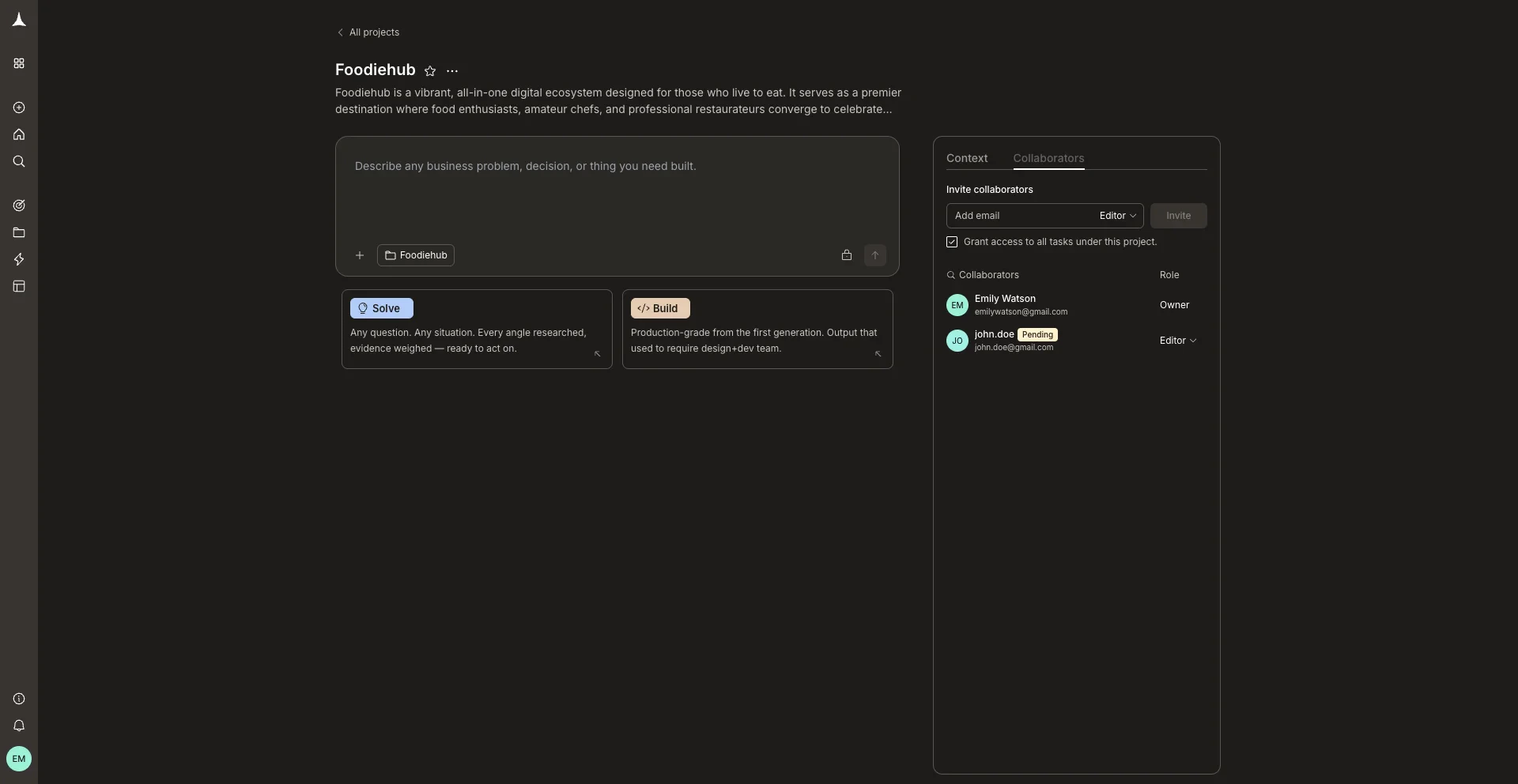
Invitation sent
The collaborator appears in the list with a Pending badge until they accept. They will receive an email with a link to join. You can also copy the invite link directly using the copy icon next to their name. Invitation requests can also be accepted or rejected through notifications, in addition to email and the invitation link.
If you need to cancel a project invitation before the recipient accepts it, open the Collaborators tab and find the collaborator with the Pending badge.
1
Open the Collaborators tab
In the project, click the Collaborators tab in the right panel.
2
Open the role dropdown on the pending row
Click the role dropdown (showing Editor or Viewer) on the pending collaborator’s row. This reveals additional actions for that invitation.
Find the pending collaborator in the Collaborators list
3
Click Revoke invite
Select Revoke invite from the dropdown. The pending row is removed immediately and the invitation link in the recipient’s email becomes invalid. The recipient can no longer accept the invitation through email, the copied invite link, or notifications.
To remove an accepted collaborator’s access to the project, open the Collaborators tab, find the collaborator’s row, and click their role dropdown.
1
Open the Collaborators tab
In the project, click the Collaborators tab in the right panel.
2
Open the role dropdown on the collaborator's row
Click the role dropdown (showing Editor or Viewer) next to the collaborator you want to remove.
3
Click Remove
Select Remove from the dropdown. The collaborator loses access to the project immediately. Their access to any tasks in that project is also removed, including individual tasks and tasks that are part of the project.
Revoking or removing someone’s access to a project does not remove them from the workspace. They remain a workspace member and keep access to any other projects or tasks they were invited to. However, revoking or removing access at the workspace level also removes their access from all projects and tasks in the workspace. If you remove an Editor who created tasks in this project, the workspace owner automatically becomes the owner of those tasks.
Day to day collaborator. Editors can create tasks, iterate on existing work, upload files, and connect services. Editors who do not own the project can never invite anyone to it. Only the project owner can invite collaborators. When the invite toggle is enabled, the owner can invite anyone. When it is disabled, the owner can invite only existing workspace members.
Viewer
Read-only access. Viewers can see tasks and outputs they have been granted access to, but cannot create or edit anything. Ideal for stakeholders who need visibility without editing access.
Roles apply at each level independently. A workspace Editor can be given Viewer access only on a specific project.