

Create a task
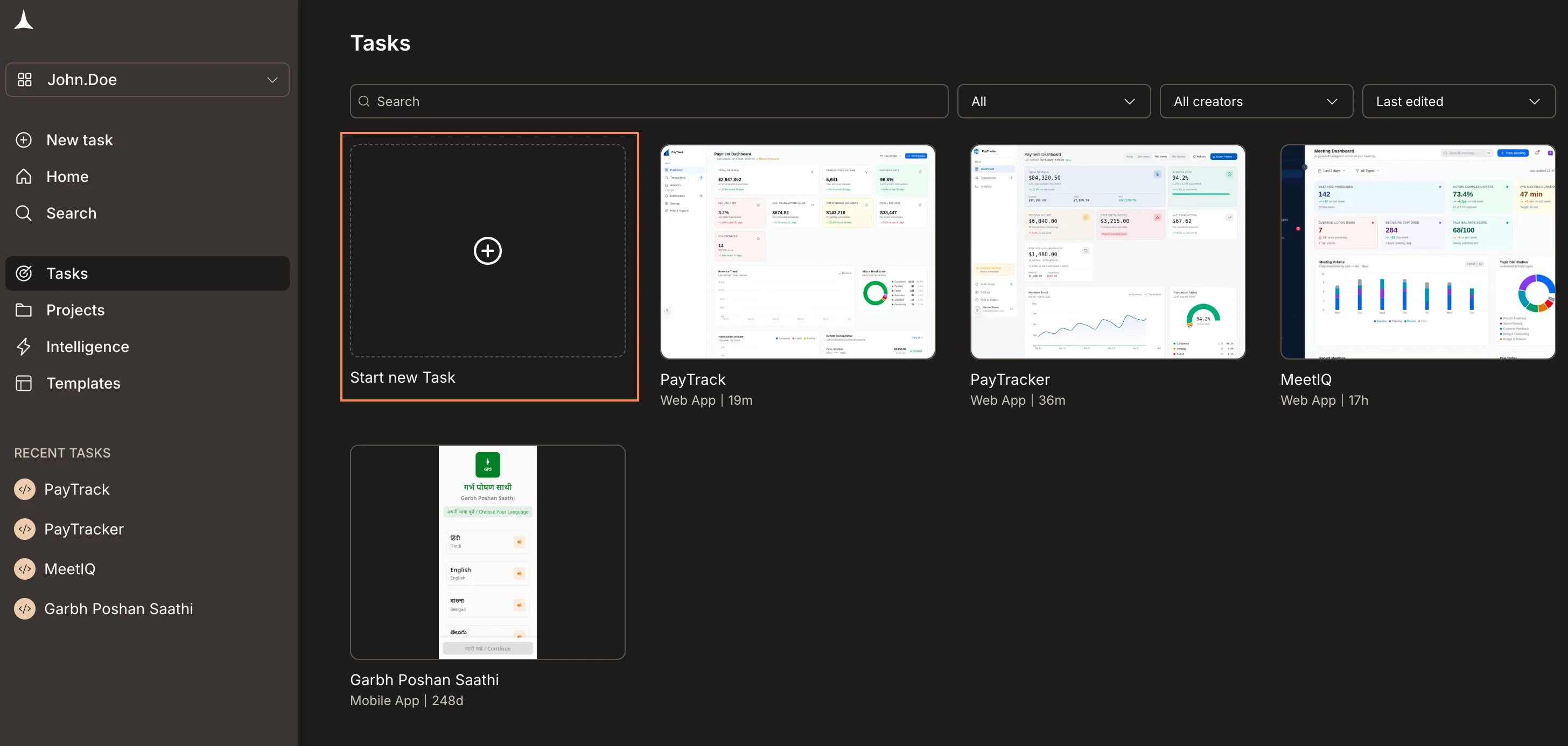
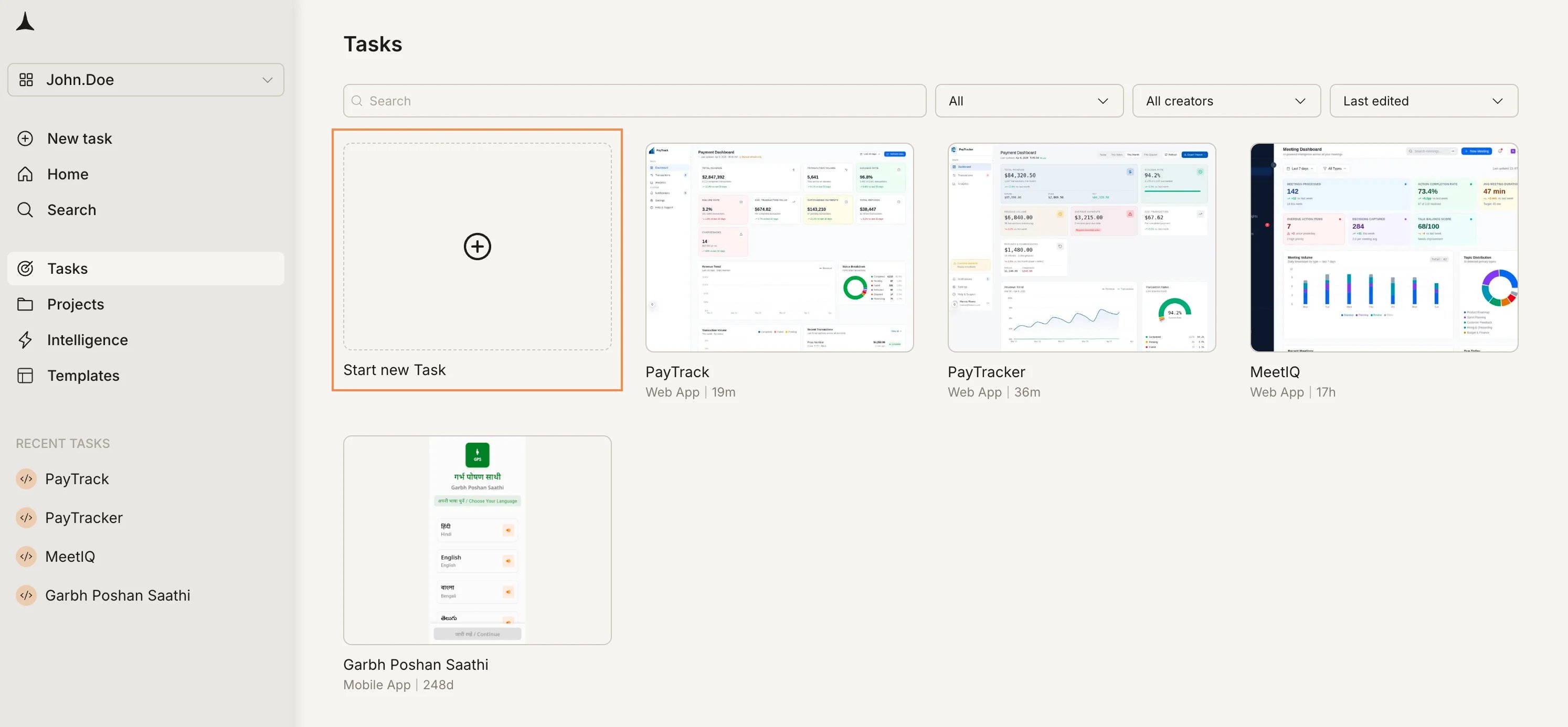
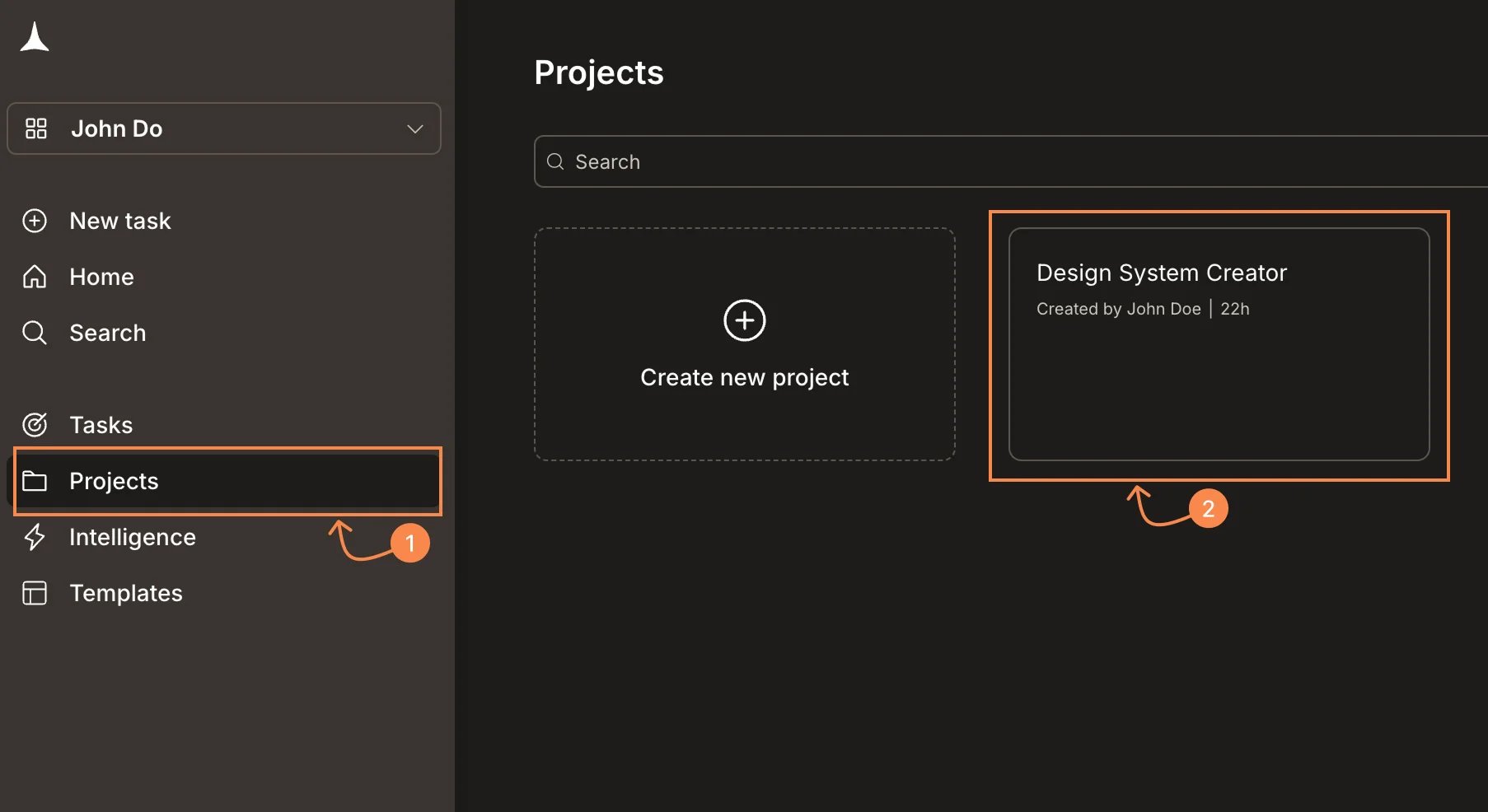
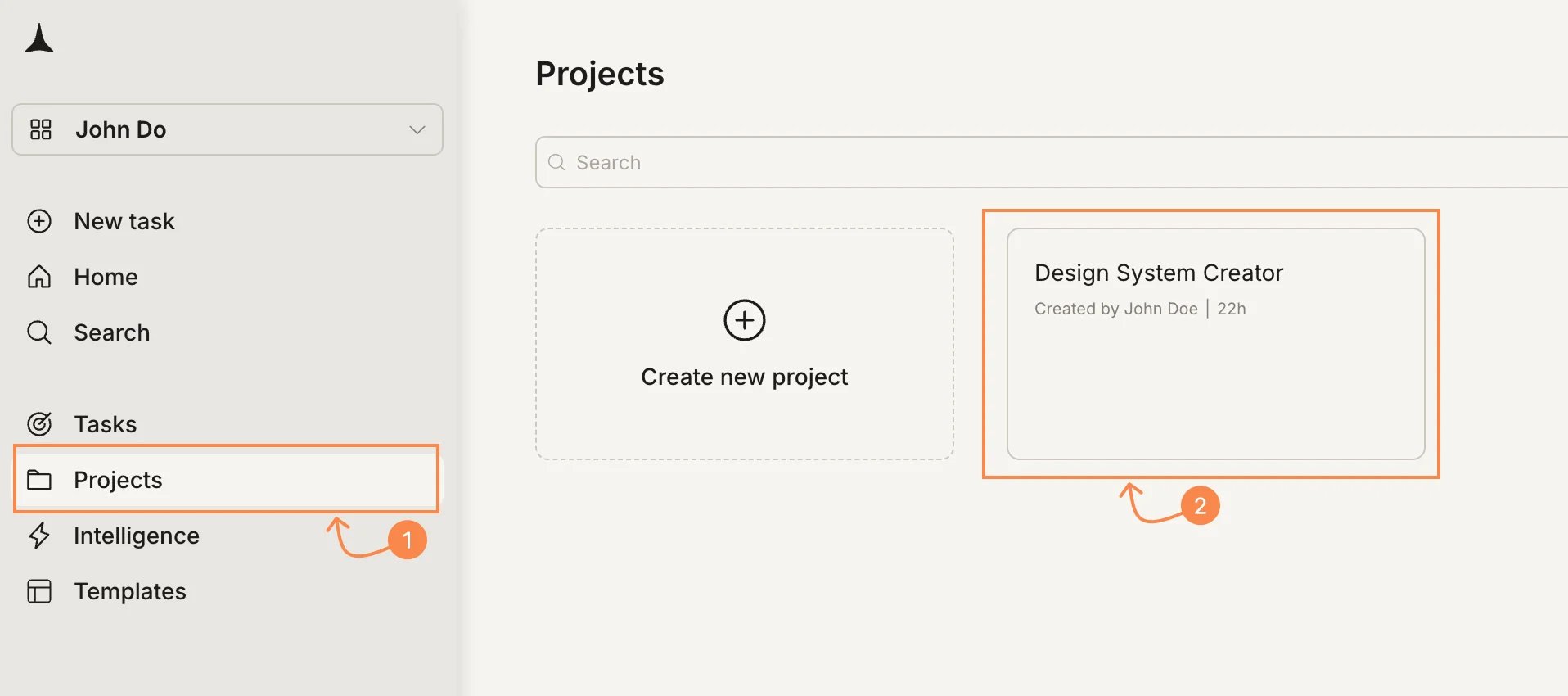
You can start a task from three places: the Home screen, the Tasks page, or from inside a project.- From Home
- From the Tasks page
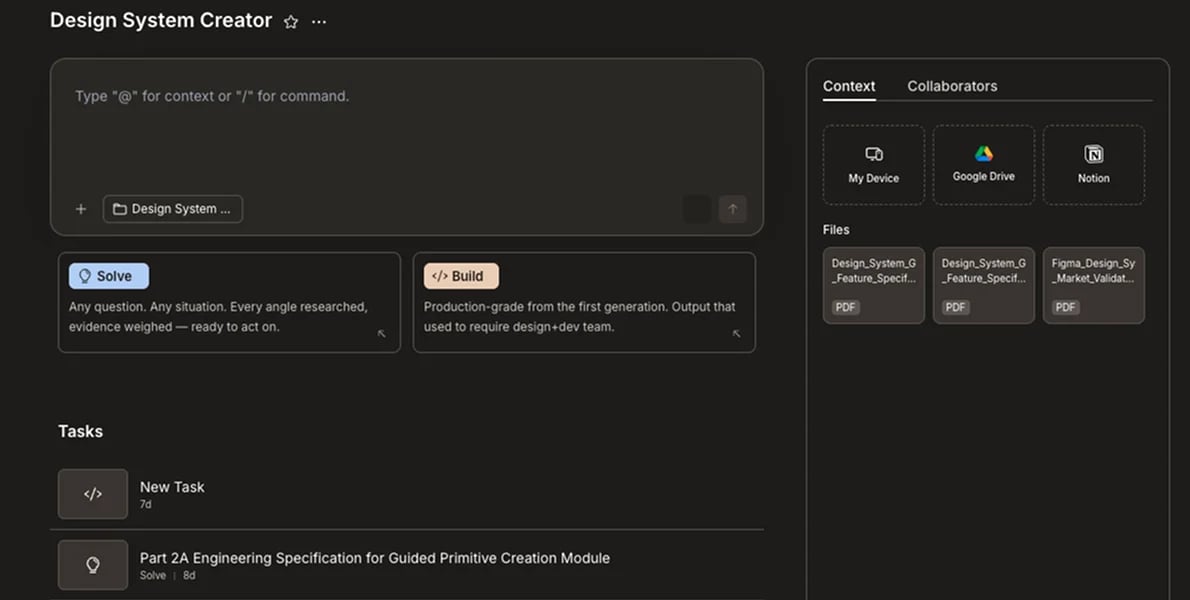
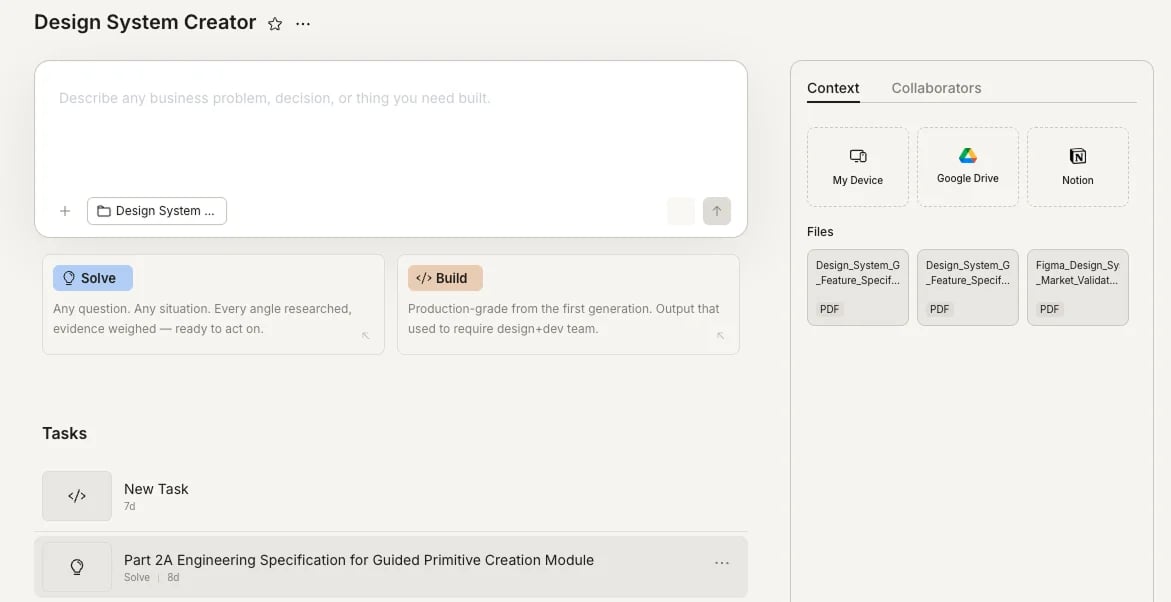
- Inside a project
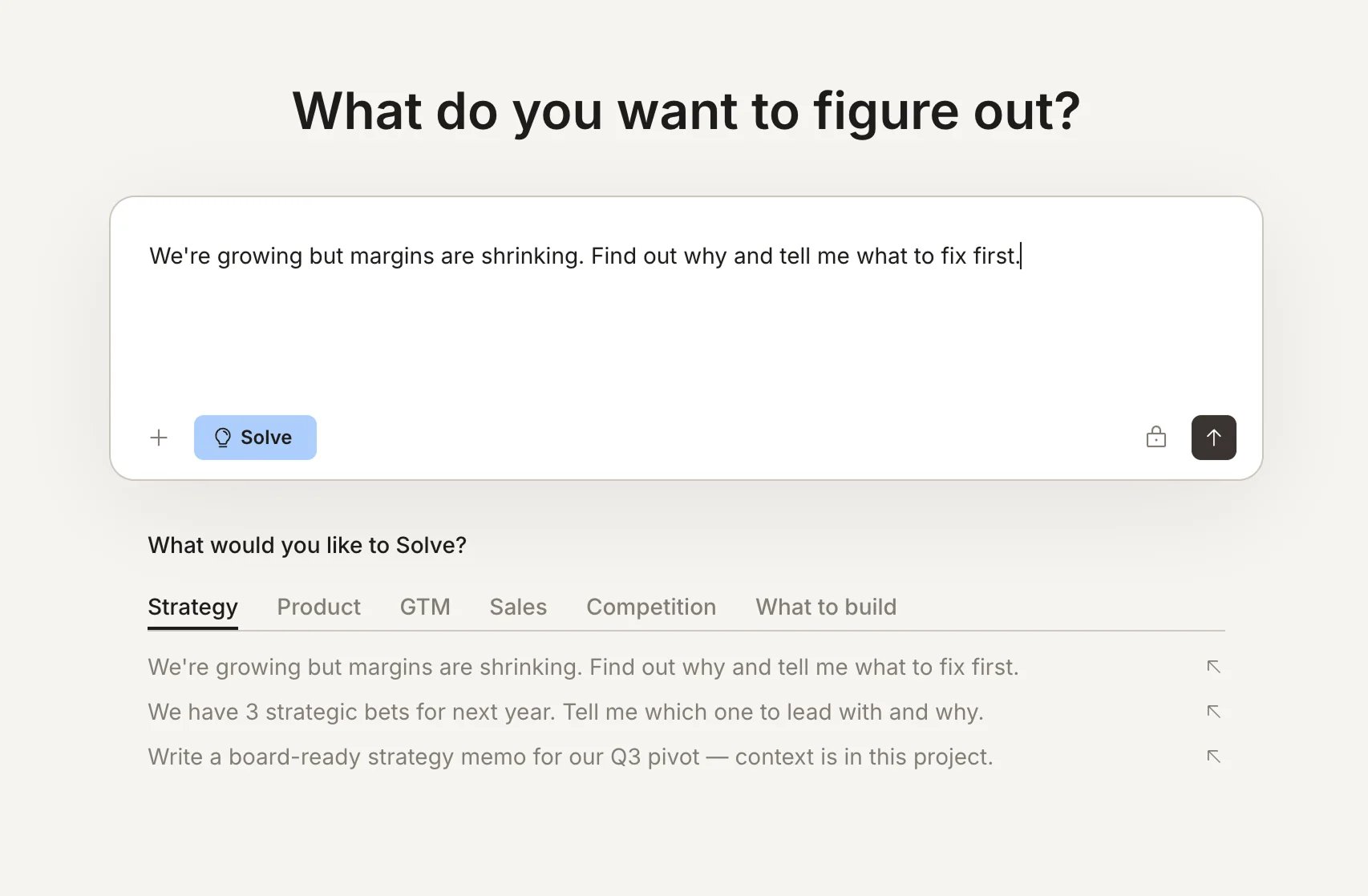
Go to Home, type your prompt in the input, and press Enter or click the send button. Rocket detects whether this is a Solve or Build task from your description. You can also click Solve or Build in the input bar to set the type explicitly.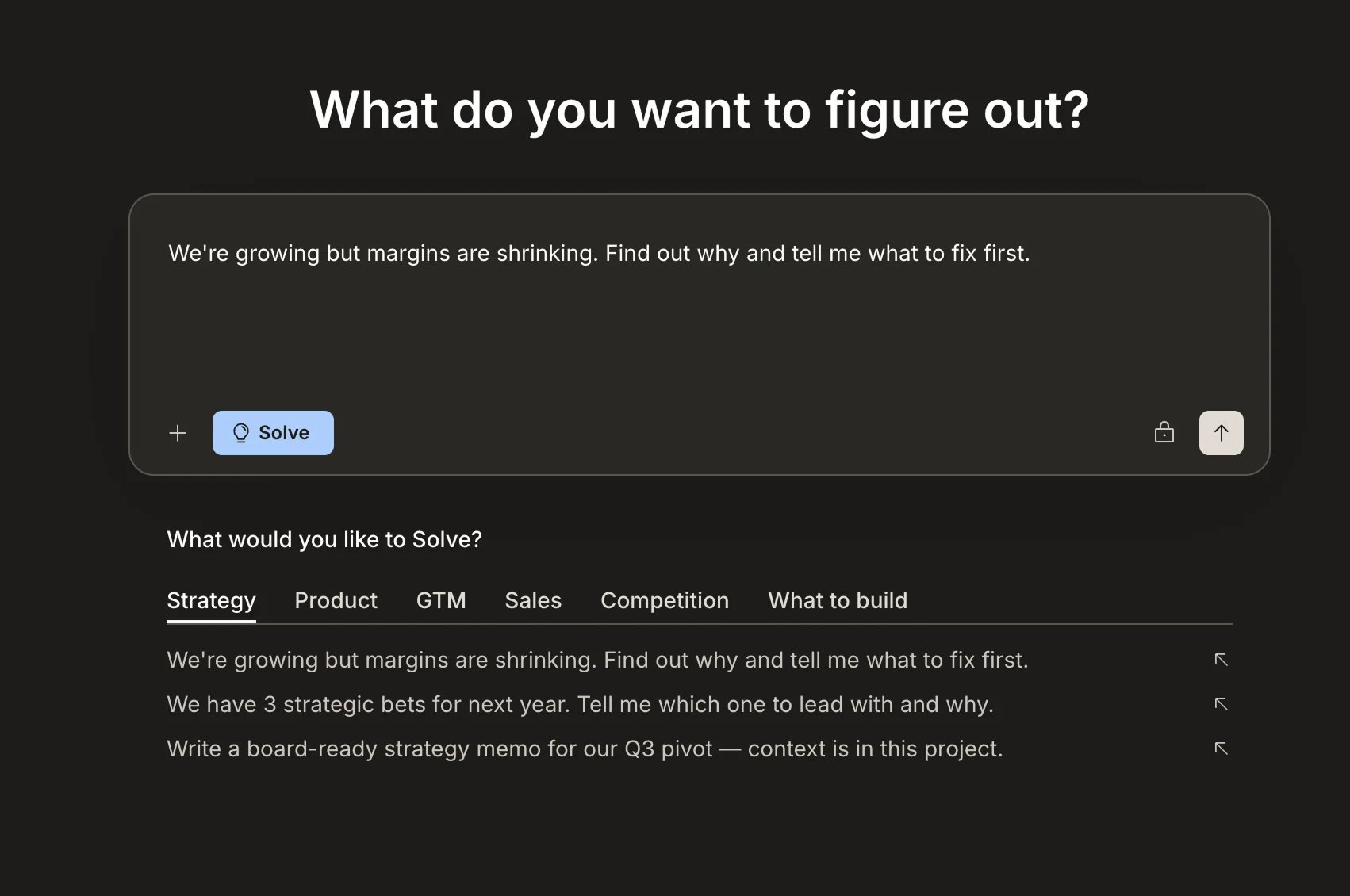
Task menu
Many task actions (rename, star, add to project, and delete) are available from the same... menu. You can open this menu from two places:
- Tasks page or sidebar: hover over a task and click the
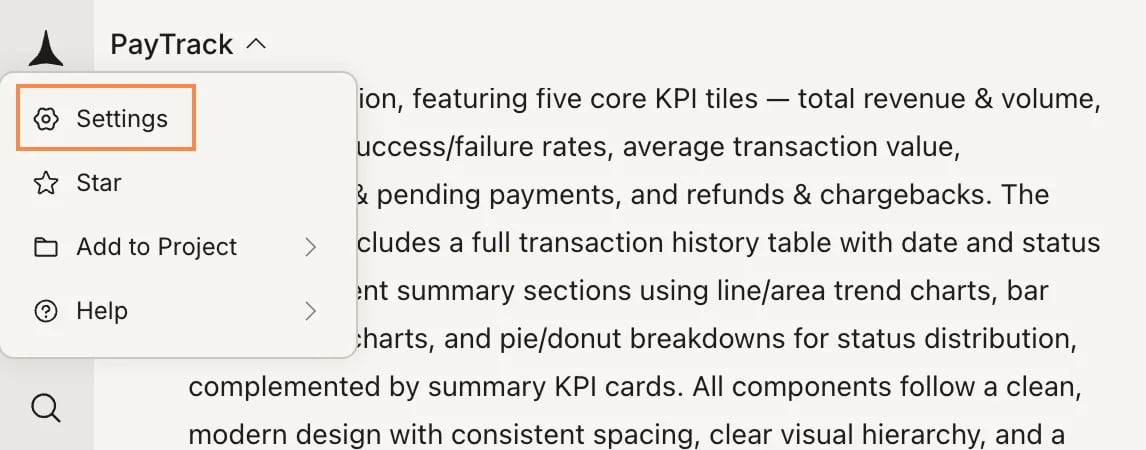
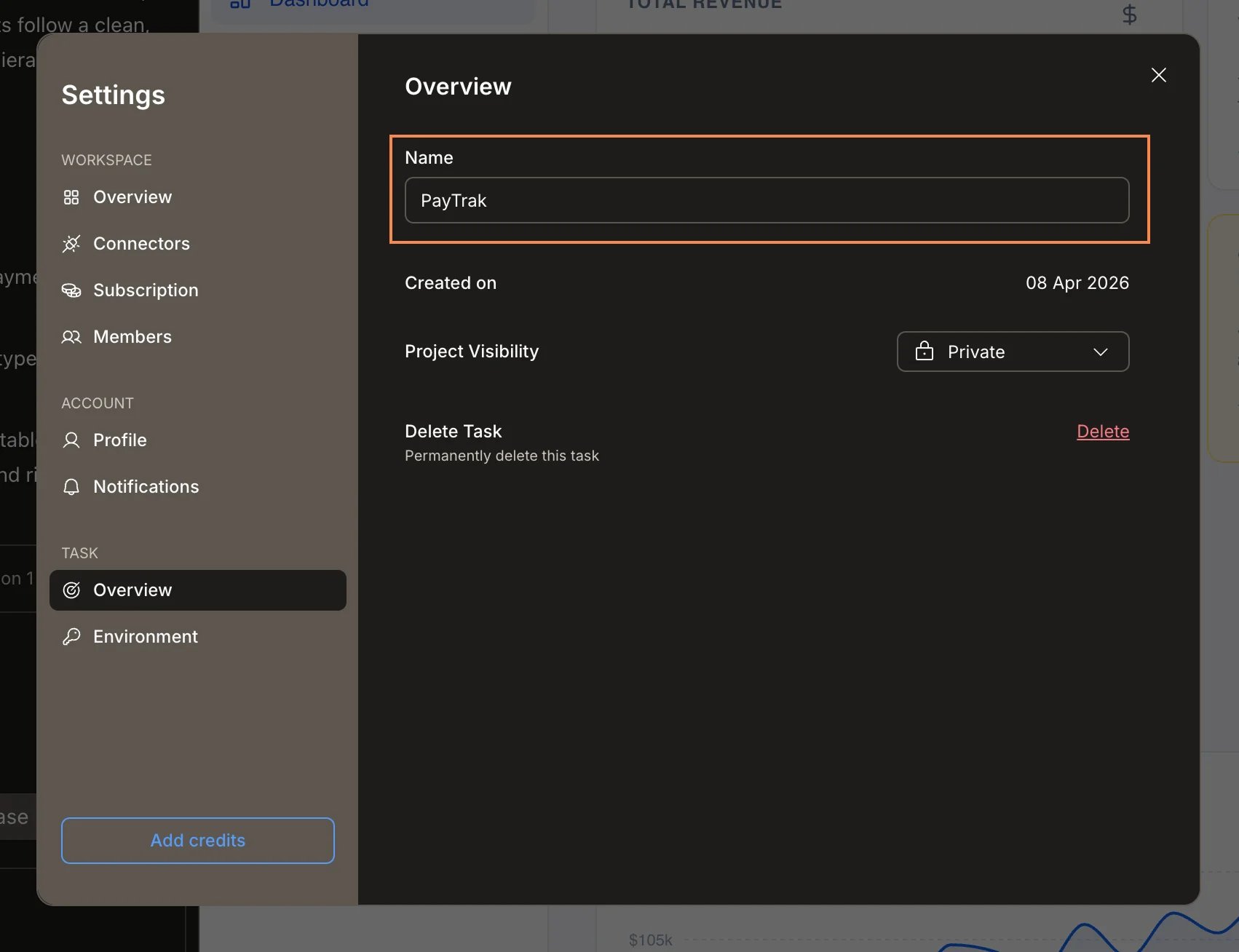
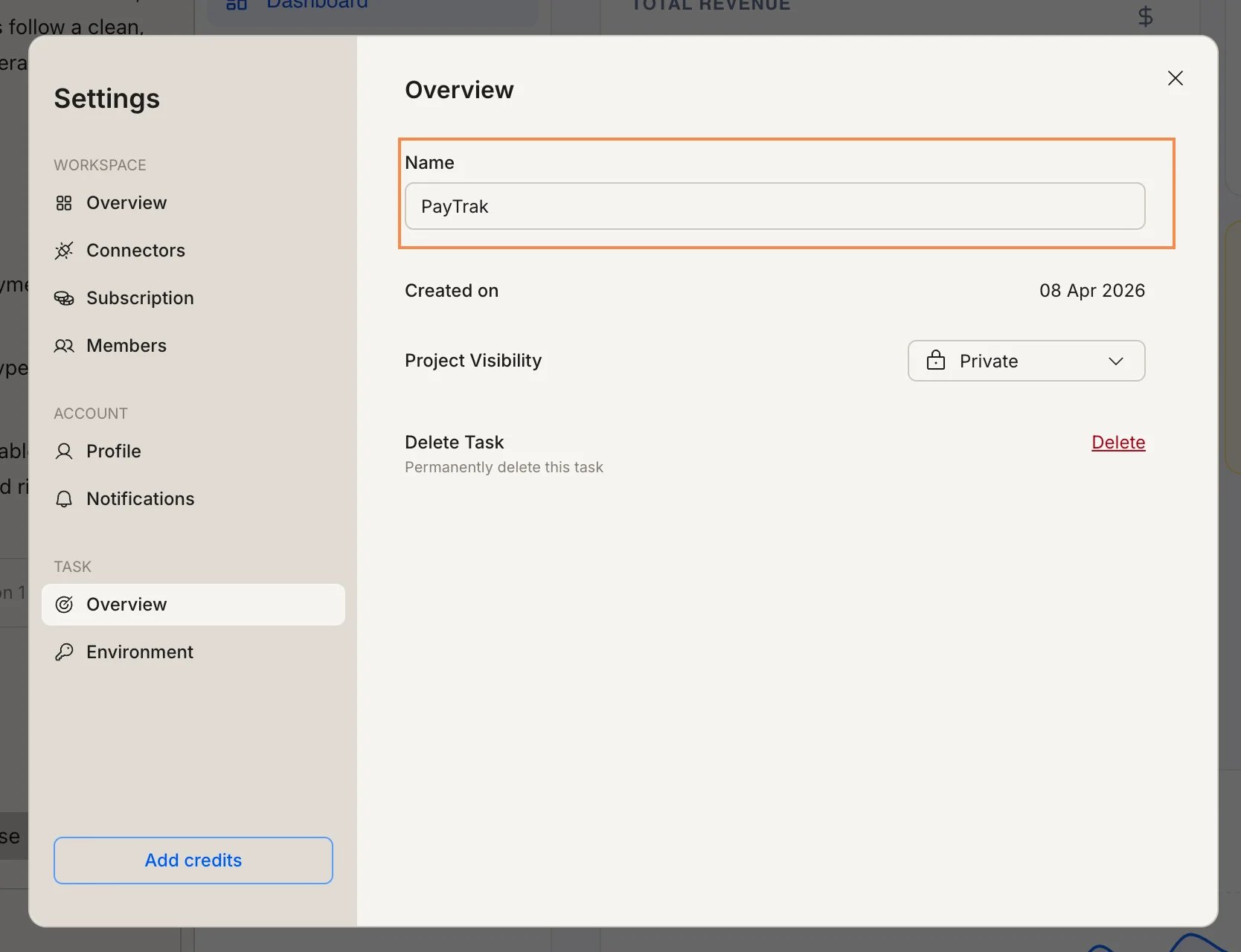
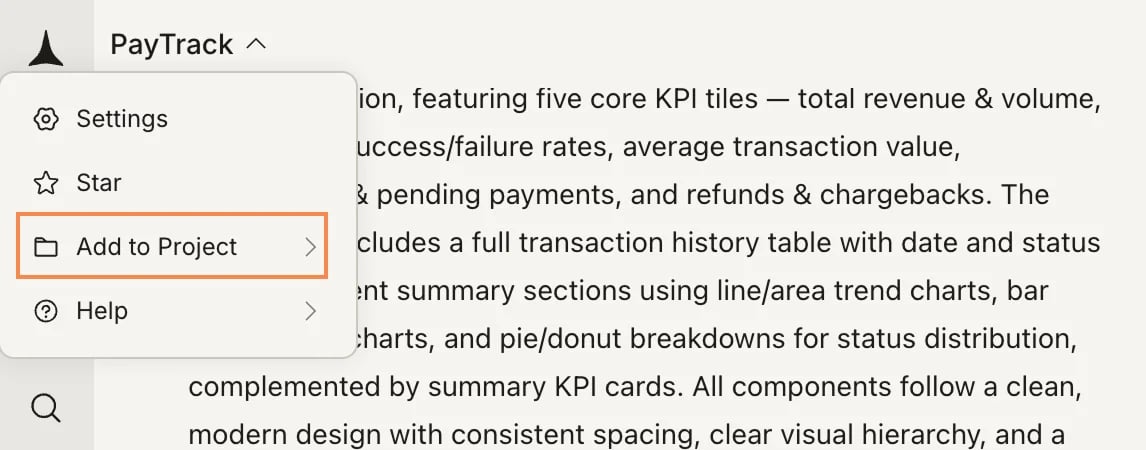
...that appears - Inside the task: click the task name in the top-left to open the task dropdown, then select Settings, Star, or Add to Project
Rename a task
- From inside the task
Hover over the task in the Tasks page or in the Recent Tasks sidebar, click the 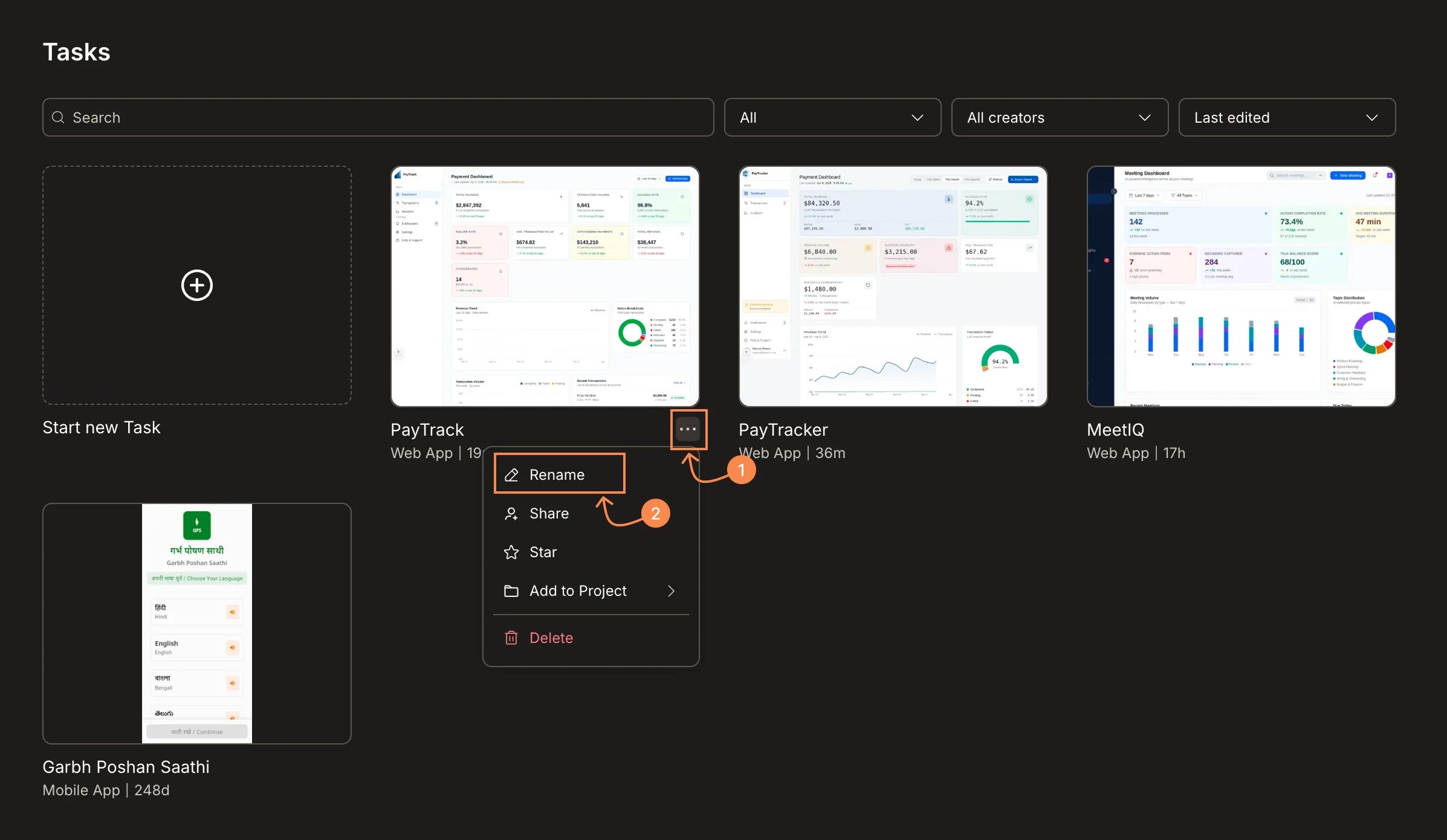
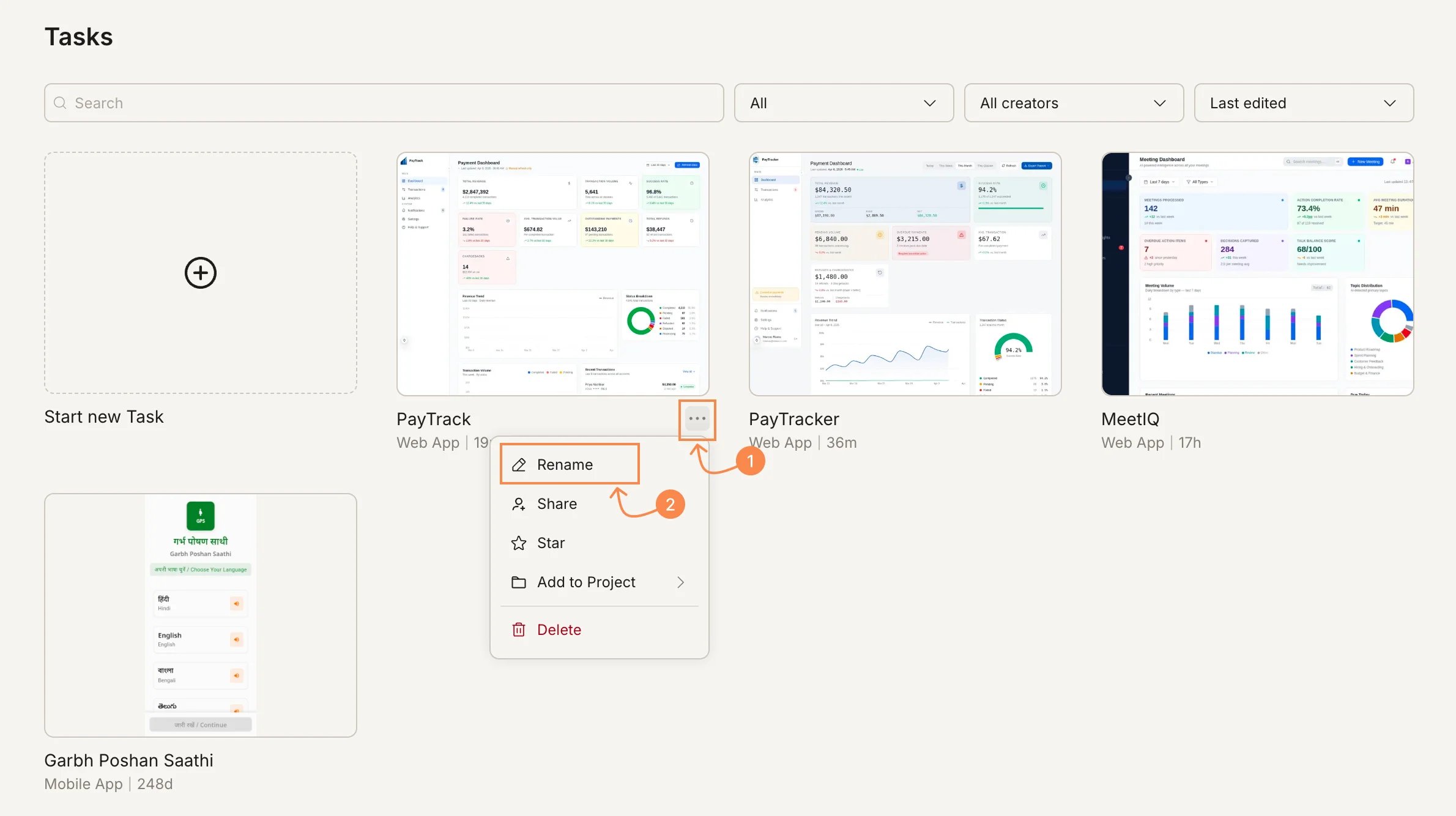
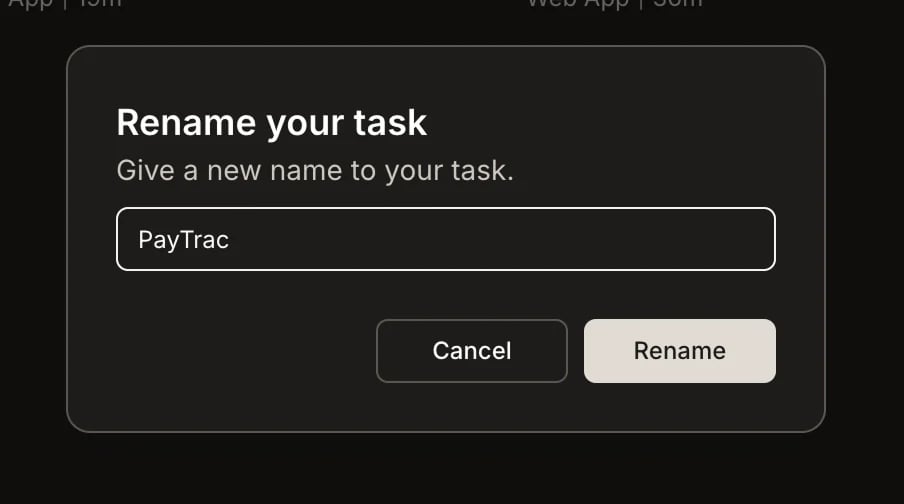
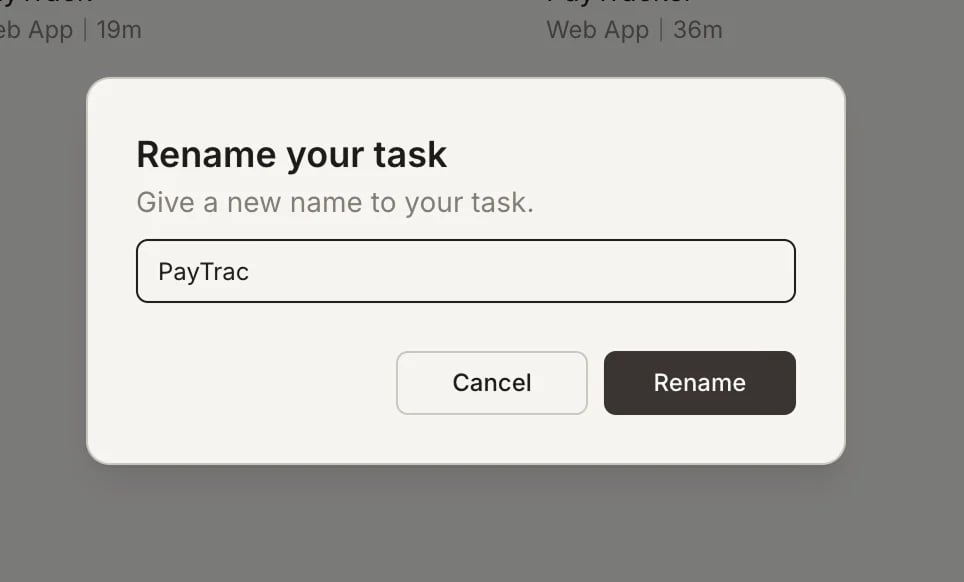
... menu, and select Rename.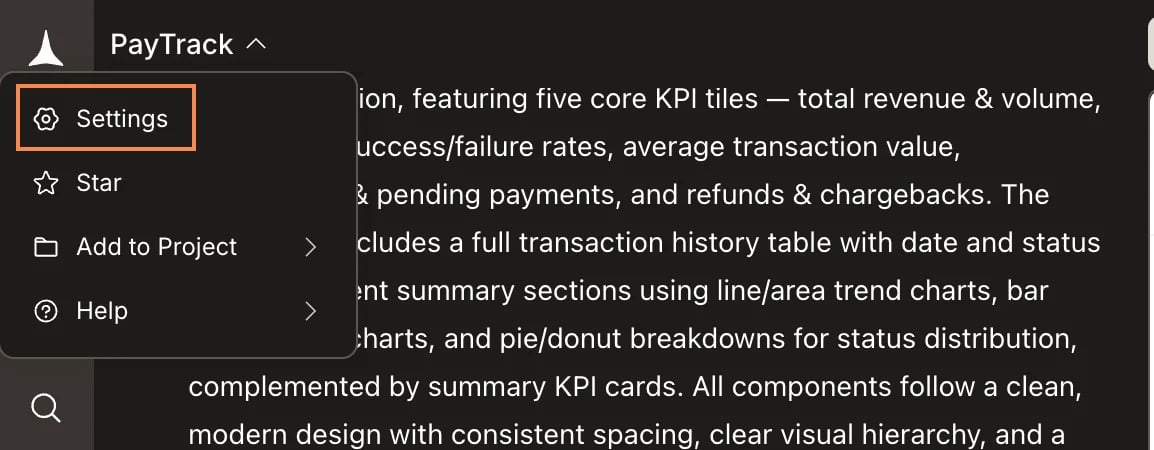
Star a task
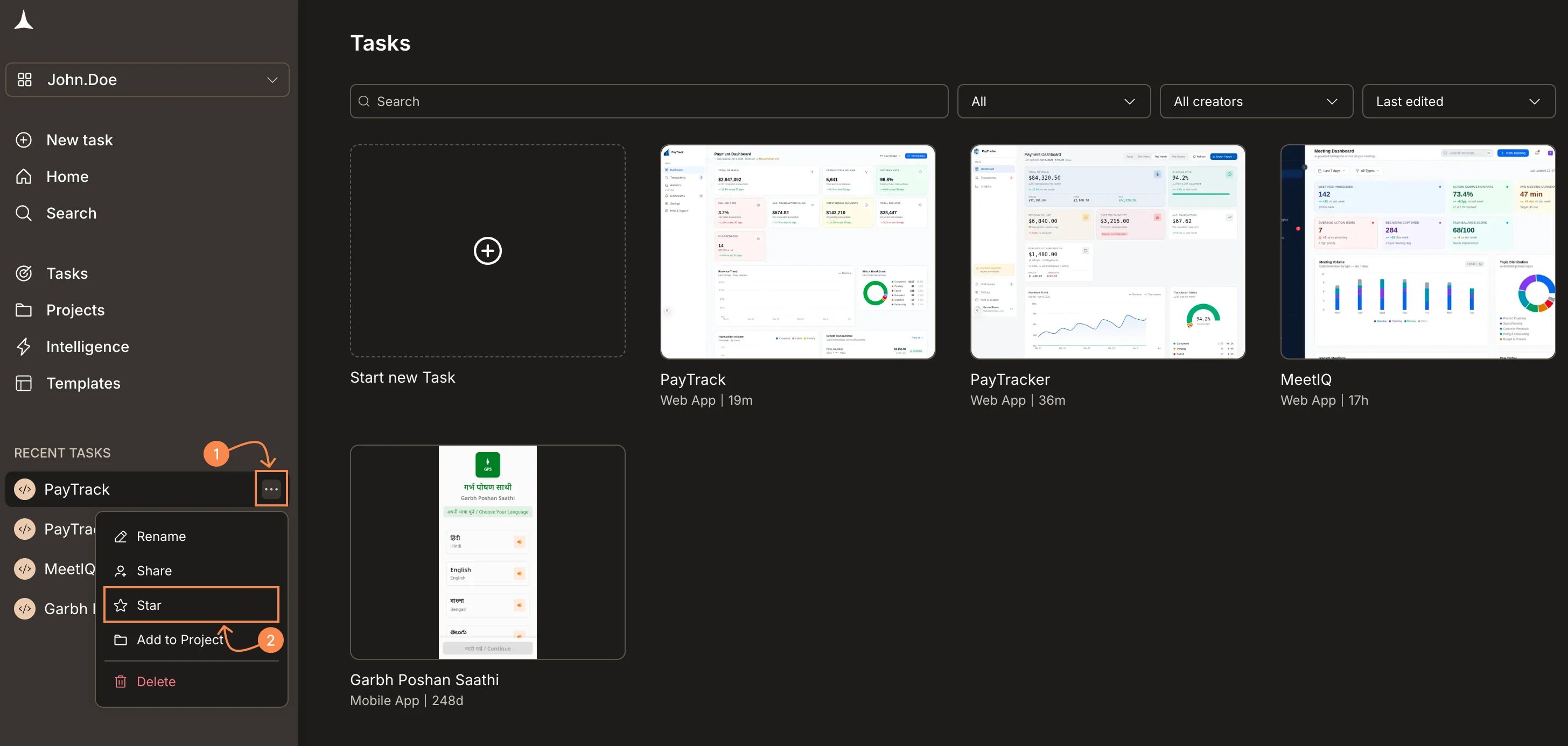
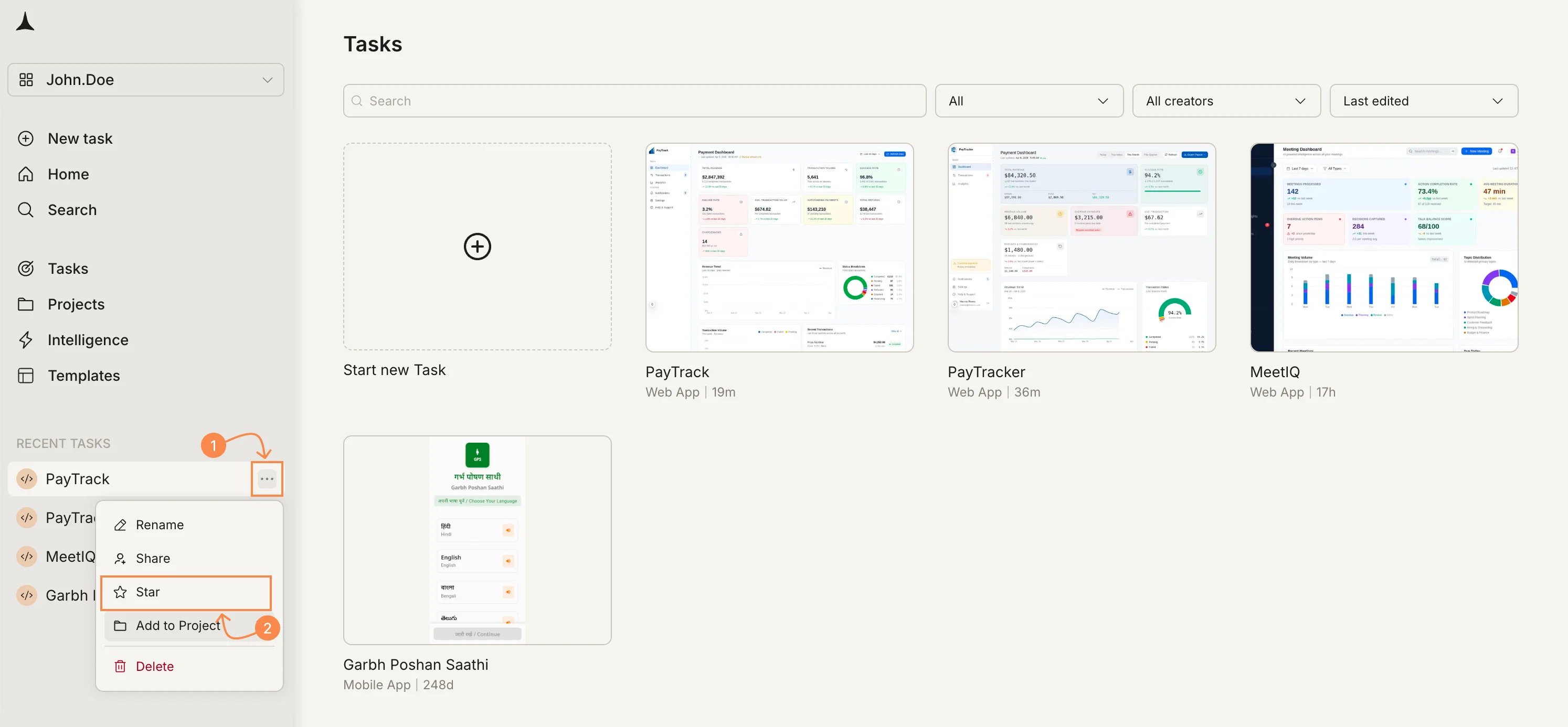
Star a task to pin it to the top of your task list for quick access. Hover over the task in the Tasks page or in the Recent Tasks sidebar, click the... menu, and select Star. To unstar, open the same menu and select Star again.
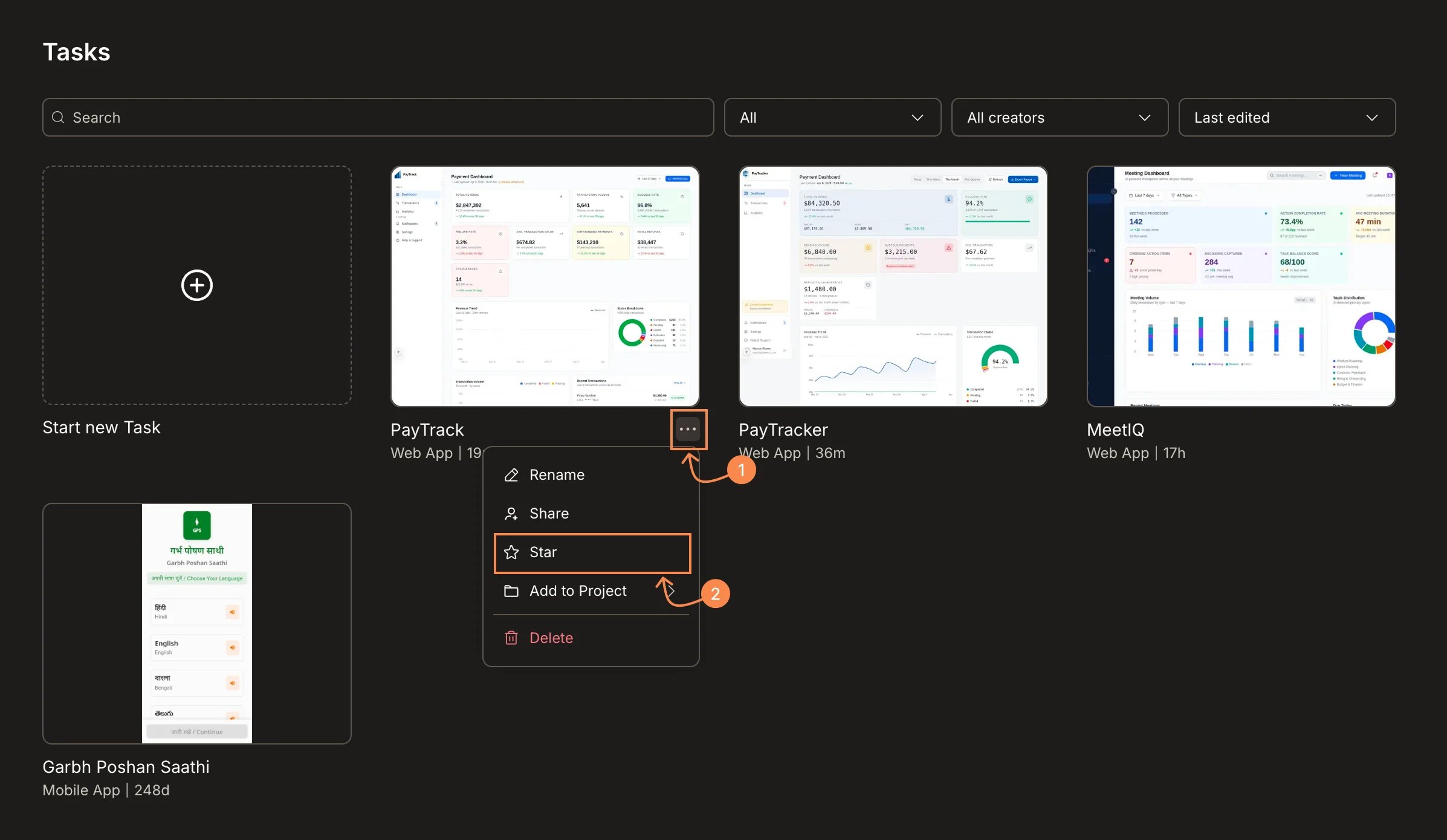
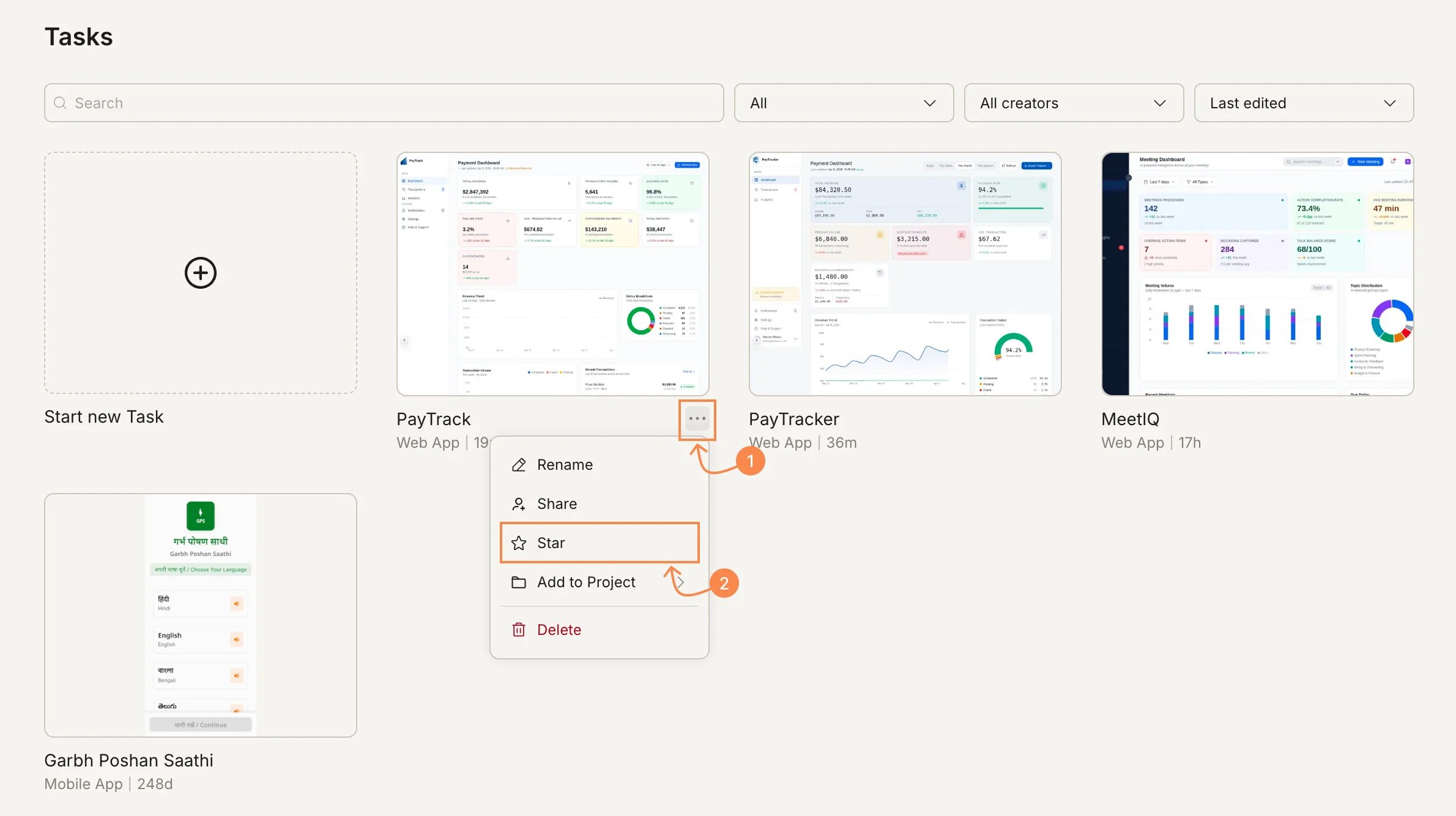
... menu, and select Star.
Add a task to a project
You can add any standalone Solve or Build task to a project at any time without losing history. A task can only be part of one project at a time.- From inside the task
Hover over the task, click the 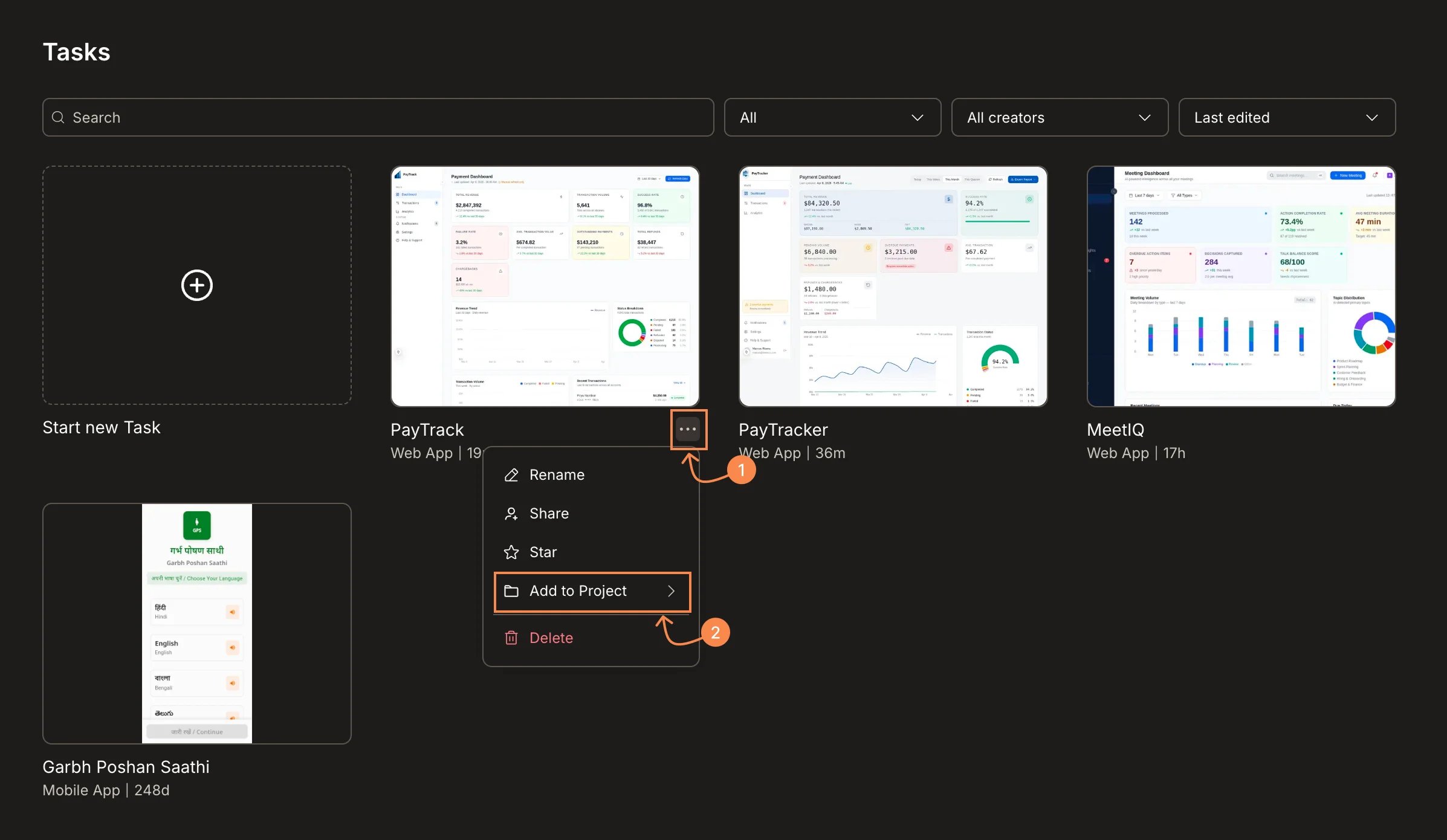
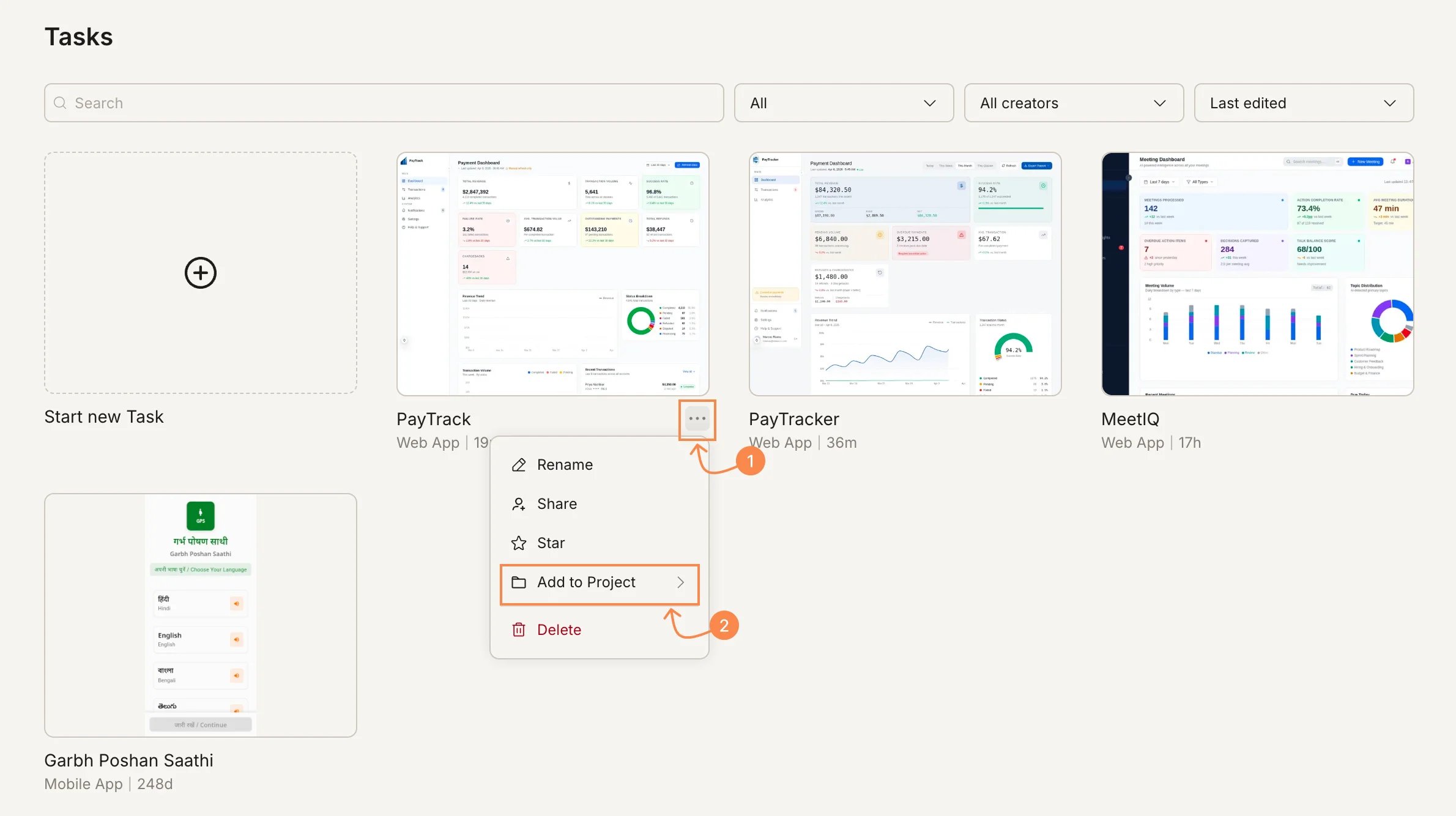
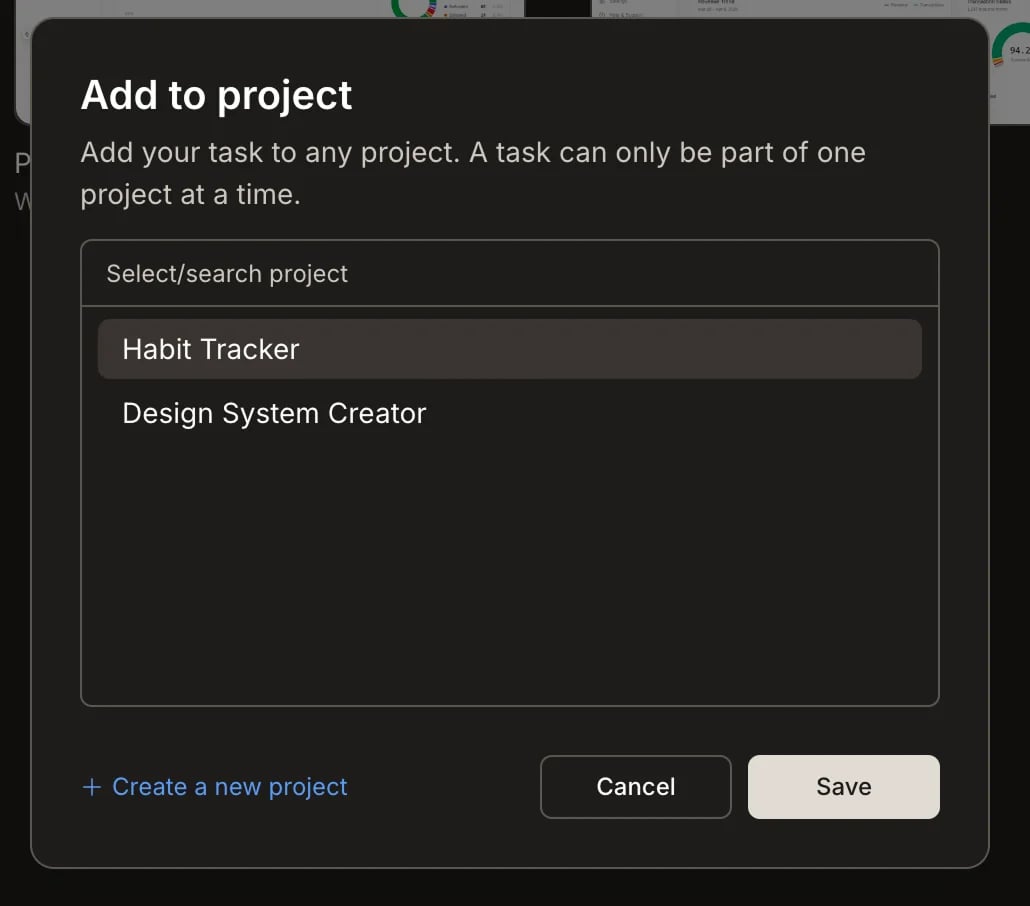
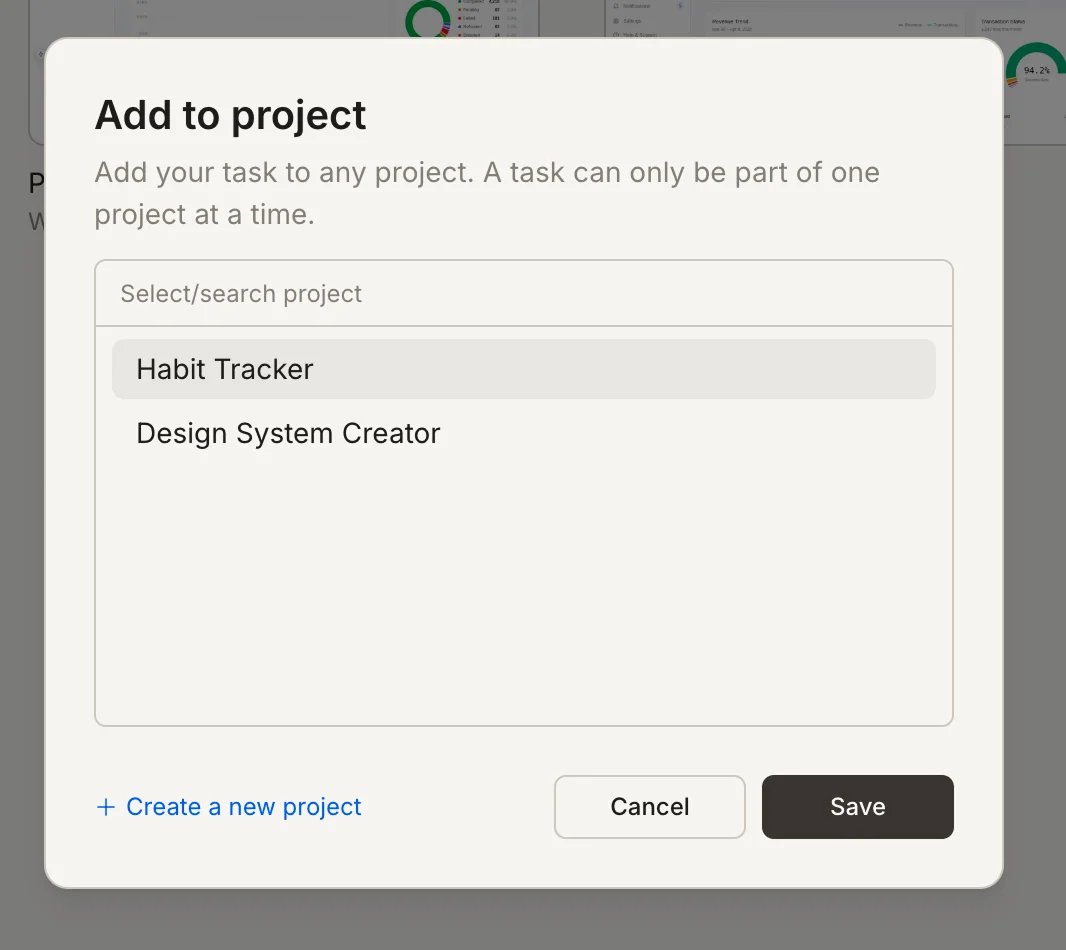
... menu, and select Add to Project.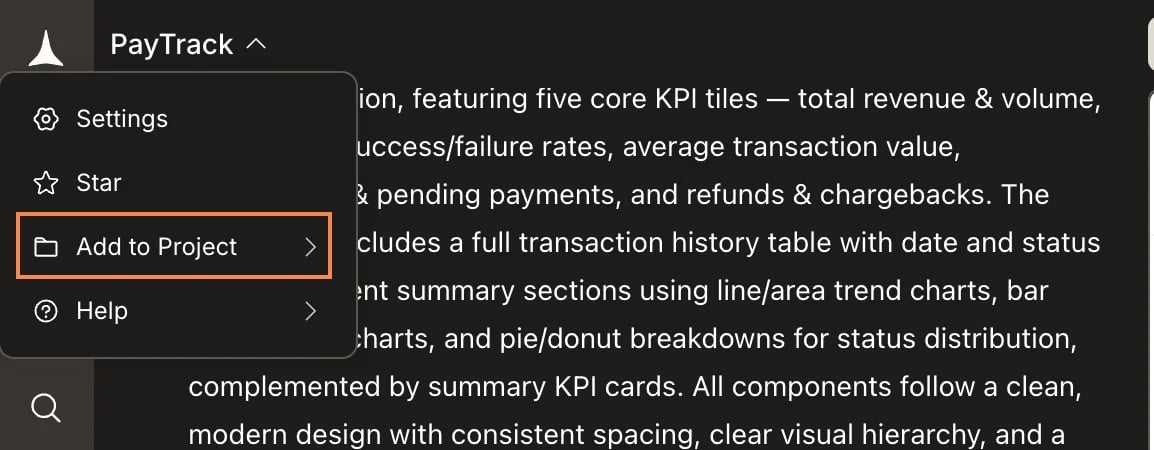
Delete a task
- From inside the task
Hover over the task, click the 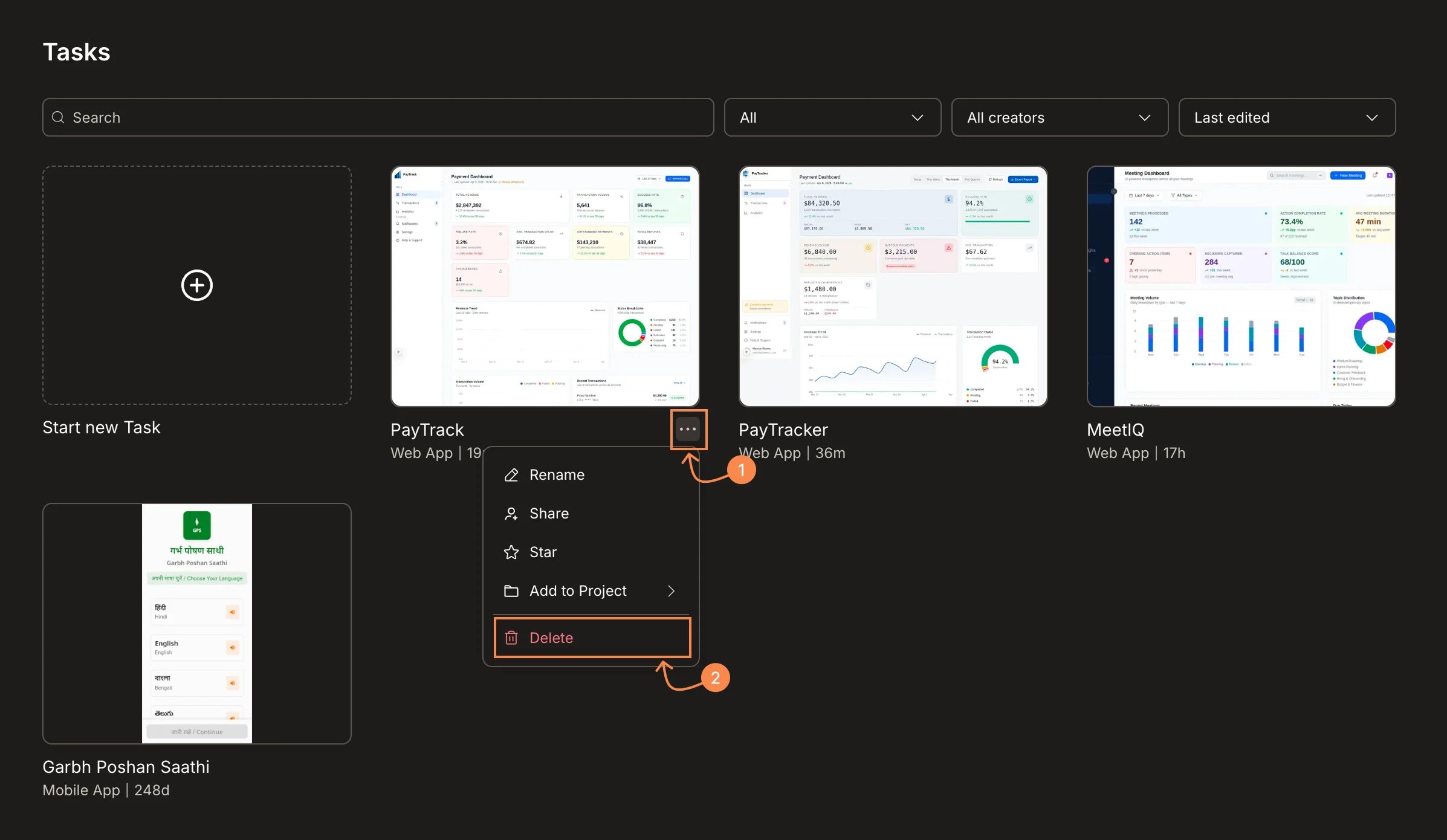
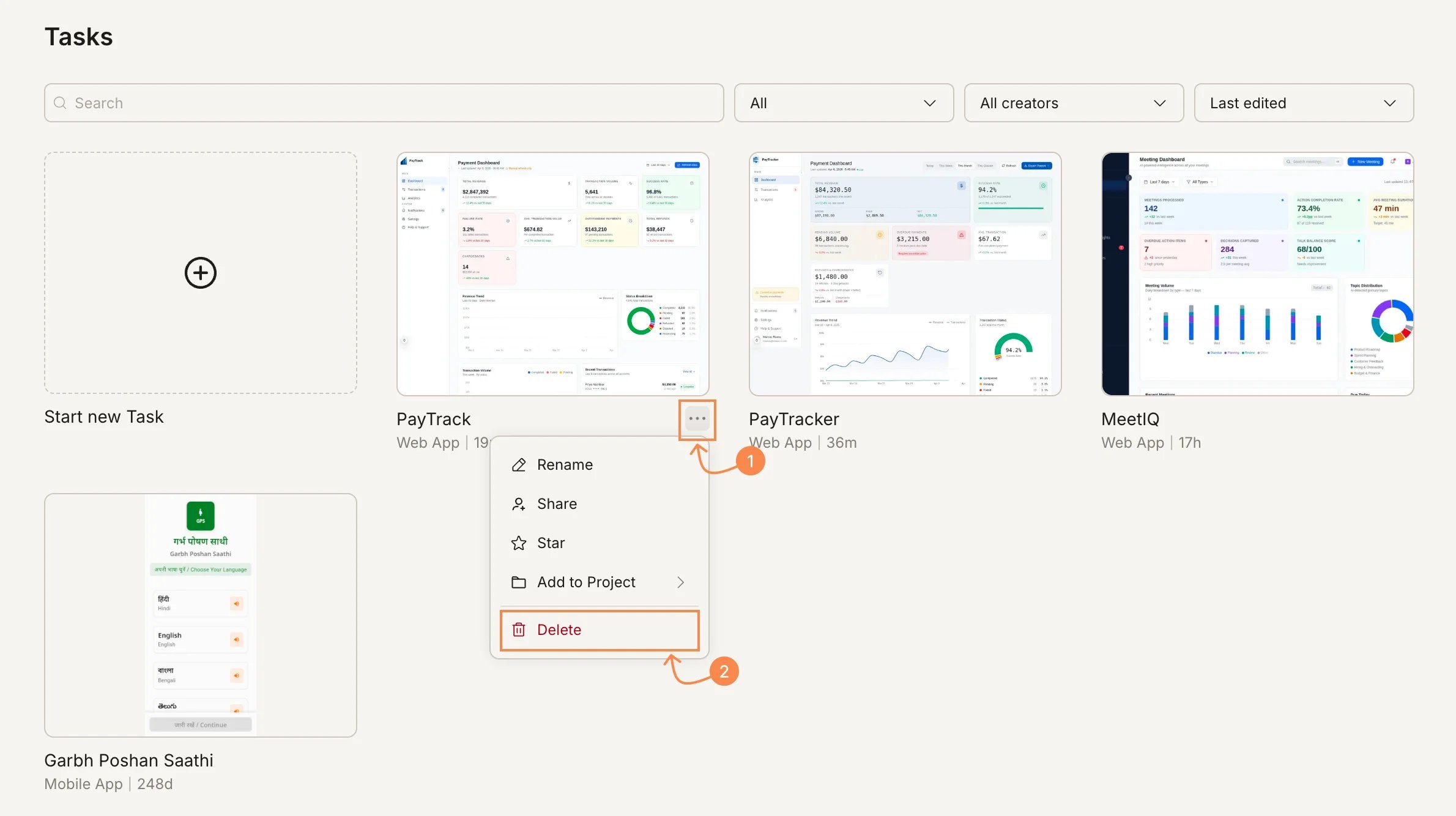
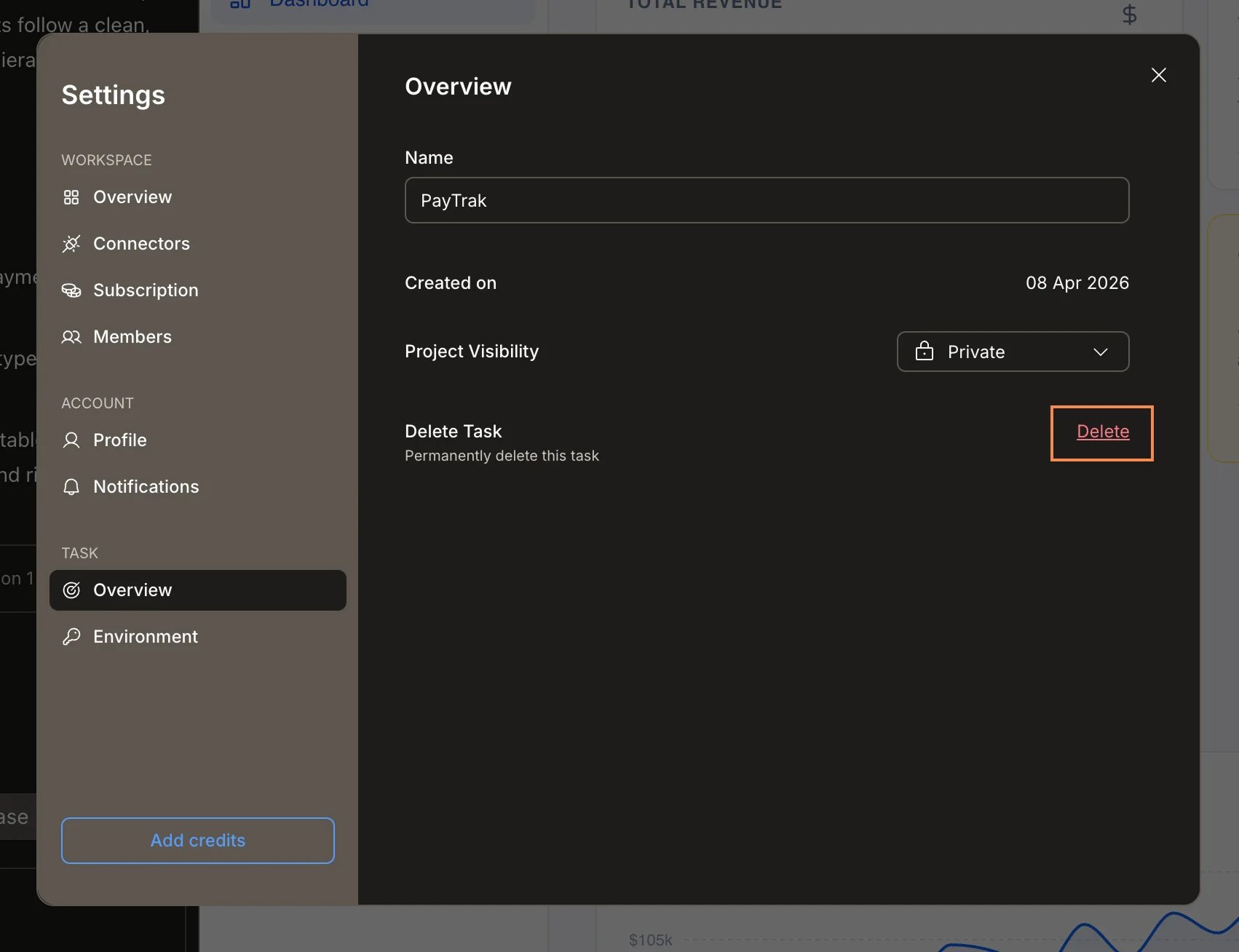
... menu, and select Delete. Confirm the deletion in the prompt that appears.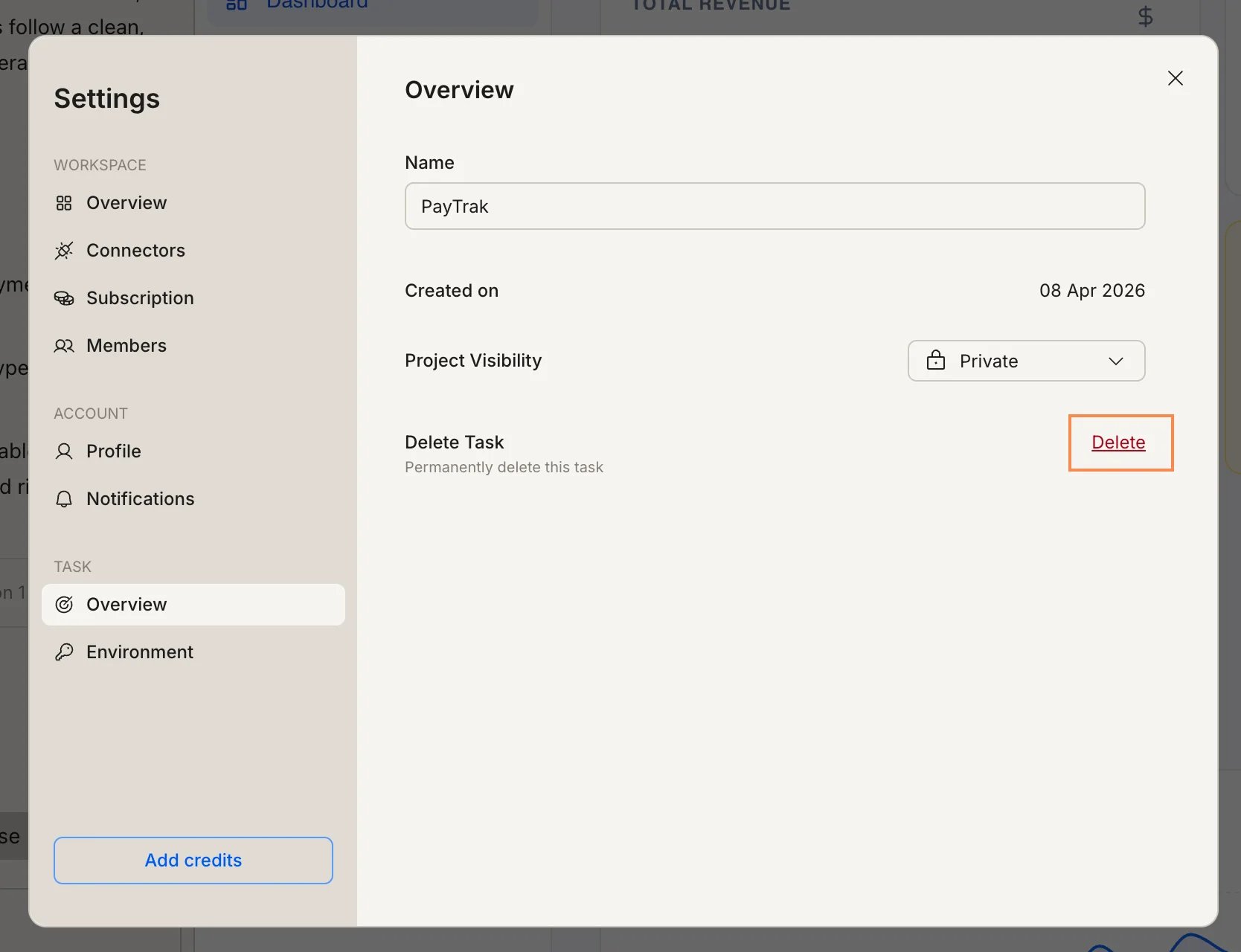
What’s next?
Build task visibility
Public/Private visibility is Build-only. Control who can see each Build task.
Cross-task context
Reference a previous task to carry its knowledge into your current work.