

Workspace
Organization-level container. Billing, connectors, and team management.
Project
Initiative-level space. Tasks, files, services, and members.
Task
A single unit of work. Solve or Build with its own chat and outputs.
Inviting someone at any level adds them to the workspace. Project and task invitees become workspace members and can create new threads and other work according to their role permissions. Visibility of existing work does not cascade automatically.
- A workspace member gets access to existing projects and tasks only if the Grant access checkbox is ticked when you invite them. New projects and tasks need a separate invitation.
- A project collaborator gets access to existing tasks in that project only if the Grant access checkbox is ticked when you invite them. New tasks are not shared automatically.
- Task level sharing grants access to the shared task and adds the person to the workspace. It does not automatically grant access to other projects or tasks in that workspace.
When to use which level
Start narrow and expand as needed. Share a task first. If the person needs more context, invite them to the project. If they need visibility across existing projects, invite them at the workspace level with the grant access option.
Even a task or project invite adds the person to the workspace, so they can create new work according to their role. Reserve workspace level invitations with grant access for people who need broad visibility of existing projects.
Roles
Rocket uses two roles: Editor and Viewer. These roles apply across all levels. Roles set at a higher level cascade down but can be made more restrictive at lower levels.
See workspace roles and permissions for the full permissions breakdown.
Credit limits
Every member you add, whether at the workspace, project, or task level, is a member of the workspace that contains that work. Credit limits apply only to Editors. After an Editor accepts the invitation, they are assigned a default of 100 credits for all time. Until they accept, the credit limit shows as 0. You can change this at any time from Settings → Members using the Credit limit dropdown on the member’s row. Owners and Viewers are not assigned a credit limit.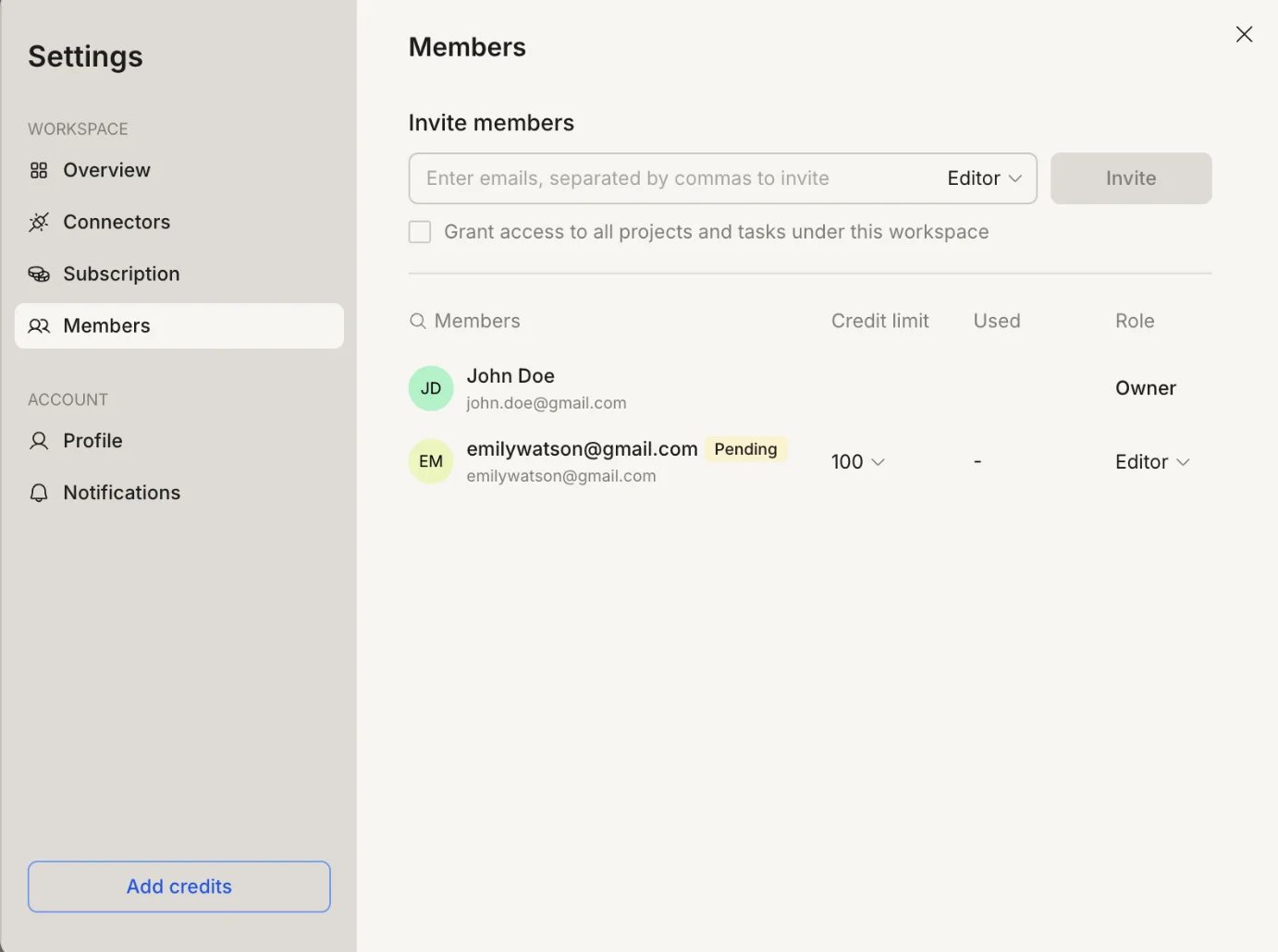
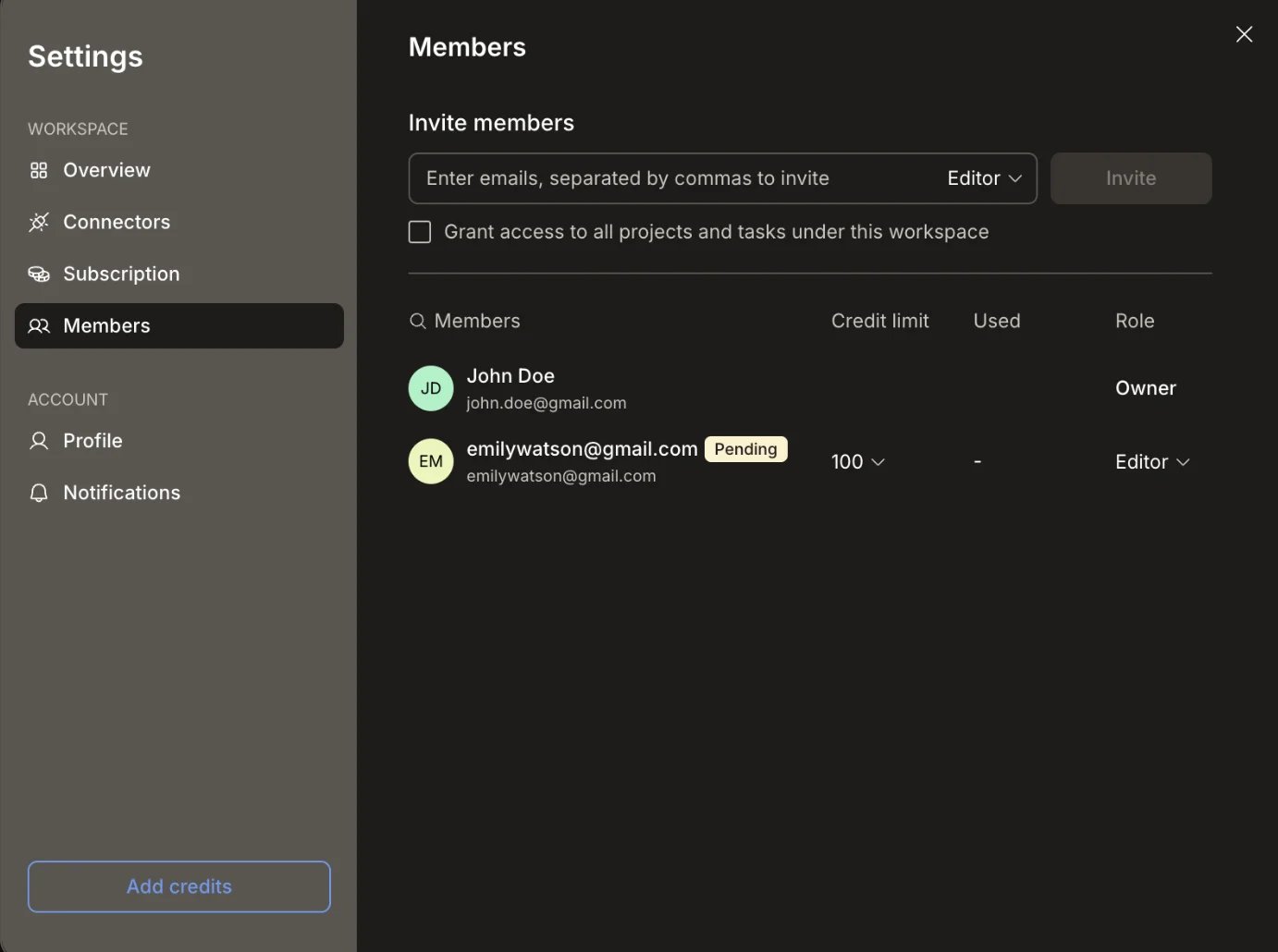
Set a credit limit per Editor in Settings → Members
What’s next?
Workspace
Invite members and manage roles at the organization level.
Project
Collaborate on tasks, files, and services within a project.
Task
Share individual Solve or Build tasks by email.