

Enable notifications
A notification banner appears at the top of the chat when a task is running in the background.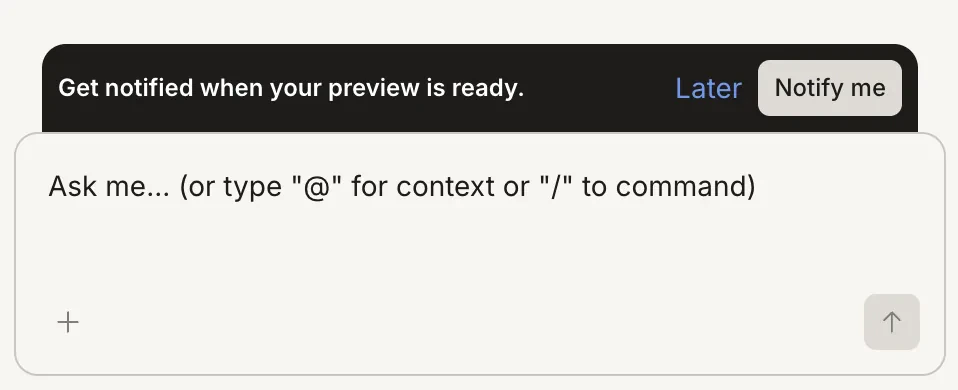
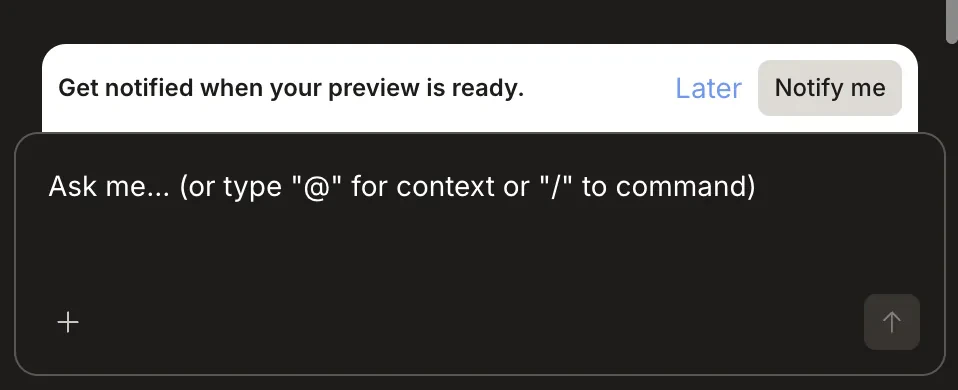
Notification banner with the Notify me button
Notifications require browser permission. If you dismiss the permission prompt, you can re-enable it from your browser’s site settings for rocket.new.
What triggers a notification
Rocket sends a notification when:- A Solve research task finishes and the final report is ready
- A Build task completes generation or a major step
Notification settings
Manage push and audio alert preferences for your account.