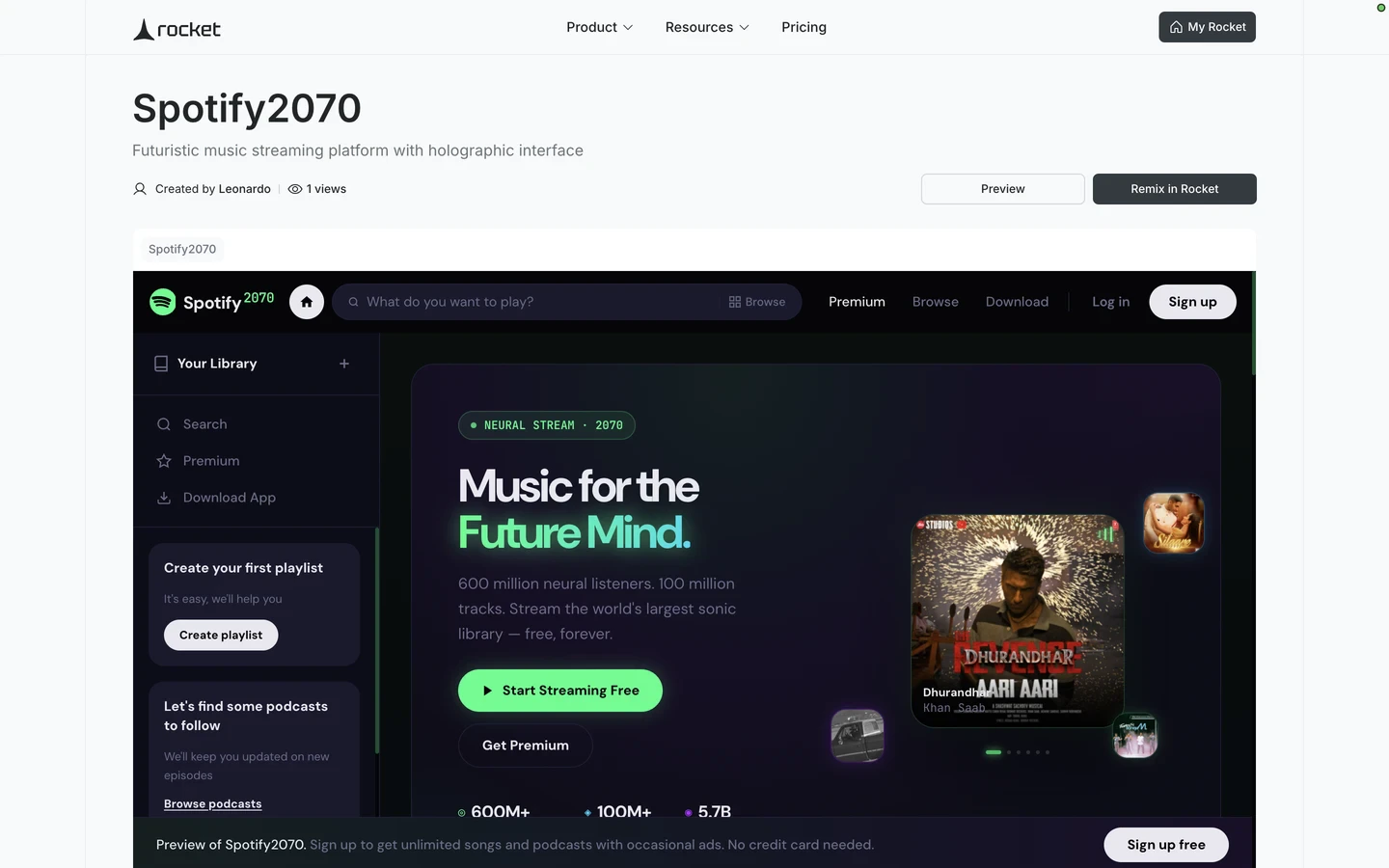
Send a remix link so anyone can clone your Rocket.new Build task into their own workspace and customize the full app on their account.
Turn any Build task into a shareable starter. Generate a remix link for a Build task and share it with anyone. Recipients get an instant clone of your entire app, including screens, code, and integrations. They can customize the clone with their own credentials. Remix is available for Build tasks only.
Creating a remix link requires a paid plan (Pro or above). Anyone with the link can clone the Build task for free.
Integration configuration (which services are connected)
Domain configuration
UI components and styling
Navigation and routing
API keys and integration credentials stored in environment variables are automatically stripped from remix links. Recipients must add their own credentials after cloning.
Hardcoded secrets are not stripped. If you have pasted API keys, tokens, or passwords directly into your code rather than storing them in environment variables, Rocket cannot detect or remove them. Always use environment variables for secrets.
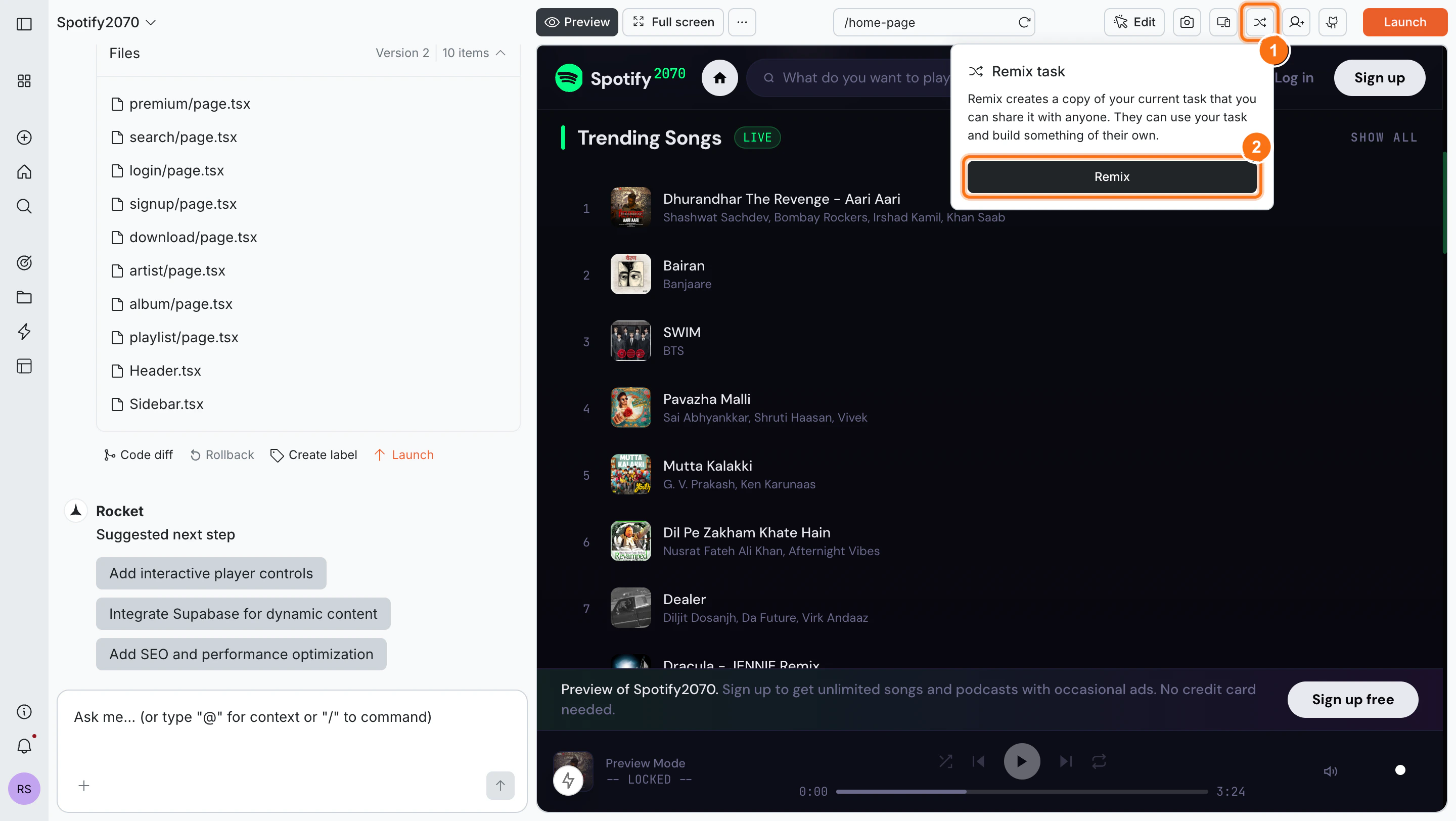
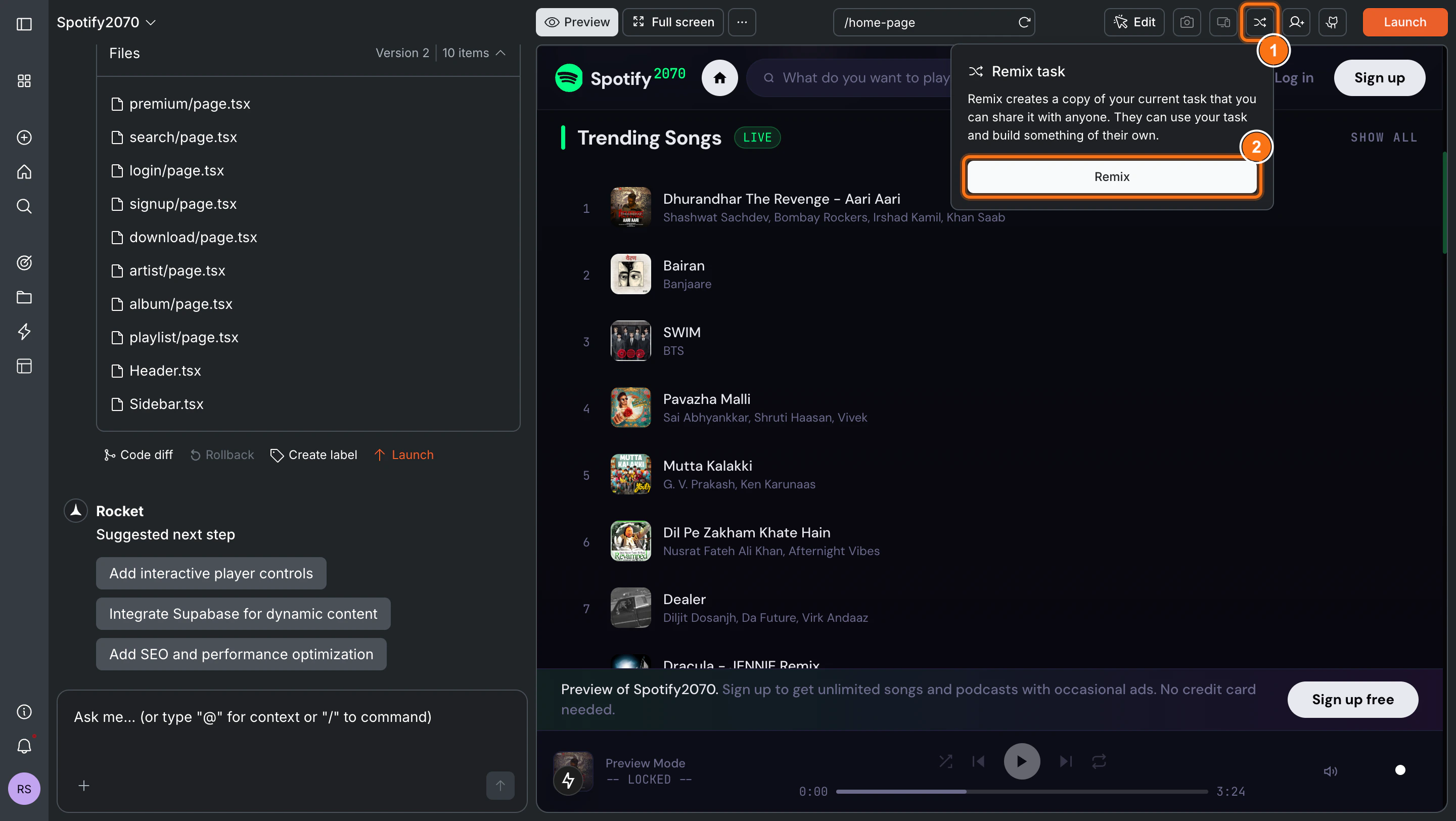
Open the Build task you want to share. Click the Remix icon in the top toolbar.A popup appears explaining that Rocket will create a copy of your task that anyone can use and build on. Click Remix to generate the link.
Click the Remix icon then click Remix
2
Copy and share your link
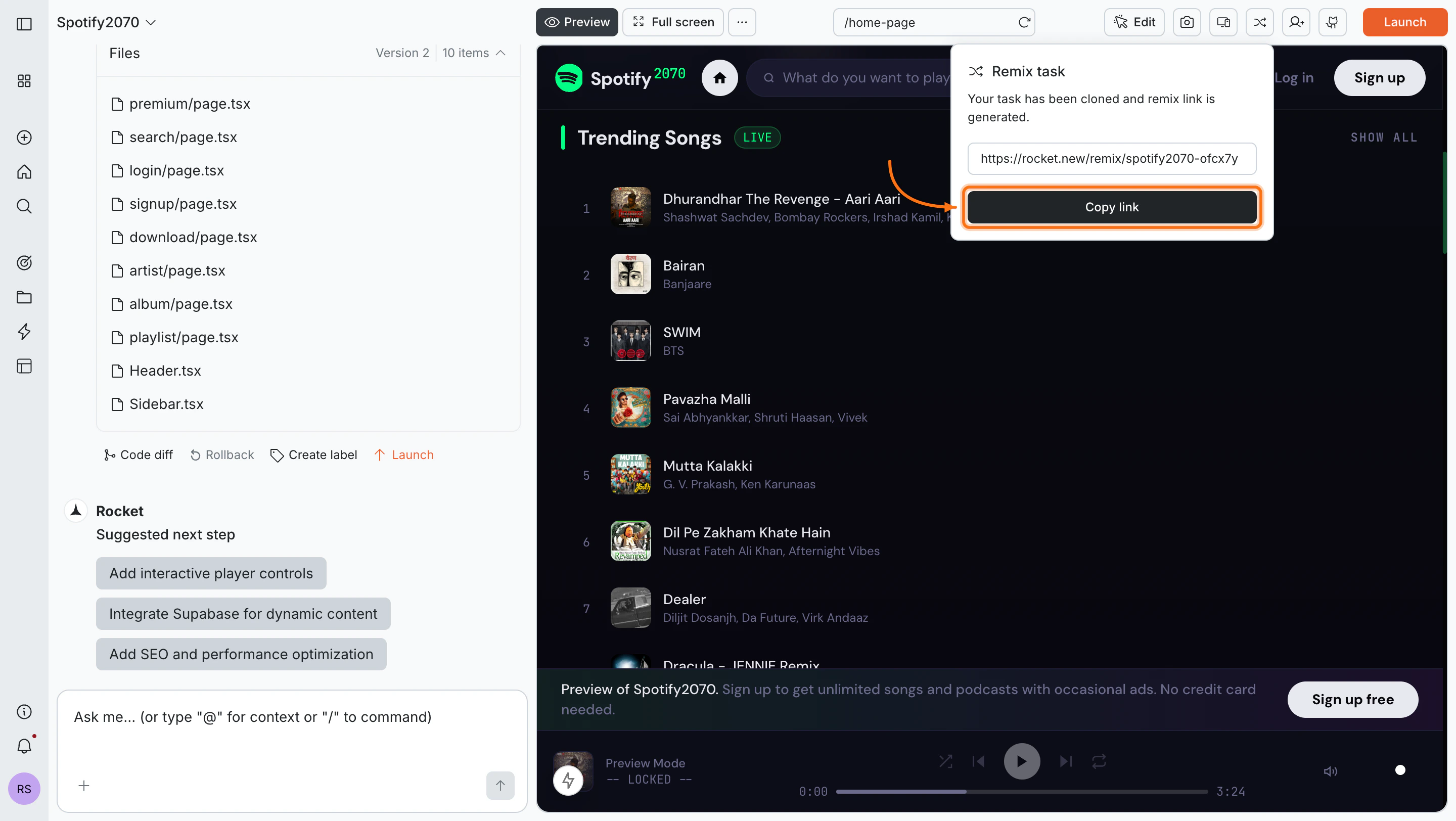
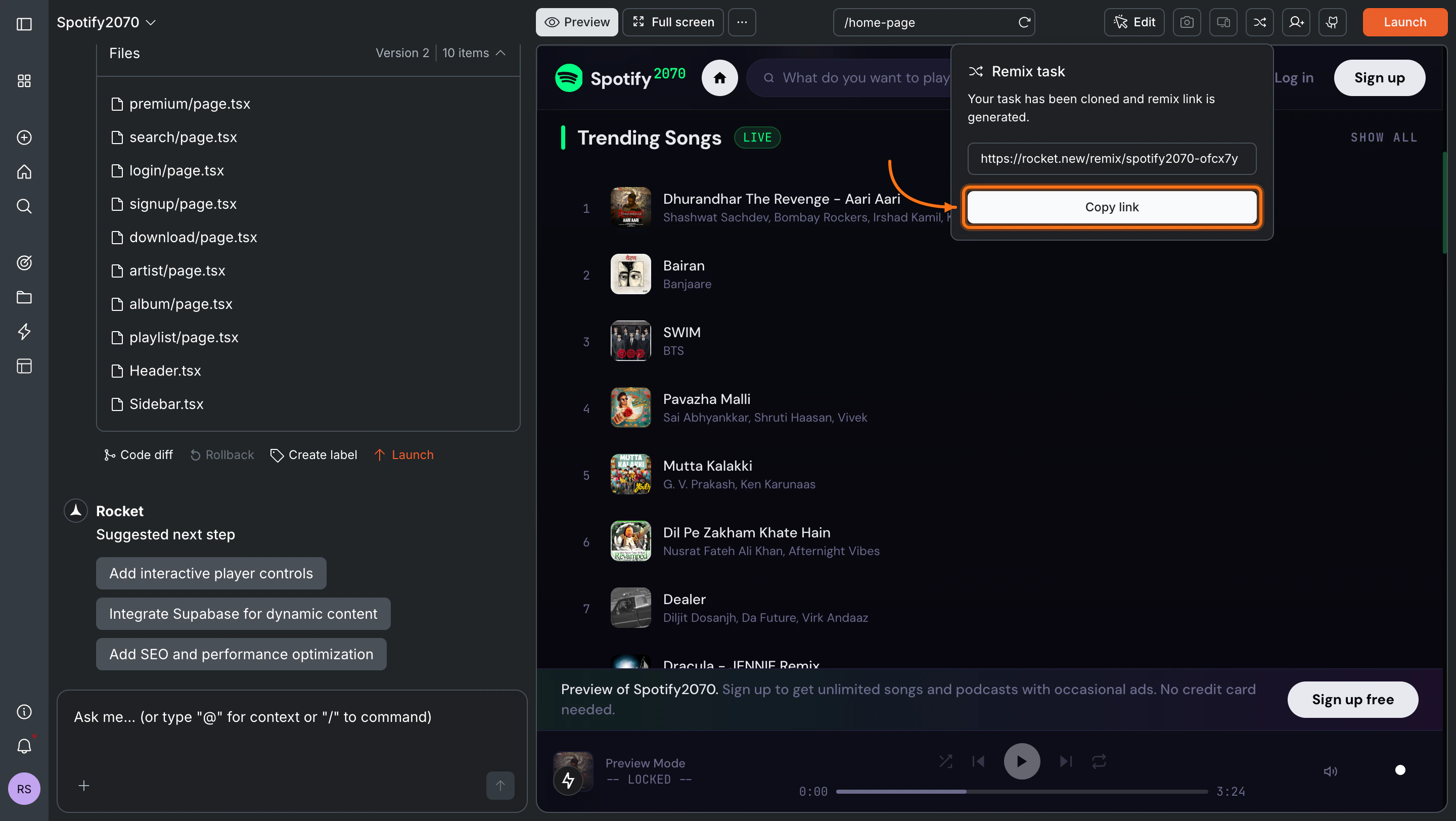
Rocket generates a unique shareable URL. Click Copy link and share it with anyone.
Remix link generated and ready to copy
Anyone with the link can clone your Build task to their Rocket account, even if they are on a free plan.