Templates work best when your project fits a common pattern like SaaS, landing pages, dashboards, or e-commerce, and you want to iterate on something real rather than describe it from scratch.
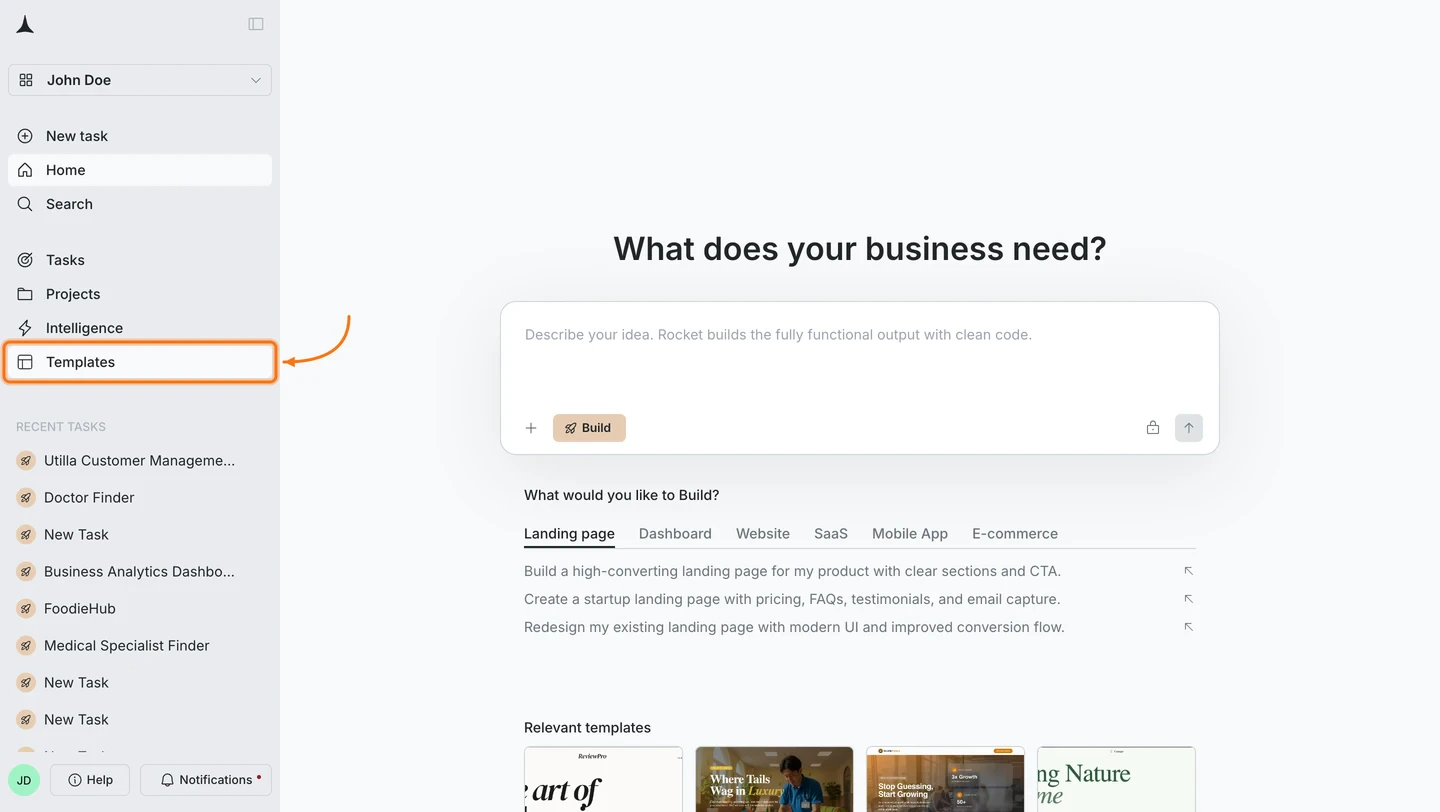
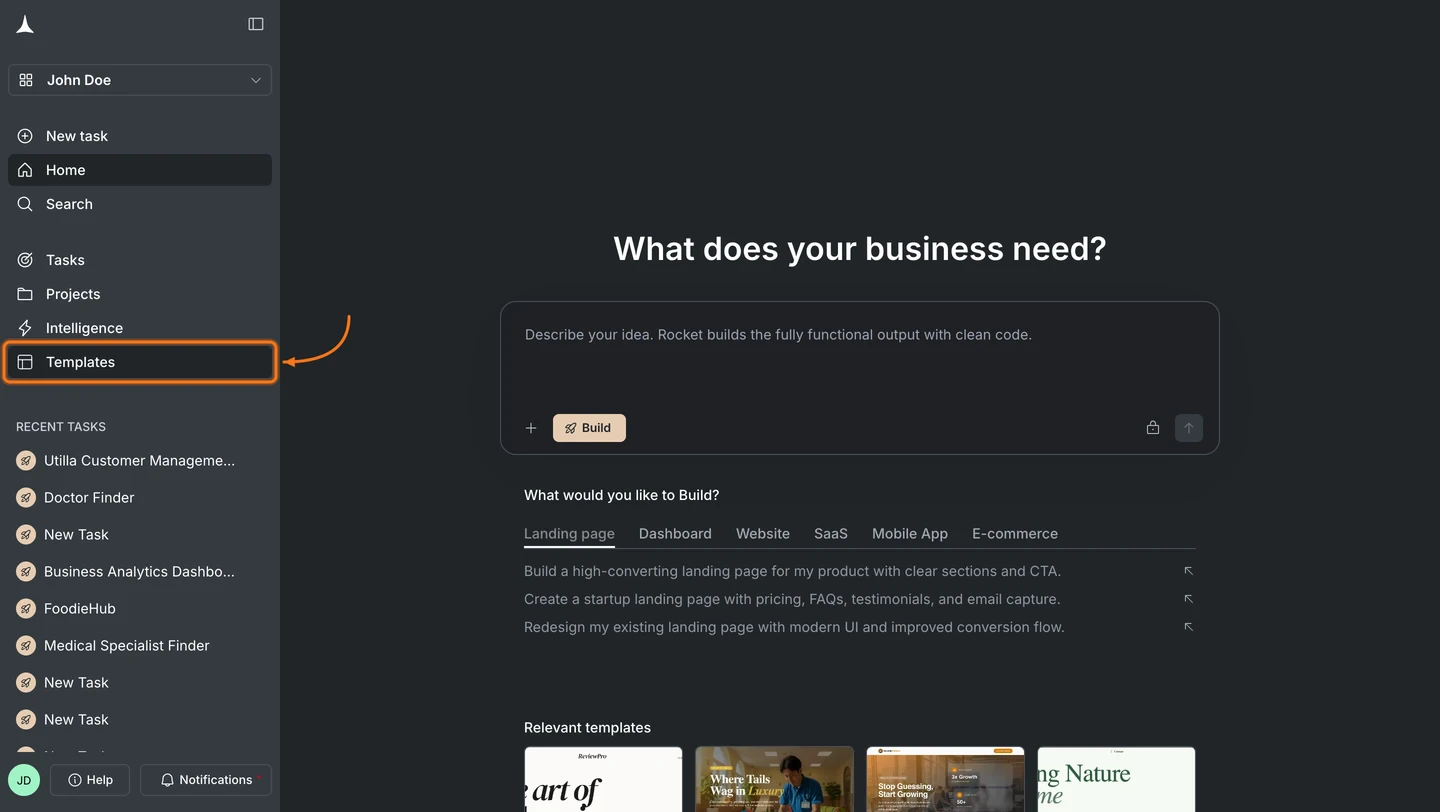
Hover over the left edge of the screen. The sidebar slides open. Click Templates.
Templates in the sidebar
2
Browse by category
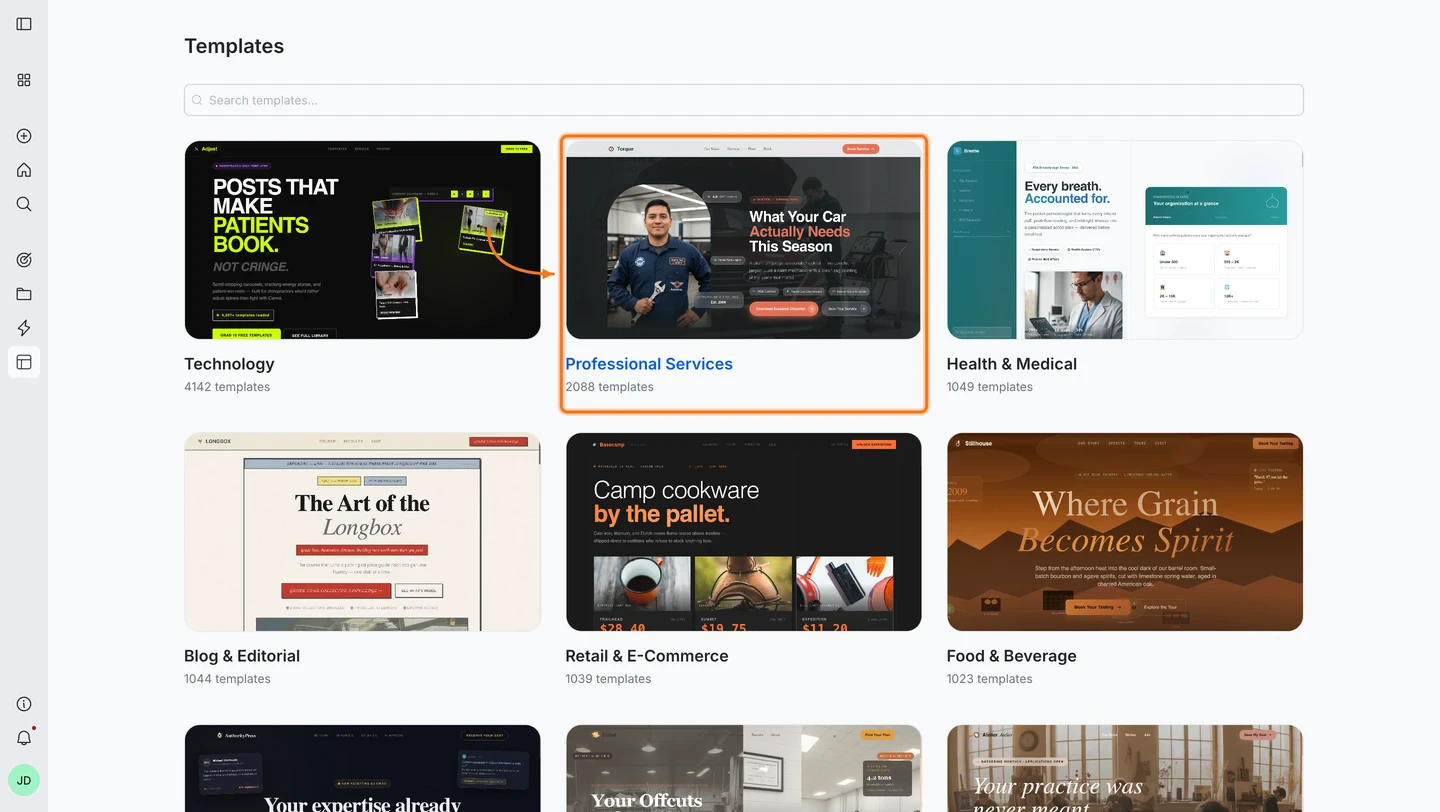
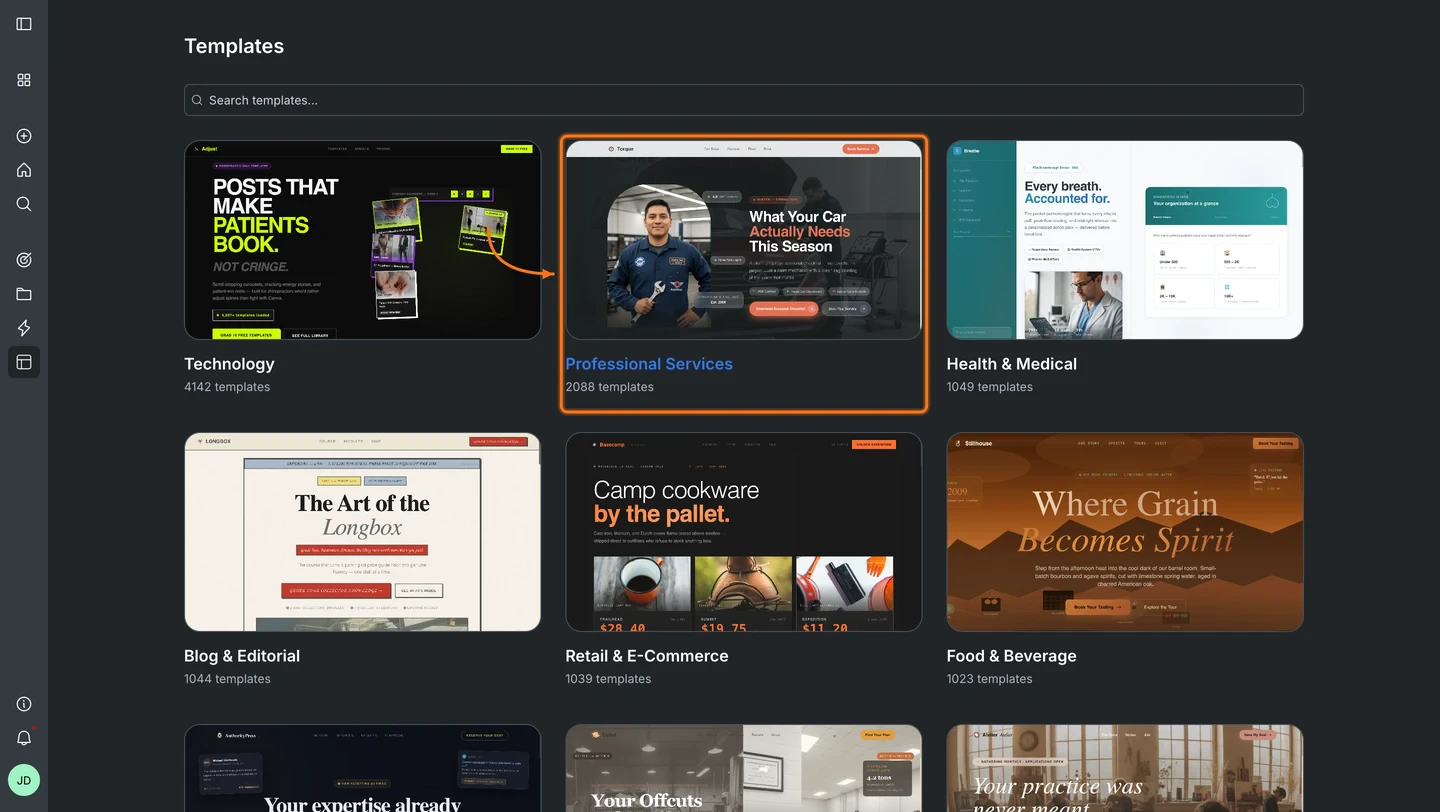
Templates are grouped by category: Technology, Professional Services, Health & Medical, Blog & Editorial, Retail & E-Commerce, Food & Beverage, and more. Search at the top or click a category to browse.See the template library for every category.
Template categories
3
Pick a template
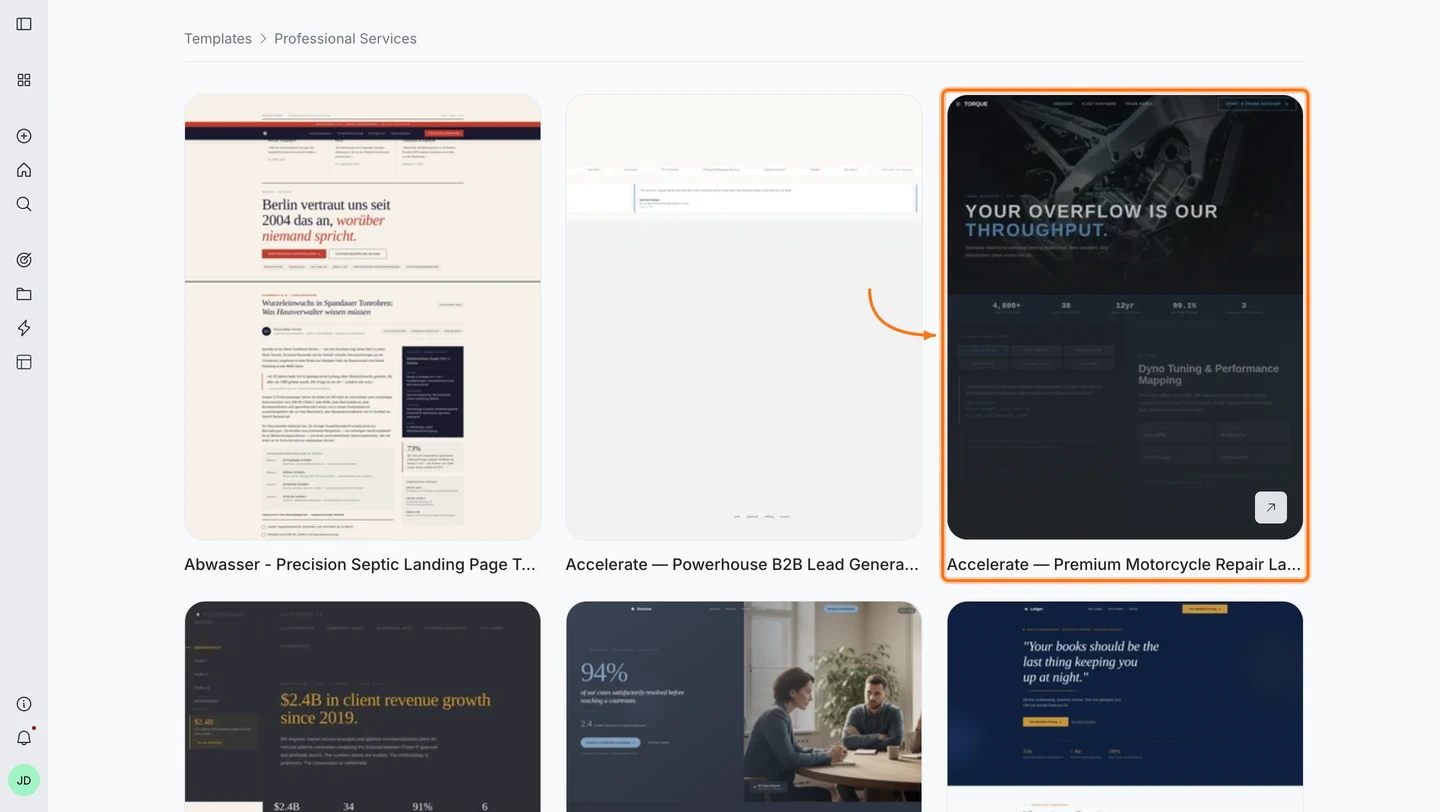
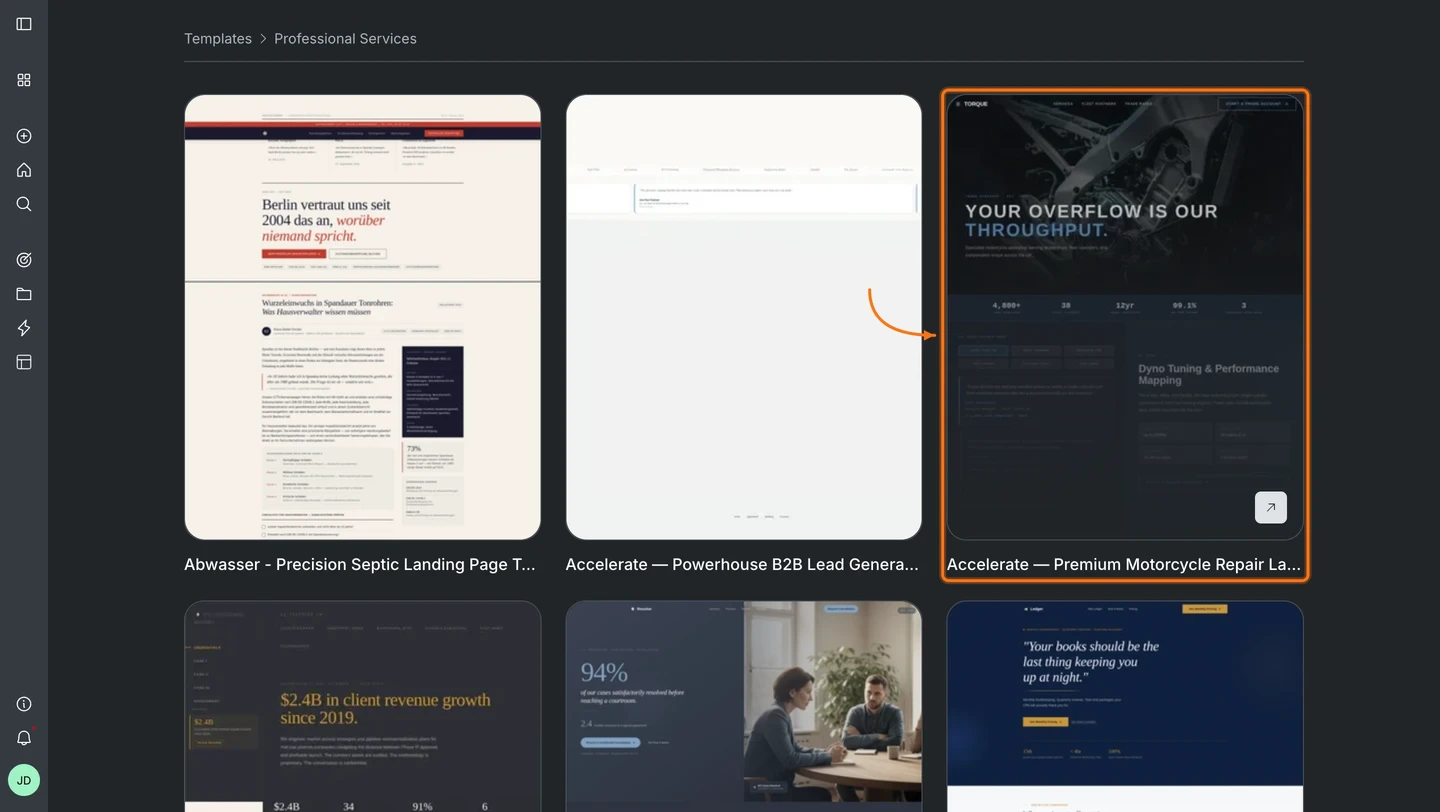
Hover over a card to reveal the link icon and preview it live in the browser before committing.
Templates inside a category
4
Use the template
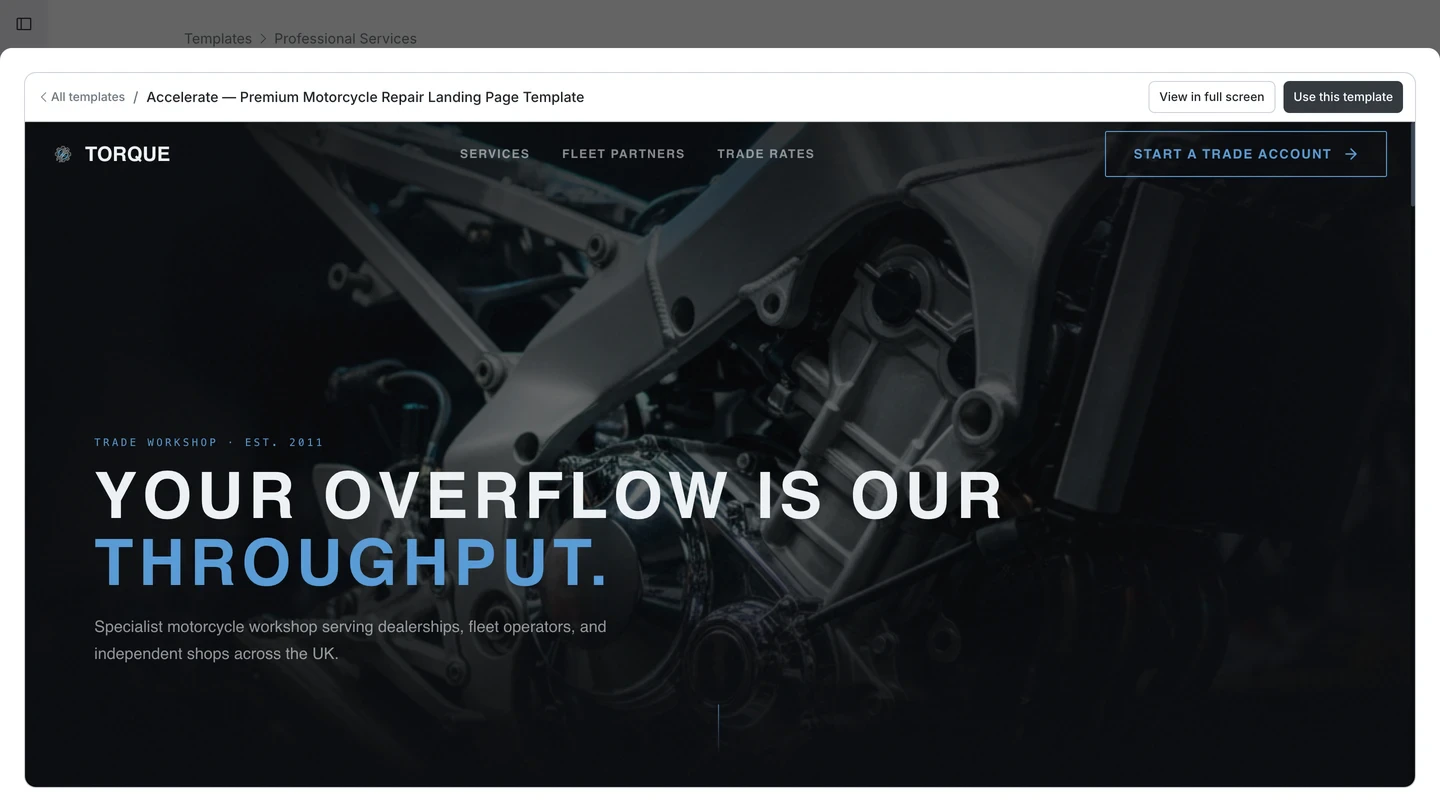
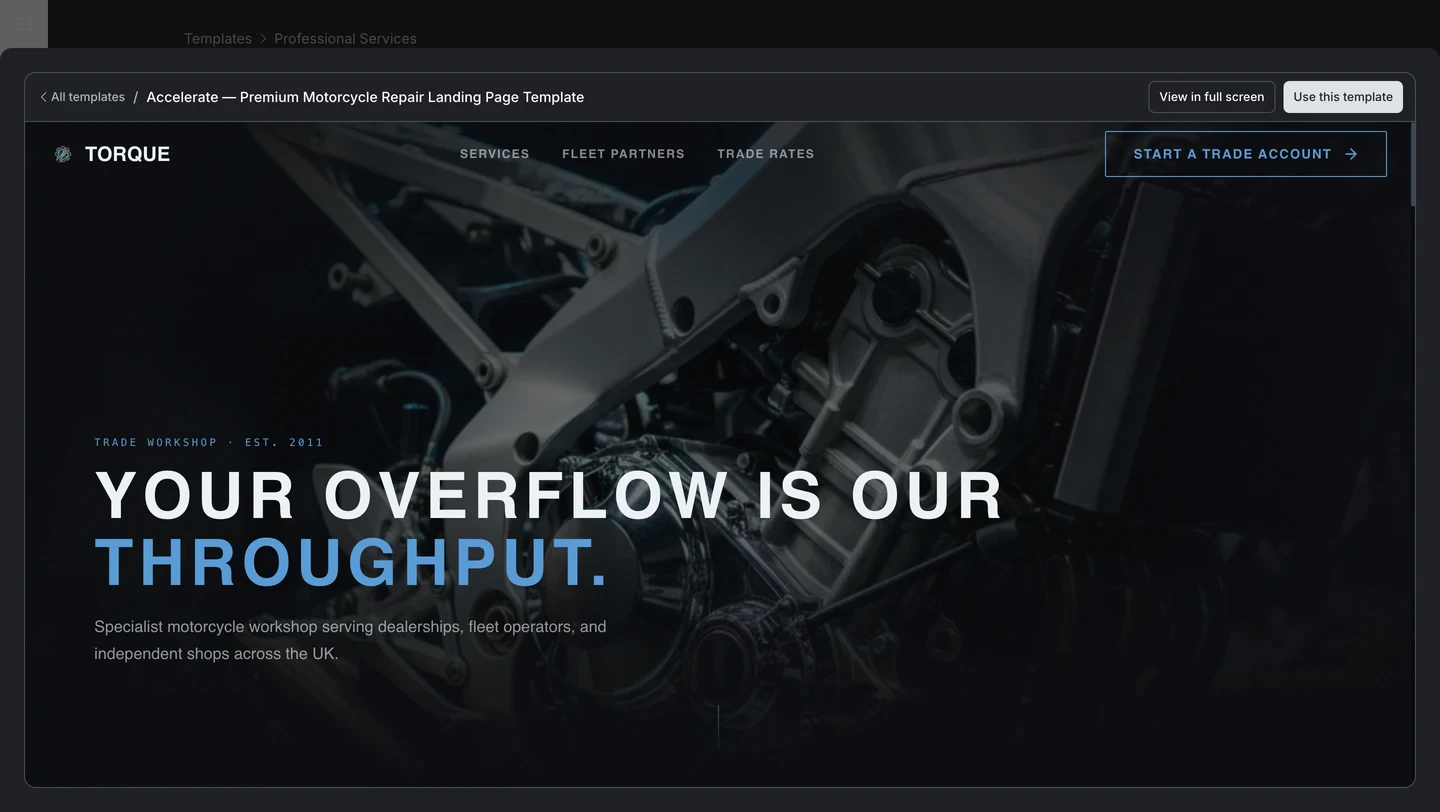
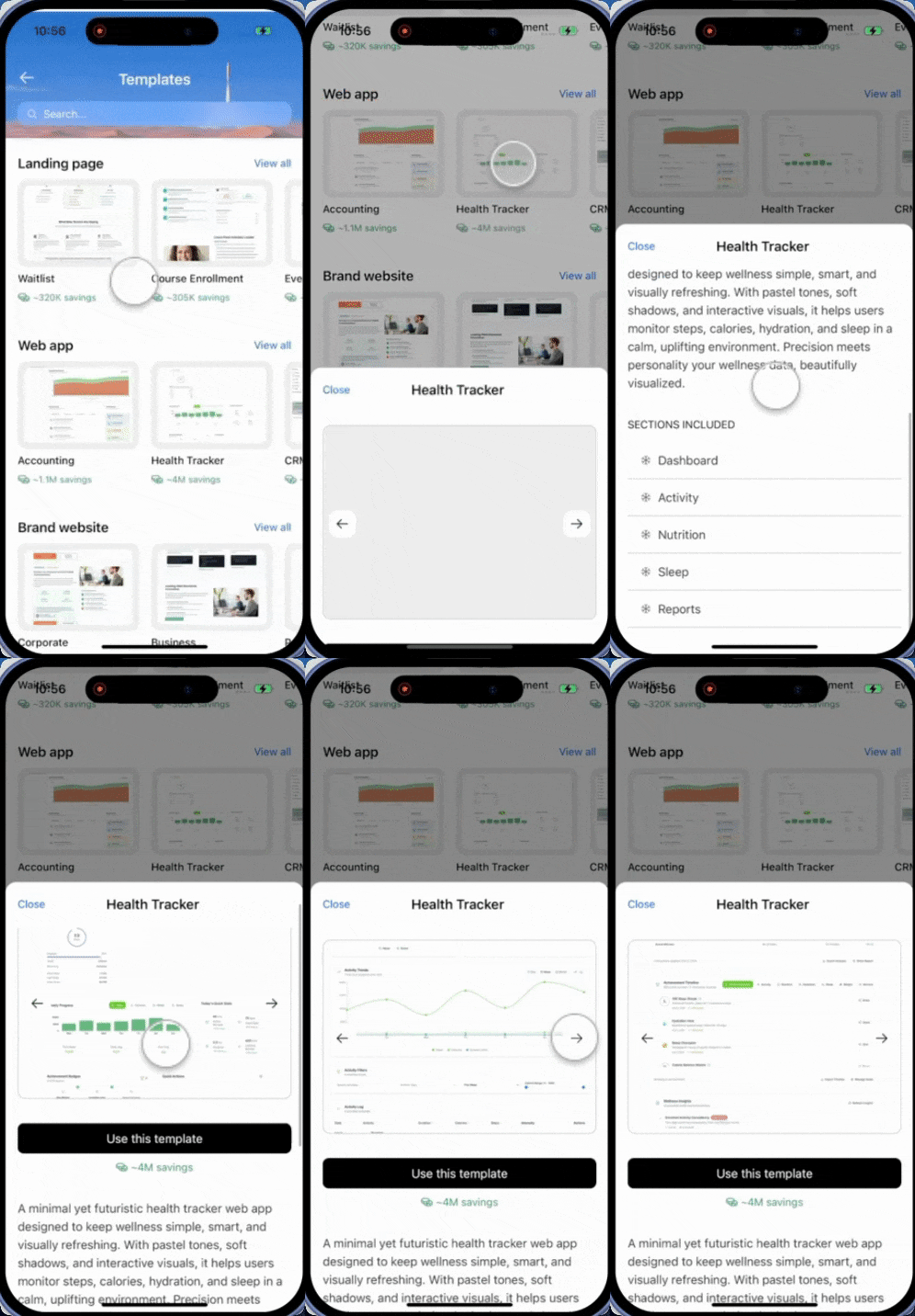
Click a template card to open the preview modal. Hit View in full screen to interact with it, then click Use this template when ready.
Template preview with Use this template button
Done. You land in chat with your template loaded and ready to customize.
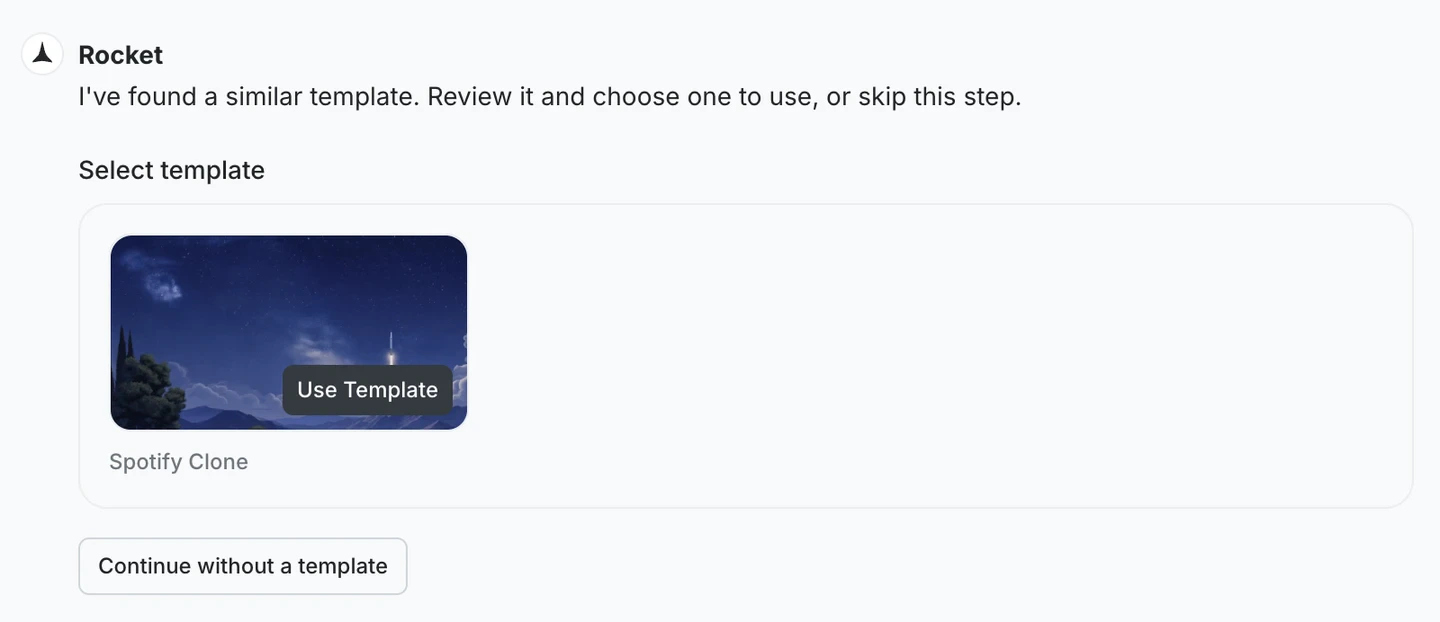
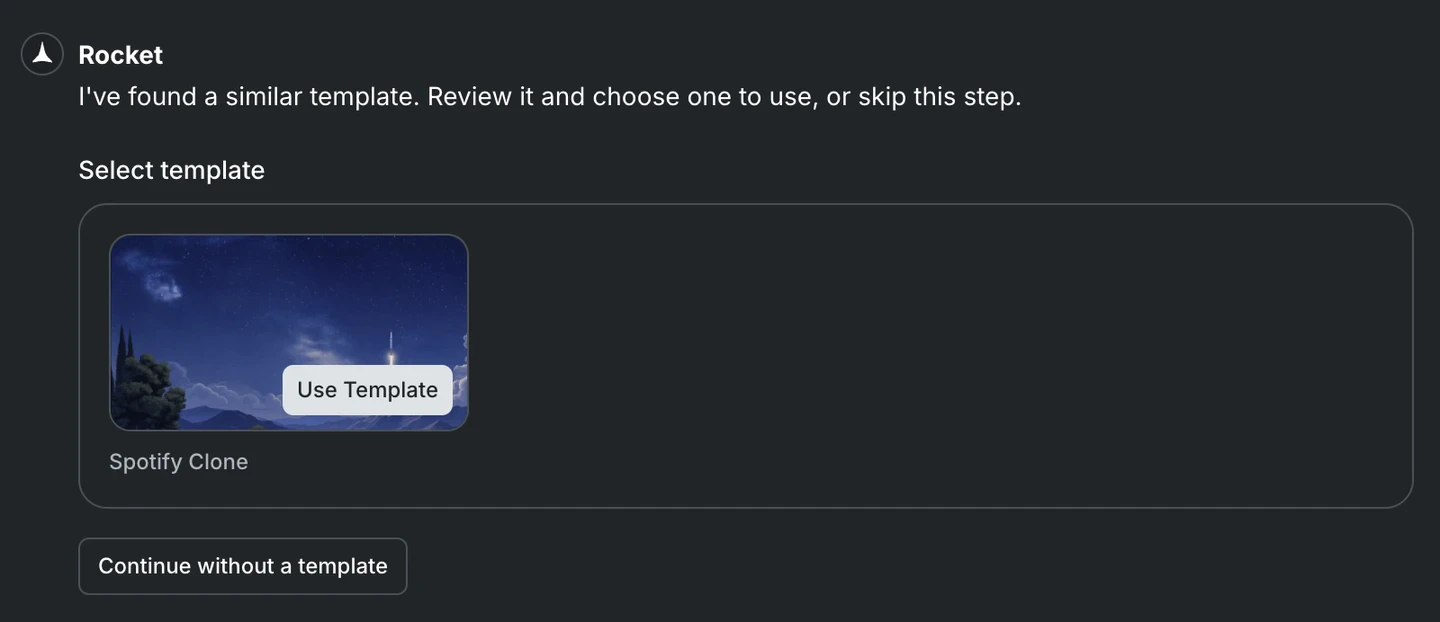
Describe what you want to build. If your prompt matches a known pattern, Rocket suggests a template before it starts generating. Click Use Template to start from it, or Continue without a template to build from scratch.
Rocket suggests a matching template based on your prompt
Zero credits. Templates are the fastest path to a production-ready app.
You will need: The Rocket app (iPhone or iPad) installed and signed in.
Two ways to reach templates:
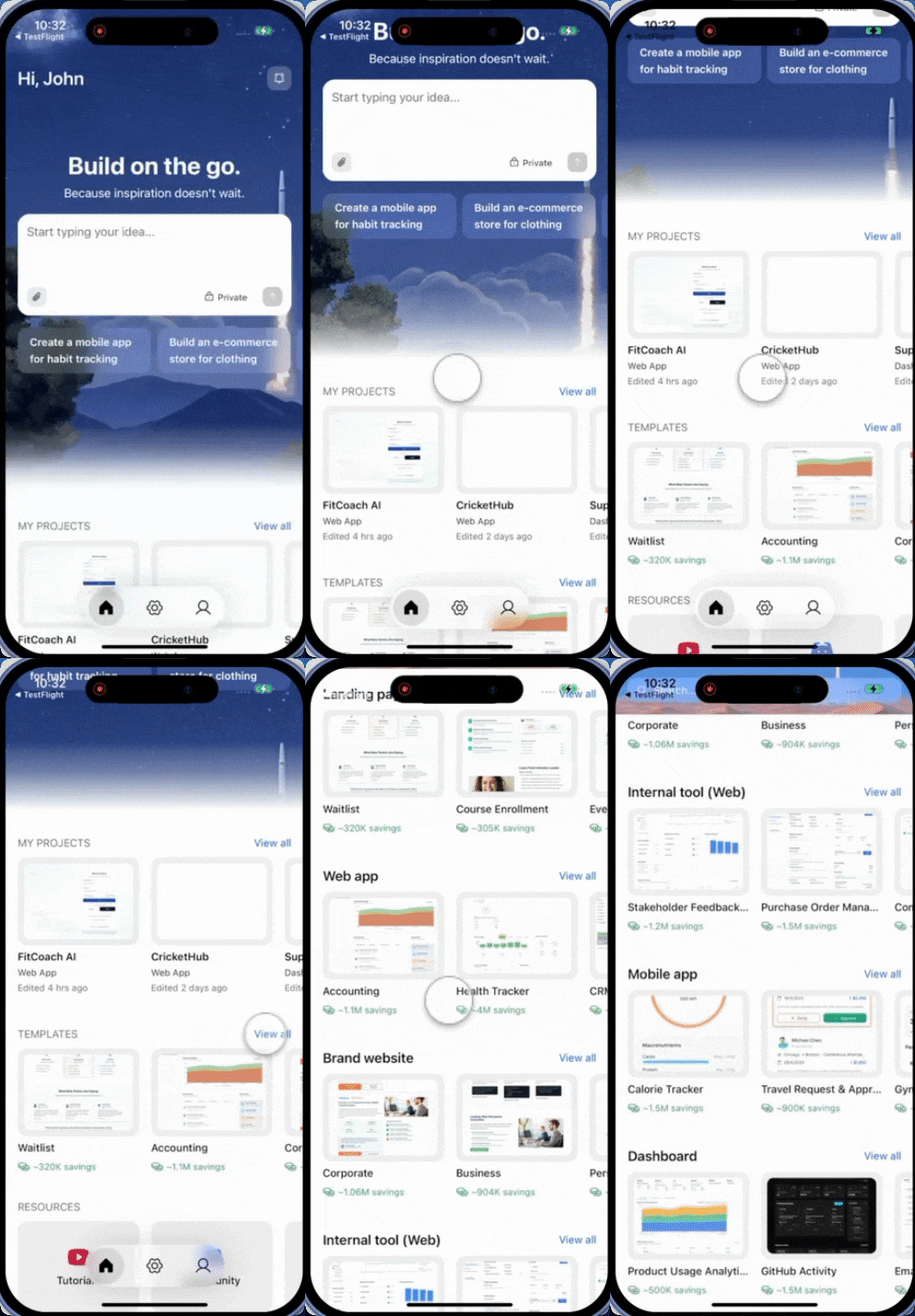
Browse-first: Scroll to Templates on the home screen and pick from the library
Prompt-first: Describe what you are building and Rocket suggests the closest match
Describe what you want to build. If your prompt matches a known pattern, Rocket surfaces a template card right in the conversation. Preview it and use it the same way as when browsing.
Zero credits. Templates are the fastest path to a production-ready app.
Your template is a full Rocket project. Iterate on it the same way you would any app:
Change the branding
Try this prompt:
Update the color scheme to use #1E40AF as the primary color and #F8FAFC as the background. Change the logo text to "Flowboard" and update all placeholder content with my brand copy.
Add new pages or features
Try this prompt:
Add a pricing page with three tiers: Free, Pro ($19/month), and Enterprise (contact us). Include a feature comparison table and a FAQ section below.
Add connectors
Try this prompt:
Connect Stripe for payments and Supabase for user accounts. Add a login/signup flow and protect the dashboard page behind authentication.
See Connectors for the full list of supported services.
Redesign the layout
Try this prompt:
Change the navigation from a top bar to a collapsible sidebar. Move the user profile menu to the bottom of the sidebar.