

Describe the scheduling flow you need in chat and Rocket generates the embedded booking widget, confirmation logic, and calendar sync automatically.Documentation Index
Fetch the complete documentation index at: https://docs.rocket.new/llms.txt
Use this file to discover all available pages before exploring further.
What you can do
Custom booking pages
Fully branded booking pages that match your app’s design, with custom fields, colors, and layouts.
Team scheduling
Route meetings to available team members using round-robin, collective, or managed event types.
Round-robin routing
Distribute meetings evenly across your team so no one person gets overloaded.
Embedded scheduling widget
Drop a compact scheduling widget into any page for frictionless booking without leaving the app.
Before you connect
Cal.com is only available for Next.js tasks in Rocket.
Get your Cal.com API key from the Cal.com documentation.
Cal.com is a task-level connector. Each Rocket task connects to its own API key independently.
Connect Cal.com
- Web Browser
- Mobile App
You can connect from two places. Both do the same thing.Option 1: From chatType a prompt that mentions Cal.com, for example 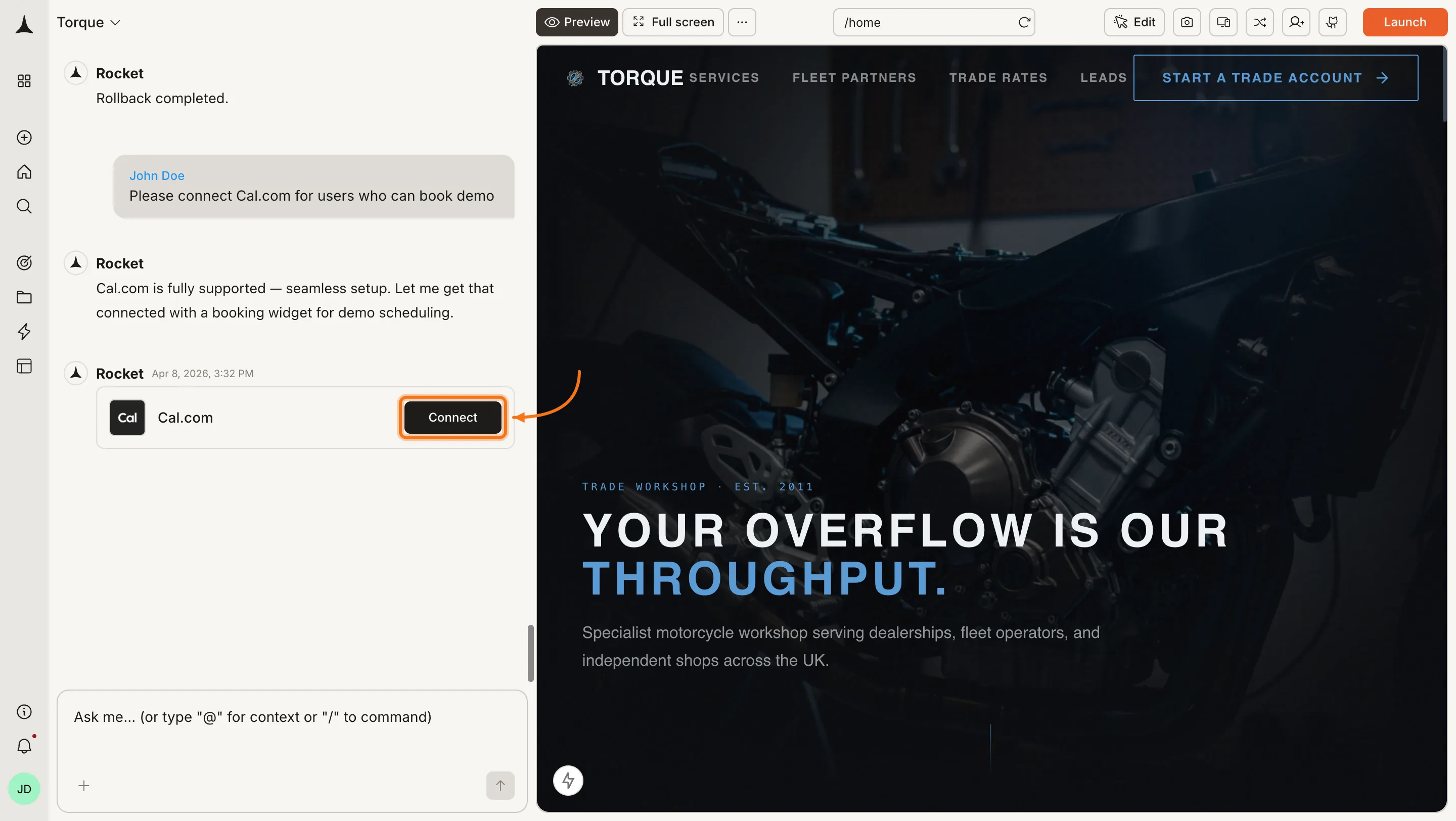
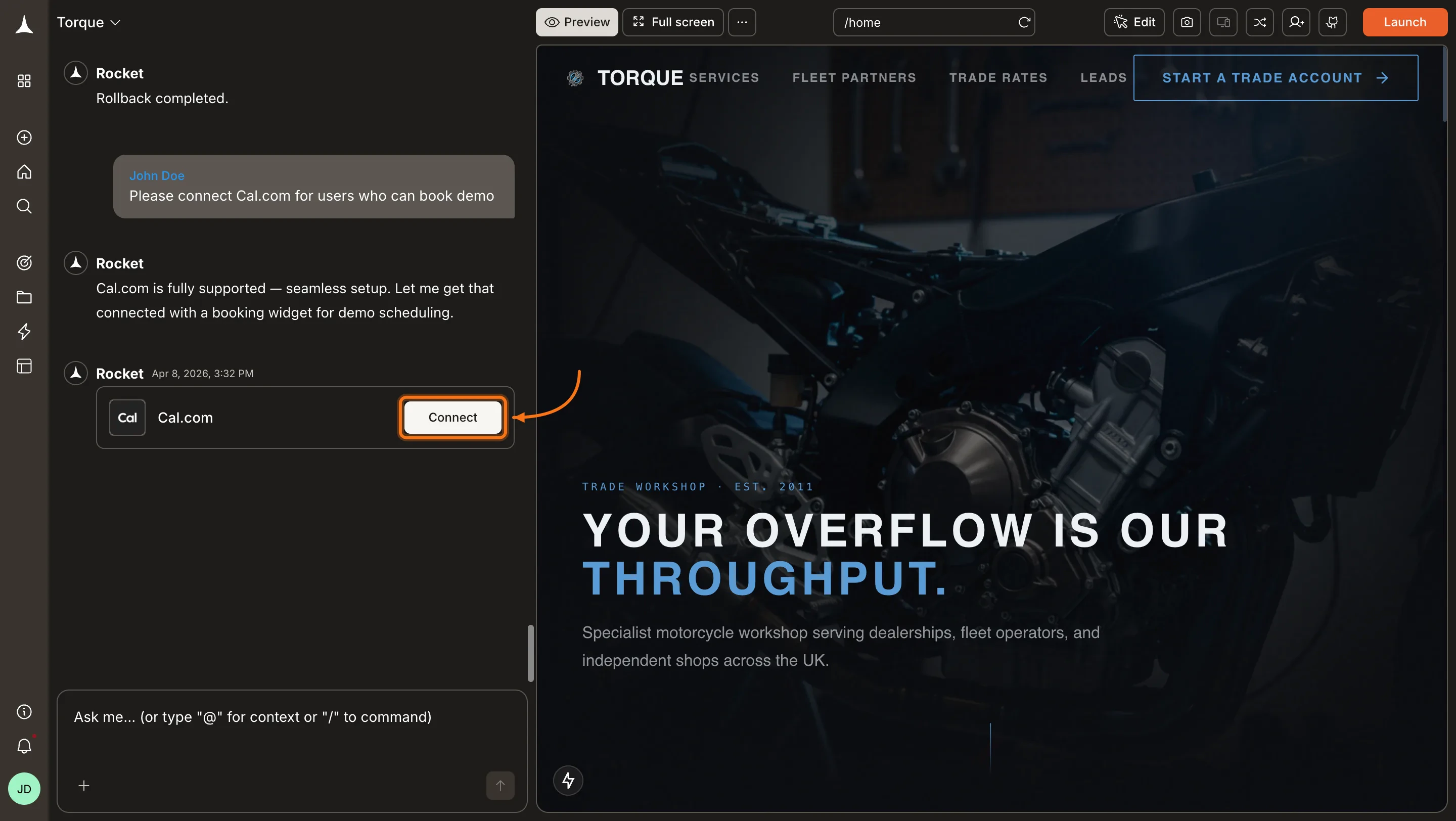
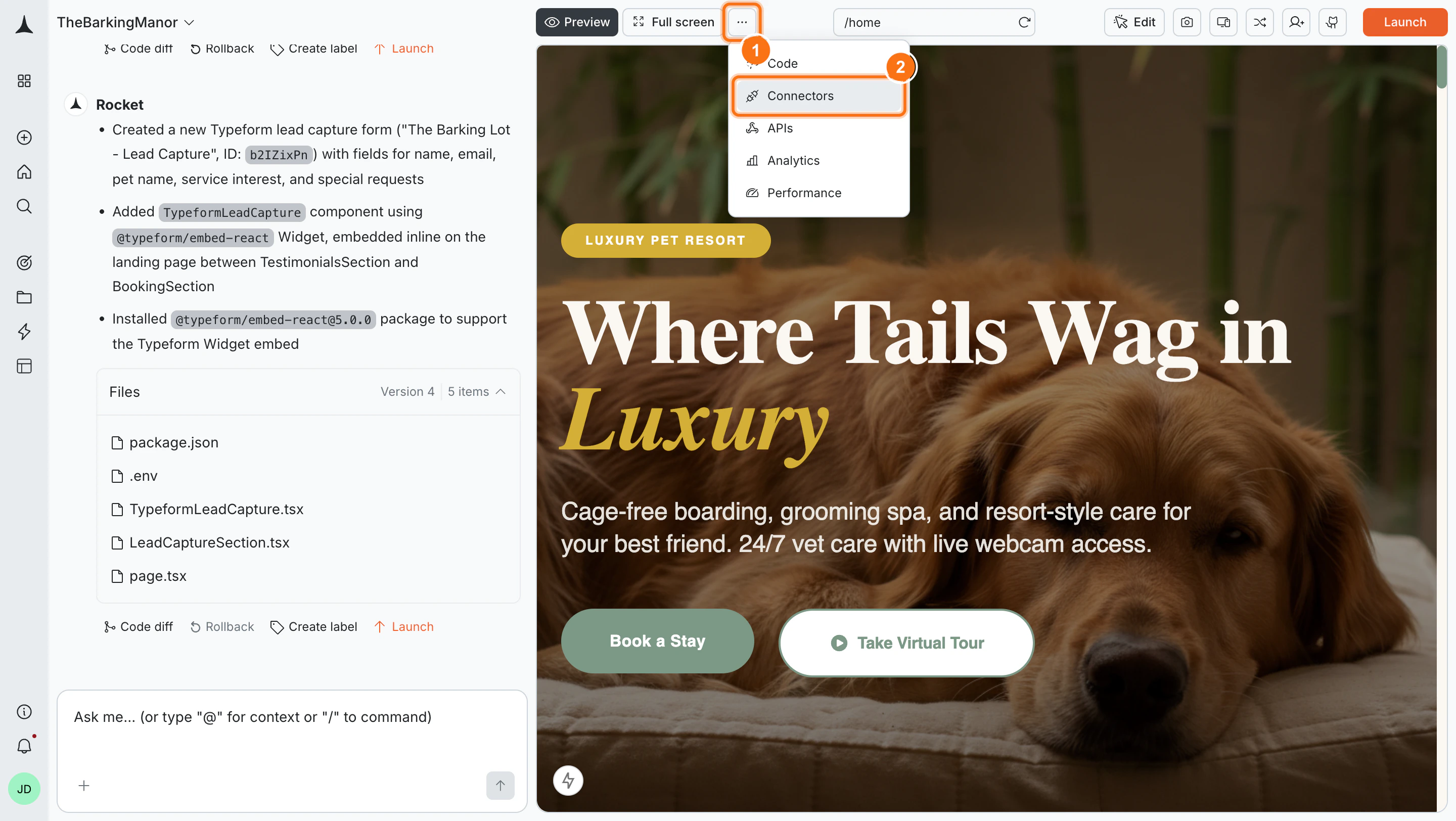
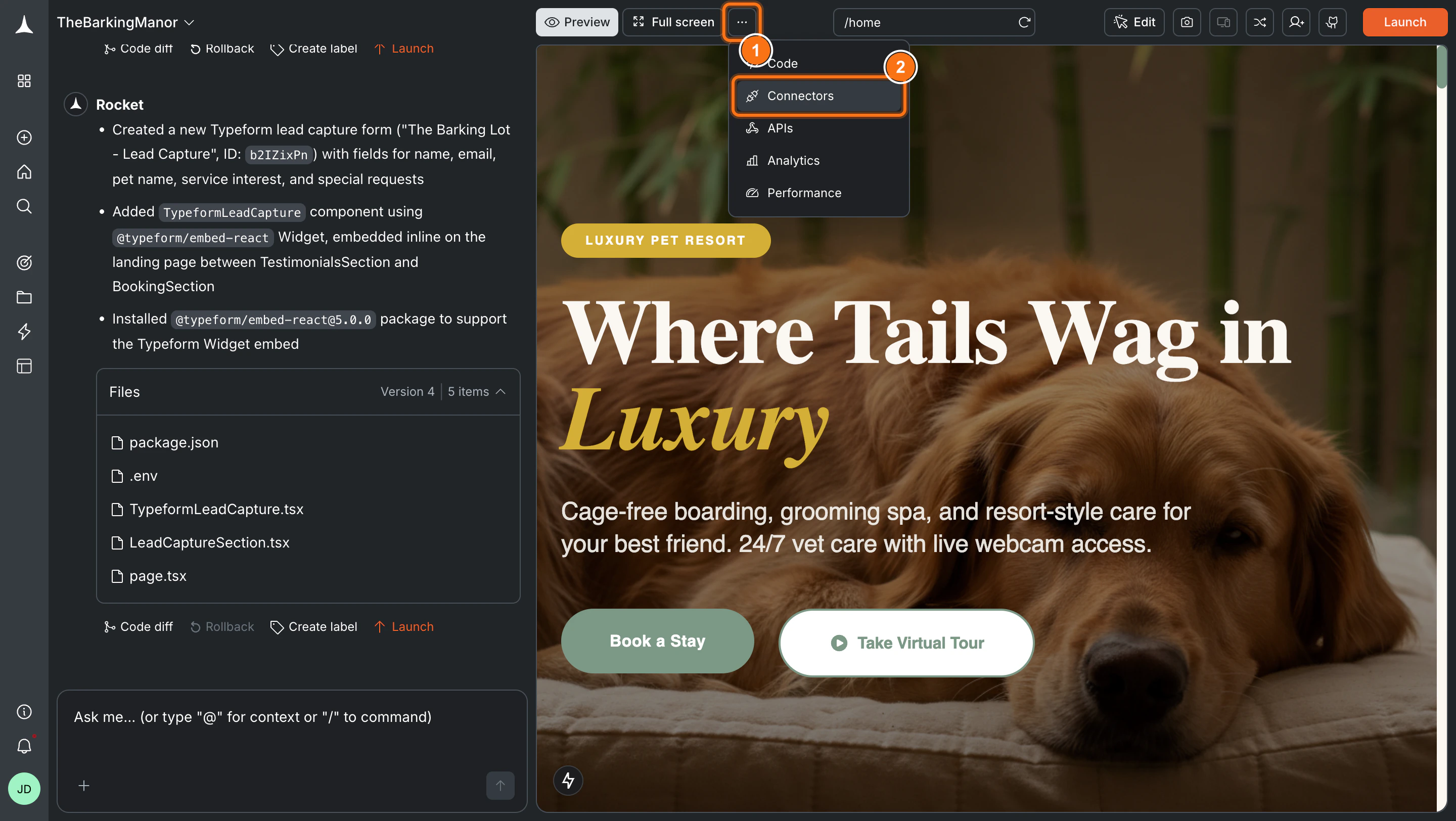
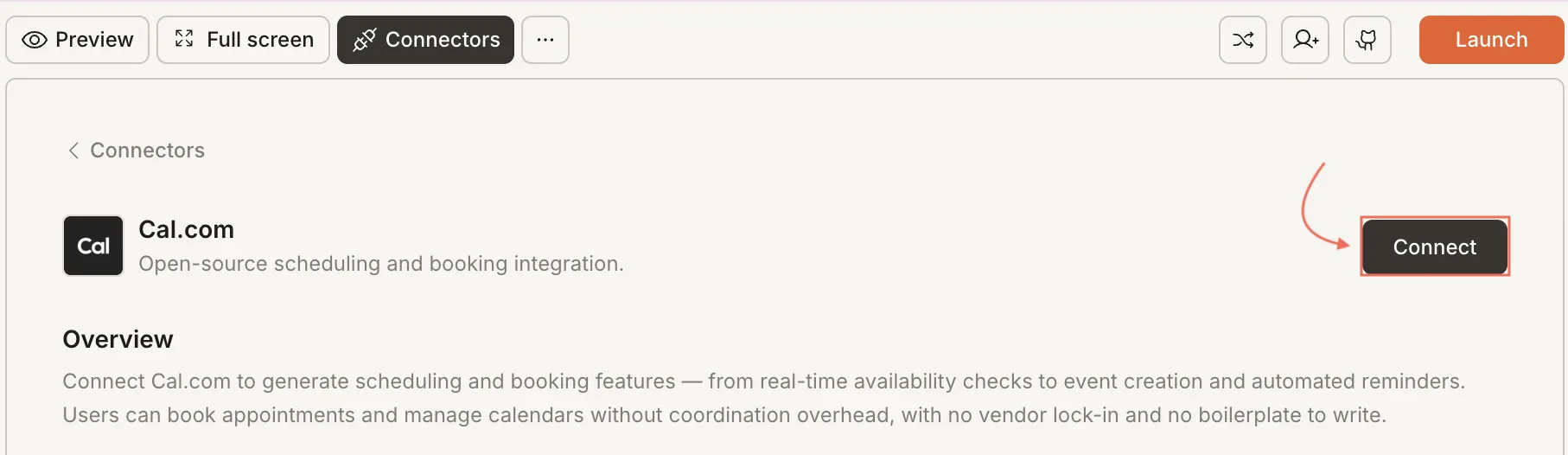
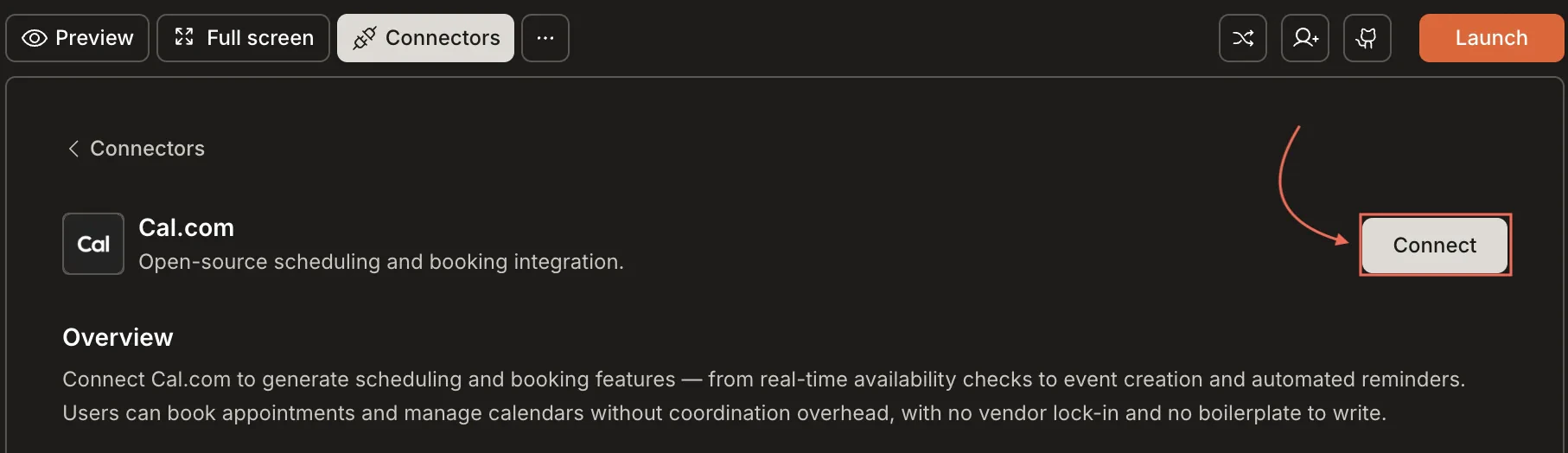
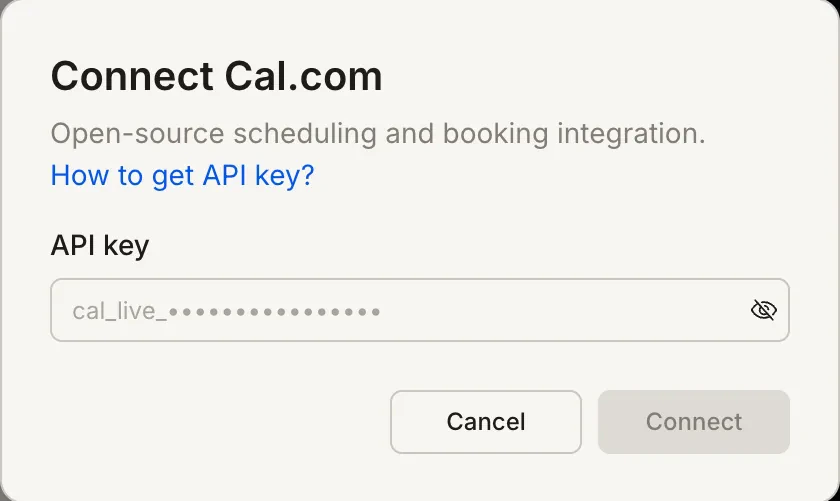
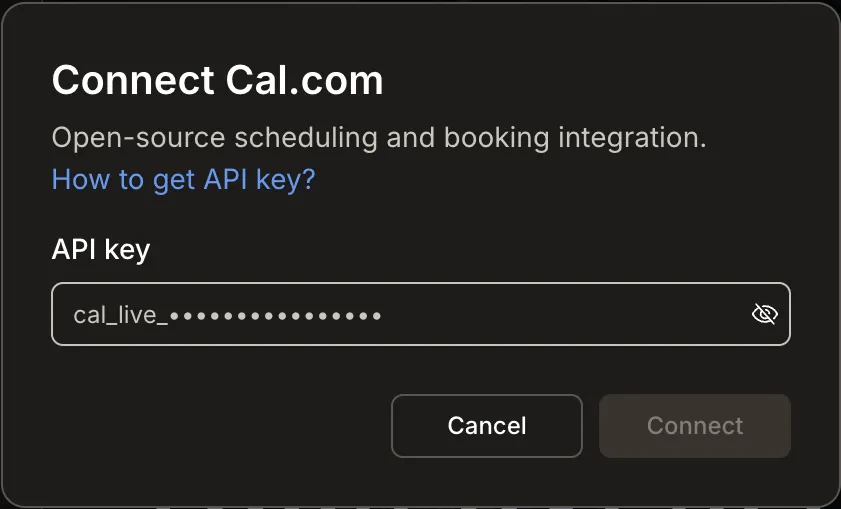
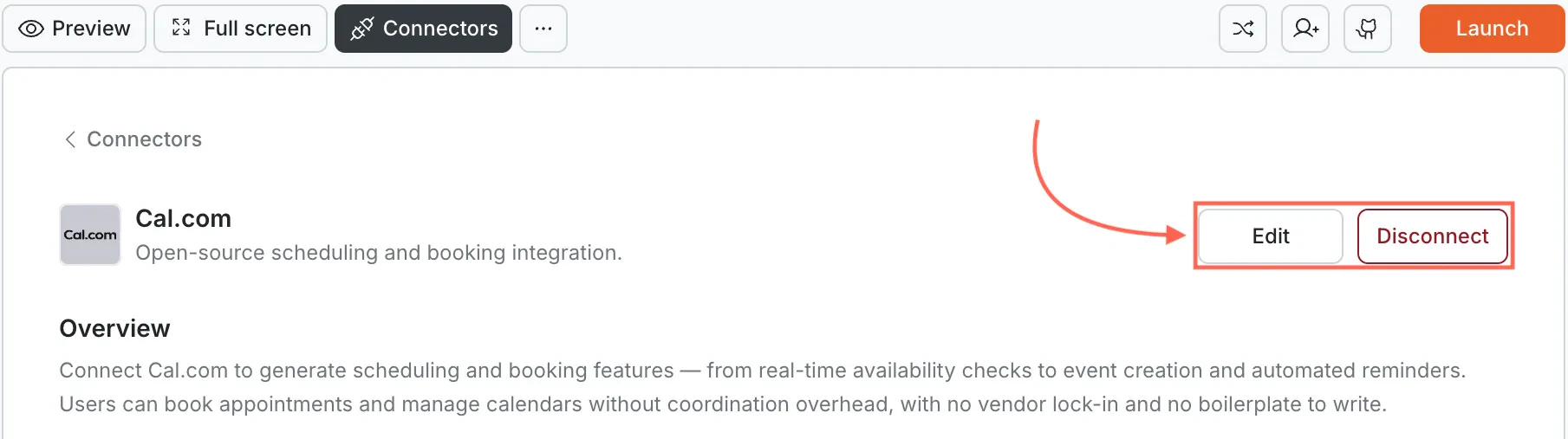
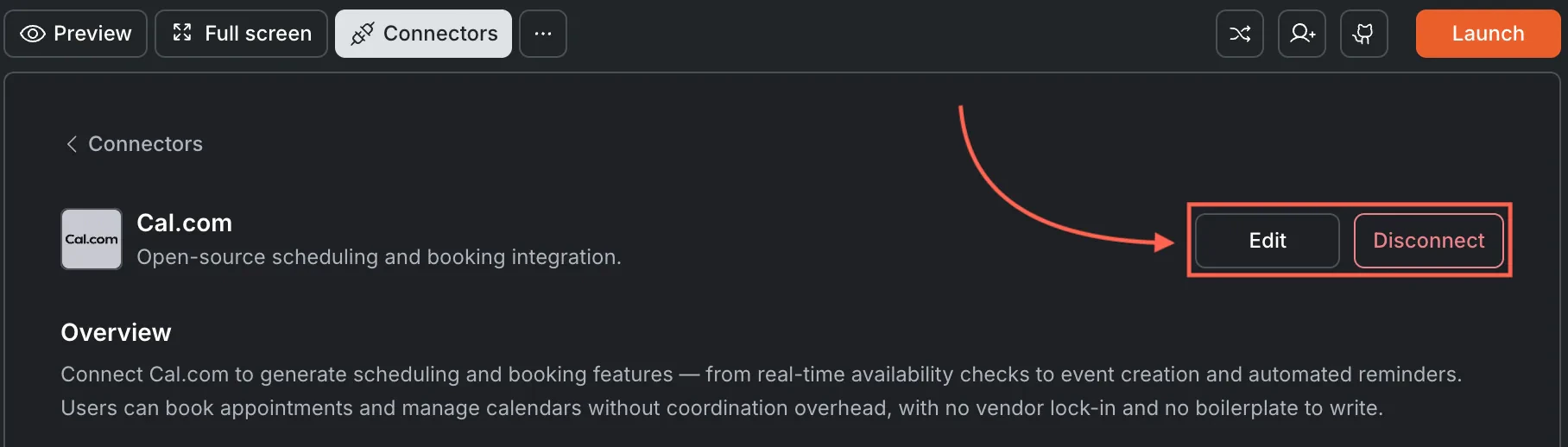
Connect Cal.com and let users book a meeting from my availability. Rocket detects the intent and shows a Connect button inline. Click it to open the credentials popup.... button in the preview toolbar, then select Connectors.Example prompts
| What you want | Prompt to use |
|---|---|
| Booking page | Embed a Cal.com widget on my /book page for 30-minute consultations. |
| Team scheduler | Add a Cal.com team booking page with round-robin assignment across 3 reps. |
| Sidebar widget | Drop a Cal.com scheduling widget into my dashboard sidebar for quick check-ins. |
| Paid session | Embed Cal.com booking and charge $75 per session via Stripe before confirming. |
| Intake plus booking | Create a two-step flow: intake form first, then Cal.com time picker on step two. |
| Custom branding | Embed Cal.com on my /schedule page and match the widget colors to my app theme. |
| Office hours | Set up Cal.com office hours on Wednesdays and embed on my /support page. |
| Reminder email | Send a custom reminder email via Resend 24 hours before each Cal.com appointment. |
| Post-call survey | After a Cal.com meeting ends, email the attendee a feedback form. |
| Recurring meetings | Add a Cal.com booking option for weekly recurring 1-on-1 meetings. |
Tips
- Next.js only. Cal.com is available exclusively in Next.js tasks on Rocket.
- API key connection. Cal.com uses an API key (not OAuth). Keys start with
cal_live_for production. - Full customization. Because Cal.com is open source, you can customize booking page styles, fields, and workflows beyond what other scheduling tools allow.
- Calendar sync is automatic. Cal.com syncs with Google Calendar, Outlook, and Apple Calendar. Availability updates in real time.
- Self-hosting optional. Cal.com can be self-hosted for full data control, but the hosted version at cal.com works out of the box with Rocket.
- One API key per task. Each Rocket task connects to one Cal.com API key independently.
What’s next?
Calendly
A managed scheduling alternative that works across all Rocket task types.
Supabase
Store booking records in a database for reporting and in-app display.
Resend
Send custom confirmation and reminder emails for each booking.
Stripe
Charge for consultations or sessions by combining Cal.com with Stripe checkout.