

Why text boundaries matter
While working with text elements in your app designs, even a small misplacement can cause issues during design identification in Rocket.Best practice: use auto-width
Always wrap your Text with its boundary using auto-width in Figma.This prevents alignment and positioning errors.
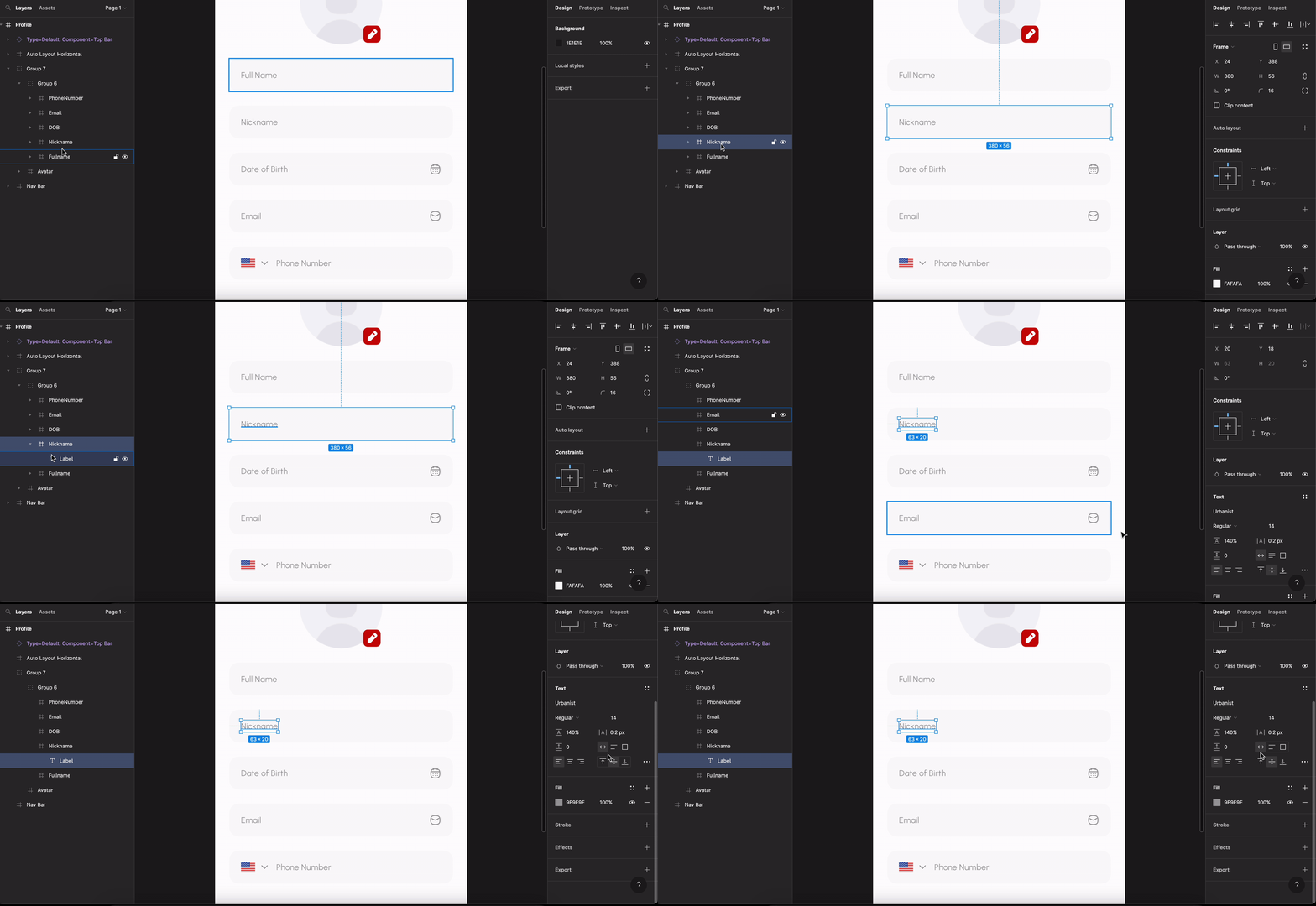
Aligning text with other objects
When using a text object with another element, for example an image, the text must be aligned at the center with it. If the text is not wrapped to its actual width and instead stretched wider, it will appear misplaced in the design.Back to guidelines
See all design guidelines for preparing your Figma files.