

Remove hidden elements
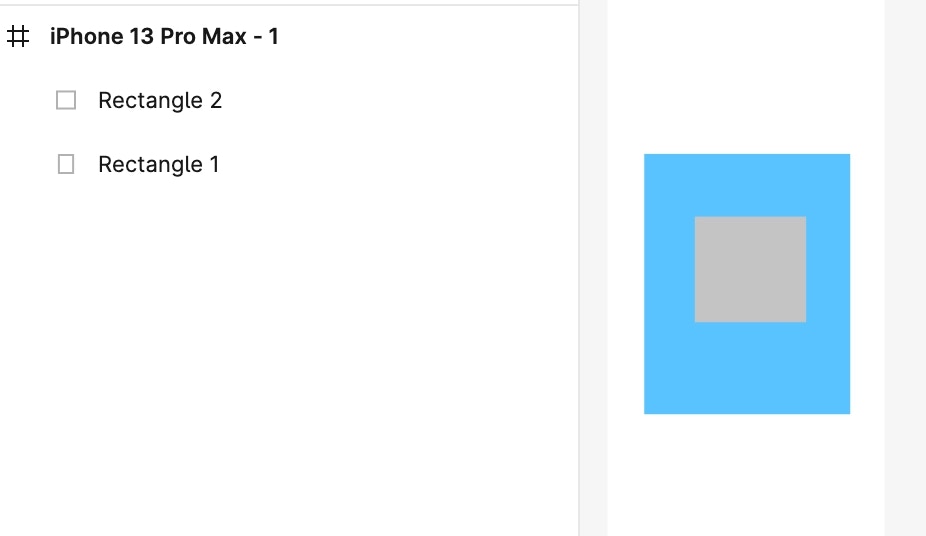
While designing, some elements are made invisible by hiding them behind visible ones.When importing into Rocket, such hidden elements should be avoided. In the example below, a rectangle (Rectangle 2) is hidden behind another rectangle (Rectangle 1).
Since it will never appear on the screen, it should be removed from the design.
Avoid hiding elements with matching fills
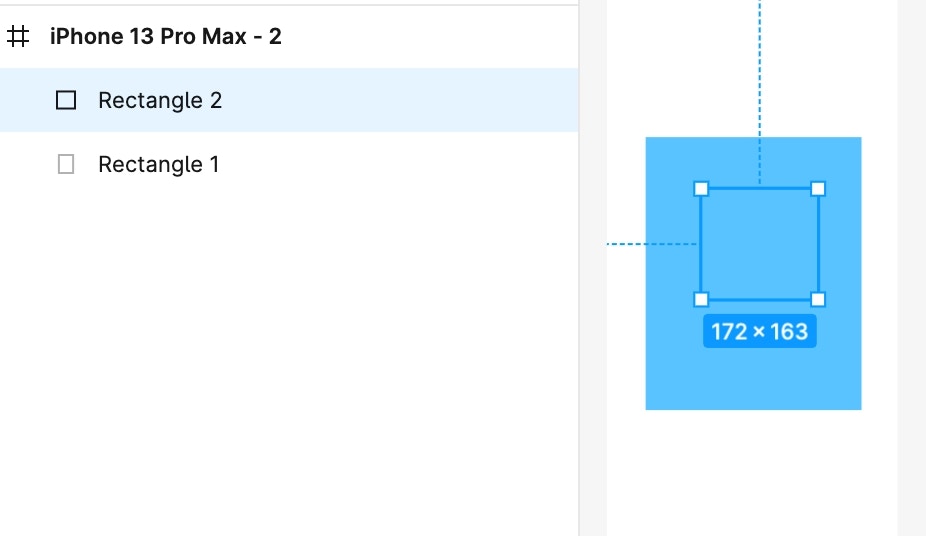
Another common practice is hiding an element by applying the same fill property or background color.In the example below, a square box is hidden this way. This should also be avoided.
Best practice
Make hidden components visible or simply remove them.Designs with invisible elements are not relevant and will reduce accuracy when imported into Rocket.
Back to guidelines
See all design guidelines for preparing your Figma files.