

Why grouping matters
Grouping keeps your design structured and easy to manage.Everything in a screen design is made up of layers, and when those layers are grouped properly, Rocket can generate better results. Groups reduce clutter by combining similar components into fewer layers. They also auto-adjust when child objects are resized.
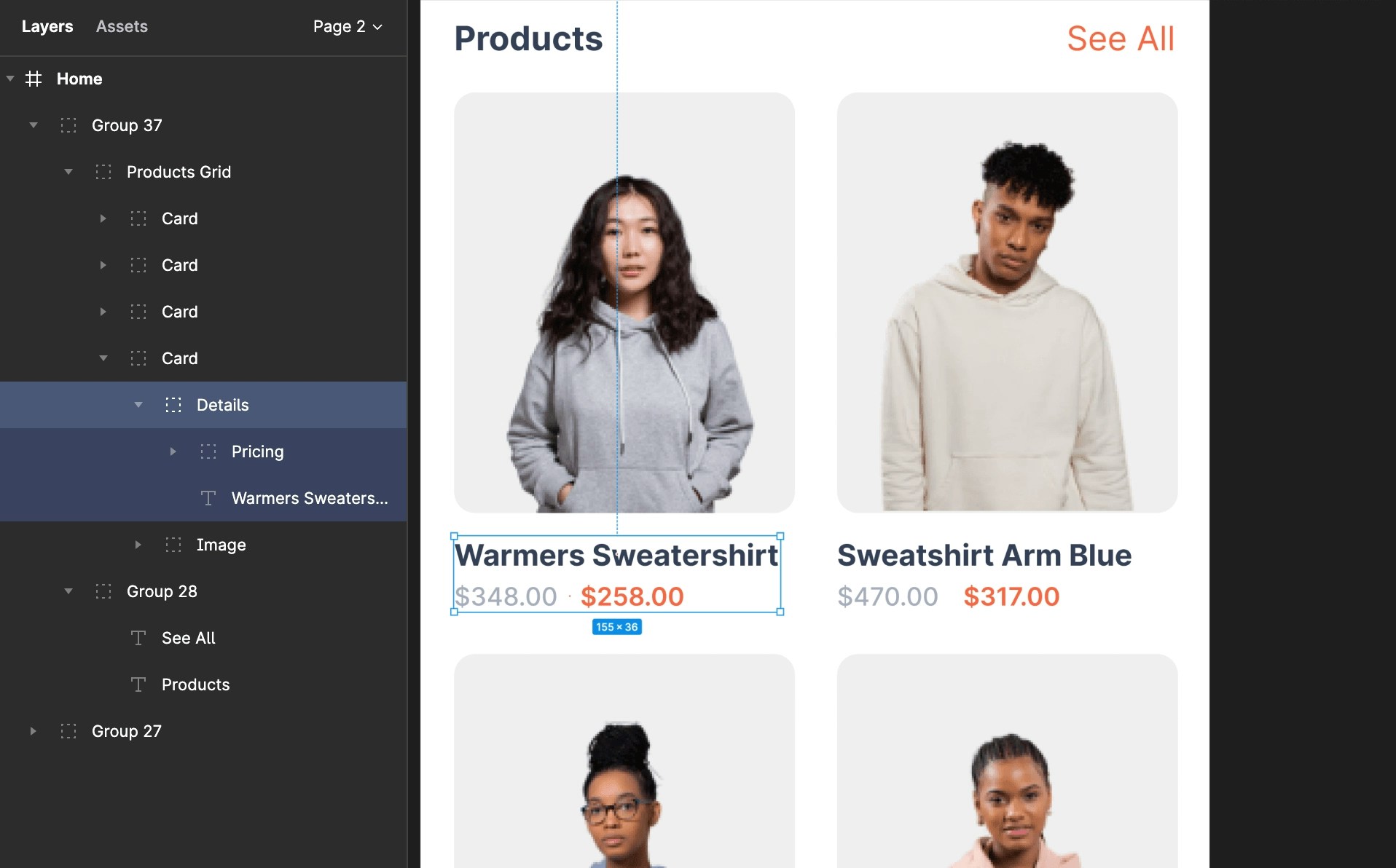
How to use grouping effectively
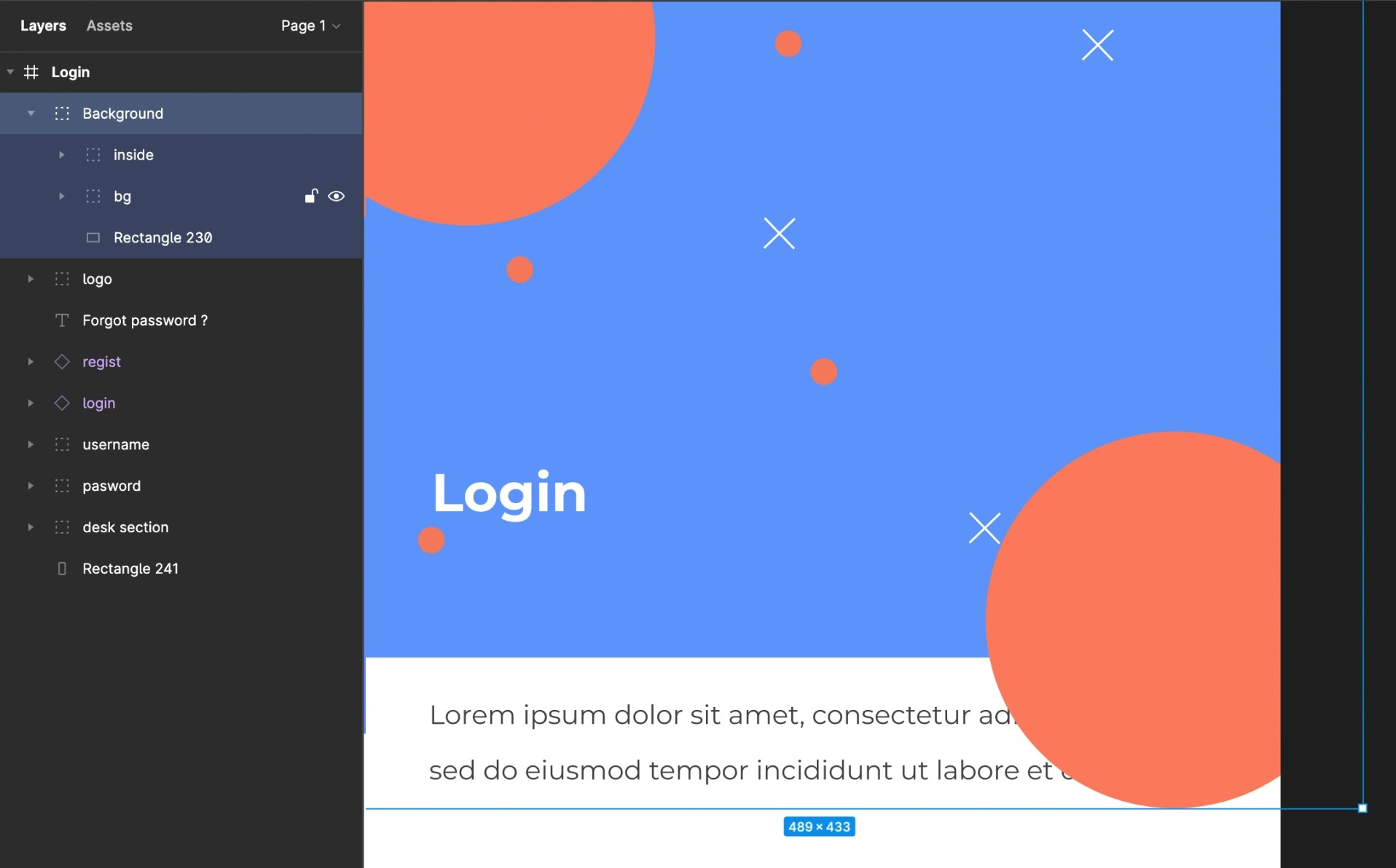
- Combine related elements like background images, buttons, or text into a single group.
- Maintain a clear hierarchy order inside groups.
-
Use groups to simplify layering across your design, making it easier to manage and reuse elements.
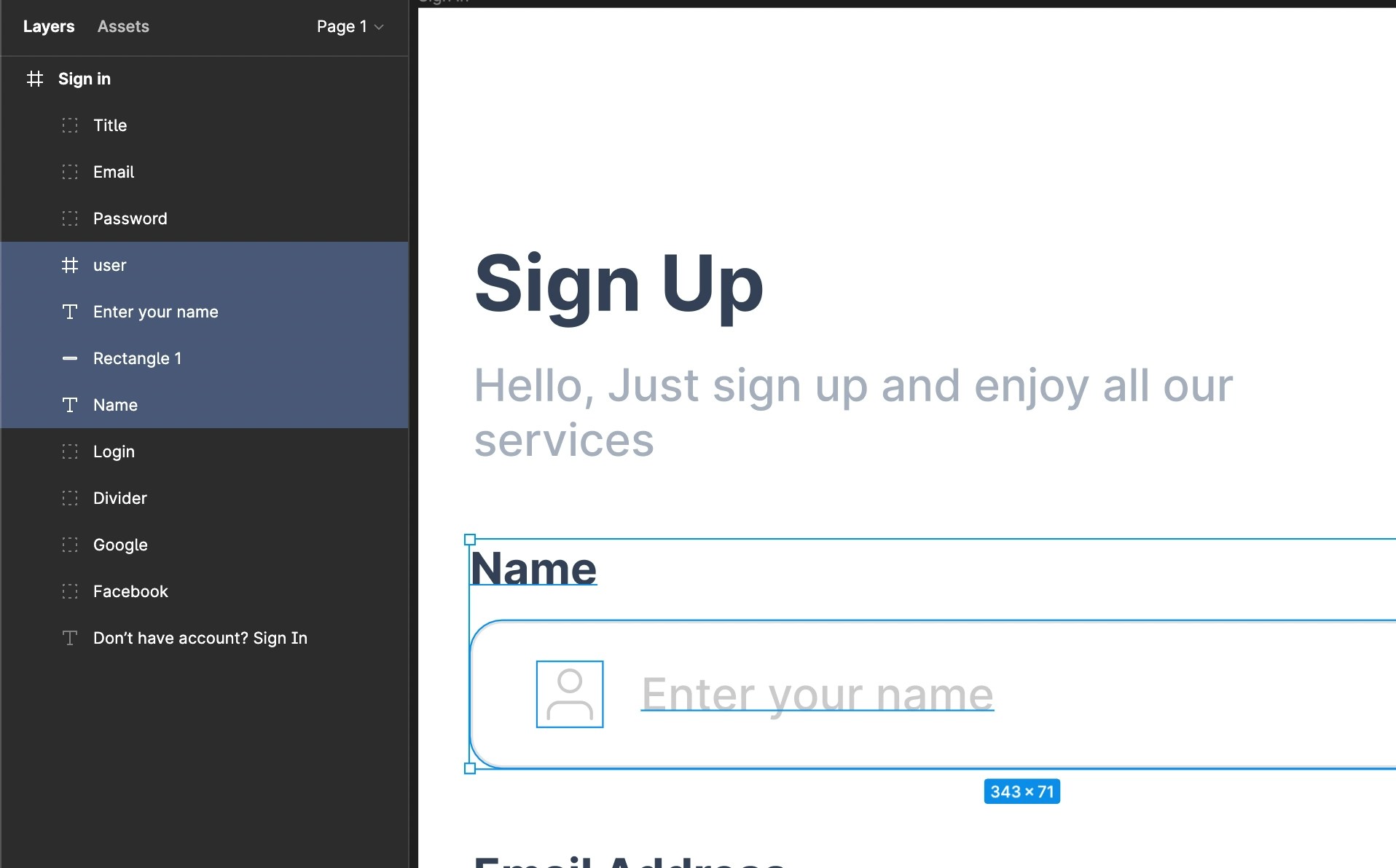
Avoid ungrouped designs. Proper grouping helps you identify and manage your components easily.
Real-world example
In an e-commerce app shopping list:- Start with a background image.
- Add components like product image, title, description, and price.
- Layer them properly, then group them together into one element.
Back to guidelines
See all design guidelines for preparing your Figma files.