

What is image masking
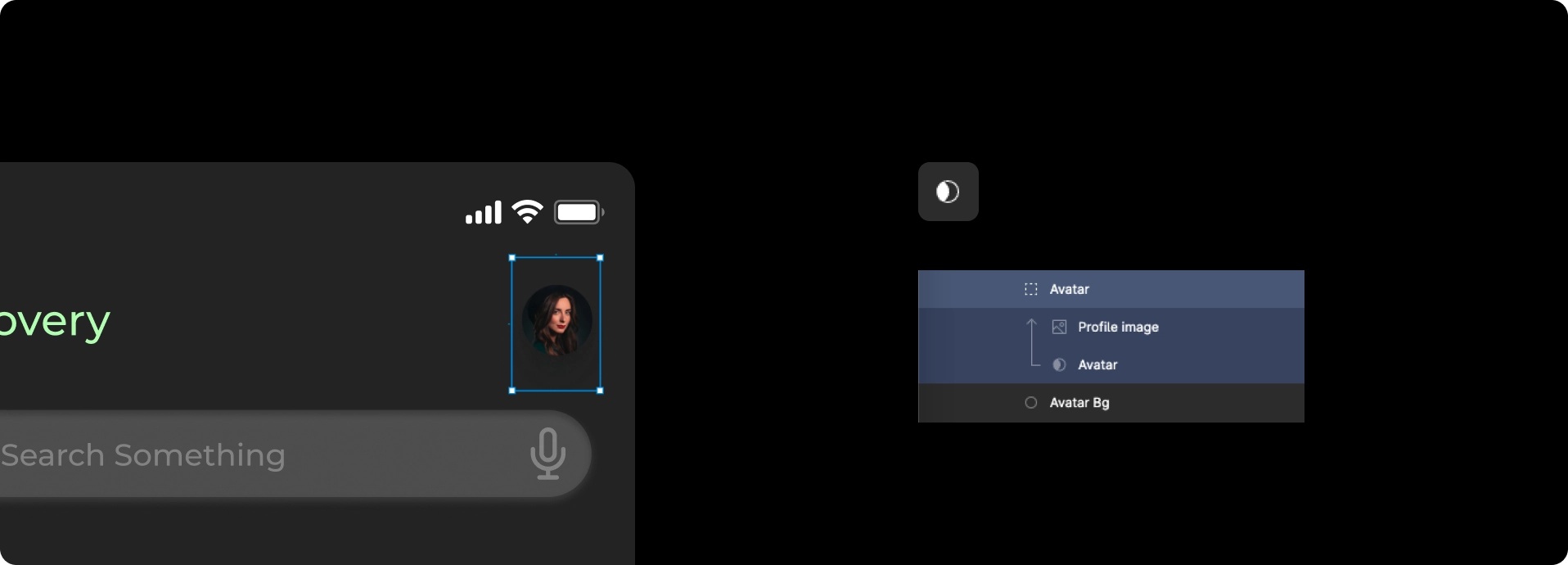
When an image is masked with a layer, a mask object is created in the design hierarchy.This object includes the mask and the related layers used for masking.
Incorrect masks cause broken layouts during import. Rocket relies on the mask hierarchy to determine which parts of an image to render.
Best practices for masking
- All inner layers used for masking should remain under the mask object.
- Group these inner layers properly so only the intended images are included.
- Perform masking with a single group containing its masked object.
Back to guidelines
See all design guidelines for preparing your Figma files.