Add Mixpanel to your Rocket.new app to track feature adoption, analyze conversion funnels, and segment users by behavior for product analytics.
Describe the analytics you want in chat and Rocket generates the complete tracking logic: event calls, funnel visualizations, retention charts, and user segmentation.
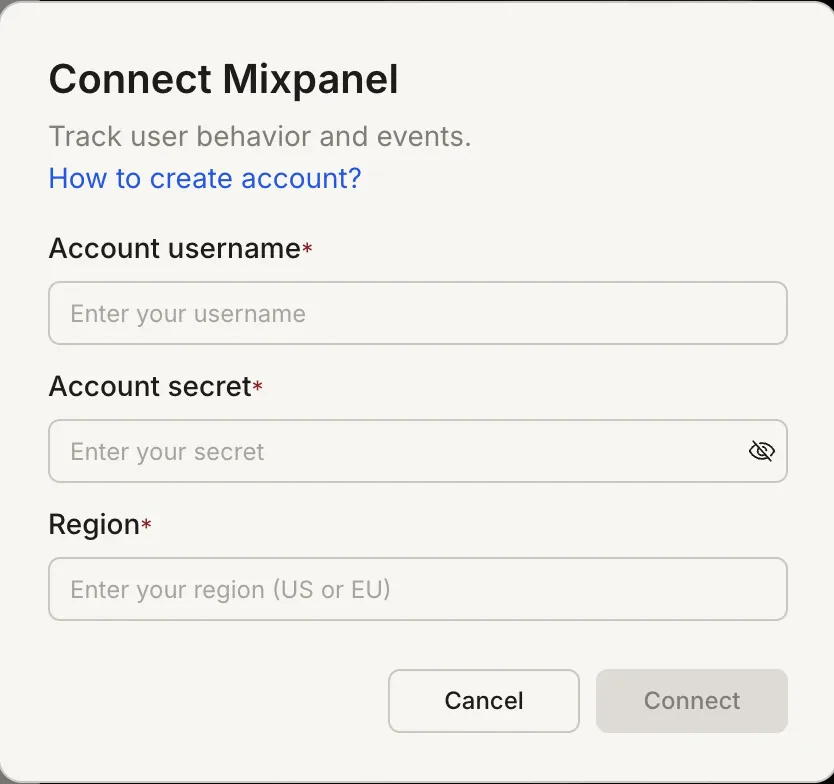
Account username: your Mixpanel service account username
Account secret: your Mixpanel service account secret
Region:US or EU, depending on where your Mixpanel project data is hosted
Create a Mixpanel service account from the Mixpanel documentation.
How to create a service account:
1
Open Service Accounts settings
Open Mixpanel Settings and go to Organization Settings > Service Accounts.
2
Add a service account
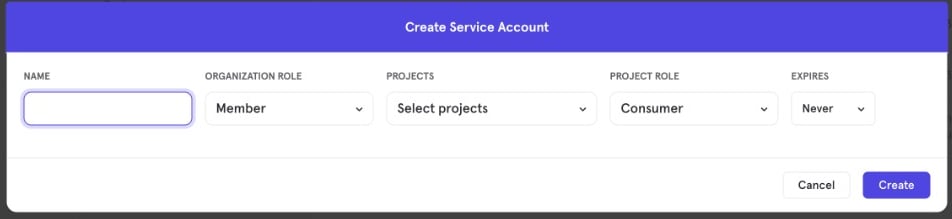
Click Add Service Account to open the Create Service Account dialog.
3
Configure account details
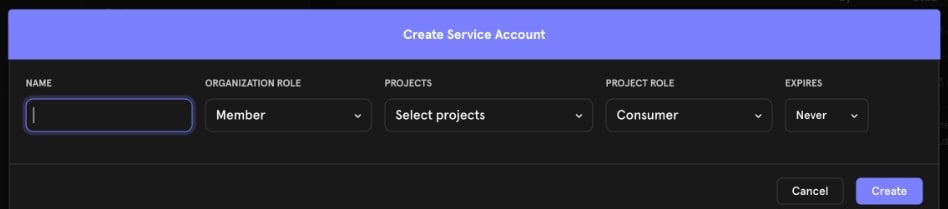
Enter a Name, set Organization Role and Project Role, and choose the Projects this account can access. Leave Expires as Never unless your organization requires rotation.
4
Copy credentials
Click Create, then copy the username and secret immediately. Mixpanel shows the secret only once.
Create Service Account dialog in Mixpanel
Mixpanel is a task-level connector. Each Rocket task connects to its own Mixpanel credentials independently.
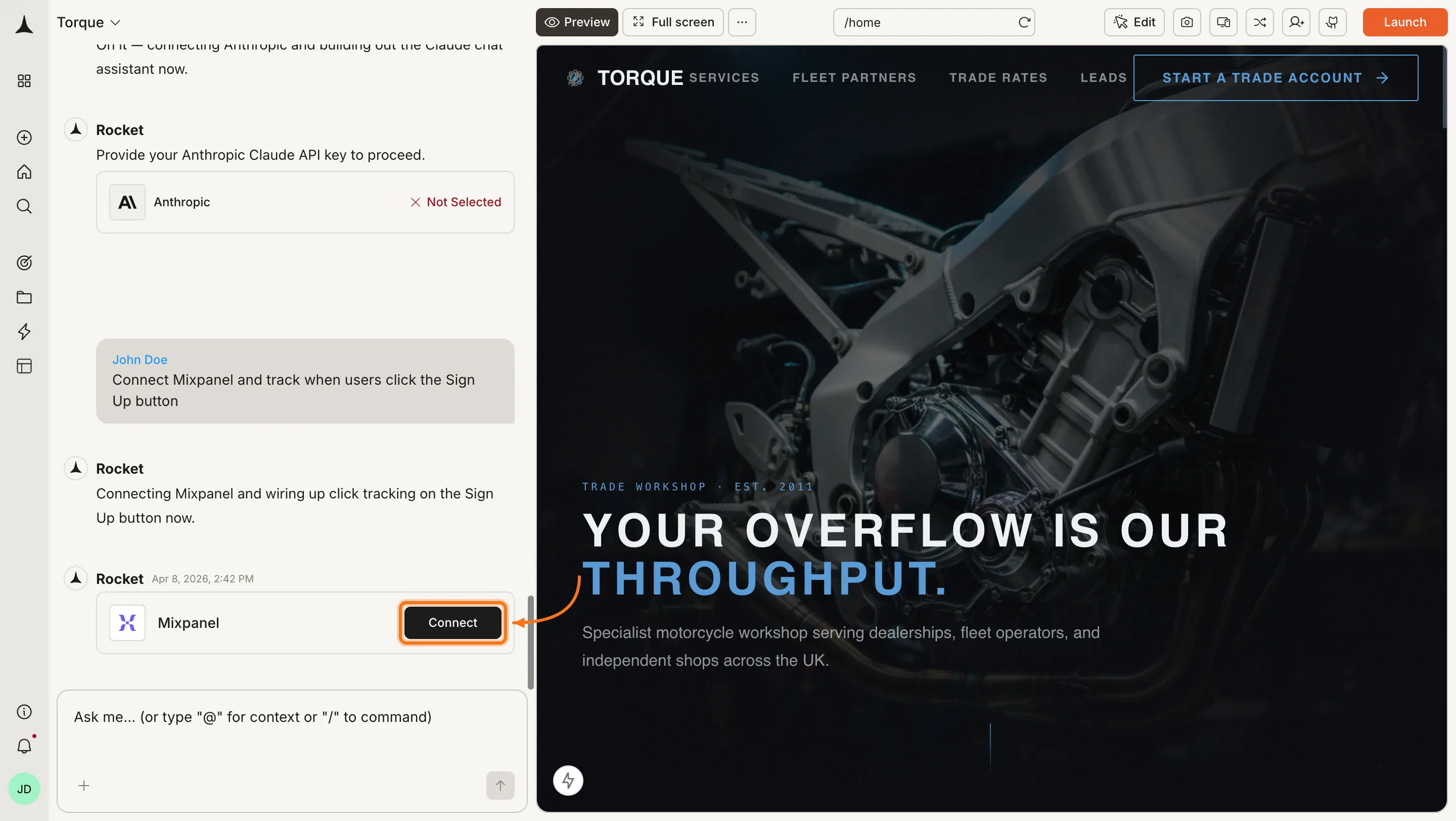
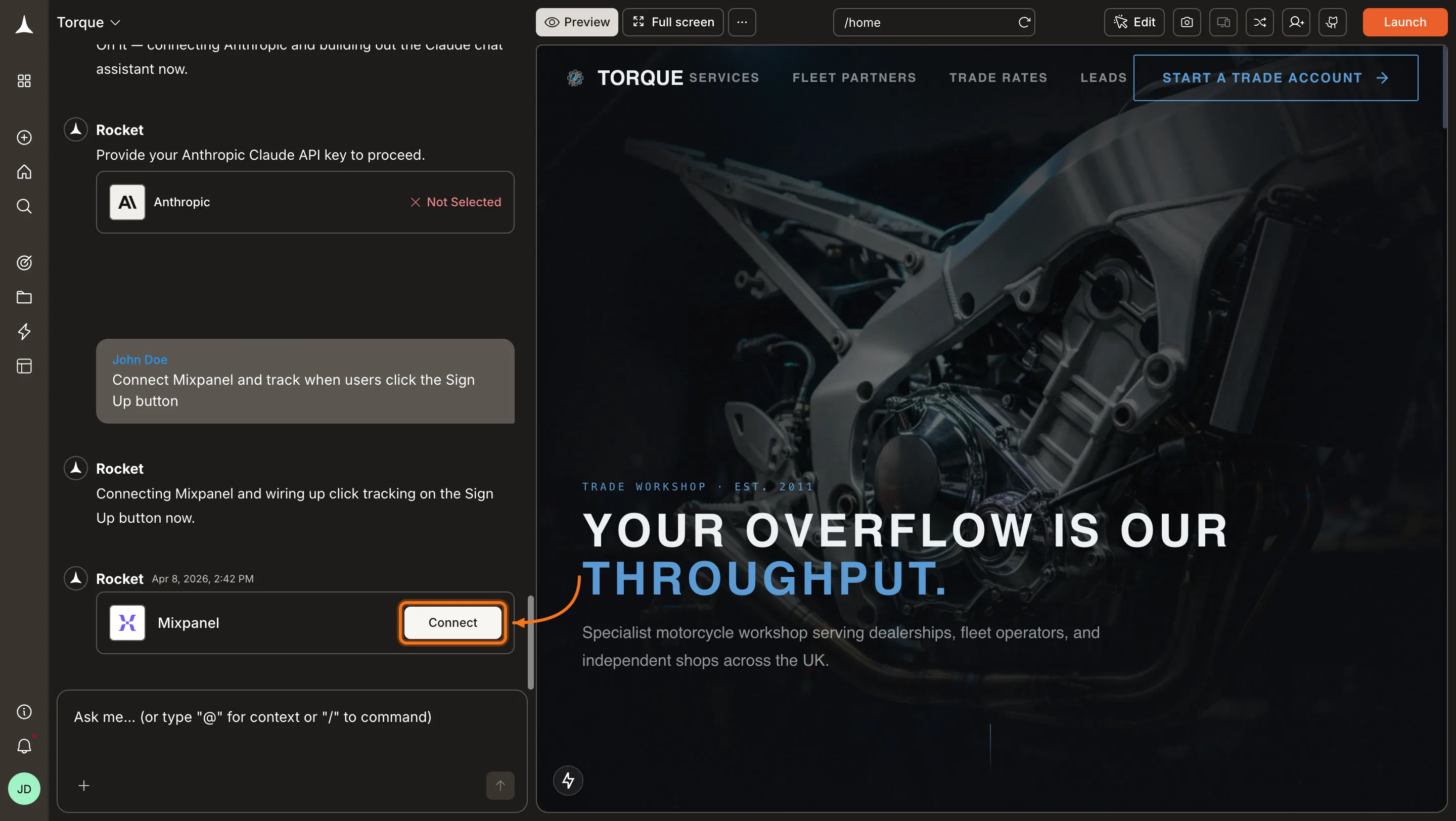
You can connect from two places. Both do the same thing.Option 1: From chatType a prompt that mentions Mixpanel, for example Connect Mixpanel and track when users click the Sign Up button. Rocket detects the intent and shows a Connect button inline. Click it to open the credentials popup.
Mixpanel connection prompt in chat
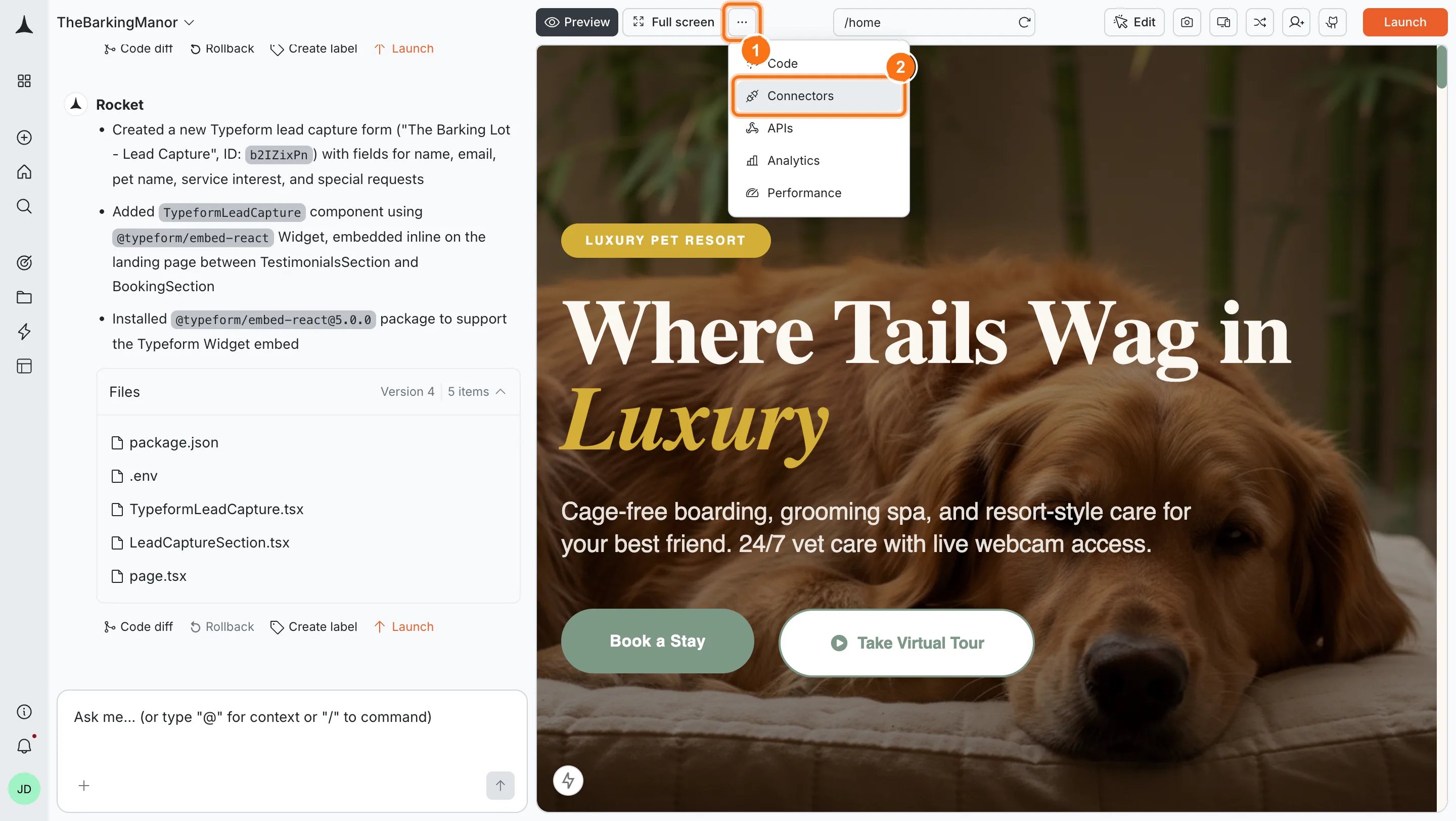
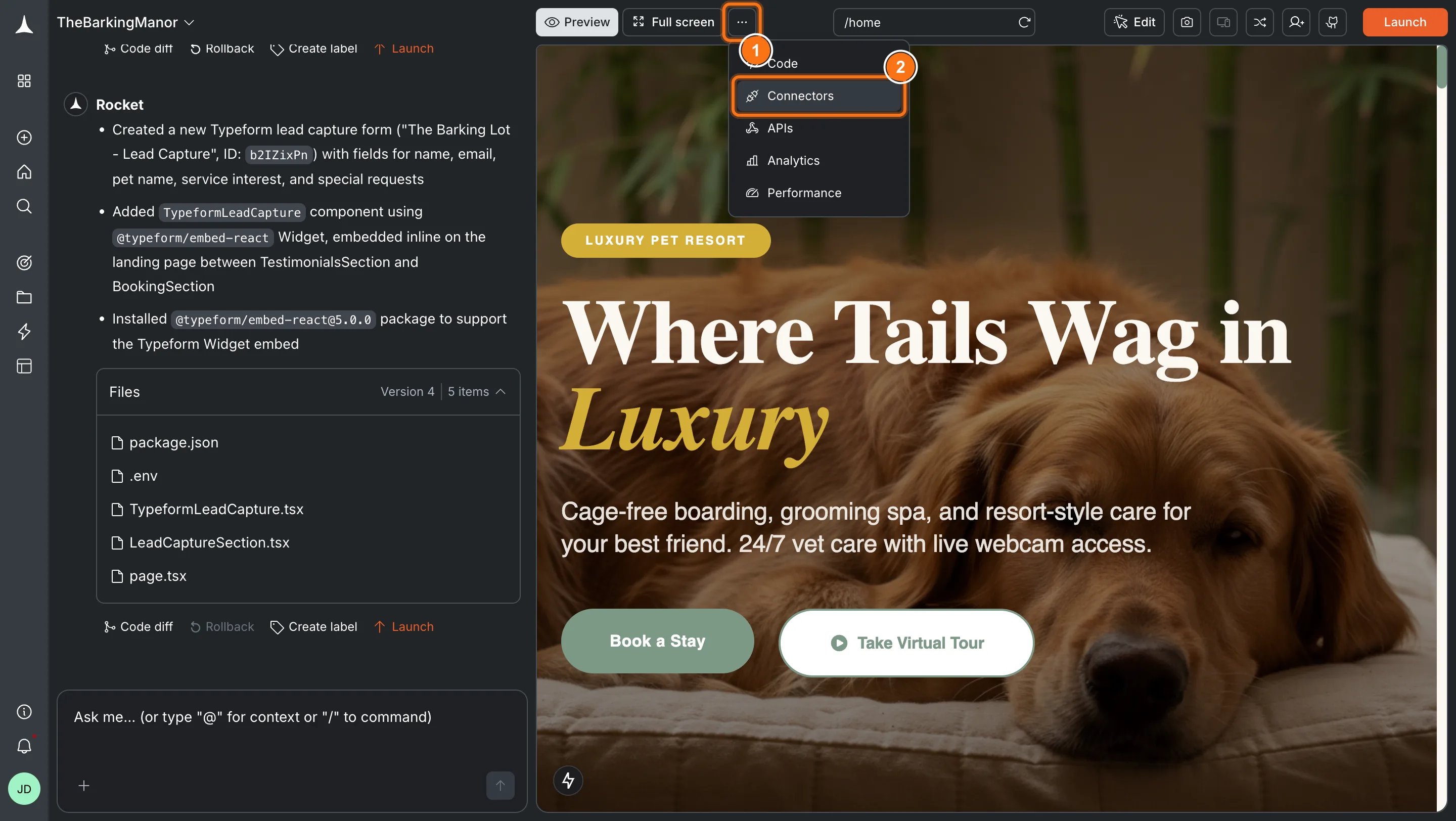
Option 2: From the Connectors tabClick the ... button in the preview toolbar, then select Connectors.
Open Connectors from the toolbar
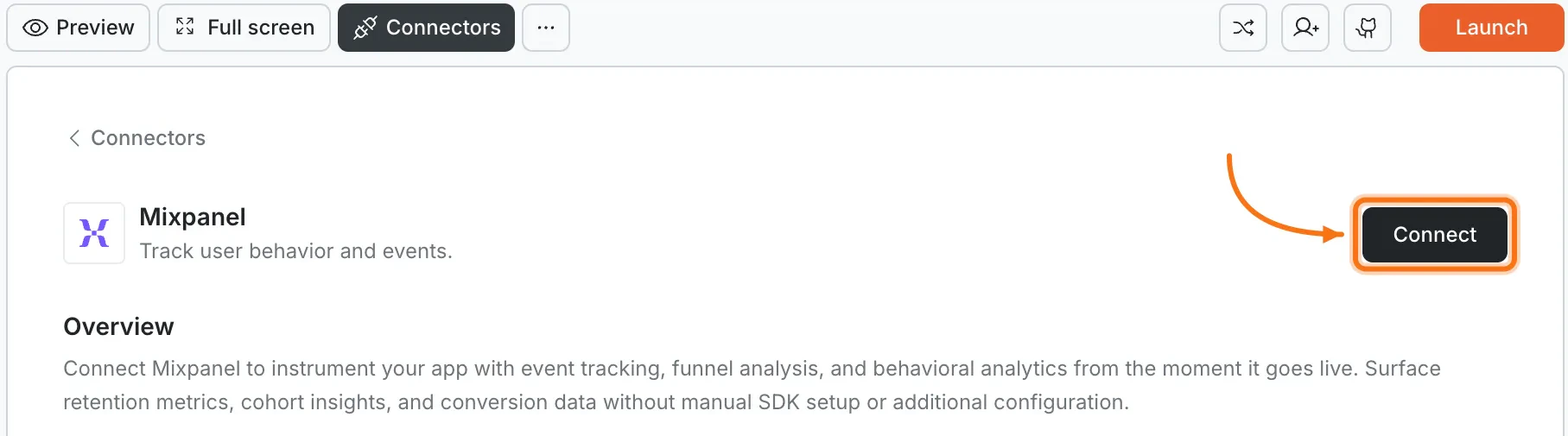
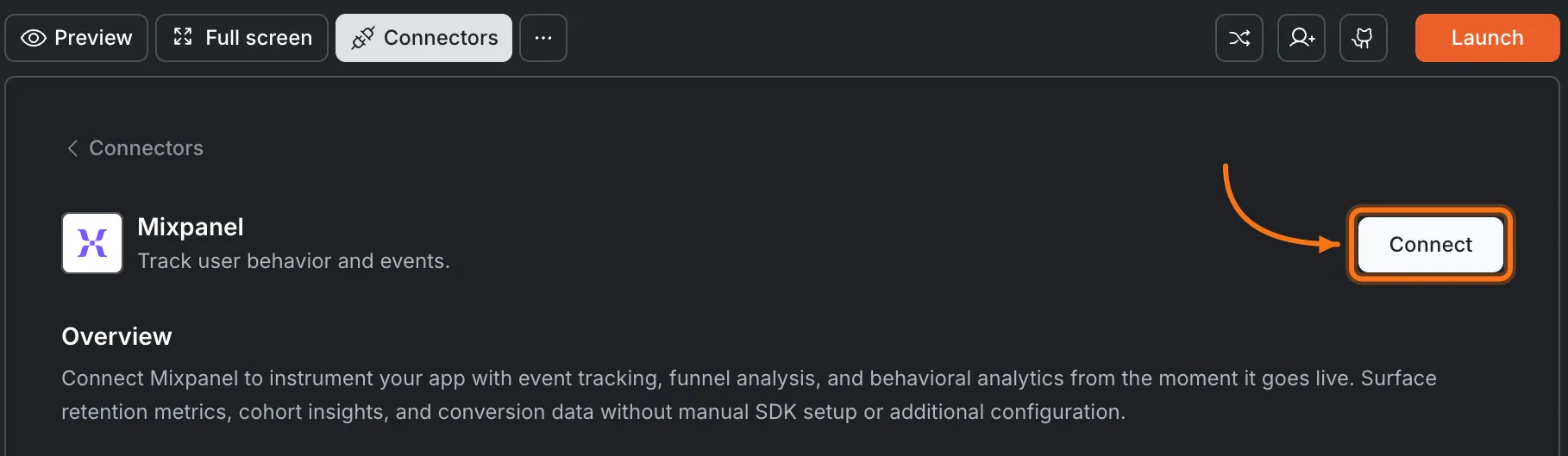
Click the Mixpanel card, then click Connect.
Mixpanel card in the Connectors panel
After clicking Connect
1
Enter credentials
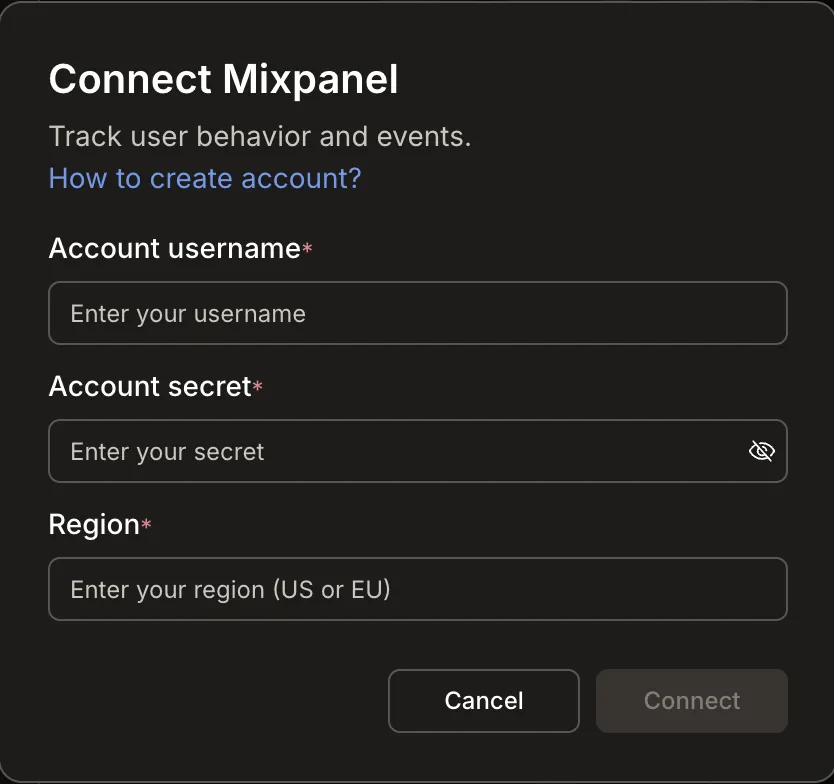
A popup opens. Enter your Account username, Account secret, and Region.
Connect Mixpanel popup
2
Confirm connection
Click Connect. A green dot appears next to Mixpanel when the connection is active.
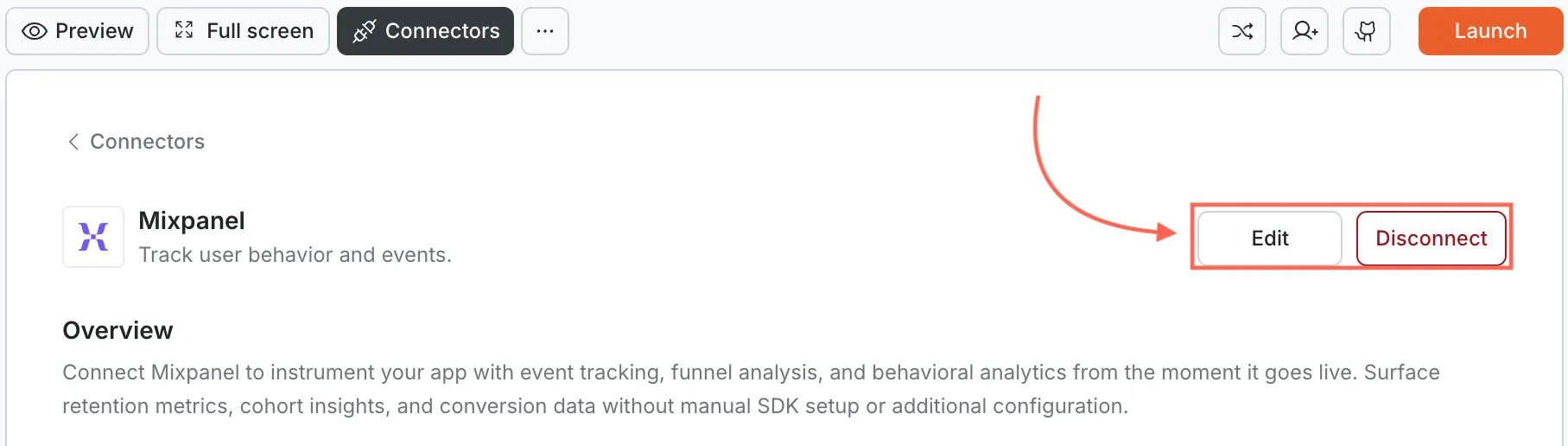
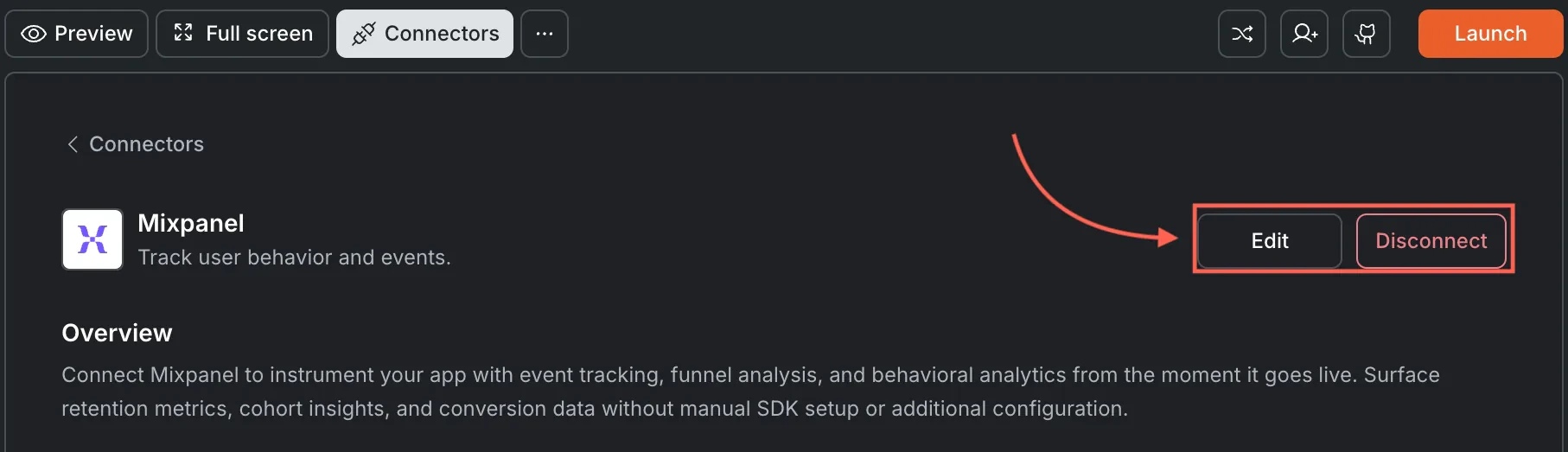
Update or disconnectOpen Connectors > Mixpanel and click the card. Click Edit to update your credentials or Disconnect to remove the integration from this task.
Edit and Disconnect options on a connected Mixpanel card
You can connect from two places. Both do the same thing.Option 1: From chatType a prompt that mentions Mixpanel. Rocket detects the intent and shows a Connect button inline. Tap it to open the credentials screen.Option 2: From the Connectors tab
1
Open the More menu
Tap the More button in the header.
2
Go to Integrations
Tap Integrations.
3
Connect Mixpanel
Tap the Mixpanel card, then tap Connect.
After tapping ConnectA popup opens. Enter your Account username, Account secret, and Region, then tap Done.A green dot appears next to Mixpanel when the connection is active.Update or disconnectGo back to the Mixpanel card in Integrations. Tap Edit to update credentials or Disconnect to remove it from this task.
Data region matters. Choose US or EU to match where your Mixpanel project data is hosted.
Using the wrong region causes events to fail silently - they appear to send but never appear in your Mixpanel dashboard.
Events appear with a short delay. Mixpanel typically processes events within a few seconds, but dashboard aggregations may take a few minutes to update.
Some analytics features depend on your Mixpanel plan. Advanced features like signal reports and data pipelines may require a paid plan.
One Mixpanel account per task. Each Rocket task connects to one set of Mixpanel credentials. Use different tasks for different Mixpanel accounts.
Credentials are stored securely. Rocket encrypts them at rest and never exposes them in client-side code.