

Components outside the frame
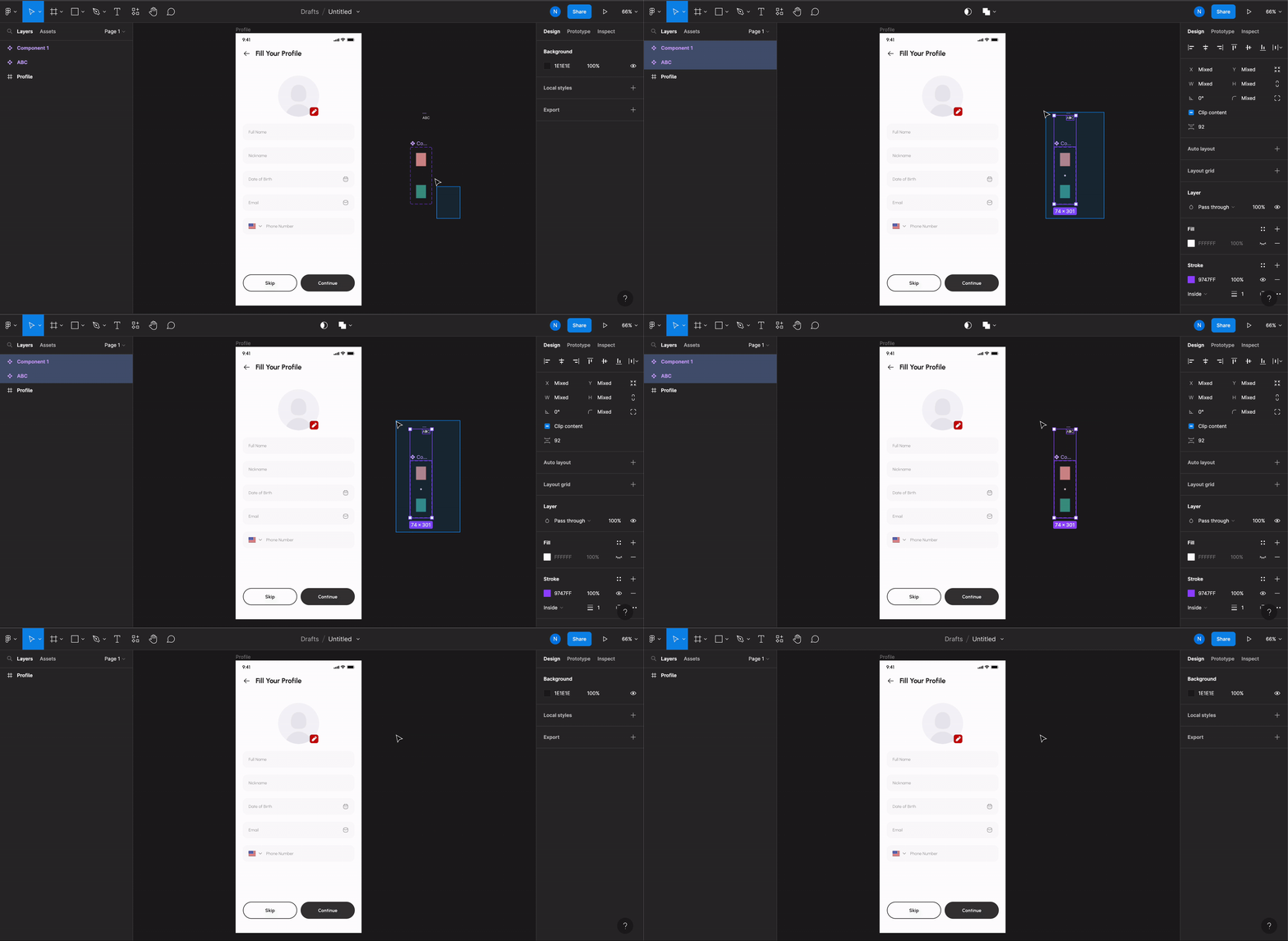
Do not let your screen design components clutter out in the canvas.Keep them all inside the screen’s Frame. In the example below, some unwanted components are outside the screen. This is the wrong design.
Try to remove such scenarios when preparing your design for Rocket.
Exception for scrolling elements
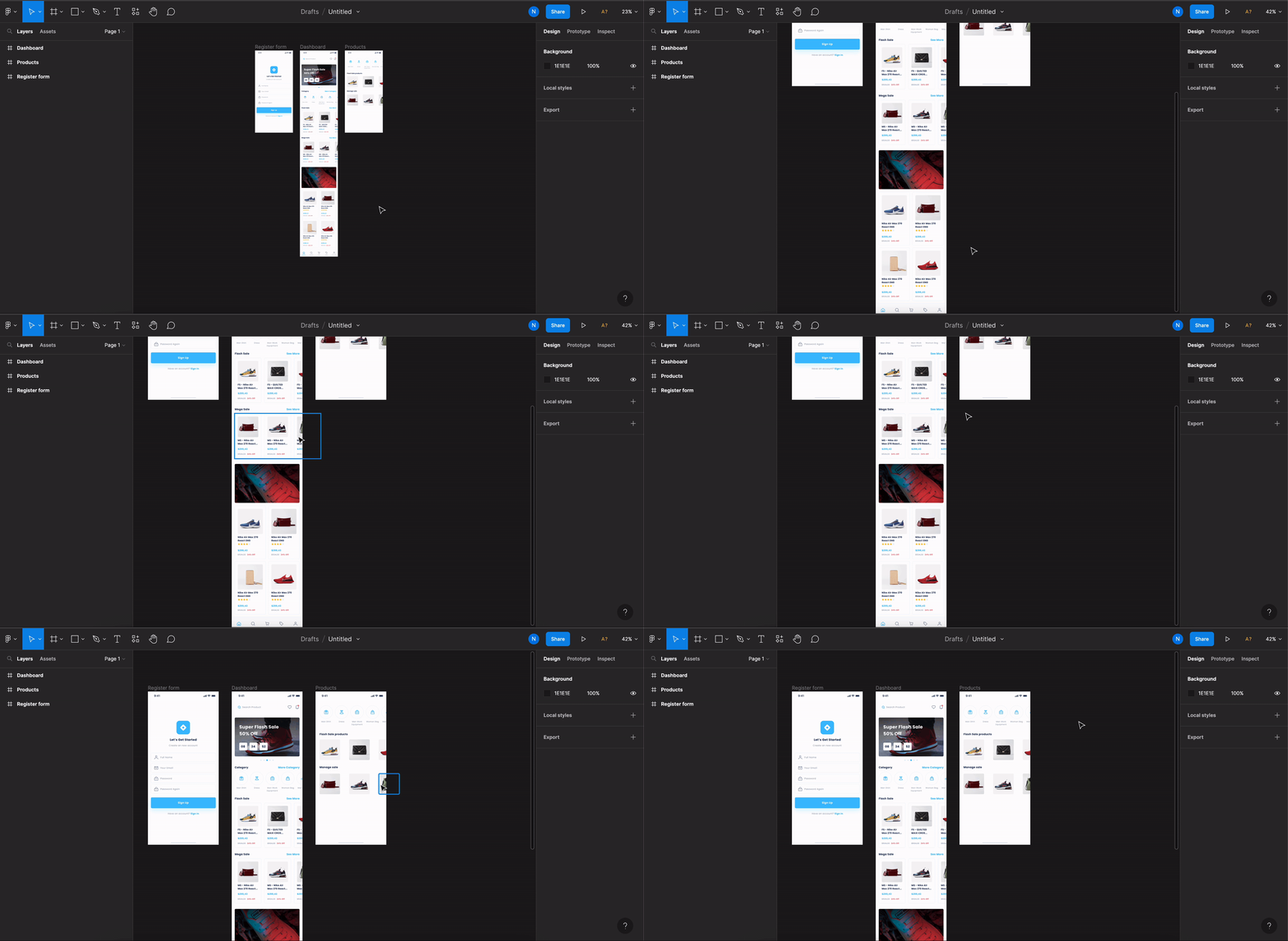
For components like horizontal lists and horizontal scrolls, their scrolling elements can be kept outside the screen Frame.All other components should remain inside the screen’s Frame.
Back to guidelines
See all design guidelines for preparing your Figma files.