

Why vector grouping matters
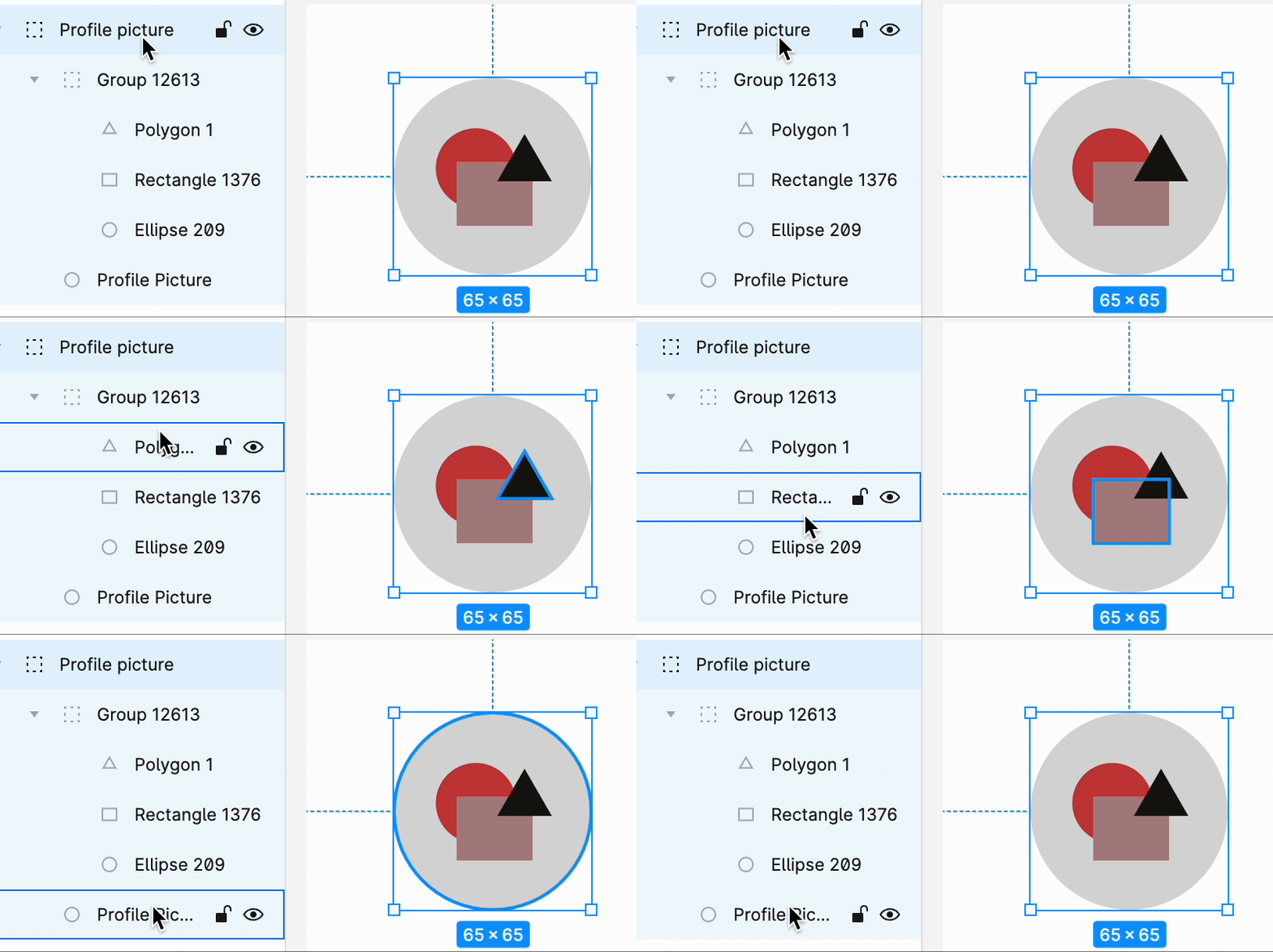
Fill elements like images can be created using vectors.Often, many different vectors are combined to form a single image.
Best practices
- Combine related vectors into one group for a cleaner design hierarchy.
- Proper grouping makes it easier to manage and identify elements later.
- Without grouping, each vector is downloaded separately, which prevents Rocket from generating the image correctly.
Back to guidelines
See all design guidelines for preparing your Figma files.