

Keep components inside the frame
Do not let design components sit on the canvas outside their screen frame. All elements must be placed inside the screen’s Frame. In the example below, some components are outside the screen frame. Rocket will skip them during import, causing gaps in your generated app. Remove them before importing.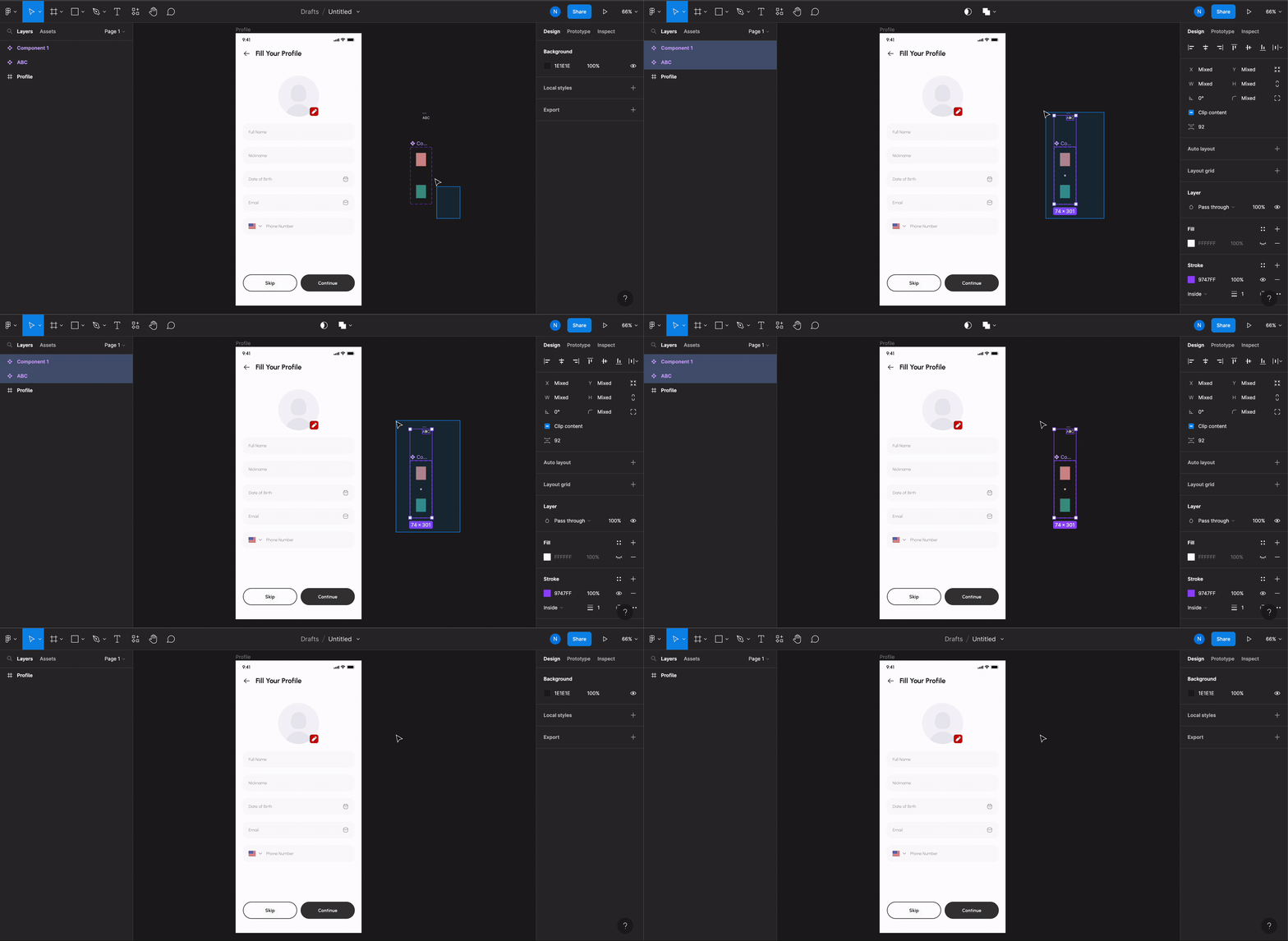
Remove components outside the screen frame
Exception: scrolling elements
For horizontal lists and horizontal scrolls, the scrolling content can extend outside the screen Frame. All other components should remain inside the frame.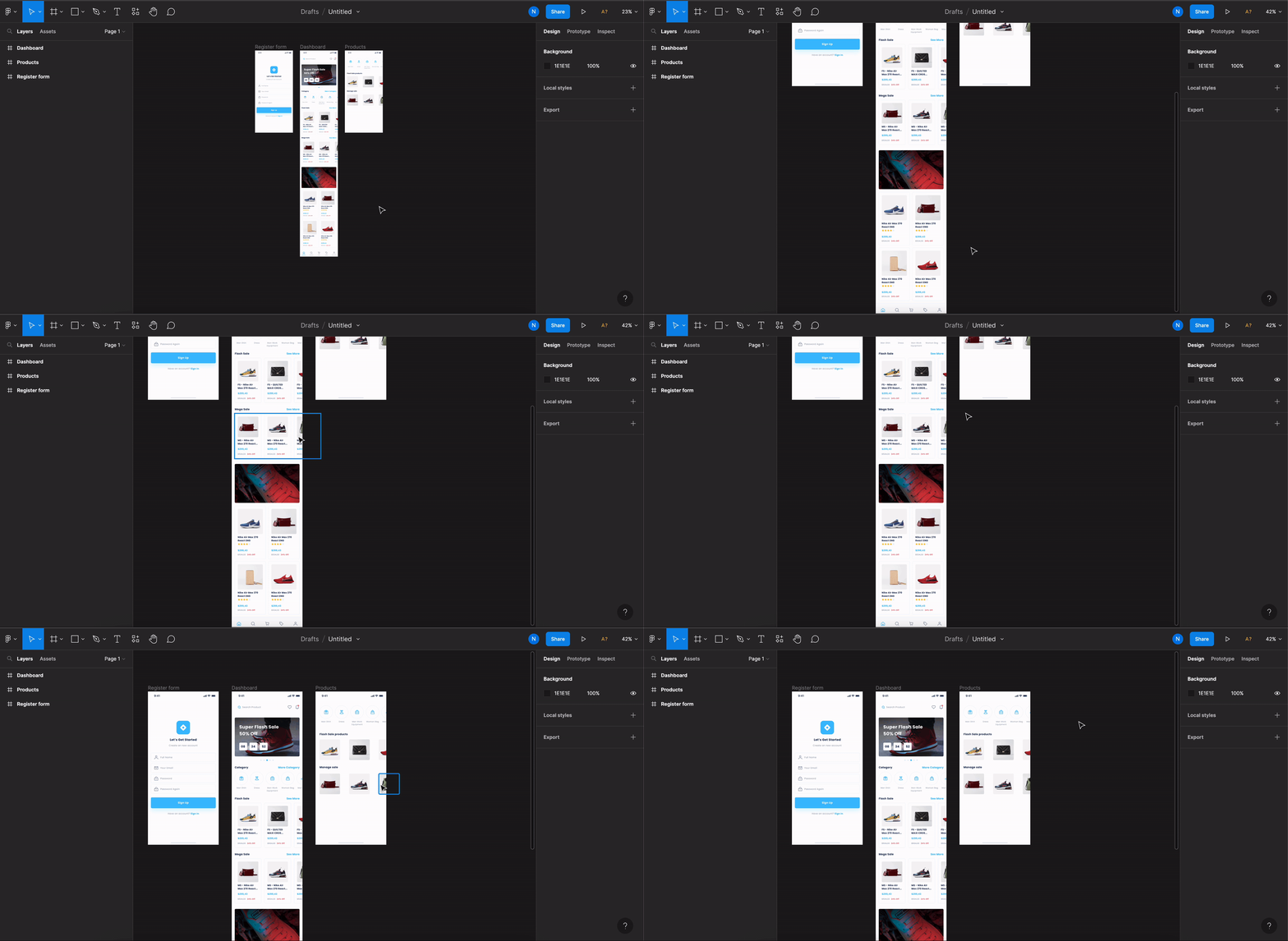
Scrolling elements outside the screen frame (allowed)
Back to guidelines
See all design guidelines for preparing your Figma files.