

Why text boundaries matter
Text boxes that are wider than their actual content cause misalignment in the generated app. Rocket uses the text boundary to determine positioning, so excess width shifts elements out of place.Best practice: use auto-width
Always wrap your Text element with its boundary using auto-width in Figma. This prevents alignment and positioning errors during import.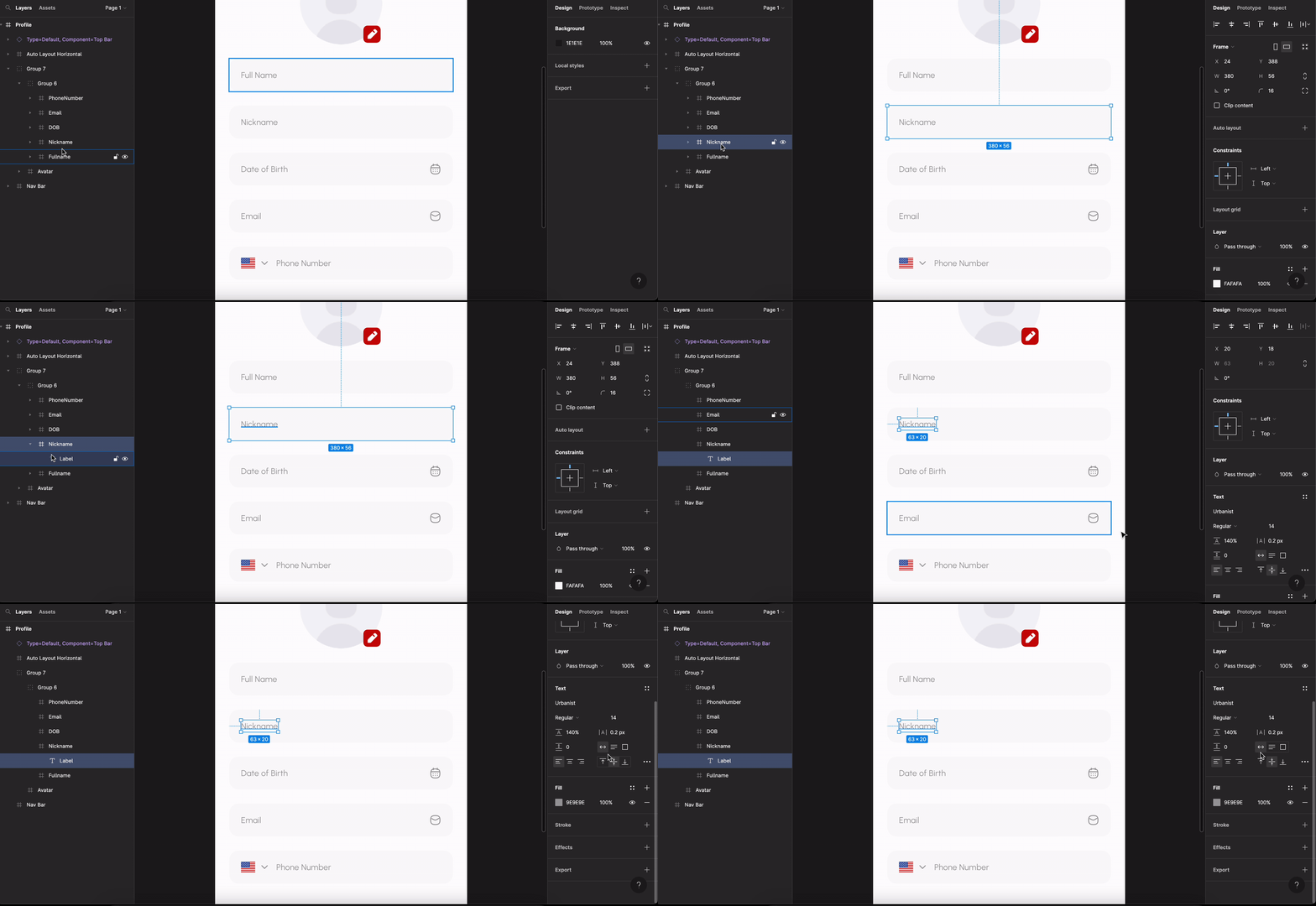
Applying auto-width to a text element in Figma
Aligning text with other objects
When a text element sits next to another element (for example, an image), the text must be centered with it. If the text boundary extends beyond the actual text content, it will appear misaligned in the generated design.Back to guidelines
See all design guidelines for preparing your Figma files.