

Remove unused screens and layers
Do not duplicate previous screens when creating new ones. A common mistake is placing a rectangle over an old screen, duplicating it, and adding new components on top - leaving all the original components buried underneath. This creates unnecessary clutter that Rocket treats as intentional design.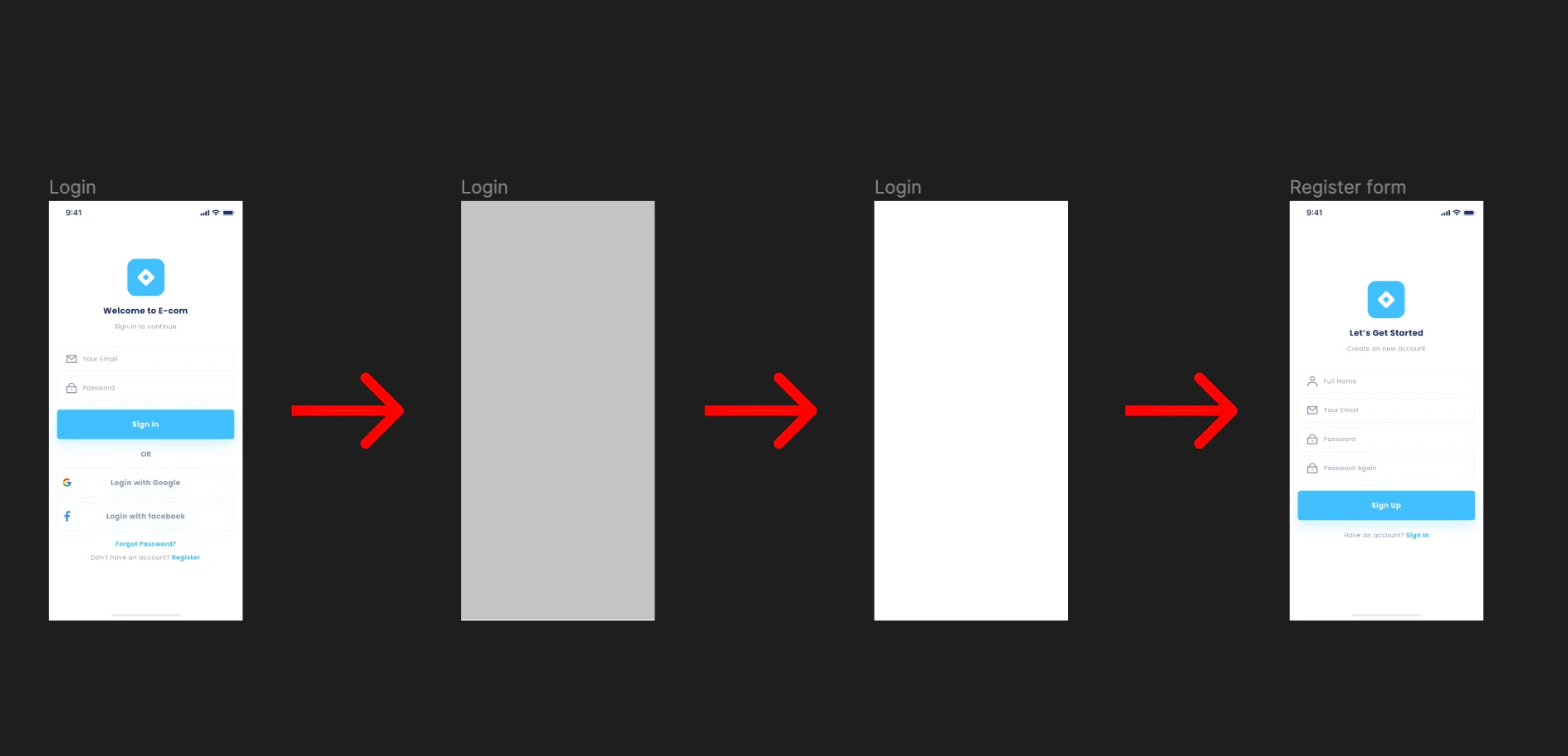
Incorrect: duplicating a previous screen
Best practice
Only keep screen designs that are meant to appear in the app. Delete everything else before importing.Back to guidelines
See all design guidelines for preparing your Figma files.