Connect Google Gemini to Rocket and add multimodal AI to your app: image analysis, visual search, and text generation in one integration.
Connect your Gemini API key and describe the AI feature you need in chat. Rocket handles all the integration code automatically so you can focus on what your features should do.
This connector is only available for Next.js TypeScript web build tasks.
Never paste your API key directly into chat. Always use the secure connector flow. If you believe your key has been exposed, rotate it immediately from Google AI Studio.
The API key is scoped to the task you connect it in. Each task stores its own key. Connecting in one task does not affect others.
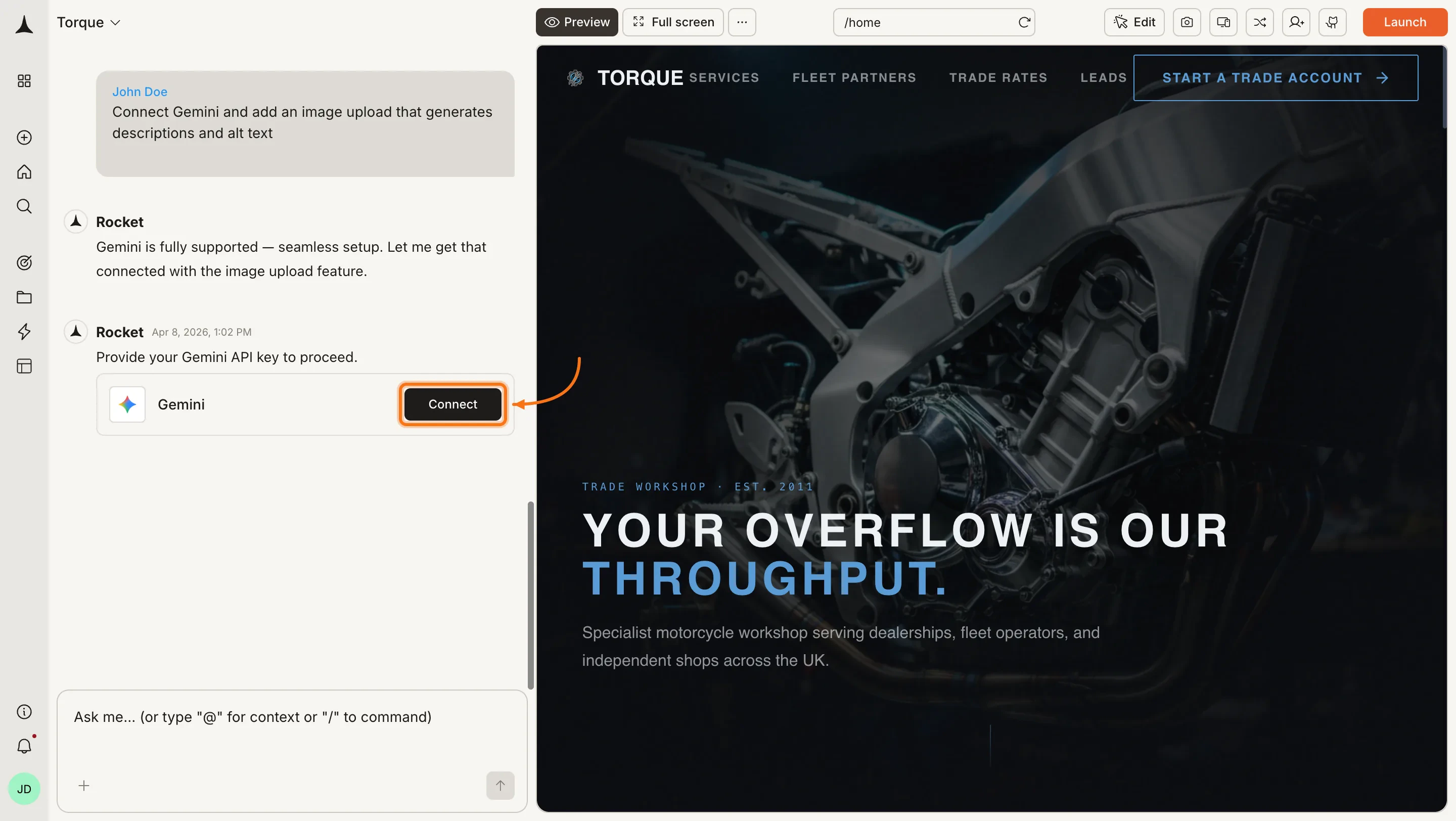
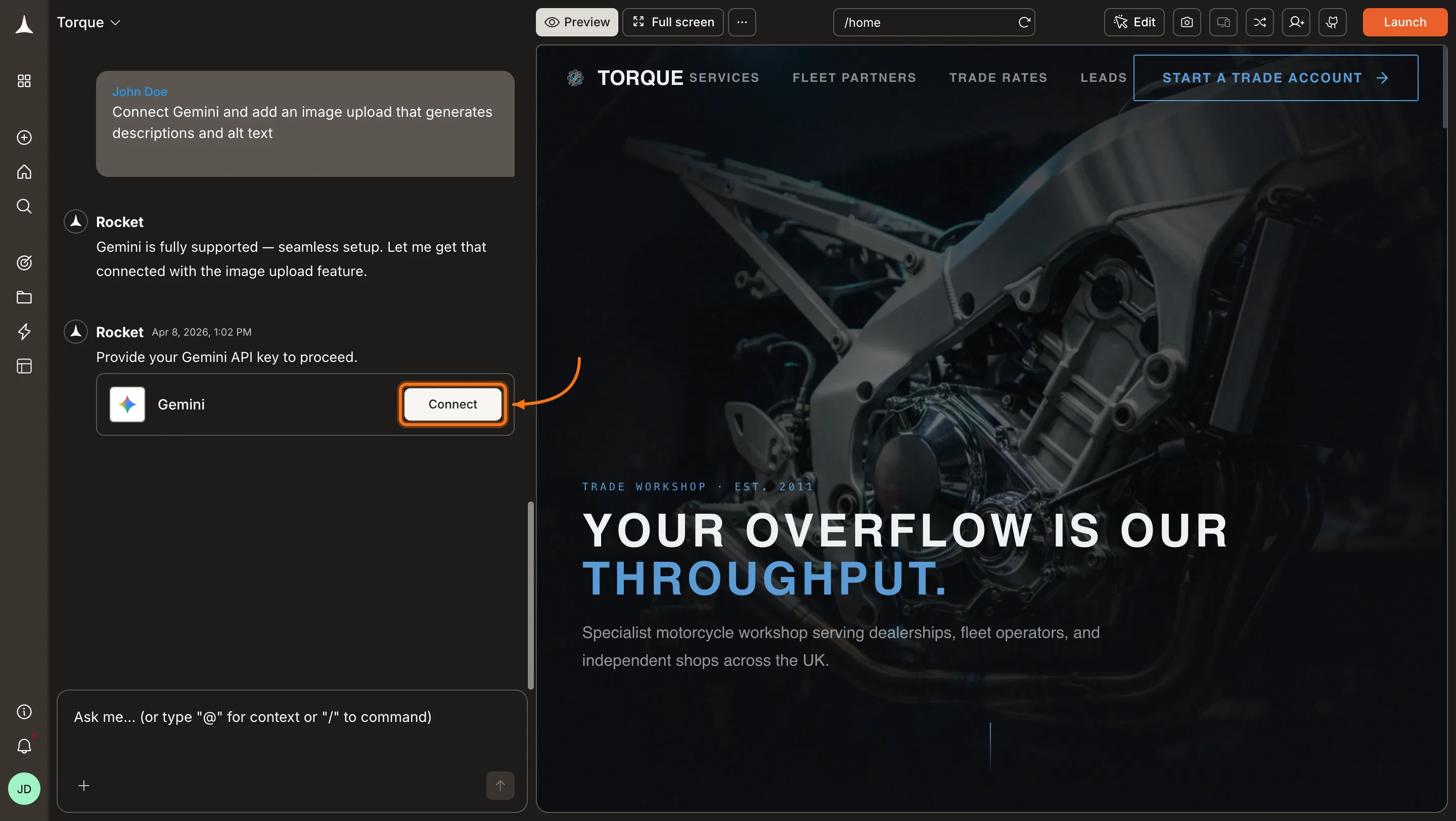
You can connect from two places. Both open the same popup.Option 1: From chatType a prompt that mentions Gemini, for example Connect Gemini and add an image upload that generates descriptions and alt text. Rocket detects the intent and shows a Connect button inline. Click it and the popup opens.
Gemini connection prompt in chat
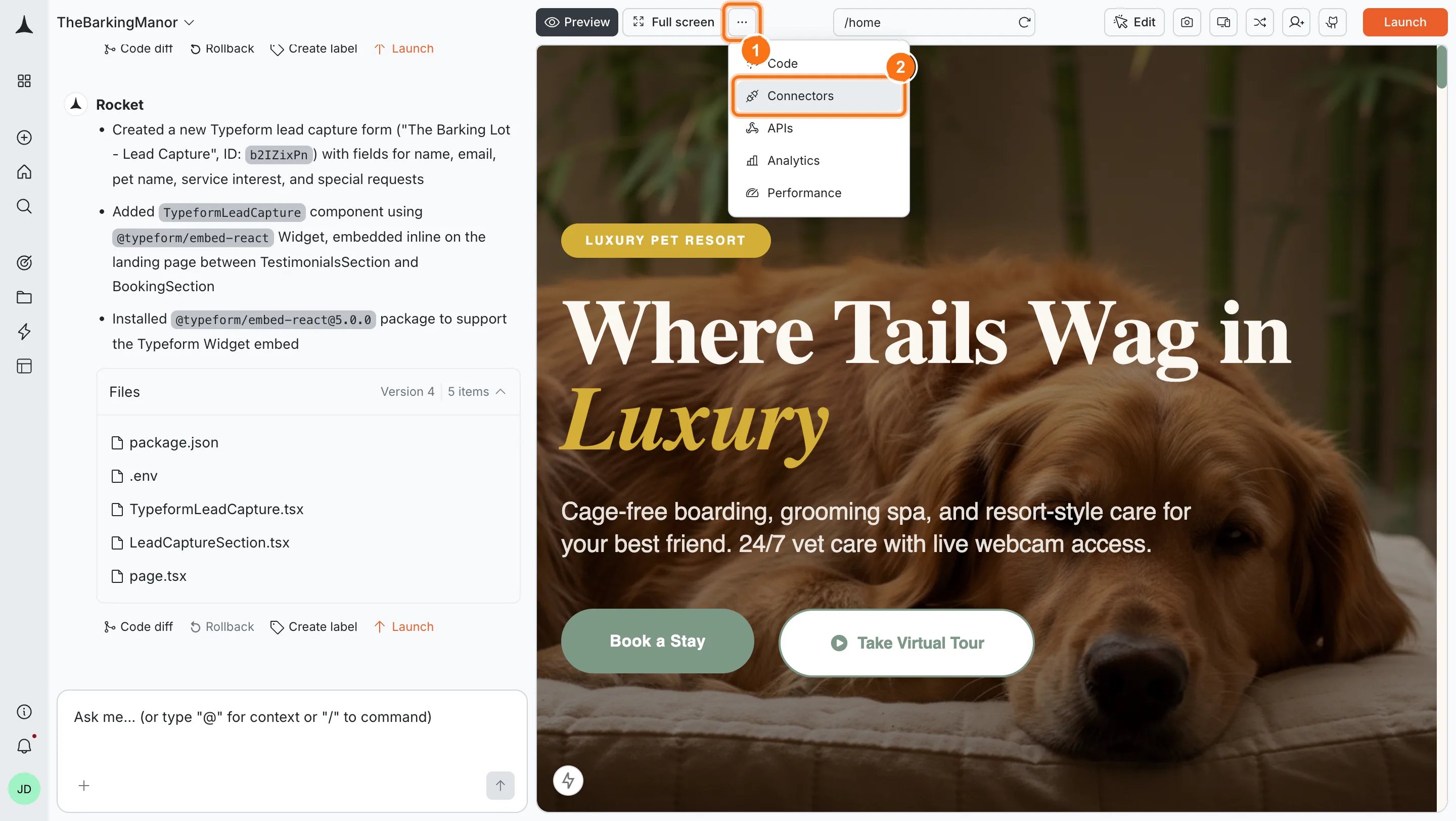
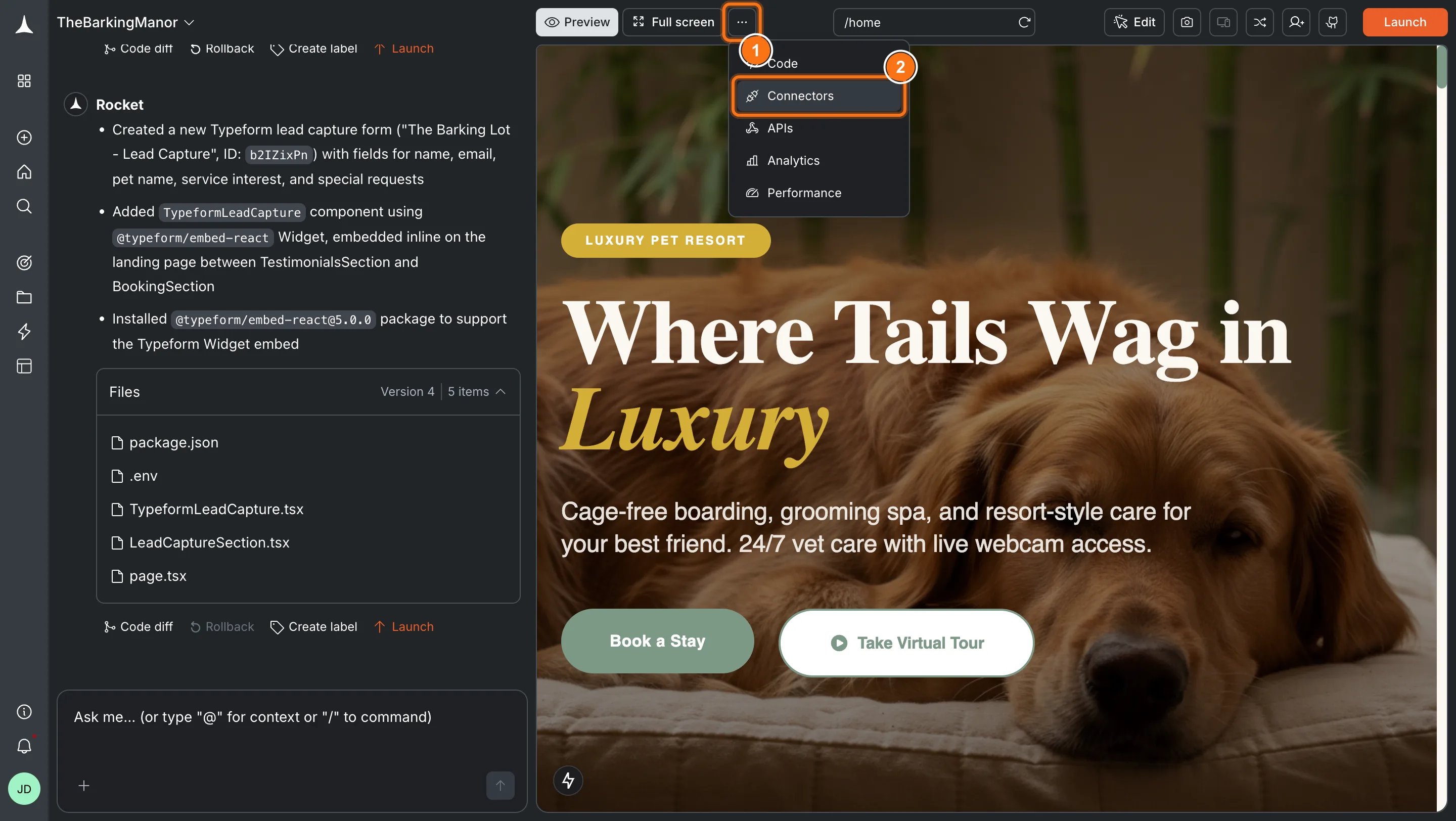
Option 2: From the Connectors tabClick the ... button in the preview toolbar, then select Connectors.
Open Connectors from the toolbar
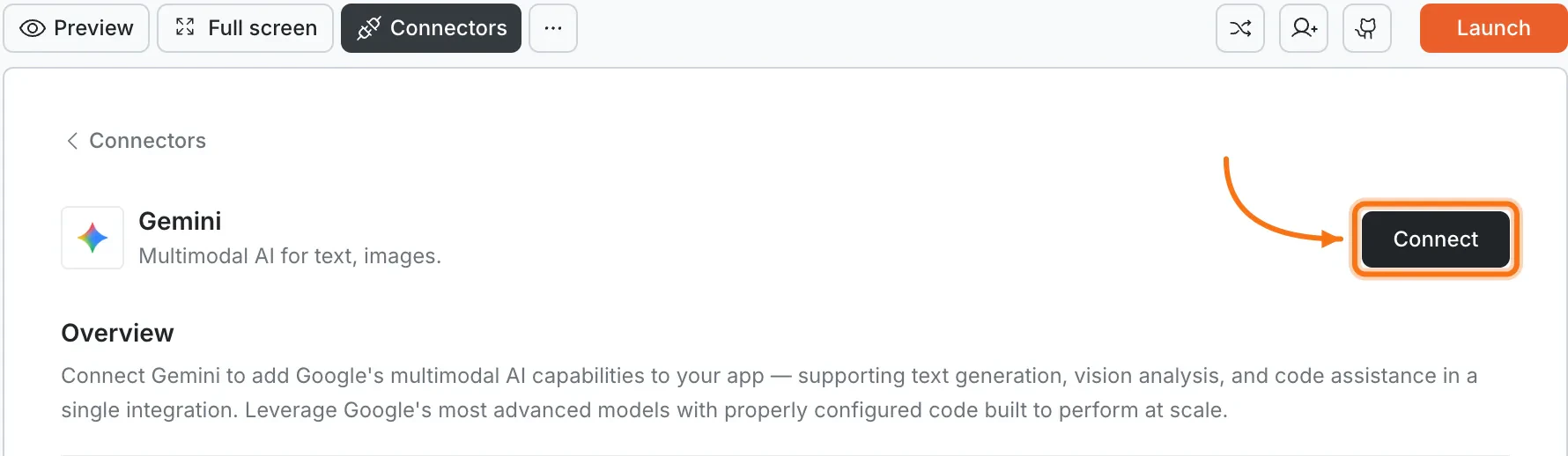
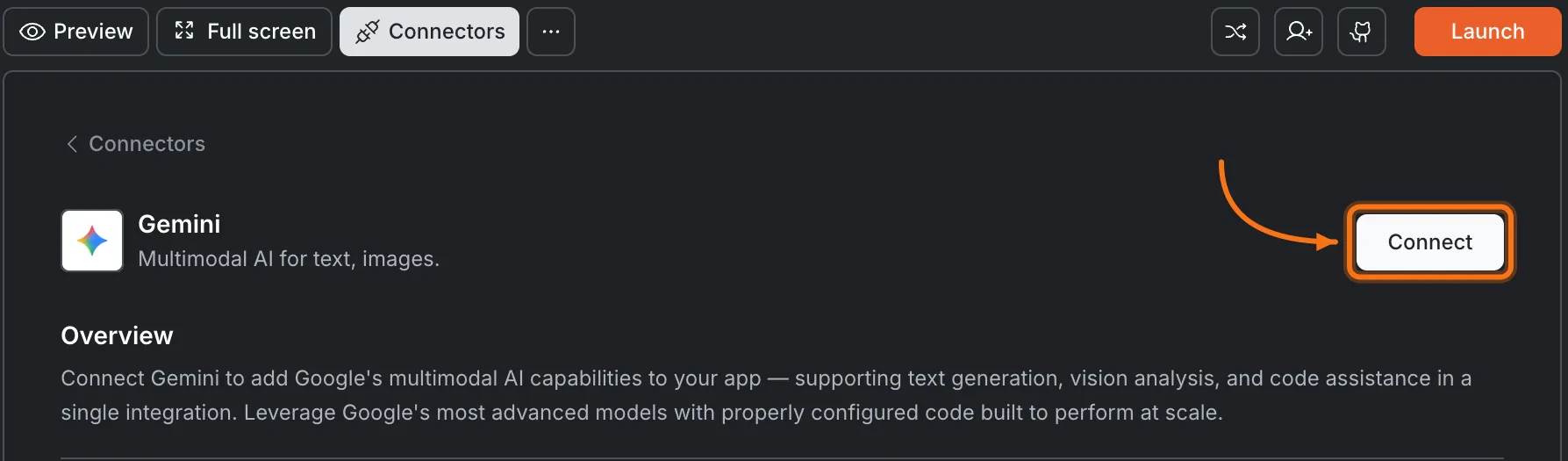
Click the Gemini card, then click Connect.
Gemini card in the Connectors panel
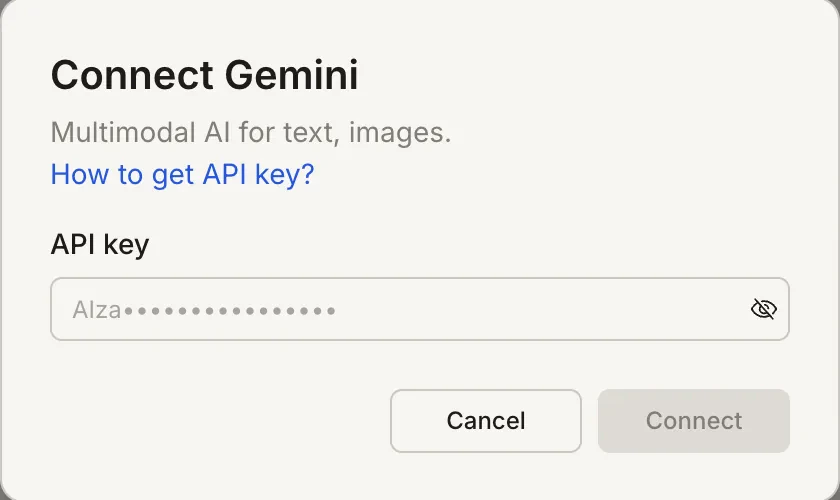
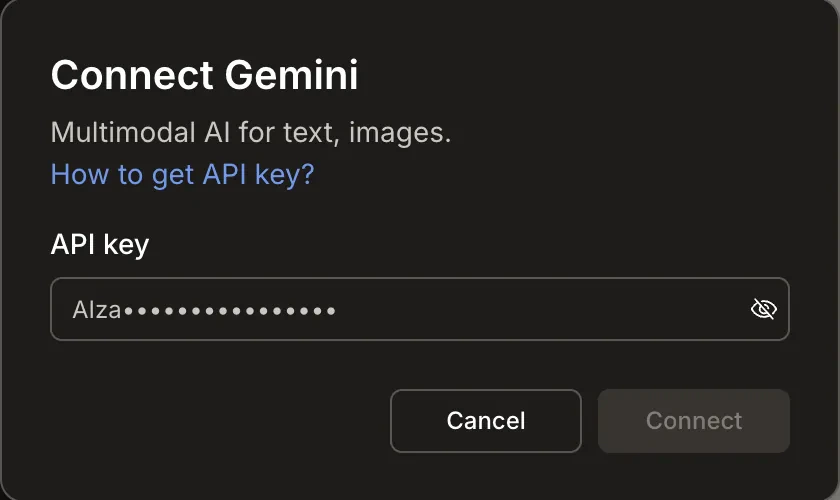
After clicking ConnectA popup opens. Paste your API key and click Connect.
Connect Gemini popup
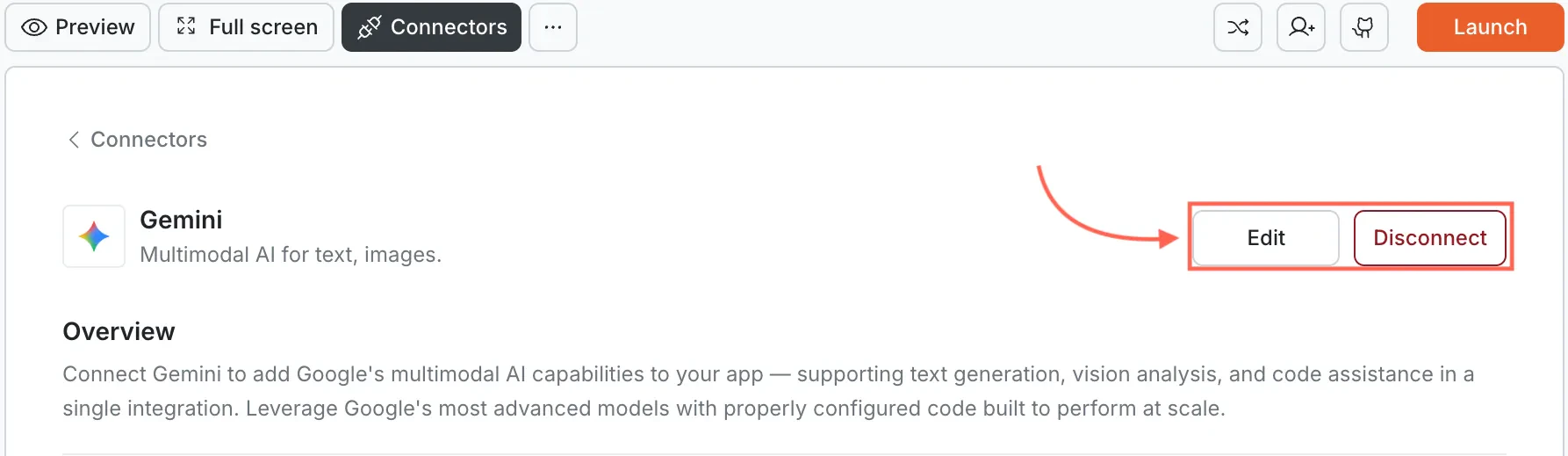
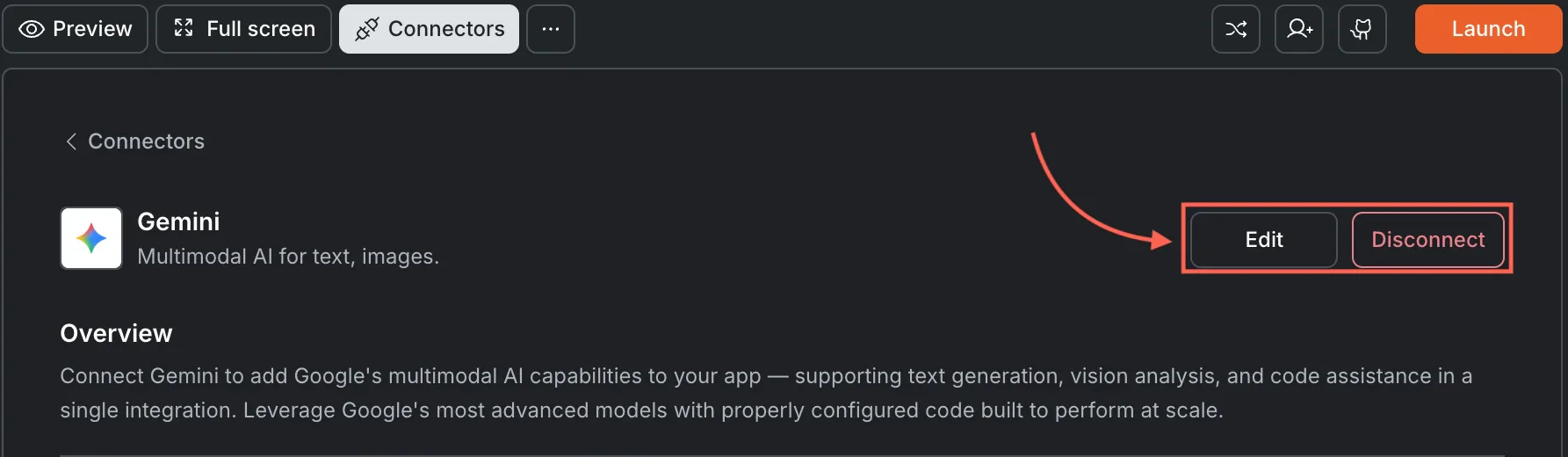
A green dot appears next to Gemini when the connection is active.Update or disconnectGo to Connectors > Gemini. Click Edit to update the key or Disconnect to remove the integration.
Edit and Disconnect options on a connected Gemini card
Open the task in the Rocket mobile app. Tap the More button in the header, then tap Connectors. Tap the Gemini card and enter your API key.
Best for multimodal tasks. If your app needs to understand images, screenshots, or documents alongside text, Gemini is the strongest choice among Rocket’s AI connectors.
Image size limits apply. Images passed inline must be under 20MB per request. For larger files, Rocket uses the Gemini Files API which supports up to 100MB.
API billing is separate from Rocket. Google charges based on token usage and input type. Image inputs consume more tokens than text. See Google AI pricing.
Key is scoped to this task. Each Rocket task connects to one Gemini API key.
Was this page helpful?
⌘I
Assistant
Responses are generated using AI and may contain mistakes.