Documentation Index

Fetch the complete documentation index at: https://docs.rocket.new/llms.txt

Use this file to discover all available pages before exploring further.

Connect your ElevenLabs API key and describe the voice feature you need in chat. Rocket generates the complete integration: text-to-speech components, voice selection, audio playback, and content management.
This connector is only available for Next.js TypeScript web build tasks.

What you can do

Text-to-speech

Convert any text into natural, lifelike speech with multiple voice options and language support.

Voice cloning

Clone a custom voice from audio samples and use it to generate speech unique to your brand or product.

Multilingual speech

Generate speech in multiple languages from a single voice, ideal for global apps and localized content.

Voiceover generation

Create voiceovers for videos, podcasts, courses, or product demos directly from your app.

Audio content management

Manage generated audio files, organize voice projects, and stream or download audio from your app.

Before you connect

You need an ElevenLabs API key.

Get your ElevenLabs API key from the dashboard
Key detailValue
Prefixsk_
Min length20 characters
Where to find itElevenLabs Settings > API Keys
Never paste your API key directly into chat. Always use the secure connector popup. If your key is exposed, rotate it immediately from the ElevenLabs dashboard.
ElevenLabs is a task-level connector. Each Rocket task connects to its own API key independently.

Connect ElevenLabs

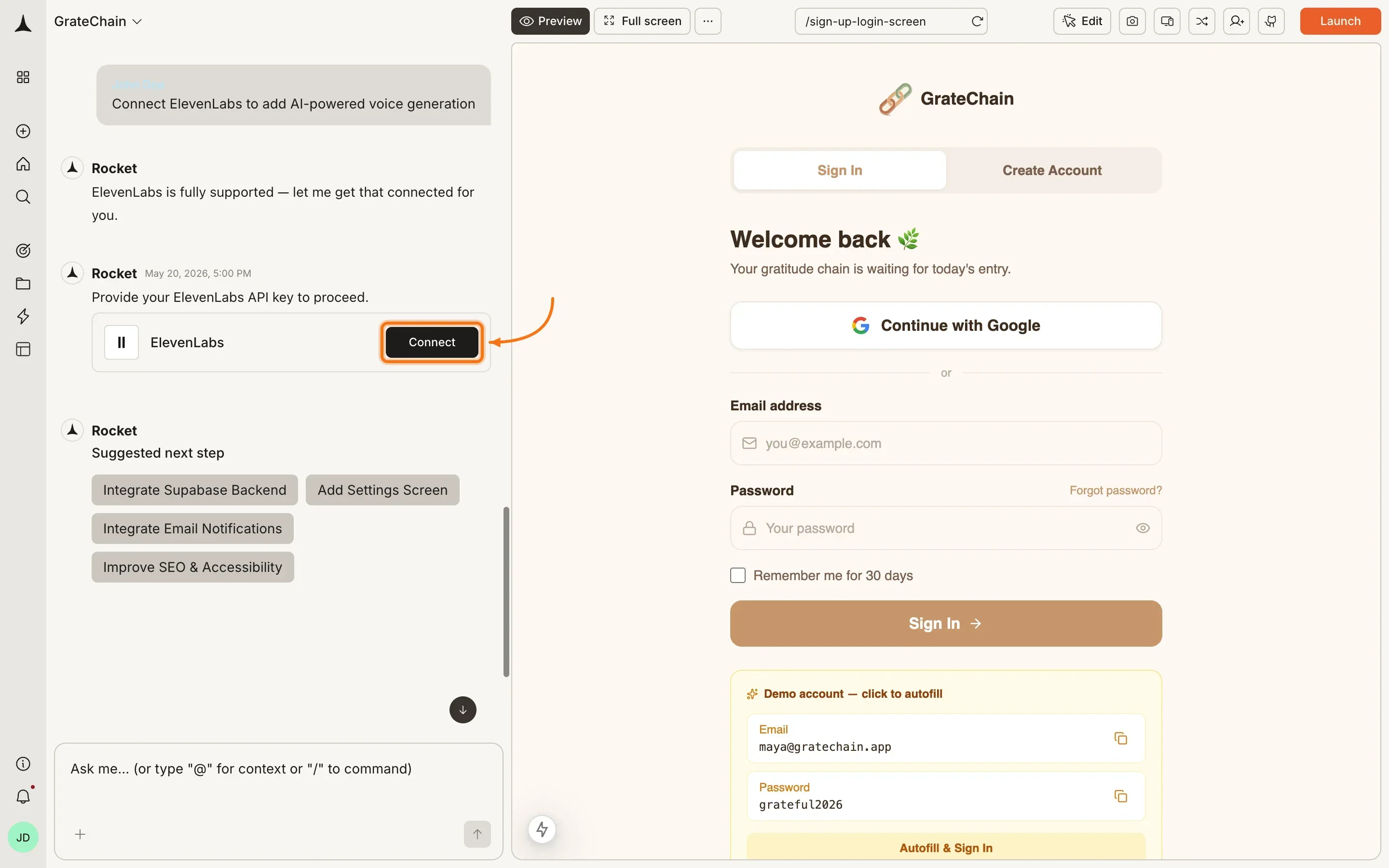
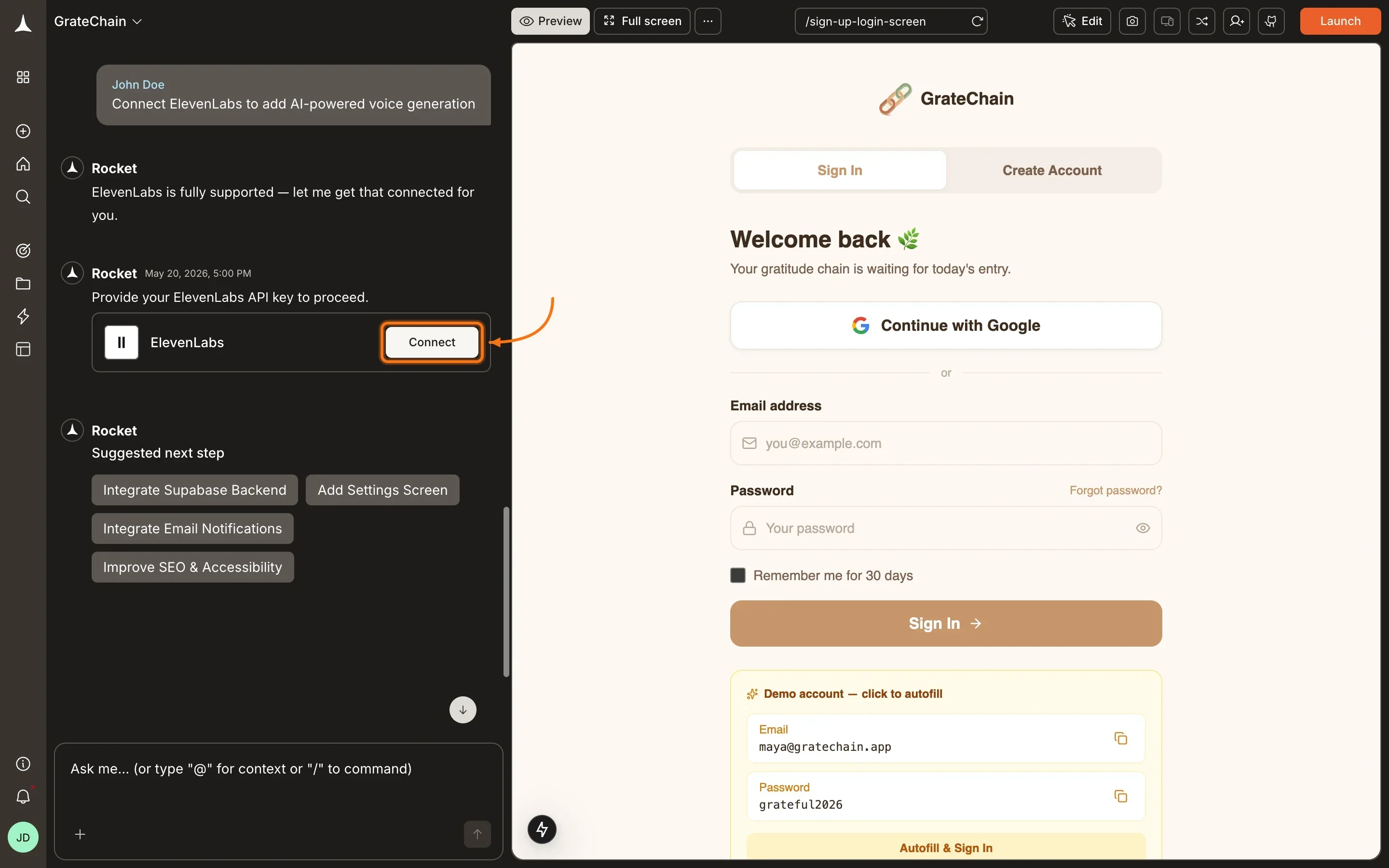
You can connect from two places - both open the same popup.Option 1: From chatType a prompt that mentions ElevenLabs or text-to-speech - for example, Connect ElevenLabs and add text-to-speech to my app. Rocket detects the intent and shows a Connect button inline. Click it and the popup opens.
ElevenLabs connection prompt in the Rocket chat panel.ElevenLabs connection prompt in the Rocket chat panel.
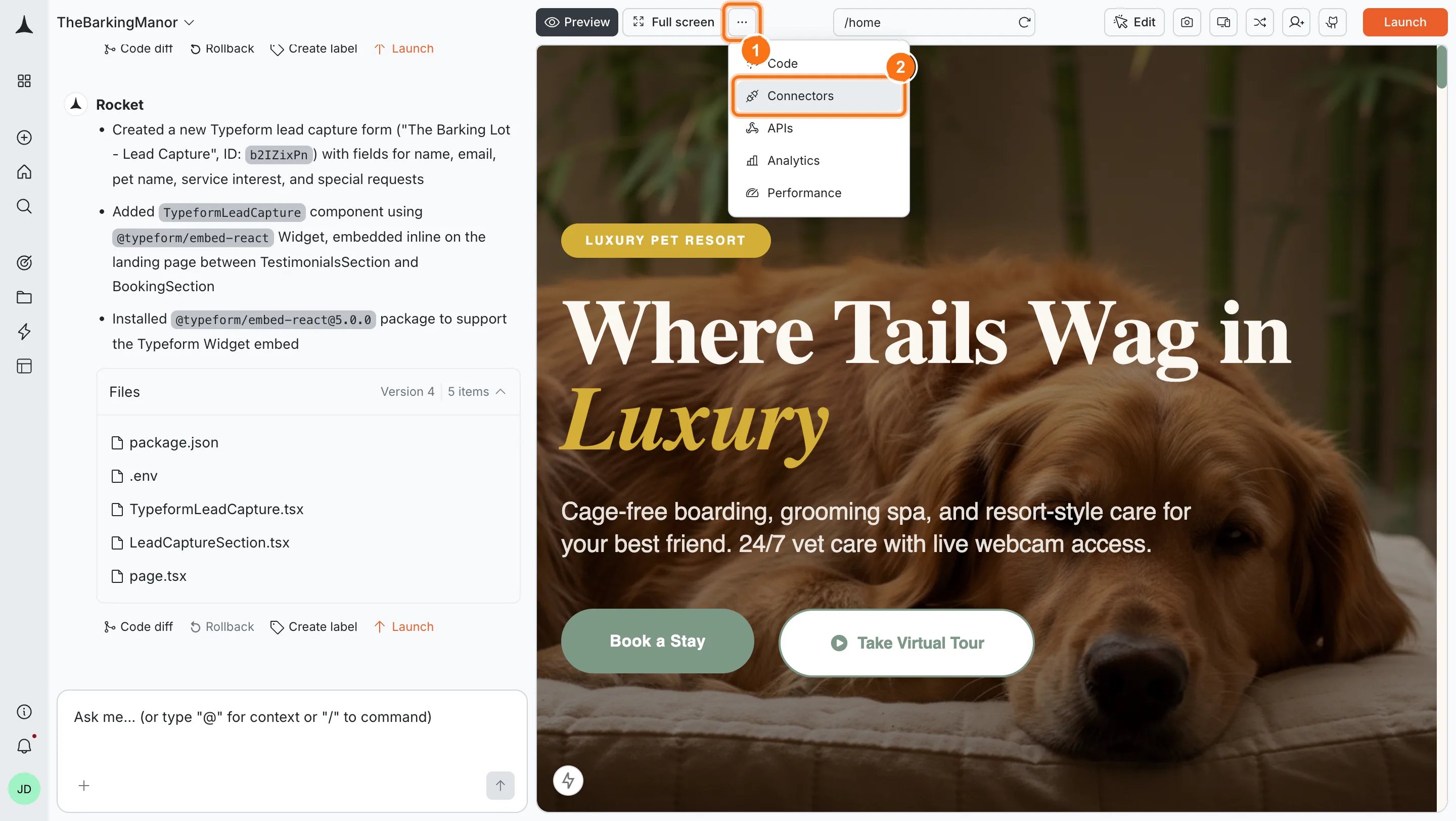
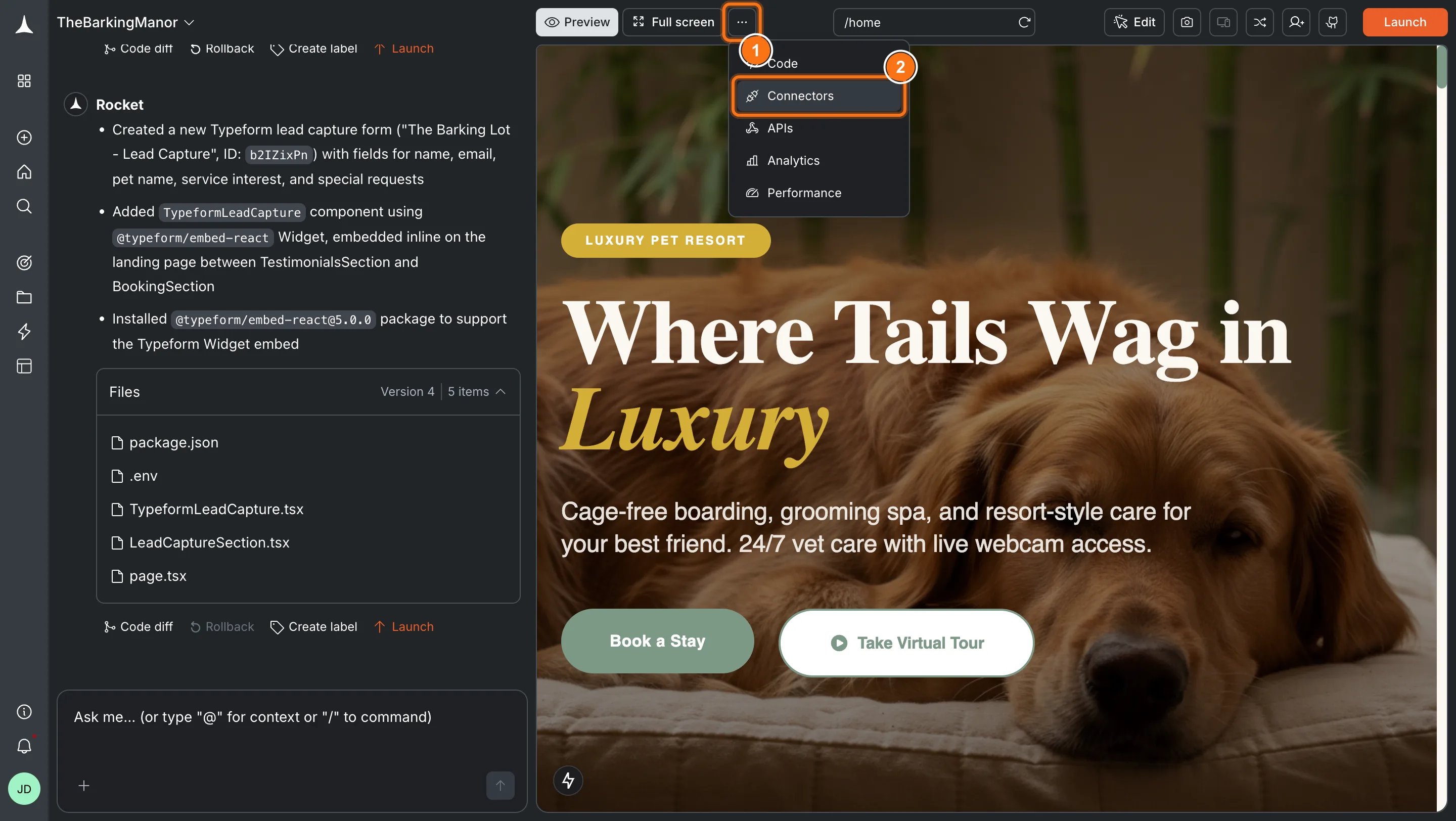
Option 2: From the Connectors tabClick the ... button in the preview toolbar, then select Connectors.
Toolbar dropdown with Connectors option highlighted.Toolbar dropdown with Connectors option highlighted.
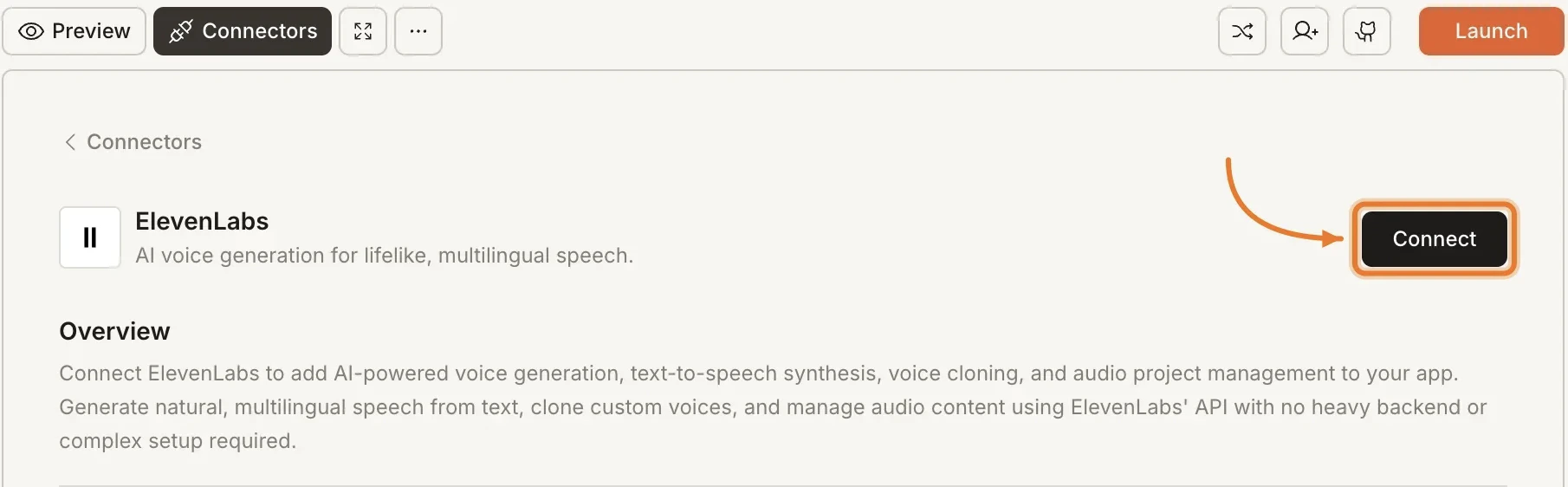
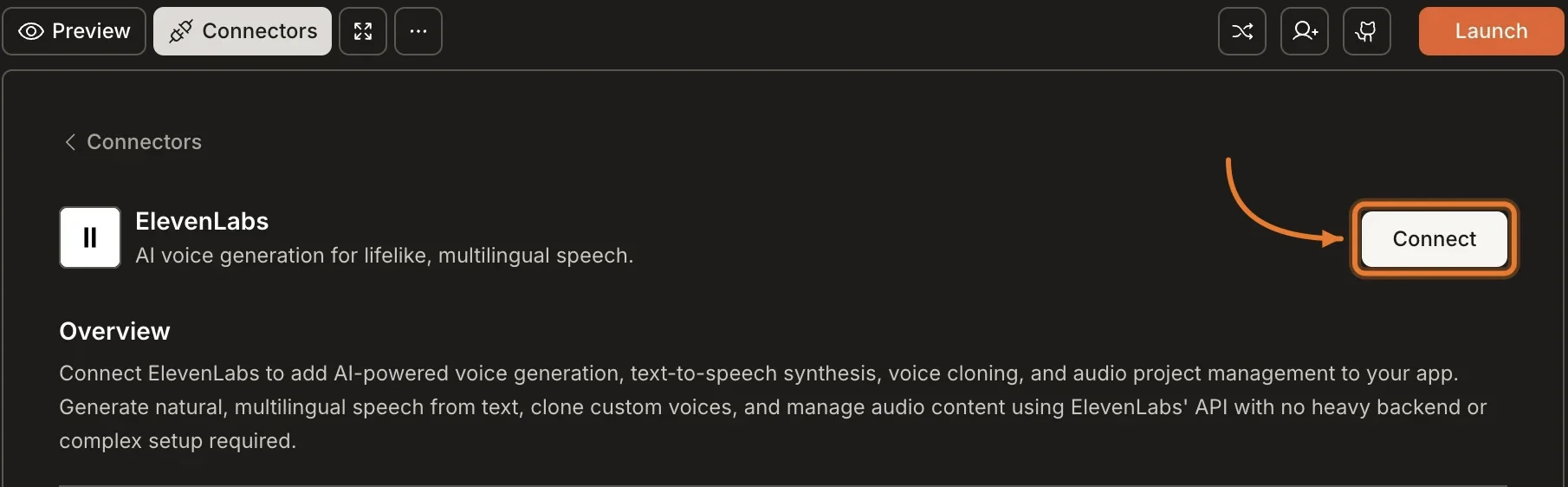
Click the ElevenLabs card, then click Connect.
Connectors panel showing the ElevenLabs card with a Connect button.Connectors panel showing the ElevenLabs card with a Connect button.
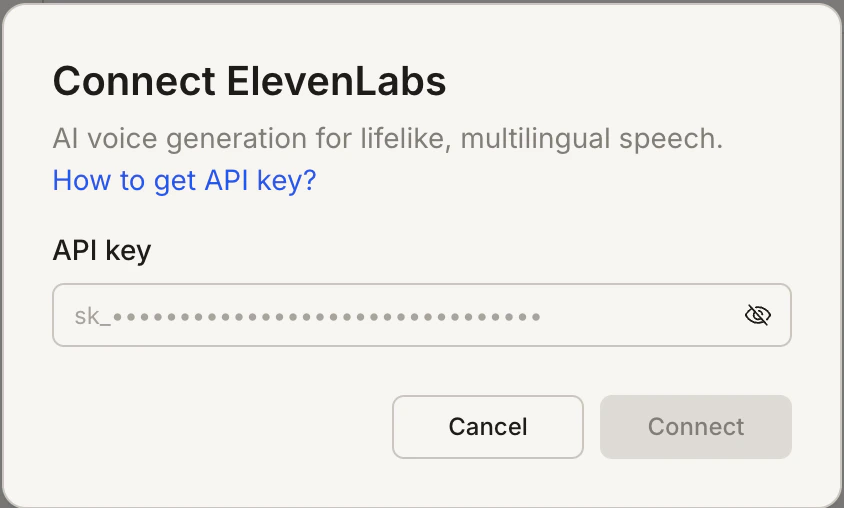
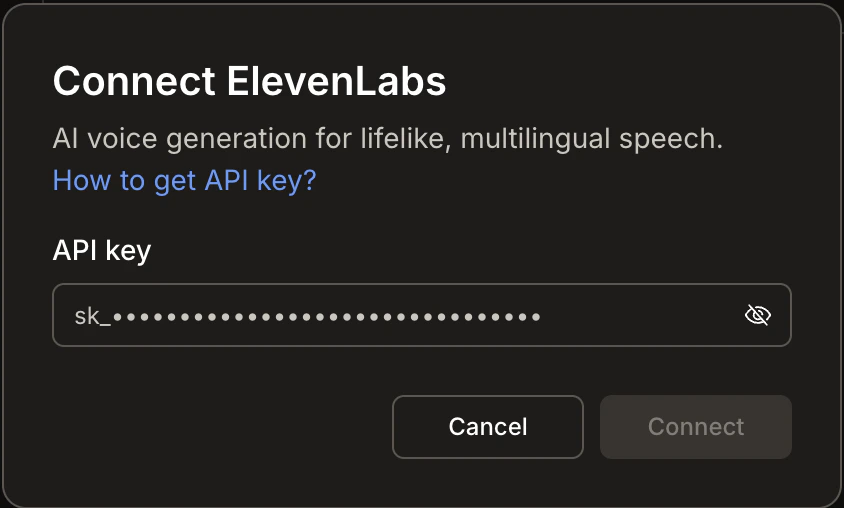
After clicking ConnectA popup opens. Paste your API key and click Connect.
Connect ElevenLabs popup with an API key input field.Connect ElevenLabs popup with an API key input field.
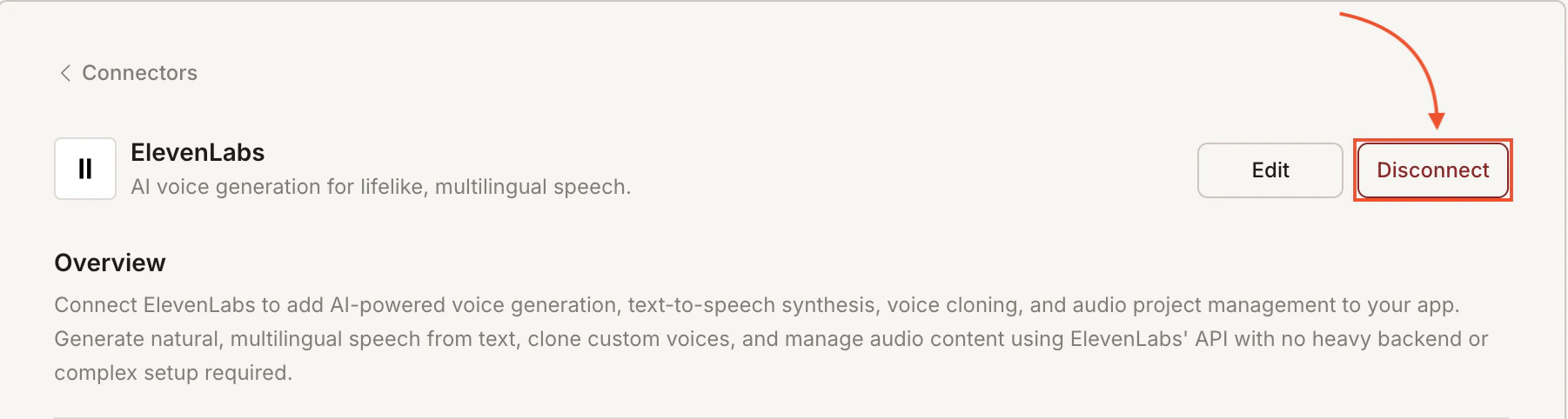
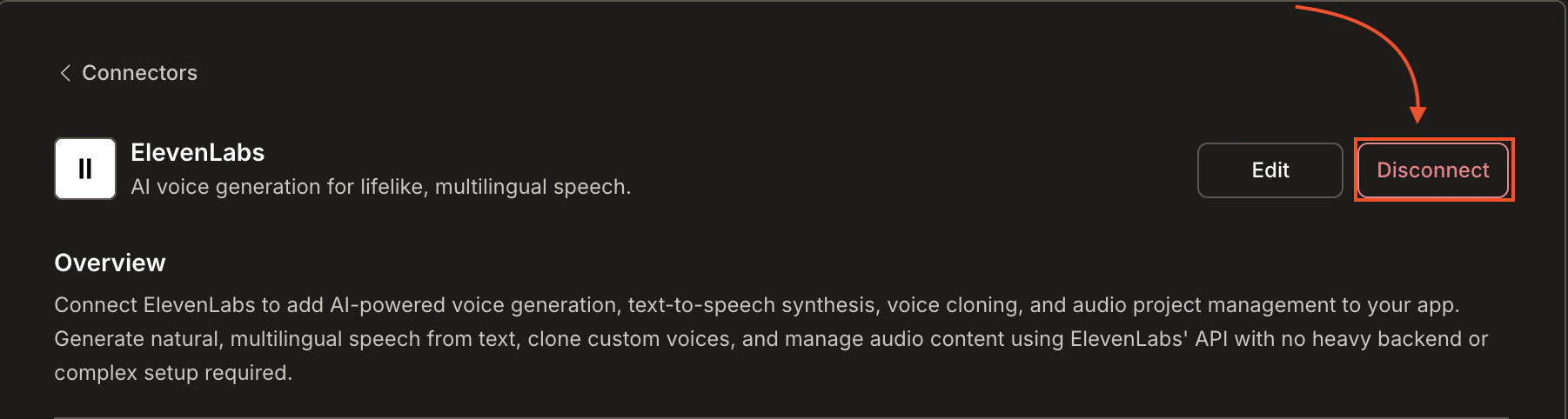
A green dot appears next to ElevenLabs when the connection is active.Update or disconnectGo to Connectors > ElevenLabs. Click Edit to update the key or Disconnect to remove the integration.
ElevenLabs card showing Edit and Disconnect buttons.ElevenLabs card showing Edit and Disconnect buttons.

Example prompts

What you wantPrompt to use
Text-to-speech pageAdd a text-to-speech feature where users type text and hear it spoken aloud using ElevenLabs.
Voice selectorBuild a voice selection page that lets users preview different ElevenLabs voices before generating speech.
Voiceover toolCreate a voiceover generator where users paste a script and download the audio file using ElevenLabs.
Multilingual narrationAdd multilingual narration to my app. Let users pick a language and generate speech from their text with ElevenLabs.
Audio content libraryBuild an audio content library where users generate, store, and replay voice clips using ElevenLabs.
Podcast intro generatorGenerate podcast intro audio from a text script using ElevenLabs and let users download it as MP3.
Accessibility readerAdd a "Read aloud" button to each article that uses ElevenLabs to read the content to the user.
Custom voice setupLet users upload a voice sample to clone their voice with ElevenLabs, then use it for all generated audio.

Tips

  • API billing is separate. ElevenLabs charges based on character usage. Monitor your quota in the ElevenLabs dashboard.
  • Start with pre-made voices. ElevenLabs offers a library of ready-to-use voices. Use them to prototype before investing in voice cloning.
  • Character limits apply. Each plan has a monthly character allowance. Keep generated audio concise and cache results where possible.
  • Voice cloning requires samples. To clone a voice, you need at least one minute of clean audio. Higher quality samples produce better results.
  • One API key per task. Each Rocket task connects to one ElevenLabs API key independently.

What’s next?

OpenAI

Combine ElevenLabs speech with GPT-generated scripts for fully automated audio content.

Anthropic

Use Claude to write long-form narration scripts, then voice them with ElevenLabs.

Supabase

Store generated audio files and user voice preferences in Supabase.

All connectors

Browse every available integration.