Add Claude to your Rocket.new app through Anthropic to power chatbots, long-document analysis, content moderation, and summarization workflows.
Connect your Anthropic API key and describe the AI feature you need in chat. Rocket wires up Claude for chatbots, document analyzers, coding assistants, and more.
Get your Anthropic API key from the Anthropic Console.
Never paste your API key directly into chat. Always use the secure connector popup. If your key is exposed, rotate it immediately from the Anthropic Console.
Anthropic is a task-level connector. Each Rocket task connects to its own API key independently.
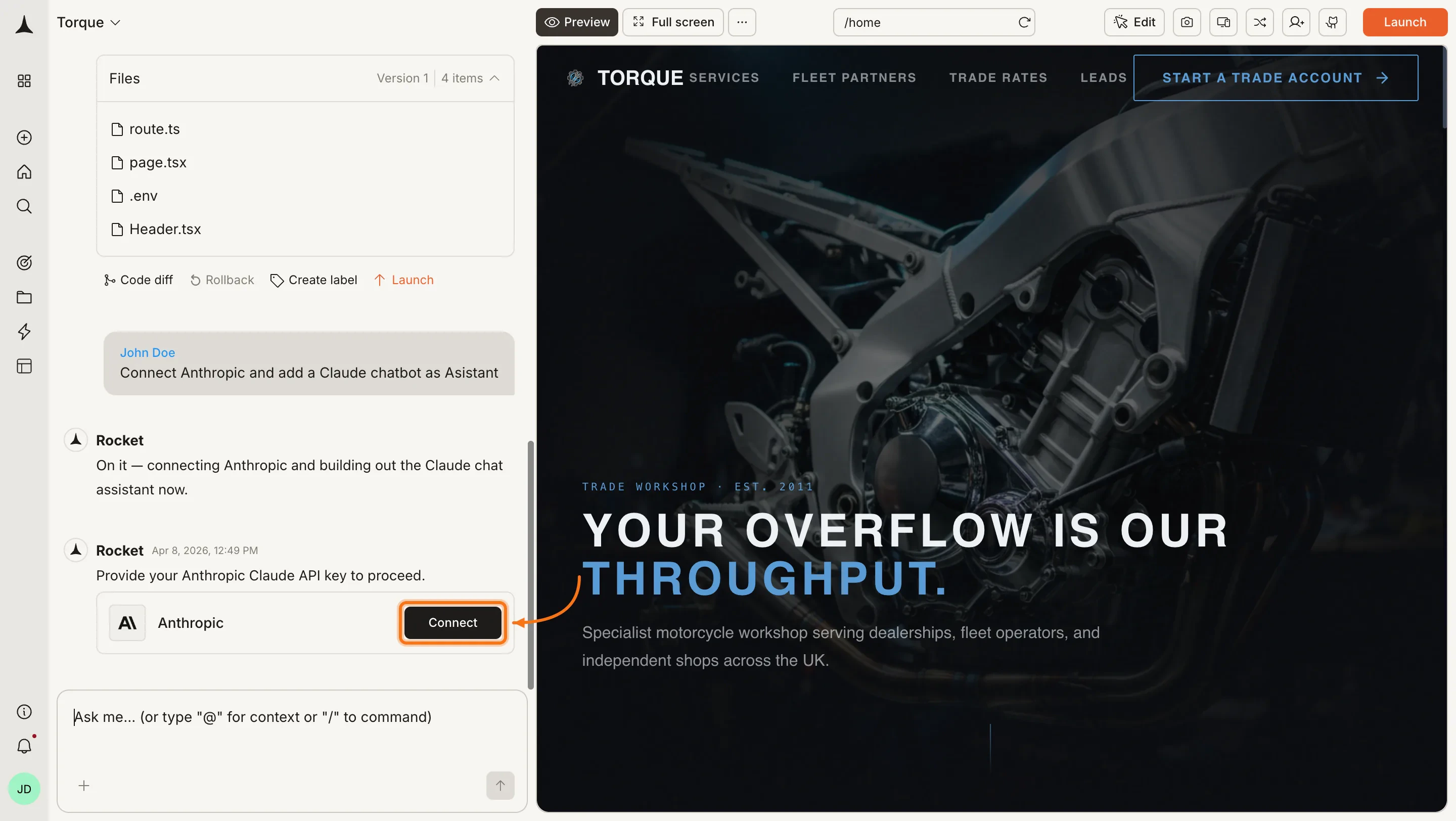
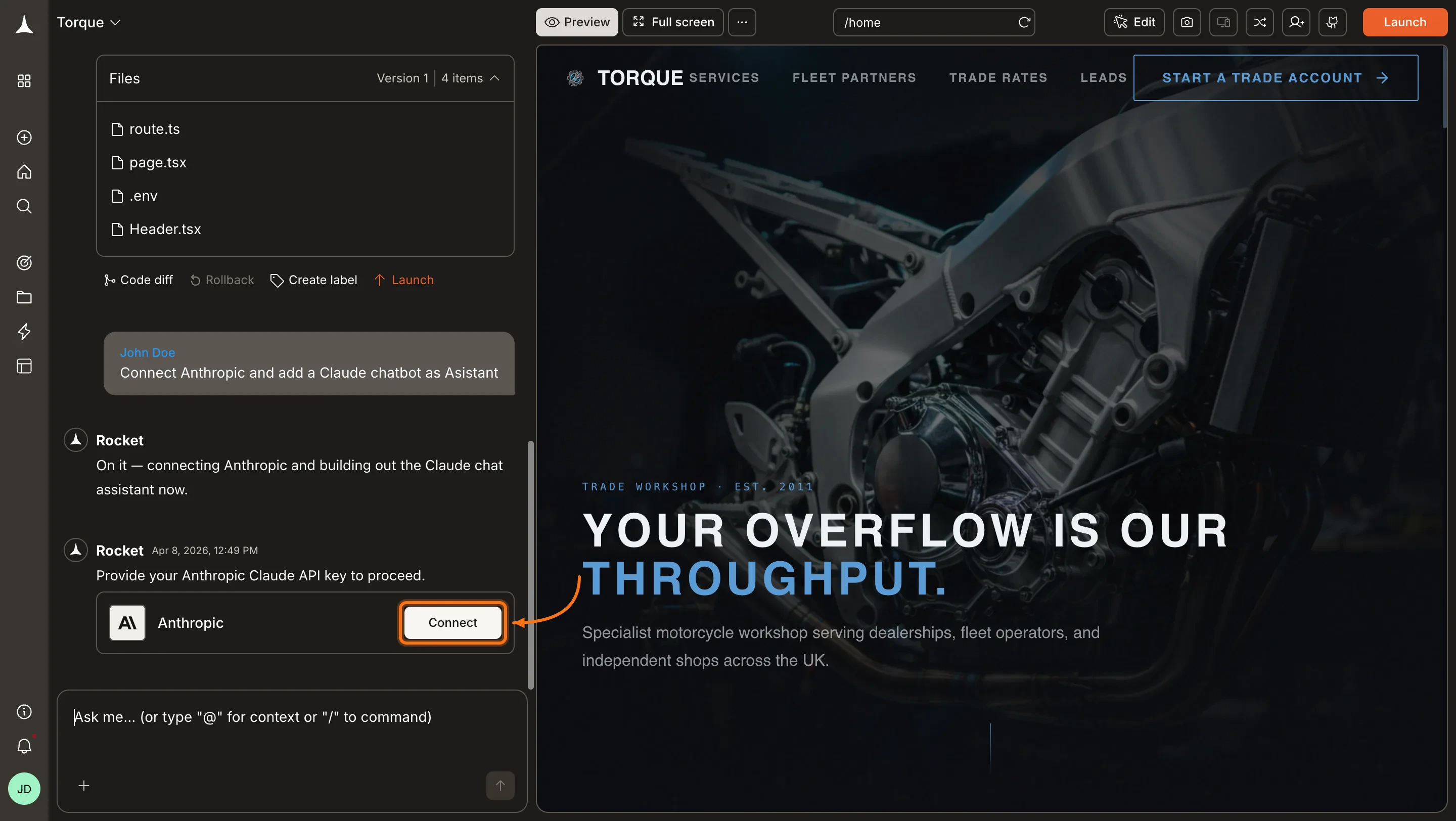
You can connect from two places. Both open the same popup.Option 1: From chatType a prompt that mentions Anthropic or Claude, for example Connect Anthropic and add a Claude chatbot to my app. Rocket detects the intent and shows a Connect button inline. Click it and the popup opens.
Anthropic connection prompt in chat
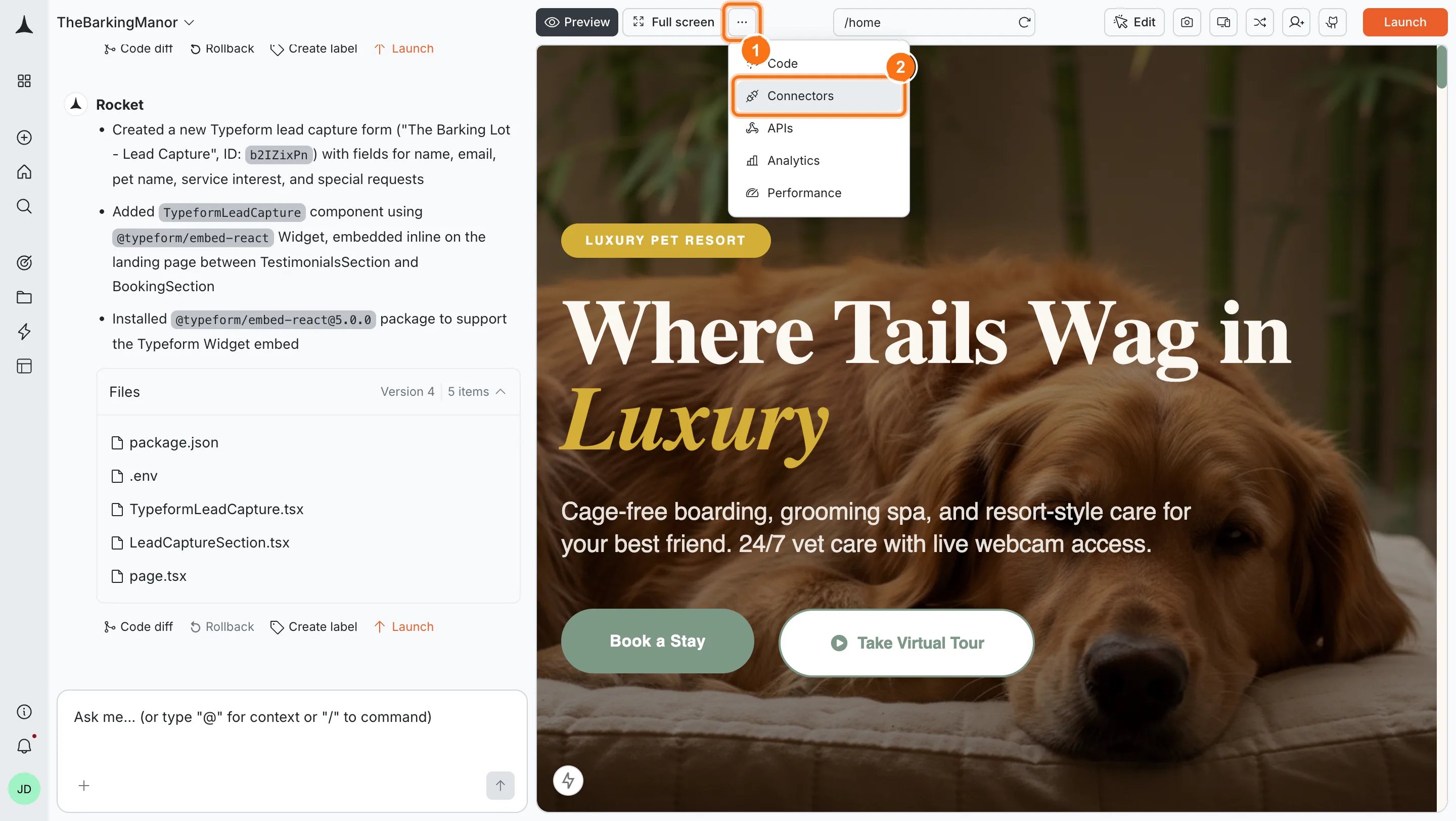
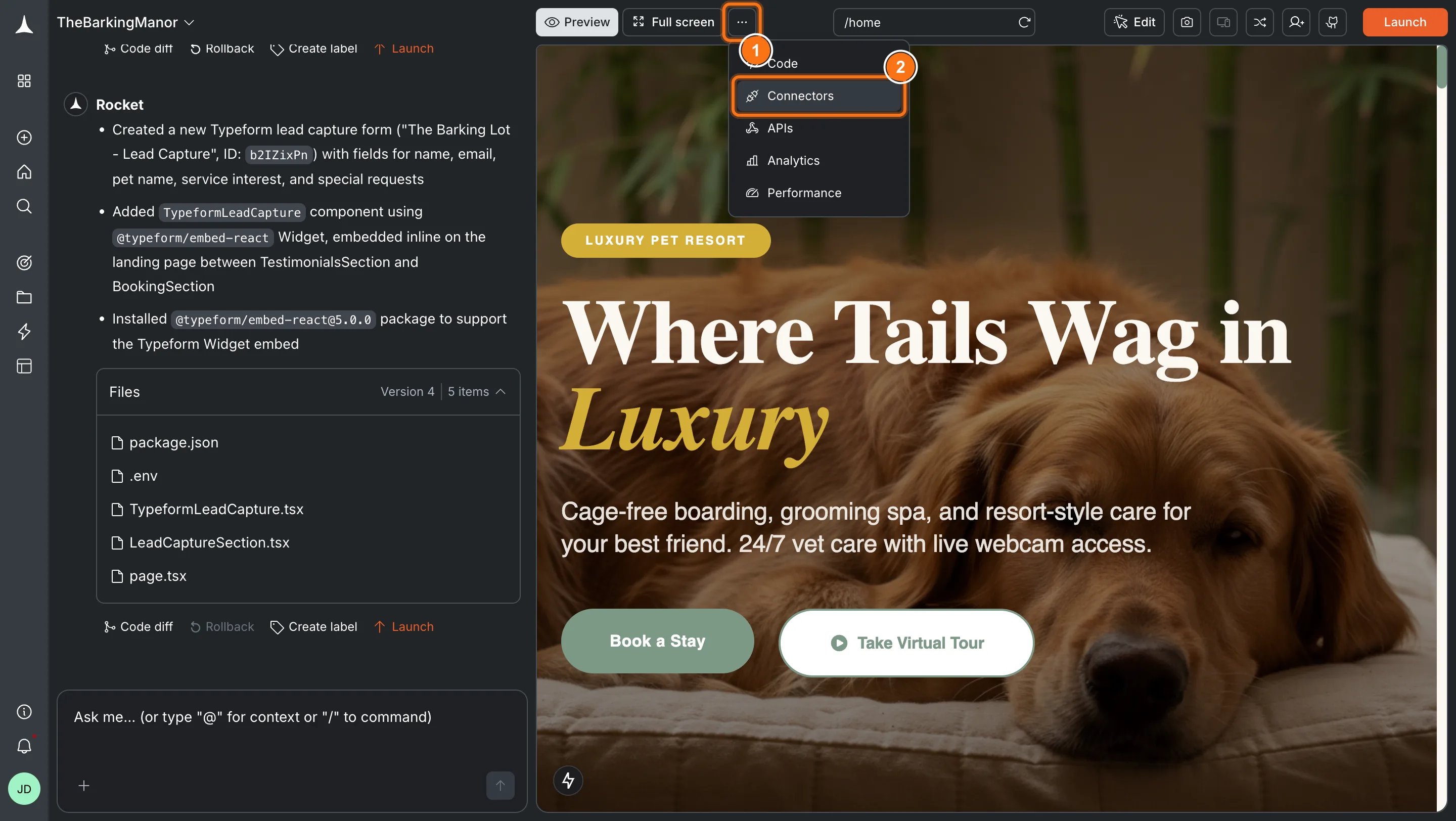
Option 2: From the Connectors tabClick the ... button in the preview toolbar, then select Connectors.
Open Connectors from the toolbar
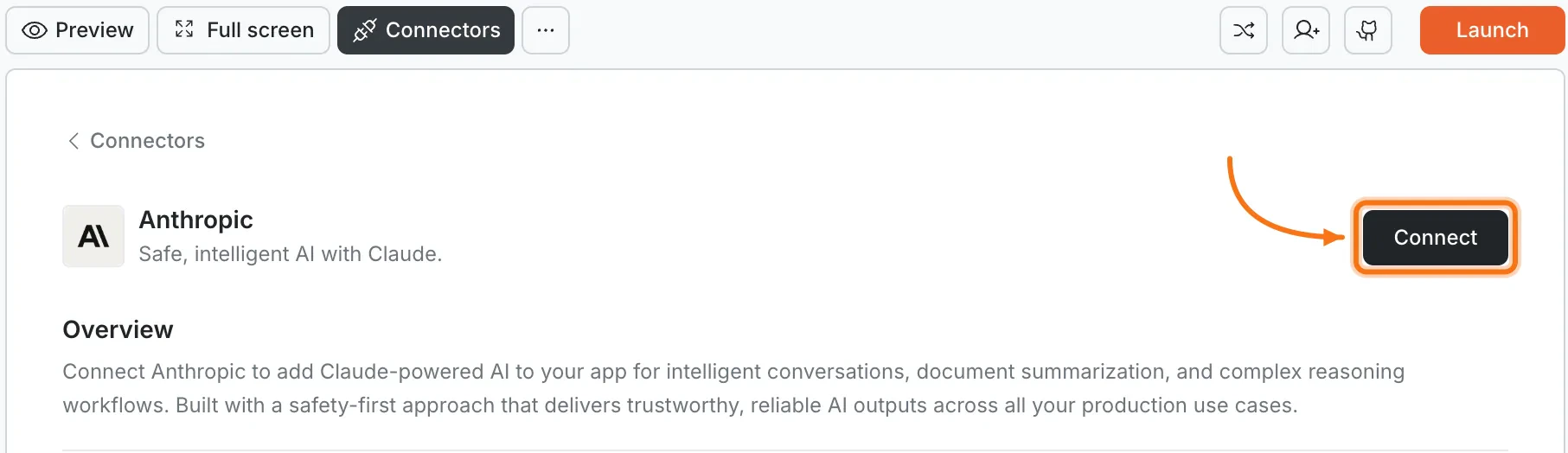
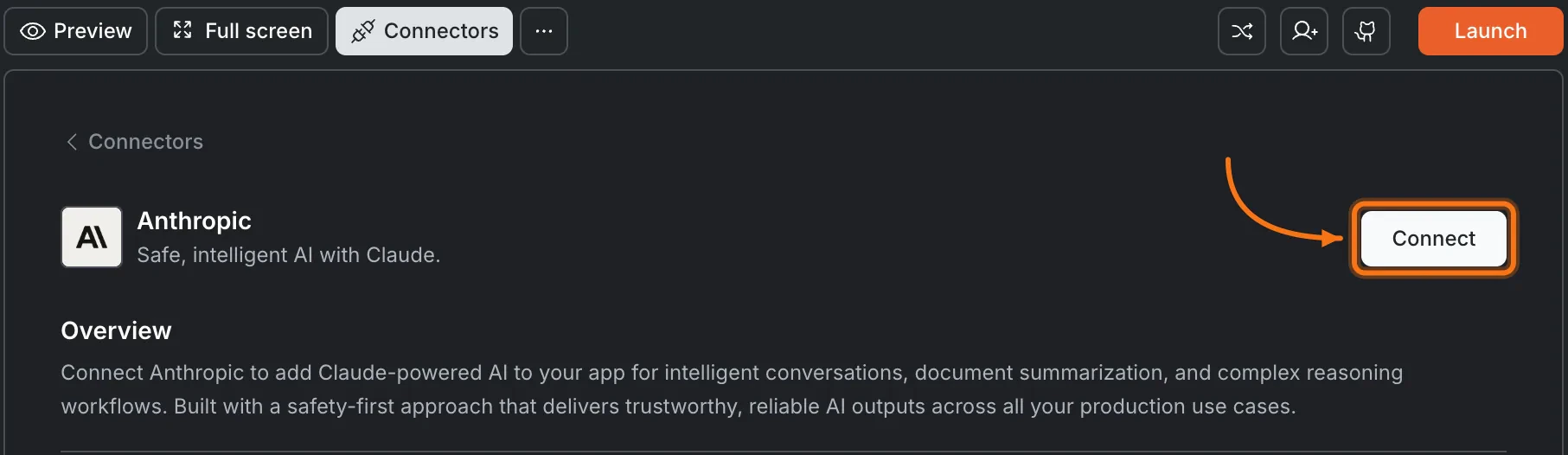
Click the Anthropic card, then click Connect.
Anthropic card in the Connectors panel
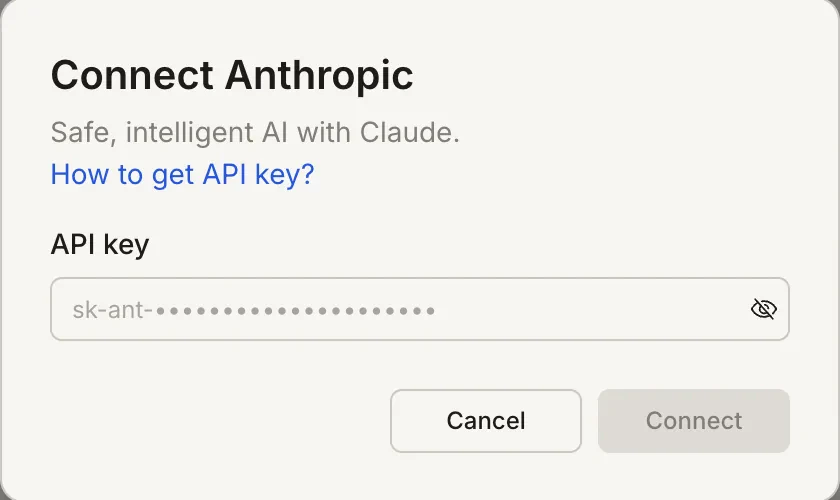
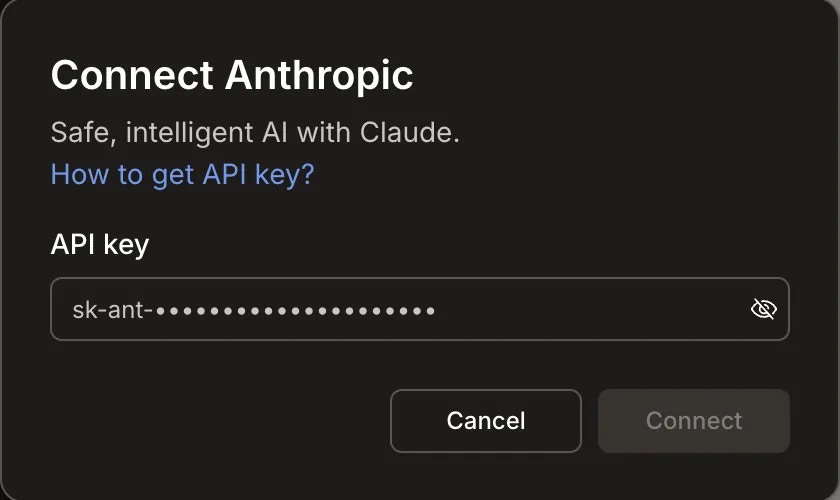
After clicking ConnectA popup opens. Paste your API key and click Connect.
Connect Anthropic popup
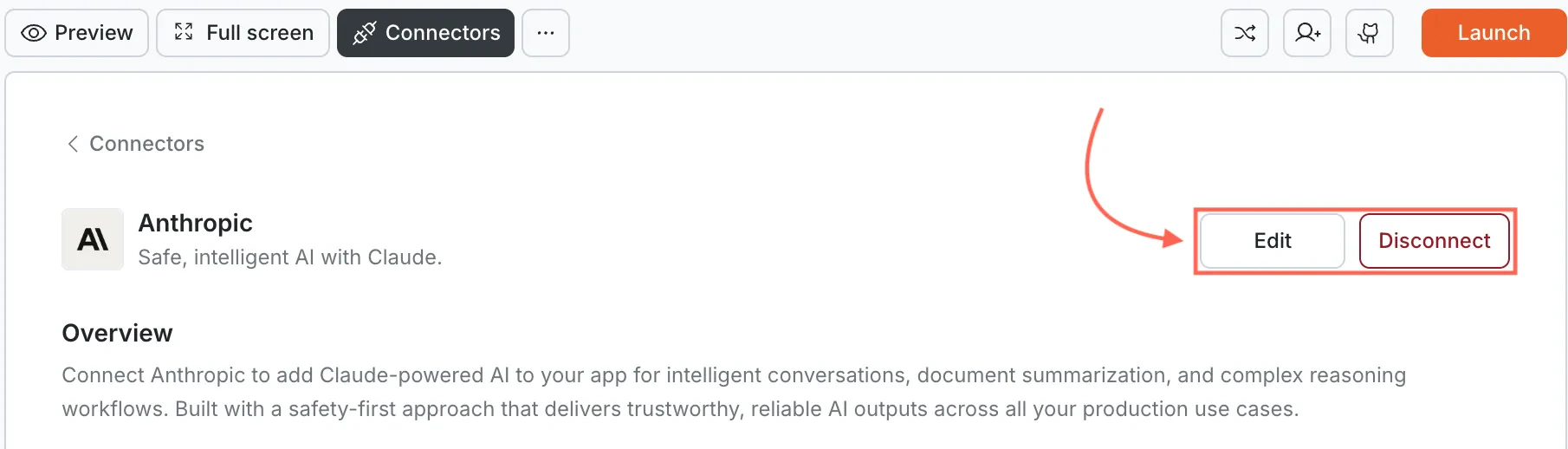
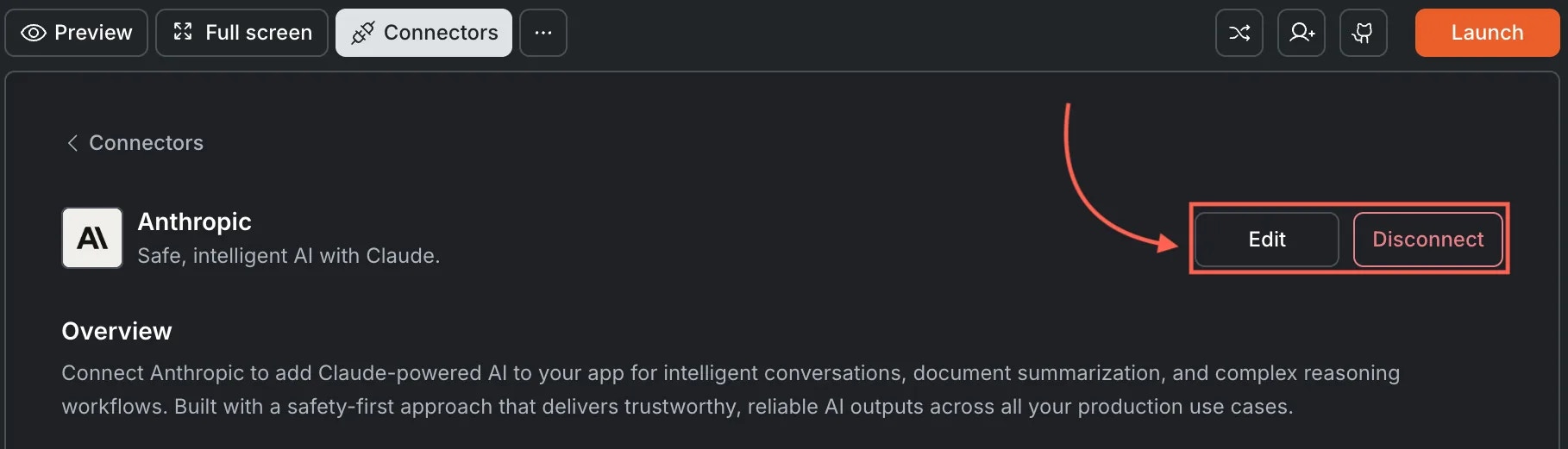
A green dot appears next to Anthropic when the connection is active.Update or disconnectGo to Connectors > Anthropic. Click Edit to update the key or Disconnect to remove the integration.
Edit and Disconnect options on a connected Anthropic card
You can connect from two places. Both open the same popup.Option 1: From chatType a prompt that mentions Anthropic or Claude. Rocket detects the intent, shows a Connect button, and the popup opens when you tap it.Option 2: From the Connectors tab
Tap the More button in the header.
Tap Integrations.
Tap the Anthropic card, then tap Connect.
After tapping ConnectA popup opens. Paste your API key and tap Done.A green dot appears next to Anthropic when the connection is active.Update or disconnectGo back to the Anthropic card in Integrations. Tap Edit to update the key or Disconnect to remove it from this task.
Claude excels at nuanced, careful tasks. For content requiring sensitivity, reasoning, or safety, Claude often outperforms other models. Compare results with OpenAI to find the best fit.
Token usage affects your bill. Long documents and multi-turn conversations consume more tokens. Monitor usage in the Anthropic Console.
API billing is separate from Rocket. Anthropic charges based on token usage. Check their pricing page for current rates.
Claude works with the context you provide. By default, Claude does not fetch live data or search the web within Rocket. For real-time search, pair it with the Perplexity integration.
One API key per task. Each Rocket task connects to one Anthropic API key independently.