Add Supabase to Rocket.new to scaffold a complete backend with Postgres database, user authentication, file storage, and edge functions from chat.
Tell Rocket what your app needs in chat - user accounts, a database, file uploads - and it generates the complete backend implementation.Supabase bundles PostgreSQL, auth, file storage, and edge functions into a single service. It is the foundational backend for most Rocket apps and pairs naturally with Stripe, Resend, and SendGrid.
Supabase is a workspace-level connector. No matter where you connect it (Settings, Connectors tab, or chat), it links to your entire Rocket workspace and is available across all tasks.
Web Browser
Mobile App
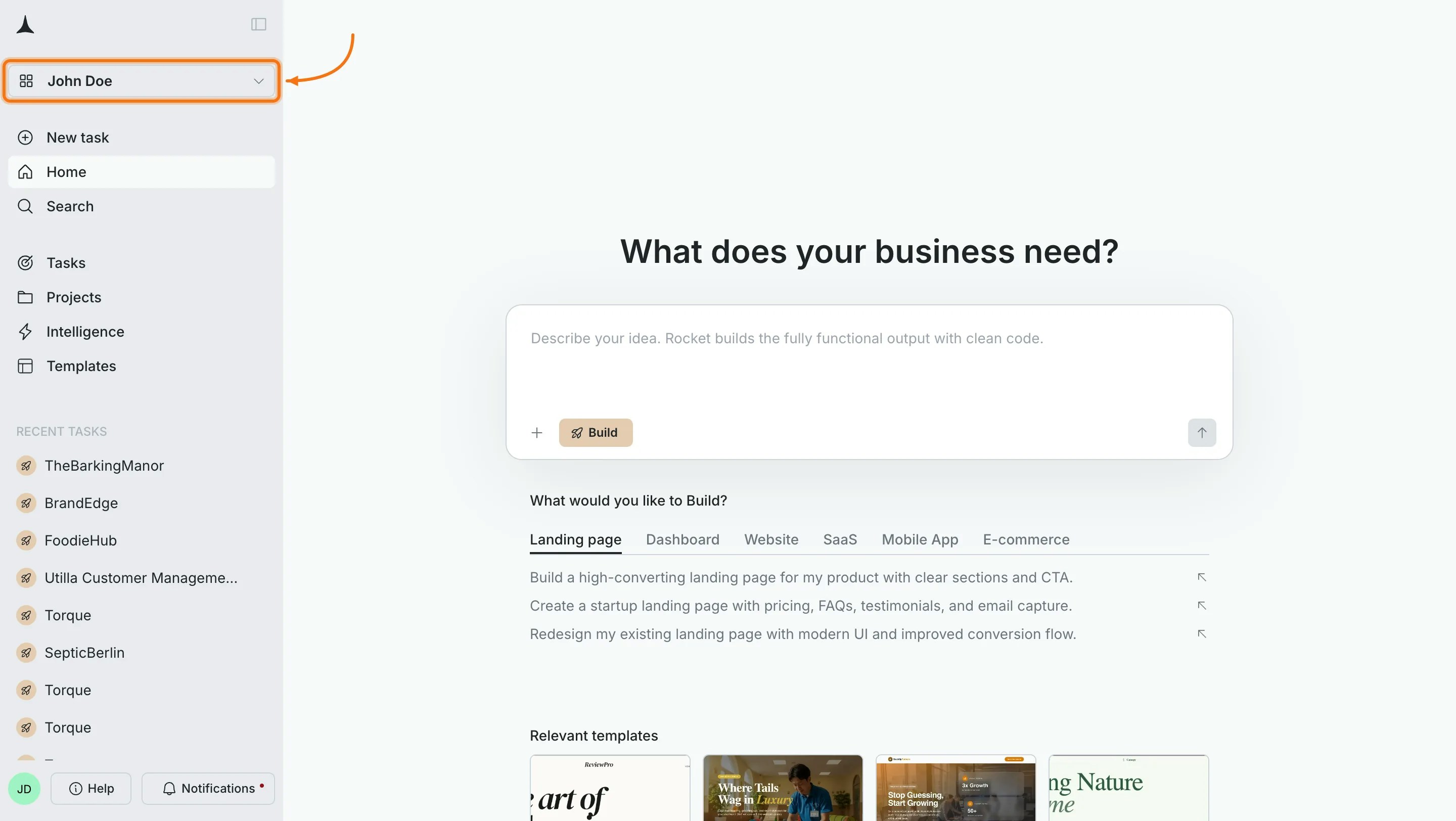
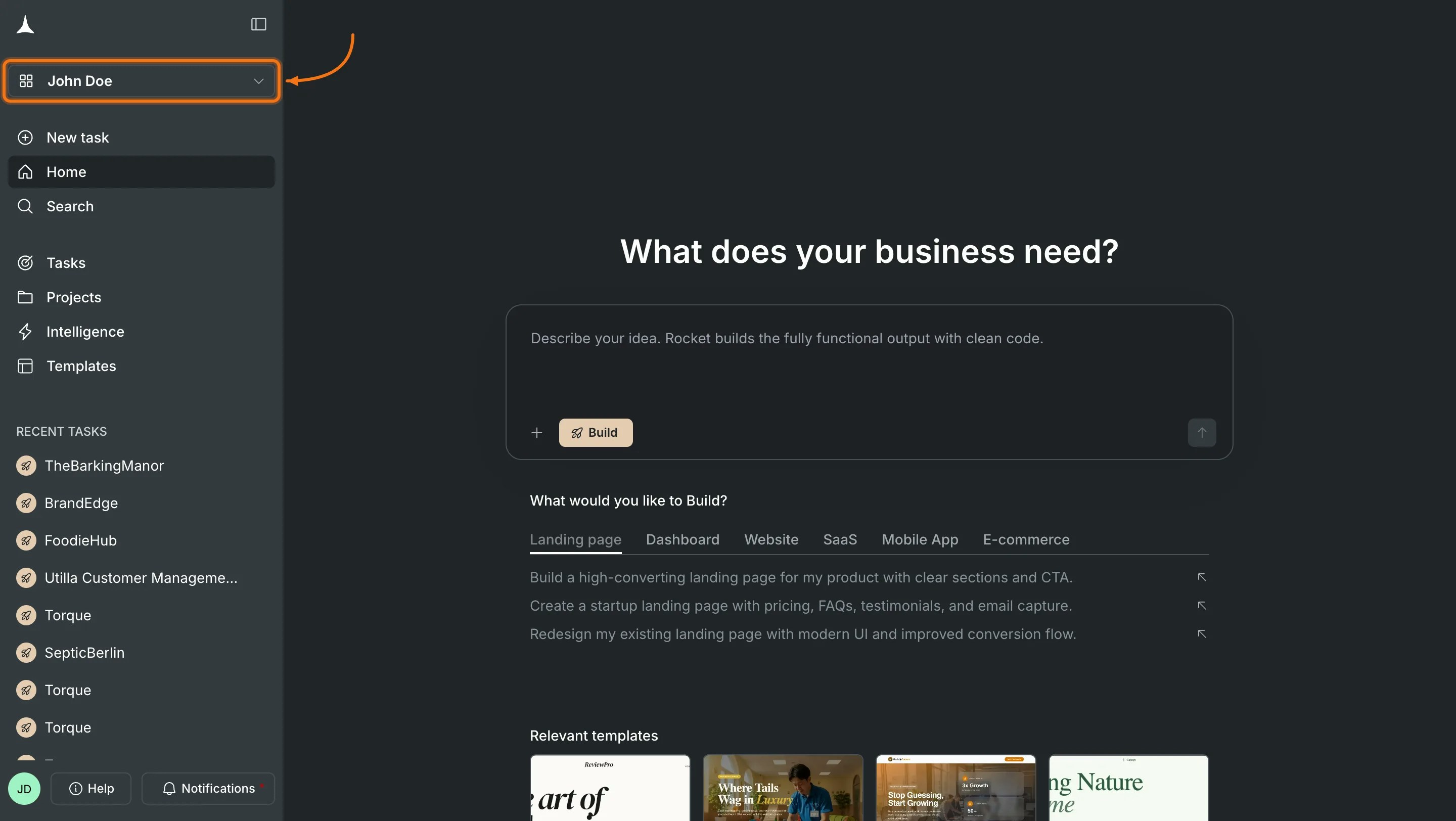
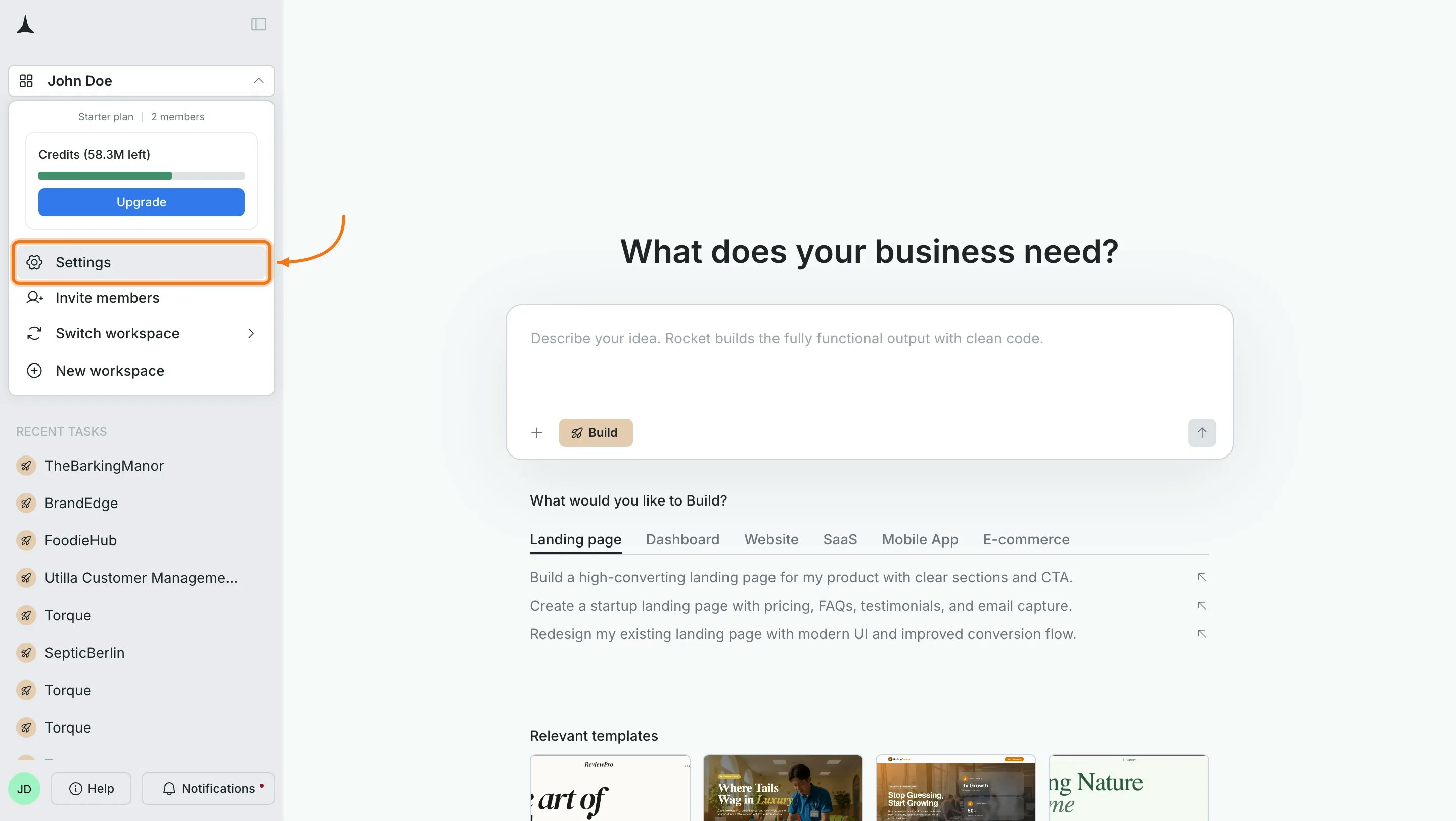
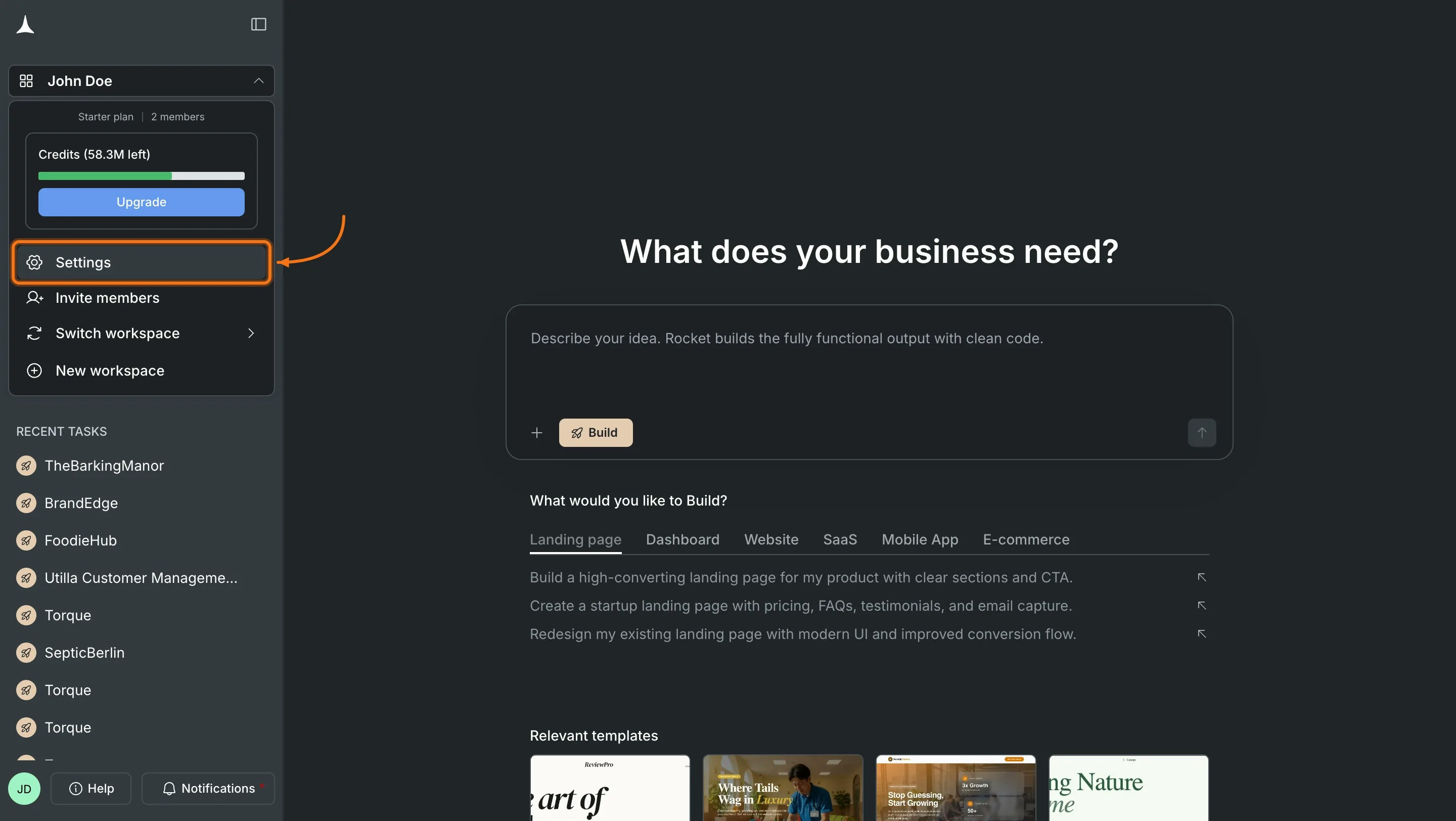
You can connect from three places - all do the same thing.Option 1: From workspace SettingsClick your profile in the top-left, then select Settings.
Open Settings from your profile
Open the Connectors tab, click the Supabase card, and follow the OAuth flow.
Supabase card in workspace Settings
Manage workspace connectors
Connect once from Settings and it is available to all tasks.
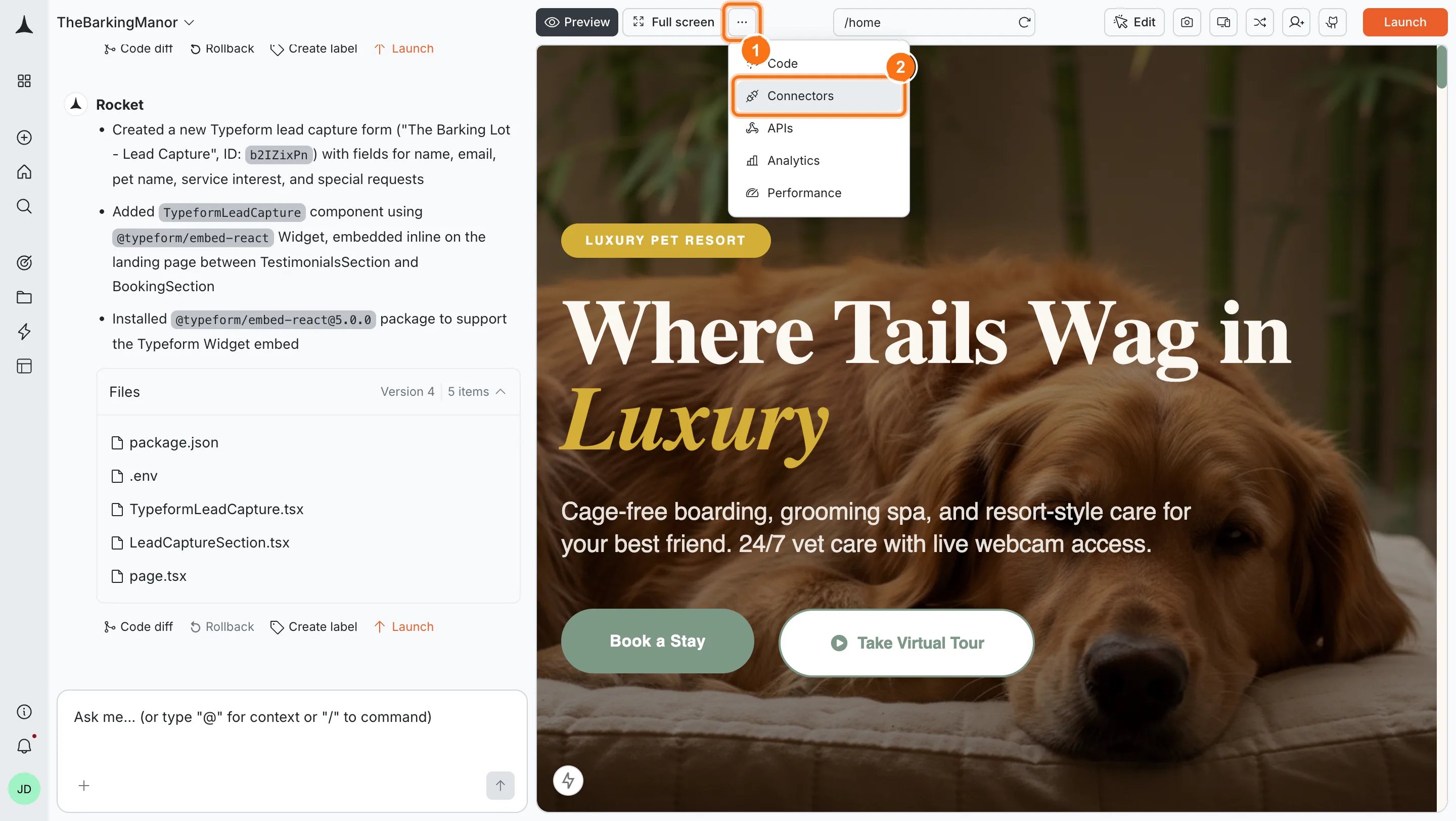
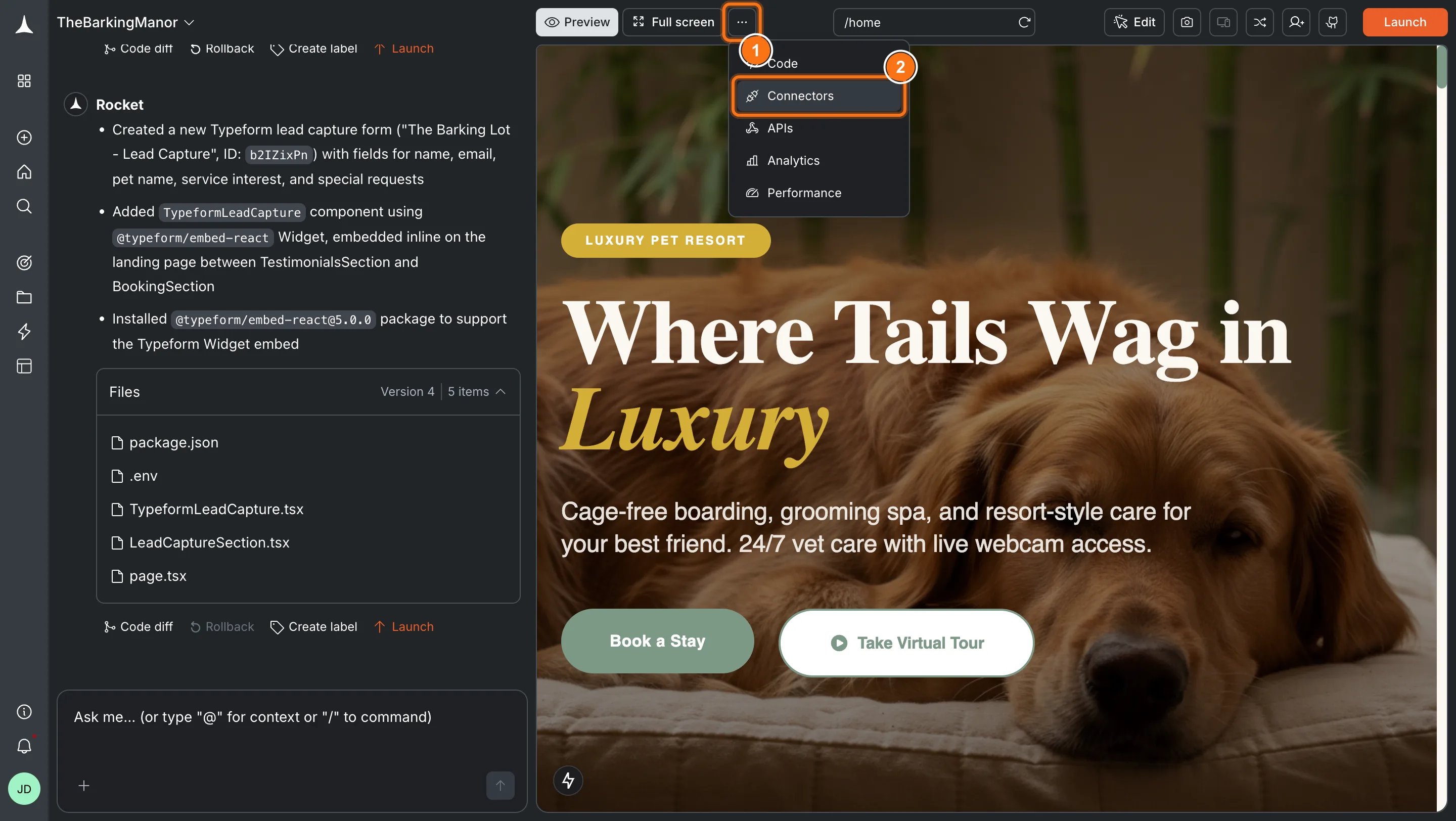
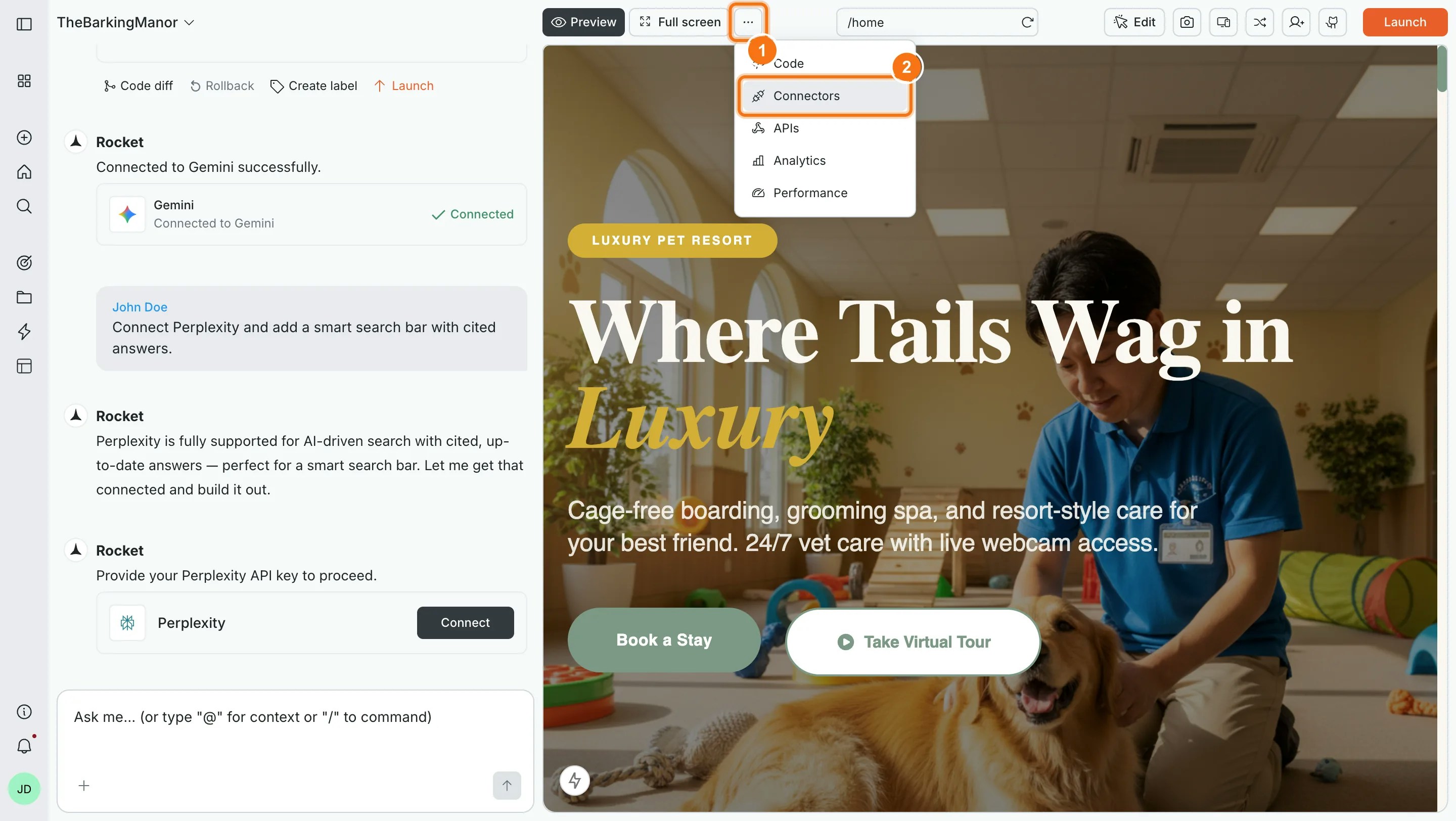
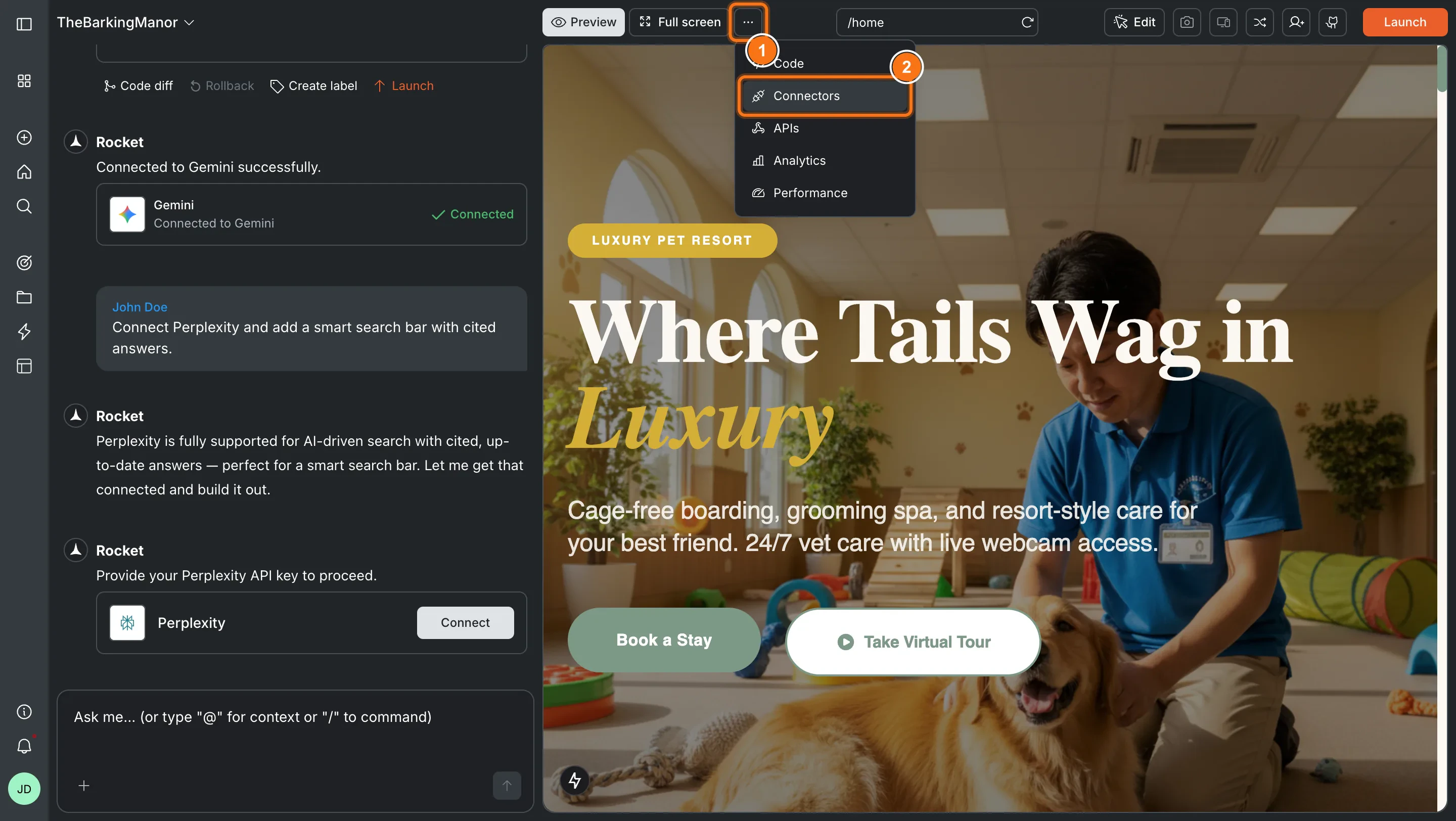
Option 2: From the Connectors tab inside a taskClick the ... button in the preview toolbar, then select Connectors.
Open Connectors from the toolbar
Click the Supabase card in the Connectors panel.
Supabase card in the Connectors panel
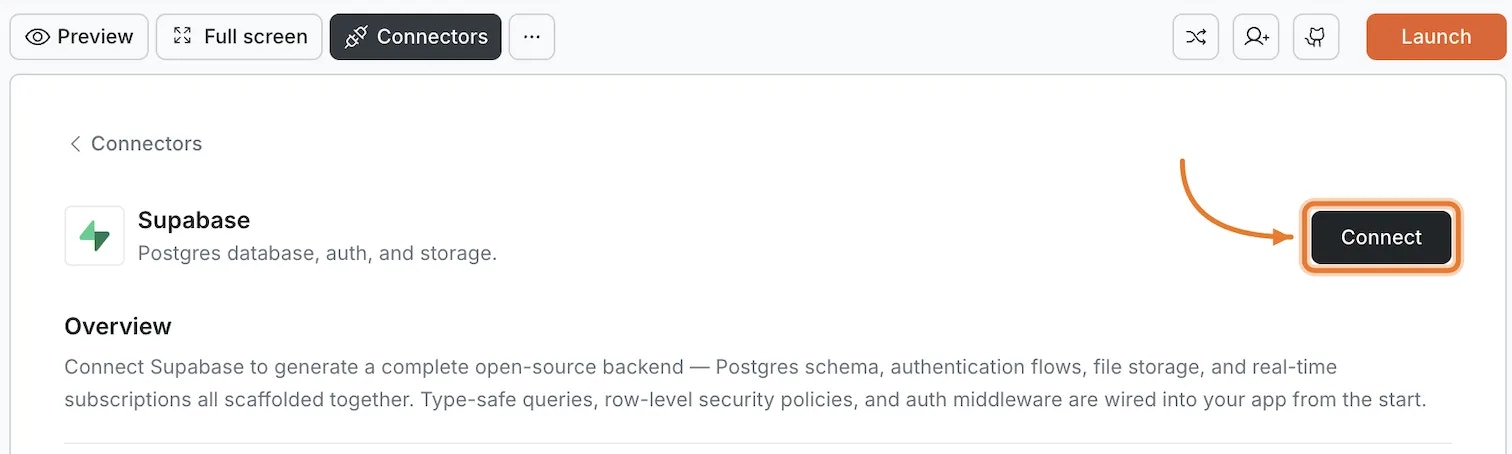
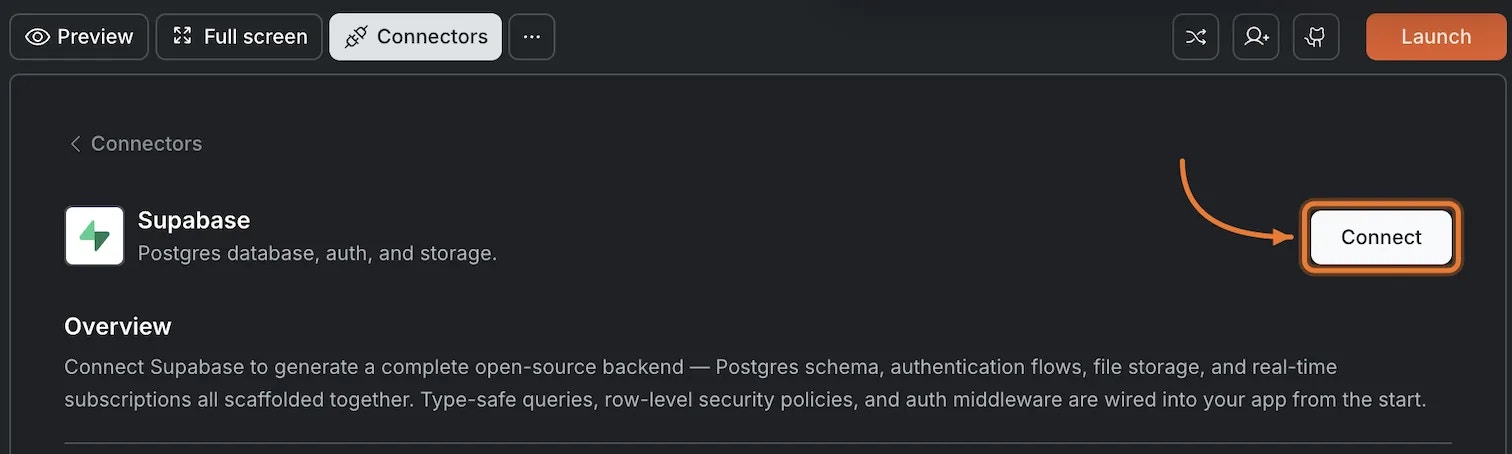
Then click Connect.
Supabase Connect button
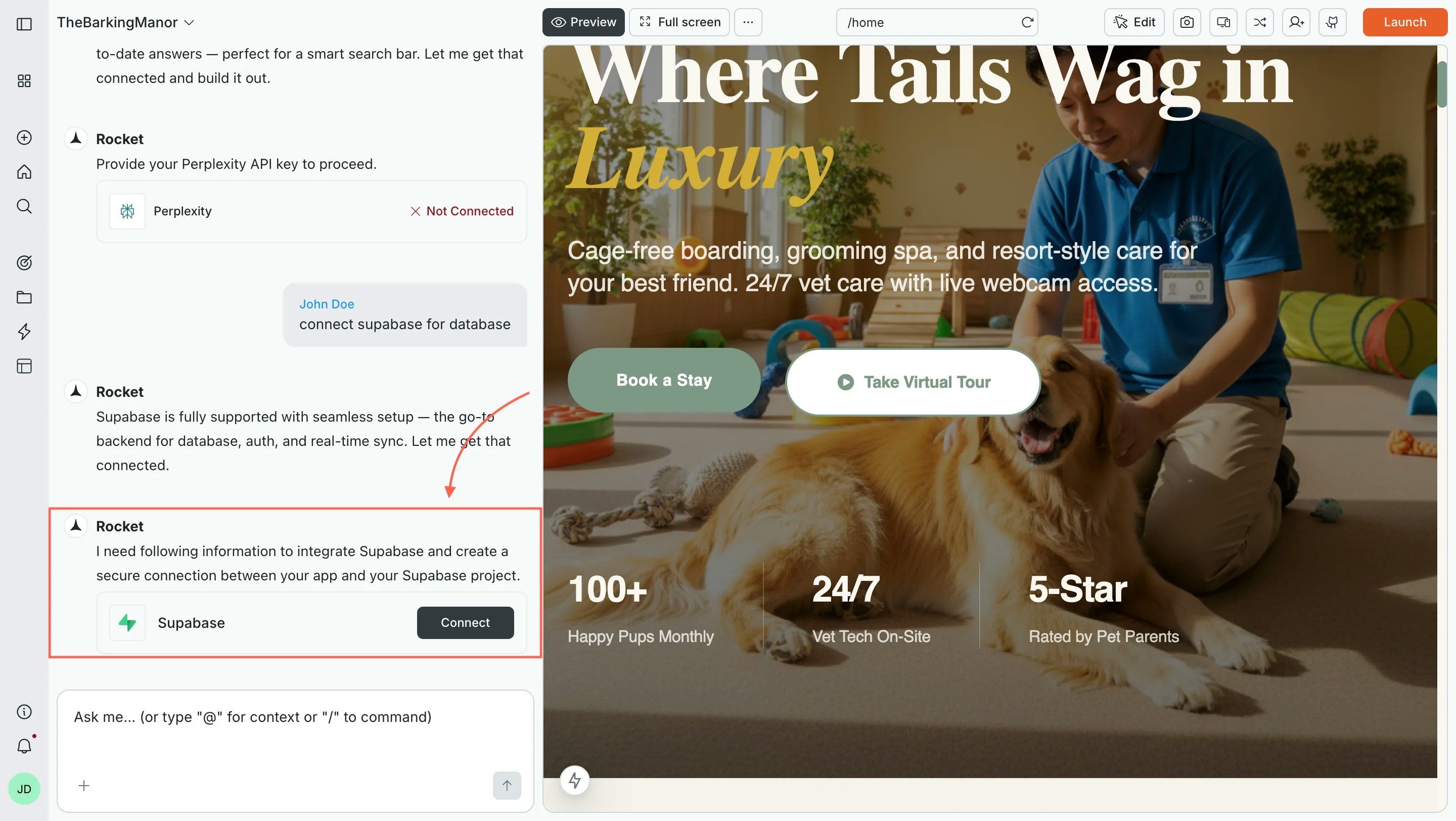
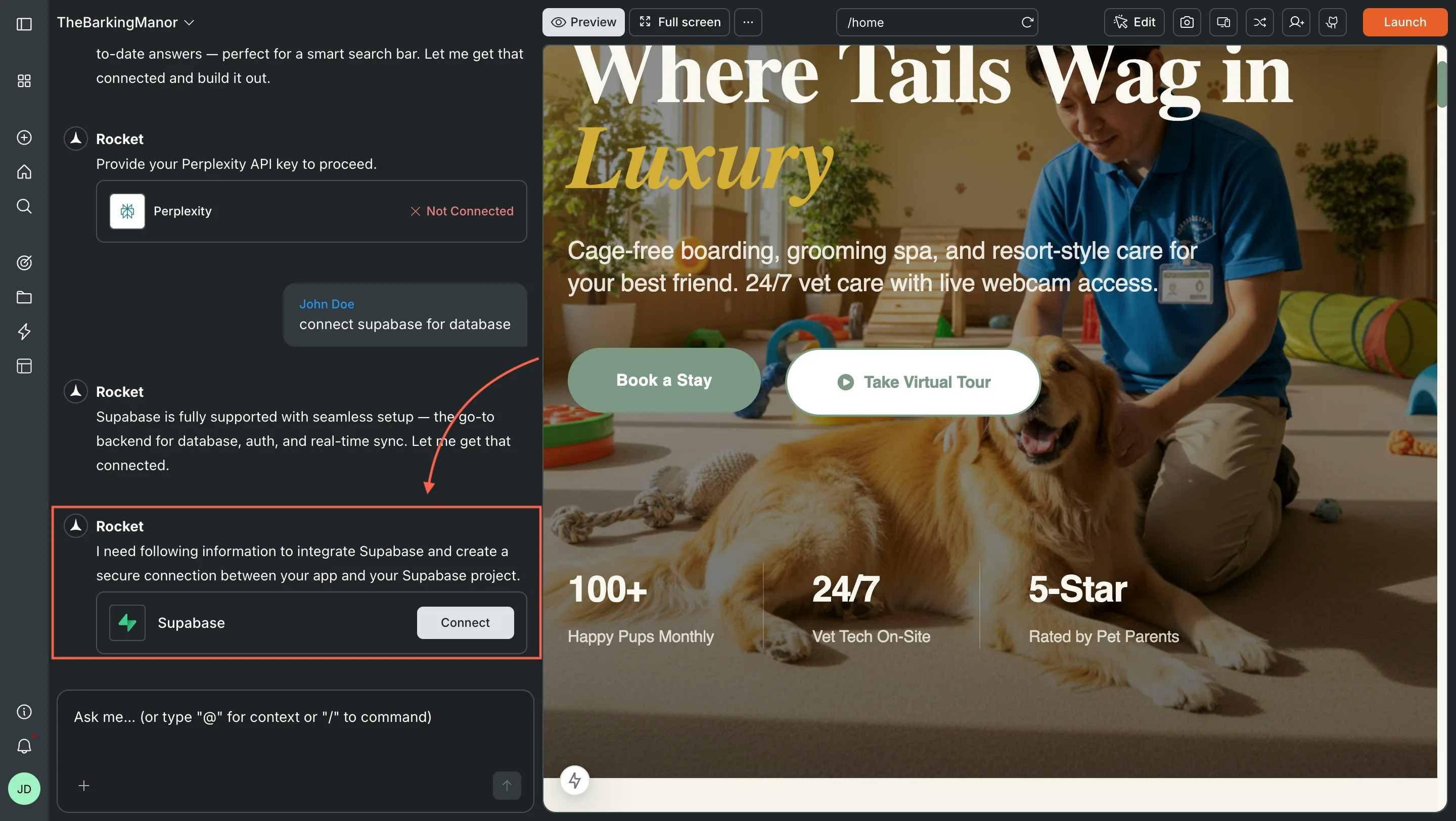
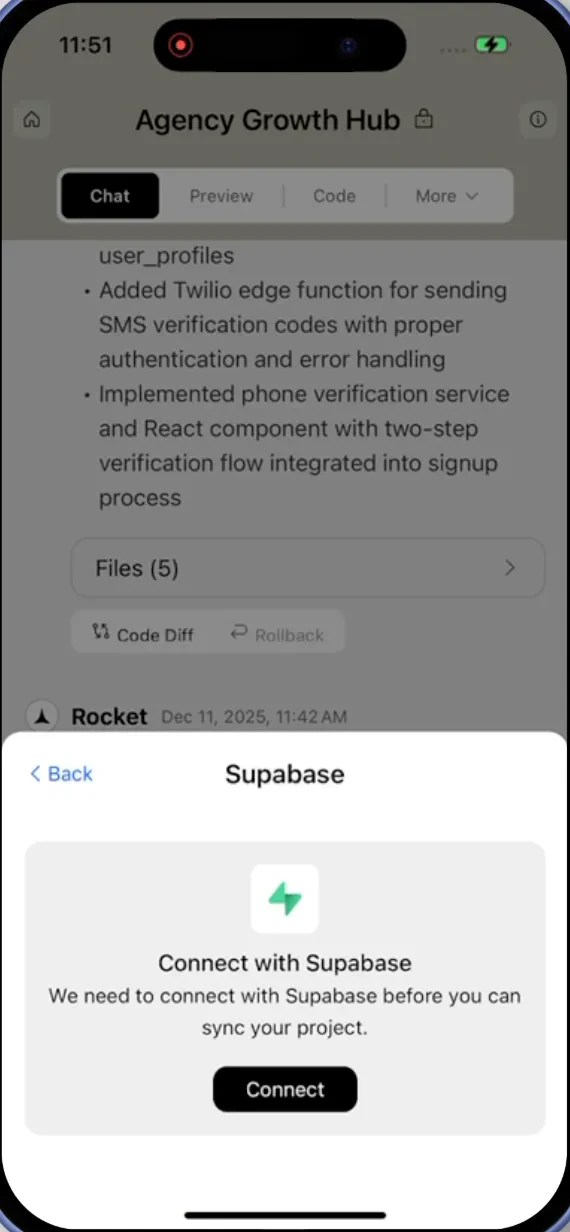
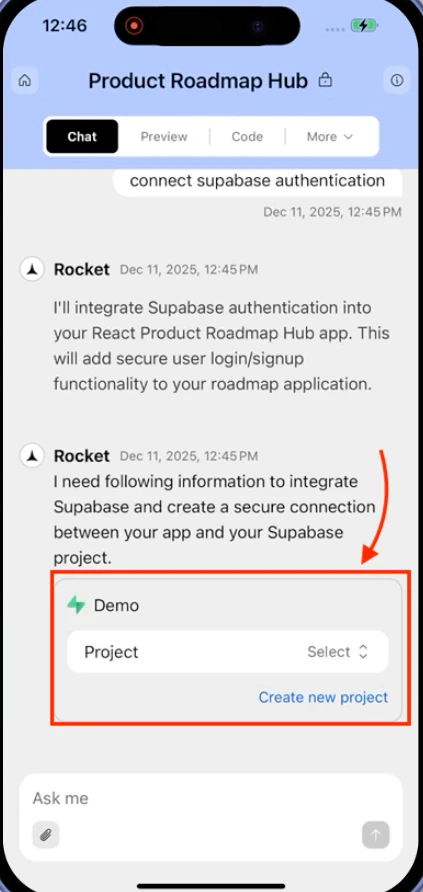
Option 3: From chatType a prompt that mentions auth, database, or file storage. Rocket detects the intent and shows a Connect button inline.
Rocket prompts you to connect Supabase from chat
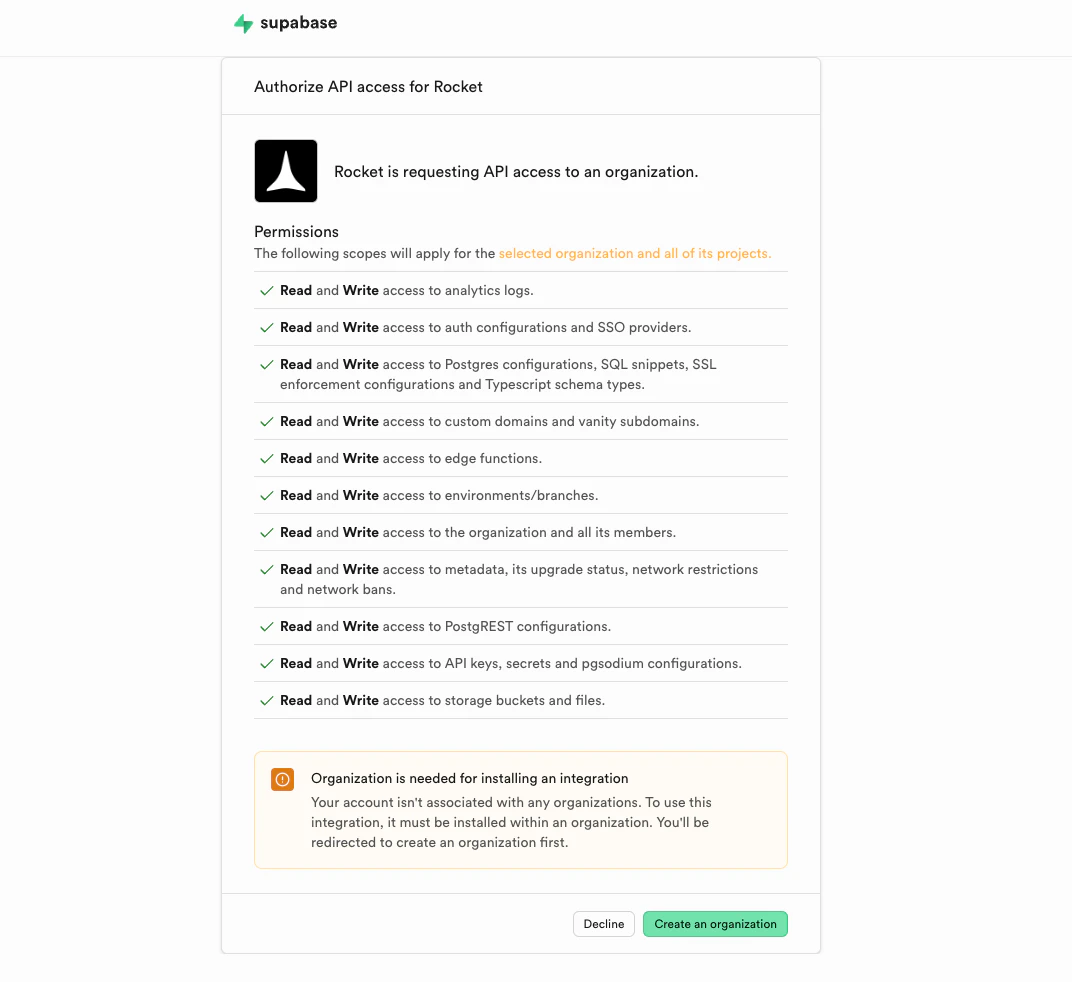
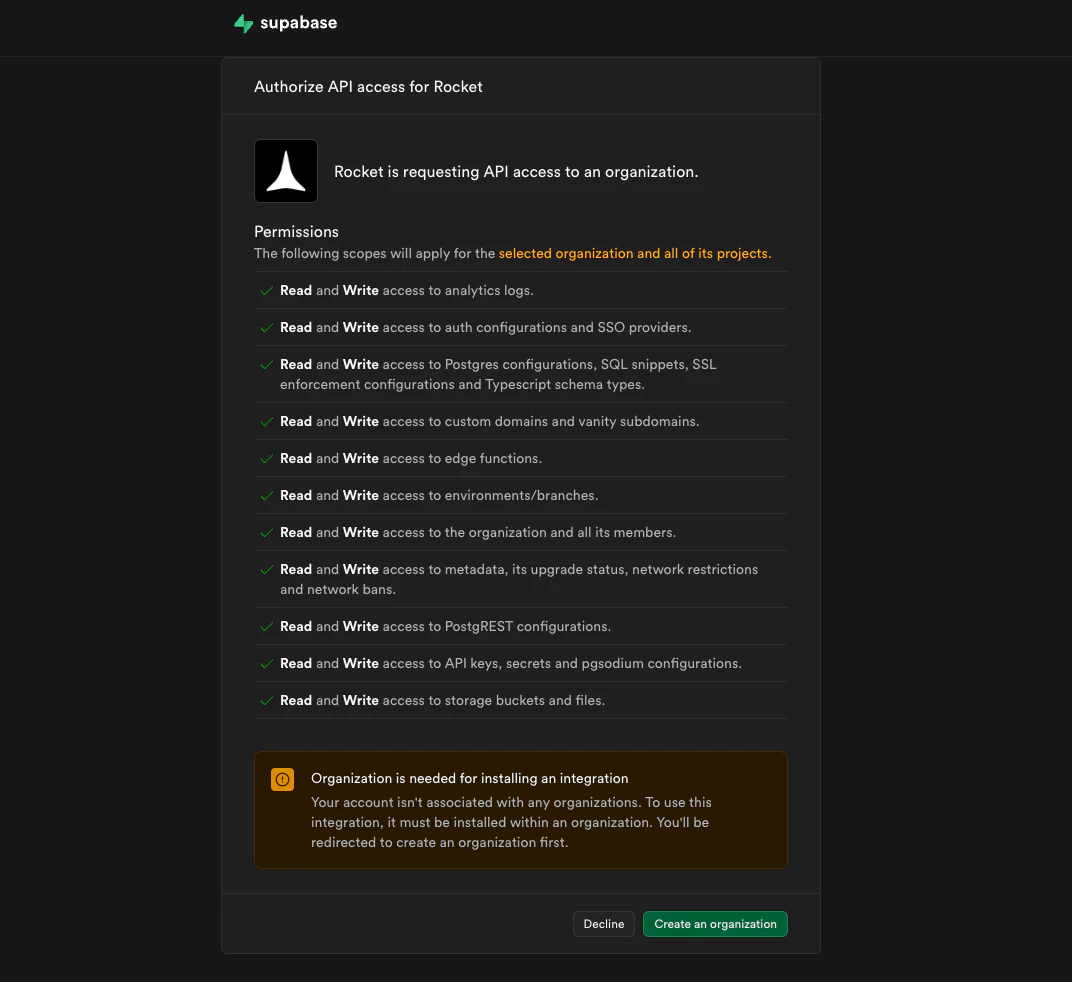
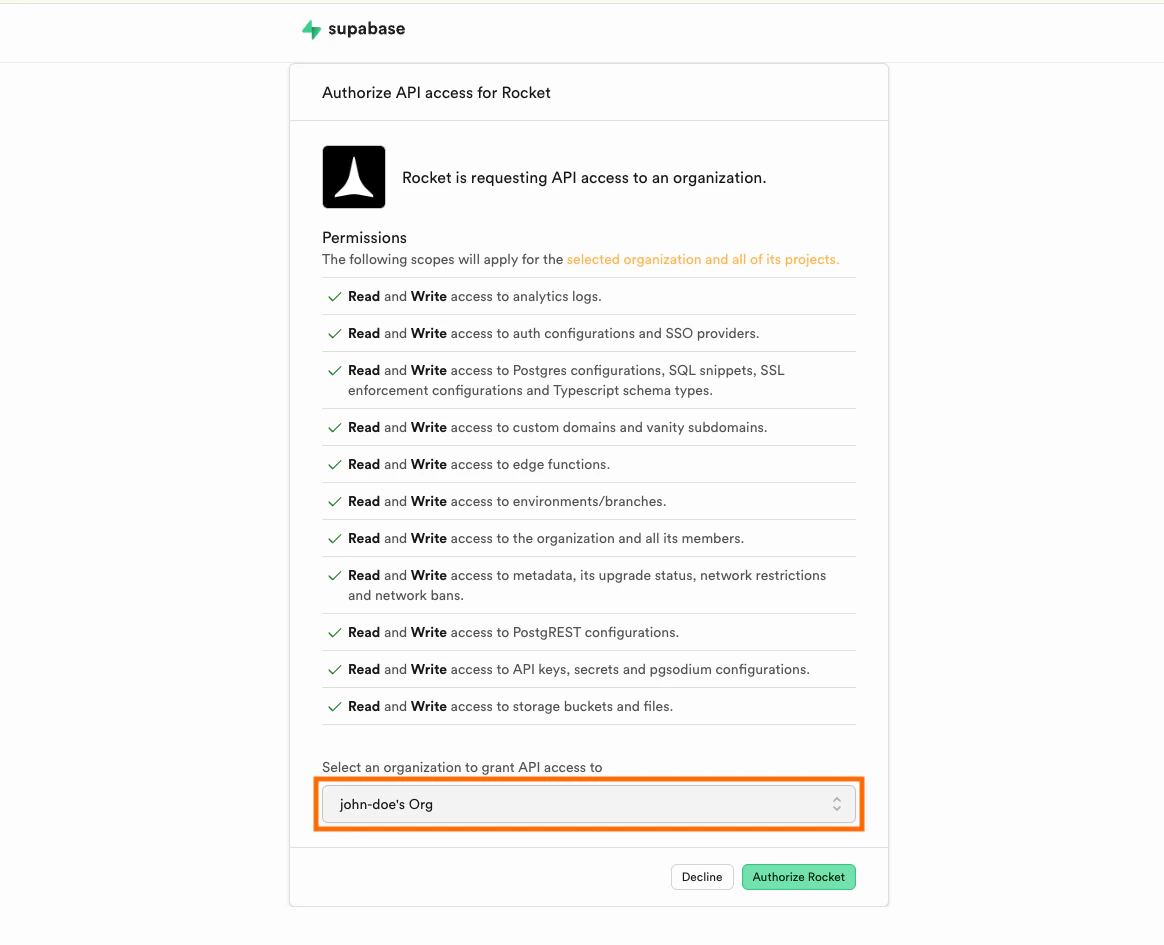
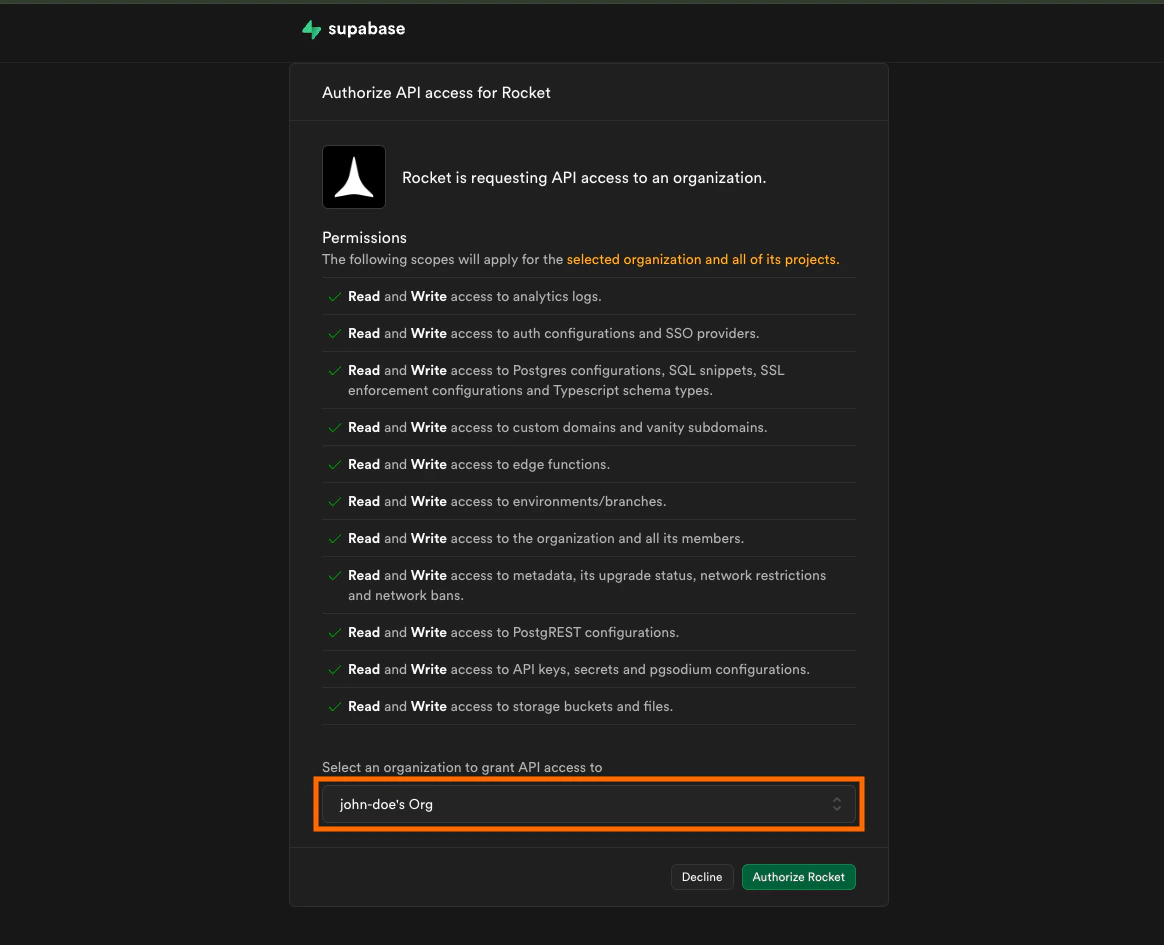
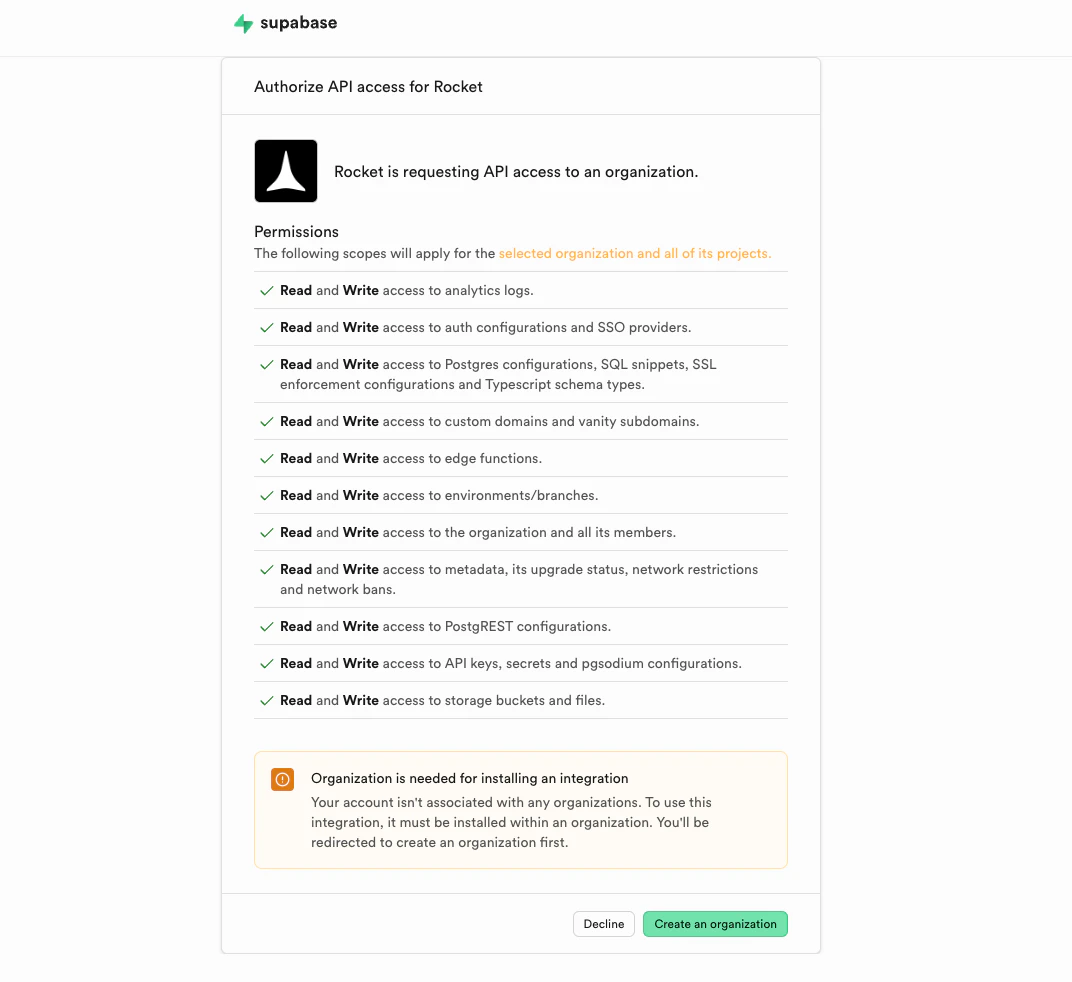
After clicking ConnectA Supabase authorization screen opens. Sign in, review the permissions, and click Authorize Rocket.
Supabase authorization screen
You will then be asked to select or create an organization and link a project.
Create a Supabase organization
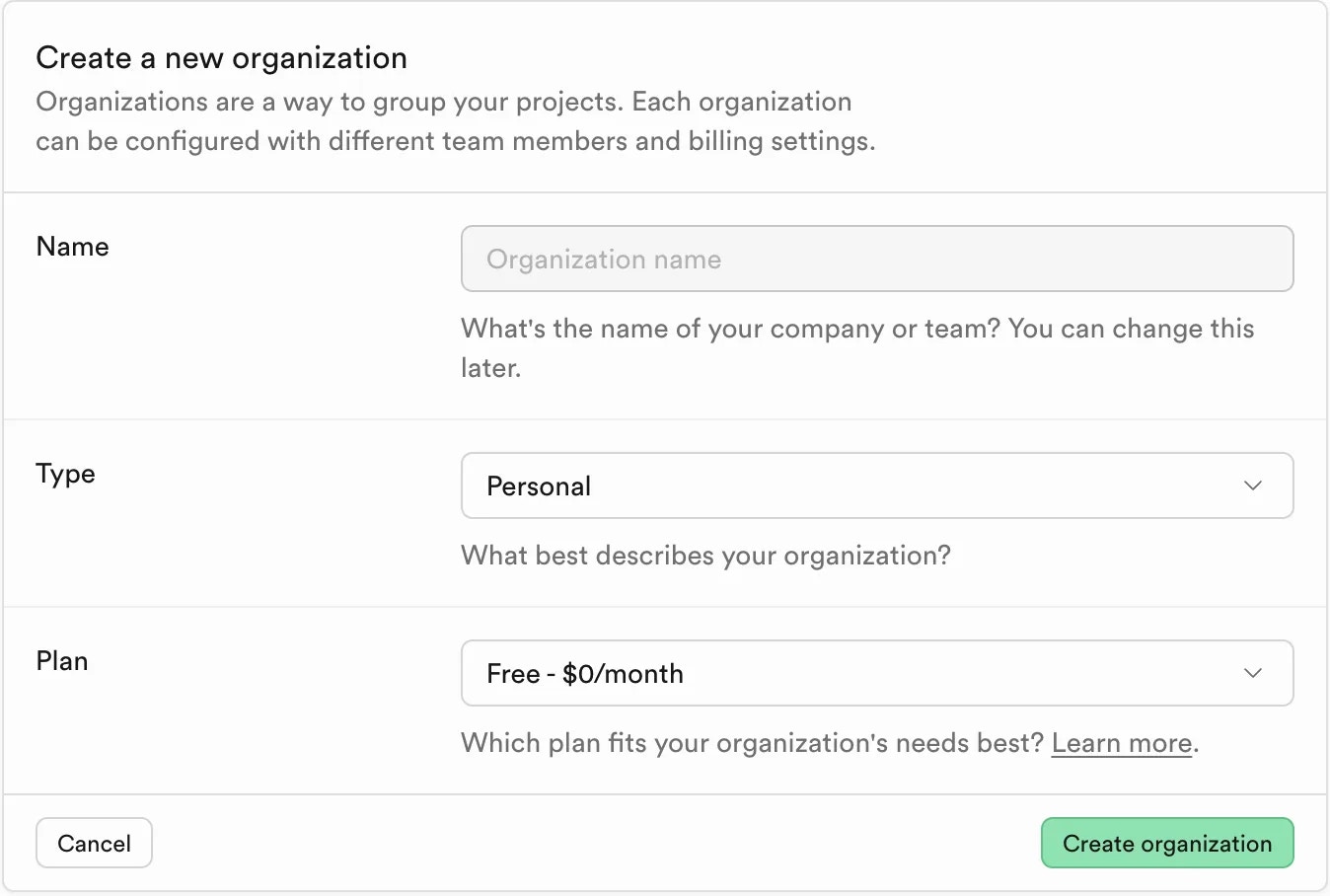
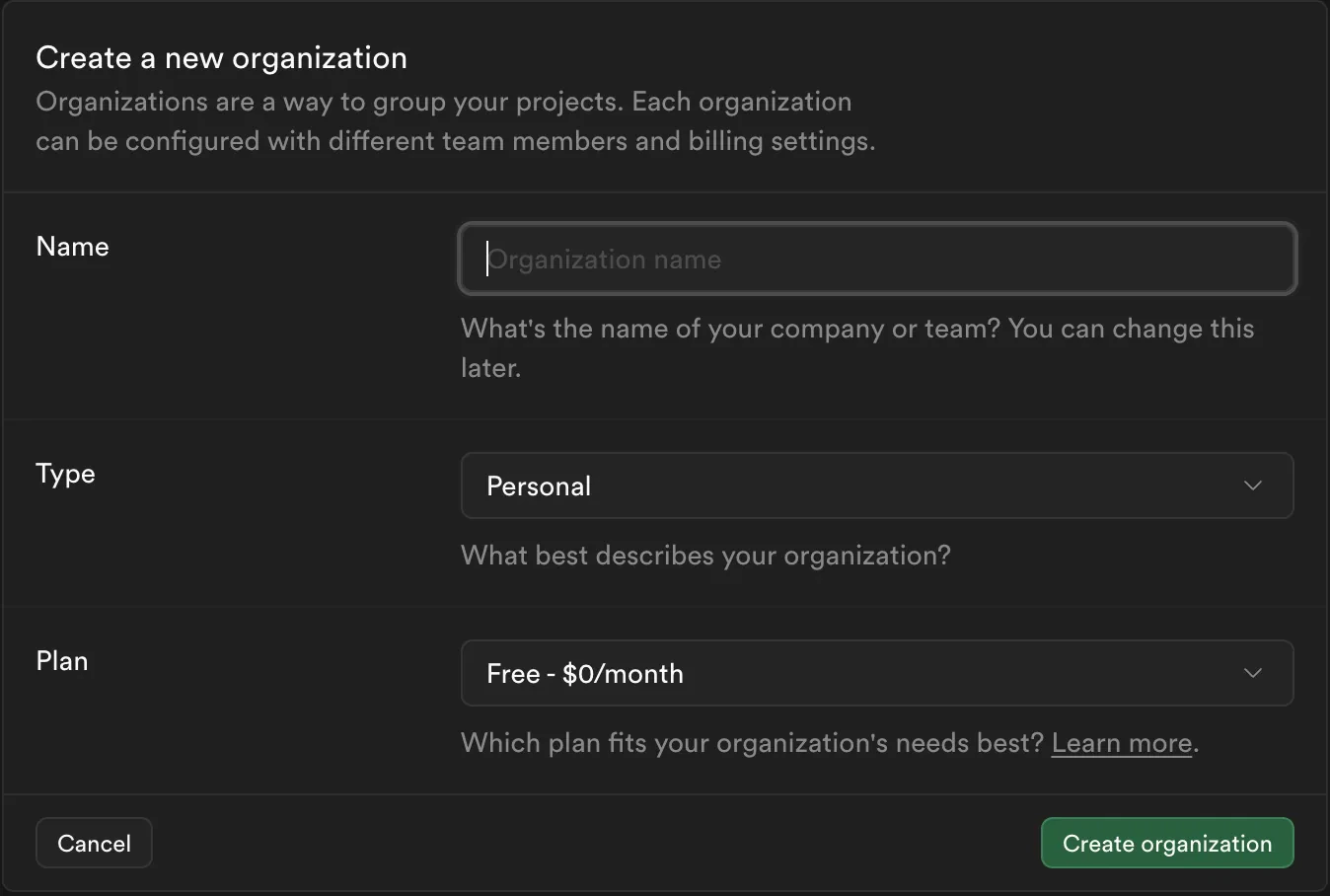
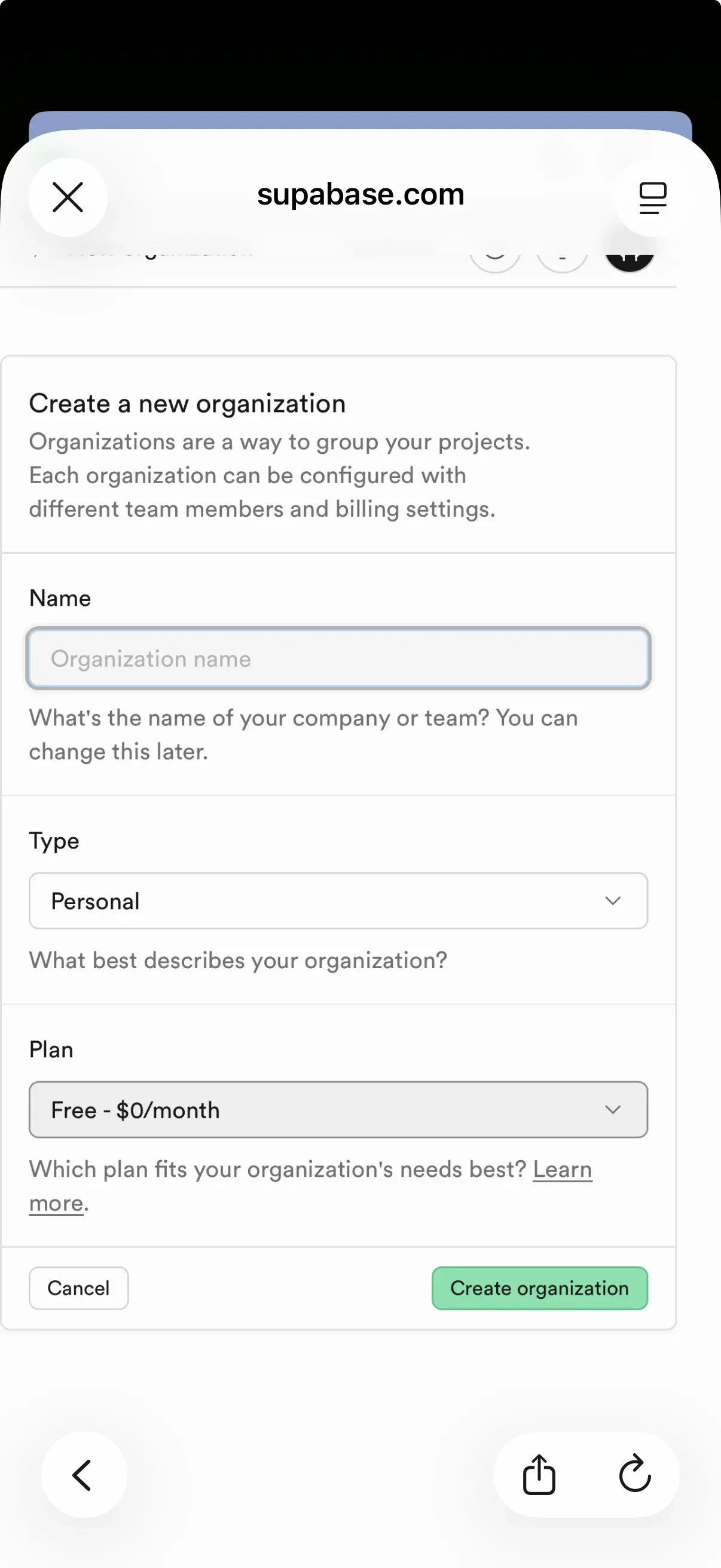
If you do not have one yet, you will be prompted to create one first.
Create a new Supabase organization
Click Create organization. Rocket redirects you to select it and continue.
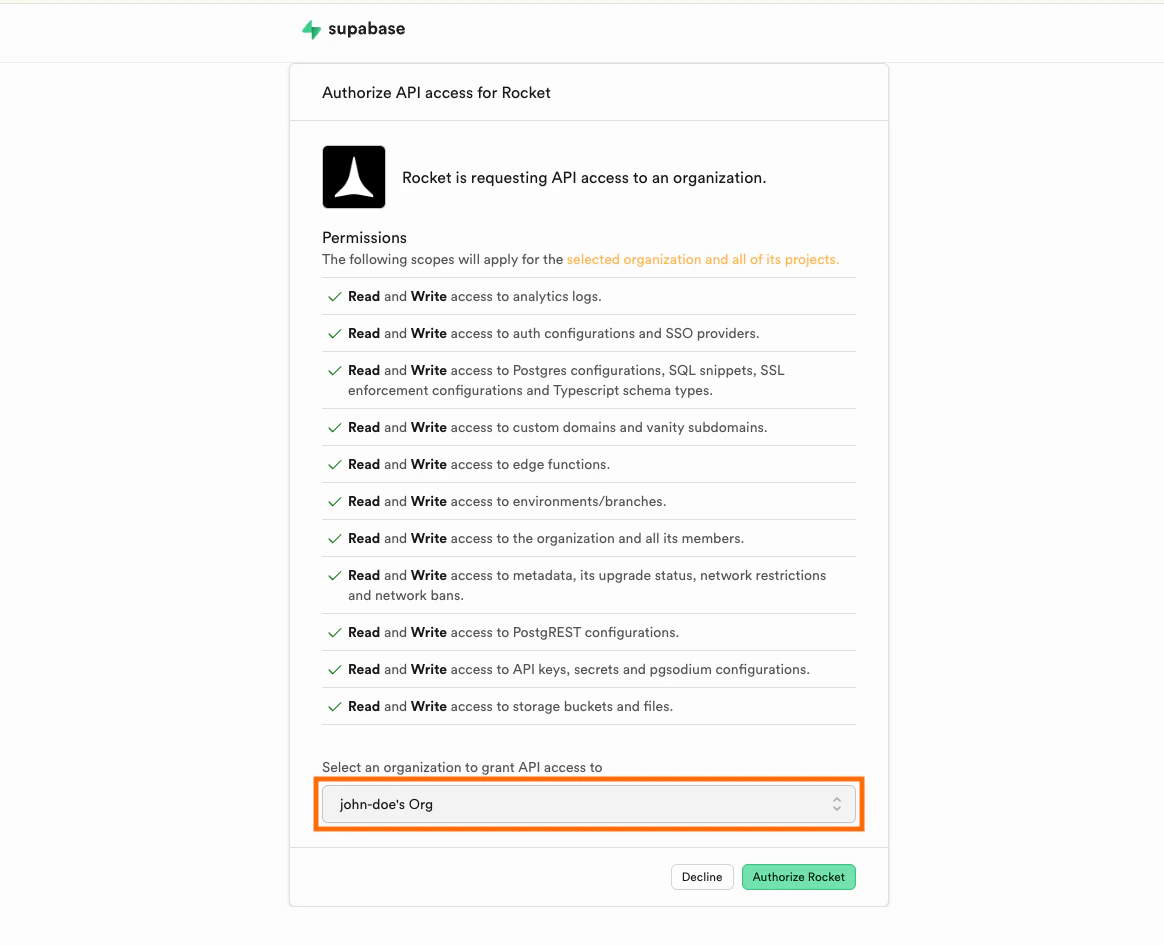
Select an existing organization
Choose your organization from the dropdown, then click Authorize Rocket.
Select your Supabase organization
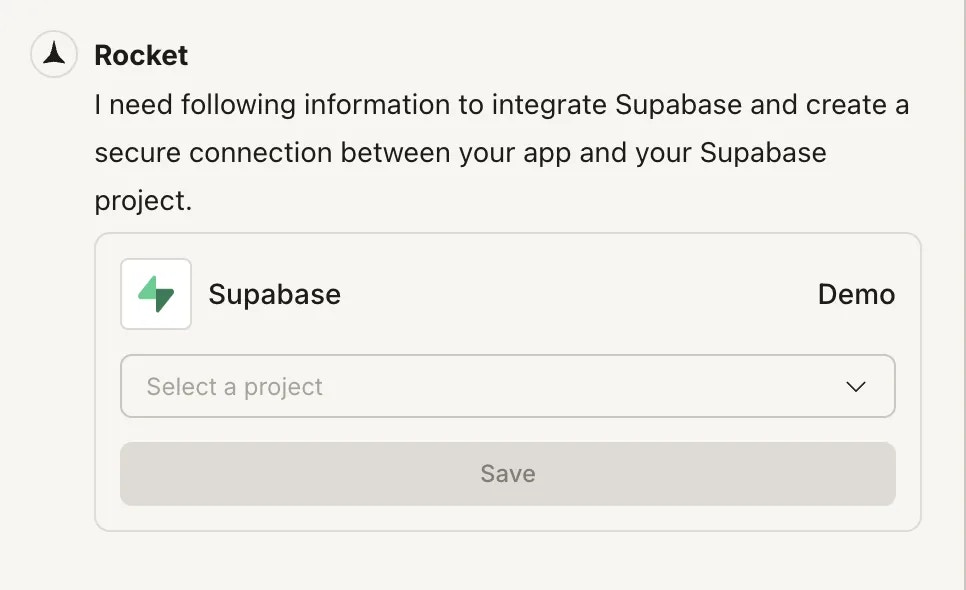
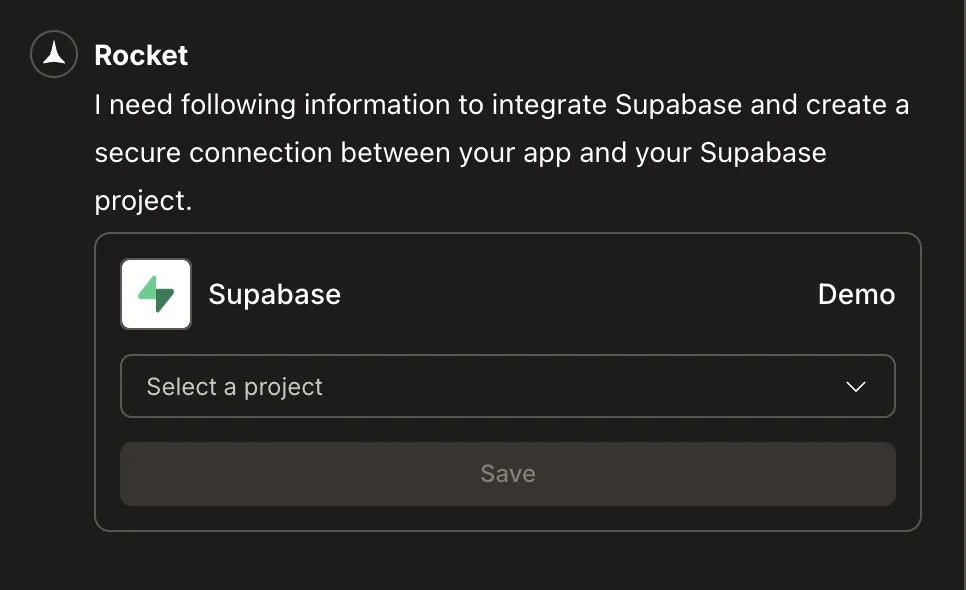
Link a Supabase project
Once authorized, you will be prompted to link a project to this task.Select an existing project from the dropdown.
Select a Supabase project
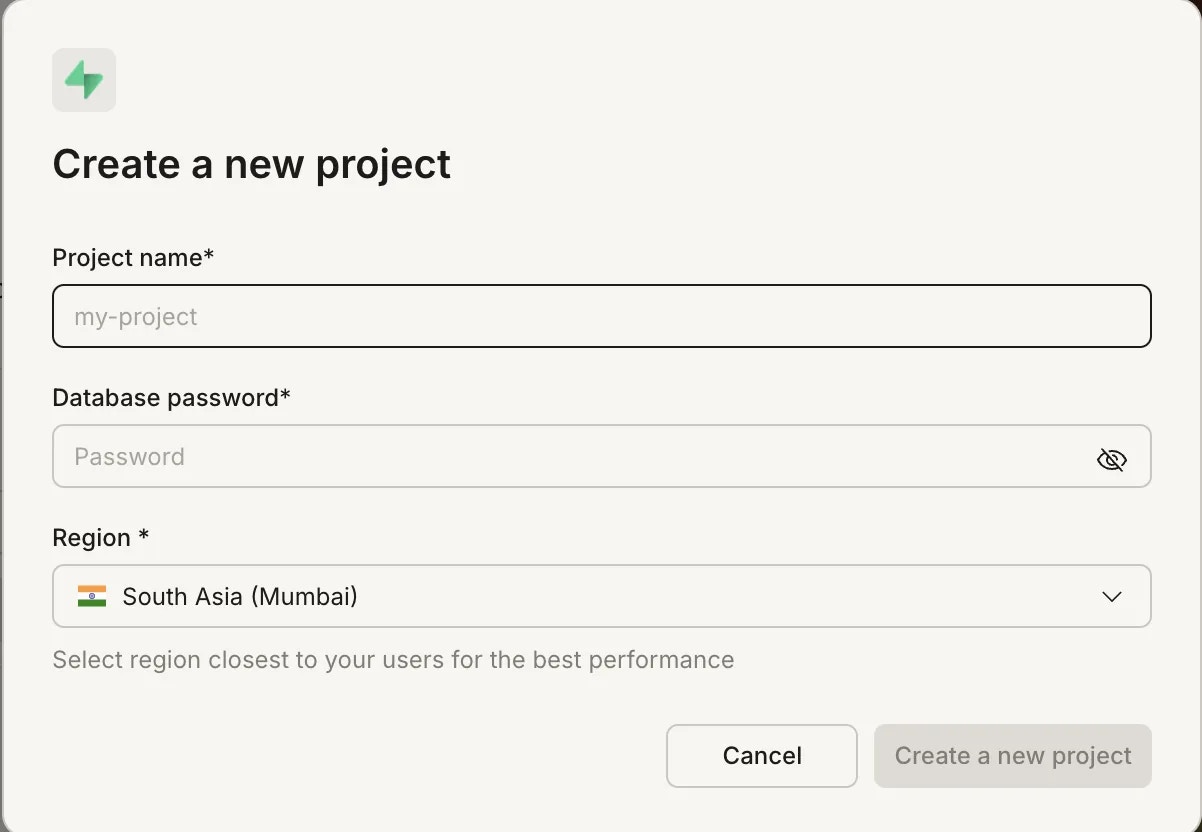
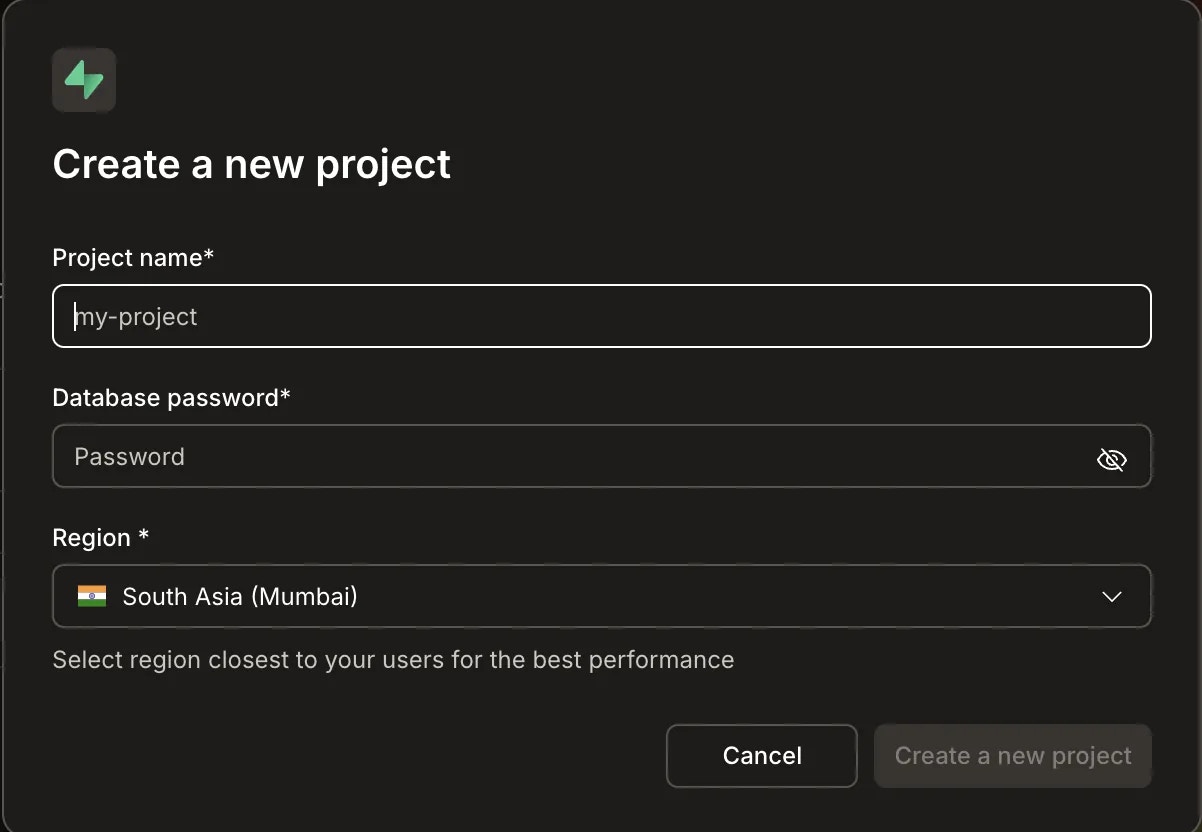
Or click Create new Supabase project, enter a name, password, and region, then click Create a new project.
Create a new Supabase project
To switch to a different project later, go to Connectors and use the Supabase project dropdown.
Disconnect this task from its Supabase project
This removes the linked project from the current task only. Your Supabase account stays connected to the workspace.
Click the ... button in the toolbar and select Connectors.
Click the Supabase card.
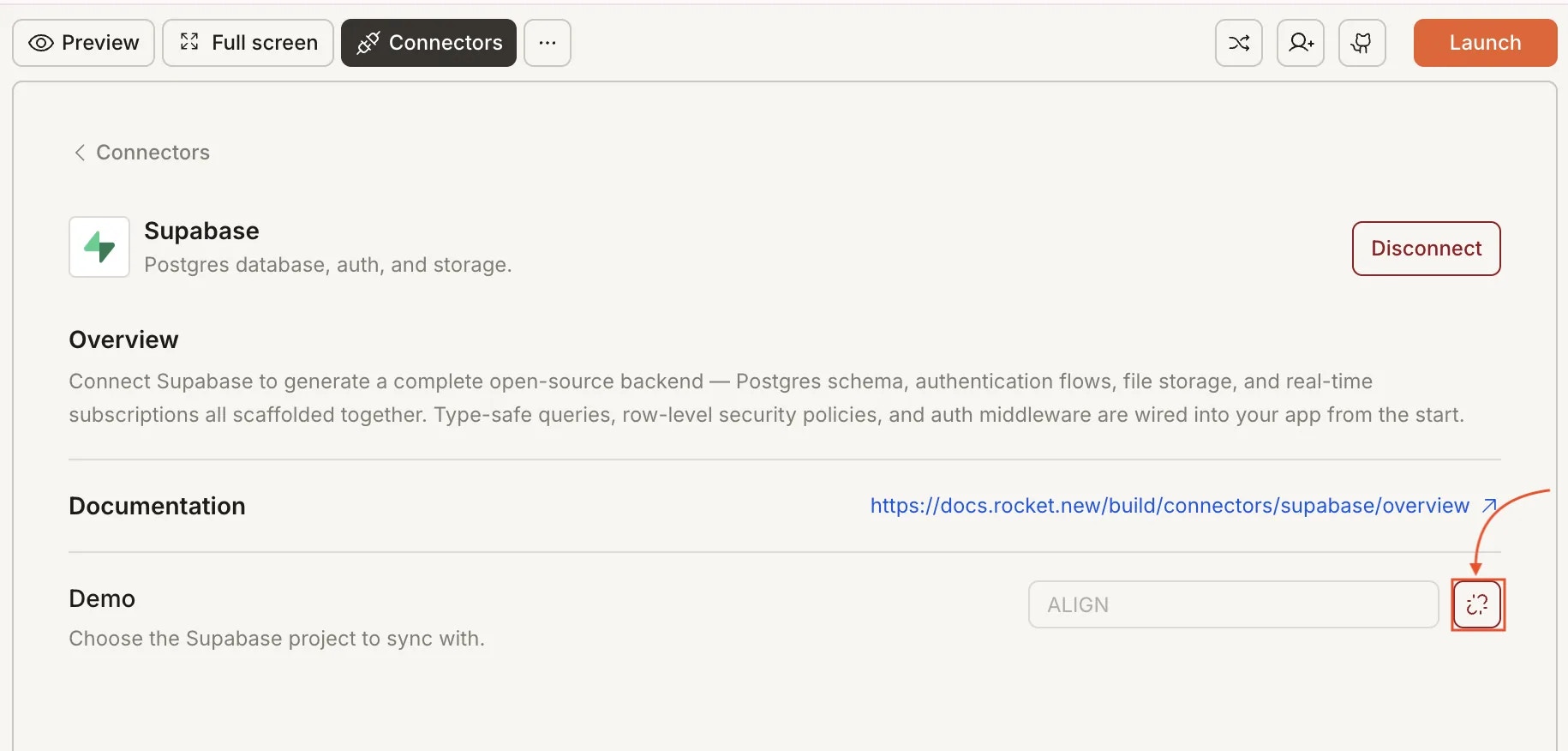
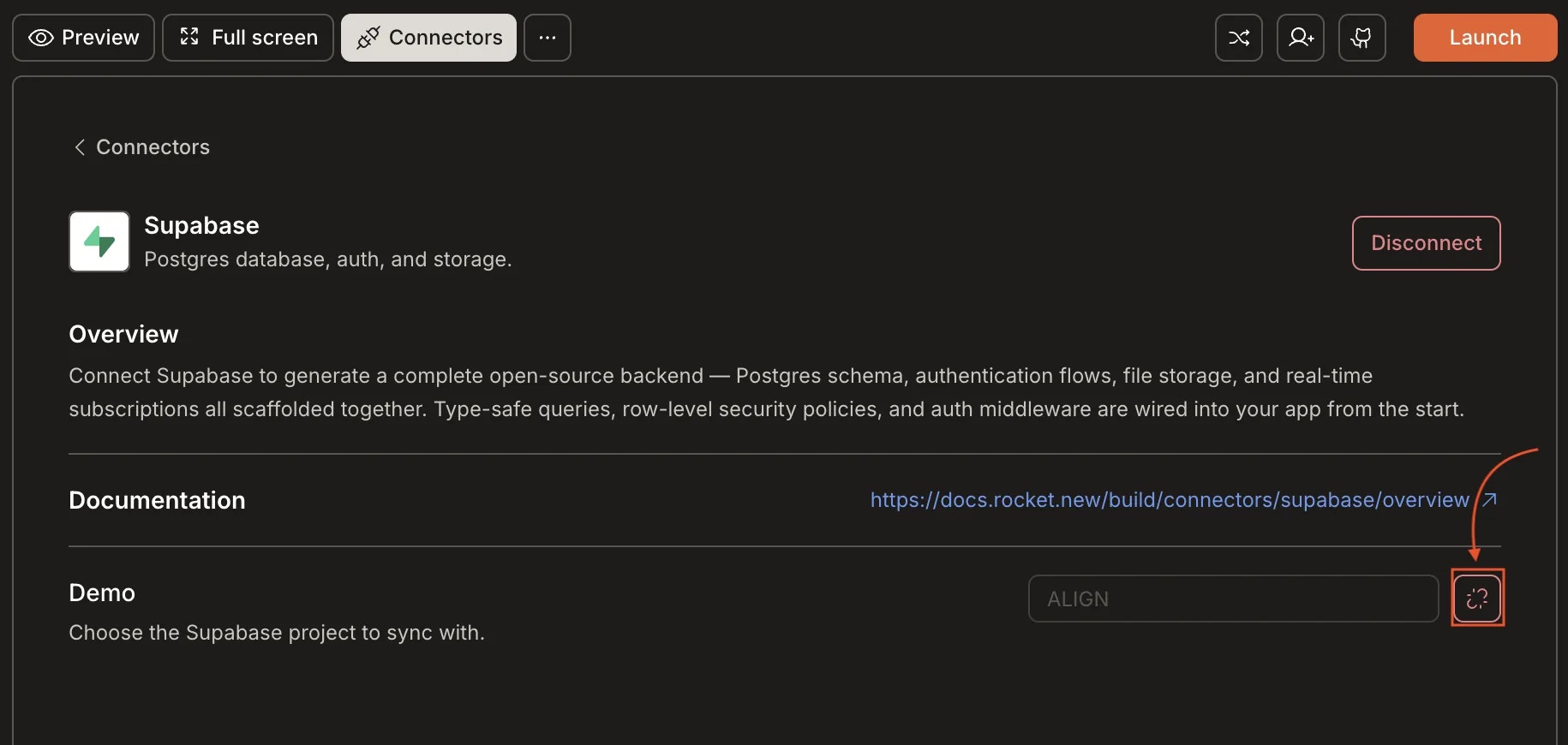
Use the Demo dropdown to switch projects, or click Disconnect to unlink the current project.
Switch or disconnect the linked Supabase project
You can connect from two places.Option 1: From Settings
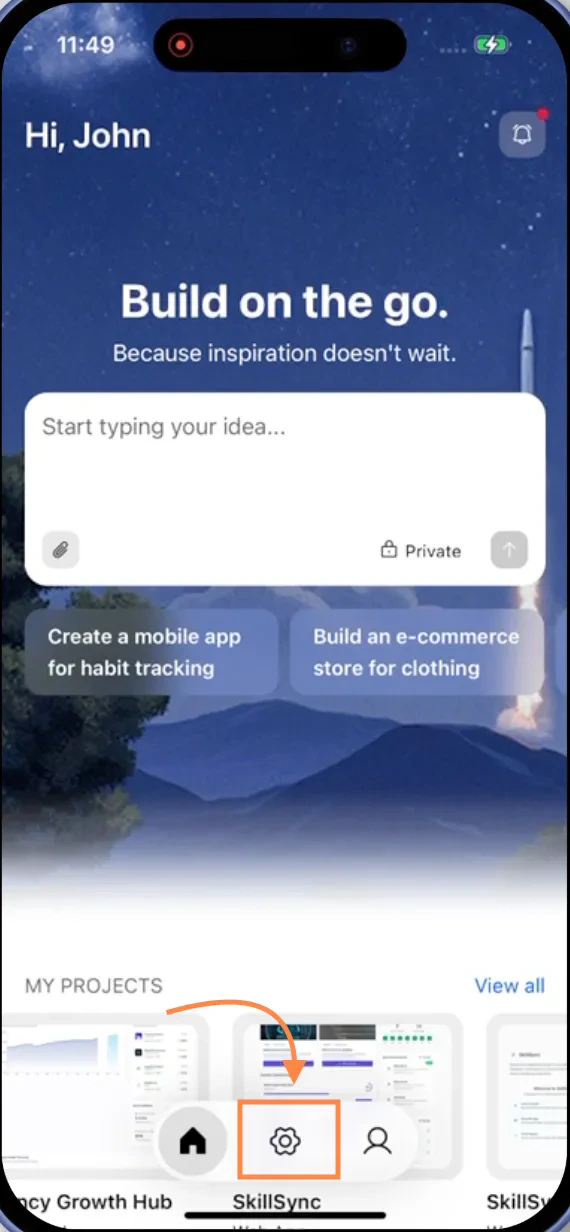
Tap Settings in the footer of the homepage.
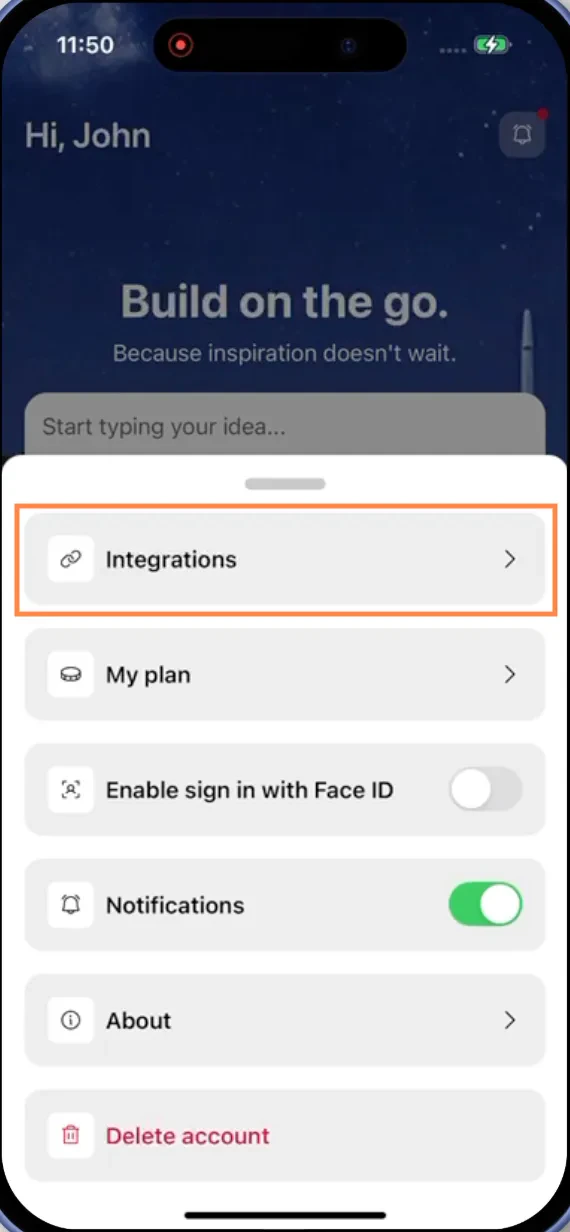
Tap Integrations.
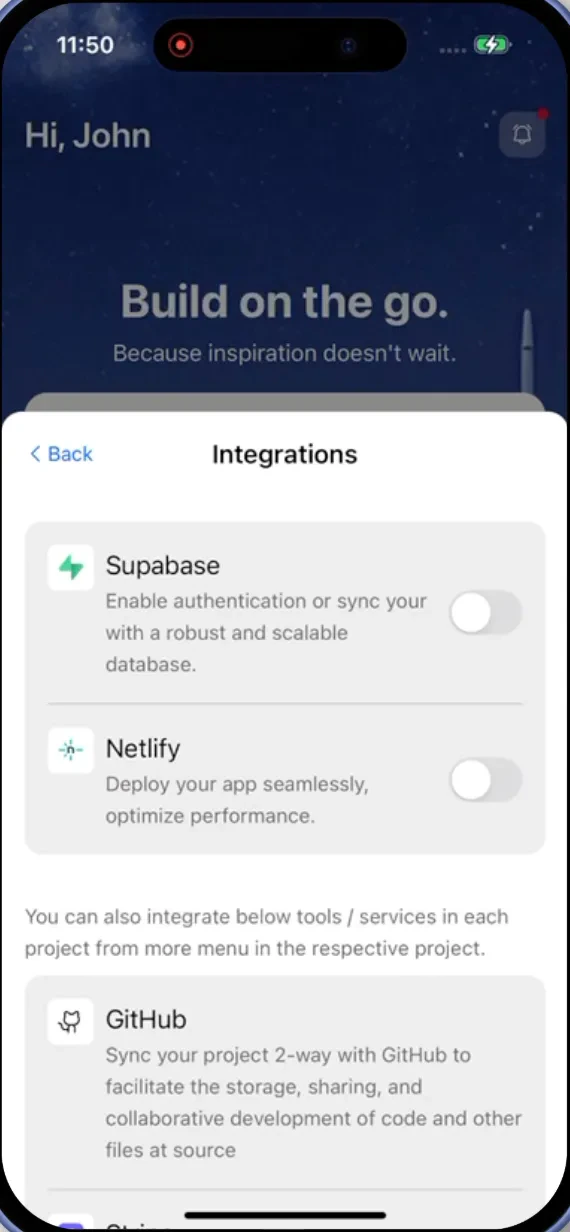
Enable the toggle next to Supabase.
Settings in the footer
Integrations tab
Enable the Supabase toggle
Option 2: From the Connectors tab inside a task
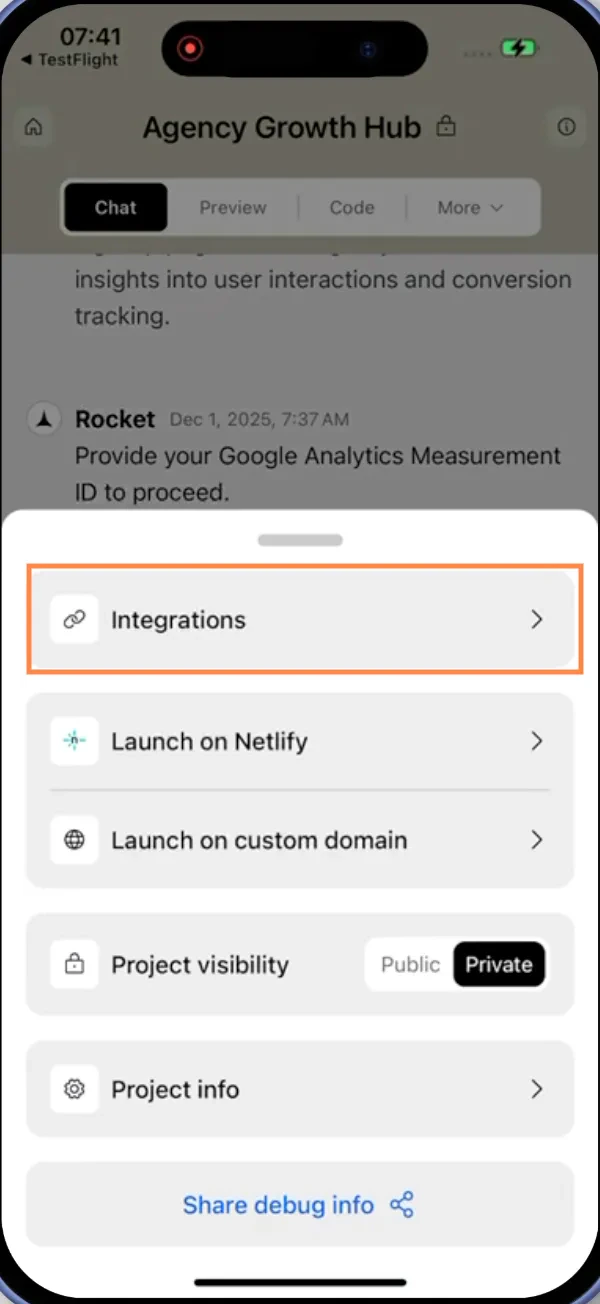
Tap the More button in the header.
Tap Integrations.
Tap the Supabase card, then tap Connect.
Connectors tab via More
Supabase card in Connectors
After tapping ConnectA Supabase authorization screen opens. Sign in, review the permissions, and tap Authorize Rocket.
Supabase authorization screen
You will then be asked to select or create an organization and link a project.
Create a Supabase organization
If you do not have one yet, you will be prompted to create one first.
Create a Supabase organization
Tap Create organization. Rocket redirects you to select it and continue.
Select an existing organization
Choose your organization from the dropdown, then tap Authorize Rocket.
Select your Supabase organization
Link a Supabase project
Once authorized, you will be prompted to link a project to this task.Select an existing project from the dropdown.
Select a Supabase project
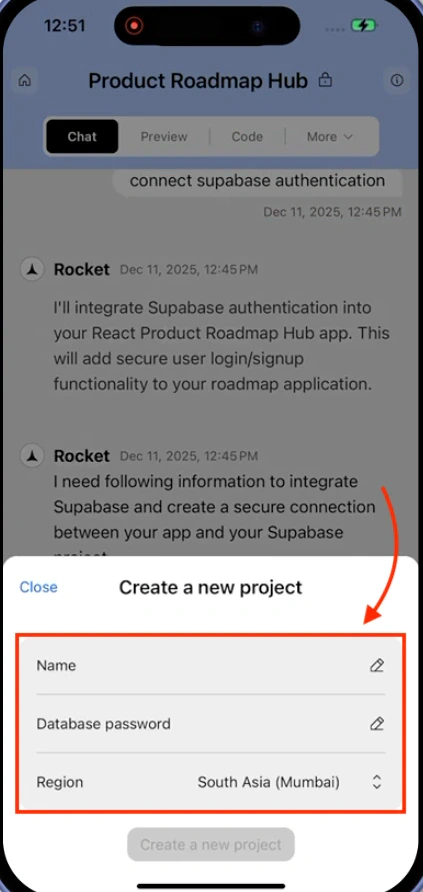
Or tap Create new Supabase project, enter a name, password, and region, then tap Create a new project.
Create a new Supabase project
To switch to a different project later, go to Integrations and use the Supabase project dropdown.
Disconnect this task from its Supabase project
This removes the linked project from the current task only. Your Supabase account stays connected to the workspace.
Tap More in the header, then tap Integrations.
Tap the Supabase card.
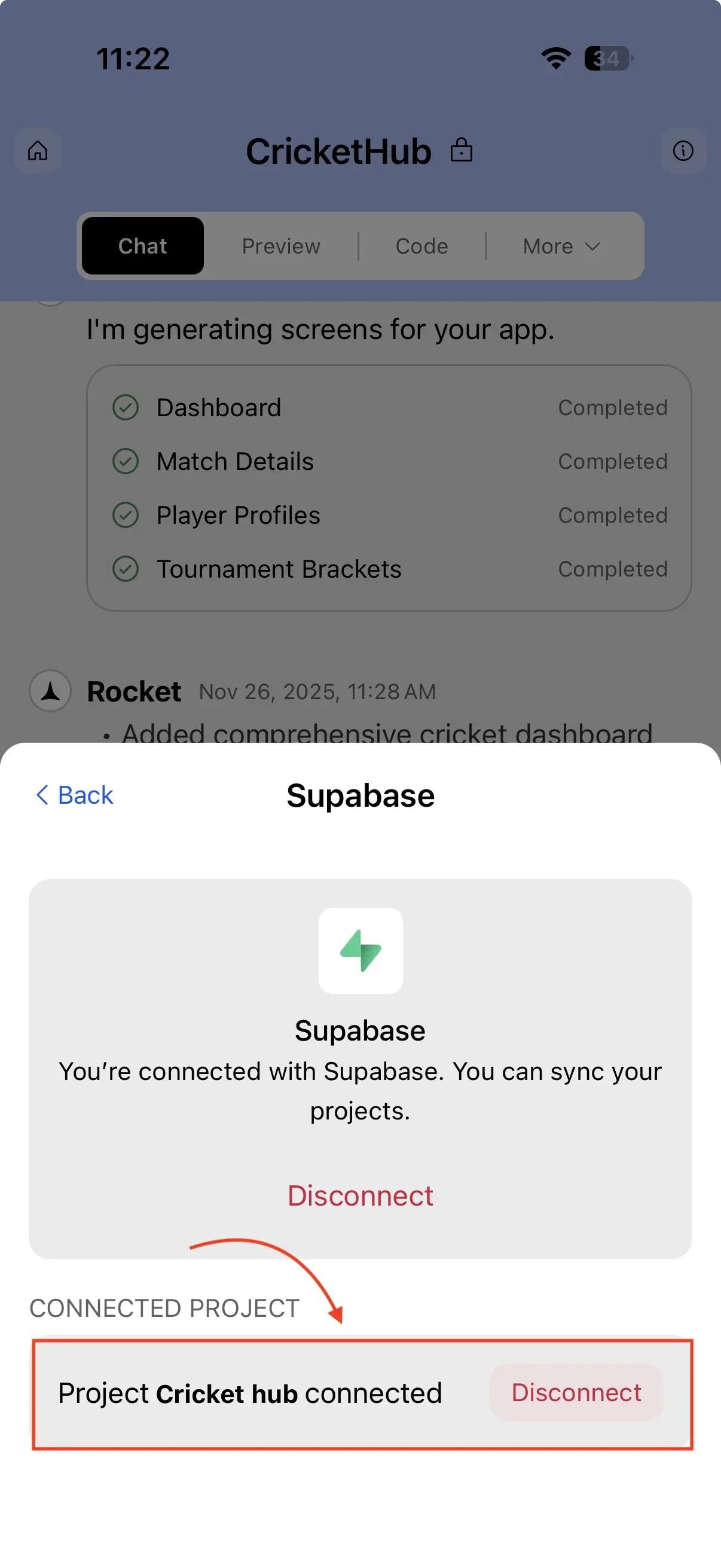
Tap Disconnect project.
Disconnect a Supabase project
Manage workspace connectors
Disconnect or switch accounts from workspace Settings.
One Supabase project per task. Each Rocket task links to a single Supabase project. Use separate tasks if you need separate databases.
Use edge functions for server-side logic. When code should not reach the client - sending emails, calling APIs with secret keys - ask Rocket to create a Supabase Edge Function instead.
Free tier limits. Supabase free includes two active projects, 500 MB database storage, and 1 GB file storage. See Supabase pricing for current limits.
Advanced database settings live in Supabase. Extensions, connection pooling, and RLS policy debugging are managed directly from the Supabase dashboard.