Push Rocket.new-generated SQL migration scripts to Supabase to keep your Postgres schema, tables, and row-level security policies in sync.
Whenever your app creates or updates tables, Rocket generates a Supabase migration script. This guide covers reviewing and pushing those scripts, avoiding issues from skipped changes, and troubleshooting common errors.
Not connected yet?
Follow the steps in our Supabase Integration Guide.
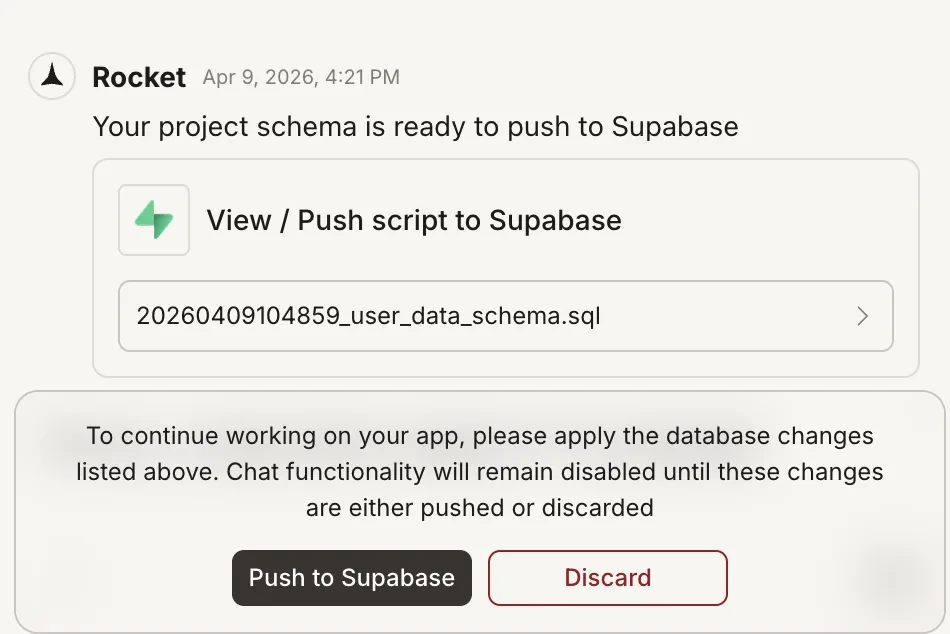
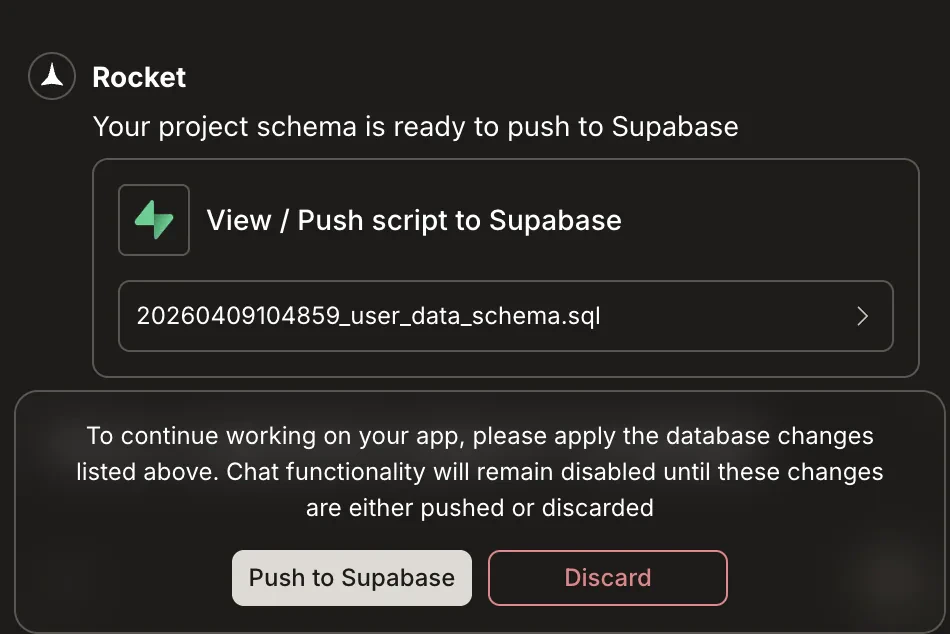
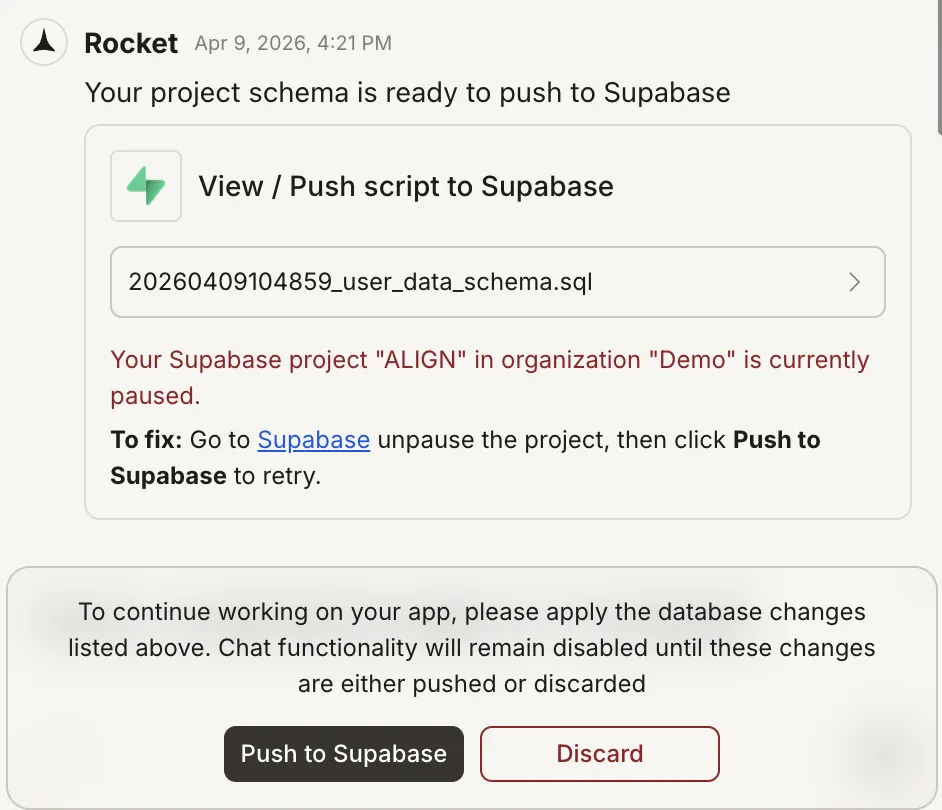
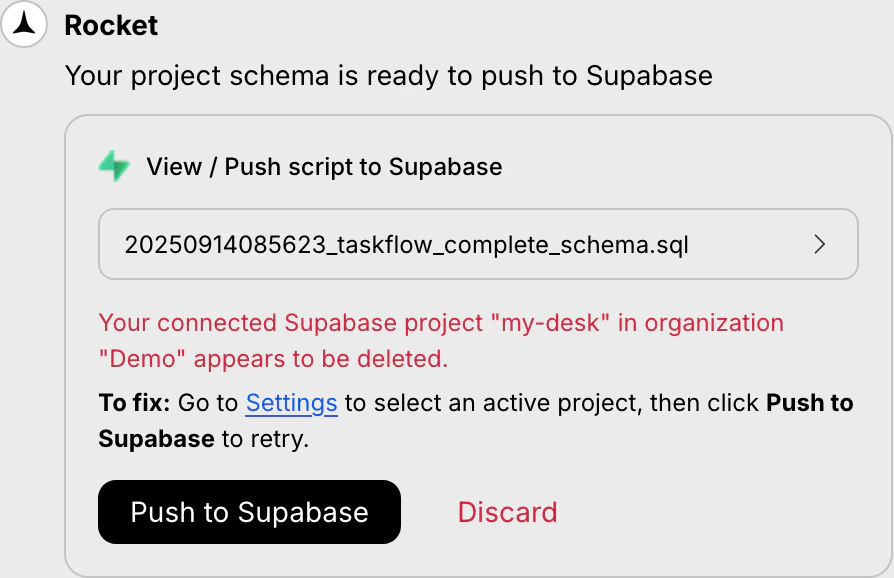
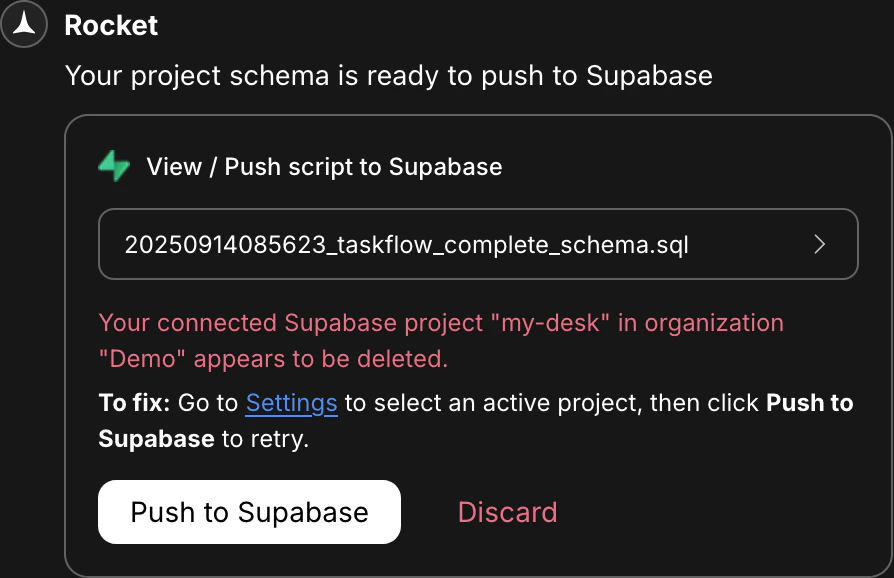
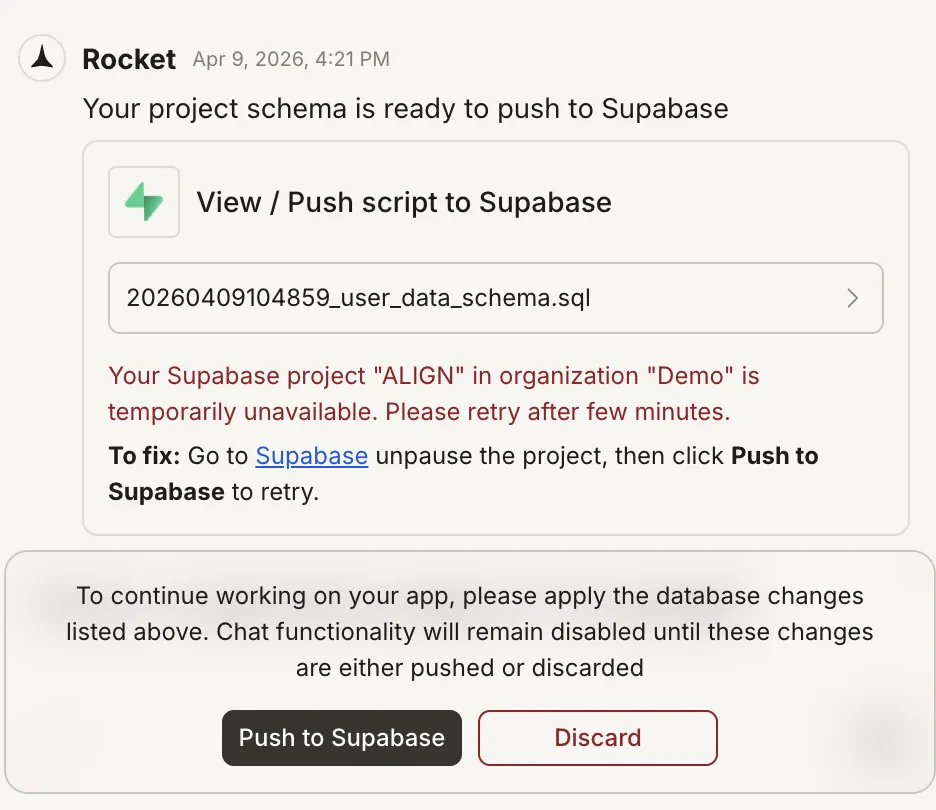
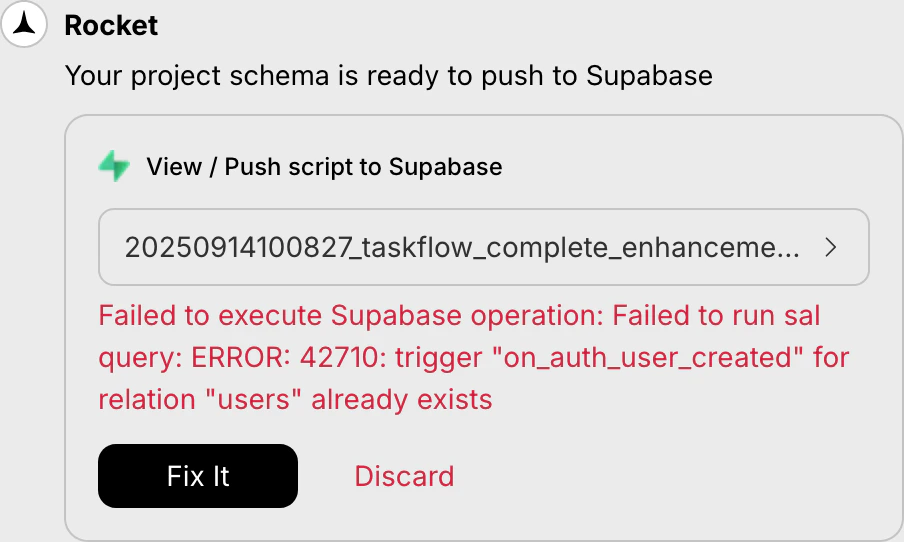
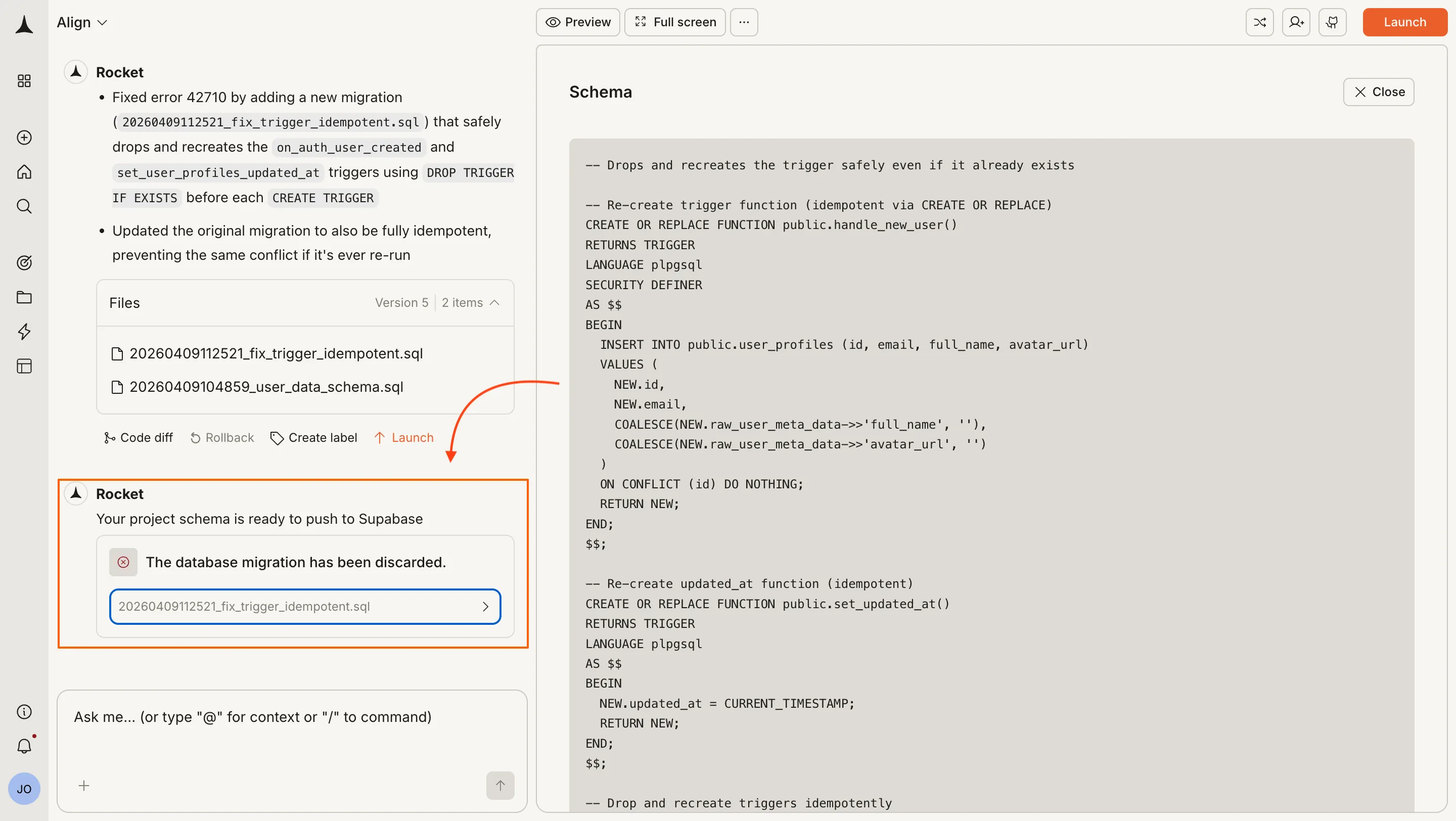
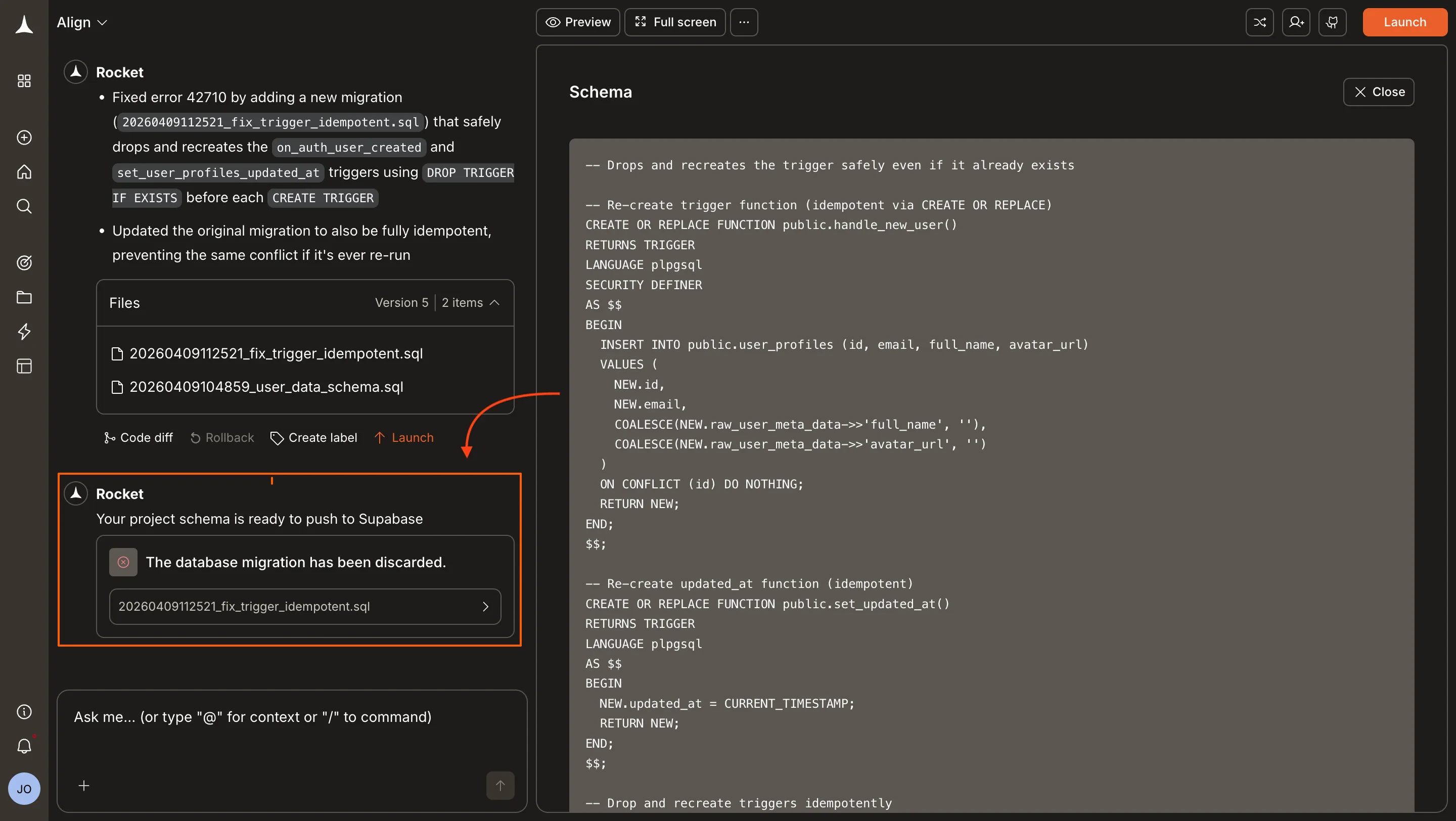
Whenever your app creates or updates tables, Rocket automatically generates a Supabase script. It appears in the chat window with a preview and two options: push or discard.
If you discarded a script and later want to apply it, you can run it manually in Supabase.
1
Copy the SQL from the script popup
If it is still visible, click the script name to preview it, then copy the SQL.
Script preview with copy option
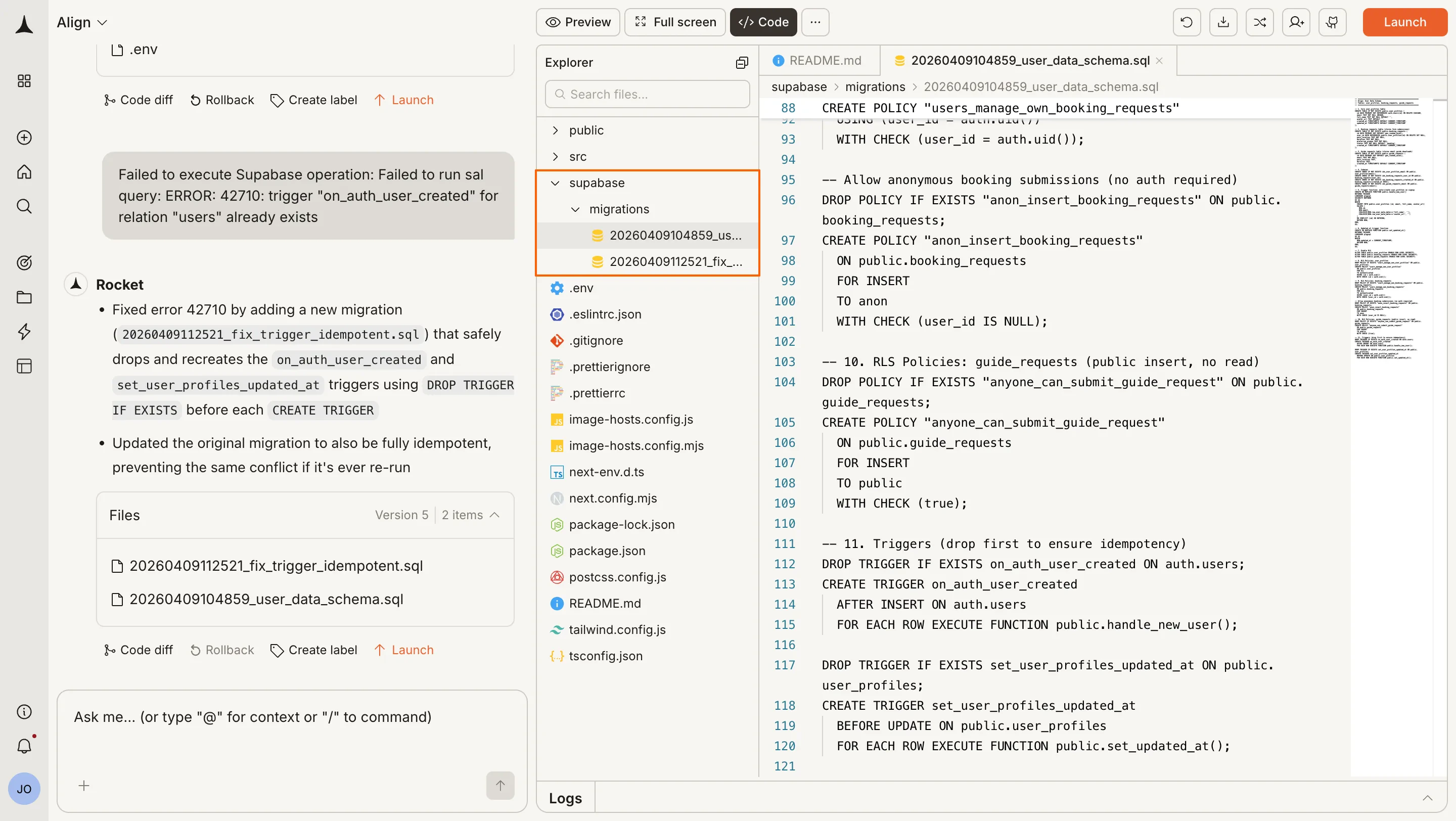
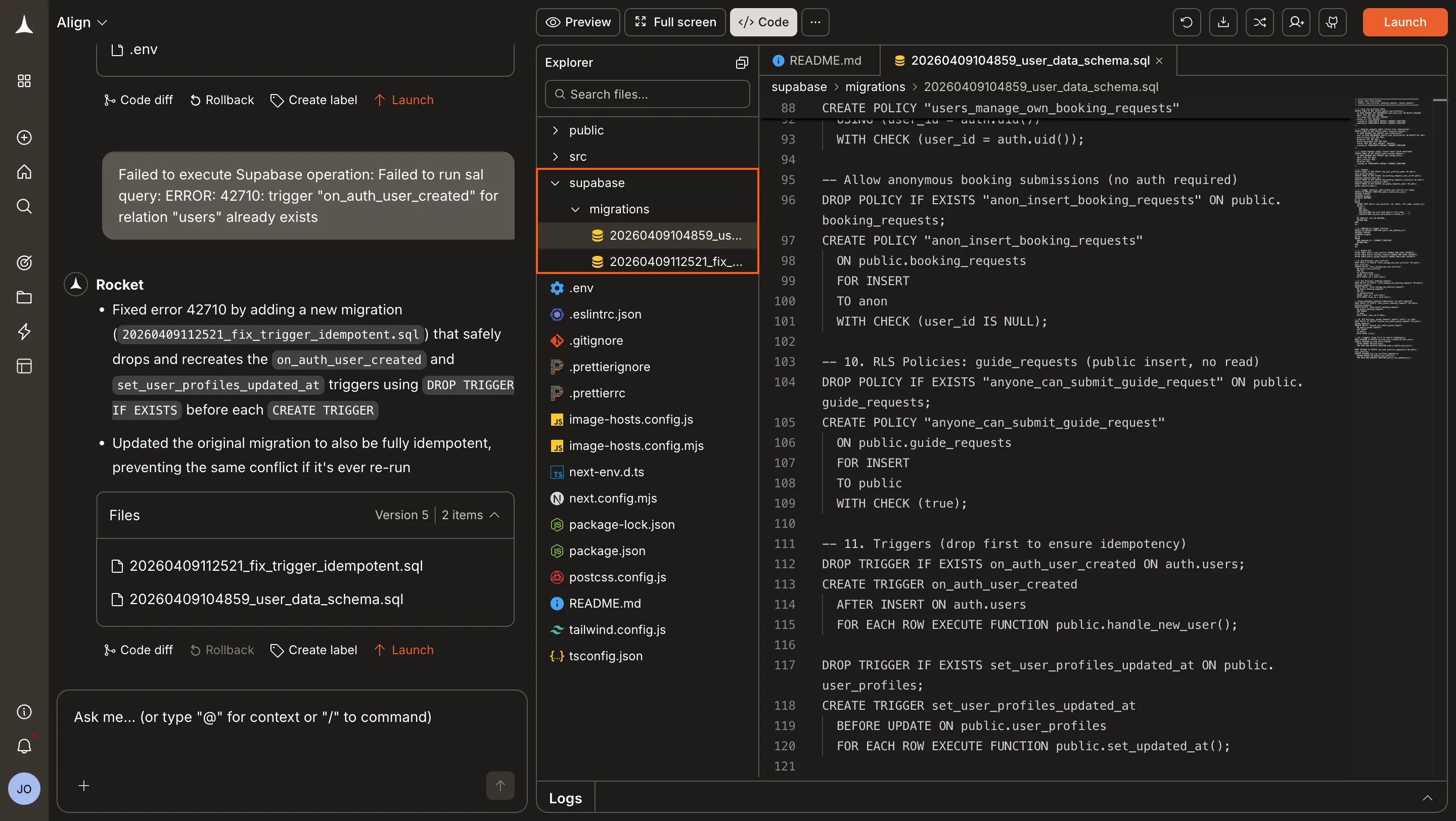
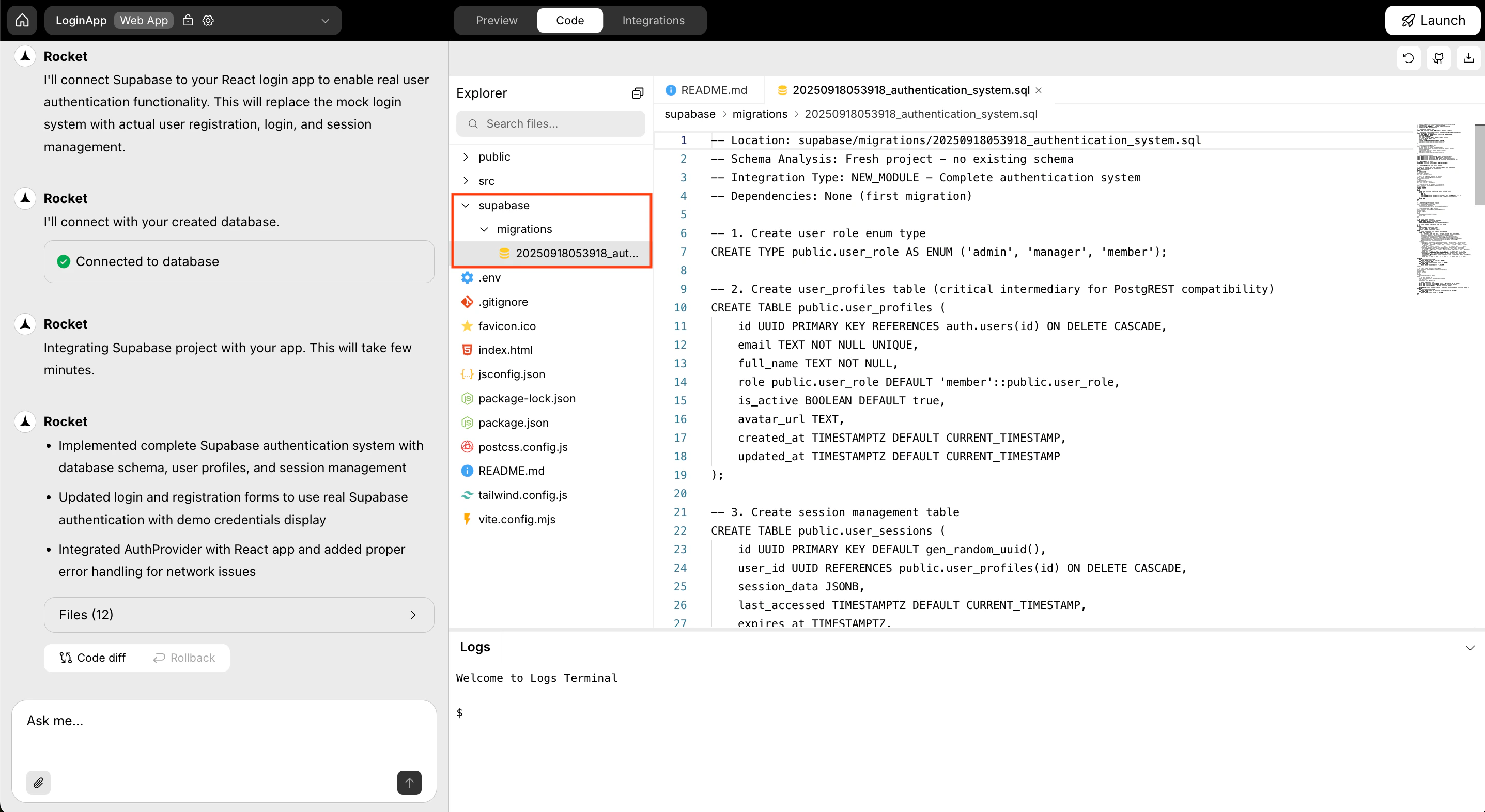
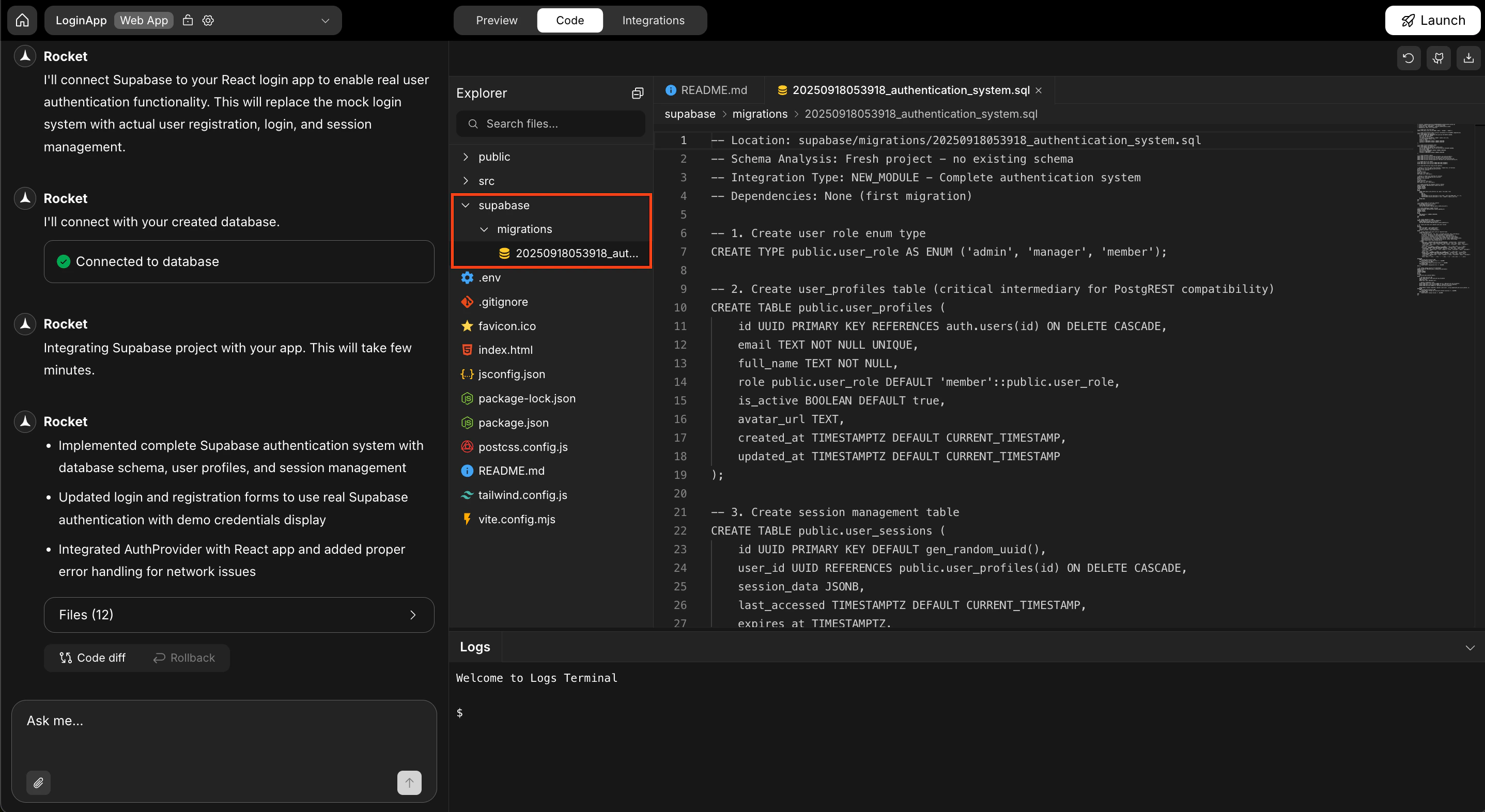
ORIn Rocket, open Code, then open the supabase/migrations/ folder. Each script is saved there with a name and timestamp. Copy the SQL from the script you want.
Code tab with Supabase migration folder
2
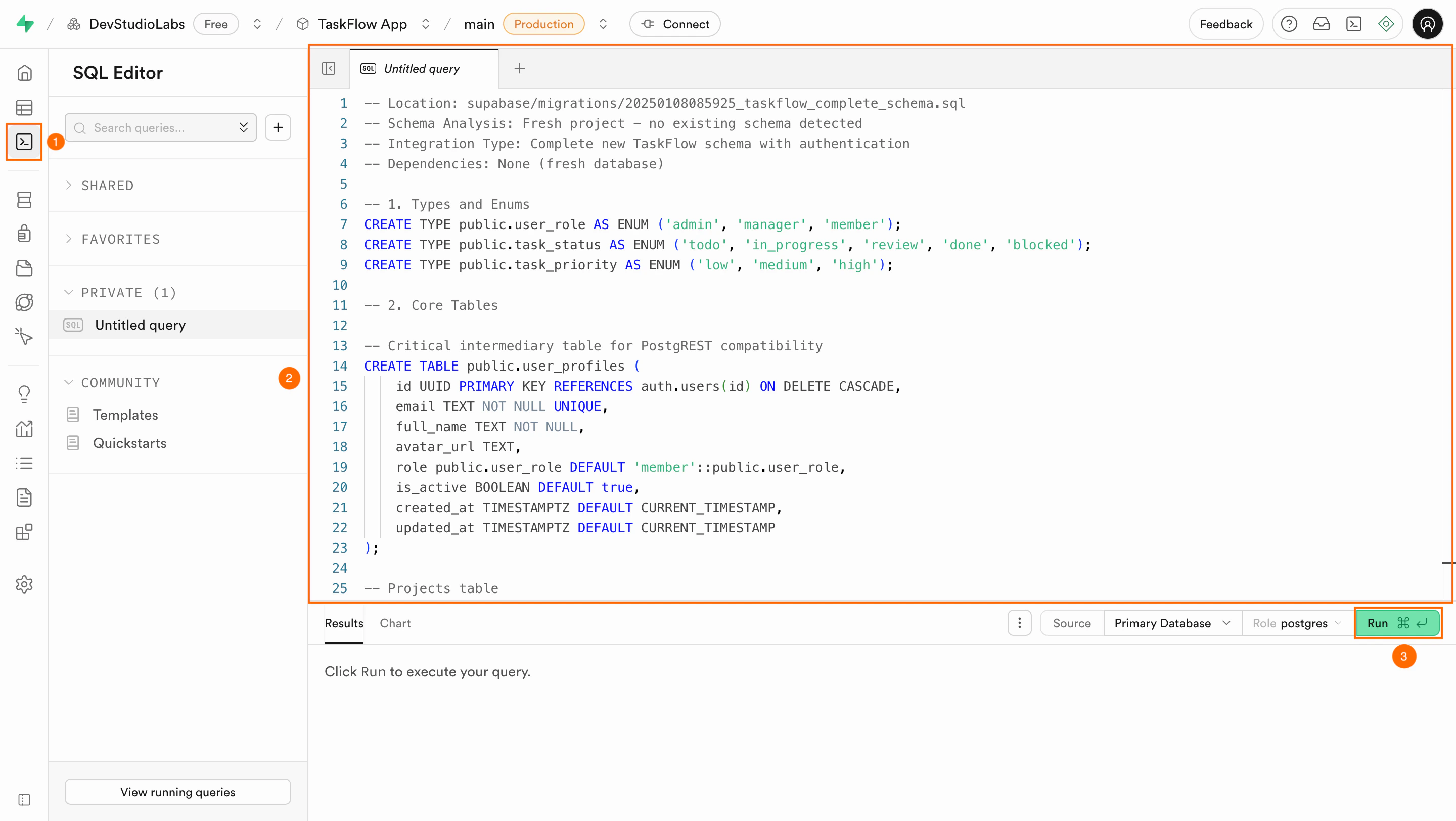
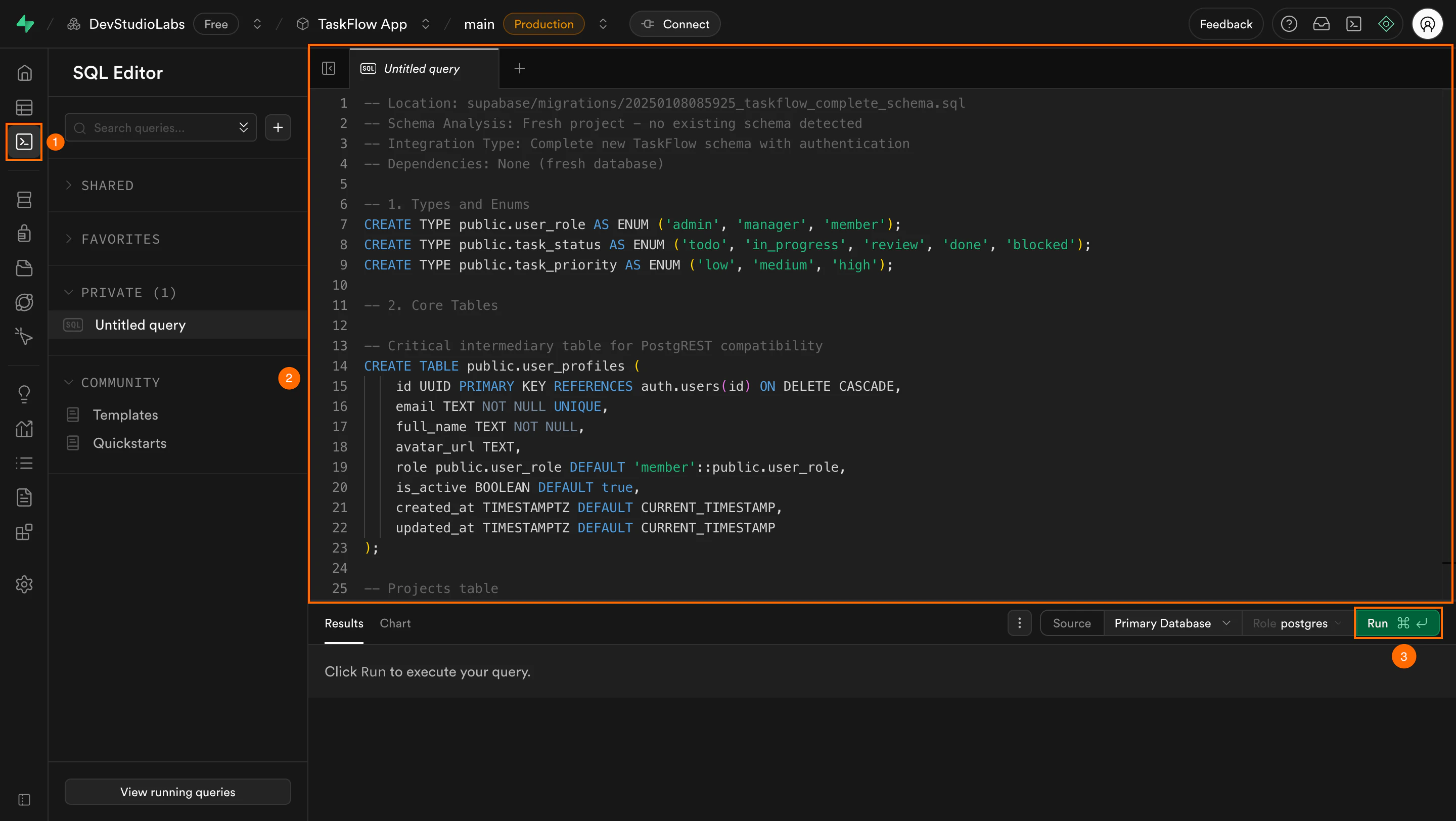
Run the SQL in Supabase
Paste the SQL into the SQL editor in your Supabase dashboard and click Run.
SQL editor in Supabase with pasted script
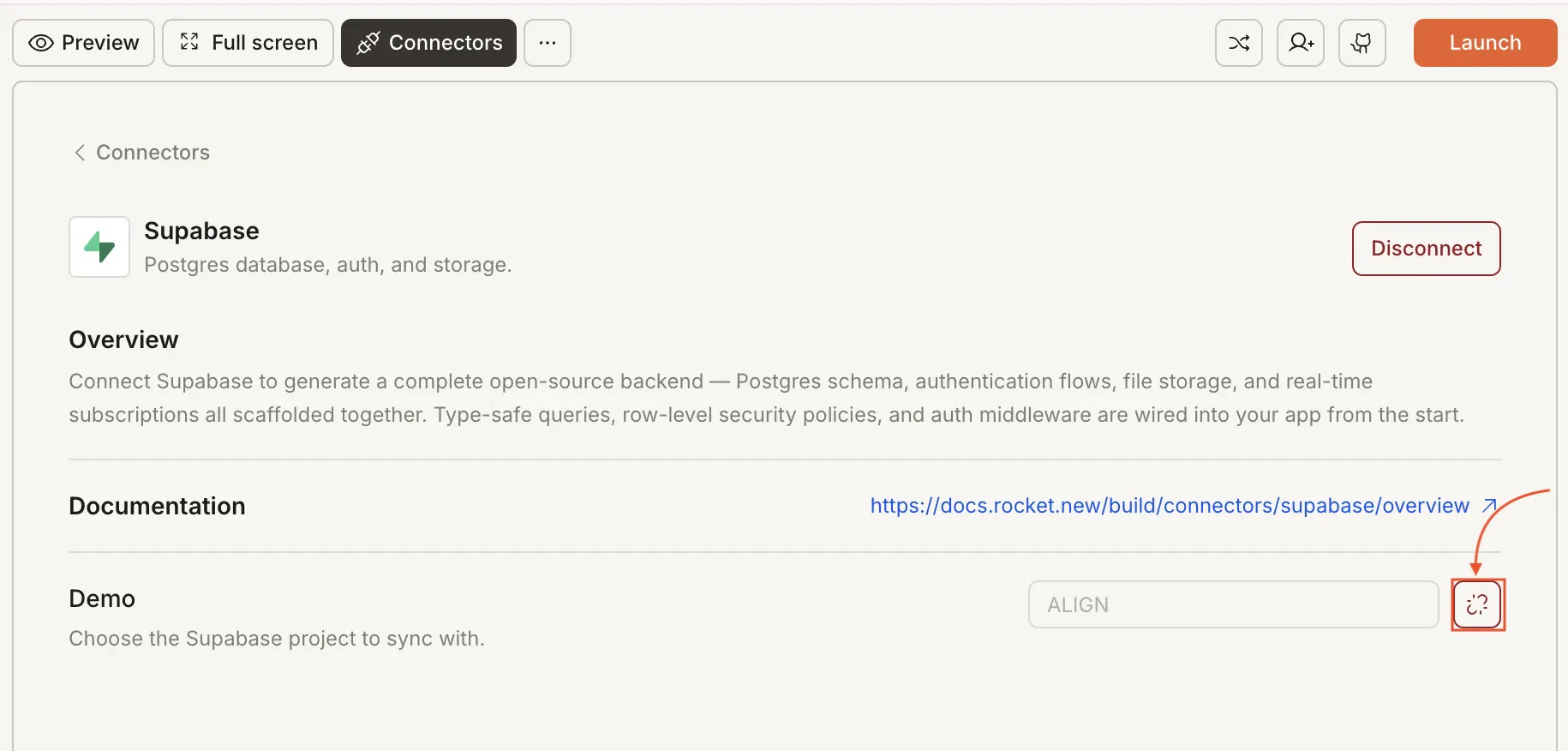
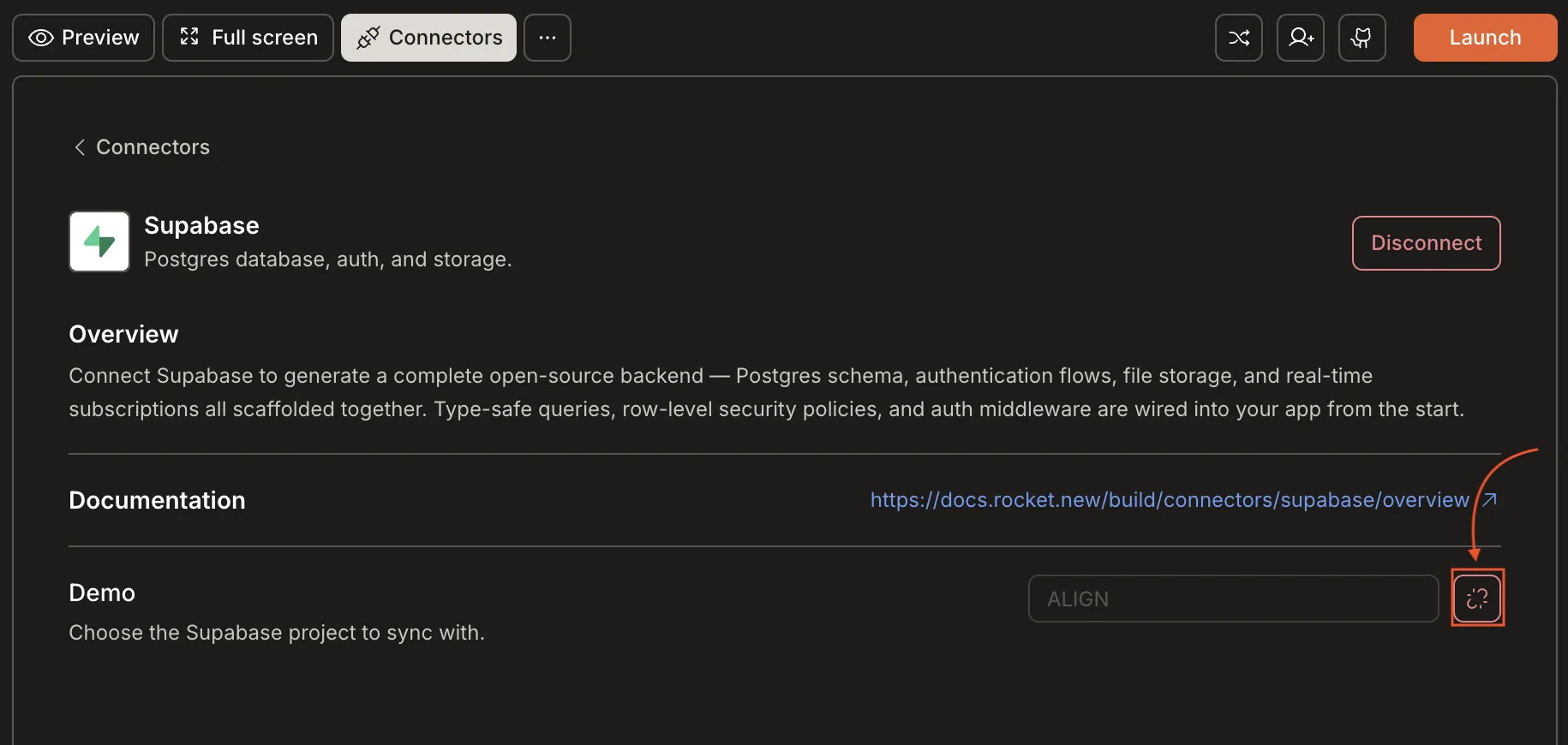
If you change your connected Supabase project, you must run all scripts from the supabase/migrations/ folder in sequence to match your app’s schema.
Schema synced, app ready.
Every Rocket script keeps your app on track. Push as they appear to stay aligned and avoid surprises.