

Redirect URLs
Configure Supabase auth redirect URLs for your Rocket.new app so magic links, password resets, and OAuth callbacks return users to the right route.
By default, Supabase sends confirmation, password reset, and magic links to http://localhost:3000. This guide covers updating the Site URL in Supabase to your live app so those links work correctly for real users.
Why you need to update redirect URLs
By default, Supabase sends all user links (confirmation, reset, and magic) to http://localhost:3000.
If you publish your Rocket app without changing this, users will be sent to a broken page.
Updating this URL ensures users return to your live app after clicking any Supabase link.
Update the redirect URL in Supabase
Log in to Supabase and select the project connected to your Rocket app.
In the left sidebar, click Authentication, then open the URL Configuration tab.
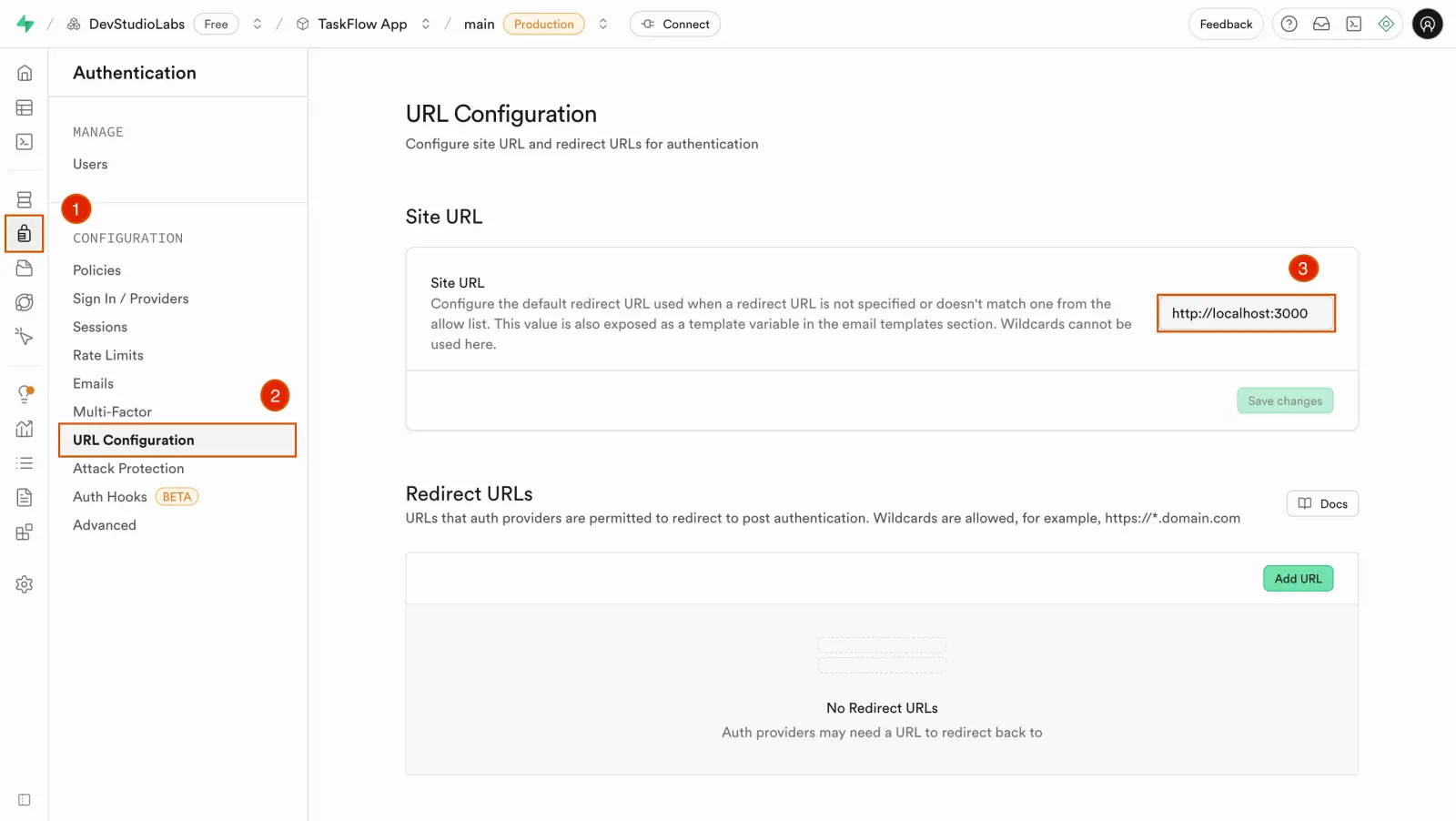
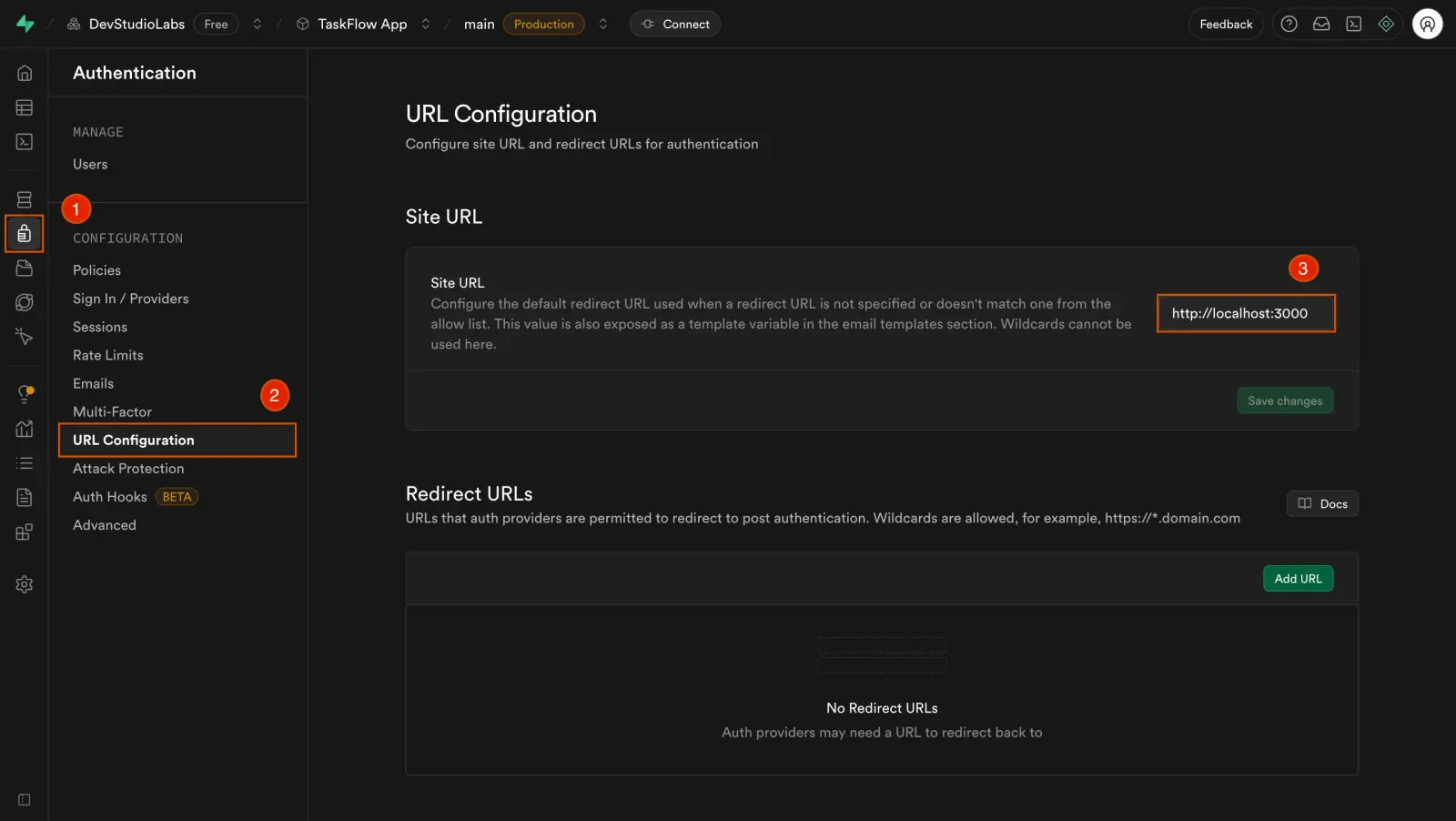
Find the Site URL field. Replace http://localhost:3000 with your app's live URL.
Examples:
https://your-app-name.builtwithrocket.newhttps://yourdomain.com
Click Save at the bottom of the page.
Sign up using a test email and open the confirmation link. It should take you to your live Rocket app, not localhost.
This setting applies to:
- Email confirmation links.
- Password reset links.
- Magic links (if enabled).
Troubleshooting
Link still goes to localhost
Clicking the link opens localhost:3000 instead of your live app.
- Double-check that the Site URL field in Supabase is set to your live URL and begins with
https://. - Remove any trailing slashes. They can interfere with redirects.
Link opens the app, but user is not logged in
The link loads your app, but the user is not authenticated.
- Make sure the redirect URL exactly matches your app's domain, including protocol (
https://) and no trailing slash. - Confirm your Rocket app is connected to the same Supabase project where the URL is set.
Links that land where they should
Your Supabase links now take users straight into your live Rocket app.