Connect OpenAI to Rocket and add GPT-powered AI to your app - from chat assistants and content generators to search and summarization.
Connect your OpenAI API key and describe the AI feature you need in chat. Rocket handles all the integration code automatically so you can focus on what your features should do.
This connector is only available for Next.js TypeScript web build tasks.
Never paste your API key directly into chat. Always use the secure connector popup. If your key is exposed, rotate it immediately from the OpenAI dashboard.
OpenAI is a task-level connector. Each Rocket task connects to its own API key independently.
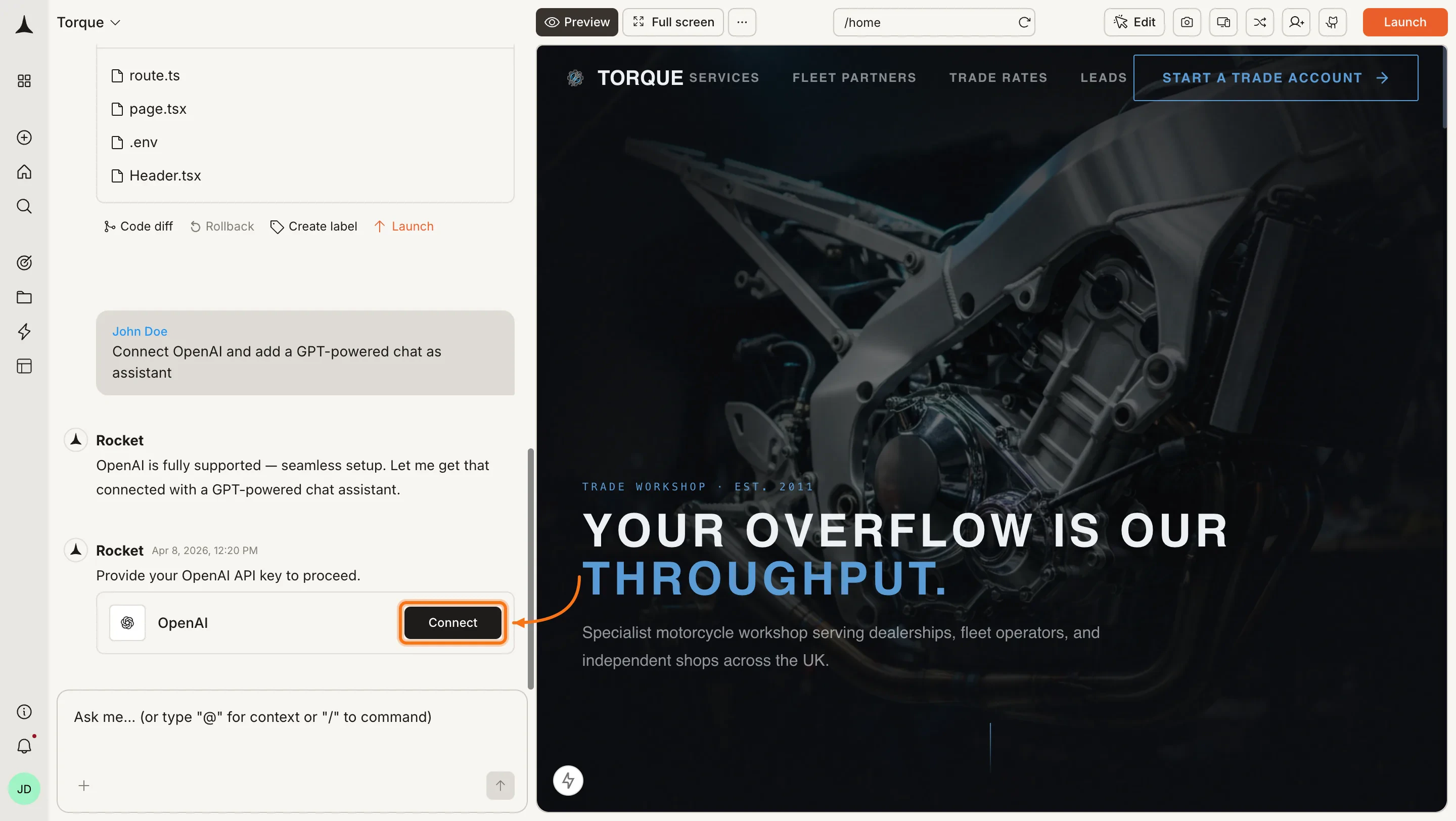
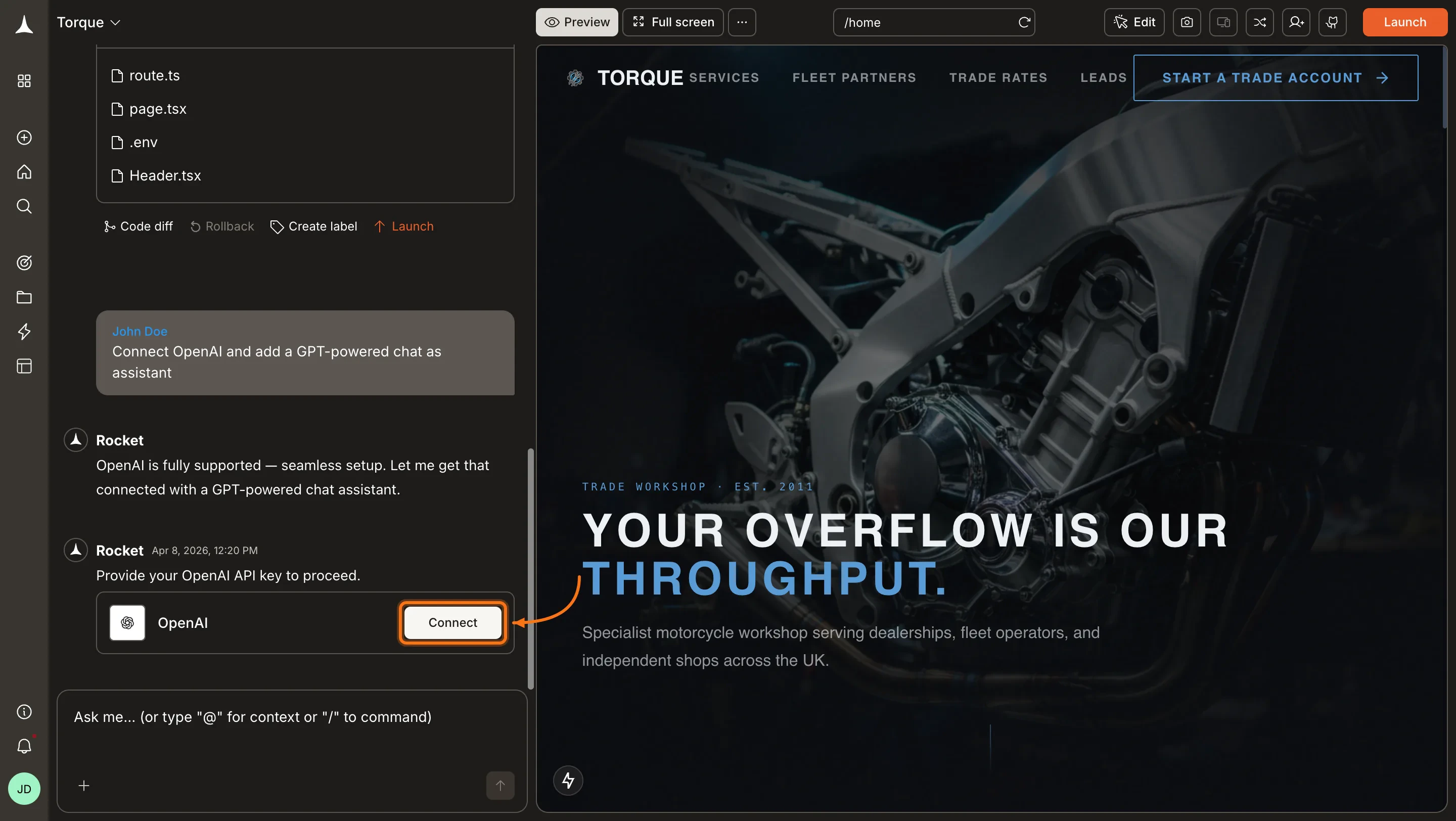
You can connect from two places - both open the same popup.Option 1: From chatType a prompt that mentions OpenAI or GPT - for example, Connect OpenAI and add a GPT-powered chat assistant to my app. Rocket detects the intent and shows a Connect button inline. Click it and the popup opens.
OpenAI connection prompt in chat
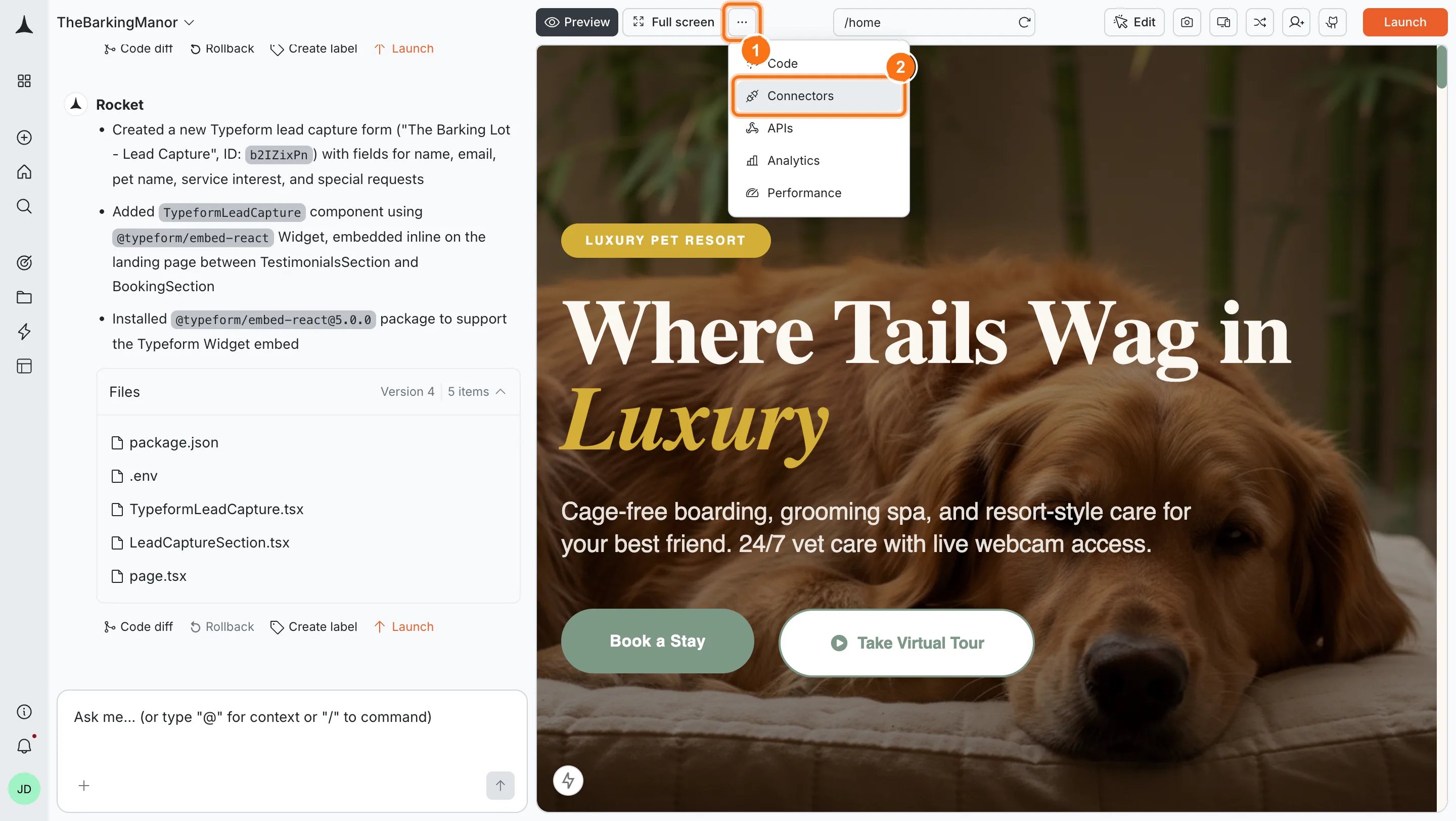
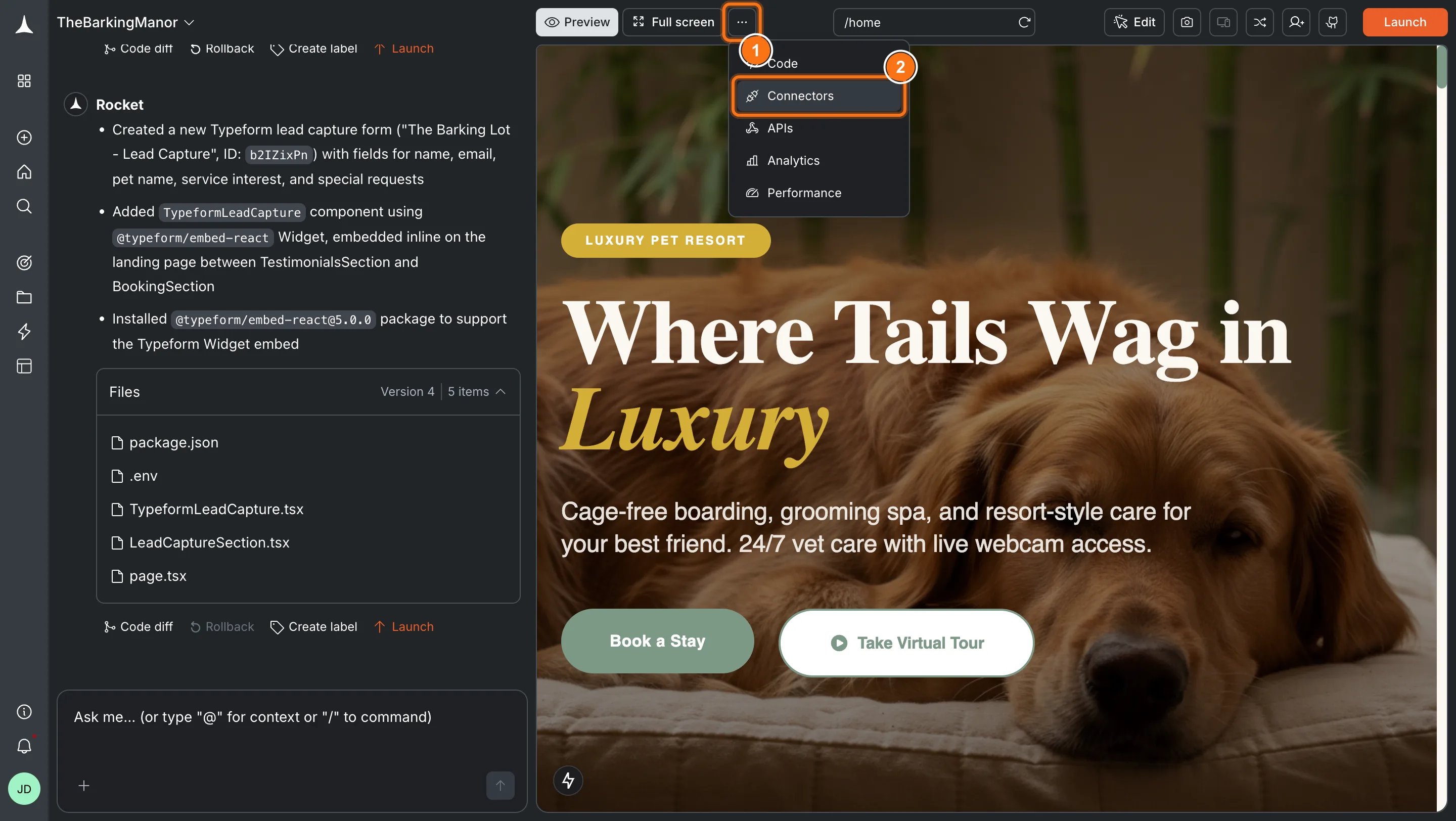
Option 2: From the Connectors tabClick the ... button in the preview toolbar, then select Connectors.
Open Connectors from the toolbar
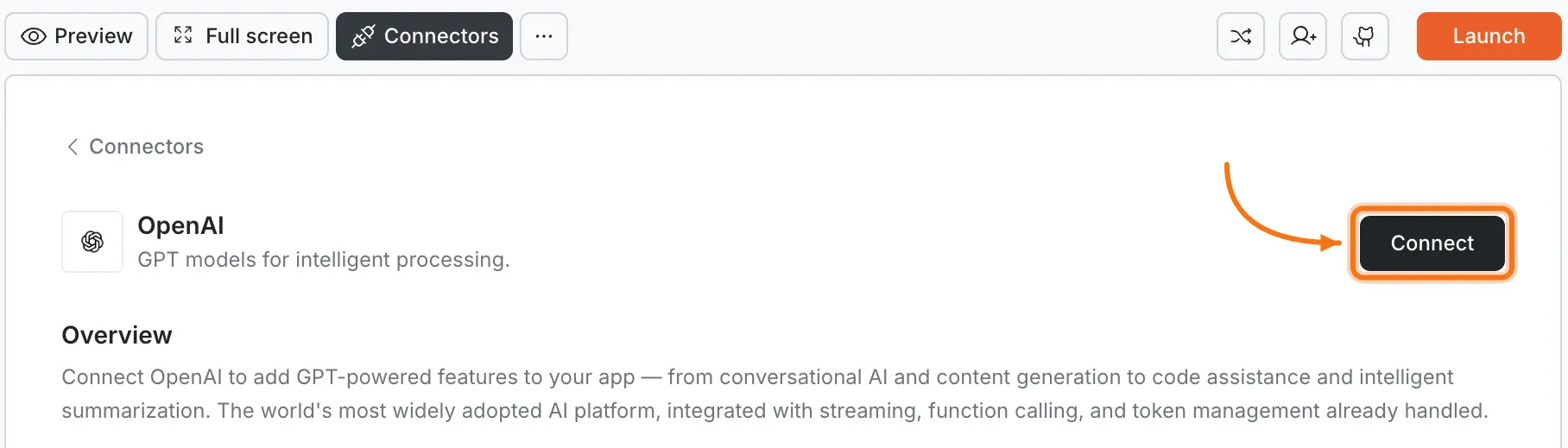
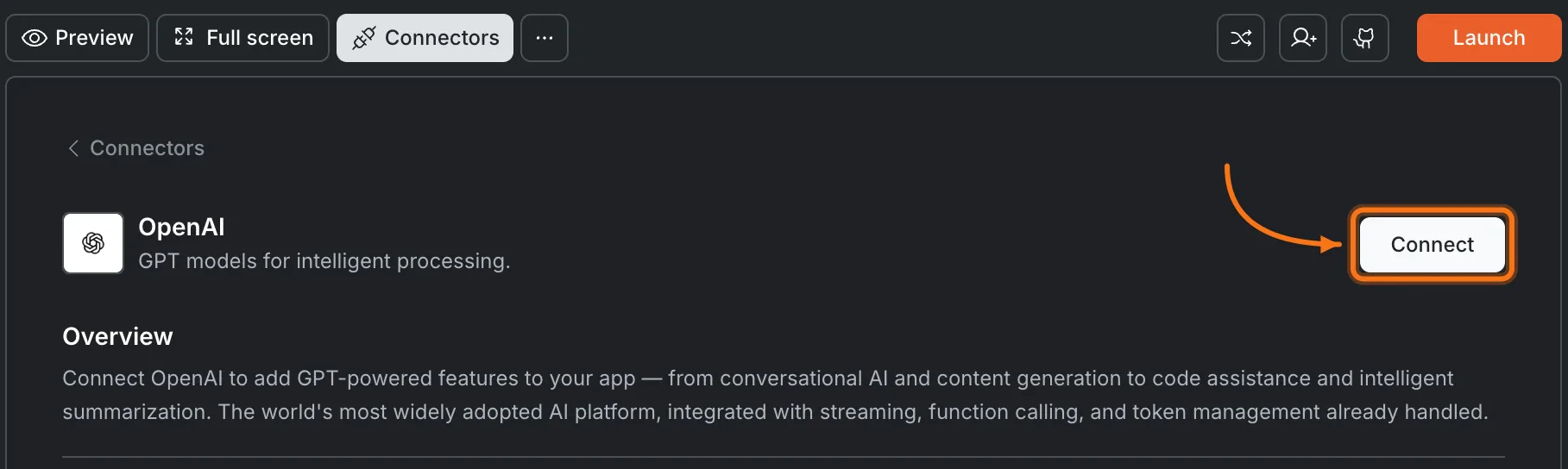
Click the OpenAI card, then click Connect.
OpenAI card in the Connectors panel
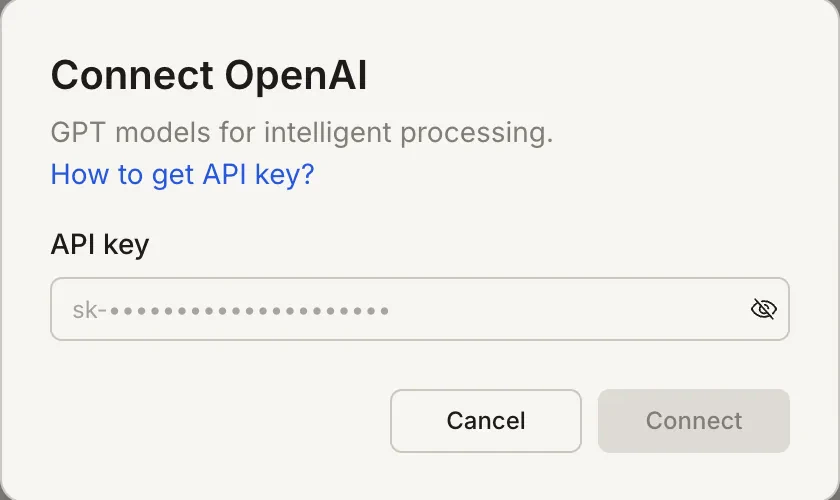
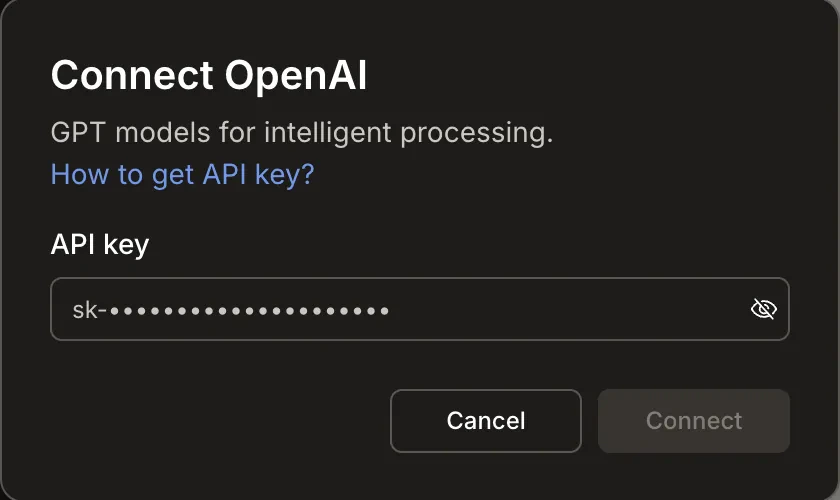
After clicking ConnectA popup opens. Paste your API key and click Connect.
Connect OpenAI popup
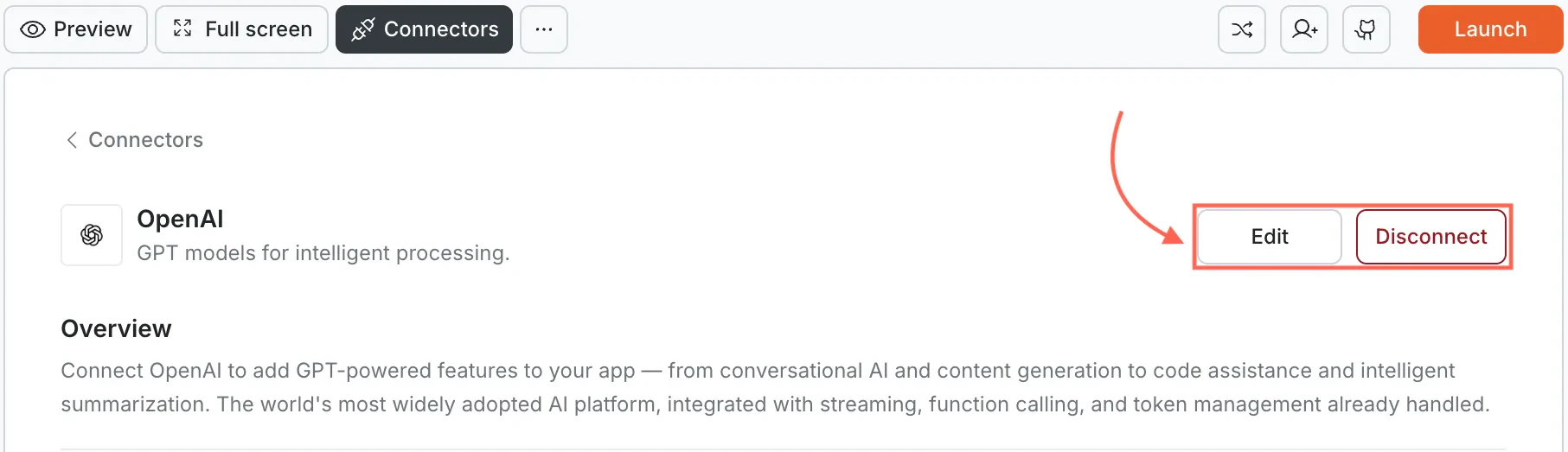
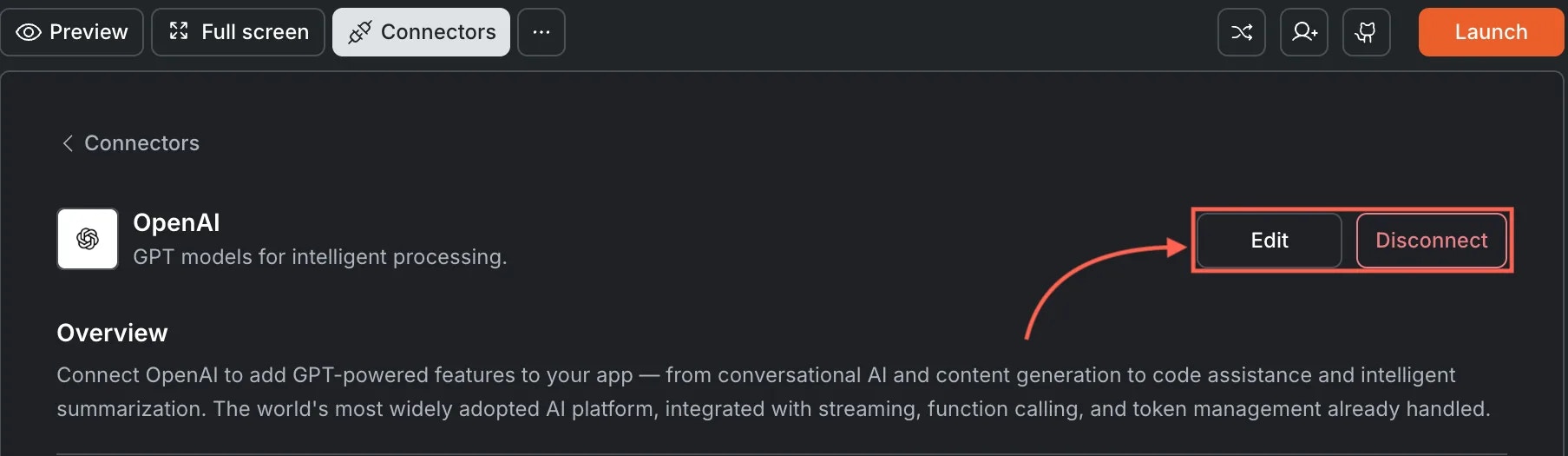
A green dot appears next to OpenAI when the connection is active.Update or disconnectGo to Connectors > OpenAI. Click Edit to update the key or Disconnect to remove the integration.
Edit and Disconnect options on a connected OpenAI card
You can connect from two places - both open the same popup.Option 1: From chatType a prompt that mentions OpenAI or GPT. Rocket detects the intent, shows a Connect button, and the popup opens when you tap it.Option 2: From the Connectors tab
Tap the More button in the header.
Tap Integrations.
Tap the OpenAI card, then tap Connect.
After tapping ConnectA popup opens. Paste your API key and tap Done.A green dot appears next to OpenAI when the connection is active.Update or disconnectGo back to the OpenAI card in Integrations. Tap Edit to update the key or Disconnect to remove it from this task.
API billing is separate. OpenAI charges based on token usage. Monitor your spending in the OpenAI usage dashboard.
Rate limits apply. New accounts have lower rate limits. Check your rate limit tier and request an increase if needed.
Token costs vary by model. Longer prompts and responses cost more. Keep system prompts concise and set reasonable max token limits.
OpenAI vs. Anthropic. GPT models excel at broad general-purpose tasks, function calling, and vision. Claude is better suited for long-context analysis and tasks requiring careful, detailed reasoning.
One API key per task. Each Rocket task connects to one OpenAI API key independently.