Connect SendGrid to your Rocket.new app to deliver transactional email, run bulk marketing campaigns, and manage subscriber lists at scale.
Connect SendGrid and describe the email flow you want in chat. Rocket generates the complete sending logic: templates, API calls, event tracking, and delivery management.
SendGrid excels at high-volume sending and marketing campaigns. For simpler developer-focused transactional email, Resend may be a lighter option.
You need your API key from the SendGrid Dashboard.
Create or copy your SendGrid API key
Never paste your SendGrid API key directly into chat. Always use the secure connection popup. If your key has been exposed, revoke it from SendGrid Settings and create a new one.
SendGrid requires domain authentication or single-sender verification before you can send emails. Complete this in SendGrid Settings > Sender Authentication before connecting.
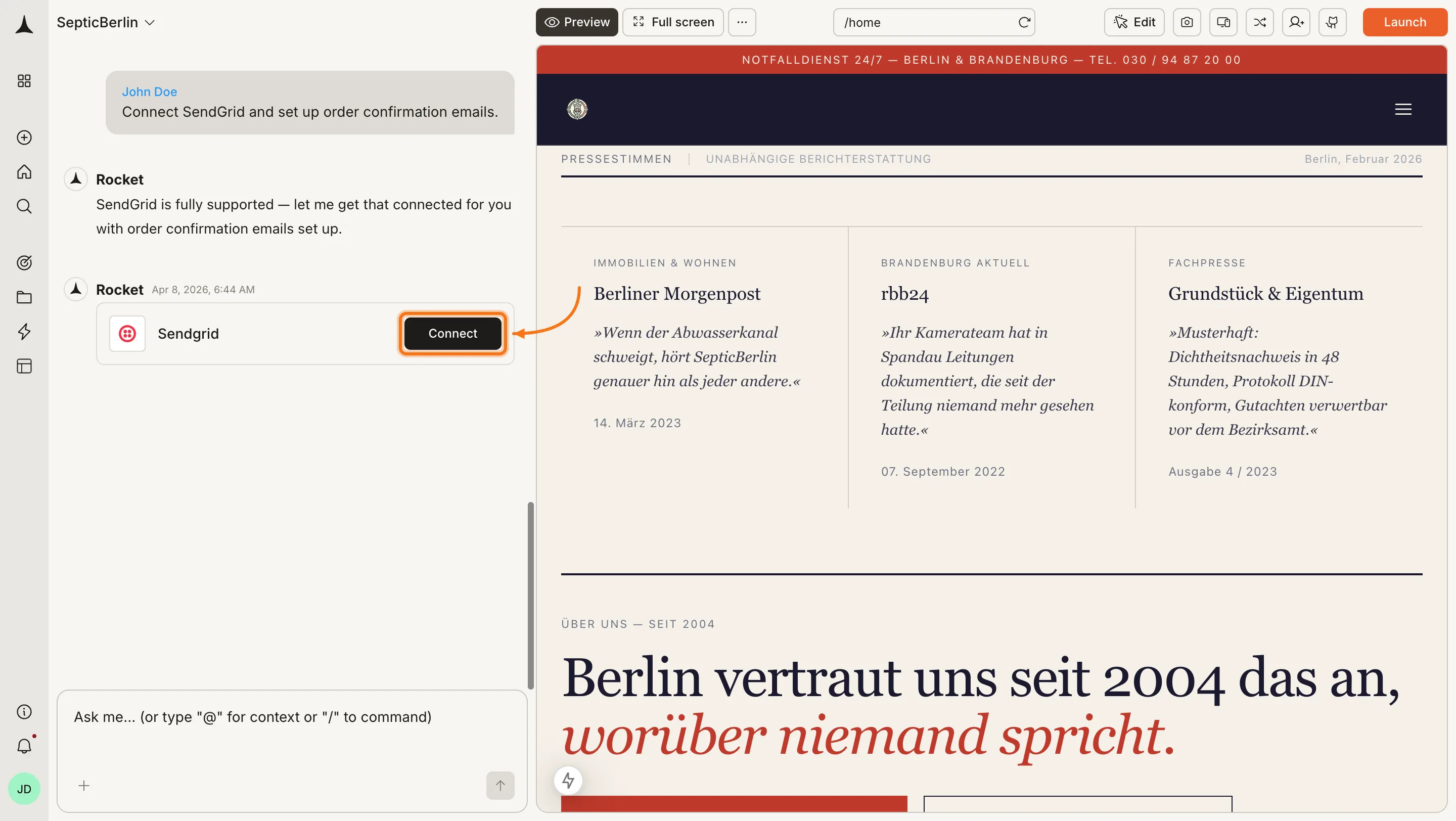
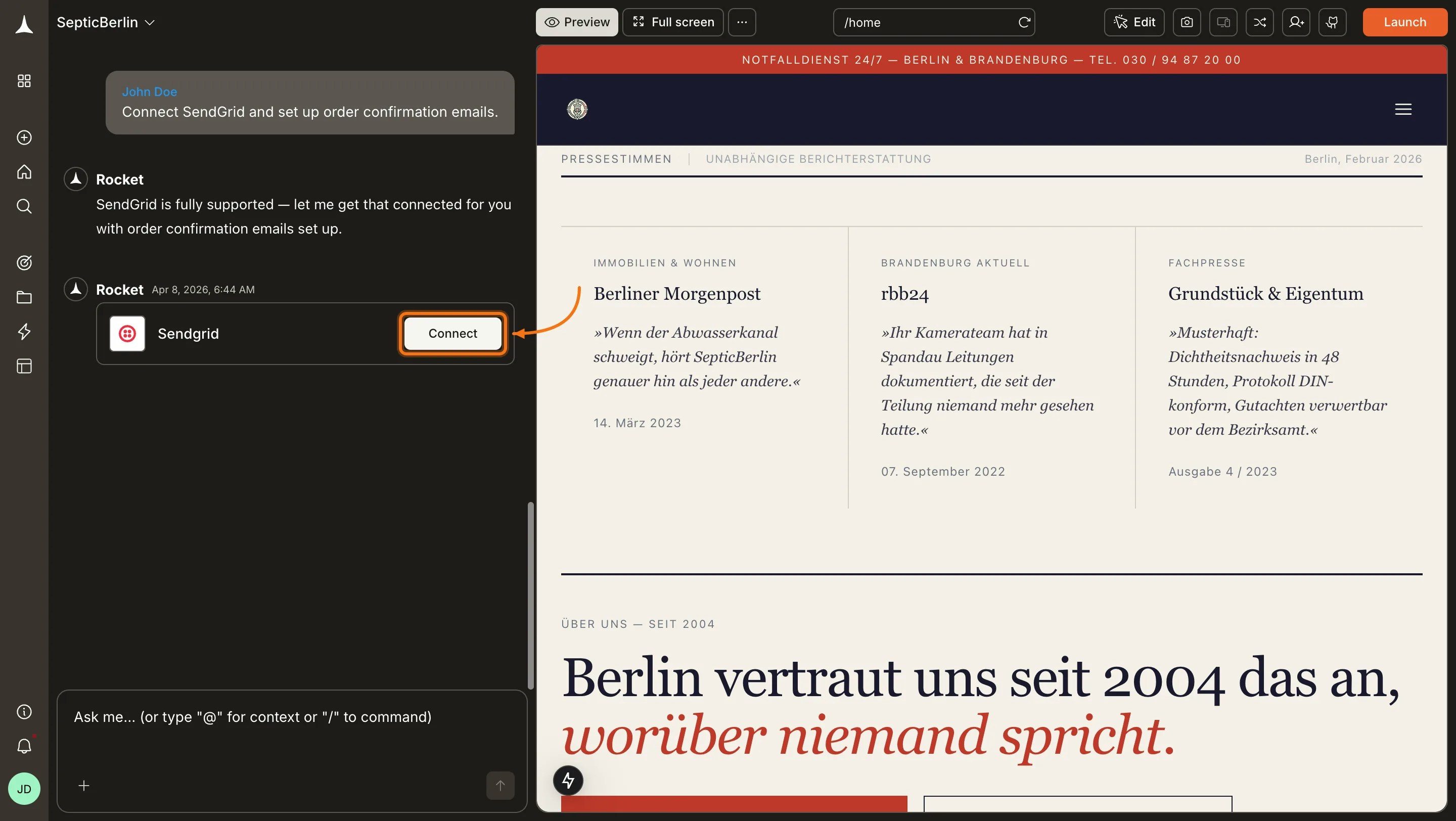
You can connect from two places - both open the same popup.Option 1: From chatType a prompt that mentions SendGrid - for example, Connect SendGrid and send an order confirmation email when a user completes checkout. Rocket detects the intent and shows a Connect button inline. Click it and the popup opens.
SendGrid connection prompt in chat
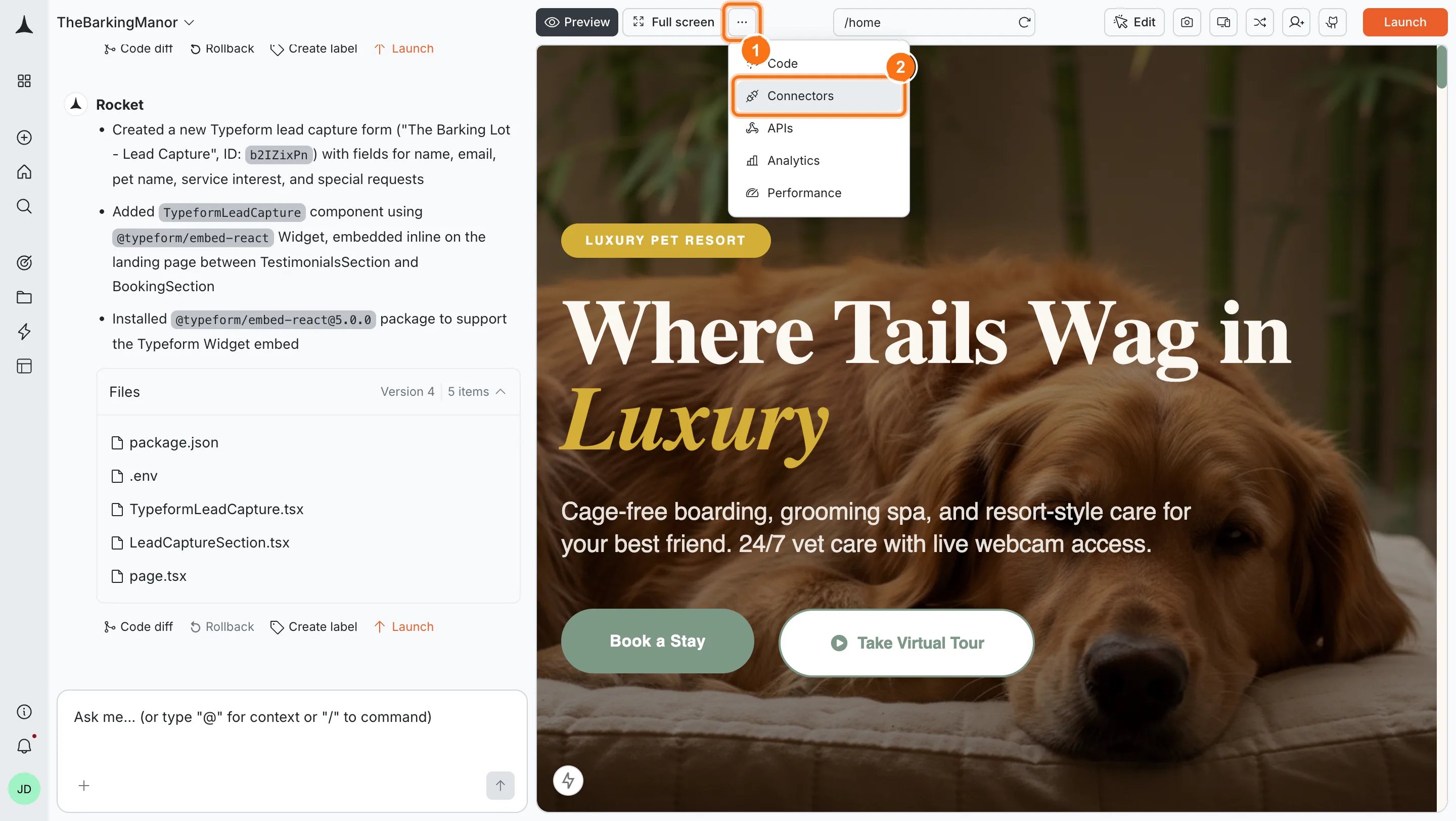
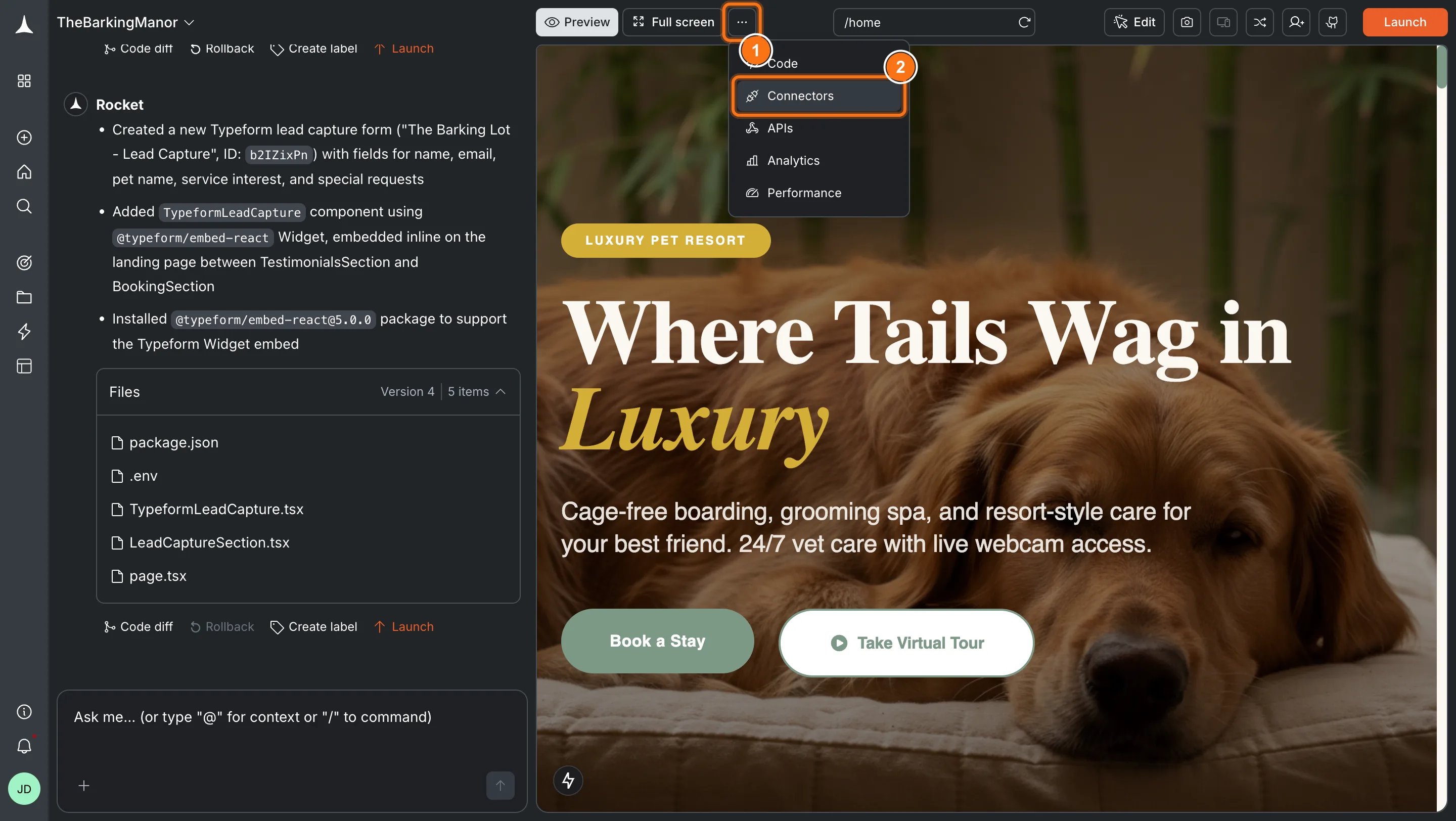
Option 2: From the Connectors tabClick the ... button in the preview toolbar, then select Connectors.
Open Connectors from the toolbar
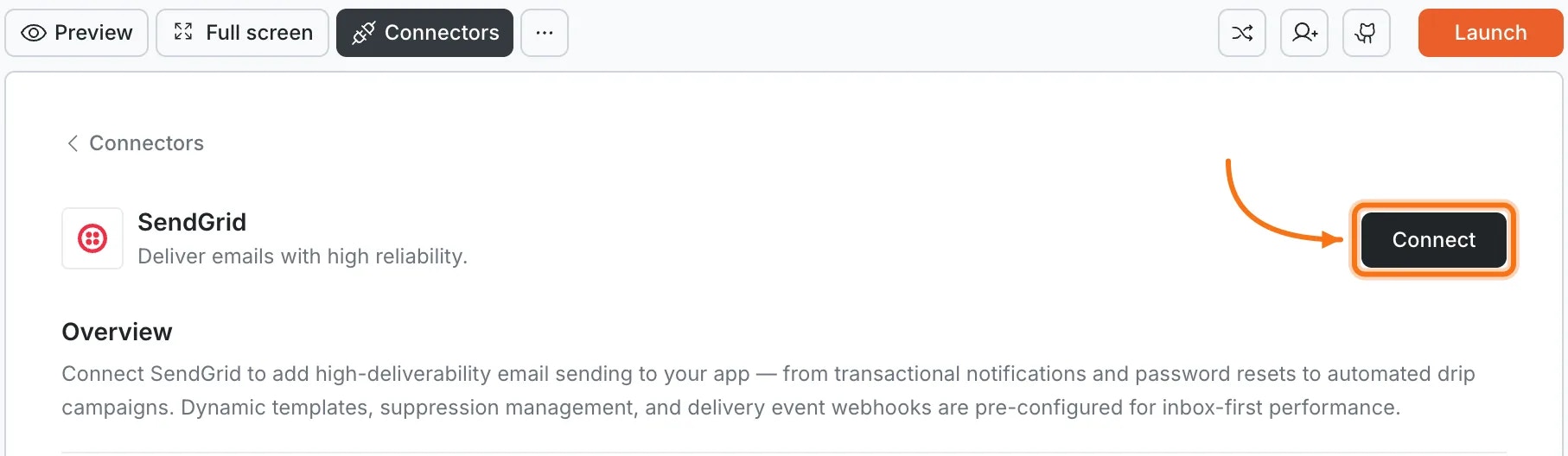
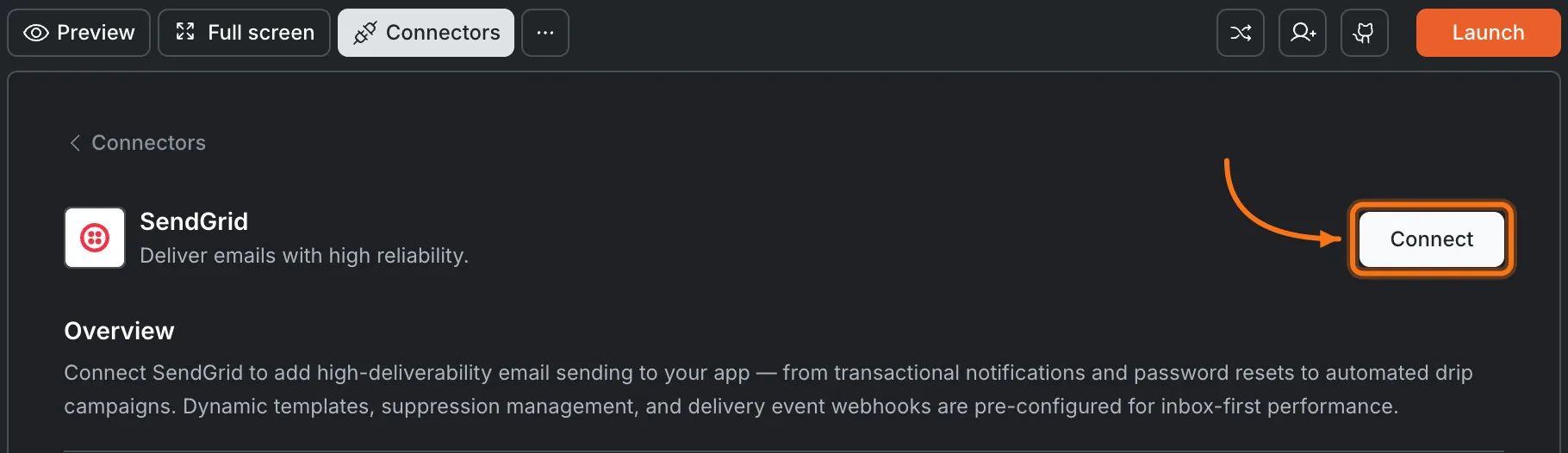
Click the SendGrid card, then click Connect.
SendGrid card in the Connectors panel
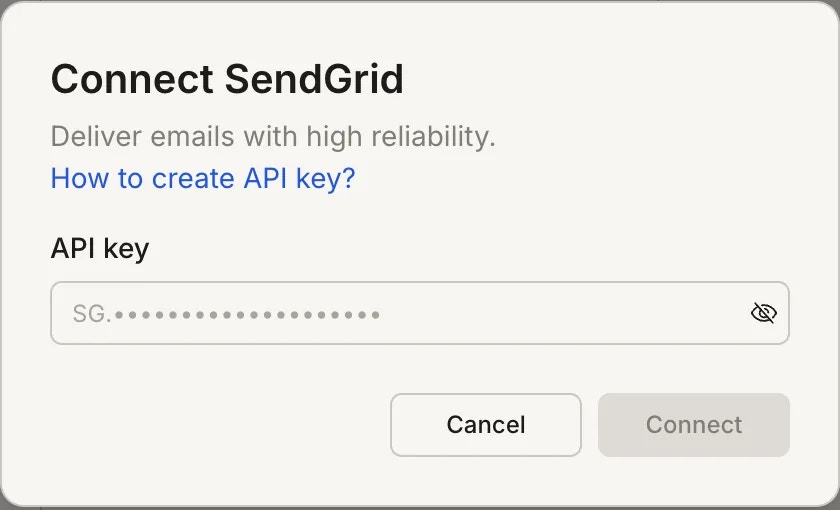
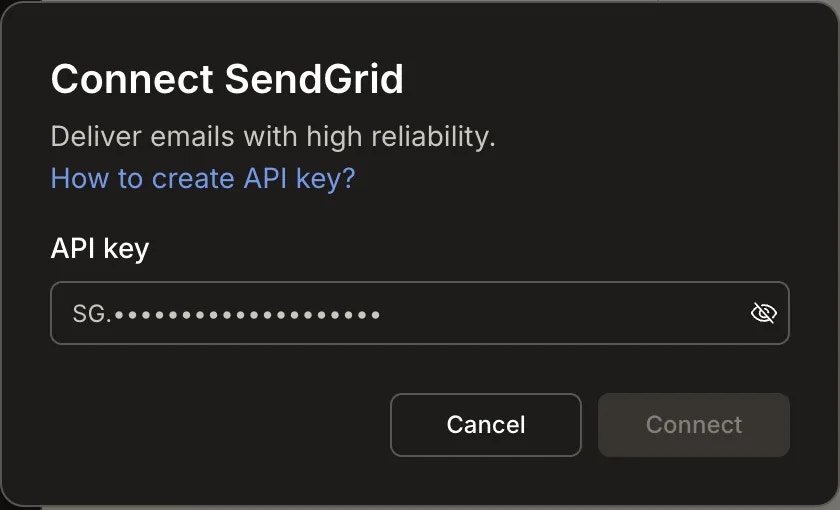
After clicking ConnectA popup opens. Paste your API key, then click Save. A green dot appears next to SendGrid when the connection is active.
Paste your SendGrid API key in the popup
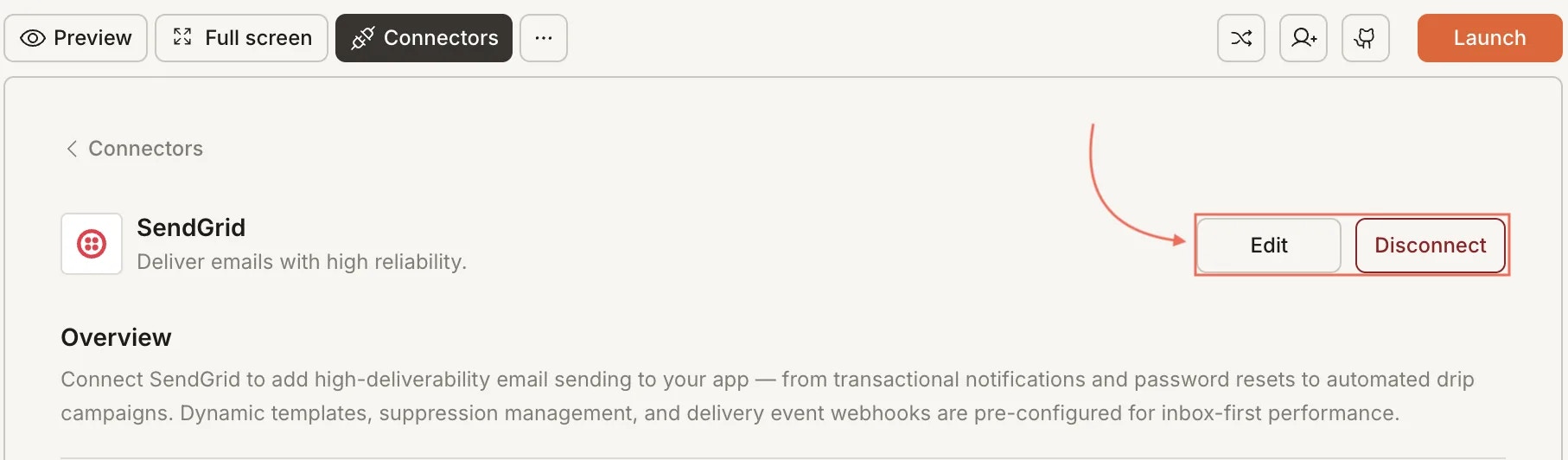
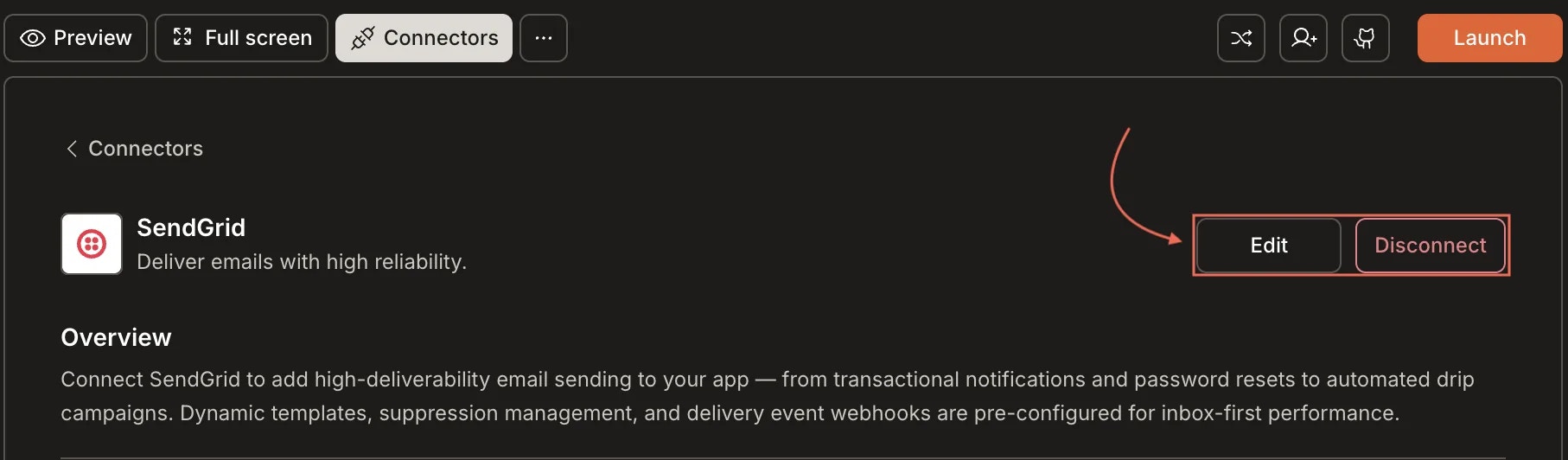
Update or disconnectGo to Connectors > SendGrid. Update your key or click Disconnect to remove the integration.
Disconnect SendGrid
You can connect from two places - both open the same popup.Option 1: From chatType a prompt that mentions SendGrid. Rocket detects the intent, shows a Connect button, and the popup opens when you tap it.Option 2: From the Connectors tab
Tap the More button in the header.
Tap Integrations.
Tap the SendGrid card, then tap Connect.
After tapping ConnectA popup opens. Paste your API key, then tap Done. A green dot appears next to SendGrid when the connection is active.Update or disconnectGo to Integrations > SendGrid. Update your key or tap Disconnect to remove the integration.
Verify your sender identity first. SendGrid requires domain authentication or single-sender verification before you can send emails. Complete this in SendGrid Settings before connecting.
No permanent free tier. SendGrid’s free plan allows 100 emails per day. Upgrade for higher volume. Check SendGrid pricing for current plans.
Manage contacts in SendGrid. You can add subscribers through Rocket, but deleting contacts and managing suppression lists must be done in the SendGrid dashboard.
One SendGrid account per project. Each Rocket project connects to one SendGrid API key. Use different projects for different SendGrid accounts.