Wire MailerLite into Rocket.new to publish newsletters, add subscriber signup forms, and set up drip email automation for creator audiences.
Connect MailerLite and describe the email flow you want in chat. Rocket generates the complete logic: signup forms, subscriber list management, automation triggers, and email sending.
MailerLite is ideal for clean, straightforward email marketing without the complexity of enterprise platforms. Pair with Supabase for user data and Stripe for payment-triggered emails.
You need your API token from the MailerLite dashboard.
Create or copy your MailerLite API token
Never paste your MailerLite API token directly into chat. Always use the secure connection popup. If your token has been exposed, revoke it from MailerLite and generate a new one.
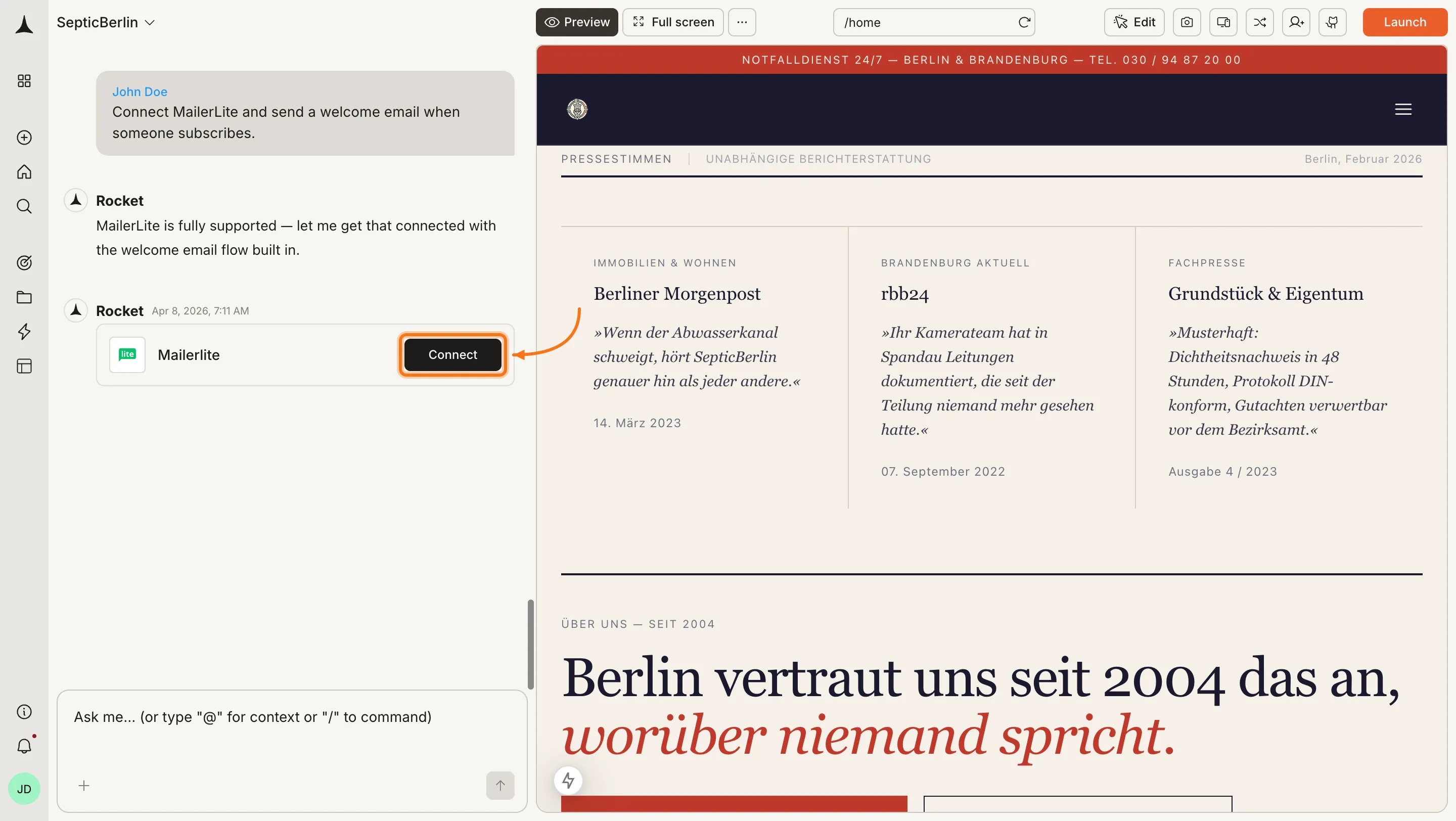
You can connect from two places - both open the same popup.Option 1: From chatType a prompt that mentions MailerLite - for example, Connect MailerLite and add a newsletter signup form to my landing page. Rocket detects the intent and shows a Connect button inline. Click it and the popup opens.
MailerLite connection prompt in chat
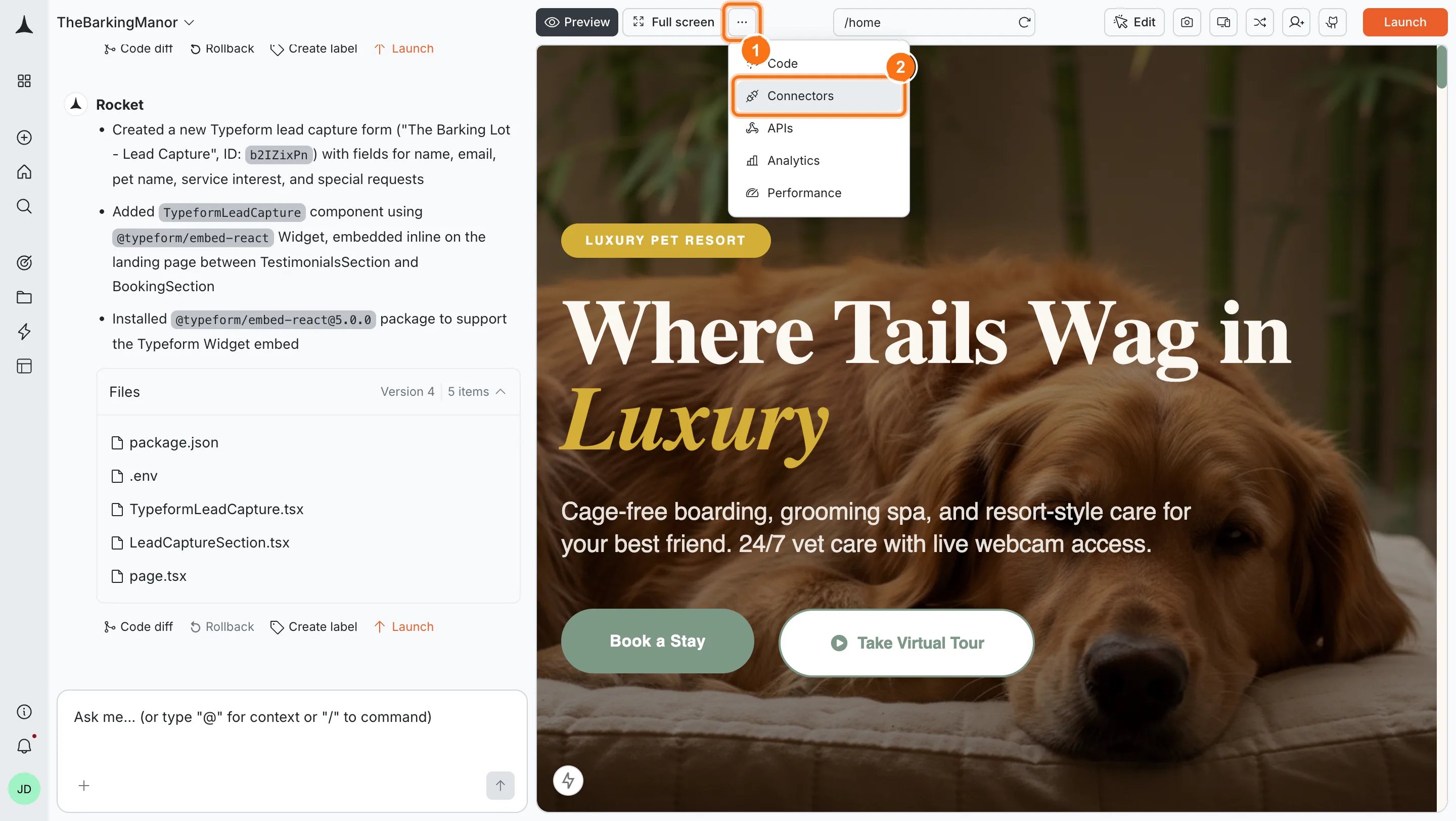
Option 2: From the Connectors tabClick the ... button in the preview toolbar, then select Connectors.
Open Connectors from the toolbar
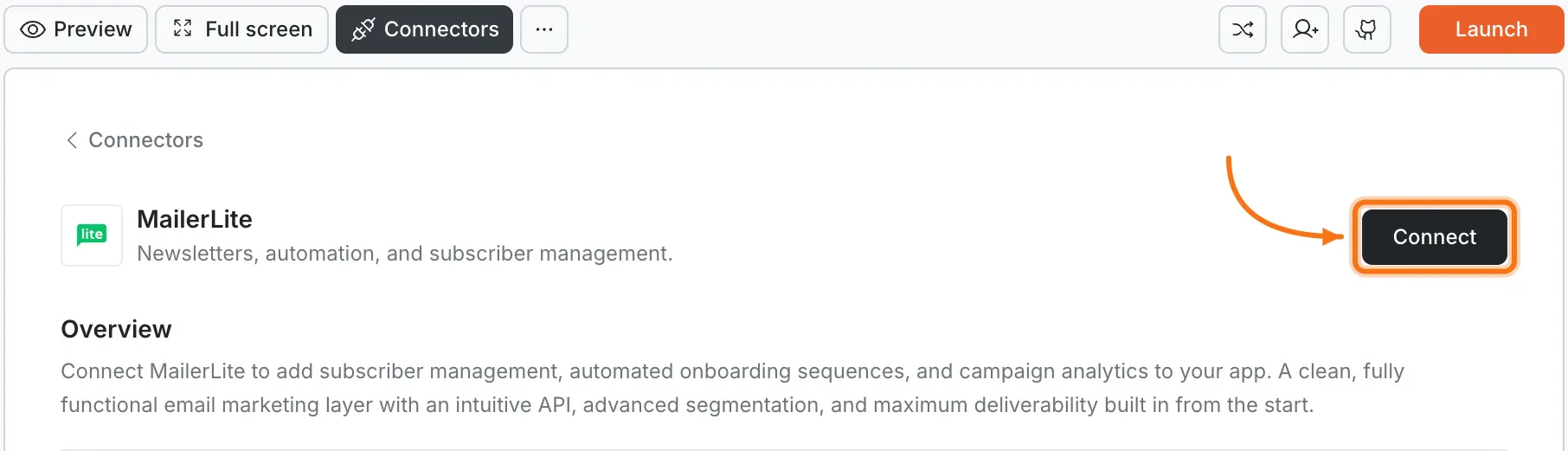
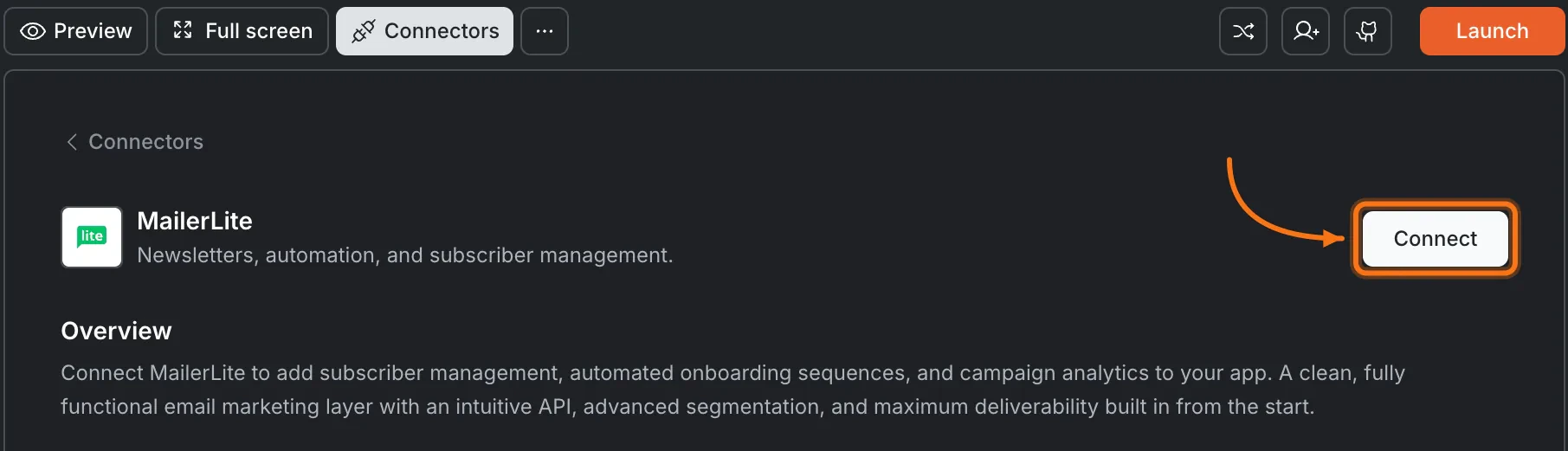
Click the MailerLite card, then click Connect.
MailerLite card in the Connectors panel
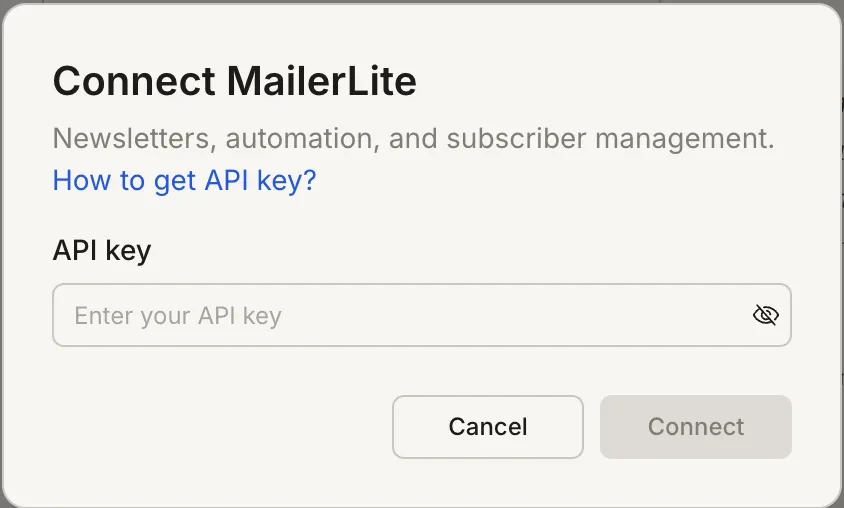
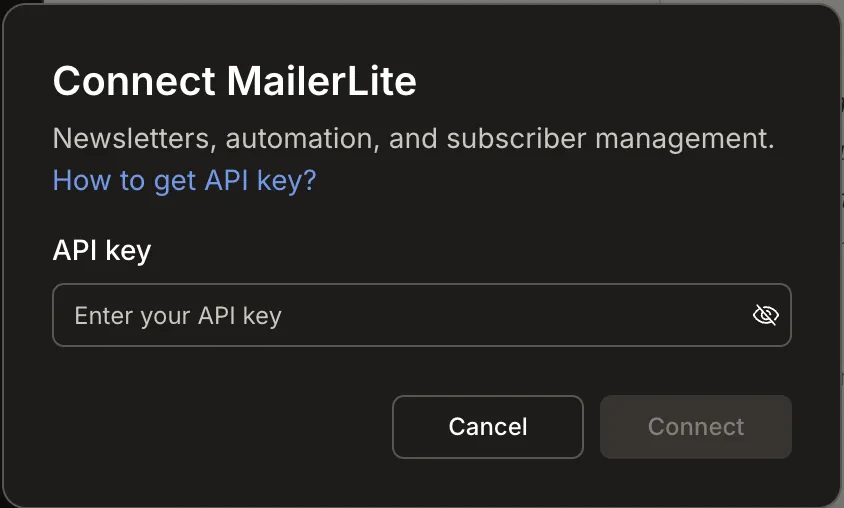
After clicking ConnectA popup opens. Paste your API token, then click Save. A green dot appears next to MailerLite when the connection is active.
Paste your MailerLite API token in the popup
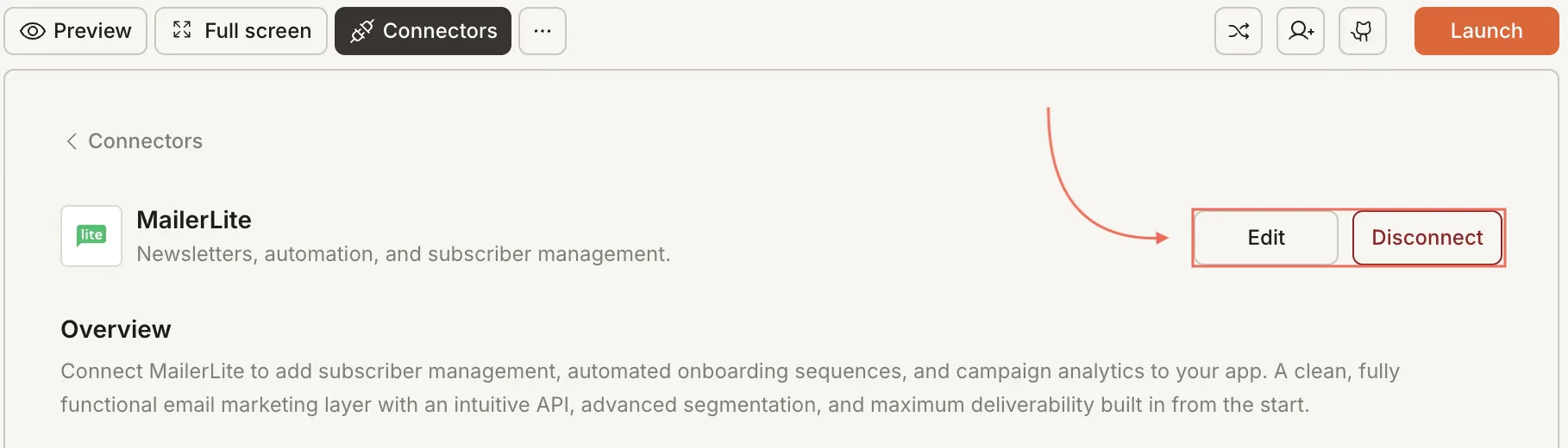
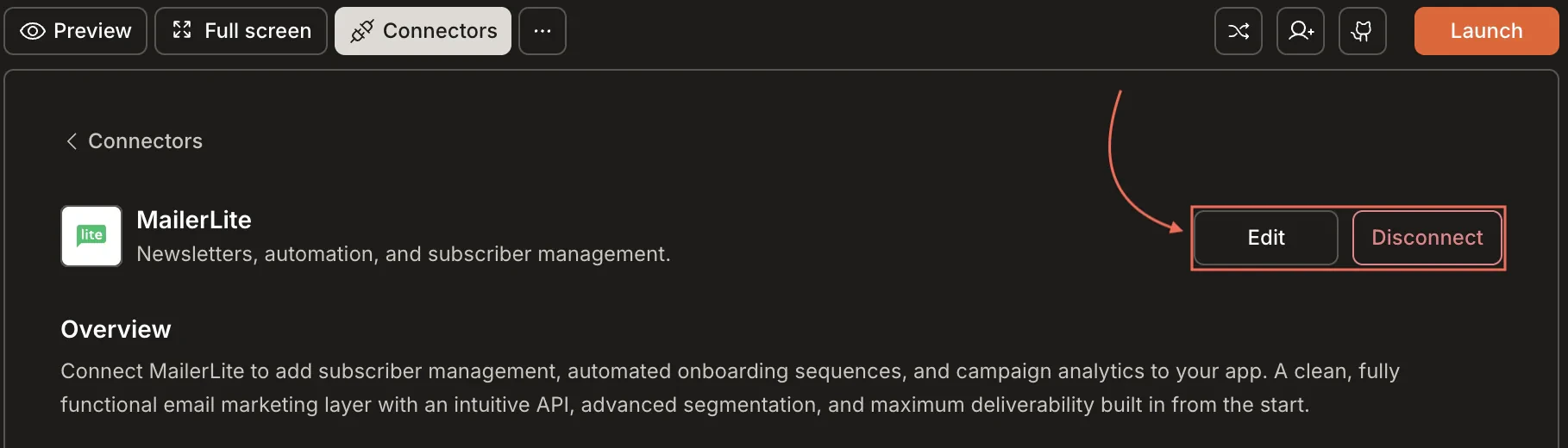
Update or disconnectGo to Connectors > MailerLite. Update your token or click Disconnect to remove the integration.
Disconnect MailerLite
You can connect from two places - both open the same popup.Option 1: From chatType a prompt that mentions MailerLite. Rocket detects the intent, shows a Connect button, and the popup opens when you tap it.Option 2: From the Connectors tab
Tap the More button in the header.
Tap Integrations.
Tap the MailerLite card, then tap Connect.
After tapping ConnectA popup opens. Paste your API token, then tap Done. A green dot appears next to MailerLite when the connection is active.Update or disconnectGo to Integrations > MailerLite. Update your token or tap Disconnect to remove the integration.
MailerLite is built for email marketing. It excels at newsletters, subscriber management, and automation. For transactional emails like password resets, pair it with Resend or SendGrid.
Free tier includes 500 subscribers and 12,000 emails per month. A solid starting point. Upgrade as your list grows.
API token permissions matter. Generate a token with the permissions your app needs. Read-only tokens cannot add subscribers or send emails.
Manage subscribers in MailerLite. You can add subscribers through Rocket, but removing subscribers, managing unsubscribes, and editing groups must be done in the MailerLite dashboard.
One MailerLite account per project. Each Rocket project connects to one MailerLite API token.