What you can do
SMS verification codes
One-time codes for account verification, email confirmation, or identity checks.
Two-factor authentication
An extra layer of security with SMS-based verification during login.
Order and shipping updates
SMS notifications when order status changes, from confirmation to delivery.
Appointment reminders
Automated SMS reminders before scheduled appointments, meetings, or events.
Alert and notification system
Time-sensitive alerts for system events, threshold warnings, or custom triggers.
Before you connect
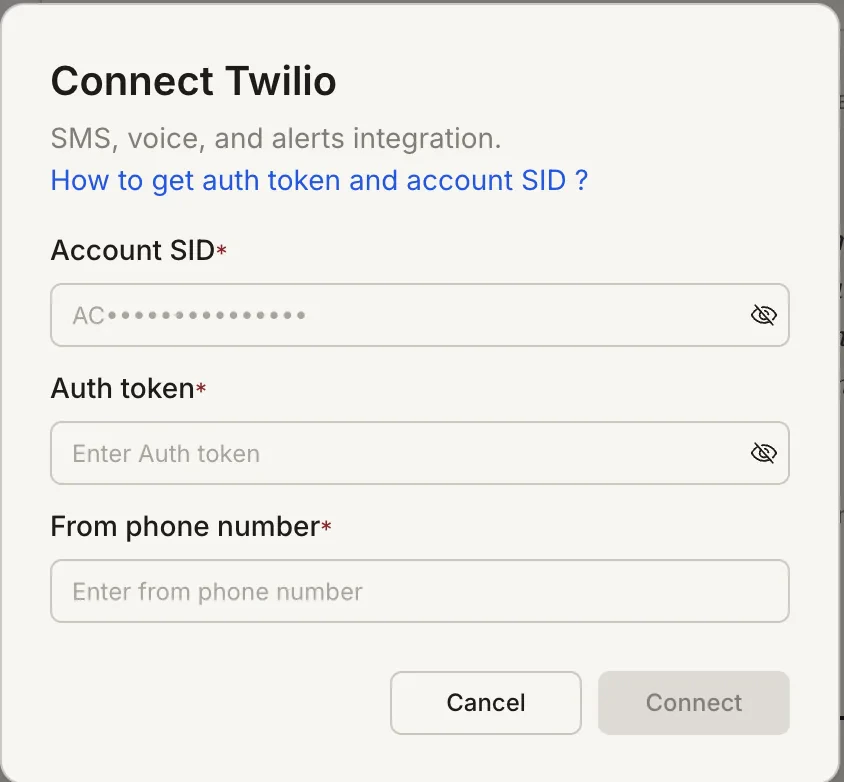
You need three values from the Twilio Console:- Account SID - found on the Twilio Console dashboard
- Auth Token - found on the Twilio Console dashboard
- From Phone Number - your Twilio number in E.164 format, e.g.
+15551234567
How to find your Auth Token and Account SID - Twilio Help Center
Twilio is a task-level connector. Each Rocket task connects to its own Twilio credentials independently.
Connect Twilio
- Web Browser
- Mobile App
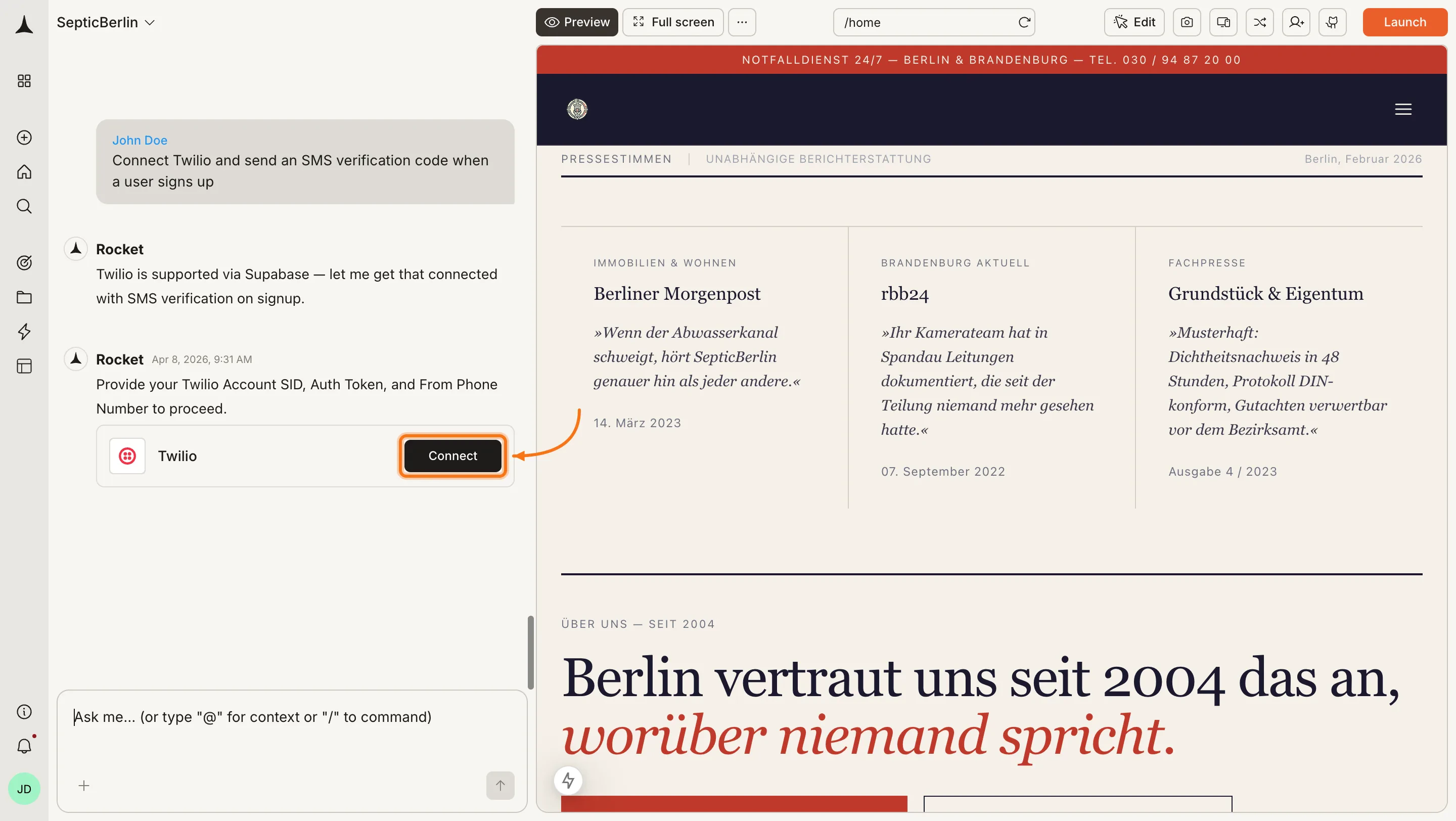
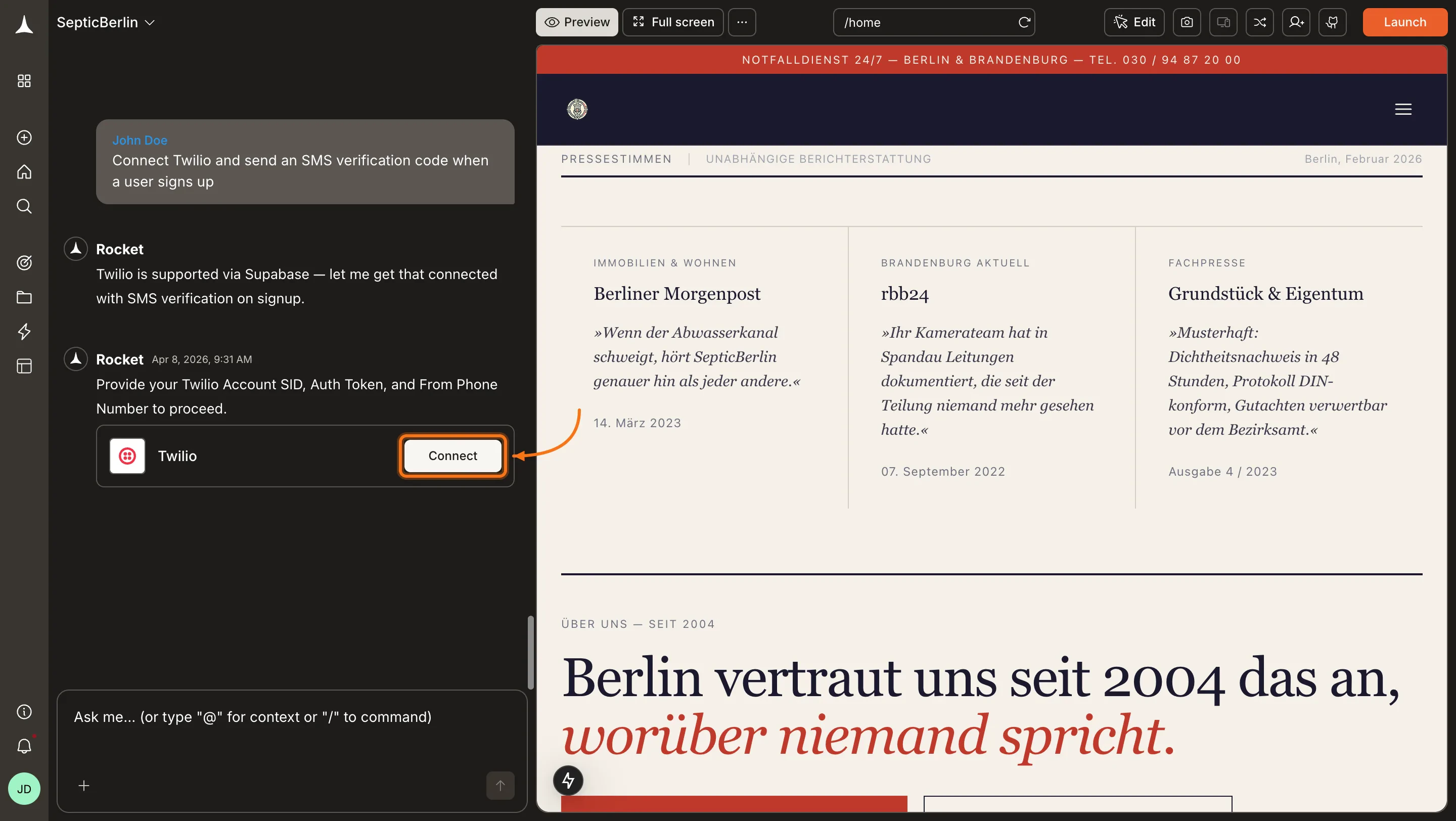
You can connect from two places - both open the same popup.Option 1: From chatType a prompt that mentions SMS - for example, 

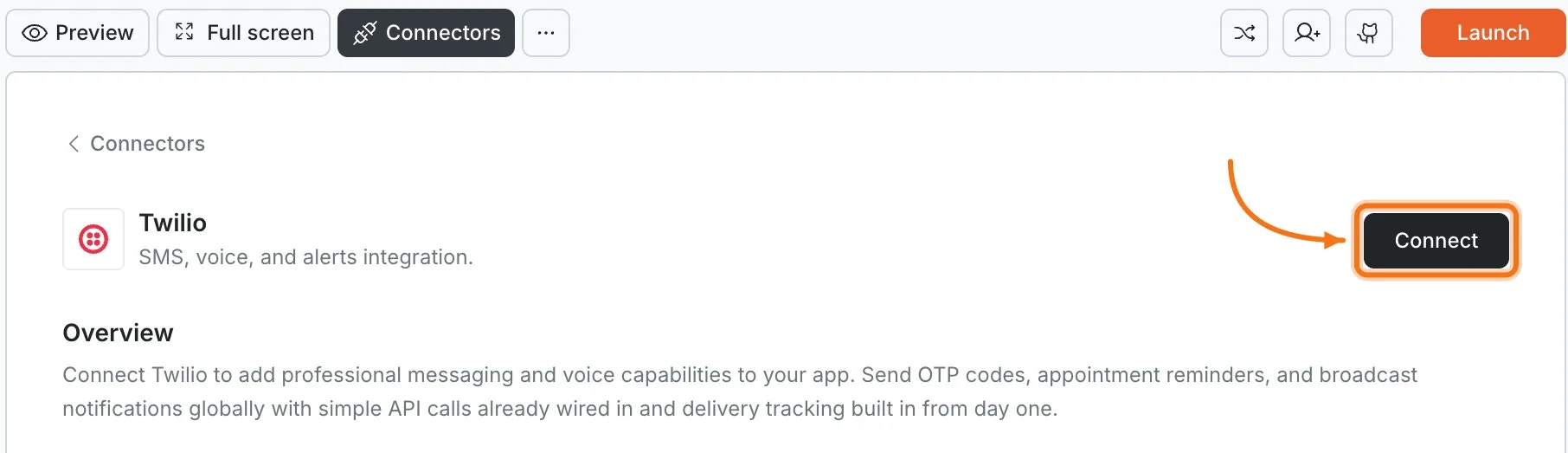
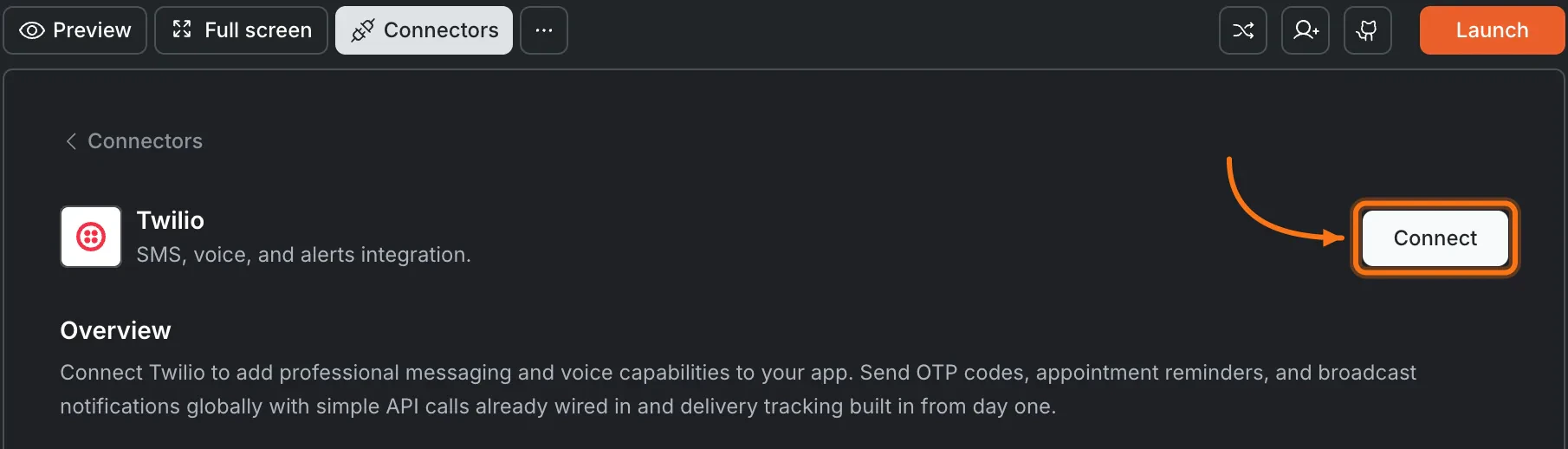
Click the Twilio card, then click Connect.

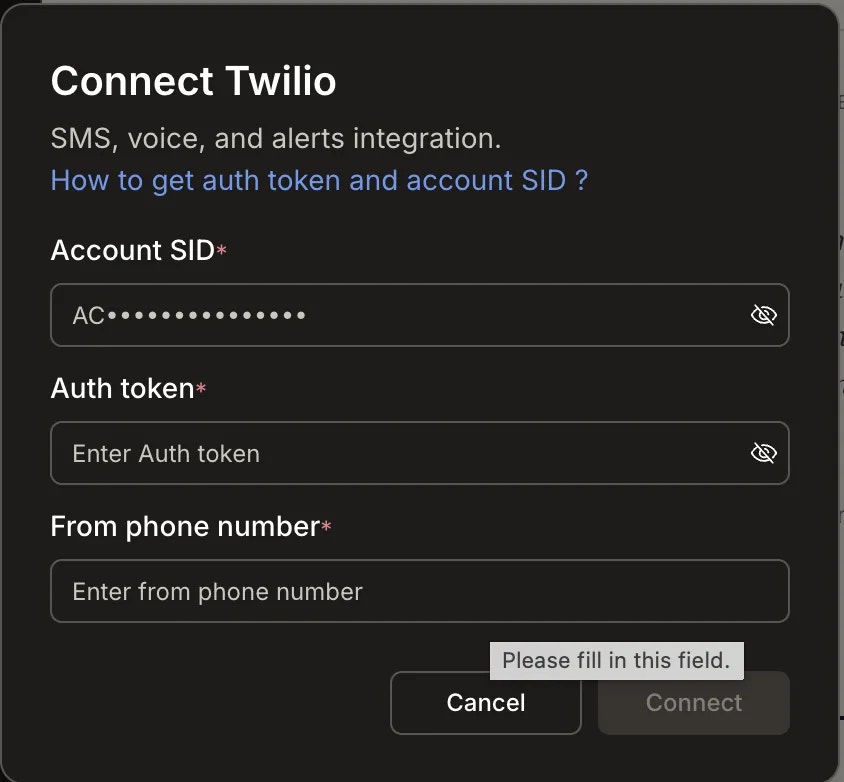
After clicking ConnectA popup opens. Enter your Account SID, Auth Token, and From Phone Number, then click Connect.

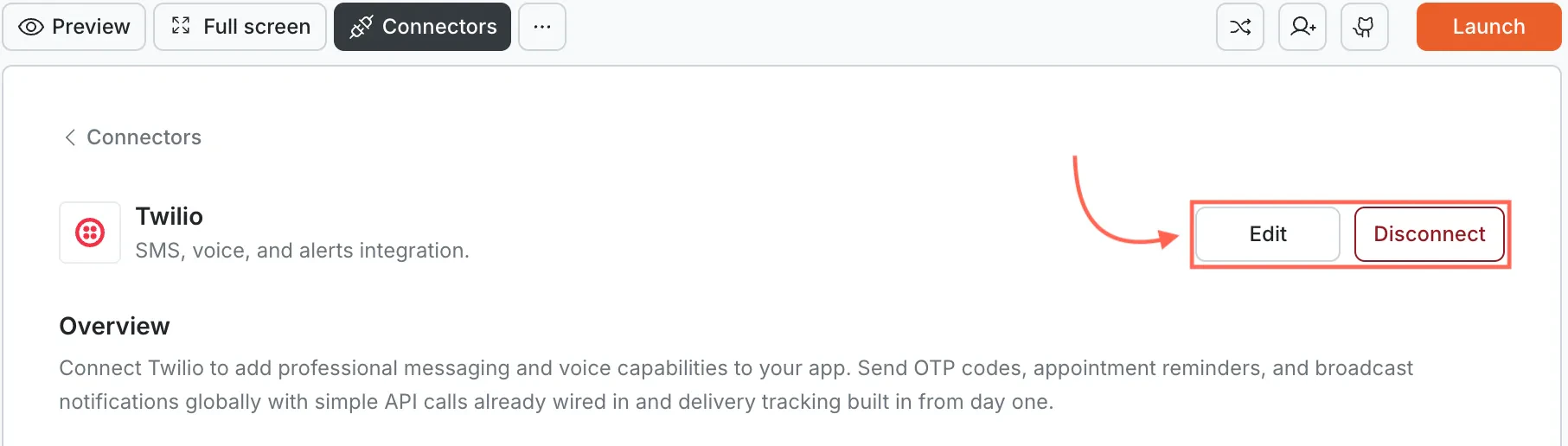
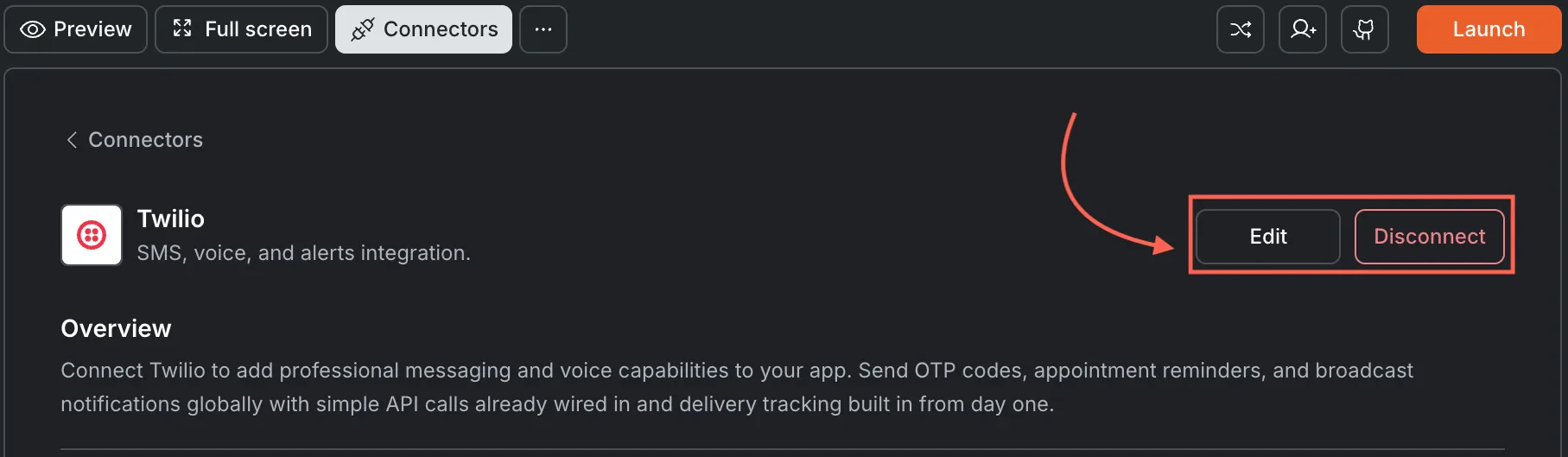
A green dot appears next to Twilio when the connection is active.Update or disconnectOpen Connectors and click the Twilio card. Click Edit to update your credentials or Disconnect to remove the integration from this task.

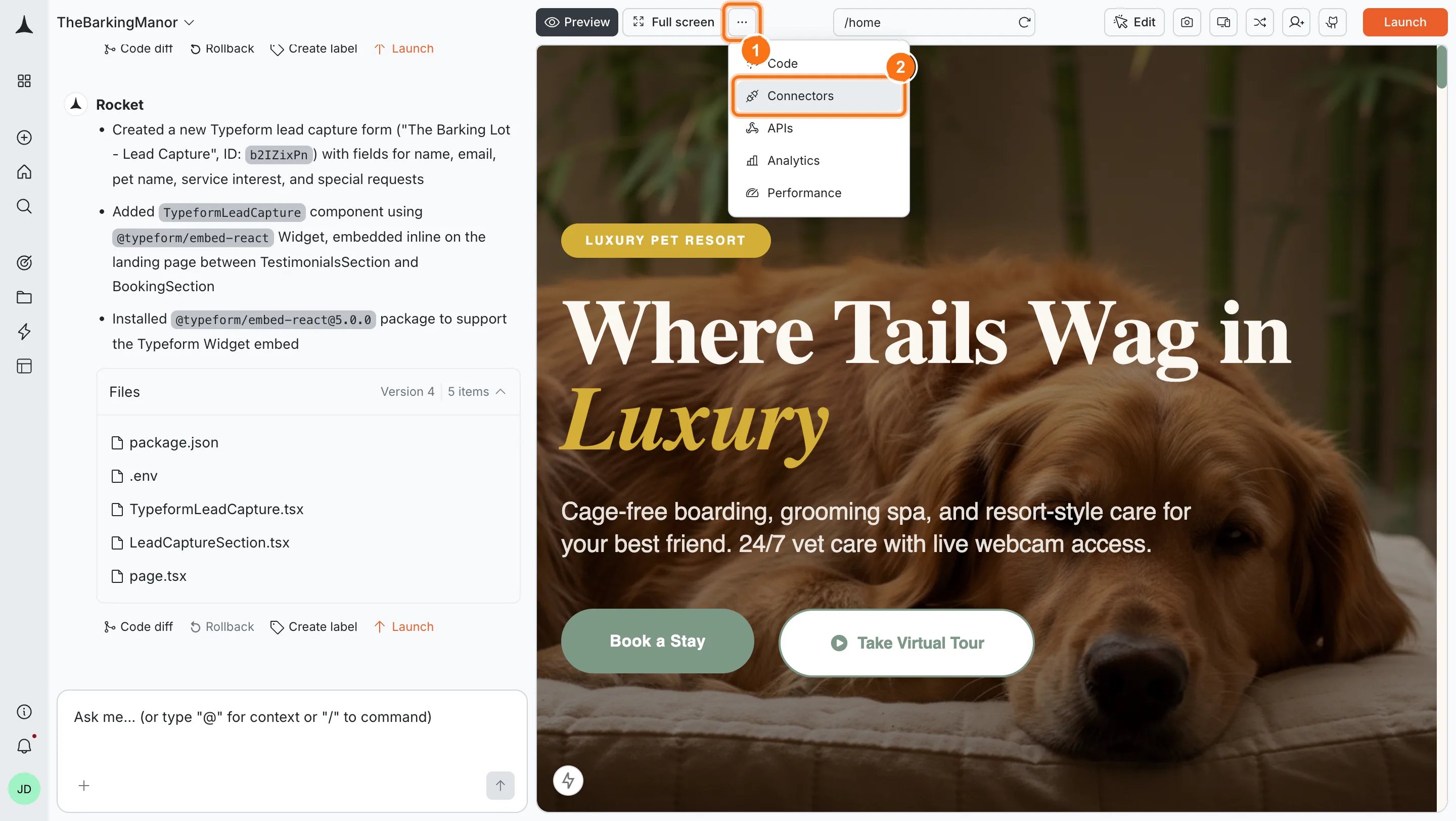
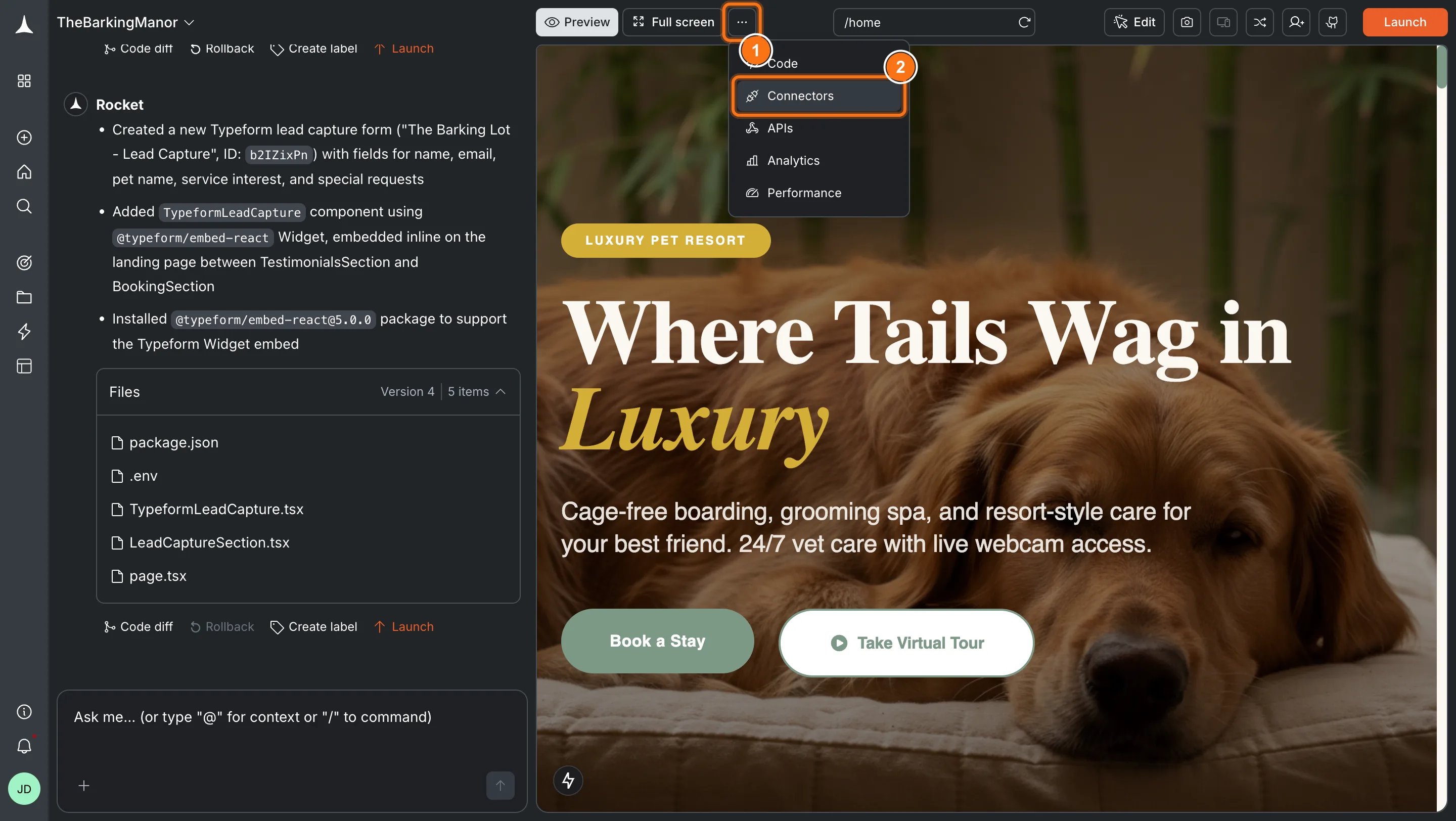
Connect Twilio and send an SMS verification code when a user signs up. Rocket detects the intent and shows a Connect button inline. Click it and the popup opens.Option 2: From the Connectors tabClick the ... button in the preview toolbar, then select Connectors.


Example prompts
| What you want | Prompt to use |
|---|---|
| Verification code | Send a 6-digit SMS verification code through Twilio when a user signs up. Expire it after 10 minutes. |
| Two-factor auth | Add SMS-based two-factor auth to my login flow. Send a code via Twilio after password entry. |
| Order confirmation | Send an SMS through Twilio when a user completes checkout with their order number and total. |
| Shipping update | Send an SMS through Twilio when an order ships with the tracking number and carrier link. |
| Appointment reminder | Send an SMS reminder 24 hours before a scheduled appointment with date, time, and reschedule link. |
| Password reset | Send an SMS with a one-time code for password reset. Expire the code after 5 minutes. |
| Low balance alert | Send an SMS alert when a user's account balance drops below $5. Include a link to add funds. |
| Welcome message | Send a welcome SMS through Twilio when a new user creates an account. |
| Flash sale alert | Send an SMS to opted-in users announcing a 24-hour flash sale. |
Tips
- Pair with Supabase. Rocket stores verification codes and user phone numbers in Supabase. Connect Supabase before Twilio for the best results.
- Trial accounts have restrictions. On a Twilio trial account, you can only send SMS to verified numbers. Upgrade before going live.
- Phone numbers must be in E.164 format. Always include the country code, e.g.
+15551234567. - SMS costs vary by country. Twilio charges per message based on destination. Check Twilio’s pricing page for current rates.
- One Twilio account per task. Each Rocket task connects to one set of Twilio credentials. Use different tasks for different Twilio accounts.
What’s next?
Supabase
Store phone numbers and verification codes. Recommended for most Twilio SMS flows.
Stripe
Send SMS order confirmations and payment alerts after Stripe transactions.
Resend
Combine SMS notifications with email for multi-channel communication.
All connectors
Browse every available integration.