Connect Mailchimp to Rocket.new to run email marketing campaigns, manage subscriber audiences, and trigger automations from user events in-app.
Connect Mailchimp and describe the email flow you want in chat. Rocket generates the complete logic: audience management, campaign creation, automation triggers, and subscriber forms.
Mailchimp connects via OAuth - no API keys to manage. You authorize access through Mailchimp’s own login flow. Pair with Supabase for user data and Stripe for purchase-triggered campaigns.
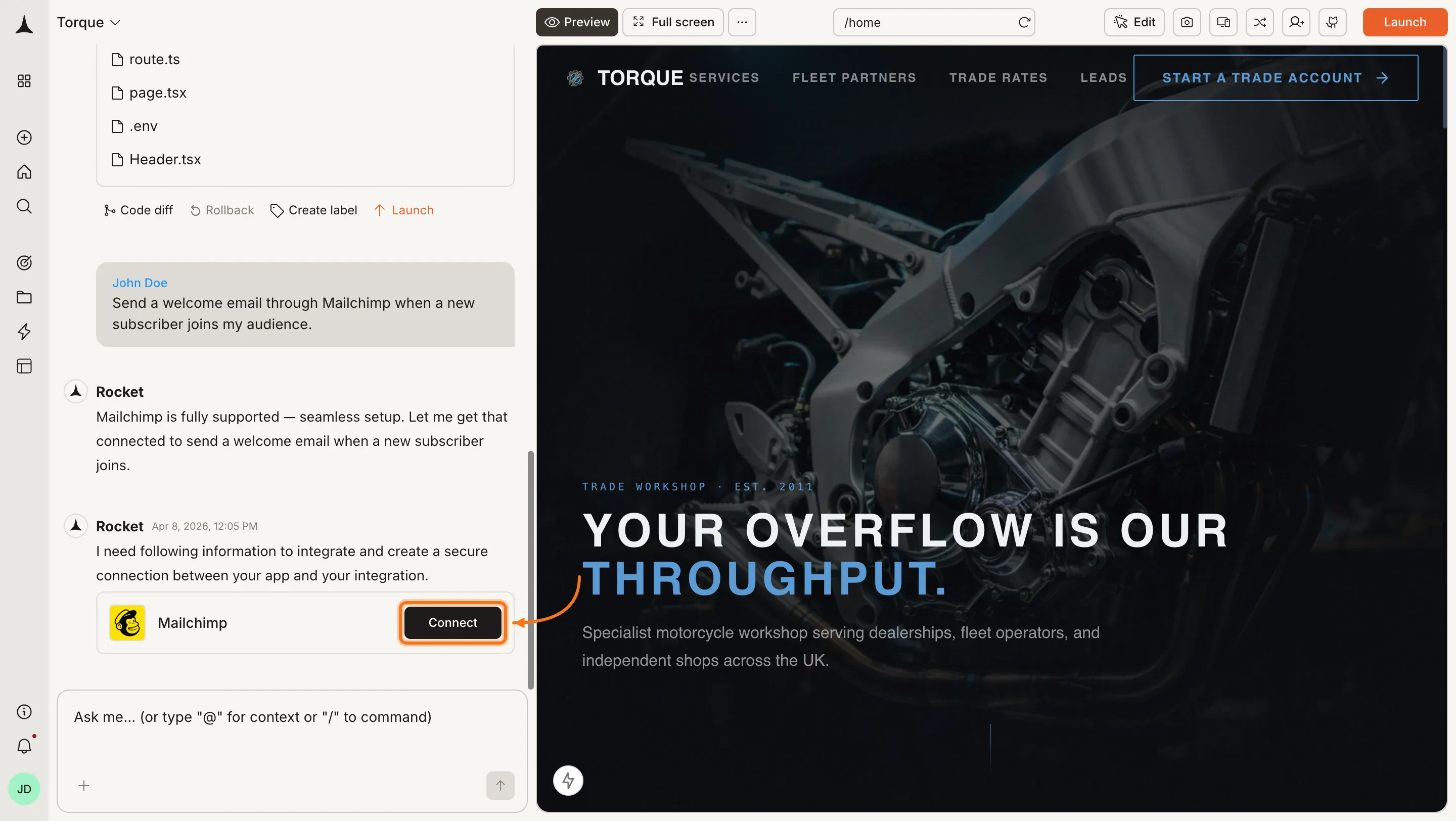
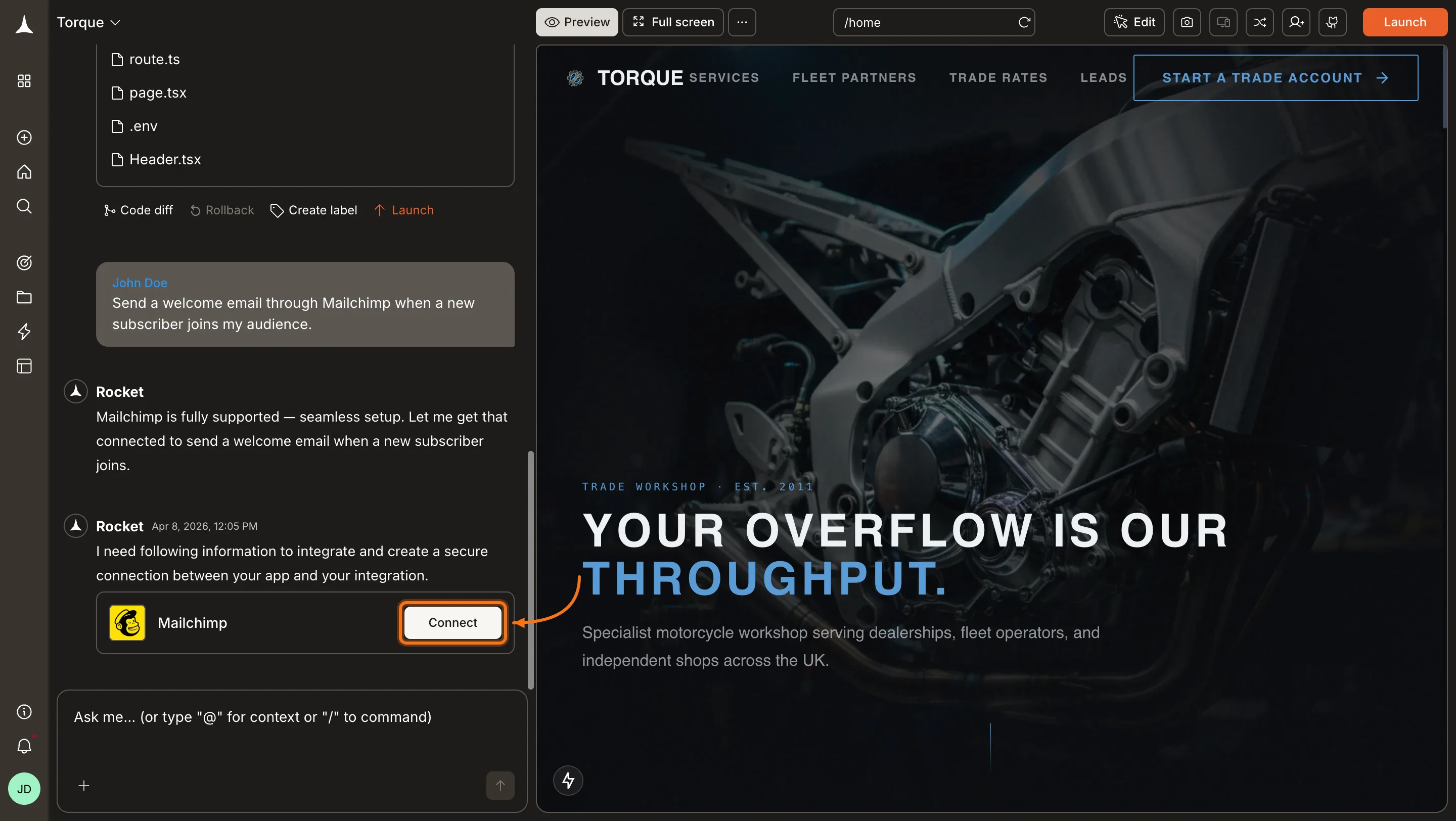
You can connect from three places - all redirect to the same Mailchimp authorization page.Option 1: From chatType a prompt that mentions Mailchimp - for example, Connect Mailchimp and add an email signup form to my landing page. Rocket detects the intent and shows a Connect button inline. Click it to start the authorization flow.
Mailchimp connection prompt in chat
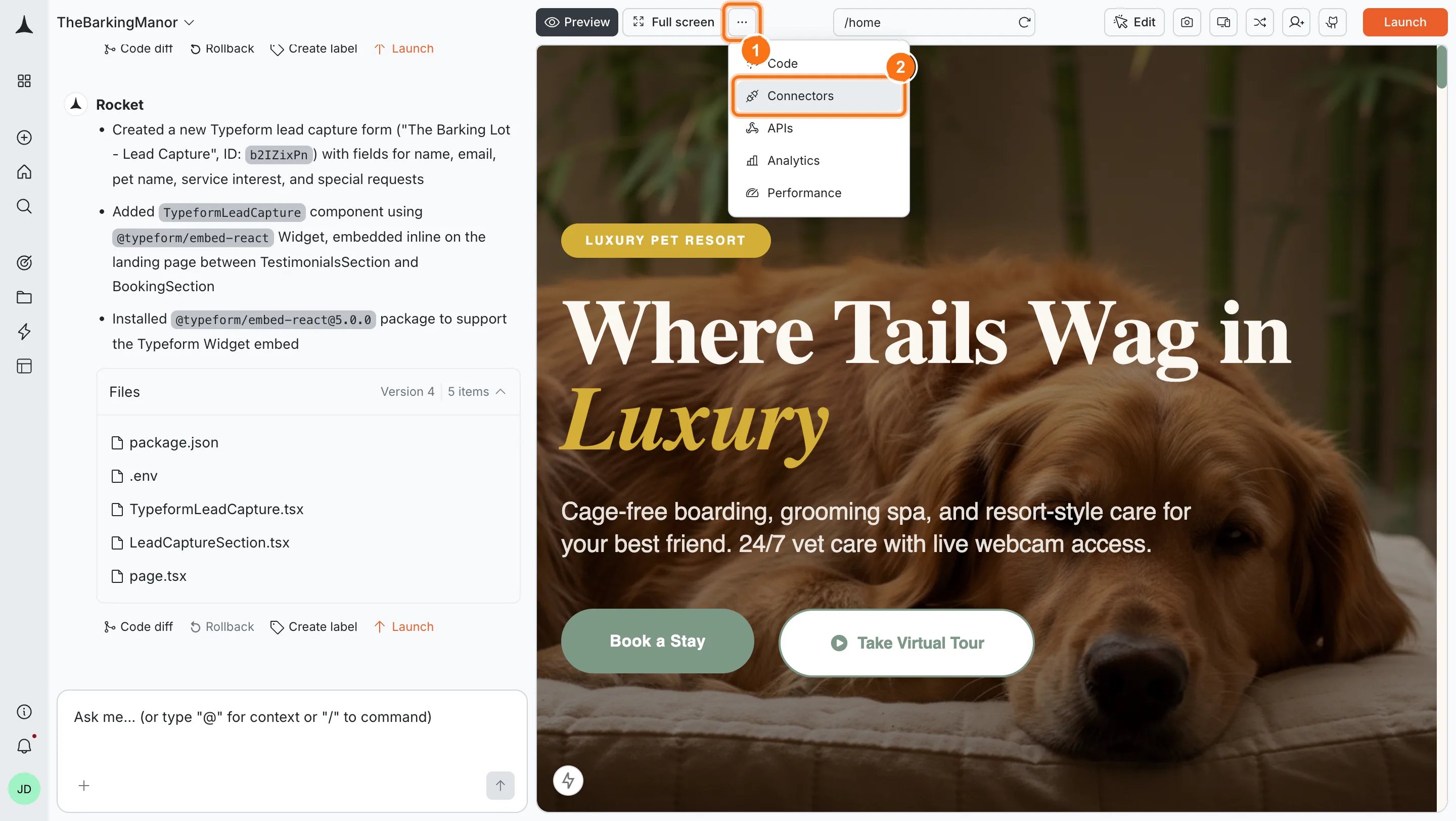
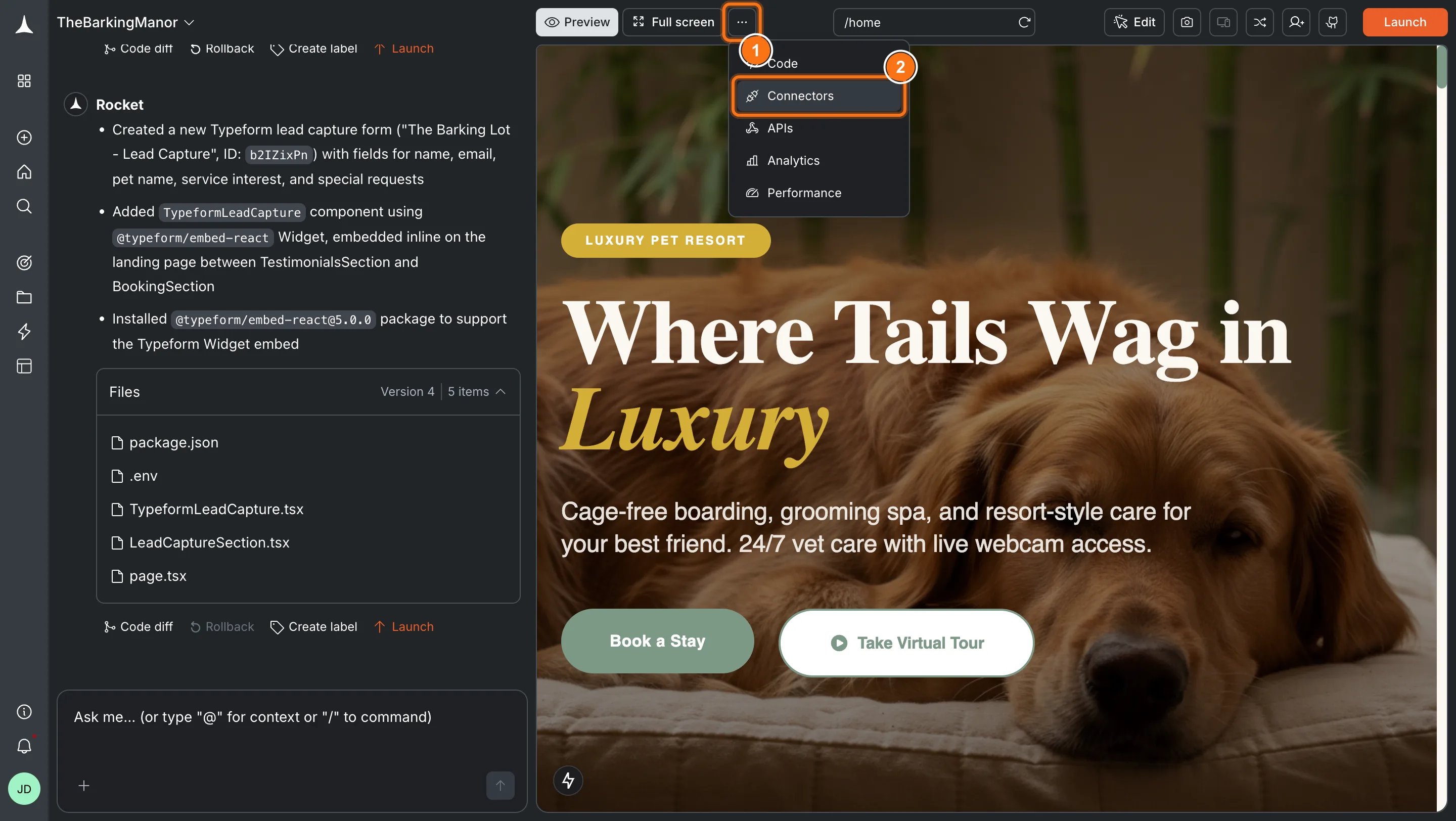
Option 2: From the Connectors tabClick the ... button in the preview toolbar, then select Connectors.
Open Connectors from the toolbar
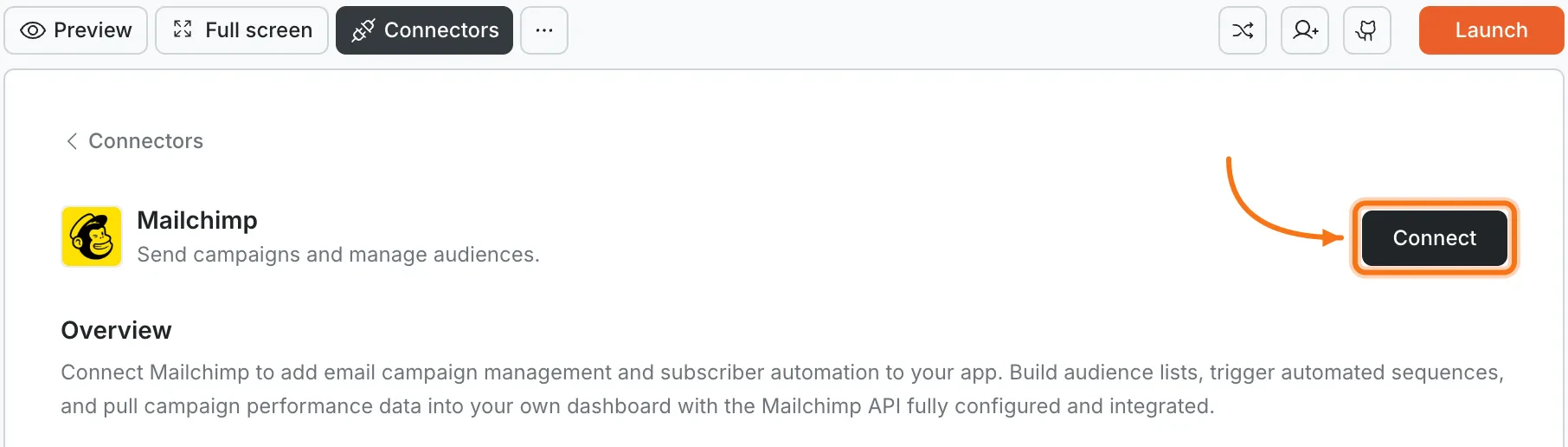
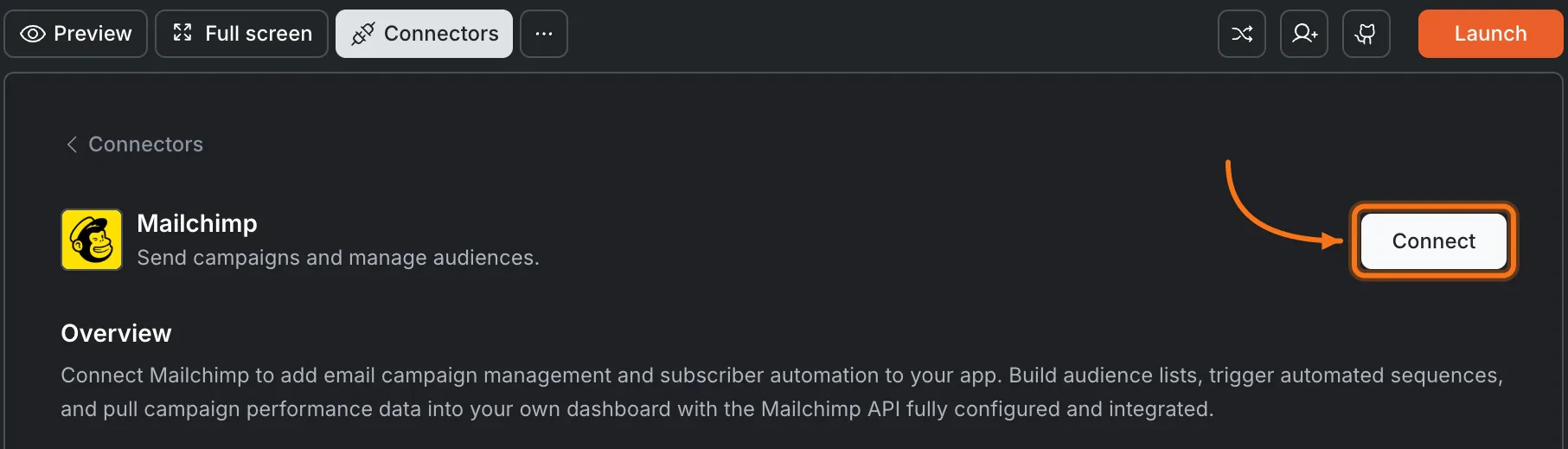
Click the Mailchimp card, then click Connect.
Mailchimp card in the Connectors panel
Option 3: From workspace Settings
Workspace connectors
Connect once at the workspace level and it is available to all your projects.
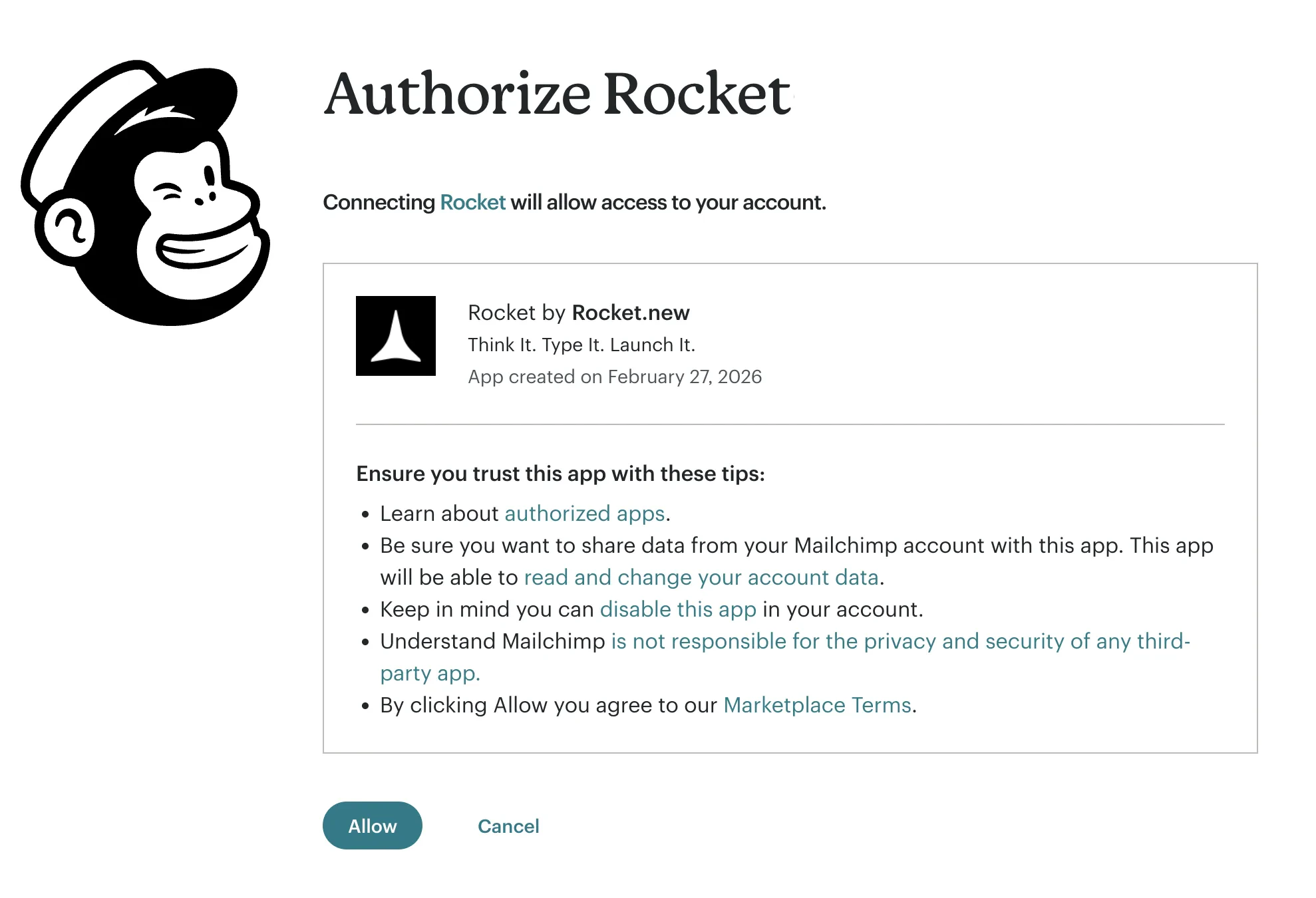
After clicking ConnectYou are redirected to Mailchimp’s authorization page. Log in if prompted, review the permissions, and click Allow to grant Rocket access to your audiences, campaigns, and templates.
Mailchimp authorization page
A green dot appears next to Mailchimp when the connection is active.DisconnectMailchimp is connected at the workspace level - disconnecting removes access for all projects.
Disconnect a service
Go to Settings > Connectors to disconnect Mailchimp.
Tap the More button in the header, then tap Integrations. Tap the Mailchimp card, then tap Connect.You are redirected to Mailchimp’s authorization page. Log in if prompted, review the permissions, and tap Allow to grant Rocket access.A green dot appears next to Mailchimp when the connection is active.DisconnectMailchimp is connected at the workspace level - disconnecting removes access for all projects.
Disconnect a service
Go to Settings > Connectors to disconnect Mailchimp.
Mailchimp uses OAuth, not API keys. You authorize Rocket through Mailchimp’s login flow. No keys to copy or rotate.
Free tier includes 500 contacts and 1,000 sends per month. Automation and scheduling are not available on the free plan. Upgrade for larger audiences and features like A/B testing.
Campaign design happens in Mailchimp. Rocket can trigger sends and manage subscribers, but visual email template editing is best done in Mailchimp’s built-in designer.
Manage audiences in Mailchimp. You can add subscribers through Rocket, but removing contacts, managing compliance, and editing audience settings must be done in the Mailchimp dashboard.
One Mailchimp account per project. Each Rocket project connects to one Mailchimp account.